JBL speakers and headphones for pure and deep sound!
In cart {{totalProductsCount}} item(s)
Your cart is empty
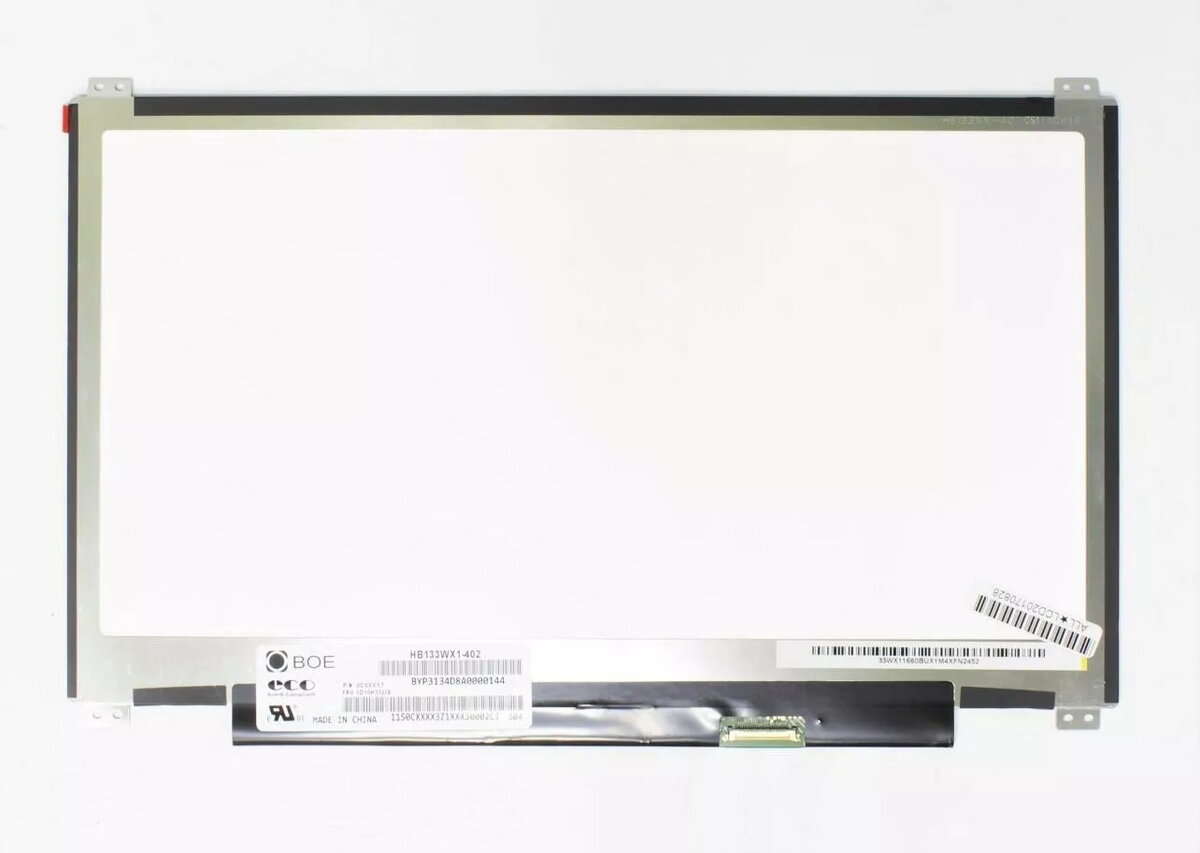
LG 13.3-inch Laptop LCD Screen, 1366x768 HD, LED, Slim, Matte, 30-pin eDP Right Connector
This LG 13.3-inch laptop LCD screen is a high-quality replacement component designed to restore your device's visual performance. Featuring a 1366x768 HD resolution, this display provides clear and sharp imagery for everyday computing tasks. The screen utilizes energy-efficient LED backlight technology and features a slim profile, making it an ideal fit for modern portable laptops. The matte finish is specifically engineered to minimize reflections and reduce eye strain, ensuring comfortable viewing in various lighting conditions.
The primary advantage of this display panel is its A+ grade quality, which ensures a high standard of visual clarity and reliability. By choosing this LG replacement screen, you benefit from a precise fit and seamless integration with compatible laptop hardware. The matte surface treatment effectively combats glare, allowing for better visibility in bright environments or under office lighting. Its slim design maintains the original aesthetic and portability of your laptop, while the standard 30-pin eDP interface ensures a stable and responsive connection for consistent performance.
This screen is not compatible with laptops that require a different resolution, connector type, or physical size. It is specifically designed for systems using a 30-pin eDP connector located on the right side, so it will not function in devices with left-side connectors or different pin configurations.
Installation should be performed by a qualified technician or an experienced user. Before beginning, ensure the laptop is completely powered off and the battery is disconnected to prevent electrical shorts. Carefully remove the laptop bezel, unscrew the existing display panel, and gently disconnect the 30-pin eDP cable. Align the new LG screen, reconnect the cable securely, and test the display before fully reassembling the laptop housing.
To maintain the longevity of your new screen, avoid applying excessive pressure to the display surface and clean it only with a soft, dry microfiber cloth. Do not use harsh chemicals or abrasive cleaners, as these can damage the matte anti-glare coating.
{{highlightedFeature.featureTitle}}:
{{getProductFeatureValueById(product, highlightedFeature.featureId)}}
{{ productComparisonGenerationError }}