
Filters you can trust. Pure water every day.
In cart {{totalProductsCount}} item(s)
Your cart is empty
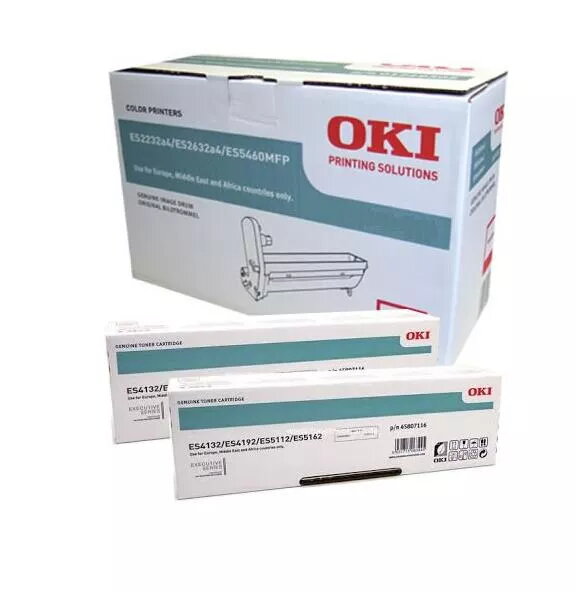
Printer Drum Original OKI 46438014
The OKI 46438014 original printer drum is designed for use with OKI ES8433dn printers to maintain consistent print quality and reliable device operation. This genuine OKI drum supports high-volume workflows by delivering sharp text, defined halftones and vibrant colour reproduction. Engineered by the manufacturer, it is compatible with the printer’s imaging system and simplified for straightforward installation and replacement, helping to minimise downtime in office and production environments.
Using the OKI 46438014 original drum provides predictable page yields and consistent image density across long print runs. As a manufacturer-specified consumable, it is optimised to work with the ES8433dn’s toner formulation and fusing process, which helps to reduce print artefacts and colour shifts. The drum’s construction supports stable mechanical alignment and reliable transfer of the image, reducing the need for frequent service interventions. Choosing an original drum also protects the printer’s warranty and reduces the risk of damage associated with incompatible third-party parts.
Power off the printer and allow it to cool if necessary. Open the printer access panels to remove the used drum unit following the ES8433dn service instructions. Unpack the OKI 46438014 drum from its protective packaging, avoid exposing the drum surface to direct light for extended periods, and handle by the designated edges. Insert the drum unit into the printer until it clicks into place, then close the access panels and power the device on. Perform a printer calibration or drum alignment if prompted to ensure optimal print registration and colour balance.
For consistent results, use genuine OKI consumables and replace toner cartridges and the drum according to the printer’s maintenance indicators. Store spare drums in a dry, cool environment away from direct sunlight and dust. If print defects persist after replacement, run the printer’s diagnostic and cleaning utilities and consult OKI support or a qualified service technician.
{{highlightedFeature.featureTitle}}:
{{getProductFeatureValueById(product, highlightedFeature.featureId)}}
{{ productComparisonGenerationError }}