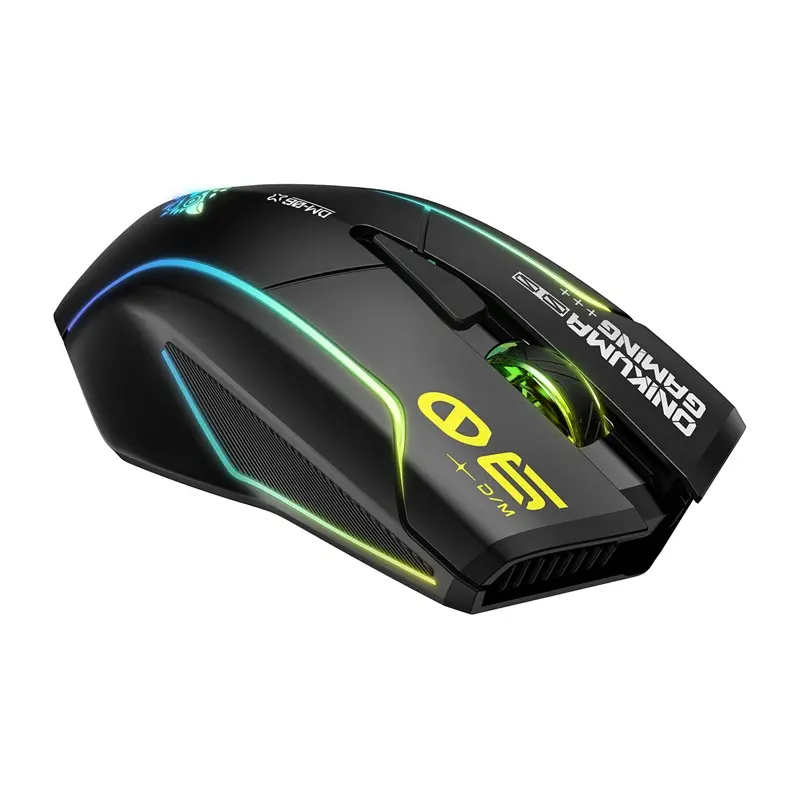
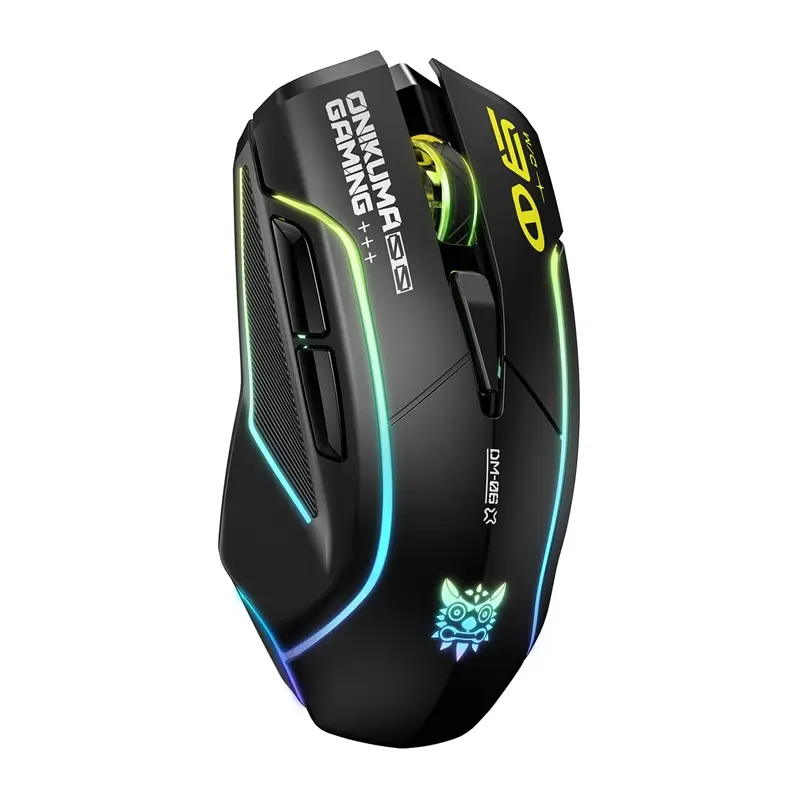
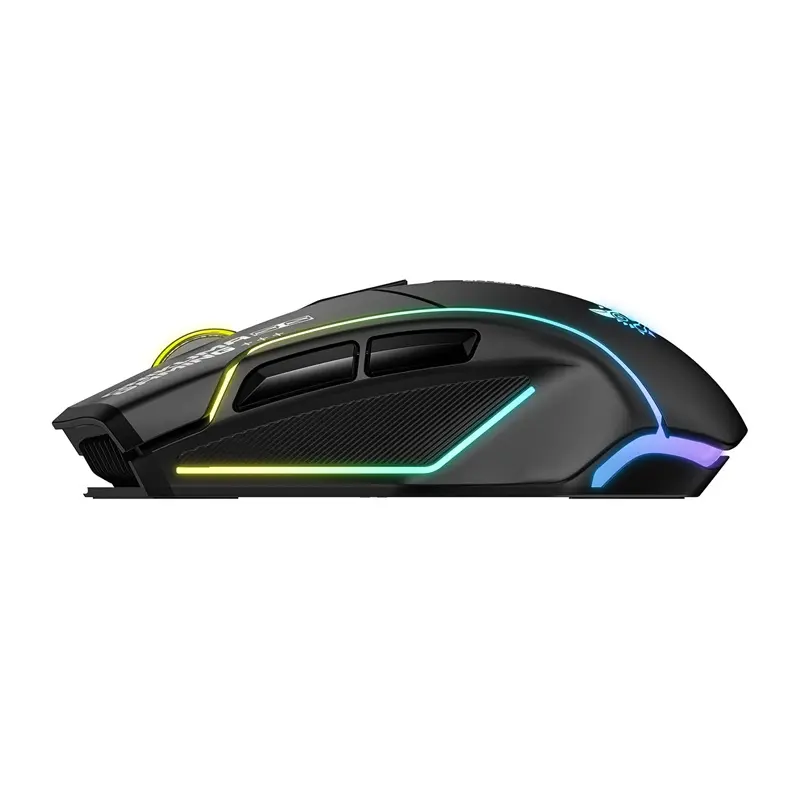
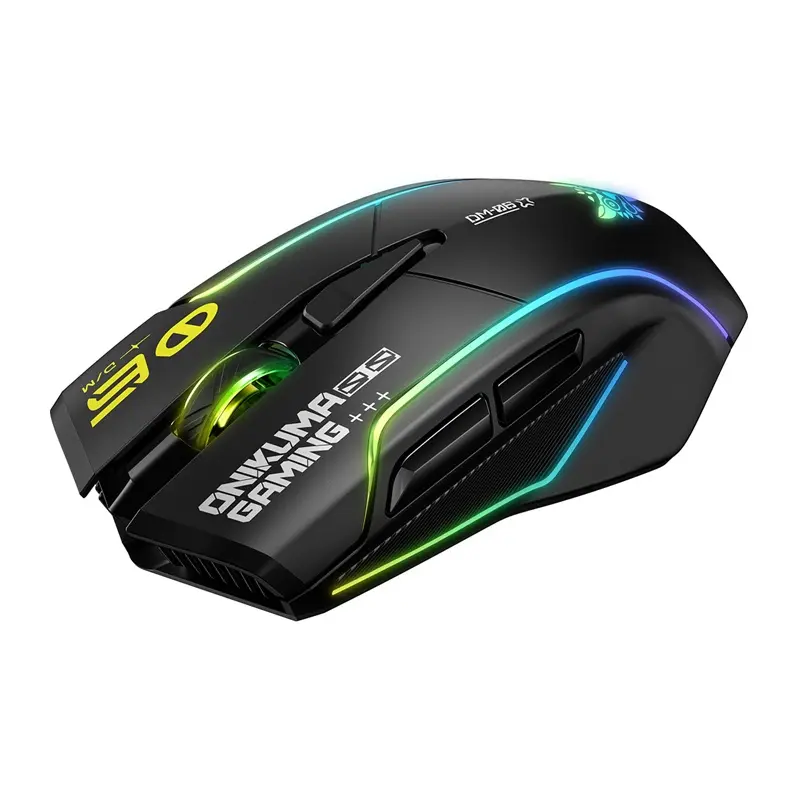
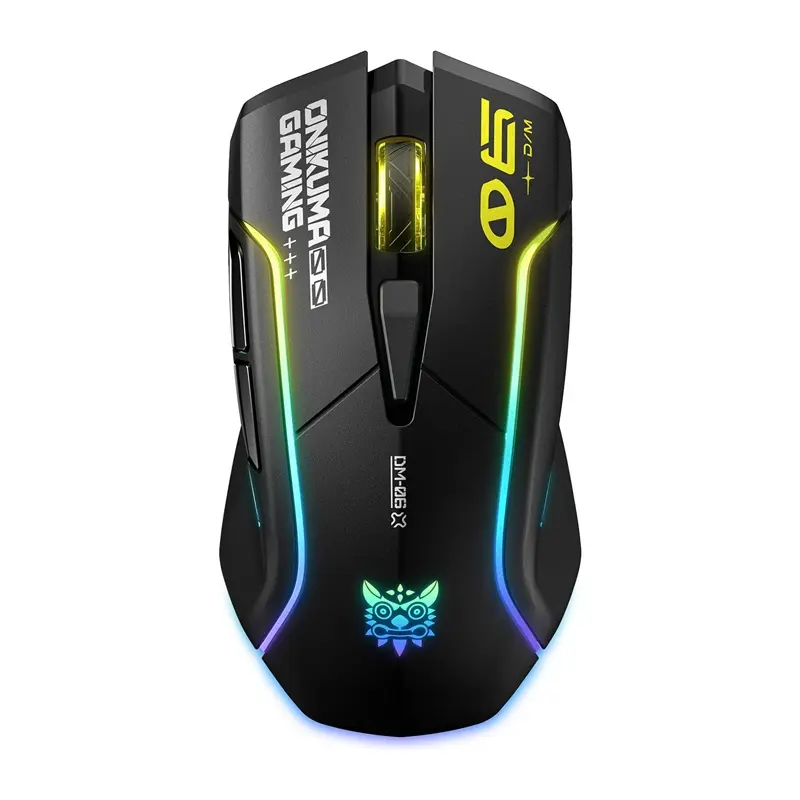
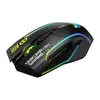
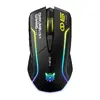
We compared the Onikuma DM06 gaming mouse against two alternative models: the wired KRUX KRX0115 and the wireless tri-mode White Shark CADOR WGM-5020. All three devices are aimed at gamers and daily users, offering high precision through optical sensors supporting up to 12800 DPI (Onikuma and KRUX) or up to 10000 DPI (White Shark), along with a 1000 Hz polling rate. The main differences lie in connection types, power supply, and ergonomic features: the Onikuma DM06 and White Shark CADOR WGM-5020 provide the versatility of wireless and Bluetooth connectivity, while the KRUX KRX0115 is a dedicated wired mouse with interchangeable back panels.
⚙️ Below is a comparison of key characteristics, including connection types, maximum sensor resolution, battery capacity, and design features, helping you understand the technical differences between each mouse.
| Parameter | Onikuma DM06 | KRUX KRX0115 | White Shark CADOR WGM-5020 | Practical Significance |
|---|
| Connectivity | Wireless (2.4 GHz, Bluetooth) and Wired (USB-C) | Wired (USB-A, 1.8 m cable) | Wireless (2.4 GHz, Bluetooth) and Wired | Onikuma and White Shark offer cable-free freedom and multi-platform use, whereas KRUX requires a permanent wired connection. |
| Maximum DPI | 12800 DPI | 12800 DPI | 6400 DPI (up to 10000 via software) | Onikuma and KRUX provide higher out-of-the-box sensitivity for fast cursor movement. |
| Polling Rate | 1000 Hz | 1000 Hz | 1000 Hz | All three models ensure minimal input lag for fast-paced gaming. |
| Power & Battery | 500 mAh rechargeable battery | Powered via cable | 500 mAh rechargeable battery | Onikuma and White Shark operate without cables thanks to built-in rechargeable batteries. |
| Ergonomics & Design | Ergonomic shape with RGB lighting | Right-handed ergonomics, 2 interchangeable panels, 91 g | White chassis, Huano switches, RGB illumination | KRUX lets users physically swap back panels to fit their grip, while White Shark stands out with a white finish and durable switches. |
◎ The table below outlines which user needs and usage scenarios make each product most suitable.
| Use Case | Recommended Product | Why |
|---|
| Gaming and work without cable clutter | Onikuma DM06 | Three connection modes and a 500 mAh battery offer convenience both at a desk and on the go. |
| Customizing grip shape | KRUX KRX0115 | Included interchangeable back panels allow users to adapt the mouse shape to personal preferences. |
| White desk setup and switch durability | White Shark CADOR WGM-5020 | The white chassis complements light-colored setups, and Huano switches are rated for 50 million clicks. |
The Onikuma DM06 gaming mouse stands out with its versatile tri-mode connectivity (2.4 GHz wireless, Bluetooth, and wired USB-C) and a 500 mAh rechargeable battery, paired with a precise sensor supporting up to 12800 DPI. It is the best choice for users who value wireless flexibility and multi-device compatibility. If you prefer a traditional wired connection with physical shape customization via interchangeable panels, the KRUX KRX0115 is more suitable, while users seeking a white aesthetic can opt for the White Shark CADOR WGM-5020.