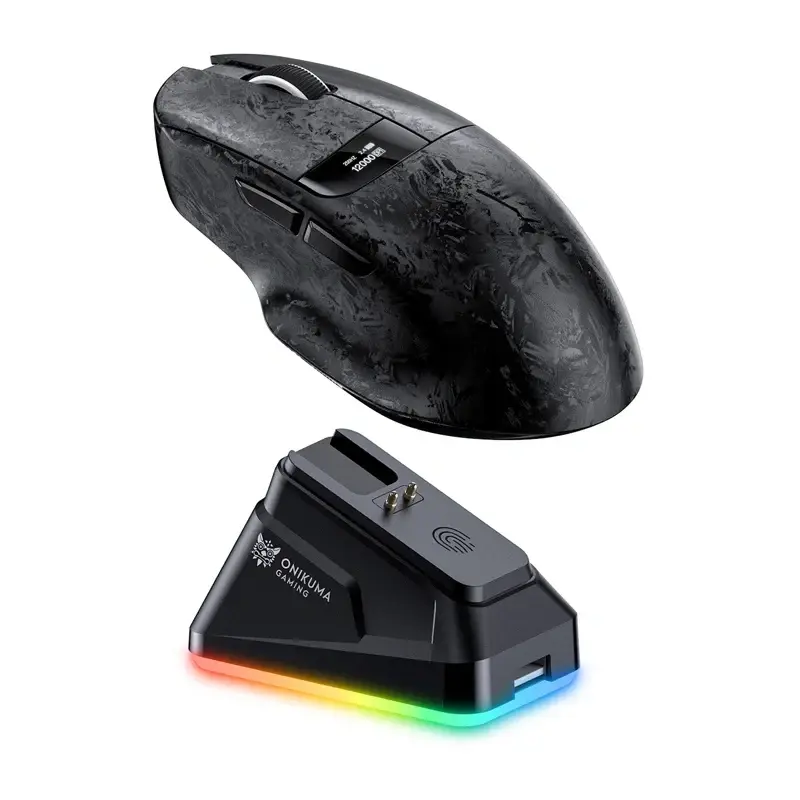
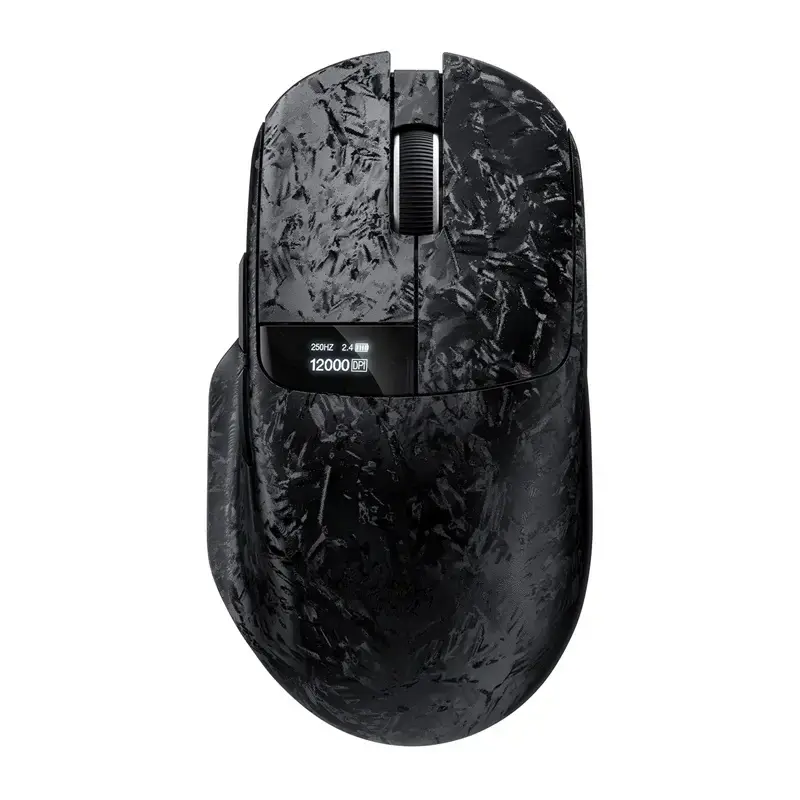
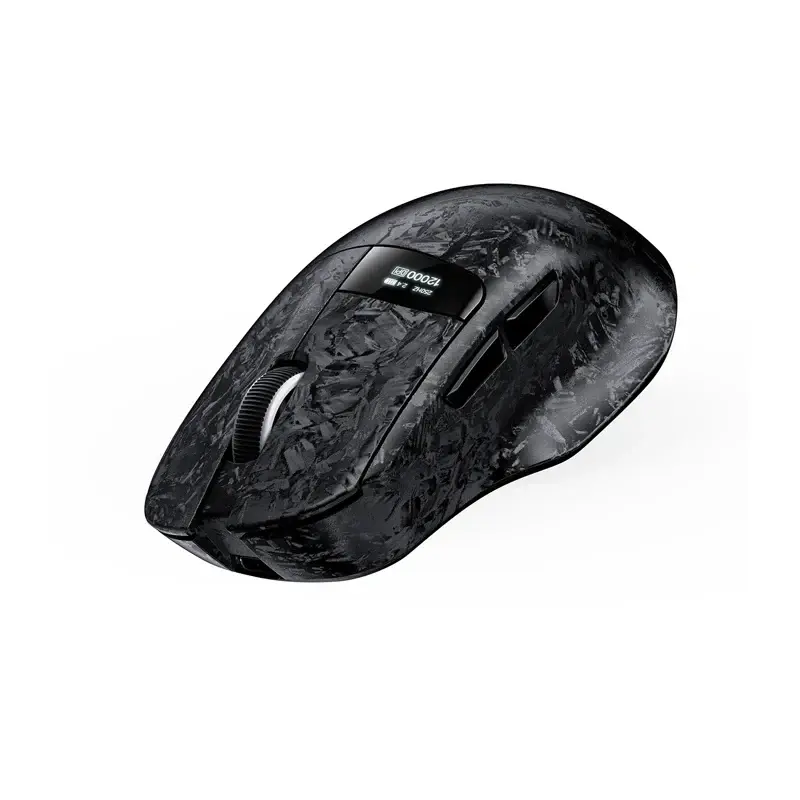
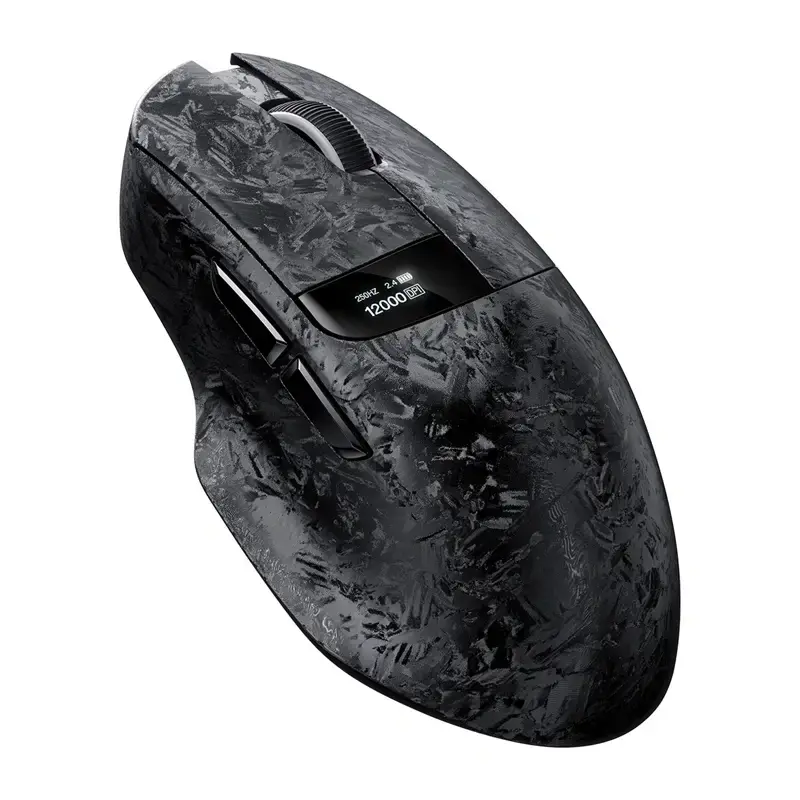
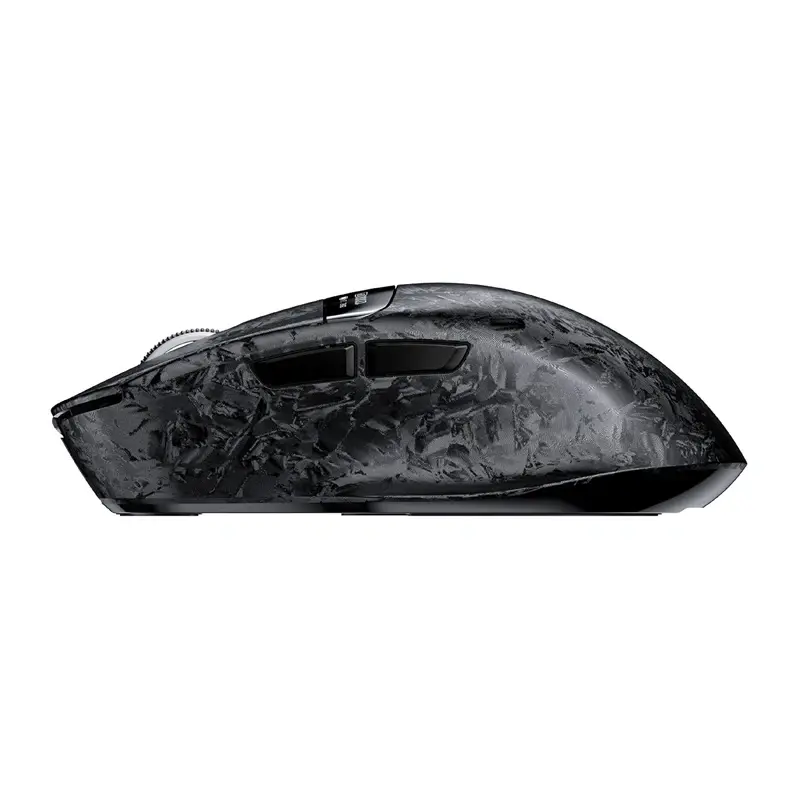
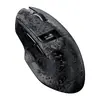
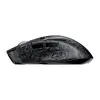
We are comparing the Onikuma DM08 wireless gaming mouse with several alternative models from the Onikuma brand, including Onikuma DM10 (Black), Onikuma DM09, Onikuma DM10 (White), Onikuma DM01 (White), and Onikuma DM01 (Black). All these devices are designed for gaming and everyday computer use, supporting triple-mode connectivity and a 1000 Hz polling rate. The main differences lie in maximum DPI sensitivity, battery capacity, shell design, and the inclusion of built-in displays and charging docks.
⚙️ In the specifications table below, we compare the key technical parameters of the models, such as the sensor, maximum DPI, battery capacity, connectivity options, and charging station availability, to show their practical impact on accuracy and autonomy.
| Parameter | Onikuma DM08 | Onikuma DM10 Black | Onikuma DM09 | Onikuma DM10 White | Onikuma DM01 White | Onikuma DM01 Black | Practical significance |
|---|
| Sensor and DPI | PAW3311, up to 24000 DPI | PAW3311, up to 24000 DPI | PAW3311, up to 24000 DPI | PAW3311, up to 24000 DPI | Optical, up to 12800 DPI | Optical, up to 12800 DPI | Models featuring the PAW3311 sensor provide higher maximum sensitivity for fast-paced gaming. |
| Polling rate | 1000 Hz | 1000 Hz | 1000 Hz | 1000 Hz | 1000 Hz | 1000 Hz | Identical polling rates ensure low input latency across all compared devices. |
| Connectivity | Triple-mode (wired, 2.4 GHz, Bluetooth) | Triple-mode (wired, 2.4 GHz, Bluetooth) | Triple-mode (wired, 2.4 GHz, Bluetooth) | Triple-mode (wired, 2.4 GHz, Bluetooth) | Triple-mode (wired, 2.4 GHz, Bluetooth) | Triple-mode (wired, 2.4 GHz, Bluetooth) | All mice offer versatile connection options for various devices and setups. |
| Battery | 500 mAh | 500 mAh | 600 mAh | 500 mAh | 500 mAh | 500 mAh | The DM09 offers slightly higher battery capacity for extended untethered use. |
| Special features | Display and magnetic dock | Display and magnetic dock | Open-frame design and dock | Display and magnetic dock | Anti-slip grip stickers | Anti-slip grip stickers | Built-in displays and charging docks enhance status monitoring and charging convenience. |
◎ In the table below, we evaluate which usage scenarios and user profiles best suit each model based on their physical and functional differences.
| Use case | Recommended product | Why |
|---|
| Maximum precision in black finish | Onikuma DM08 | Ideal for users who require an advanced 24000 DPI sensor, a black shell, an informative display, and a convenient charging dock. |
| Maximum precision in white finish | Onikuma DM10 White | Suitable for those who need the exact performance of the DM08 but prefer a white colorway. |
| Extended battery autonomy | Onikuma DM09 | Features a slightly larger 600 mAh battery combined with an open-frame shell design. |
| Standard gaming tasks on a simpler setup | Onikuma DM01 Black | Best for users who find 12800 DPI sufficient and prefer a package that includes anti-slip grip stickers. |
Onikuma DM08 stands out among alternatives due to its advanced 24000 DPI sensor, black ergonomic design, built-in status display, and magnetic charging dock. This mouse is best suited for gamers and power users who value precise tracking and maximum everyday convenience. Choose it if you need a black peripheral equipped with modern status-monitoring technology and effortless wireless charging.