




Leave your address - as soon as the price of the product goes down, you'll know about it right away
Screen protector for Onyx BOOX Note 2/Note 3 — SBS DDBOOXNOT23, 1 pc
In cart {{totalProductsCount}} item(s)
Your cart is empty
Screen protector for Onyx BOOX Note 2/Note 3 — SBS DDBOOXNOT23, 1 pc
Leave your address - as soon as the price of the product goes down, you'll know about it right away
Screen protector for Onyx BOOX Note 2/Note 3 — SBS DDBOOXNOT23, 1 pc
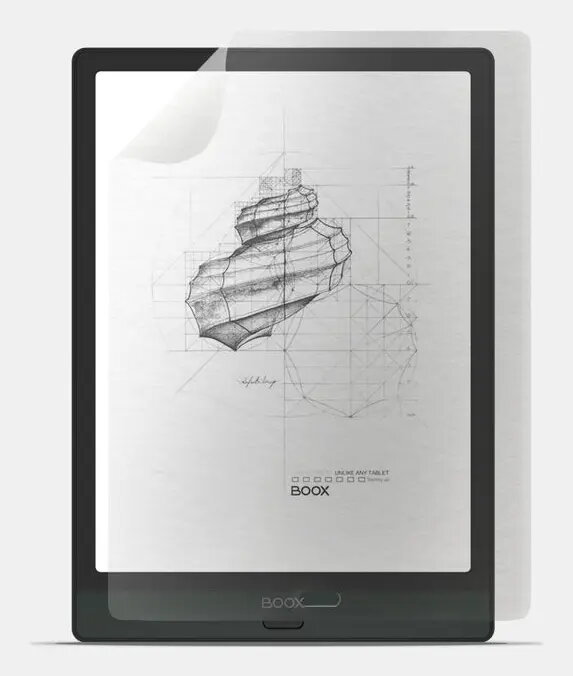
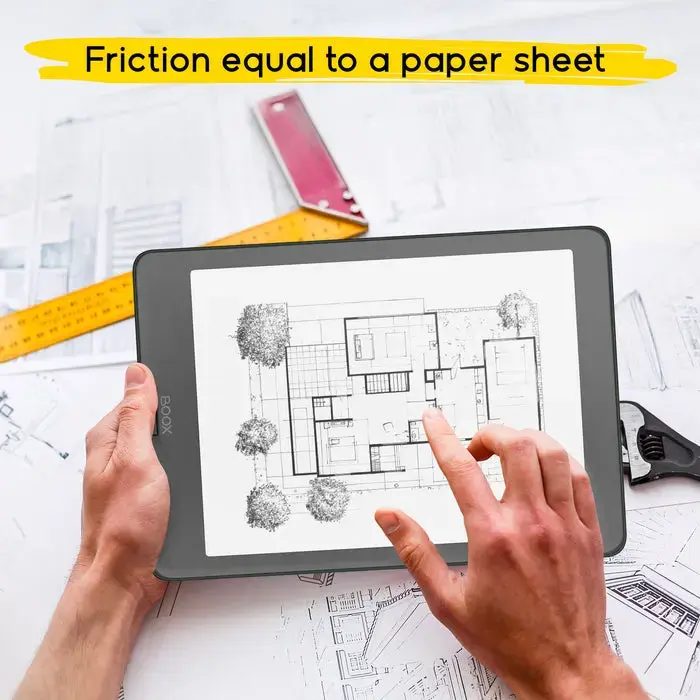
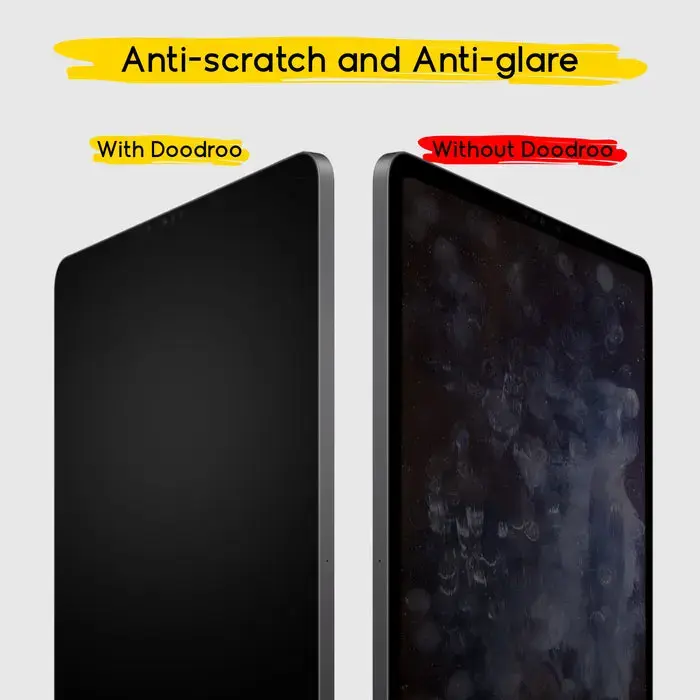
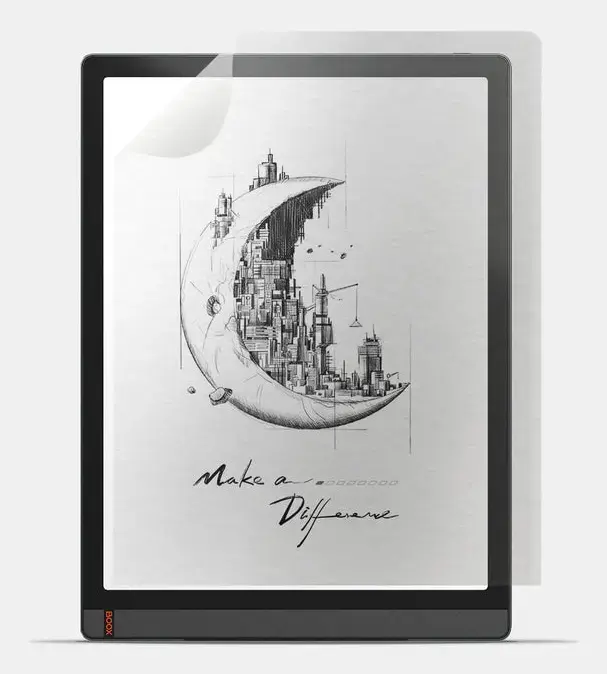
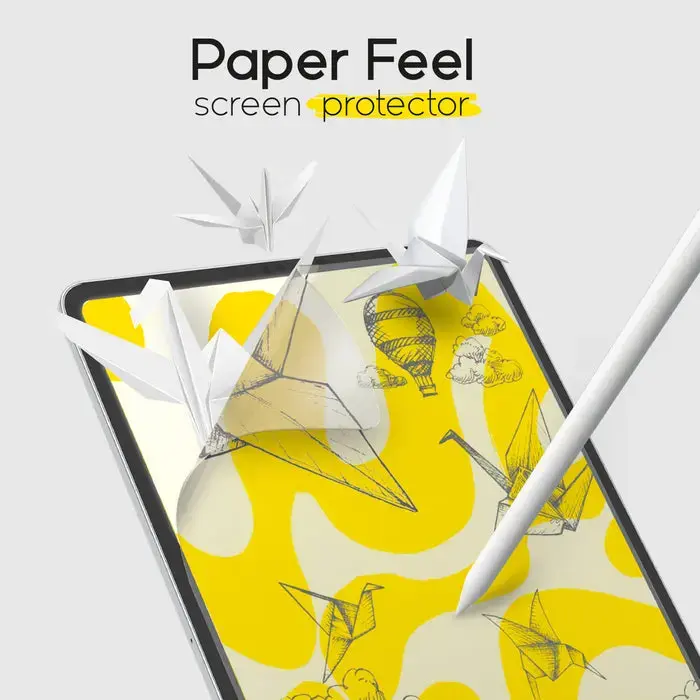
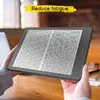
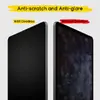
Screen protector for Onyx BOOX Note 2/Note 3 — SBS DDBOOXNOT23 is a single-film protective layer designed to guard the e‑reader display against scratches, fingerprints and everyday wear while preserving touch sensitivity and screen clarity. The paper-feel surface replicates the tactile resistance of paper, enabling comfortable handwriting and drawing with the BOOX Pen or finger without compromising visibility or touch responsiveness.
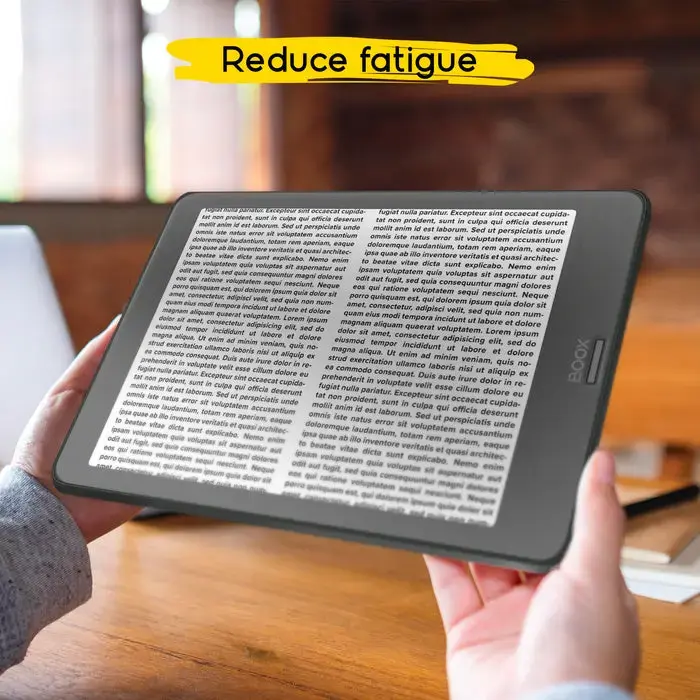
The paper-feel film provides controlled friction that reduces stylus slipping and supports fluid pen strokes, improving precision for detailed notes and sketches. It is thin and unobtrusive, preserving the device’s original look and not interfering with microphones, sensors or the camera. The protector reduces fingerprints and glare, helping maintain a cleaner display and better readability in varied lighting conditions. The pack contains one pre-cut film tailored to the Onyx BOOX Note 2 and Note 3 for straightforward application.
Clean the display thoroughly with the provided cleaning cloth and dust-removal sticker to ensure no particles remain. Peel the backing from the protective film and align it carefully with the Onyx BOOX Note 2 or Note 3 screen edges and cutouts. Apply the film starting from one edge and smooth it across the display to remove air bubbles; use the included applicator or a soft card for an even finish. If small bubbles remain, press them toward the nearest edge to expel air. Ensure the screen protector is firmly seated before using the stylus for writing or drawing.
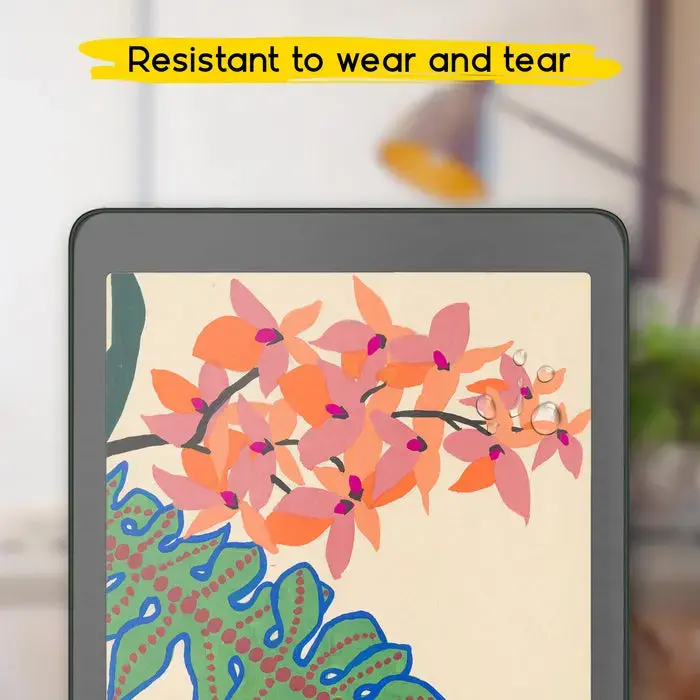
For best results, allow 24 hours after application before intensive drawing to ensure adhesion. Clean the protector gently with a microfiber cloth and avoid abrasive cleaners. Replace the film when scratches or wear noticeably affect touch response or clarity.
{{highlightedFeature.featureTitle}}:
{{getProductFeatureValueById(product, highlightedFeature.featureId)}}