



Leave your address - as soon as the price of the product goes down, you'll know about it right away
Screen protector for Onyx BOOX Note 5 (SBS DDBOOXNOT5) — 1 pc
In cart {{totalProductsCount}} item(s)
Your cart is empty
Screen protector for Onyx BOOX Note 5 (SBS DDBOOXNOT5) — 1 pc
Leave your address - as soon as the price of the product goes down, you'll know about it right away
Screen protector for Onyx BOOX Note 5 (SBS DDBOOXNOT5) — 1 pc
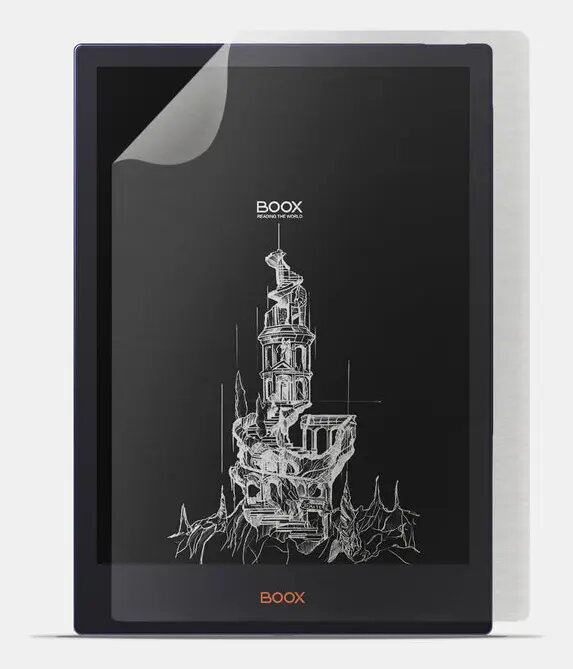
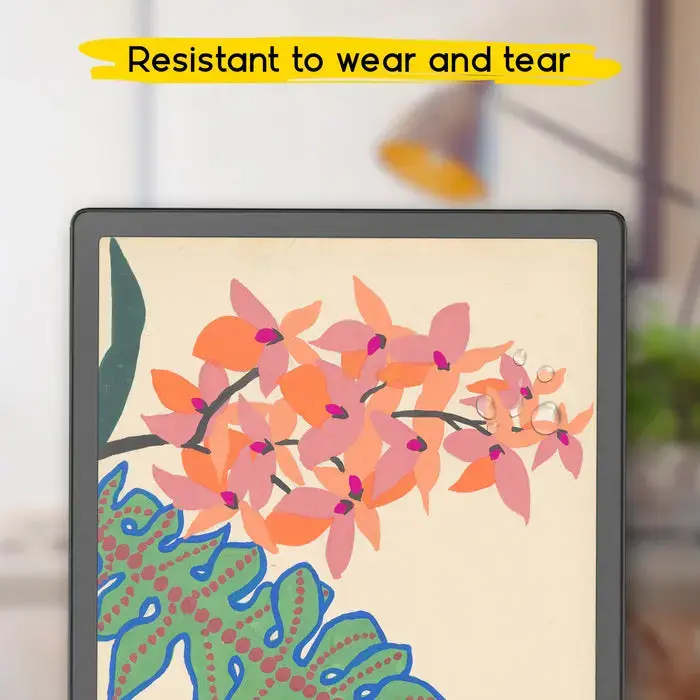
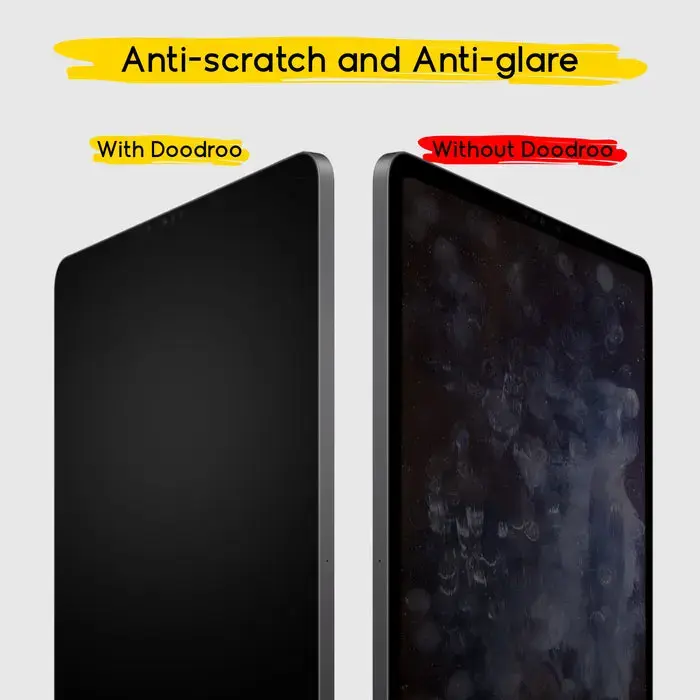
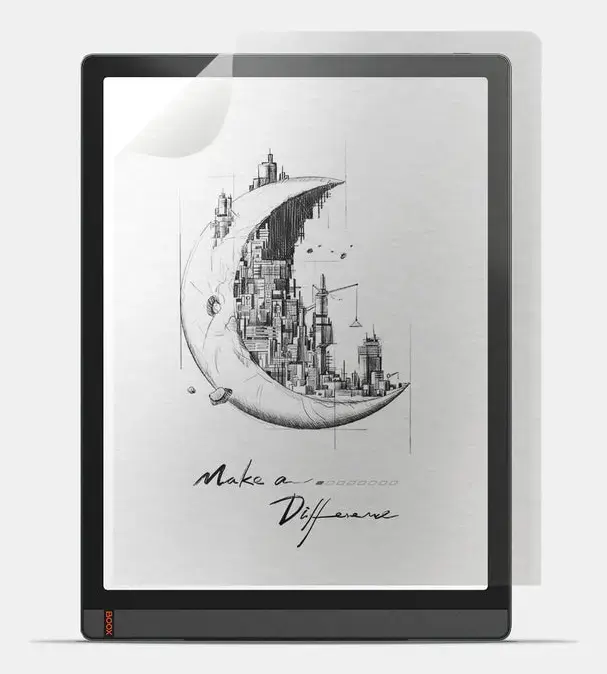
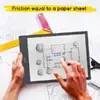
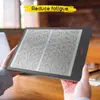
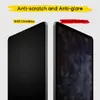
The Screen protector for Onyx BOOX Note 5 (SBS DDBOOXNOT5) is a single-piece paper-feel film designed to protect the display of your Onyx BOOX Note 5 e‑reader while preserving touch sensitivity and screen clarity. This thin protective layer reduces scratches, smudges and minor abrasions without altering the device's appearance or blocking microphones and sensors, and it maintains camera usability. The protector is intended for everyday reading, note-taking and drawing with the BOOX Pen or finger, providing a surface with controlled friction that mimics paper.
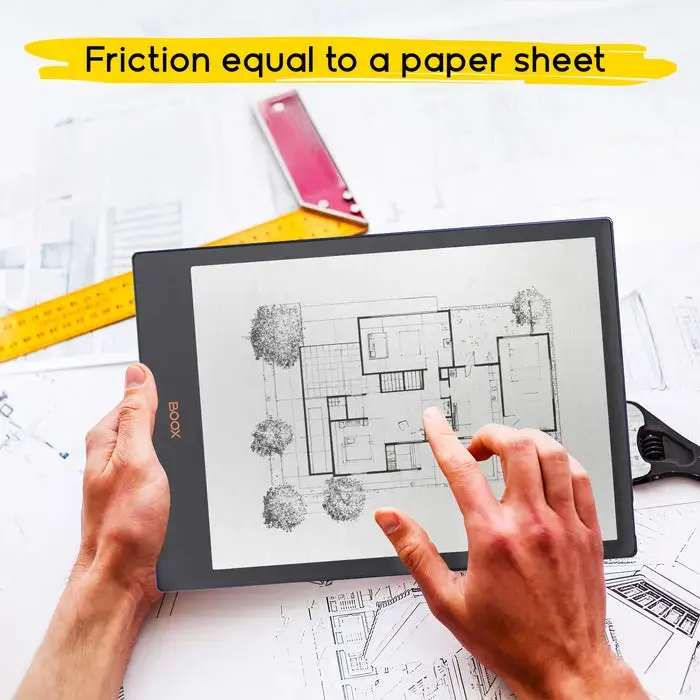
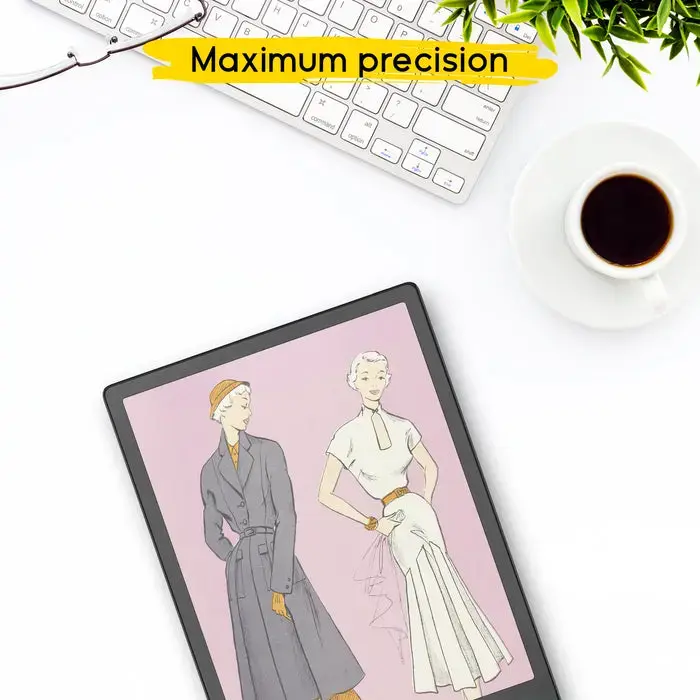
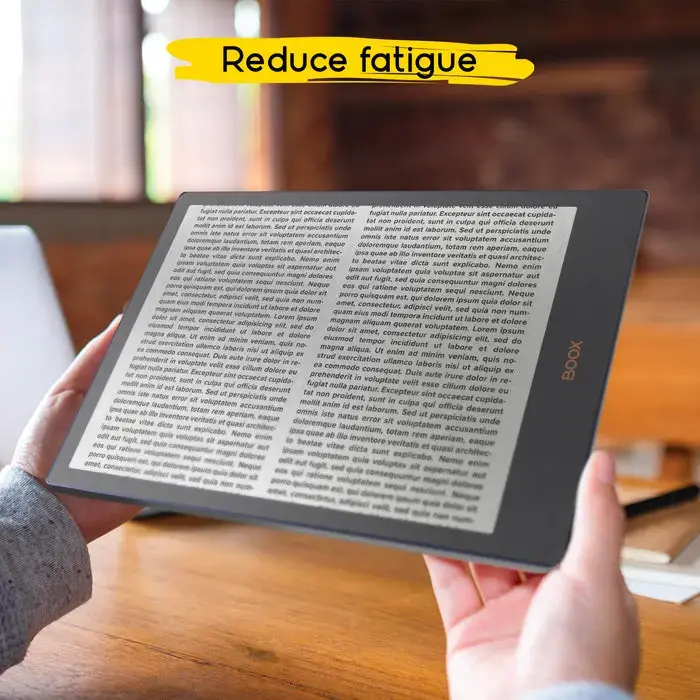
The paper-feel surface provides natural tactile feedback and increased friction so the stylus or finger does not slide, supporting fluid handwriting and precise lines. The film preserves touchscreen responsiveness and image sharpness while significantly reducing fingerprints and reflections. It is thin and unobtrusive, protecting the display from everyday wear without affecting device functionality or design. Application is quick and straightforward with included accessories.
Clean the device display thoroughly with the supplied cleaning cloth to remove dust, oil and fingerprints. Align the protector with the screen edges and slowly apply it from one side to the other, smoothing out air bubbles with the included applicator or a soft card. If any small bubbles remain, press them gently toward the nearest edge. Ensure the protector is correctly seated around cameras and sensors so device functions remain unobstructed.
For best results, apply the protector in a dust-free environment and re-clean the screen immediately before application. Replace the film when wear or scratches begin to affect writing precision or display clarity. Use with the BOOX Pen for optimal handwriting feedback and line control; avoid using abrasive cleaning agents on the protector to preserve the surface texture and anti-reflection coating.
{{highlightedFeature.featureTitle}}:
{{getProductFeatureValueById(product, highlightedFeature.featureId)}}