







This is due to long delivery times and limited product warranties.
Powerful EcoFlow stations for energy anywhere!
In cart {{totalProductsCount}} item(s)
Your cart is empty
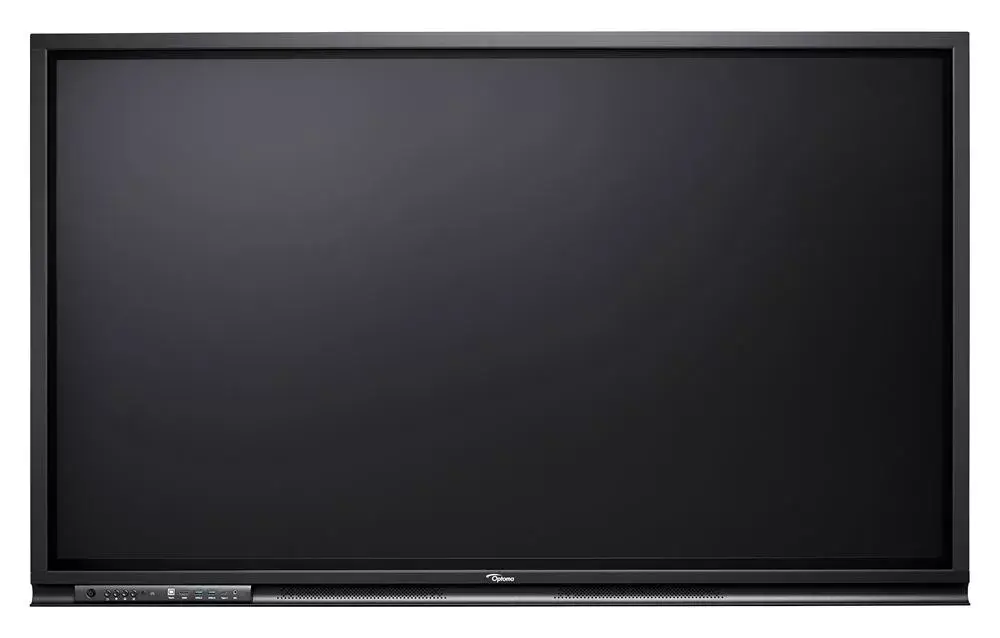
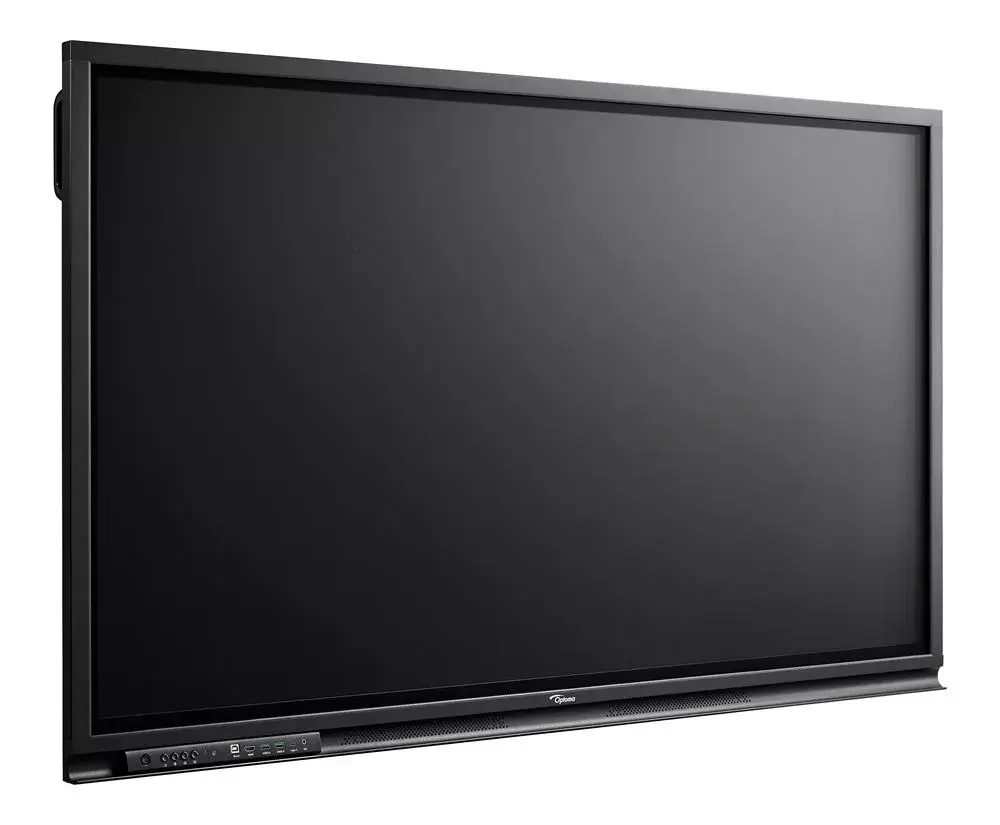
Monitor Optoma 3752RK 37" LCD LED 3840x2160
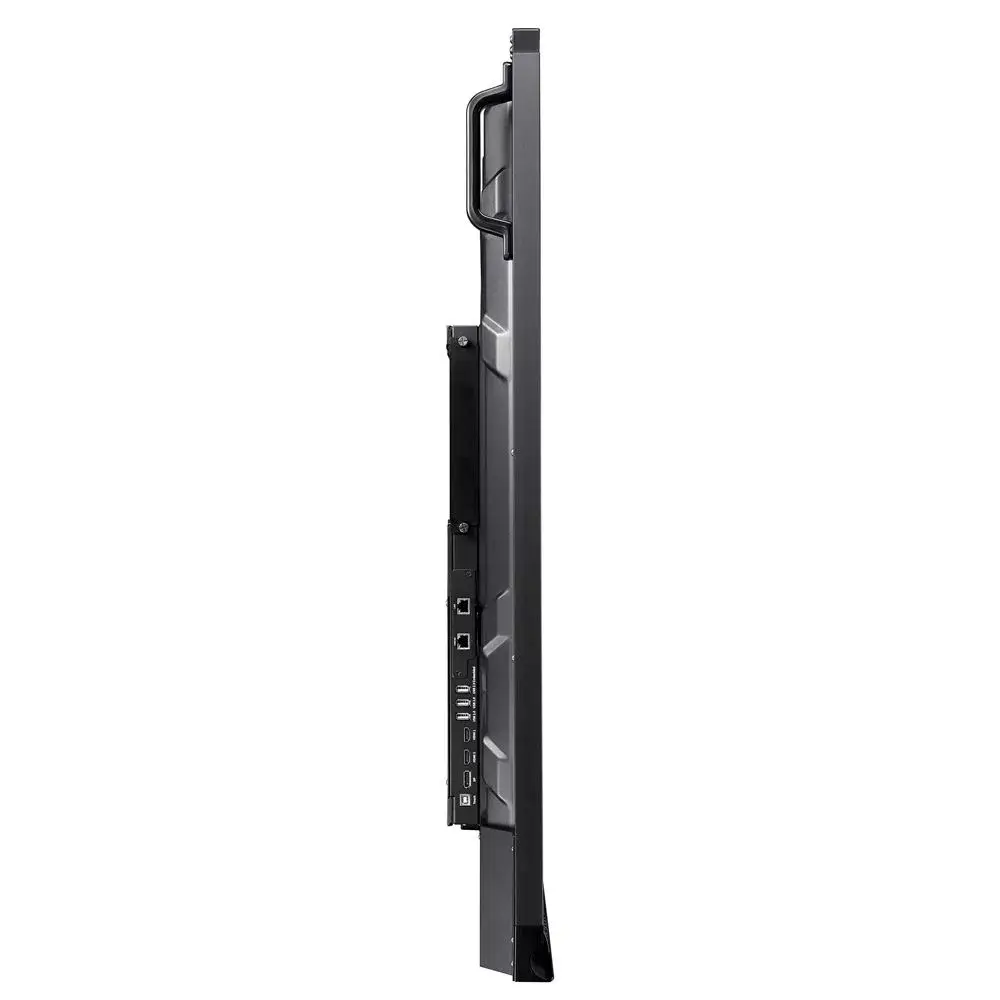
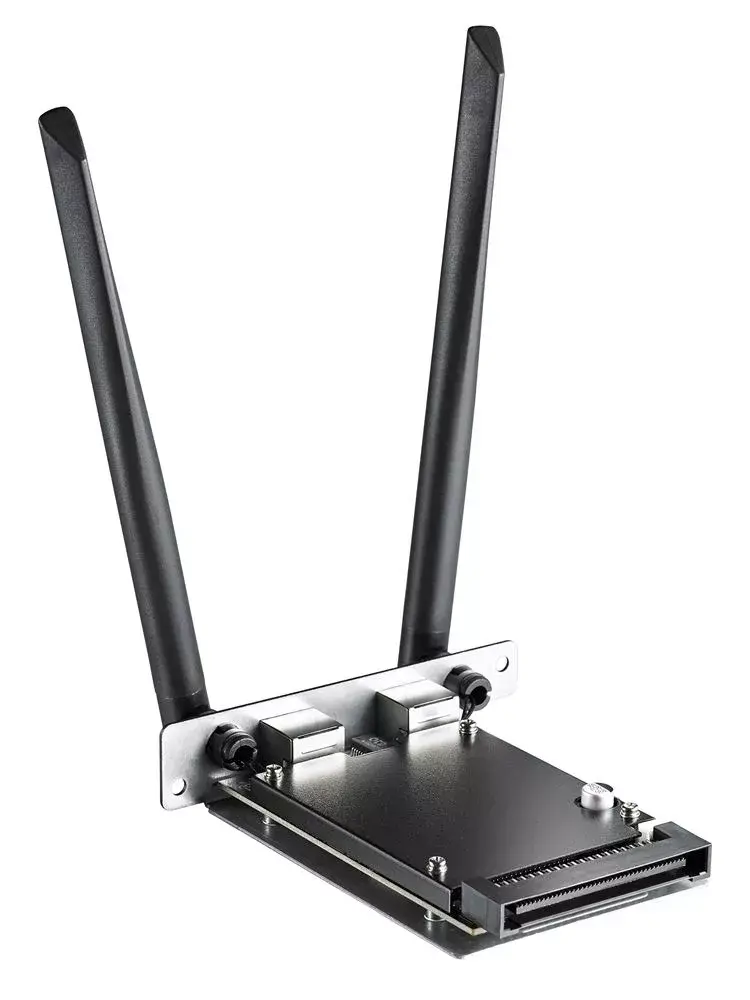
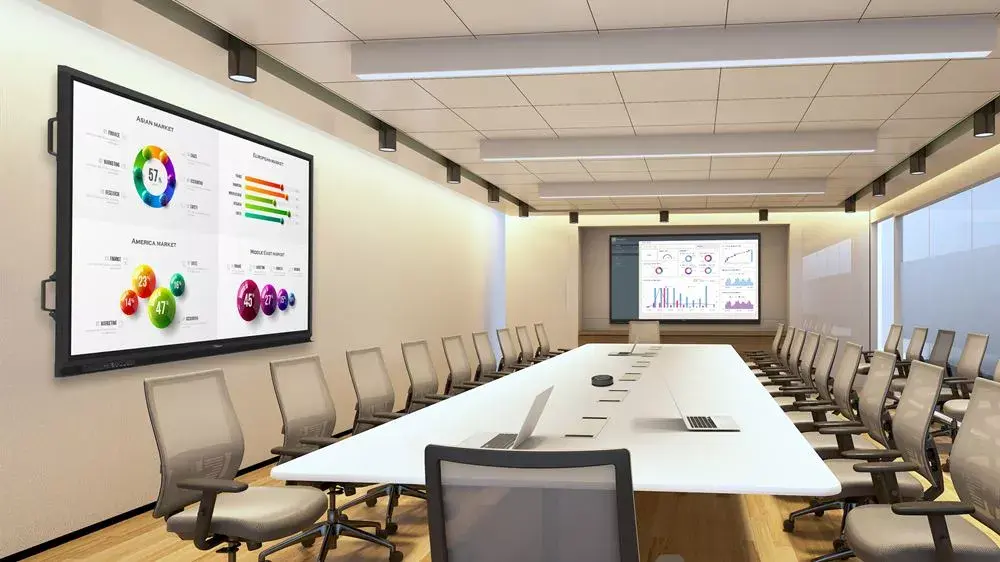
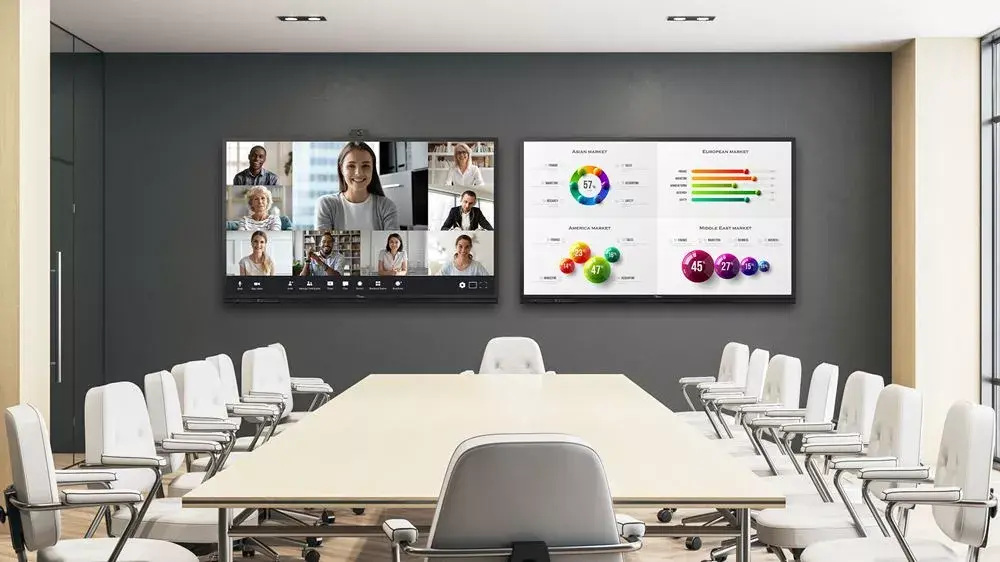
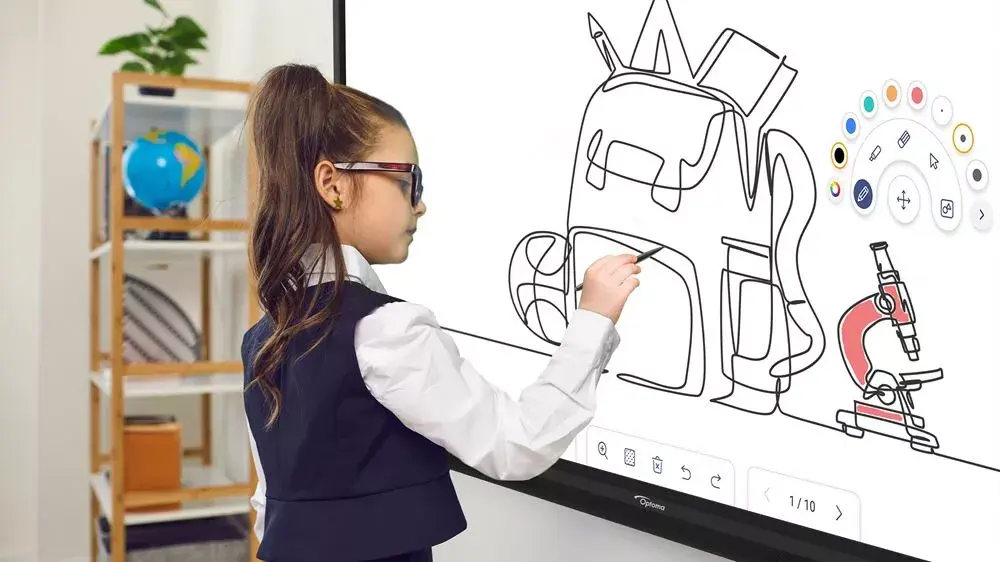
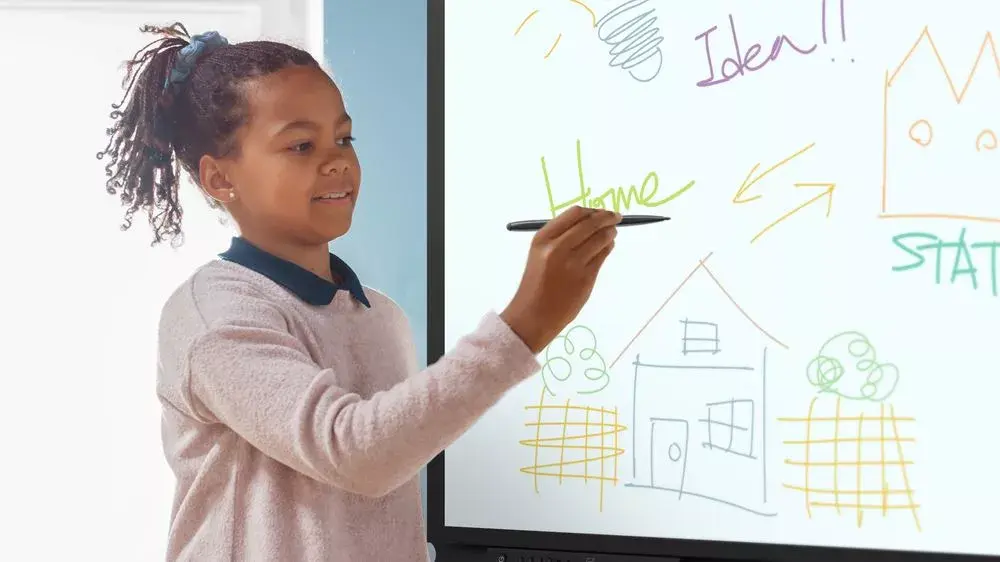
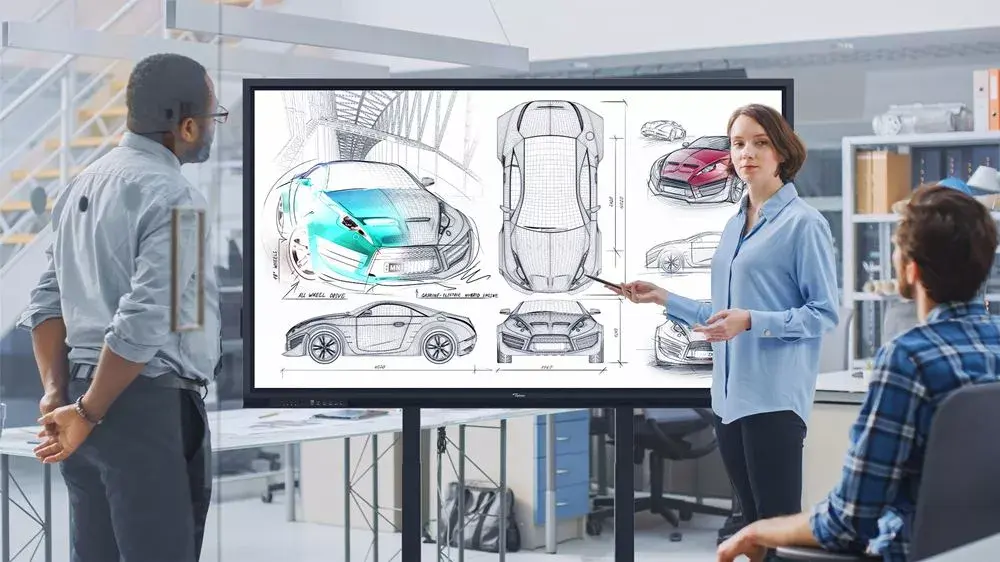
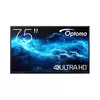
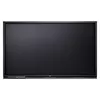
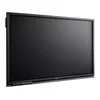
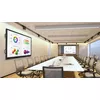
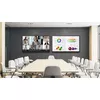
The Optoma Creative Touch 3-Series 75" interactive flat panel display provides robust collaboration and a value-focused design for classrooms and meeting rooms. It combines 4K UHD resolution, extensive connectivity including front-facing HDMI and USB ports, and wireless sharing via CreativeCast Pro to let up to four users mirror content from Windows, iOS, macOS, Chrome or Android devices. Built-in tools such as templates, type-to-text and handwriting recognition, plus cloud features like Cloud Whiteboard and Google Classroom integration, support lesson creation, annotation and instant feedback. The display includes an OPS slot for optional compute modules (OPS sold separately) and supports OTA updates for future software improvements.
The display offers a high-resolution 3840 x 2160 LED panel with a flat screen and responsive 6 ms response time, ensuring clear images and smooth interactions. Front-facing HDMI and USB ports simplify cable access while CreativeCast Pro enables wireless multi-user collaboration. Built-in speakers, VESA mounting compatibility and support for webcams or visualisers increase versatility for hybrid teaching and conferencing. Creative Board annotation tools, a floating toolbar and cloud syncing make content creation and reuse straightforward. Management and remote support are available via Optoma Management Suite (OMS) for easier IT administration.
Mount the panel using a compatible VESA bracket or place it on a supported stand. Connect source devices via the front HDMI or USB ports for quick access, or set up wireless sharing through CreativeCast Pro to allow multiple participants to mirror content simultaneously. Use the Creative Board tools on the touchscreen to write, annotate, import images or drag media from the embedded browser. For added compute power or customised apps, install an OPS module in the OPS slot (sold separately) and keep the display updated with OTA firmware updates.
For hybrid classrooms and meeting rooms, pair the Optoma Creative Touch display with a webcam or visualiser and enable Optoma Management Suite (OMS) for remote monitoring and support. Regularly save and back up Creative Board sessions to cloud accounts and sync with Google Classroom to ensure lesson materials are accessible from any Optoma Creative Touch display.
{{highlightedFeature.featureTitle}}:
{{getProductFeatureValueById(product, highlightedFeature.featureId)}}
{{ productComparisonGenerationError }}