






JBL speakers and headphones for pure and deep sound!
In cart {{totalProductsCount}} item(s)
Your cart is empty
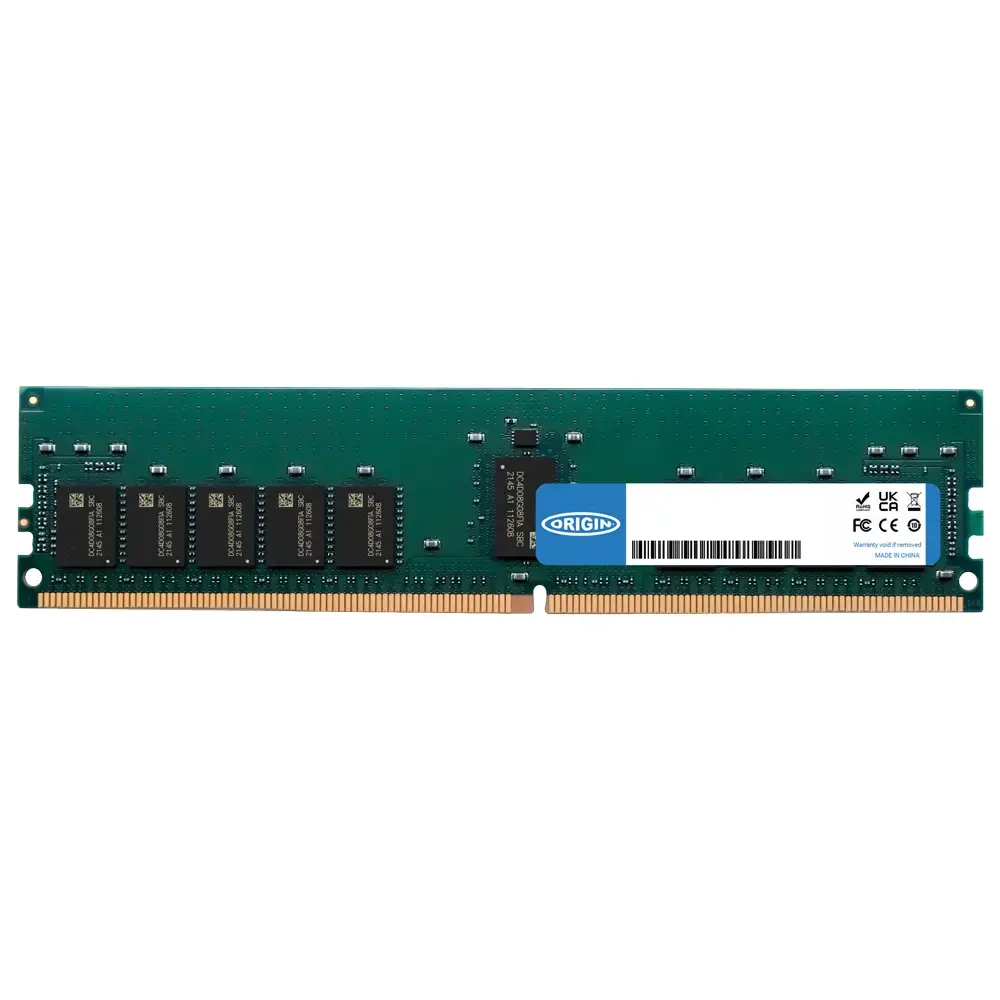
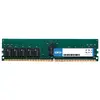
Origin Storage 16GB DDR5 5600MHz RDIMM 1Rx8 ECC Server Memory Module
The Origin Storage 16GB DDR5 5600MHz RDIMM server memory module is designed to provide high-performance computing and reliable data processing for professional enterprise environments. This module utilizes advanced DDR5 technology to deliver a clock speed of 5600MHz, ensuring rapid data transfer rates and efficient multitasking capabilities for demanding server applications. With its 1Rx8 organization and integrated Error Correction Code (ECC) functionality, this memory module actively detects and corrects data corruption, maintaining system stability and data integrity during intensive operations.
This memory module offers significant performance improvements by leveraging the high bandwidth and power efficiency of the DDR5 standard. Operating at a low voltage of 1.1V, it helps reduce overall power consumption and heat generation within the server chassis, contributing to a more sustainable and cost-effective infrastructure. The RDIMM form factor is specifically engineered for server stability, providing the necessary buffering to handle high-density memory configurations without compromising signal quality. By choosing this module, users benefit from a reliable upgrade path that ensures consistent performance across complex workloads.
This memory module is not suitable for standard desktop computers or laptops, as it requires a motherboard and processor that specifically support DDR5 RDIMM technology with ECC. It will not function in systems designed for UDIMM or older memory generations like DDR4.
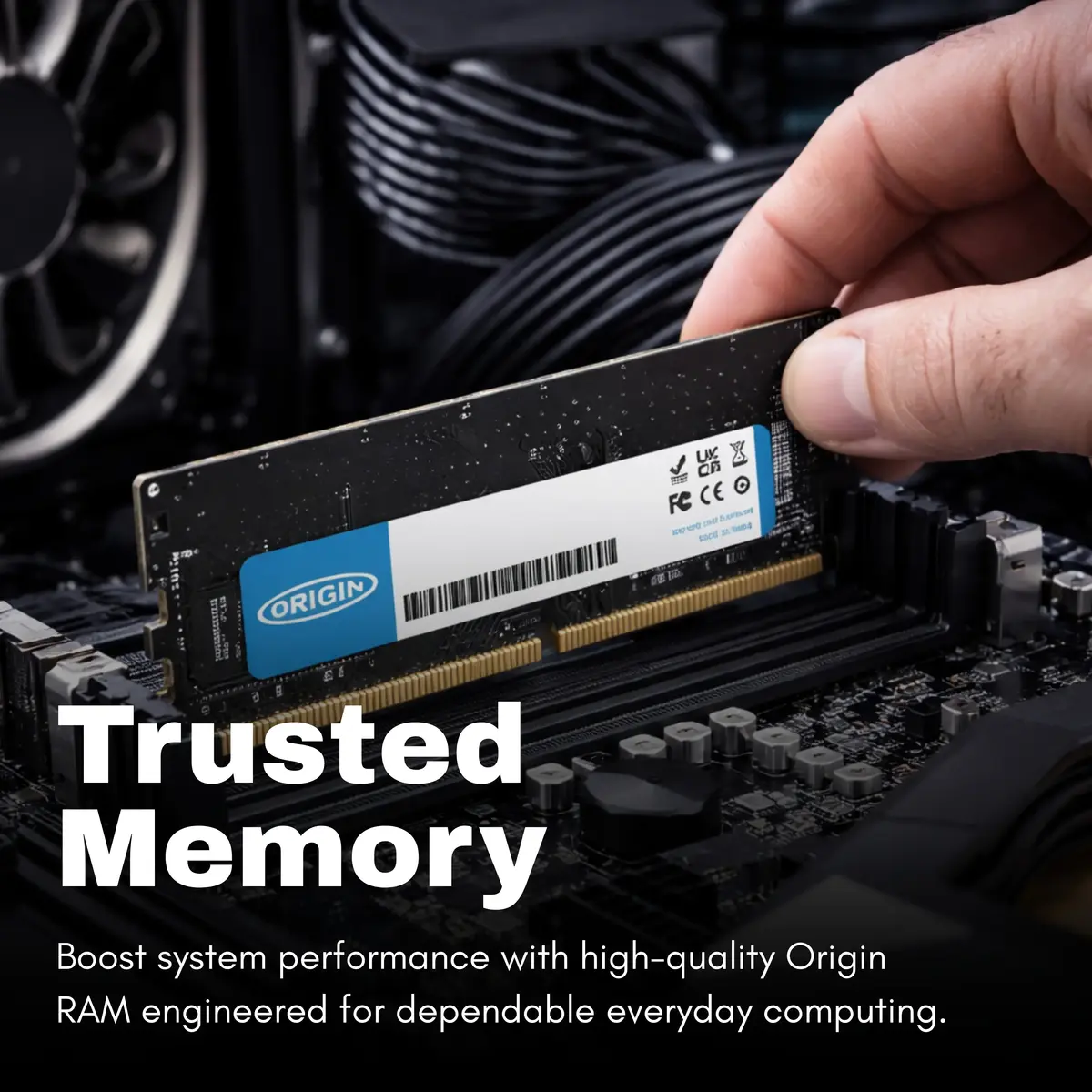
To install the memory module, ensure the server is powered down and disconnected from the power source. Open the server chassis and locate the memory slots on the motherboard. Align the notch on the module with the key in the DIMM slot and press down firmly until the side clips lock into place. Once installed, restart the server and enter the BIOS or system management interface to verify that the new memory is correctly recognized by the system.
Usage recommendations: For optimal performance, it is recommended to install memory modules in matched sets to take full advantage of multi-channel memory architectures. Always handle the module by its edges to avoid electrostatic discharge damage to the components.
{{highlightedFeature.featureTitle}}:
{{getProductFeatureValueById(product, highlightedFeature.featureId)}}
{{ productComparisonGenerationError }}