


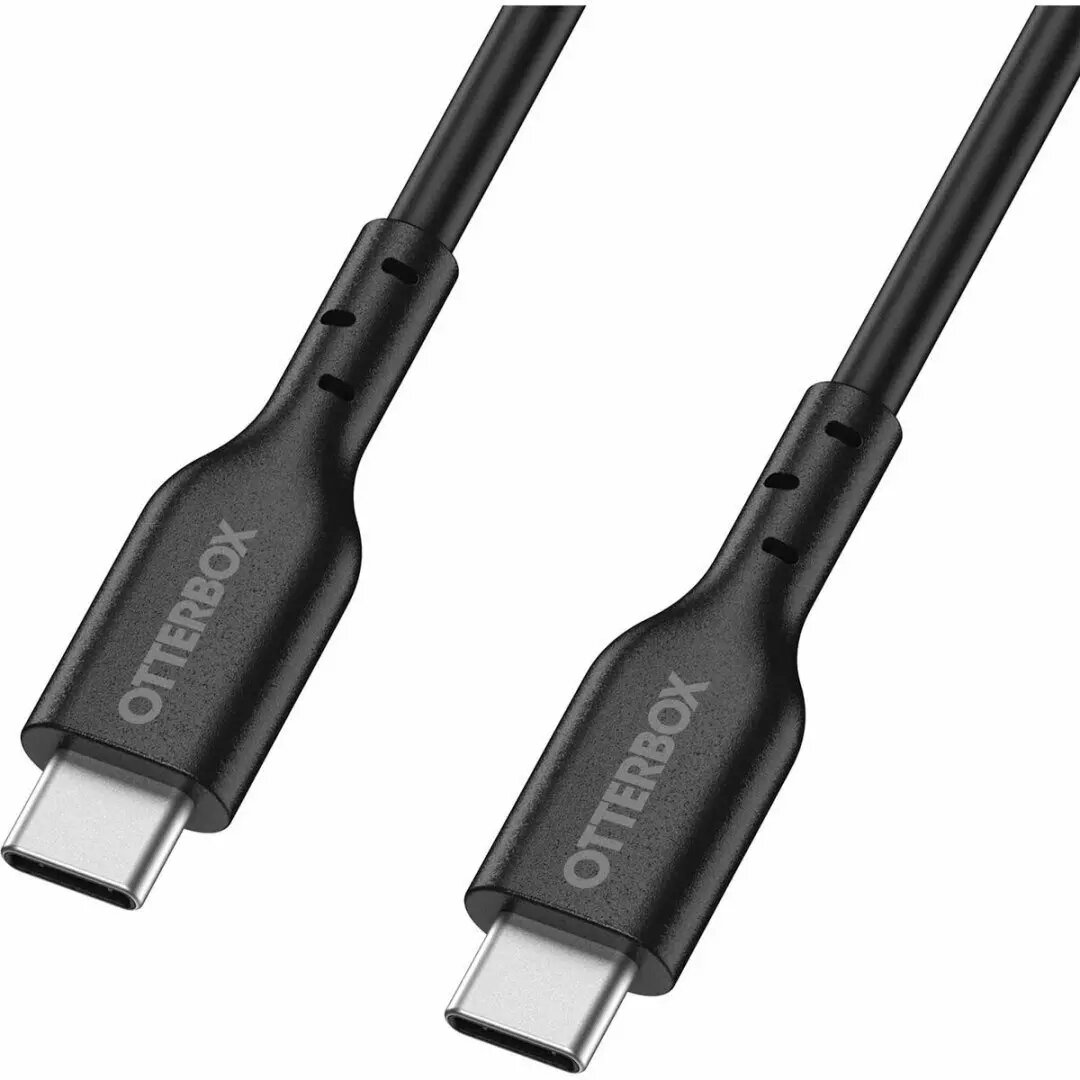
USB data cable OTTERBOX LifeProof S77205152 — durable USB cable for charging and data transfer
Offer for a legal entity, non-cash payment.
Short description


Cheapest delivery:
Unisend LV
Product information
Description
OTTERBOX LifeProof S77205152 is a USB data cable designed to provide reliable wired charging and data transfer between compatible smartphones, tablets and computers. The cable is intended for everyday use, offering a straightforward connection for syncing, file transfers and device charging in home, office or travel environments.
Advantages
The cable combines a durable construction with stable signal transmission, reducing the risk of intermittent connections during charging or data exchange. Its reinforced strain relief and jacket material are engineered for frequent handling and bending, which extends usable life under normal conditions. The cable supports standard USB power and data rates appropriate for contemporary mobile devices, enabling efficient device charging and direct file synchronization.
Suitable for
- Charging smartphones and tablets from USB ports on computers, power adapters or power banks
- Transferring photos, videos and documents between mobile devices and computers
- Using with vehicle USB ports for charging and media playback
- Travel and daily commuting where a reliable wired connection is preferred
Key specifications
- Cable type: USB data and charging cable
- Compatibility: Compatible with devices that use matching USB connector types (check device connector compatibility before purchase)
- Build: Reinforced jacket and strain relief for improved durability under frequent bending
- Functionality: Supports charging and data transfer between devices and host computers
- Length: Standard consumer cable length suitable for desktop, bedside or in-car use (check packaging for exact length)
How to use
Connect one end of the cable to the device and the other end to a compatible USB port on a computer, power adapter or power bank. Ensure connectors are correctly oriented and fully inserted before initiating data transfer or charging. For data transfer, allow the connected device to present itself to the host computer and follow the operating system prompts to access files. Avoid pulling on the cable to disconnect; instead, grip the connector housing to remove it cleanly.
Usage recommendations
To prolong cable life and maintain reliable performance, avoid sharp bends near the connector ends, keep the cable away from excessive heat and liquids, and store it loosely coiled when not in use. Use the cable with compatible chargers and ports that meet device power specifications to ensure safe and effective charging.


