



Powerful EcoFlow stations for energy anywhere!
In cart {{totalProductsCount}} item(s)
Your cart is empty
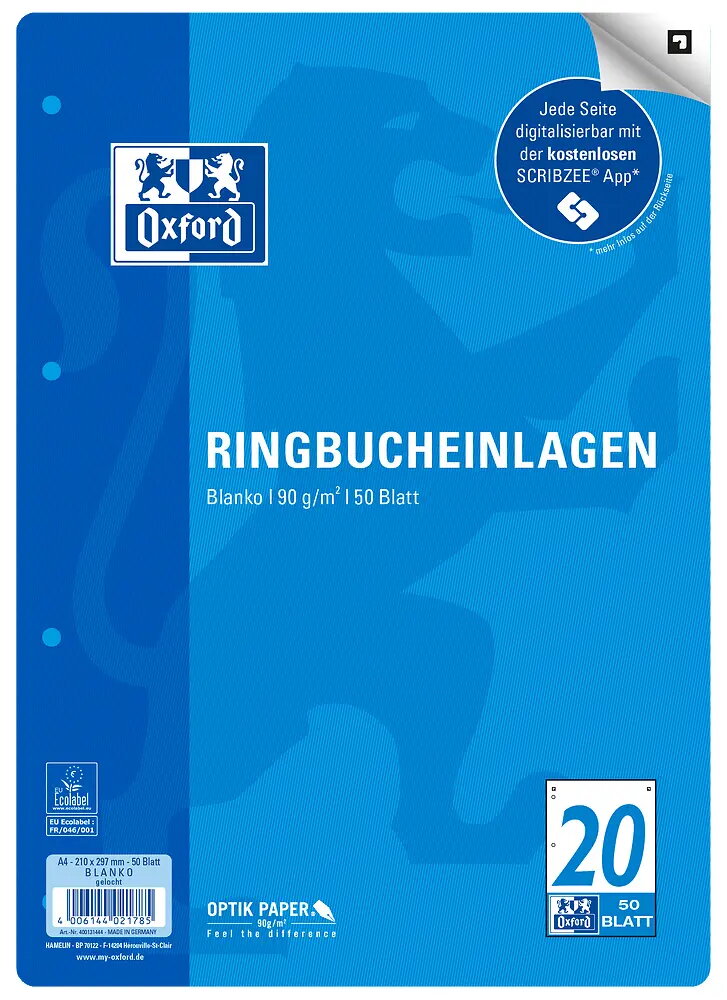
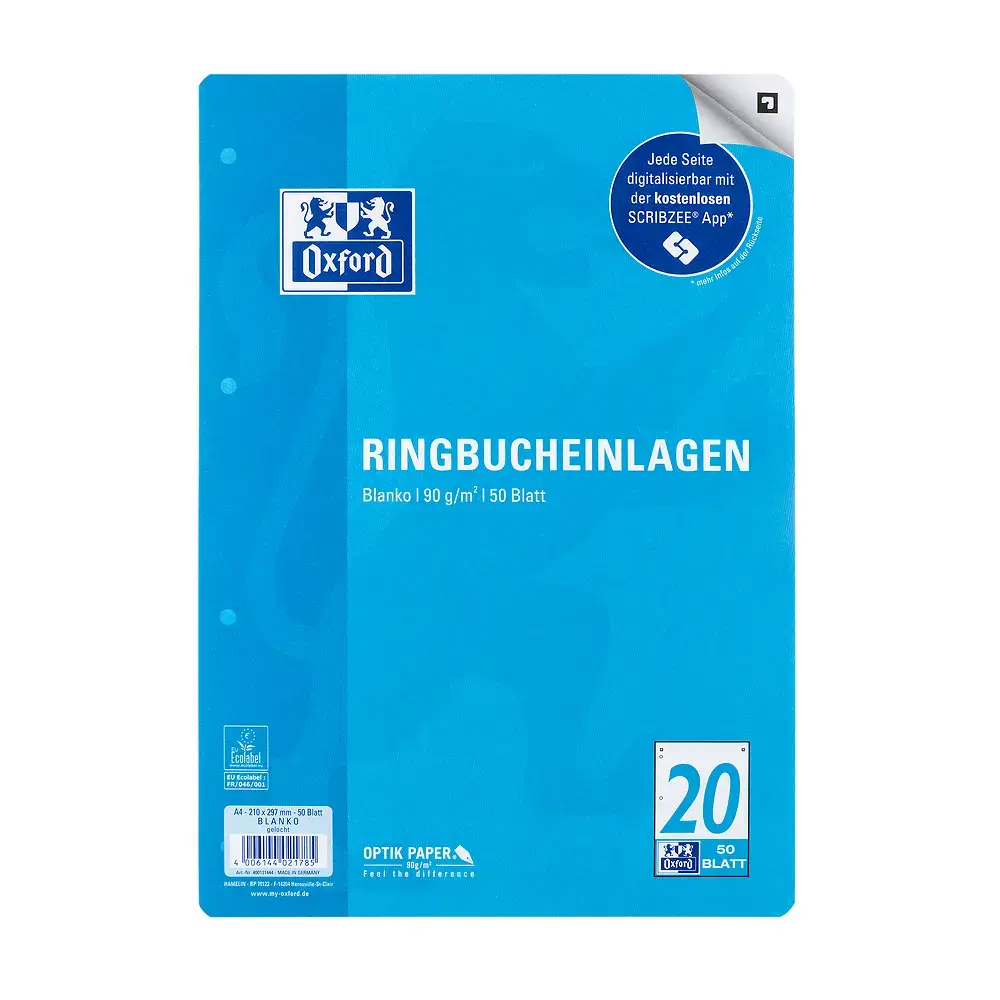
Oxford 400131444 A4 Notebook Filler Paper, 90 g/m², 50 Sheets
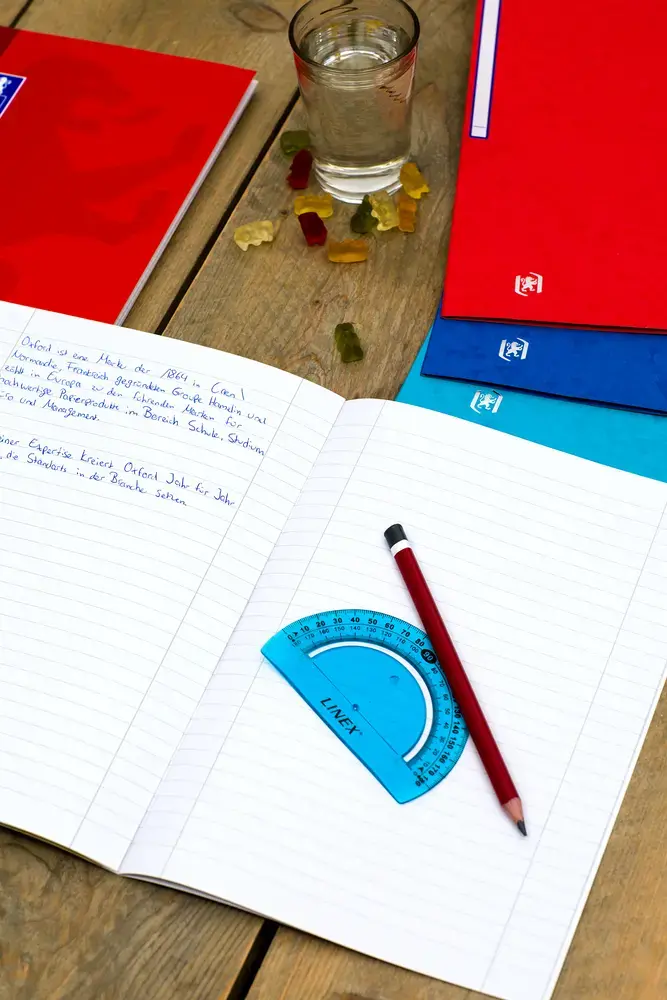
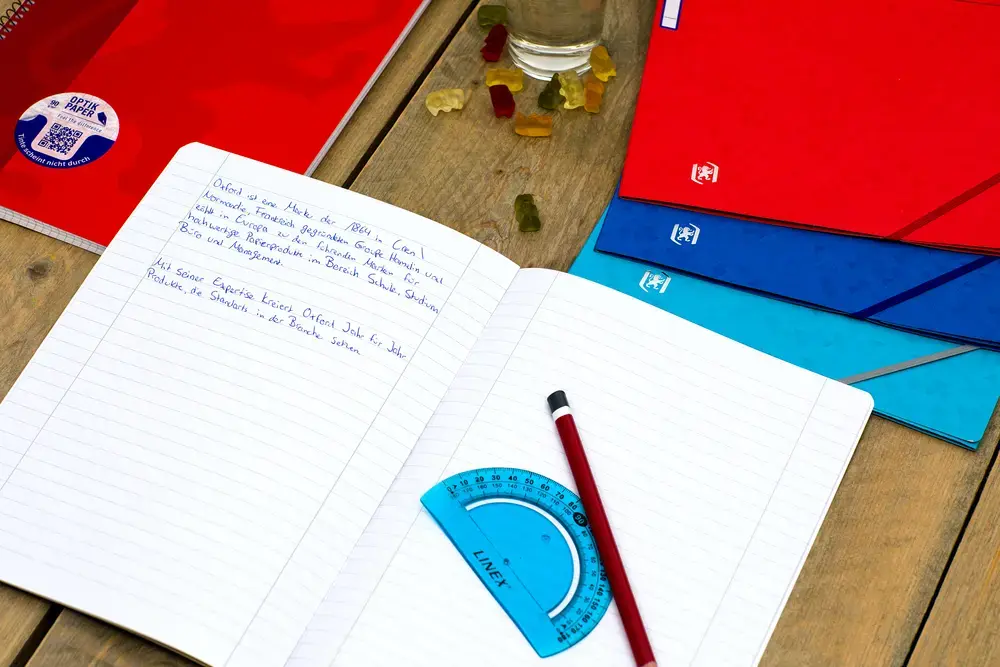
The Oxford A4 notebook filler paper is a high-quality solution for organized note-taking, designed to fit seamlessly into standard ring binders. Each sheet is crafted from premium 90 g/m² OPTIK PAPER, which provides an exceptionally smooth and bright writing surface that prevents ink from bleeding through to the reverse side. This allows for efficient use of both sides of every page. With 50 sheets per pack, this paper is a reliable choice for daily academic or professional tasks.
The primary benefit of this paper is the specialized OPTIK PAPER technology, which ensures a superior writing experience by minimizing ink show-through and providing a smooth texture for various pens. The integration with the SCRIBZEE application adds significant value, allowing users to scan, organize, and share handwritten notes digitally as PDF files. Furthermore, the paper is produced in accordance with EU Ecolabel standards, reflecting a commitment to environmentally responsible manufacturing processes.
This product may not be the best choice for users who require specialized paper types such as graph, dotted, or heavy cardstock for artistic projects. Additionally, since it is pre-punched for ring binders, it may not be ideal for loose-leaf filing systems that do not accommodate standard four-hole or multi-hole configurations.
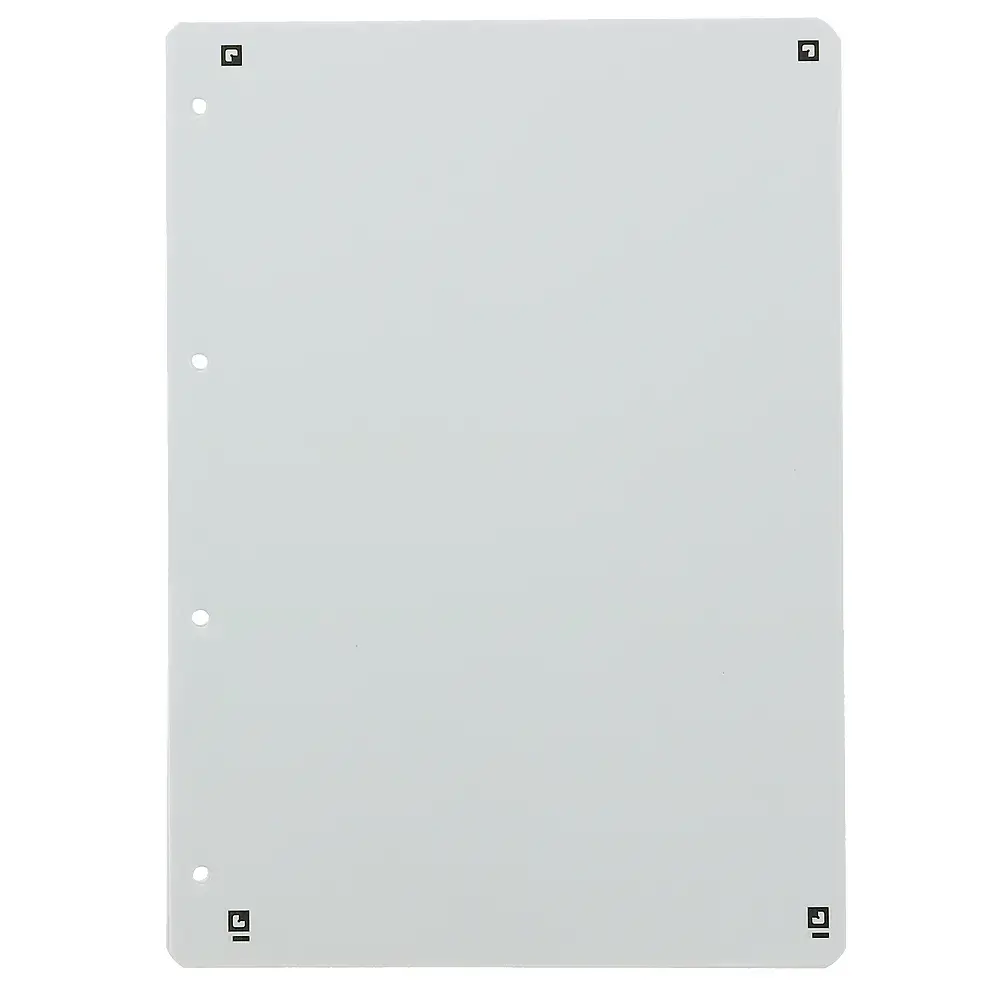
To use the paper, simply insert the pre-punched sheets into your A4 ring binder. Write on the paper using your preferred pens or pencils, taking advantage of the bleed-resistant surface. To digitize your work, download the SCRIBZEE app on your smartphone, align the app's camera with the page markers, and scan your notes to save them as high-quality PDF files for easy sharing or cloud storage.
Usage recommendations: For the best results when using the scanning feature, ensure the paper is placed on a flat, well-lit surface and that all four corners of the page are visible within the app frame.
{{highlightedFeature.featureTitle}}:
{{getProductFeatureValueById(product, highlightedFeature.featureId)}}
{{ productComparisonGenerationError }}