Filters you can trust. Pure water every day.
In cart {{totalProductsCount}} item(s)
Your cart is empty
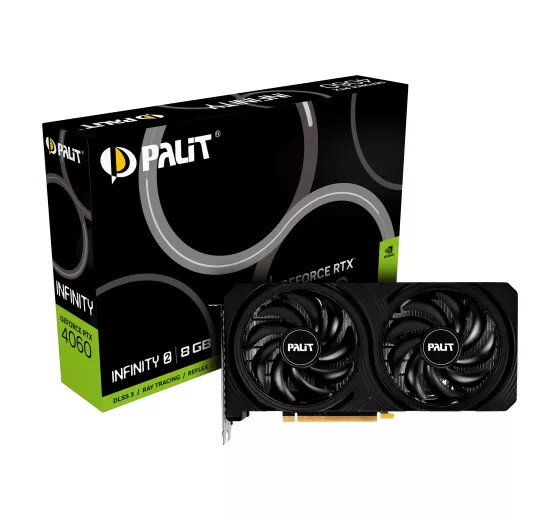
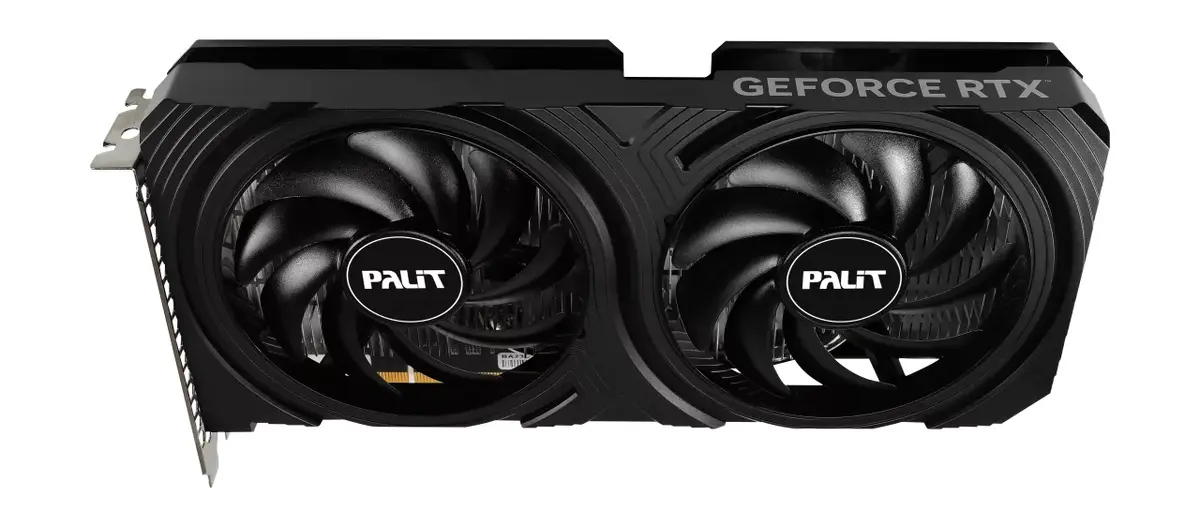
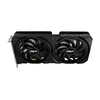
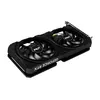
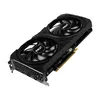
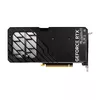
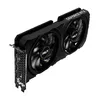
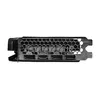
Graphics Card Palit GeForce RTX 4060 8 GB GDDR6
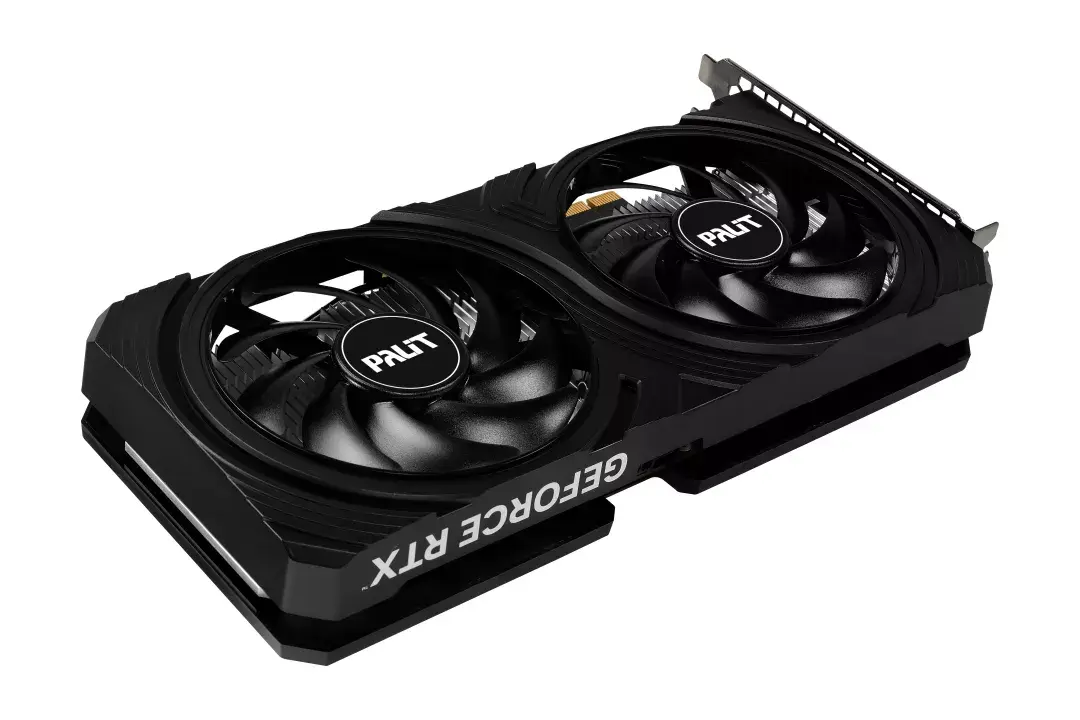
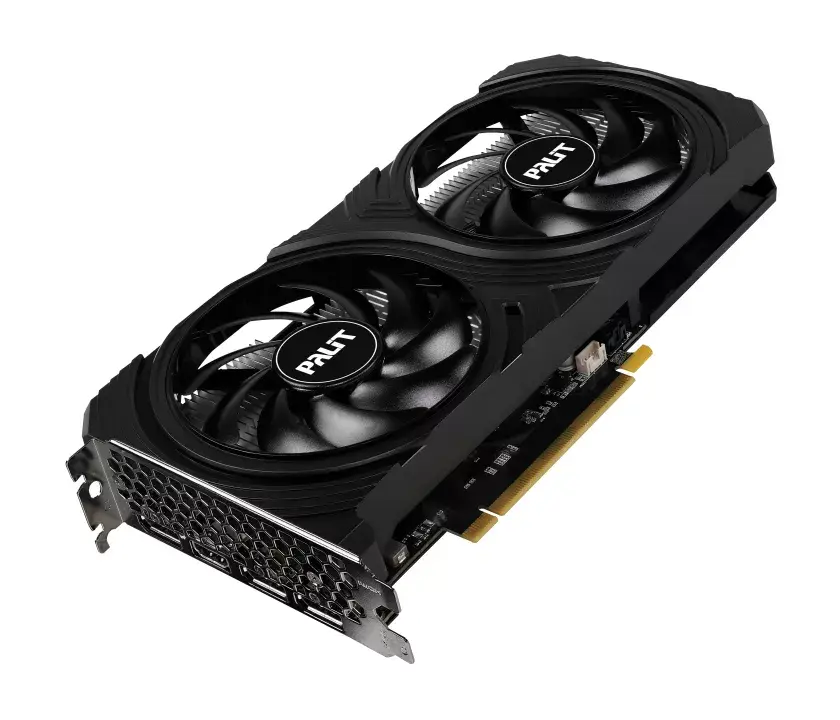
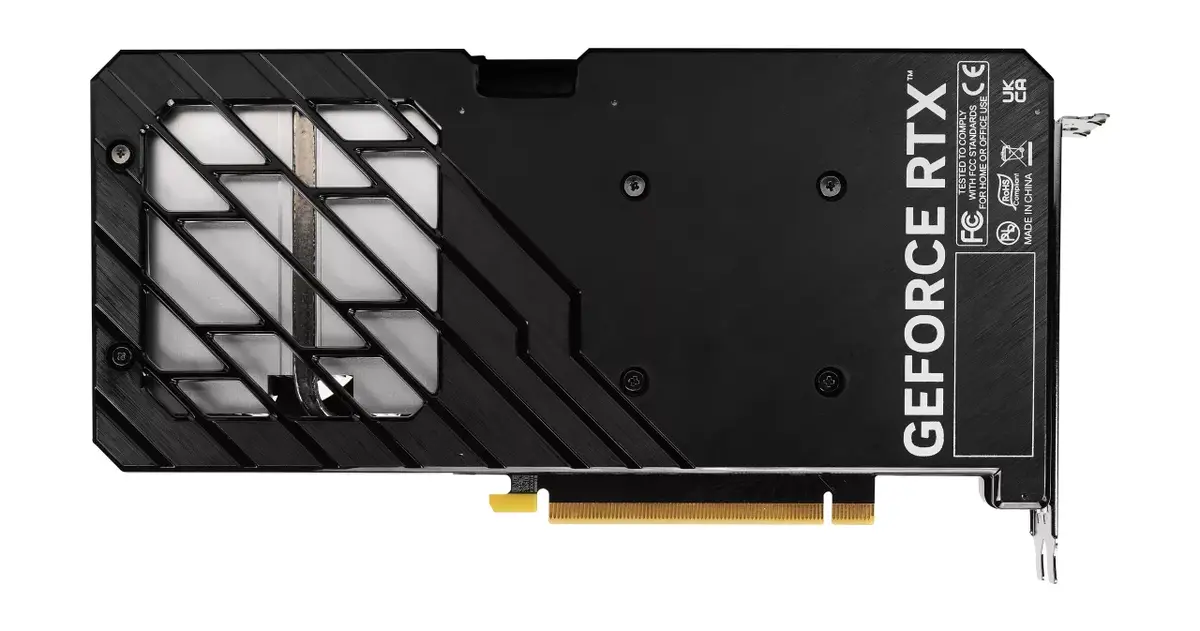
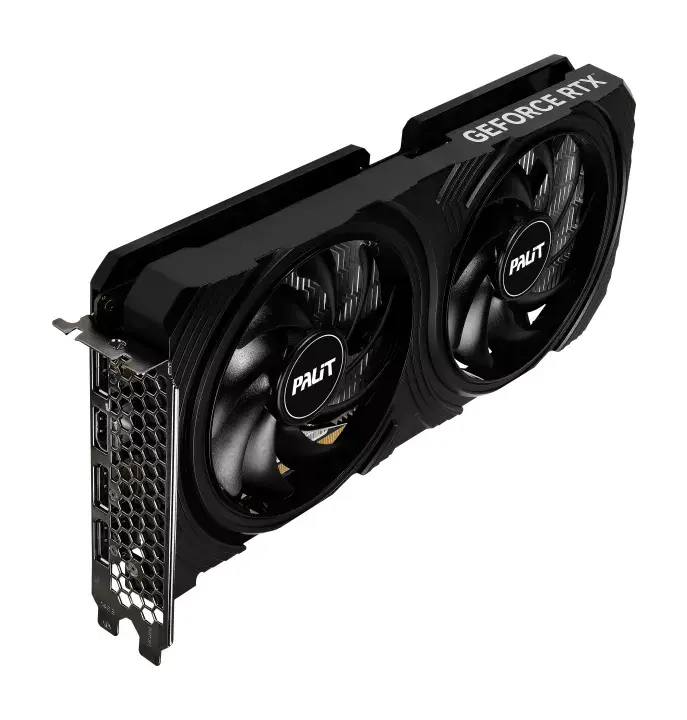
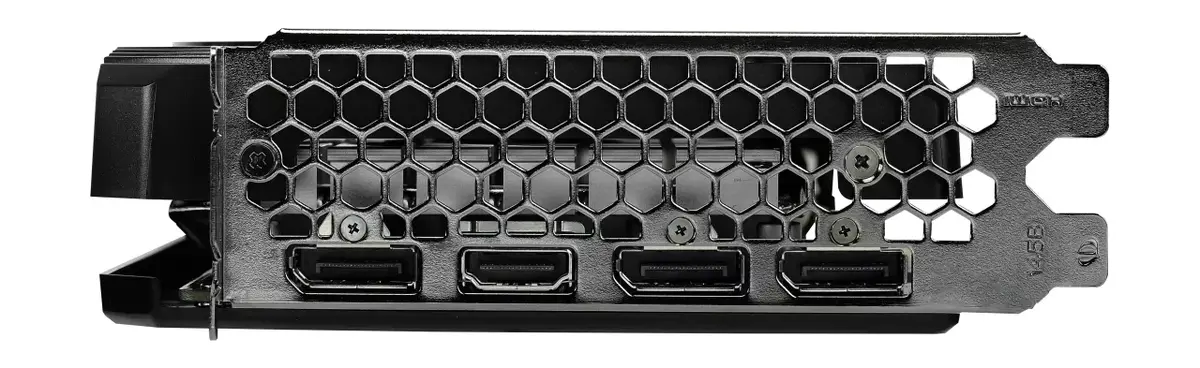
The Palit GeForce RTX 4060 Infinity 2 is a high-performance graphics card designed to deliver reliable power for modern gaming and creative workflows. Built on the advanced NVIDIA Ada Lovelace architecture, this card features 8 GB of GDDR6 memory and a 128-bit memory bus, ensuring smooth performance in demanding applications. The unit is equipped with an efficient active cooling system featuring twin 95mm fans, which provides effective heat dissipation while maintaining quiet operation through 0dB technology.
This graphics card offers a significant boost in efficiency and performance for both gamers and creators. The inclusion of dedicated RT Cores and Tensor Cores allows for realistic ray tracing and AI-accelerated workflows, such as those found in NVIDIA Studio and NVIDIA Omniverse. The dual-fan cooling design ensures that the card remains stable under heavy loads, while the integrated backplate provides additional structural protection. Furthermore, the card supports NVIDIA Reflex technology, which minimizes system latency to provide a competitive edge in fast-paced gaming environments.
This graphics card may not be suitable for users requiring extreme 4K resolution gaming at ultra-high settings, as it is primarily optimized for high-performance 1080p and 1440p gaming. Additionally, users with very compact PC cases should verify the physical dimensions of the card to ensure it fits within their chassis.
To use the Palit GeForce RTX 4060, install the card into an available PCI Express 4.0 slot on your motherboard and secure it with the appropriate screws. Ensure that your power supply unit meets the recommended wattage requirements for your system configuration and connect the necessary power cables. After physical installation, download and install the latest NVIDIA drivers from the official website to ensure optimal performance and compatibility with your operating system and applications.
Usage recommendations: For the best experience, keep your NVIDIA drivers updated to the latest version to benefit from ongoing performance improvements and stability patches. Utilize the NVIDIA Studio drivers if your primary focus is creative software, or Game Ready drivers for the latest gaming optimizations.
{{highlightedFeature.featureTitle}}:
{{getProductFeatureValueById(product, highlightedFeature.featureId)}}
{{ productComparisonGenerationError }}