Save time and money with our discounts!
In cart {{totalProductsCount}} item(s)
Your cart is empty
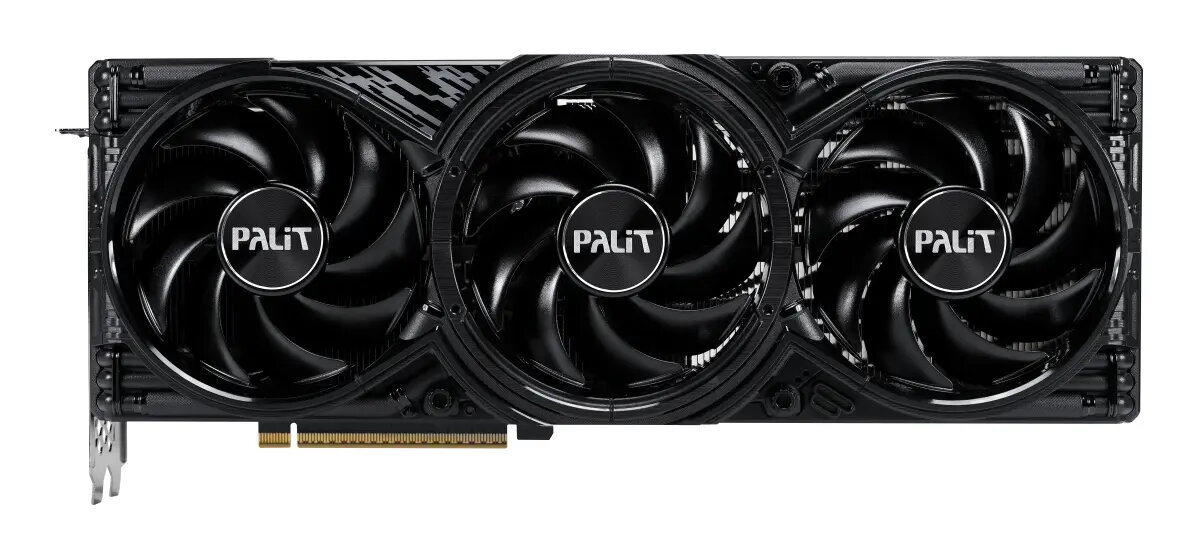
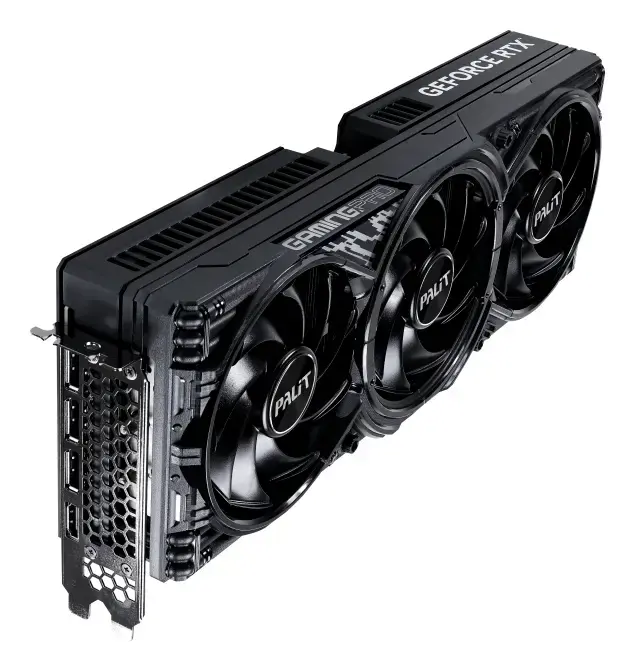
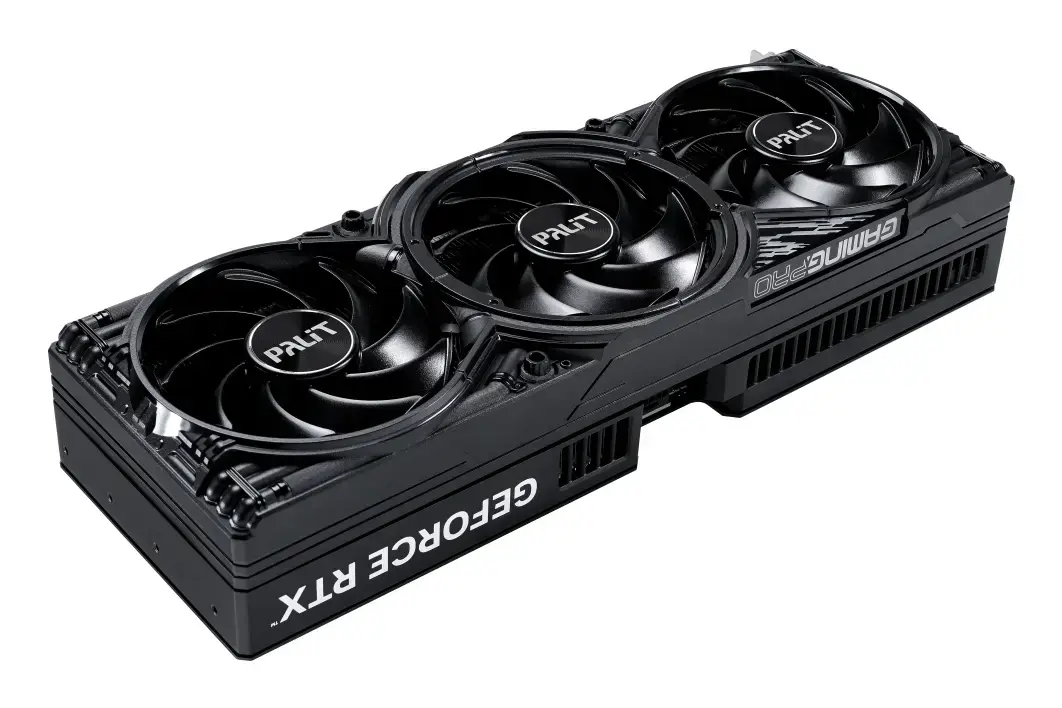
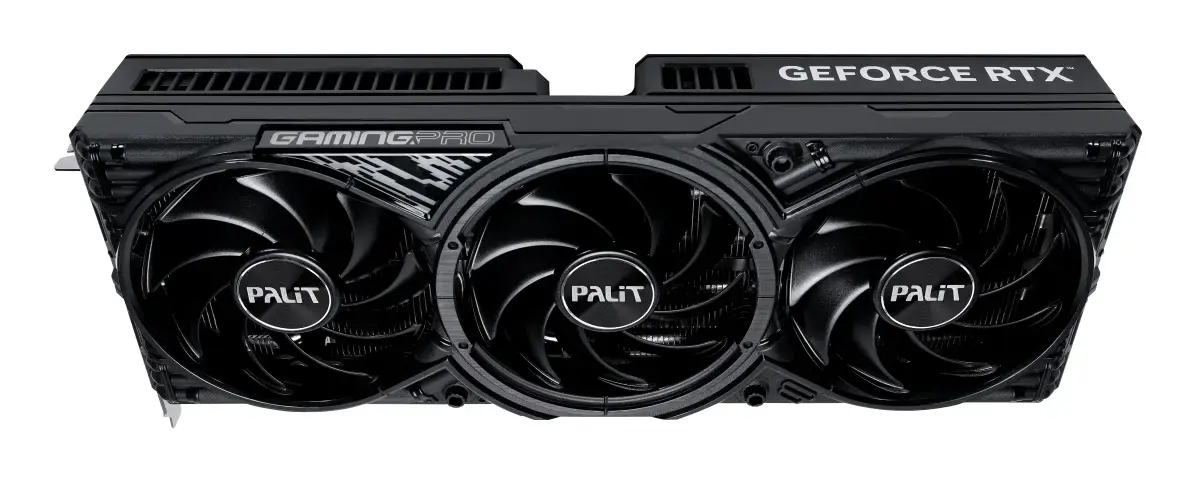
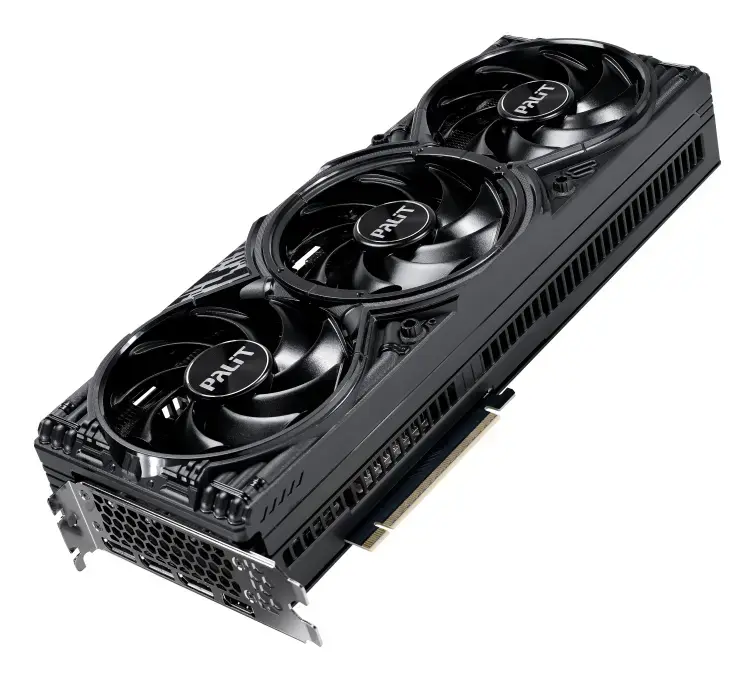
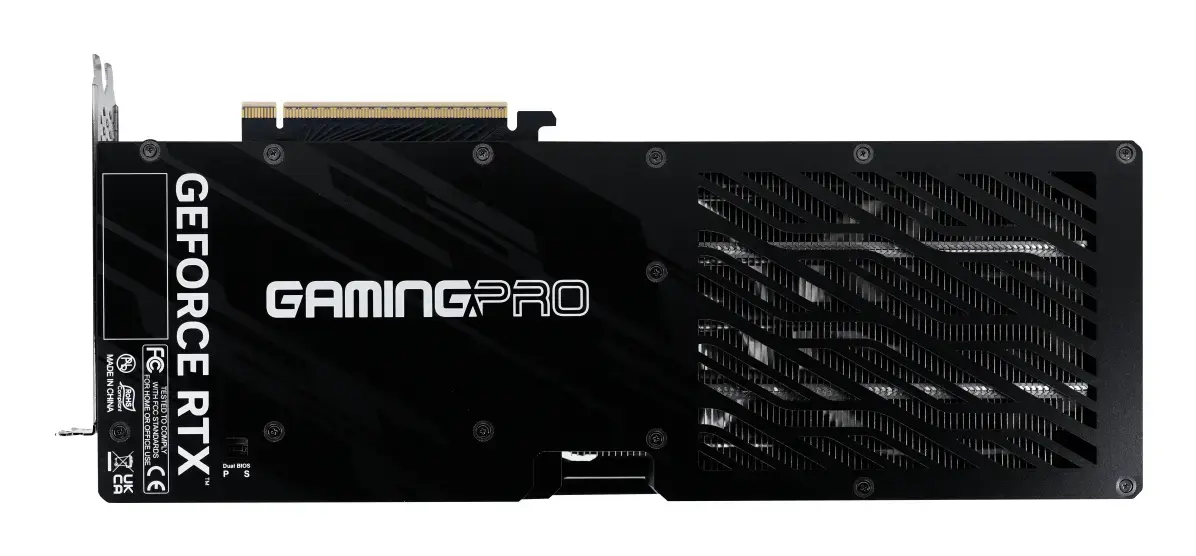
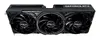
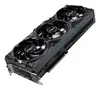
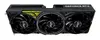
Graphics card Palit GeForce RTX 5080 GamingPro OC V1 — NVIDIA GeForce RTX 5080, 16 GB GDDR7, 256-bit, PCIe 5.0, 2295 MHz
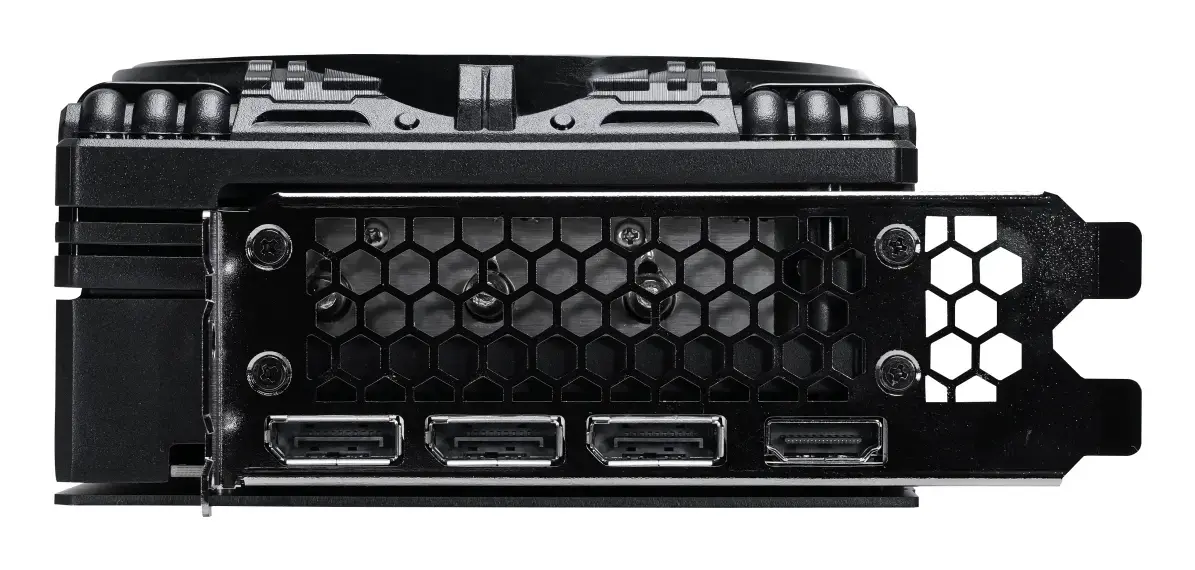
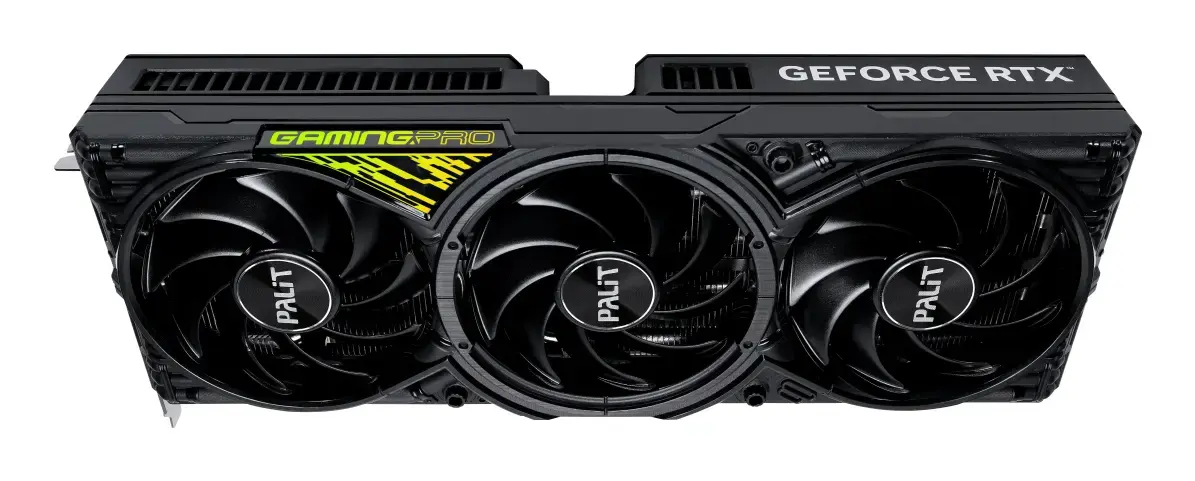
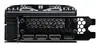
Palit GeForce RTX 5080 GamingPro OC V1 is a high-performance discrete PCIe 5.0 graphics card based on the NVIDIA GeForce RTX 5080 GPU with a boost frequency of 2295 MHz and 16 GB of GDDR7 memory on a 256-bit bus. The card supports DirectX 12 Ultimate and OpenGL 4.6, offers a maximum output resolution up to 7680×4320, and includes triple-fan active cooling with multi-color ARGB illumination. Additional features include dual BIOS, 0dB idle fan behavior, a die-cast full-cover frame, and a robust power delivery design suitable for demanding gaming, content creation and GPU-accelerated workflows.
The Palit GamingPro OC V1 balances thermal efficiency and structural durability through TurboFan 4.0, composite heat pipes combining grooved and sintered powder structures, and a redesigned die-casting frame for improved anti-bending protection. Dual BIOS provides flexible performance and silent modes while 0dB idle operation keeps noise low during light workloads. Built-in ARGB lighting with a standard 5V connector allows simple synchronization without extra software, and dual-ball bearing fans with IP5X dust resistance extend long-term reliability.
This graphics card is a high-power component designed for modern desktops with sufficient chassis space, power supply capacity and PCIe 5.0 or compatible slots. It may not be suitable for small form-factor systems, older motherboards without adequate PCIe power or systems with limited cooling capacity. Systems with insufficient PSU connectors or wattage may require an upgrade before installation.
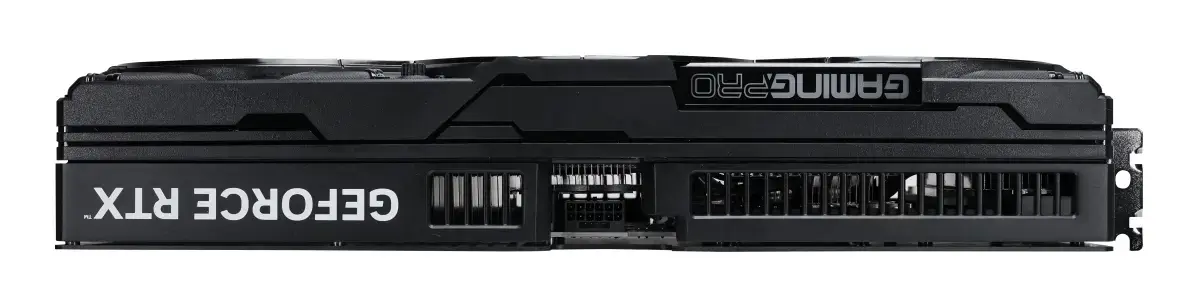
Power down your PC, unplug it from mains and open the case following your chassis manufacturer’s instructions. Install the Palit GeForce RTX 5080 into an available PCIe x16 slot and secure it to the case. Connect the required 16-pin power cable from a compatible PSU. Reattach side panels, reconnect power and monitor cables, then boot into the operating system. Install the latest NVIDIA Game Ready or Studio drivers and, if needed, Palit ThunderMaster utility for fan, power and LED control. Use the Dual BIOS switch to select Performance or Silent mode according to thermal and acoustic priorities.
For sustained high-load gaming or rendering sessions, use the Performance BIOS and ensure case airflow provides fresh intake and exhaust paths. Activate Silent BIOS for quieter desktop and streaming use. Keep GPU drivers up to date via NVIDIA App or GeForce Experience and consider enabling DLSS and RTX features in supported titles to balance visual quality and frame rates.
{{highlightedFeature.featureTitle}}:
{{getProductFeatureValueById(product, highlightedFeature.featureId)}}
{{ productComparisonGenerationError }}