Powerful EcoFlow stations for energy anywhere!
In cart {{totalProductsCount}} item(s)
Your cart is empty
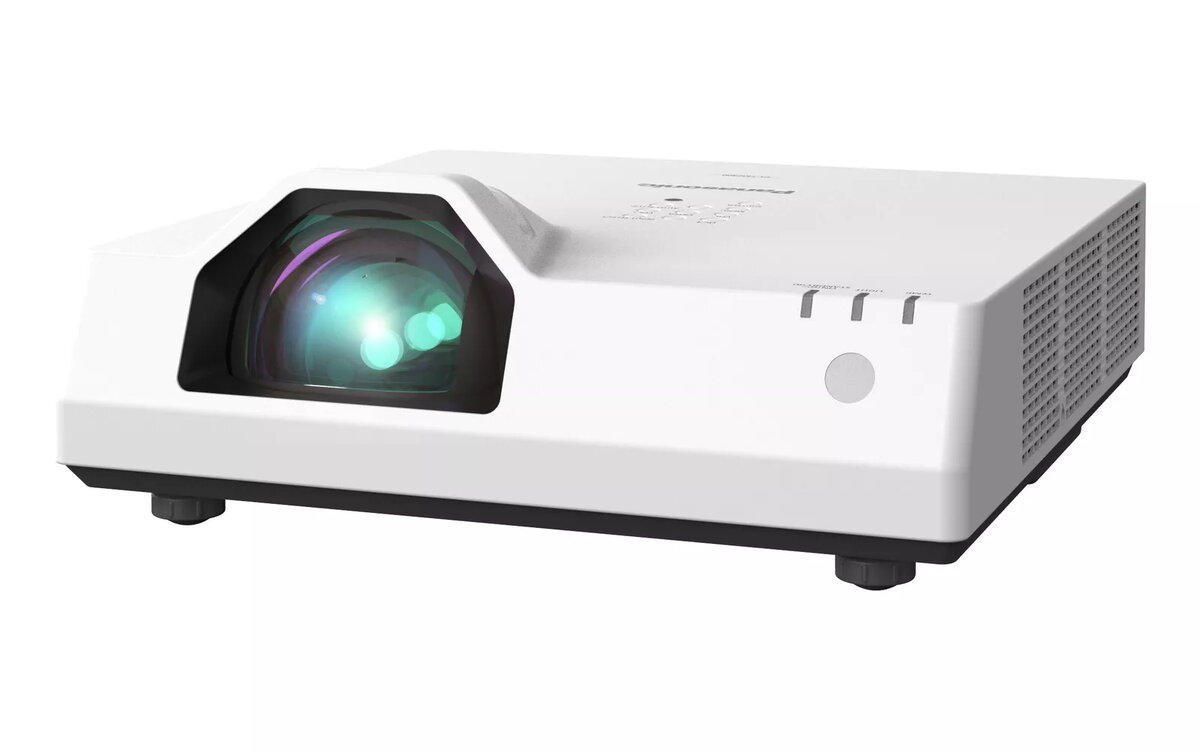
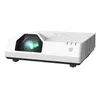
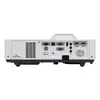
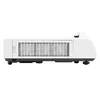
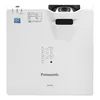
Data projector Panasonic PT-TMZ400 4000 ANSI lumens LCD WUXGA
The Panasonic PT-TMZ400 is a short-throw laser data projector with WUXGA (1920 x 1200) native resolution and up to 4,000 ANSI lumens of brightness. Its compact housing—only slightly larger than a laptop—and 4.9 kg weight make it portable and simple to install on a desk or ceiling. The fixed short-throw lens (throw ratio 0.43:1, focal length 6.08 mm) and laser light source with an expected life of about 20,000 hours reduce maintenance compared with lamp-based projectors.
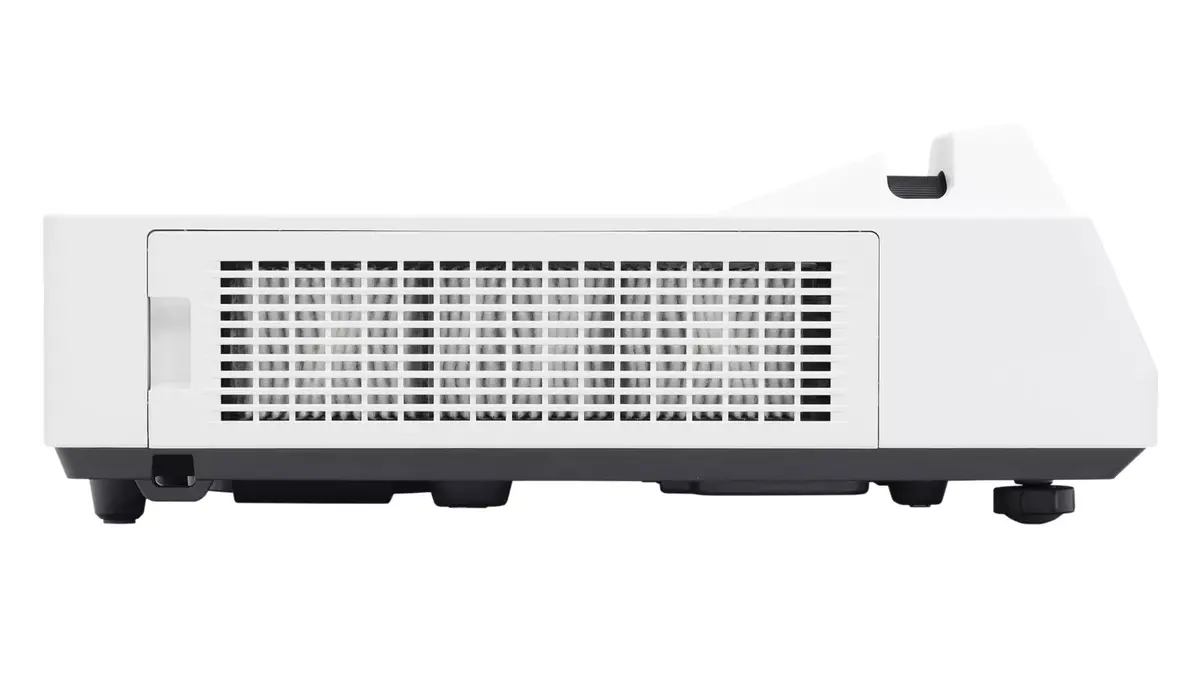
The projector combines high brightness and wide WUXGA resolution to deliver sharp, well-saturated images even in well-lit classrooms and offices. A laser light source and an ECO Filter that can be washed provide long service intervals and lower maintenance needs, with no lamp replacements and reduced waste. Built-in Digital Zoom Extender adds a digital image-shift function that lets you move the projected image up to 10% vertically and horizontally from the projector remote, enabling installation when the unit cannot be centered on the screen. The unit is lightweight for its class and uses the same mount and attachment bracket as the previous lamp-based PT-TW381R series for straightforward replacement.
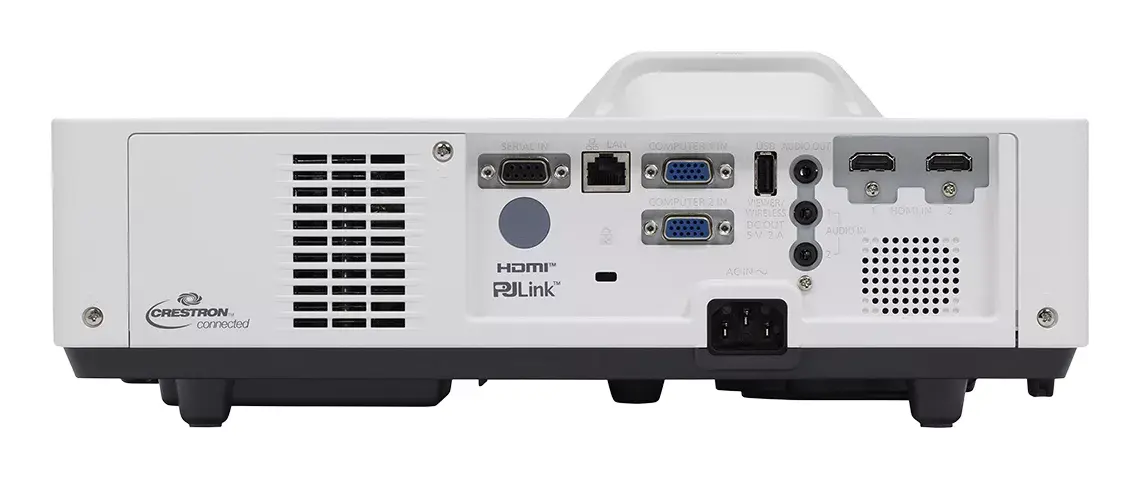
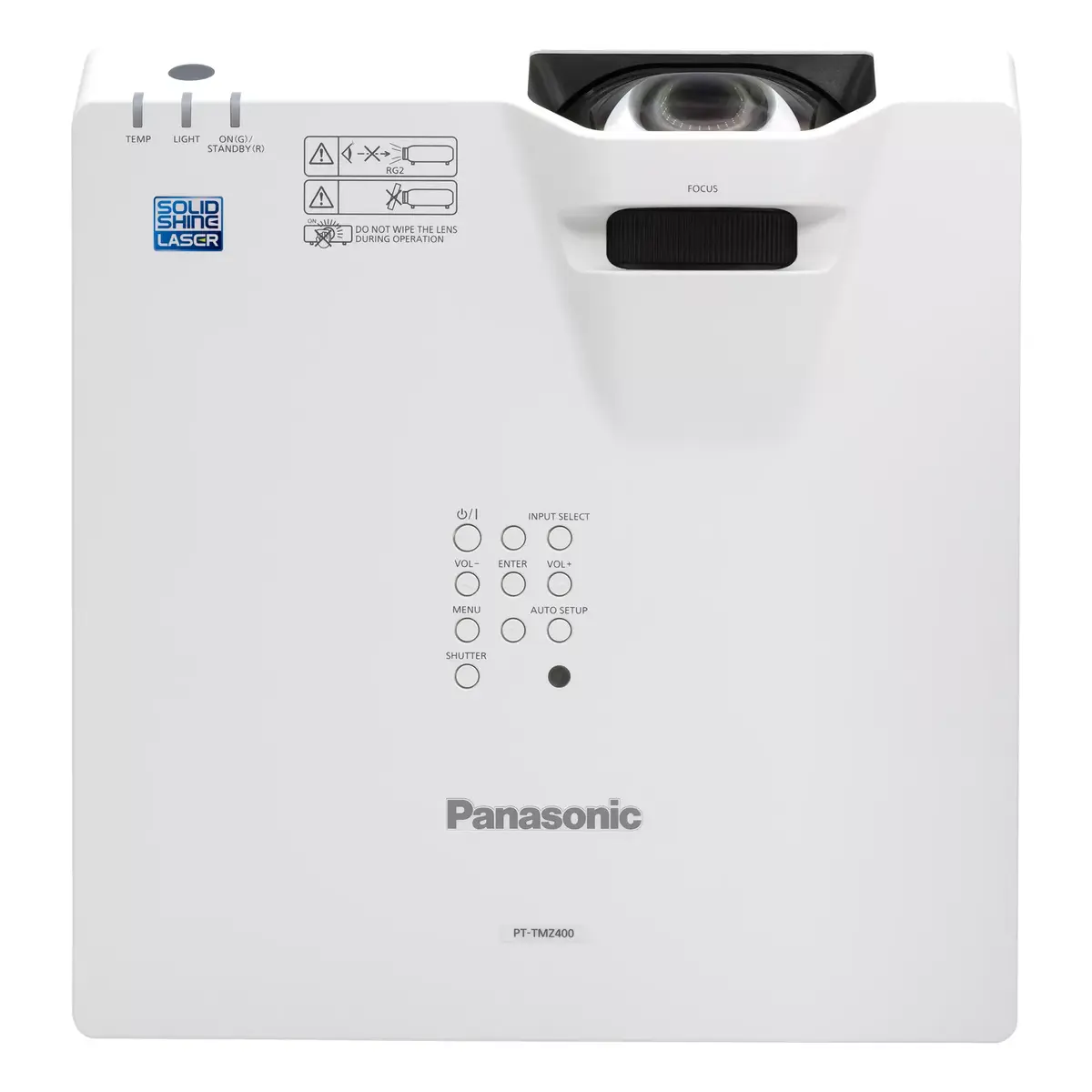
Place the PT-TMZ400 on a desktop or mount it to the ceiling using an appropriate short-throw mount; the unit is compatible with mounts used for the previous PT-TW381R series. Connect your video source with the supported input on the projector, power on the unit, and adjust the image size and focus using the projector controls. If the projector cannot be centered on the screen, use the Digital Zoom Extender’s digital image shift from the remote control to move the image up to 10% horizontally or vertically to align the picture with the screen.
For best image quality in bright rooms, keep ambient light controlled where possible (close blinds or reduce direct lighting on the screen). Clean or wash the ECO Filter periodically according to the user manual to maintain airflow and brightness, and use eco mode when lower fan noise and reduced power consumption are preferred.
{{highlightedFeature.featureTitle}}:
{{getProductFeatureValueById(product, highlightedFeature.featureId)}}
{{ productComparisonGenerationError }}