





Powerful EcoFlow stations for energy anywhere!
In cart {{totalProductsCount}} item(s)
Your cart is empty
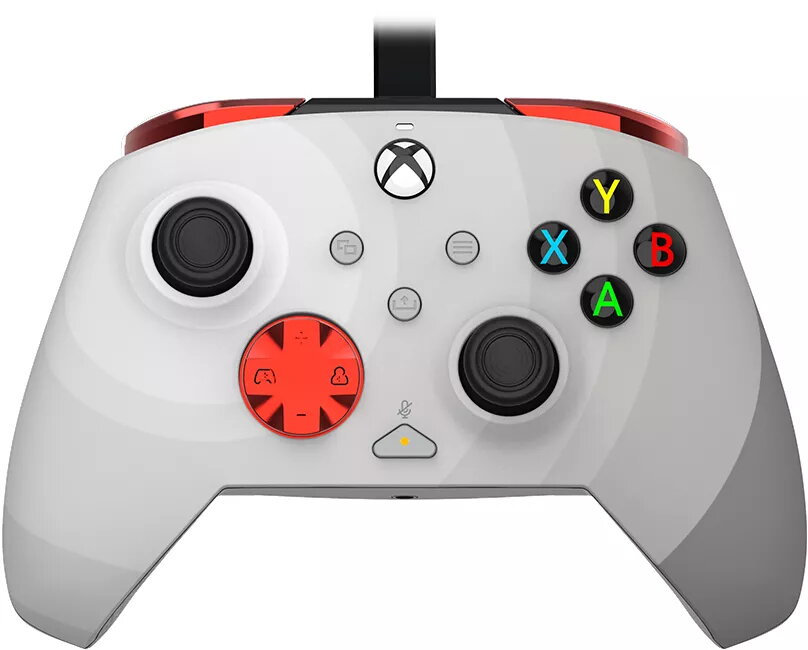
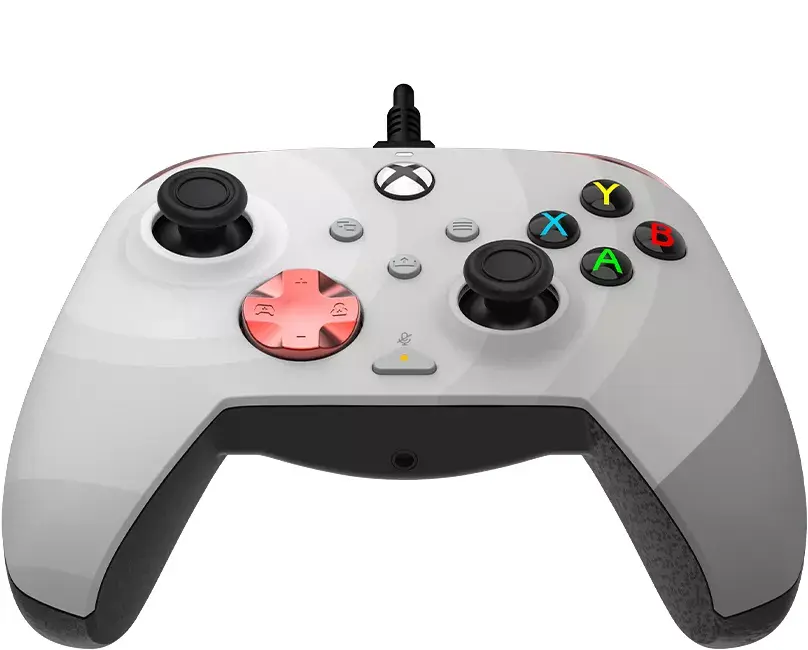
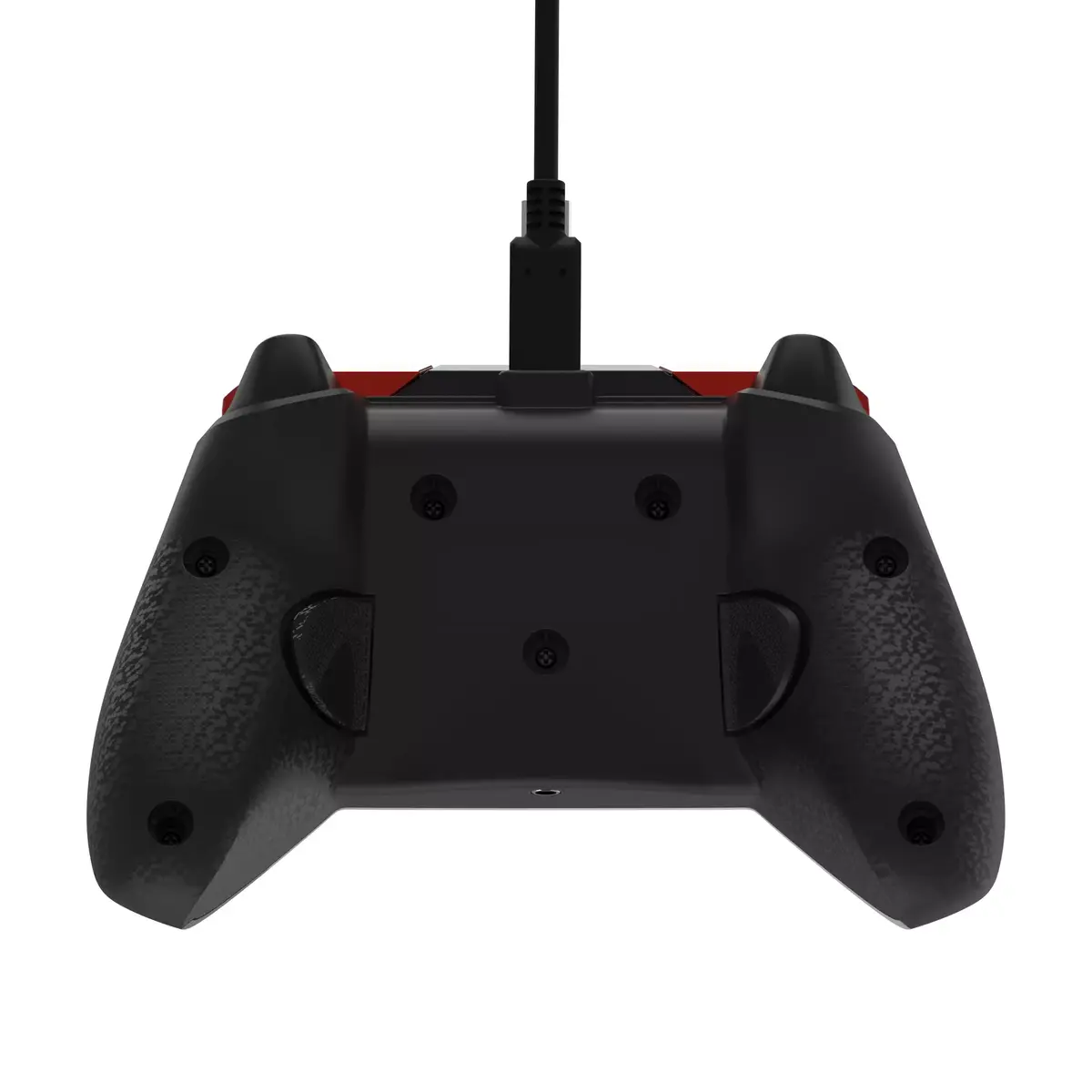
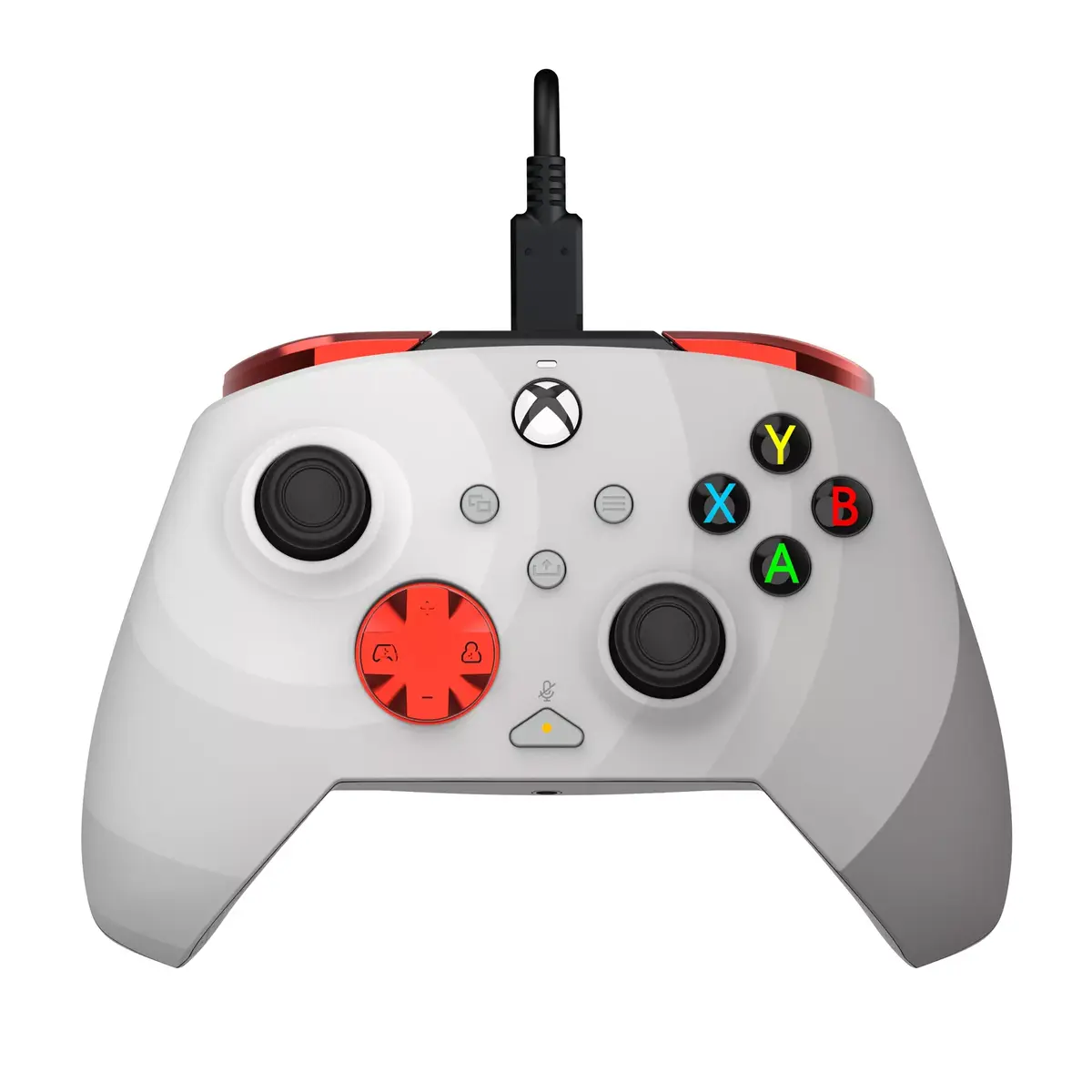
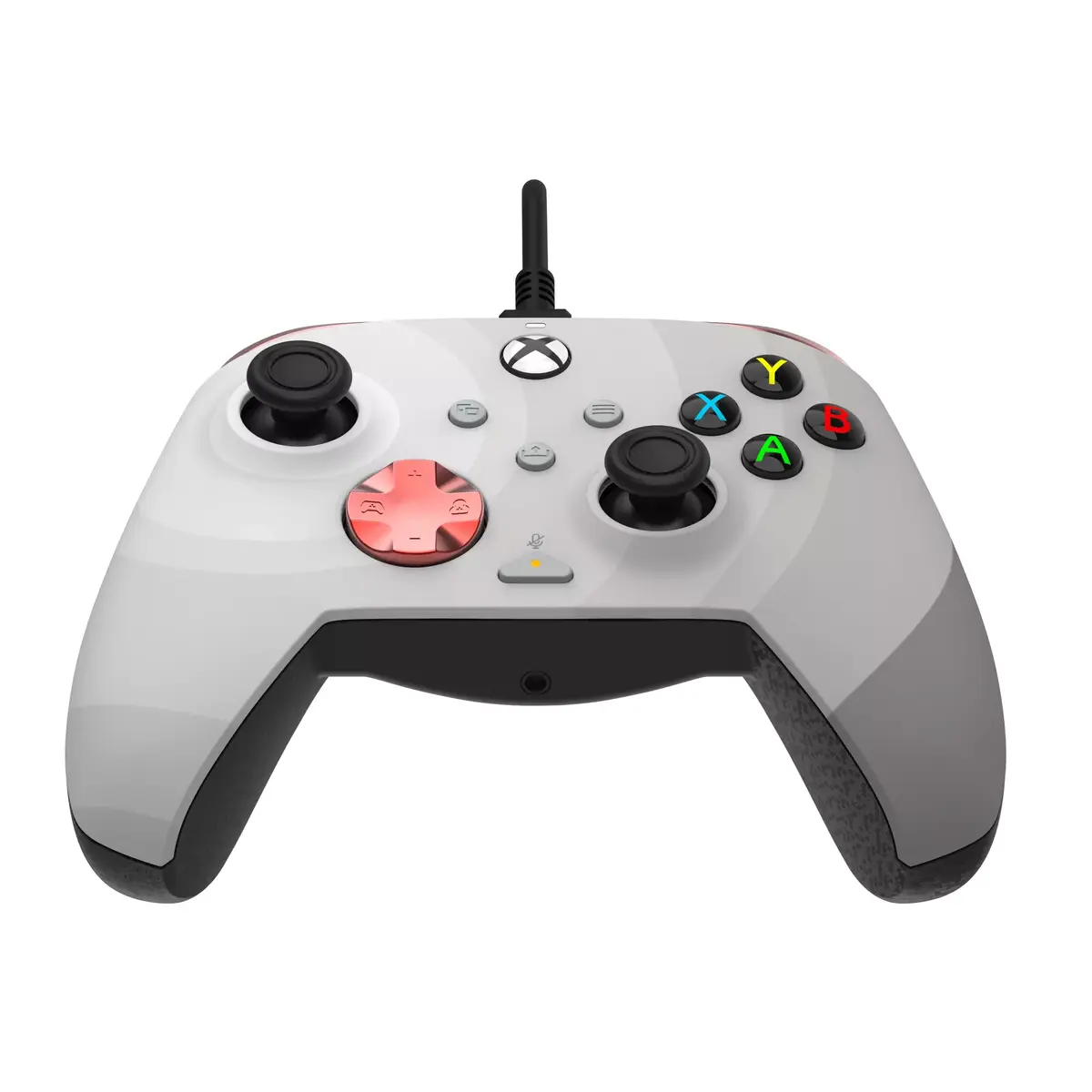
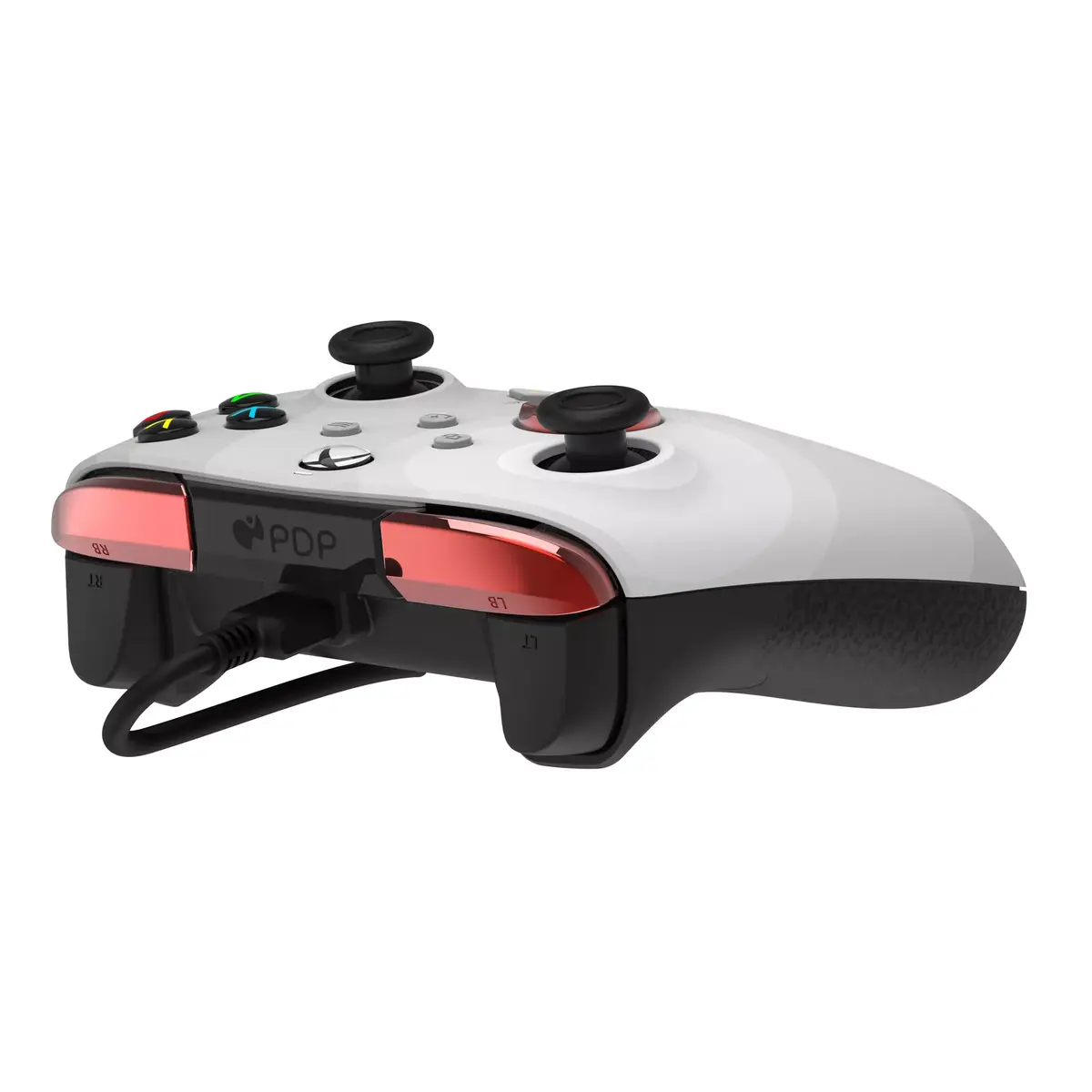
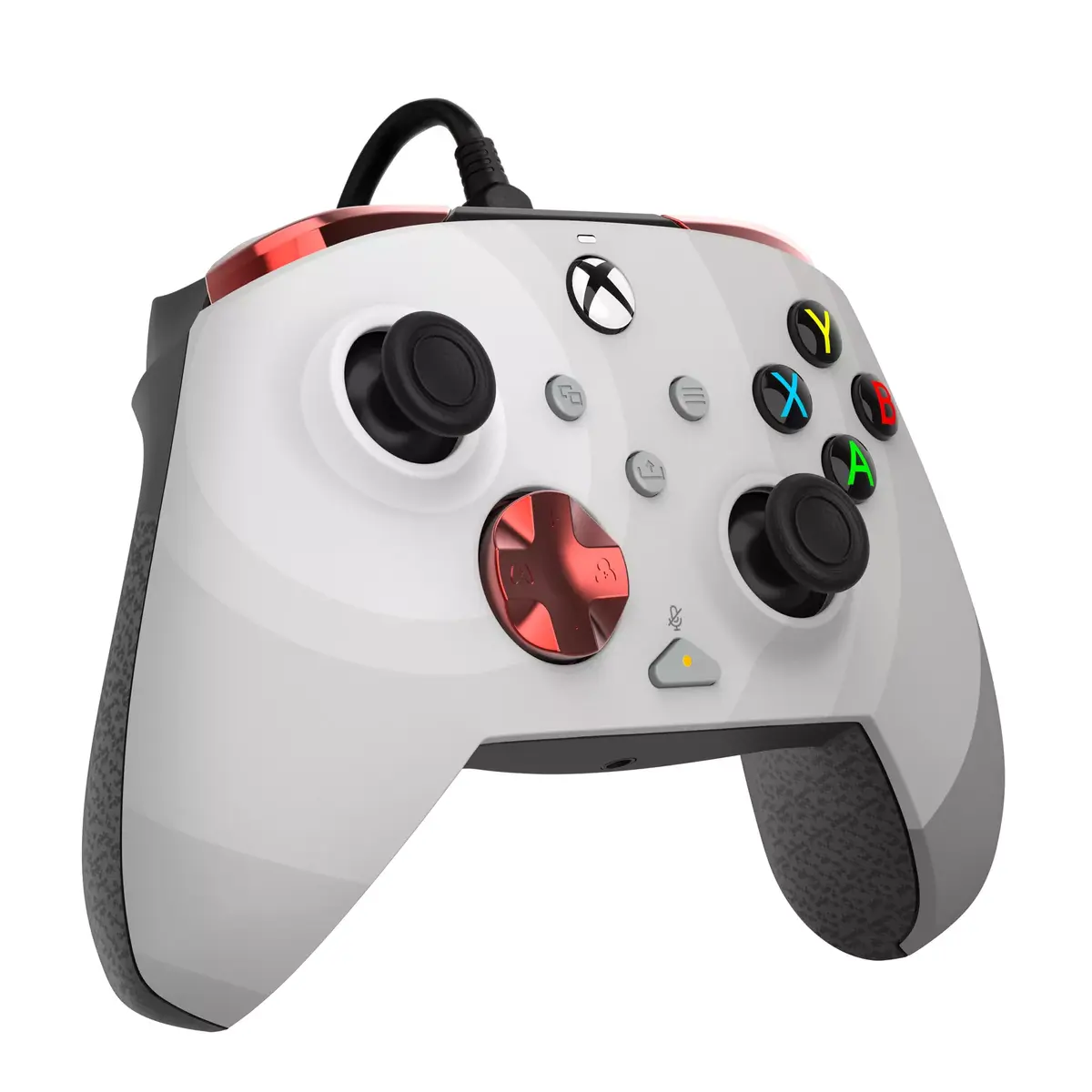
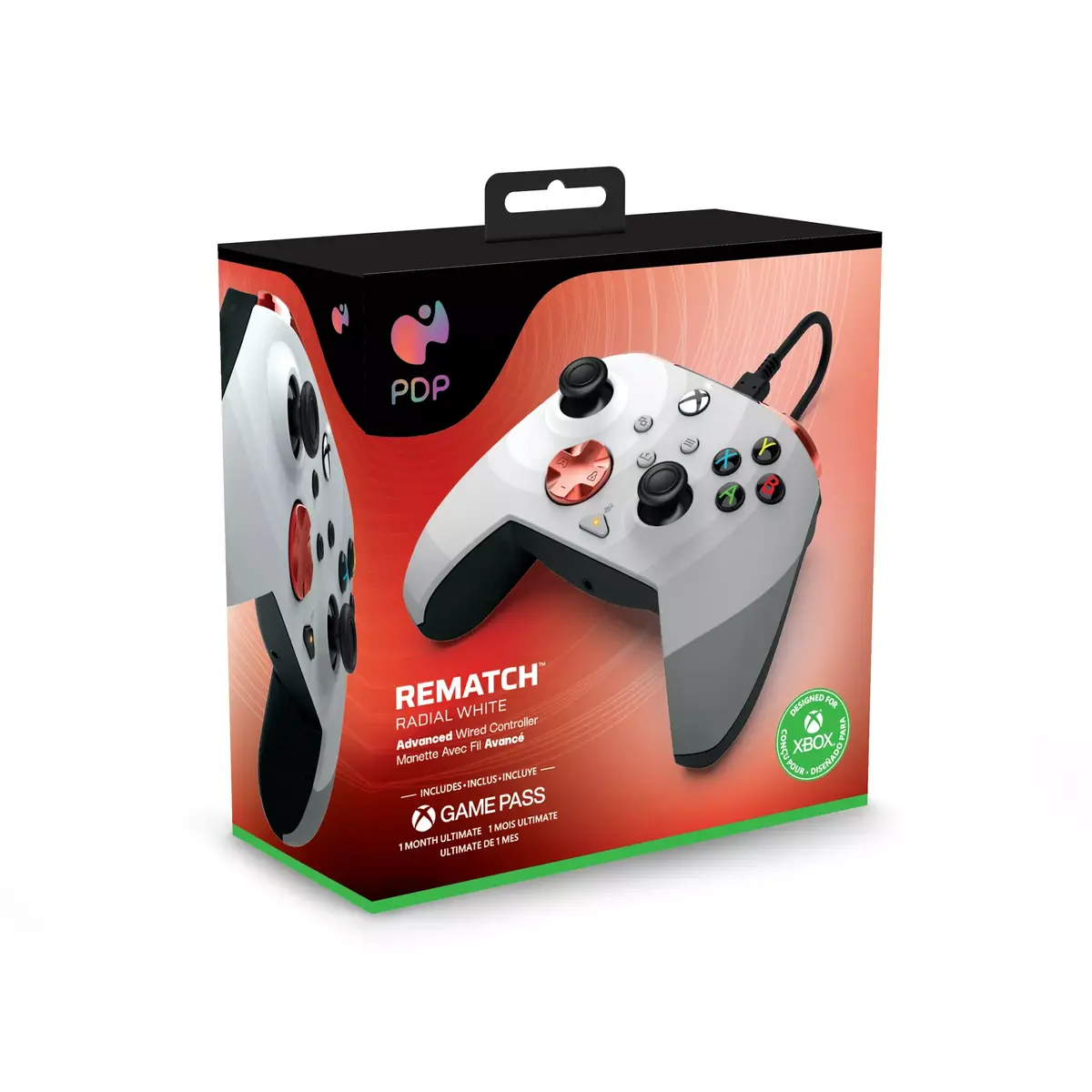
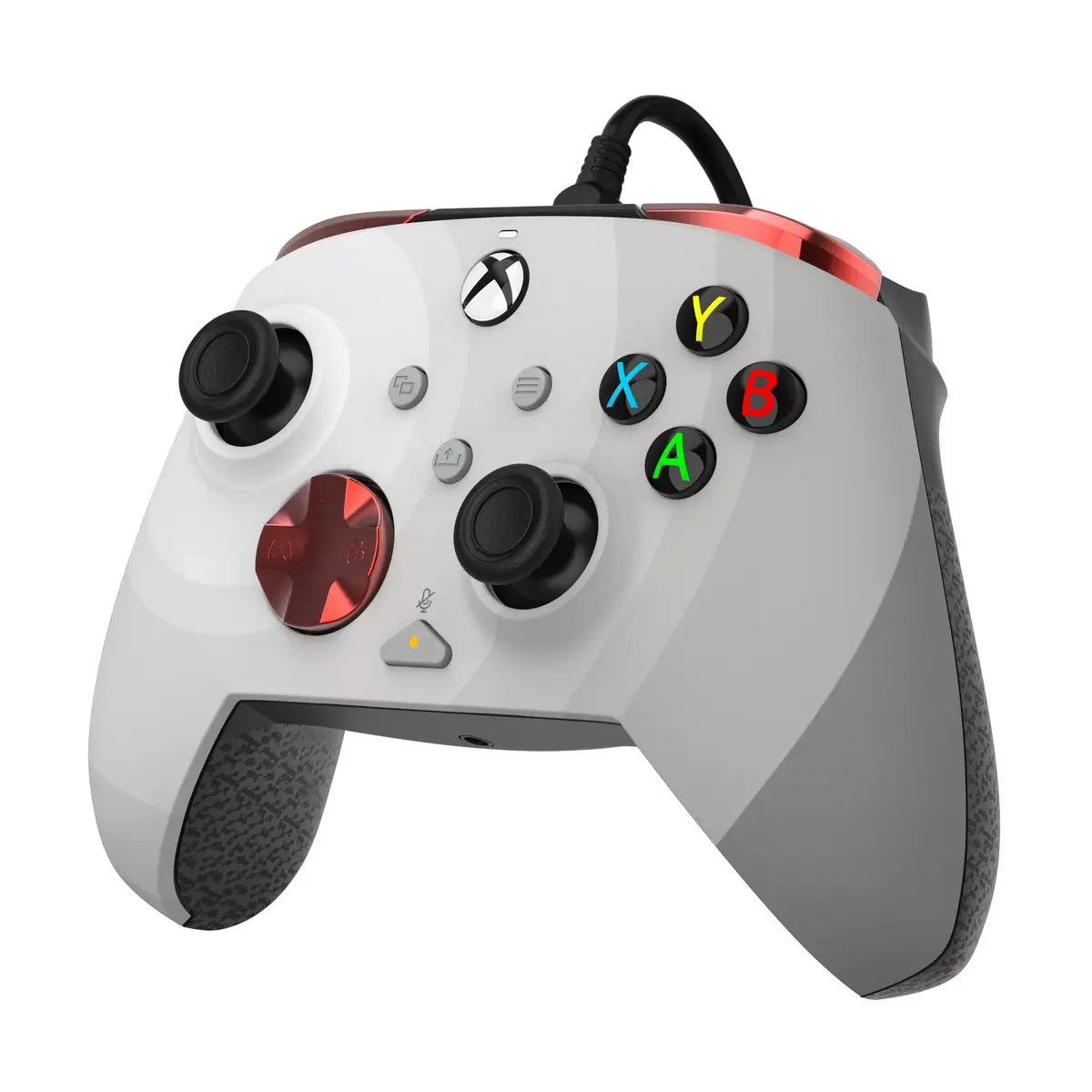
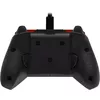
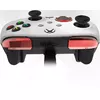
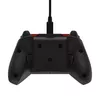
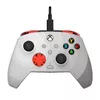
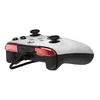
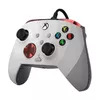
PDP Rematch Advanced Wired USB Gamepad for PC, Xbox One, Xbox Series S, and Xbox Series X in Black, Red, and White with Type-C Cable
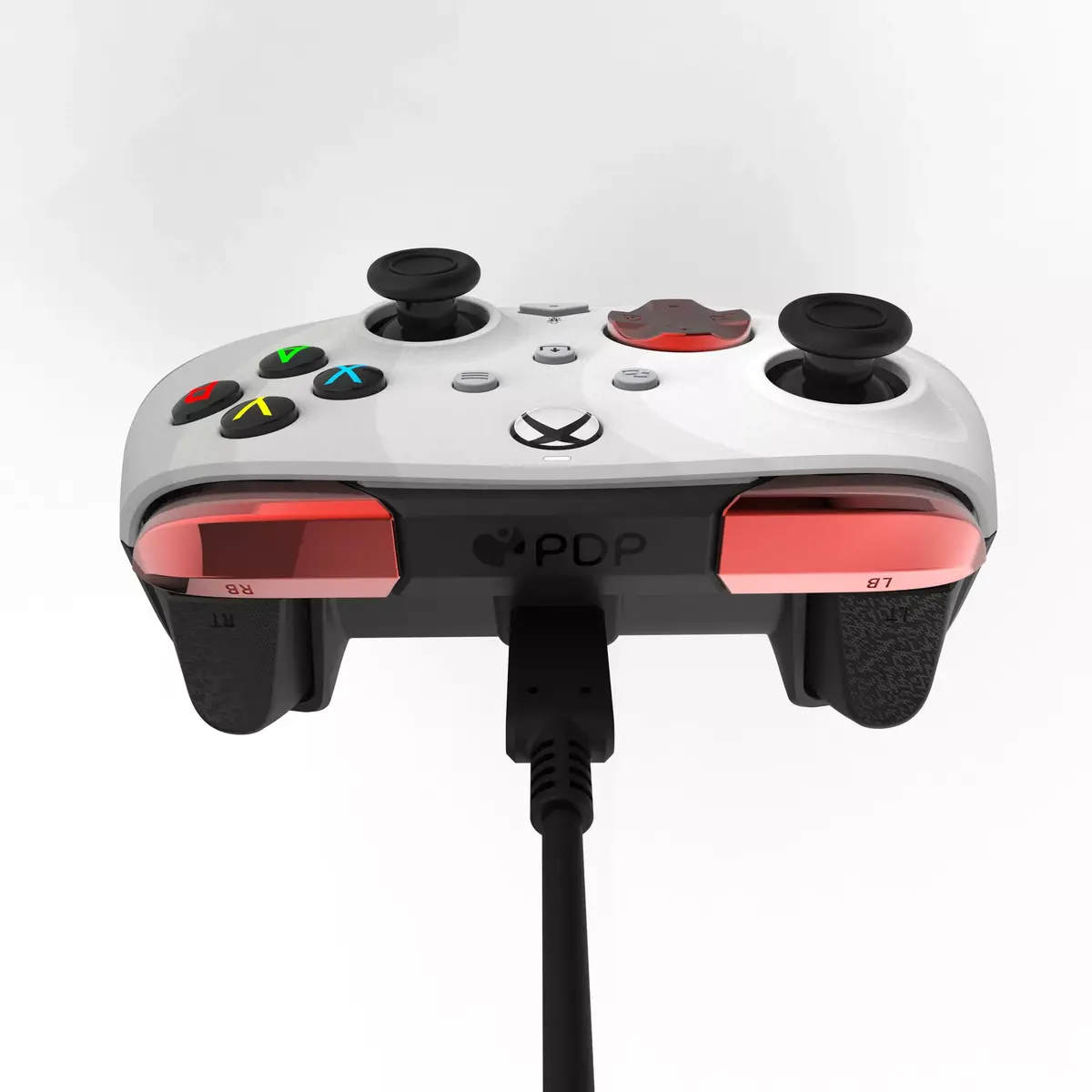
The PDP Rematch Advanced Wired USB Gamepad is designed for use with PC, Xbox One, Xbox Series S, and Xbox Series X gaming platforms. This officially licensed controller combines reliable wired connectivity with customizable features to support various gaming styles. It features a striking black, red, and white multi-color design, ergonomic textured surfaces, and a wired USB Type-C interface that ensures uninterrupted gameplay without battery concerns.
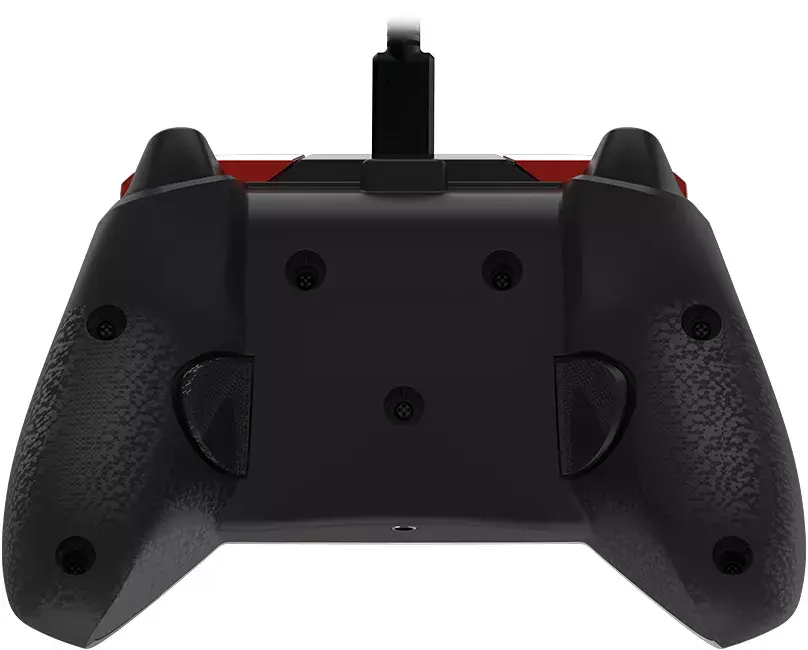
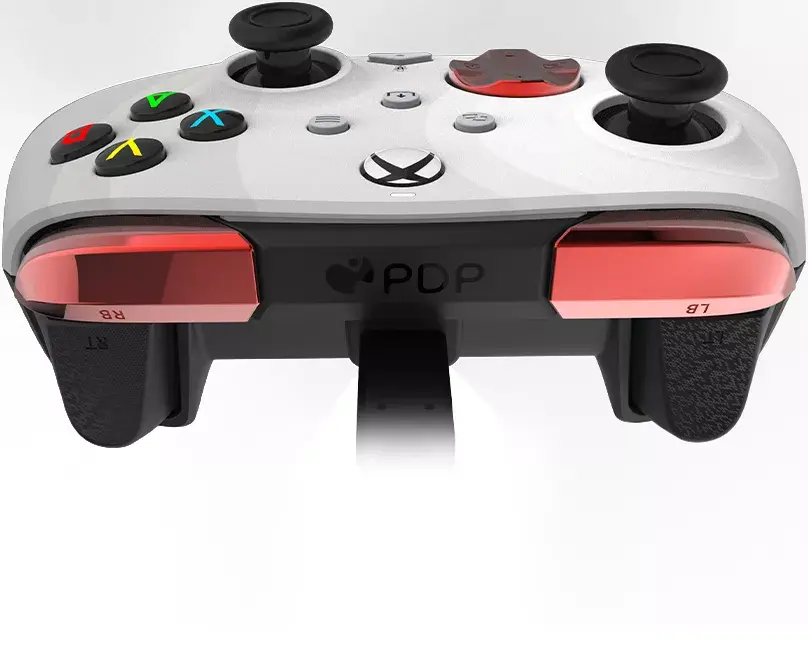
This wired gamepad offers dependable performance through a stable USB connection, eliminating input lag and the need for charging. The inclusion of programmable back buttons allows for quicker responses by mapping frequent actions, while built-in audio controls on the D-pad enable fast mid-game adjustments for volume and microphone muting. Textured grips, thumbsticks, and triggers improve comfort and accuracy during extended sessions. Compatibility with the free PDP Control Hub app enables advanced customization, including button remapping, trigger reconfiguration, and deadzone adjustments.
This controller may not be suitable for users who strictly prefer wireless freedom and do not want to manage a physical cable connection. Additionally, players who do not use Windows or Xbox platforms will need to look for alternative controllers designed for other operating systems.
Connect the included USB Type-C cable to the gamepad and plug the other end into an available USB port on your PC, Xbox One, Xbox Series S, or Xbox Series X console. The device will be recognized automatically for plug-and-play operation. To customize controller settings, download the free PDP Control Hub app on your PC or Xbox to re-map buttons, adjust trigger sensitivity, and update firmware. Use the integrated audio controls on the D-pad to adjust volume or mute your headset during gameplay.
For optimal performance and longevity, avoid tightly wrapping or bending the USB cable during storage. Regularly check for firmware updates using the PDP Control Hub app to maintain stable operation across your PC and Xbox platforms.
{{highlightedFeature.featureTitle}}:
{{getProductFeatureValueById(product, highlightedFeature.featureId)}}
{{ productComparisonGenerationError }}