
Powerful EcoFlow stations for energy anywhere!
In cart {{totalProductsCount}} item(s)
Your cart is empty
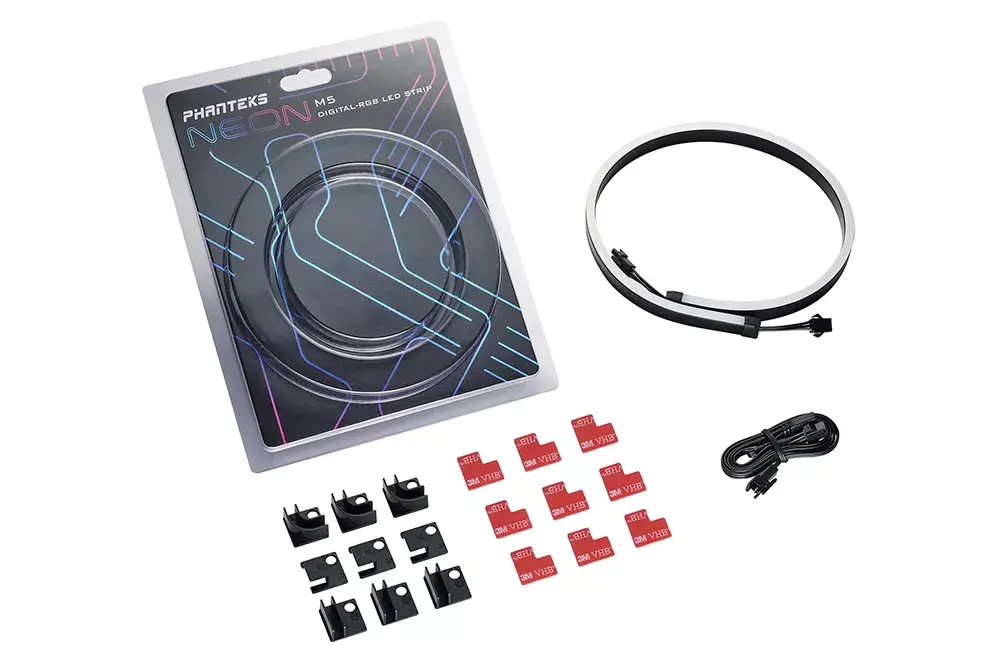
Phanteks Neon M5 Universal LED strip D-RGB +5V black
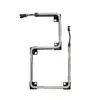
The Phanteks Neon M5 Universal LED strip D-RGB +5V black is designed to enhance your PC build with vibrant case illumination and smooth digital RGB effects. Measuring 550 mm in length, this addressable lighting strip provides flexible installation options for custom computer systems and gaming rigs, allowing you to highlight internal components, chassis interiors, or water cooling loops with a diffuse ray of light.
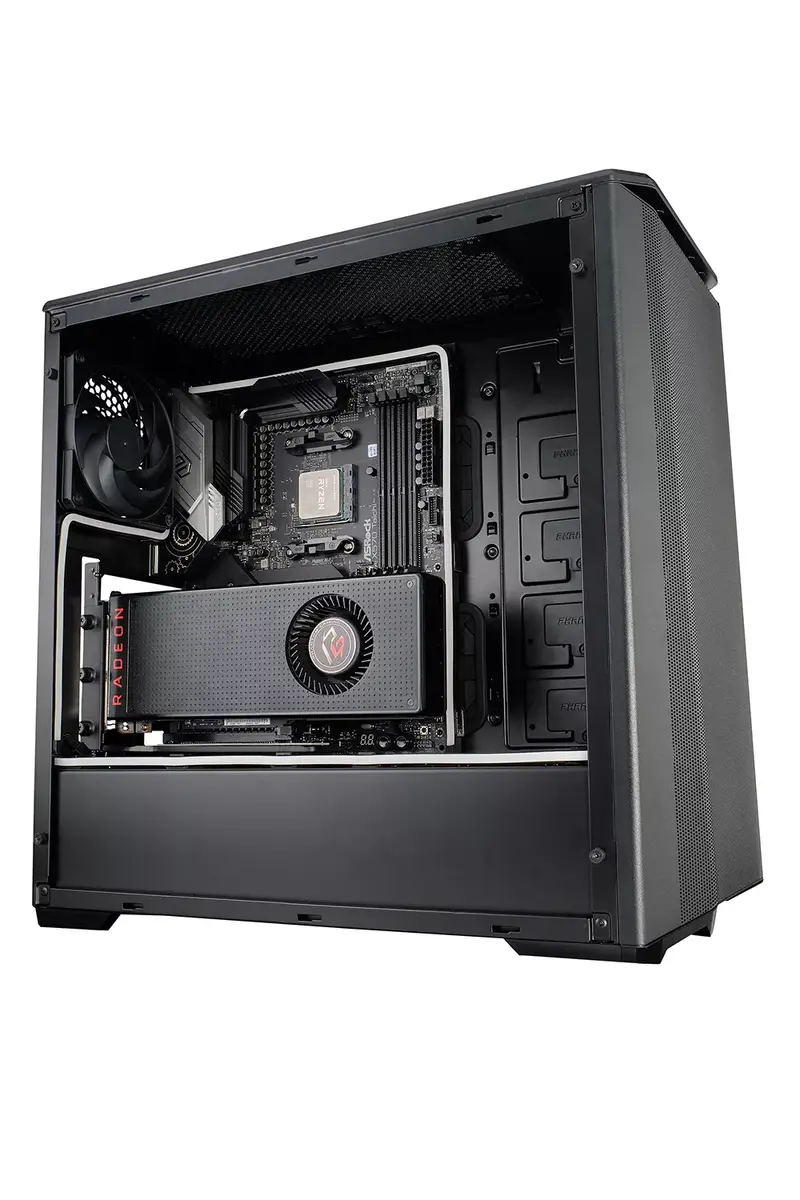
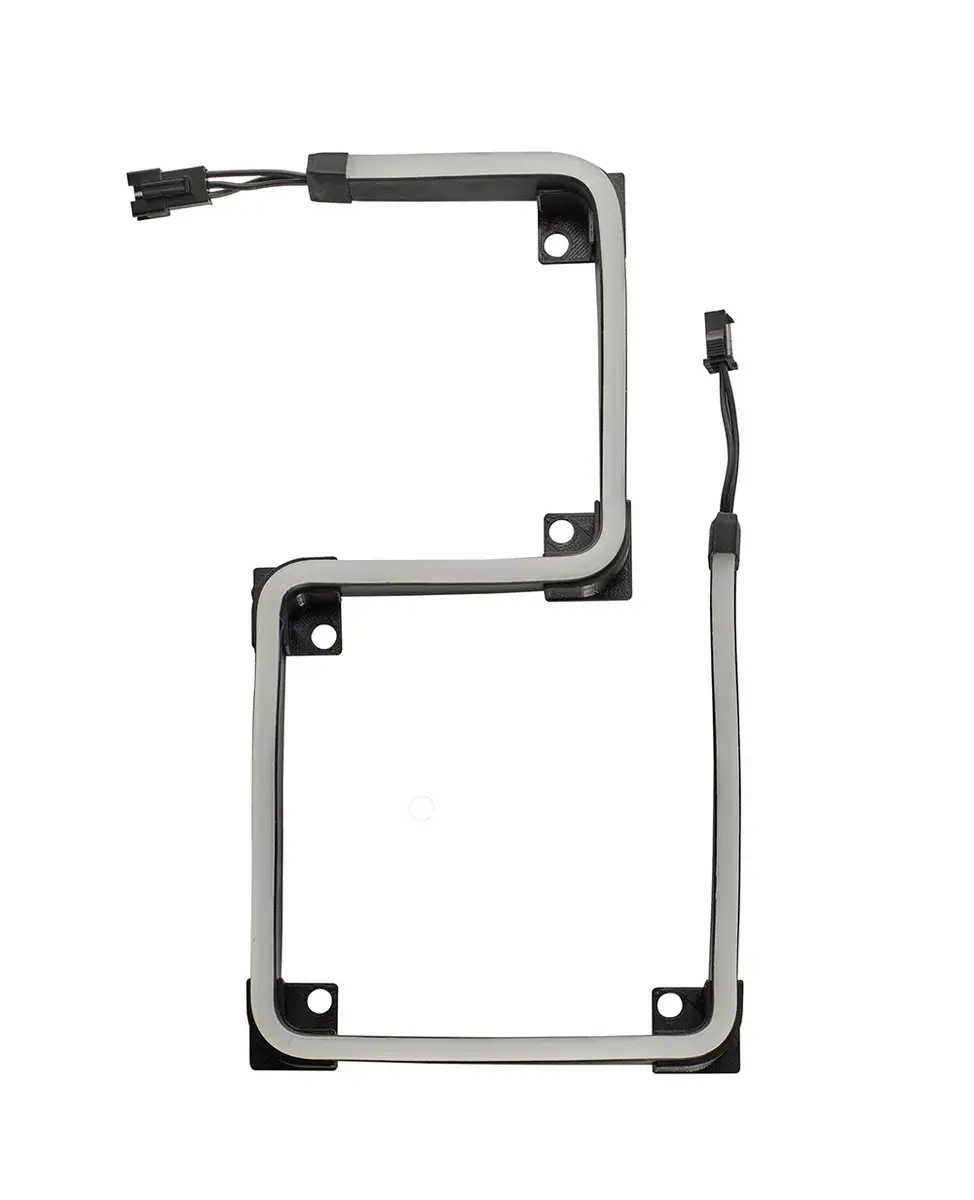
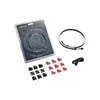
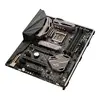
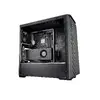
This universal D-RGB LED strip offers exceptionally smooth lighting effects thanks to its diffuse ray design, which eliminates harsh individual LED hotspots for a clean and professional look. Its 550 mm length is ideally proportioned to trace the contours of standard ATX motherboards, chassis interiors, or various hardware components. The included easy-to-use and secure mounting set provides multiple installation positions, giving you full control over which parts of your system to accentuate. Additionally, the standard +5V addressable connection ensures broad compatibility with modern digital RGB lighting controllers and motherboard software for synchronized visual aesthetics.
This LED strip may not be suitable for computer cases that lack standard +5V digital RGB headers or compatible lighting controllers, as it cannot be powered by older 12V RGB headers. It is also not designed for external room decoration or standalone lighting purposes outside of a computer chassis environment.
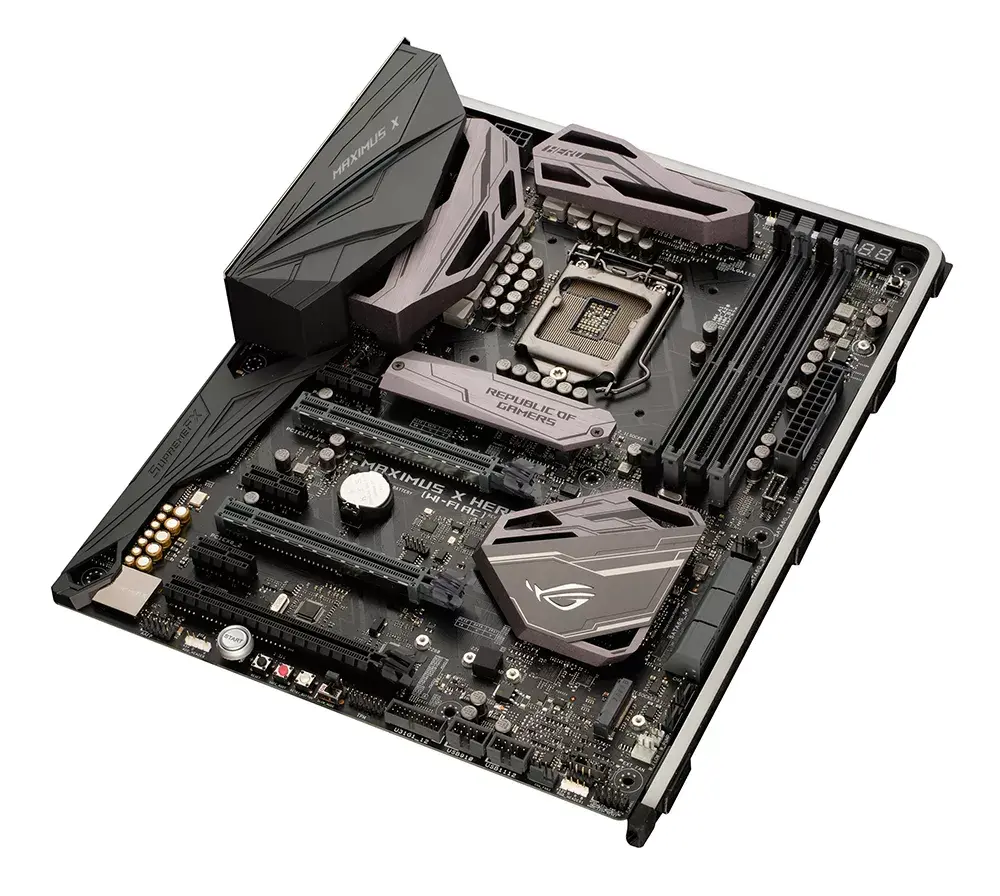
To install the lighting strip, first ensure your computer system is completely powered off and unplugged from the electrical outlet. Connect the +5V D-RGB cable from the strip to a compatible 3-pin addressable RGB header on your motherboard or to an external digital RGB lighting controller. Plan the routing of the strip along the desired contours of your chassis, motherboard, or hardware components. Utilize the provided mounting hardware to secure the strip firmly in position, ensuring the diffuse side faces outward toward the components you wish to highlight. Once securely installed, close your computer case, reconnect power, and use your preferred motherboard software or controller to customize the lighting effects.
Usage recommendations: Handle the LED strip with care during installation to avoid damaging the internal wiring. Ensure that power is completely disconnected from the system before plugging or unplugging the lighting cable to prevent short circuits or damage to the addressable LEDs.
{{highlightedFeature.featureTitle}}:
{{getProductFeatureValueById(product, highlightedFeature.featureId)}}
{{ productComparisonGenerationError }}