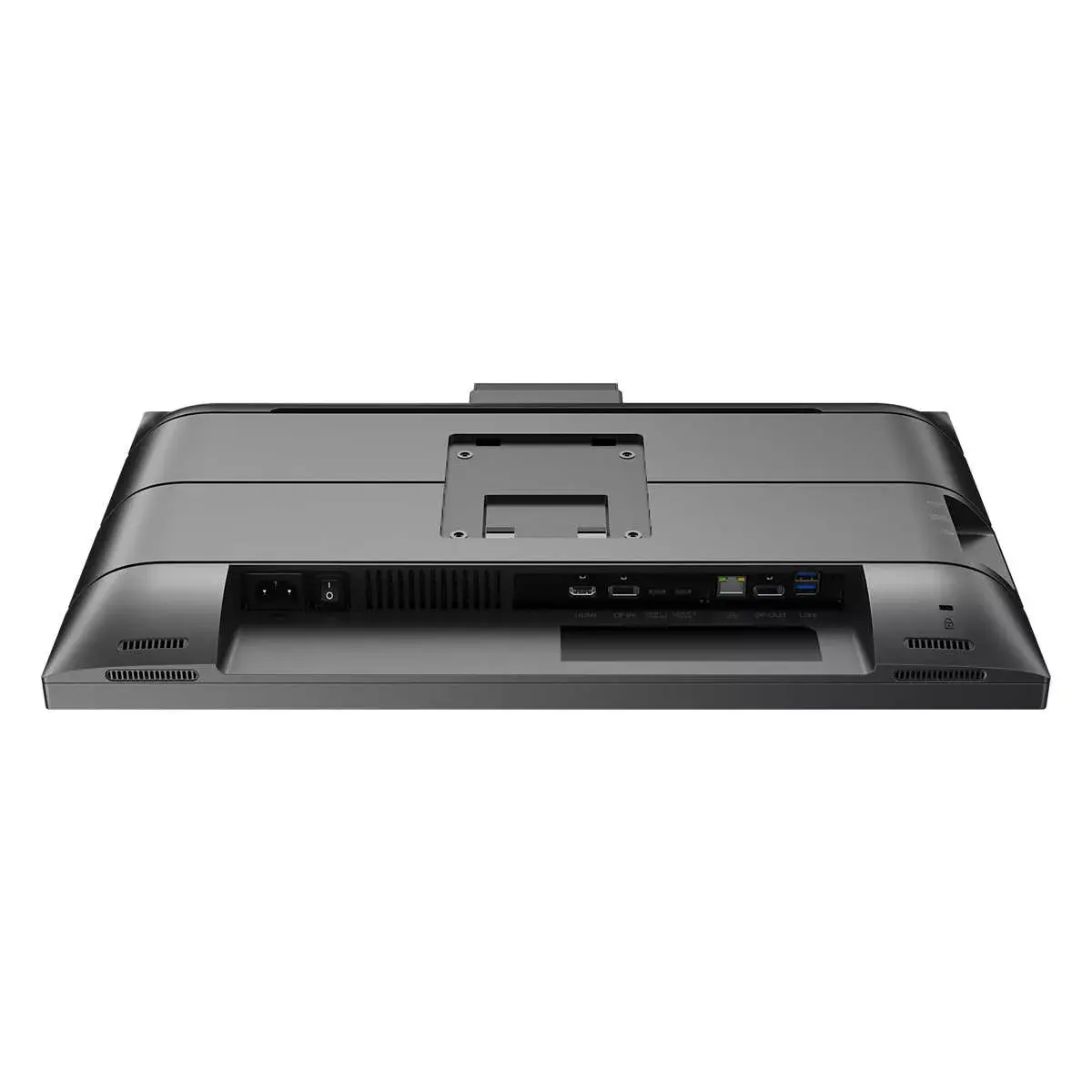
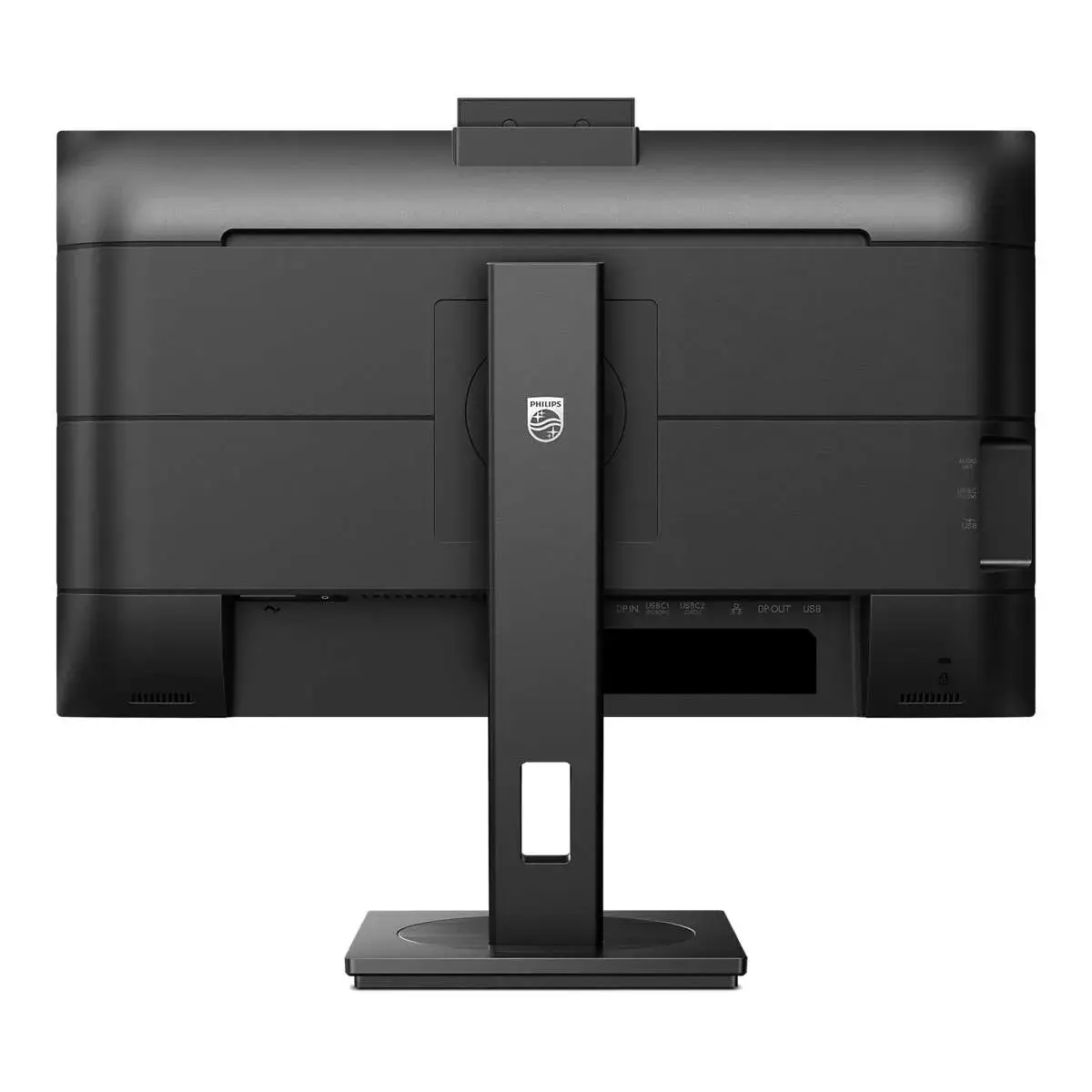
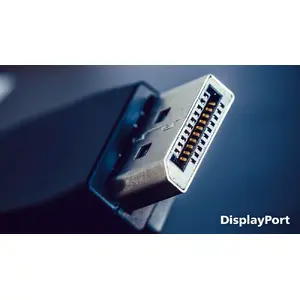
DisplayPort-out for connecting additional displays
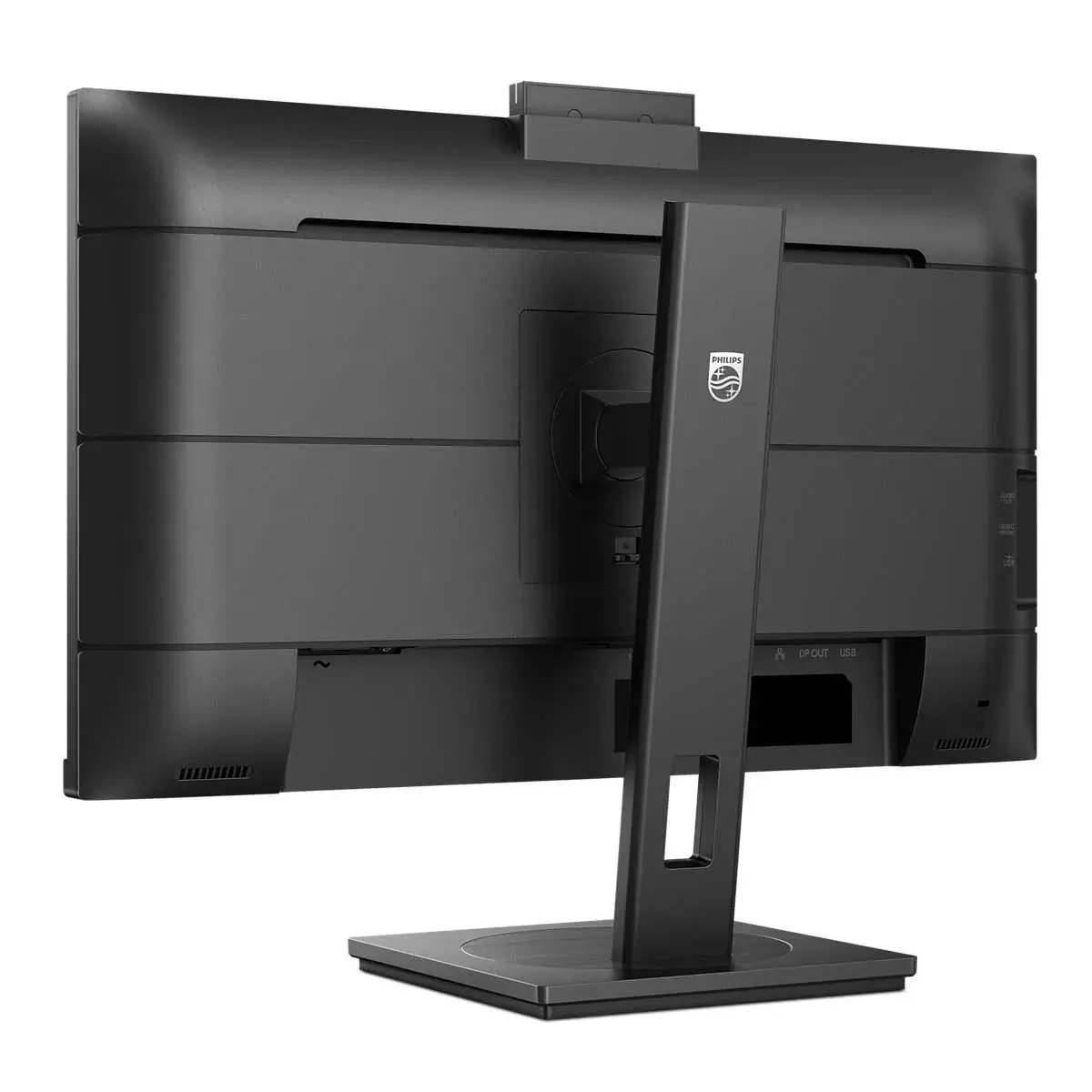
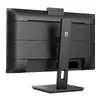
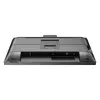
With DisplayPort-out you can connect multiple high-resolution displays with just one cable from your first display to the PC. The ability to daisy chain multiple displays enables you to maintain a clean desktop without the hassle of too many wires.
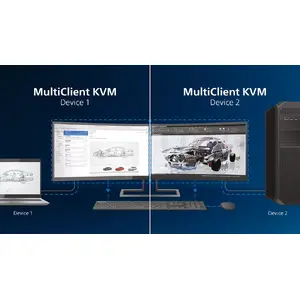
Built-in KVM switch to easily switch between sources
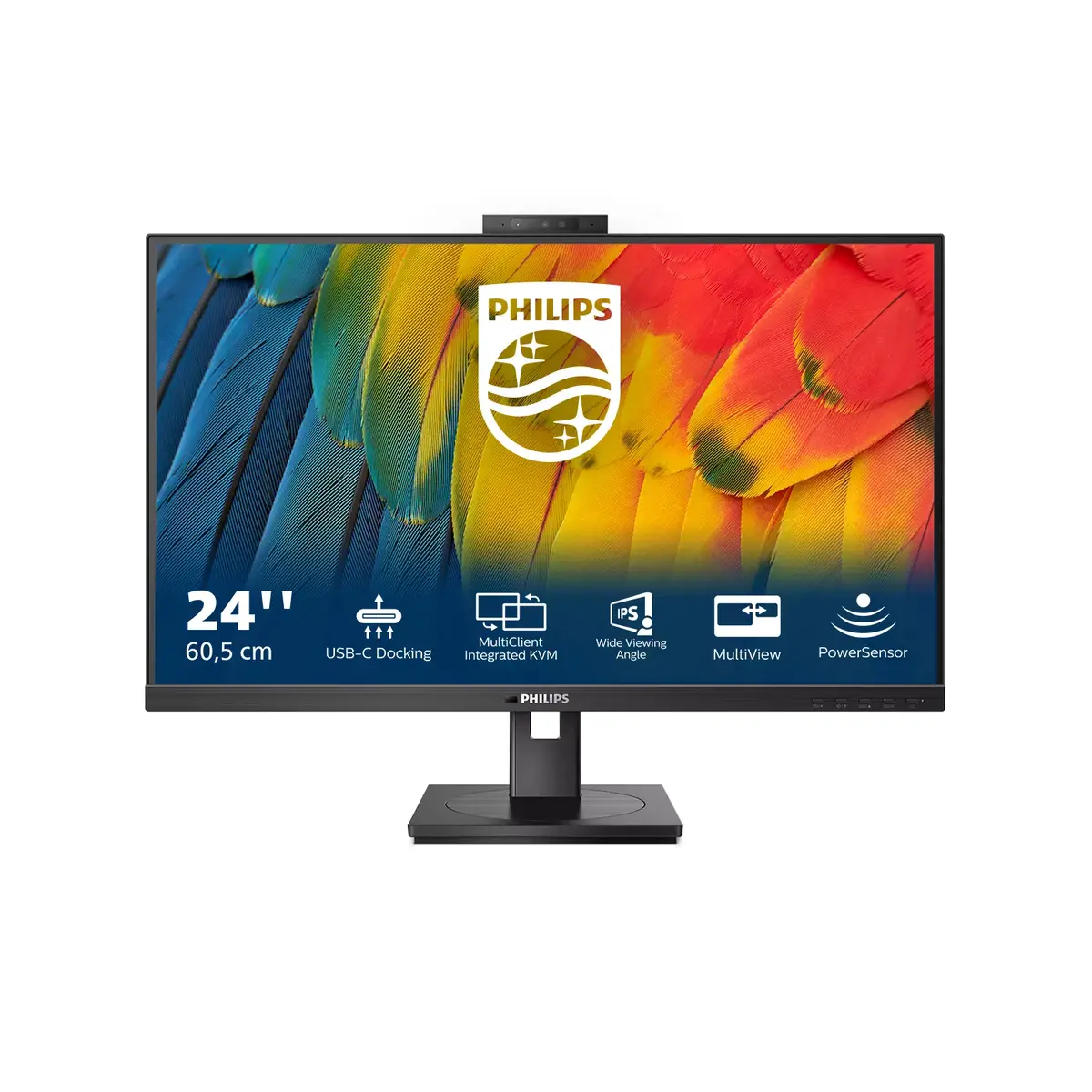
With the MultiClient Integrated KVM switch, you can control two separate PCs with one monitor-keyboard-mouse setup. A convenient button allows you to quickly switch between sources. Handy with setups that require dual PC computing power or sharing one large monitor to show two different PCs.
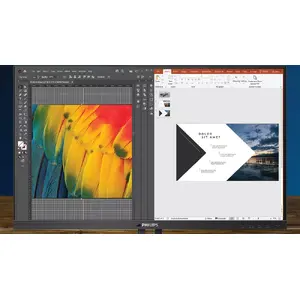
MultiView enables simultaneous dual connection and view
With the ultra-high resolution Philips MultiView display, you can now experience a world of connectivity. MultiView enables active dual connect and view so that you can work with multiple devices like a PC and notebook simultaneously, for complex multitasking.
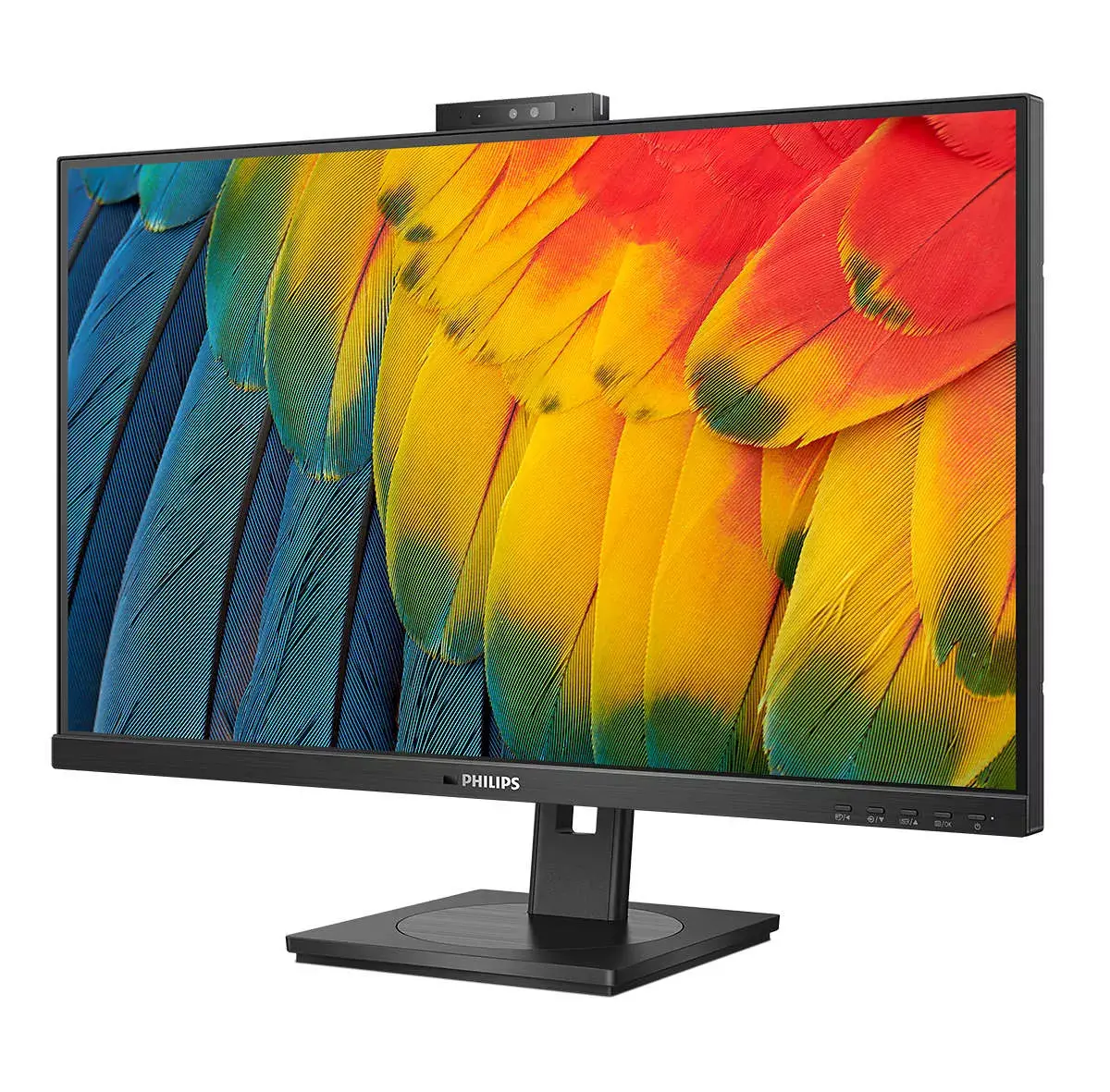
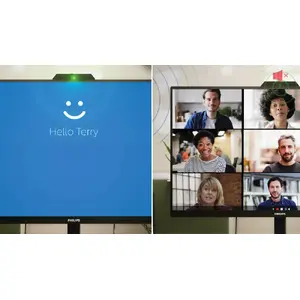
Collaboration-ready webcam with noise-cancelling mic.
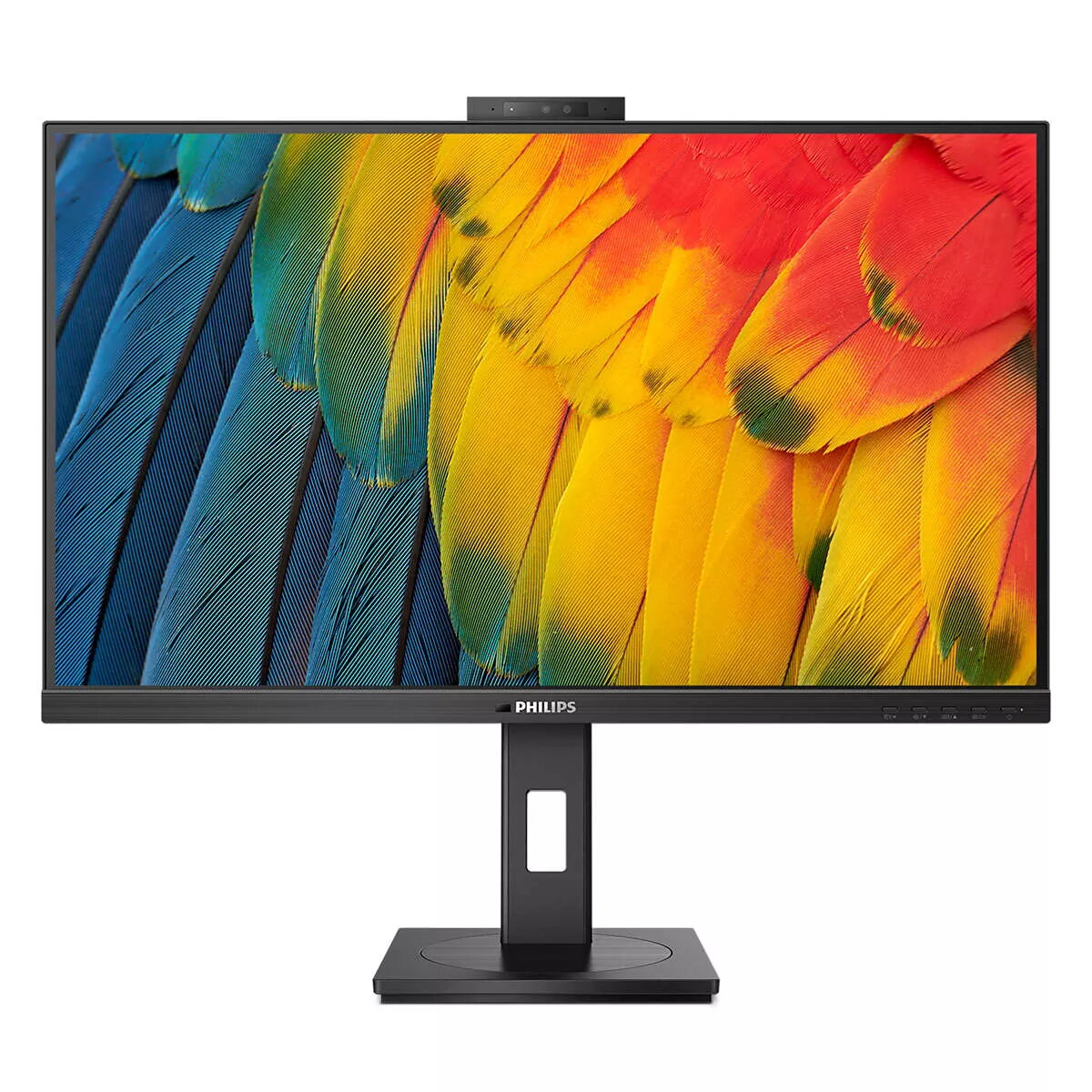
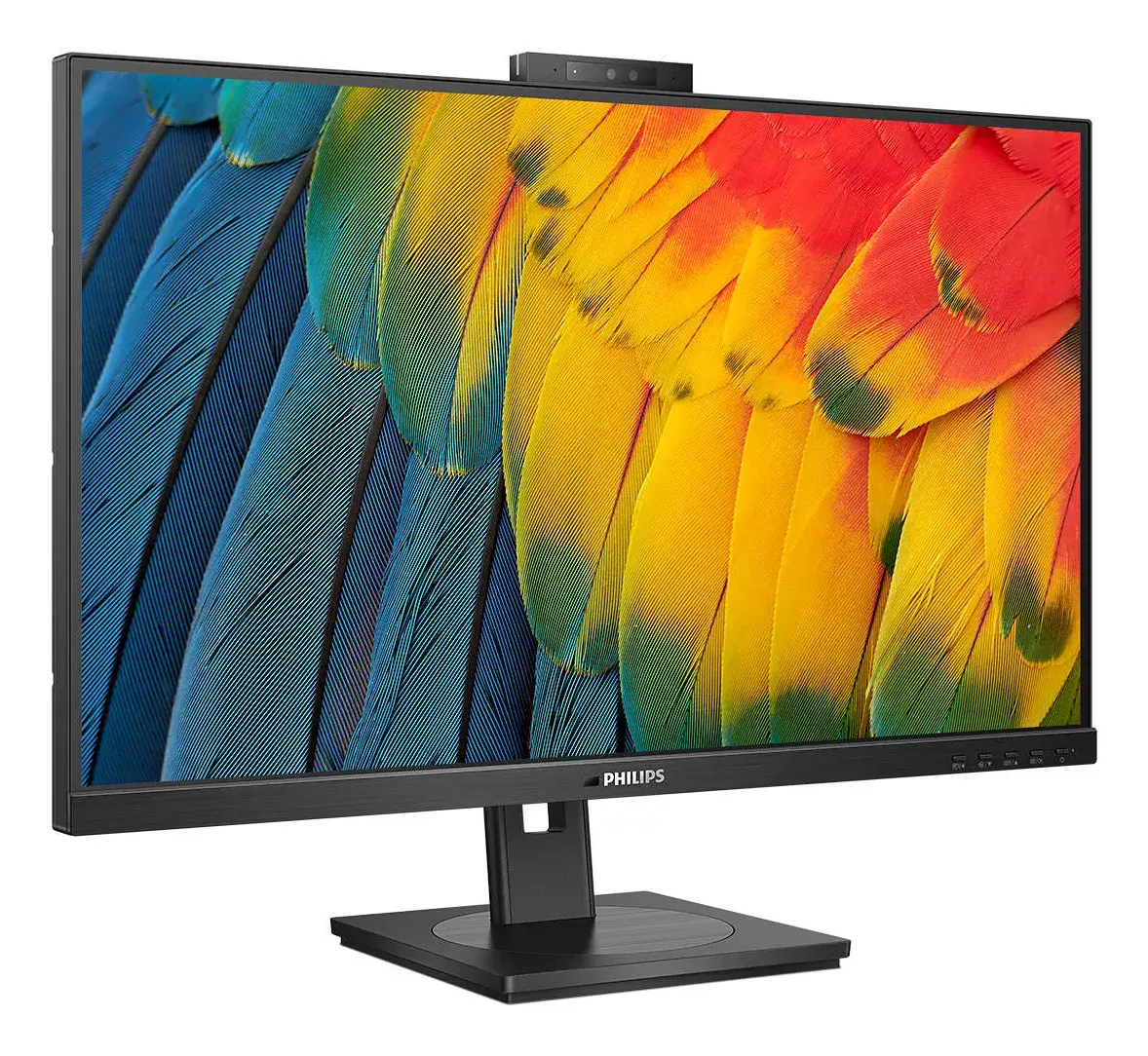
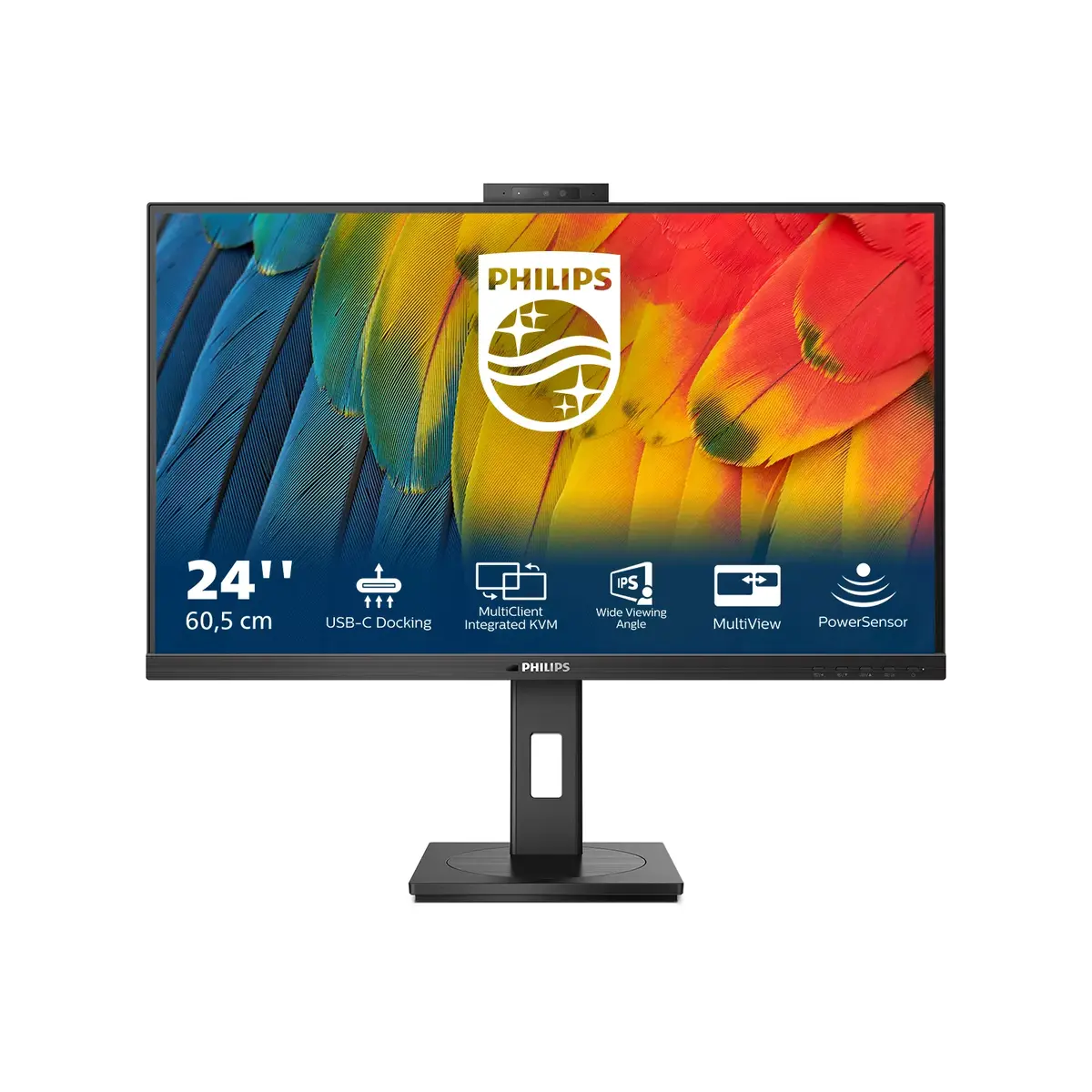
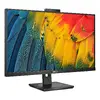
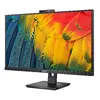
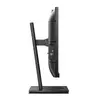
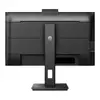
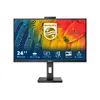
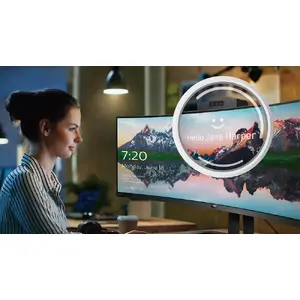
This Philips monitor comes with a built-in 5 MP webcam, noise-cancelling microphone and speakers, making it perfect for working from home and collaborating remotely. It is equipped with advanced sensors that work seamlessly with Windows Hello facial recognition, allowing you to log into your Windows devices in less than 2 seconds. For added privacy, a physical camera switch lets you disable the webcam when not in use. The noise-cancelling microphone and dual 5 watt integrated speakers ensure clear communication.
TUV Eye Comfort certified to reduce eye fatigue
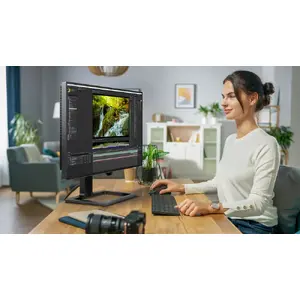
Philips displays meet TUV Rheinland Eye Comfort standard to prevent eye strain caused by prolonged computer use. With TUV Eye Comfort certification, Philips displays ensure flicker-free operation, low-blue mode, no disturbing reflections, a wide viewing angle, minimal loss of image quality from different angles and ergonomic stand designs for an ideal viewing experience. Keep your eyes healthy and boost work productivity.
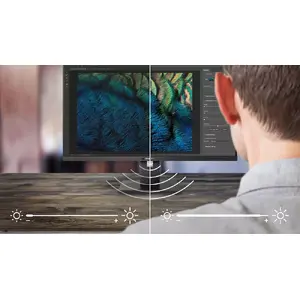
PowerSensor saves up to 75% energy costs
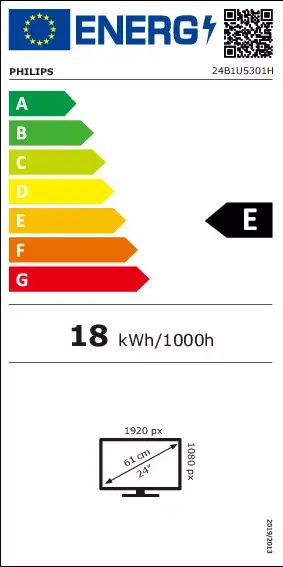
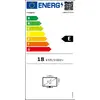
PowerSensor is a built-in "people sensor" that transmits and receives harmless infrared signals to determine if the user is present and automatically reduces monitor brightness when the user steps away from the desk, cutting energy costs by up to 75% and prolonging monitor life.
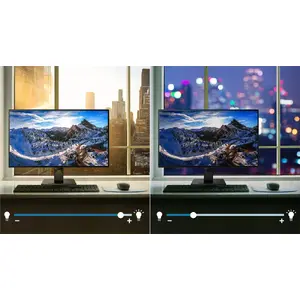
LightSensor for the perfect brightness with minimal power
LightSensor uses a smart sensor to adjust the picture brightness depending on the light conditions in the room for the best picture with minimal power usage.
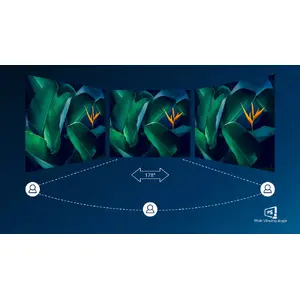
IPS technology for full colours and wide viewing angles
IPS displays use advanced technology that gives you extra-wide viewing angles of 178/178 degrees, making it possible to view the display from almost any angle — even in 90-degree Pivot mode. Unlike standard TN panels, IPS delivers remarkably crisp images with vivid colours, making it ideal for photos, films and web browsing, as well as professional applications that demand colour accuracy and consistent brightness.
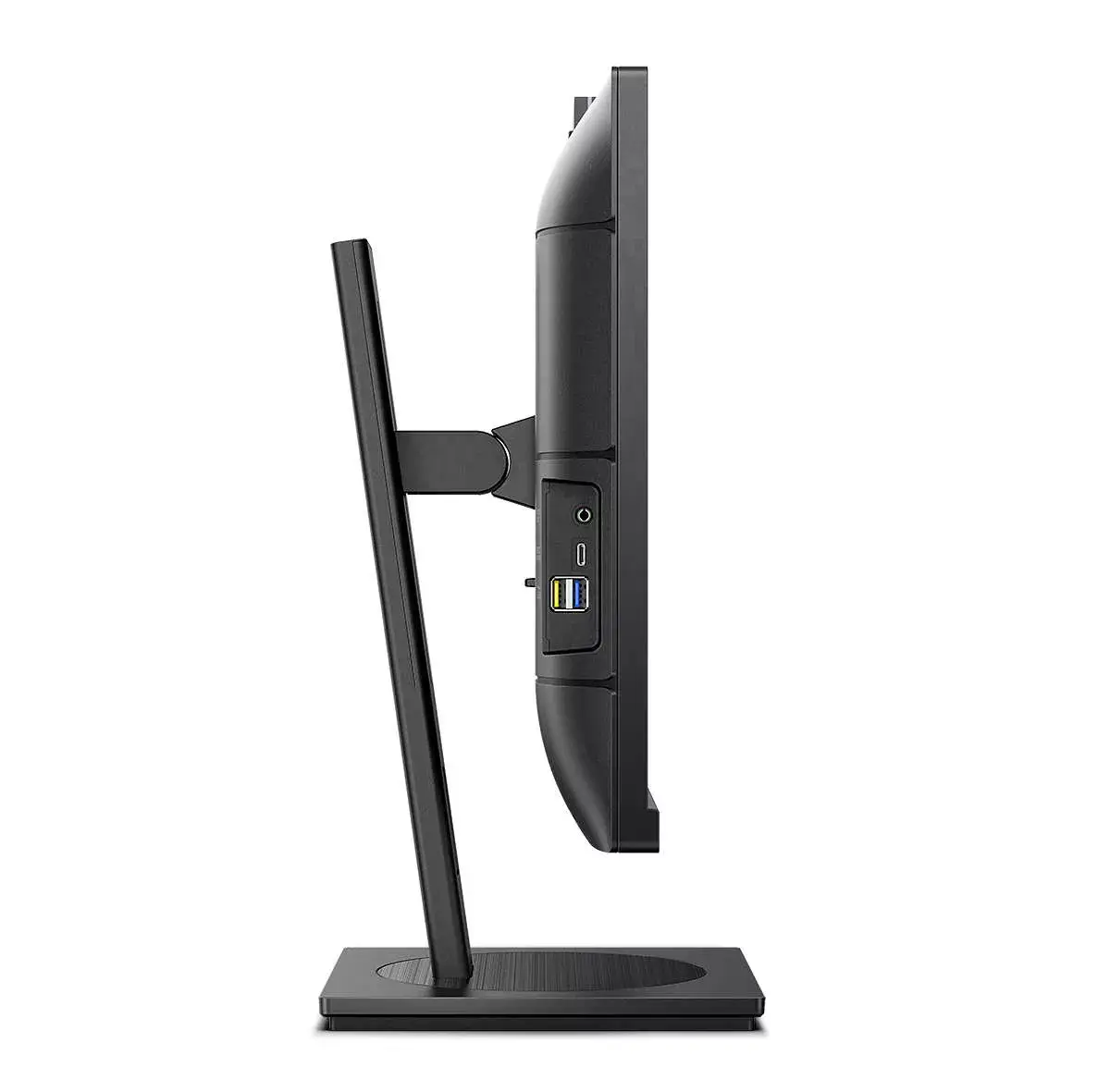
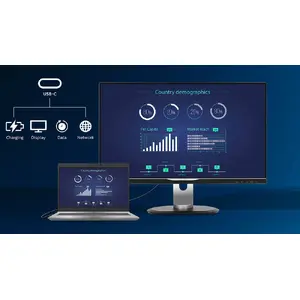
RJ-45 to USB-C gives easy network connection with security
Simplify all peripherals from monitor to PC using a one-cable USB Type-C docking connector, including networking, high-resolution video output from PC to monitor, and Internet access without an additional network cable, even if your notebook lacks a LAN port. RJ45 connection through USB-C offers a fast and secure connection when needed. Fast data speeds let you transfer data from an HDD to your PC faster than before. Additionally, USB-C with power delivery can power and charge your notebook from the monitor, eliminating extra power cables.
Secure sign-in with pop-up webcam
Philips' innovative and secure webcam pops up when you need it and securely tucks back into the monitor when not in use. The webcam is equipped with advanced sensors for Windows Hello facial recognition, which logs you into your Windows devices in less than 2 seconds, three times faster than a password.