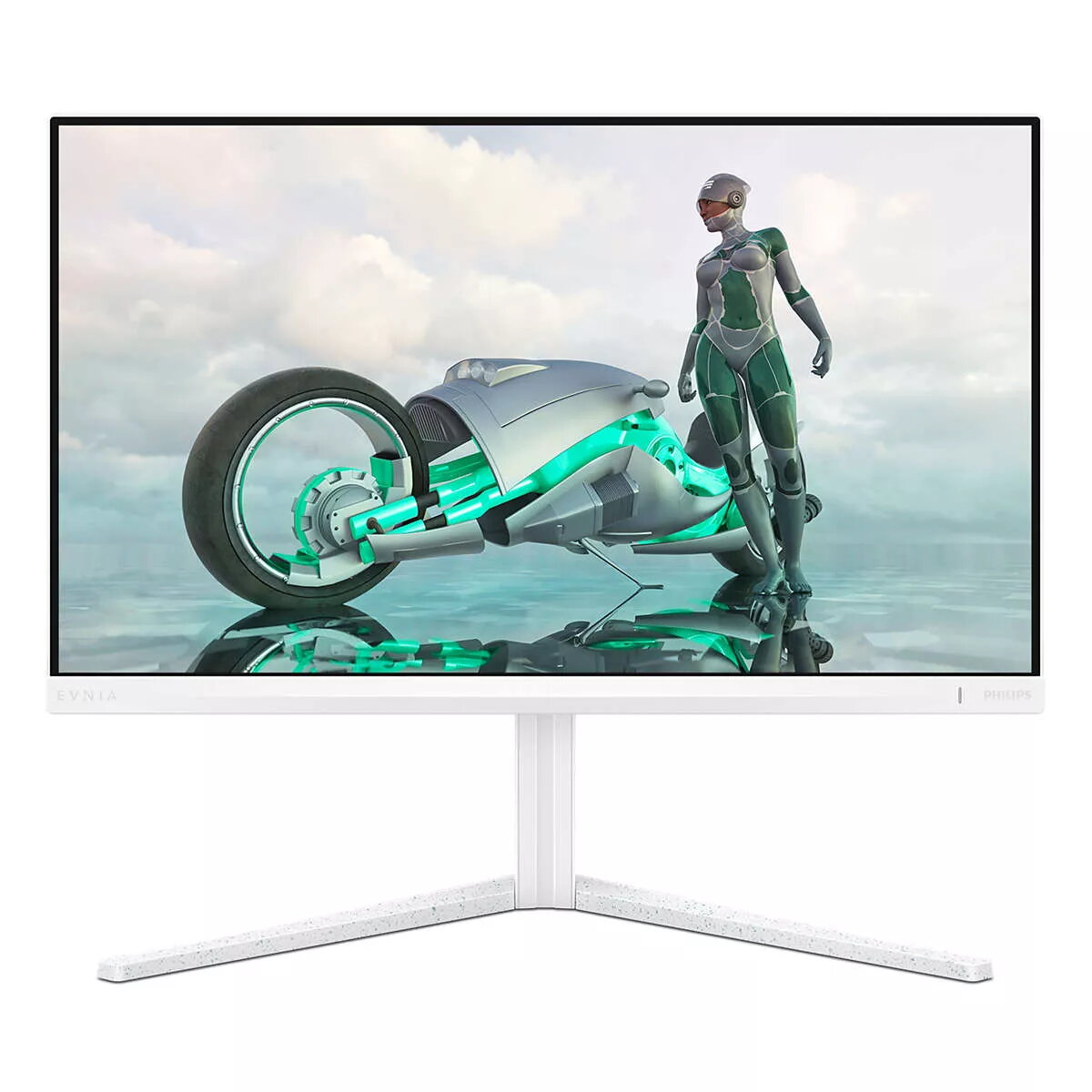
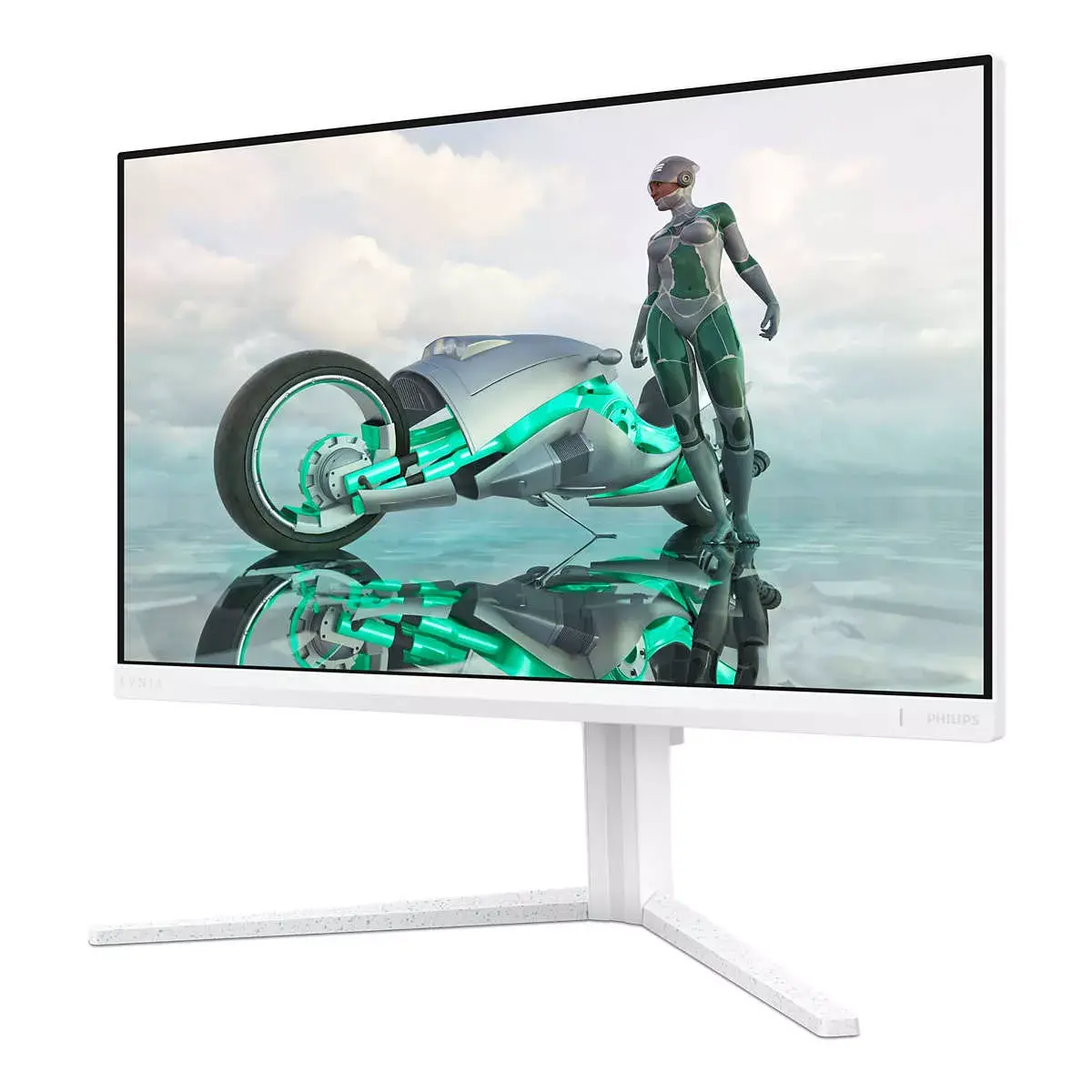
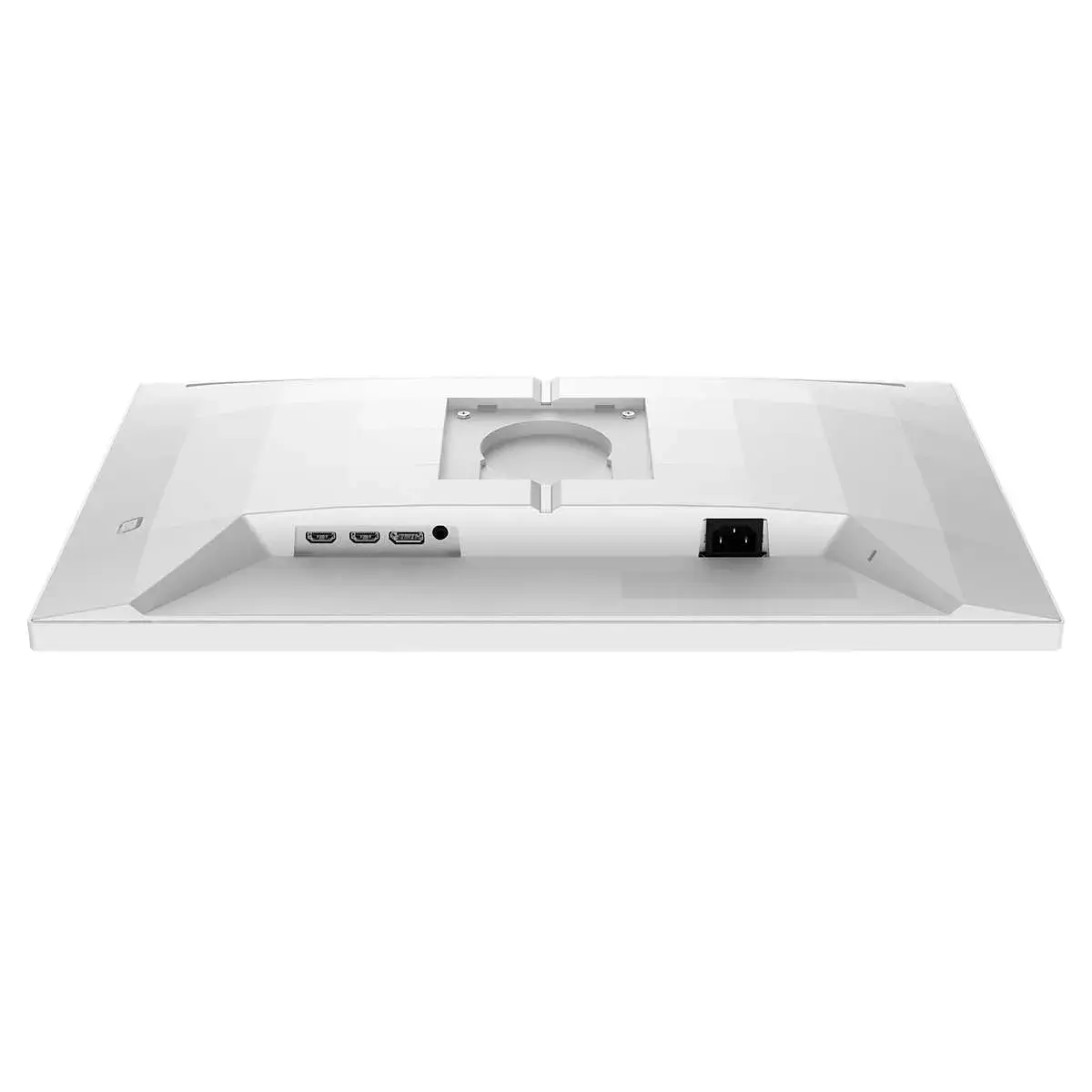
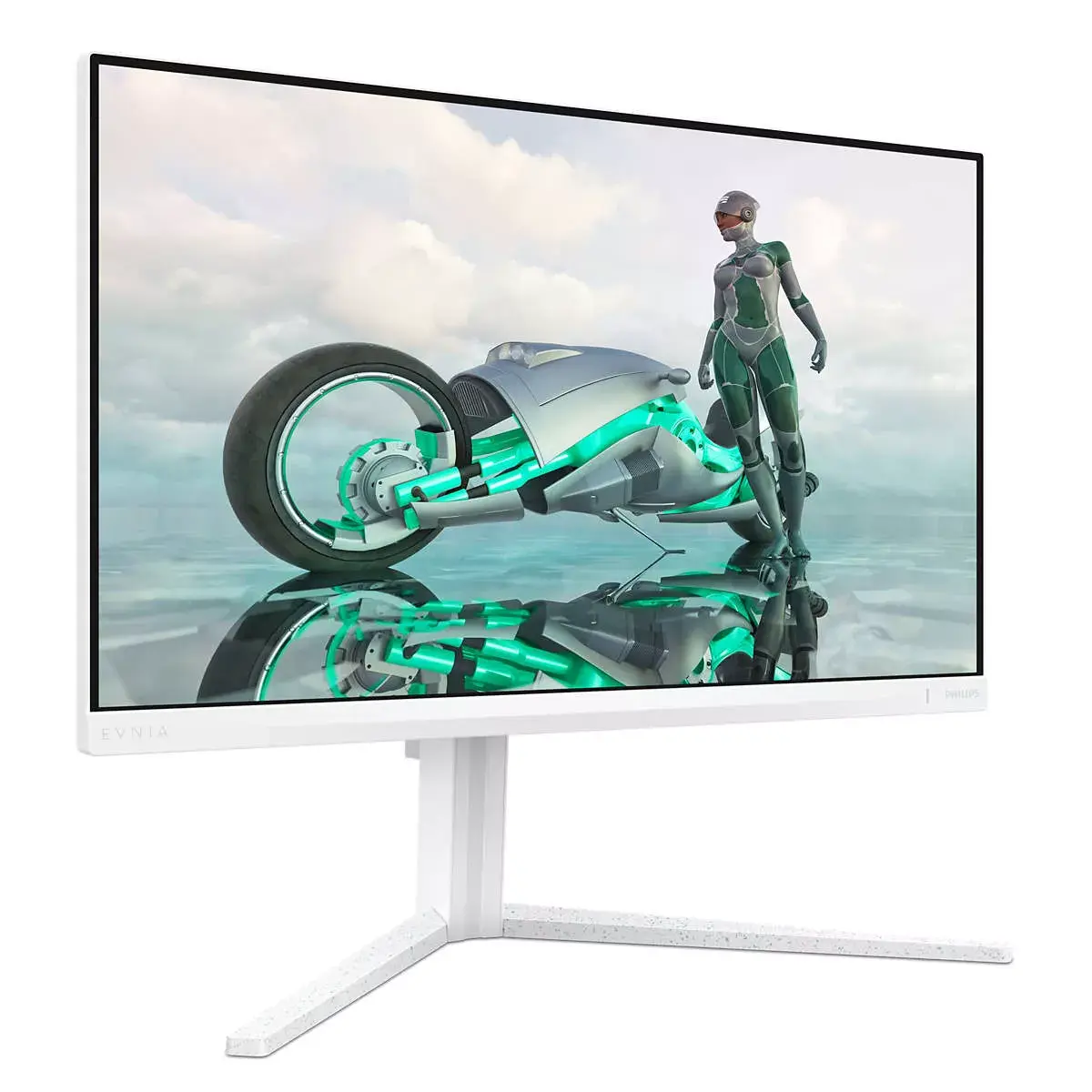
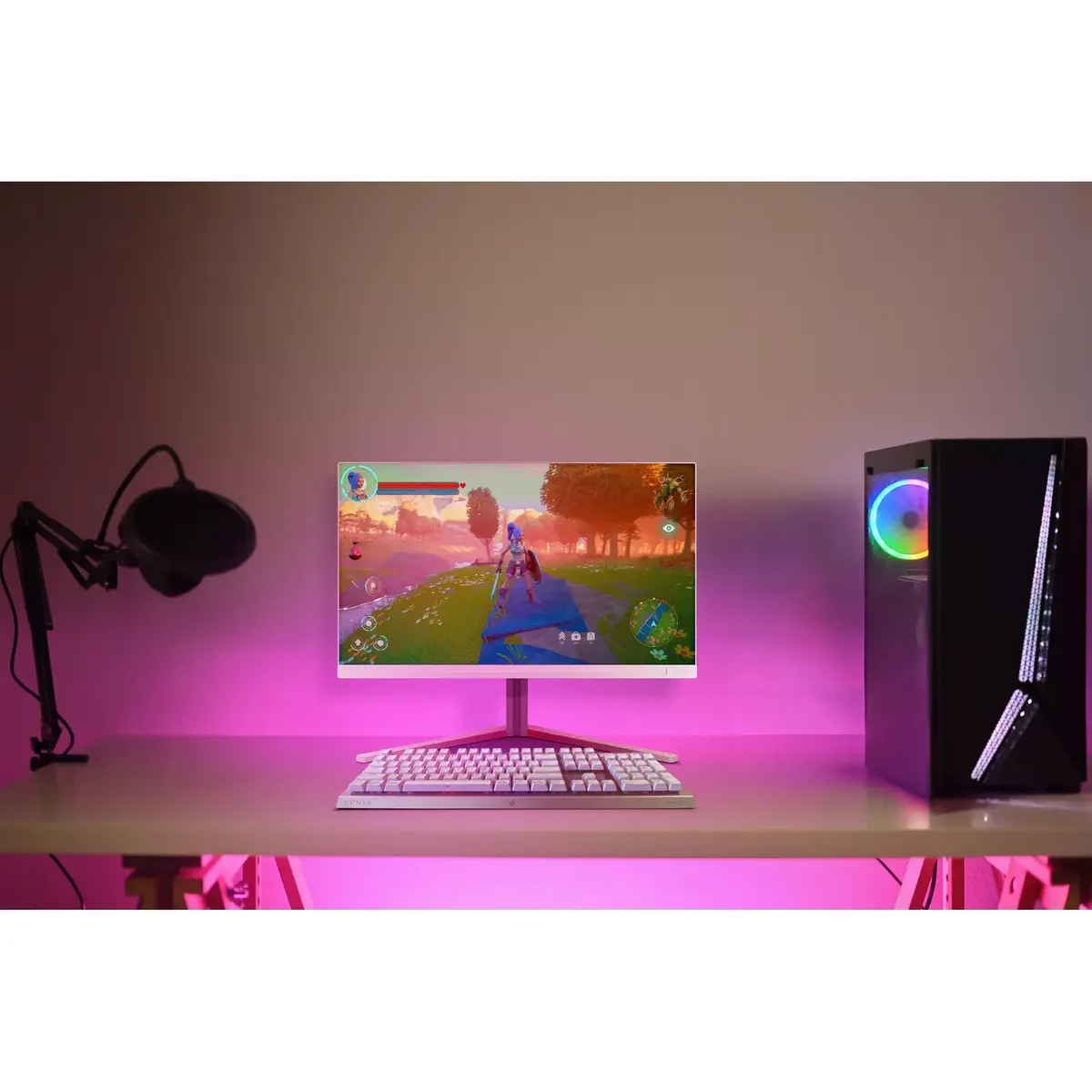
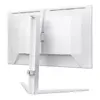
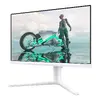
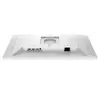
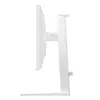
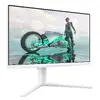
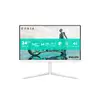
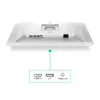
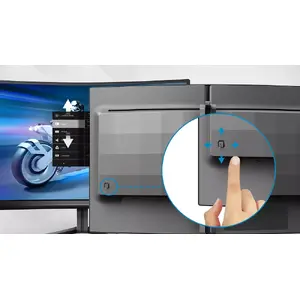
EasySelect menu toggle key for quick on-screen menu access
The discreetly placed EasySelect Menu Toggle Key allows you to make quick and easy adjustments to monitor settings in the On-Screen Display menu.
LowBlue mode and Flicker-free easy-on-the eyes viewing
Our LowBlue Mode and Flicker-free technology have been developed to reduce eye strain and fatigue often caused by long hours in front of a monitor.
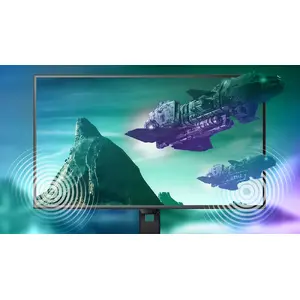
Built-in stereo speakers for multimedia
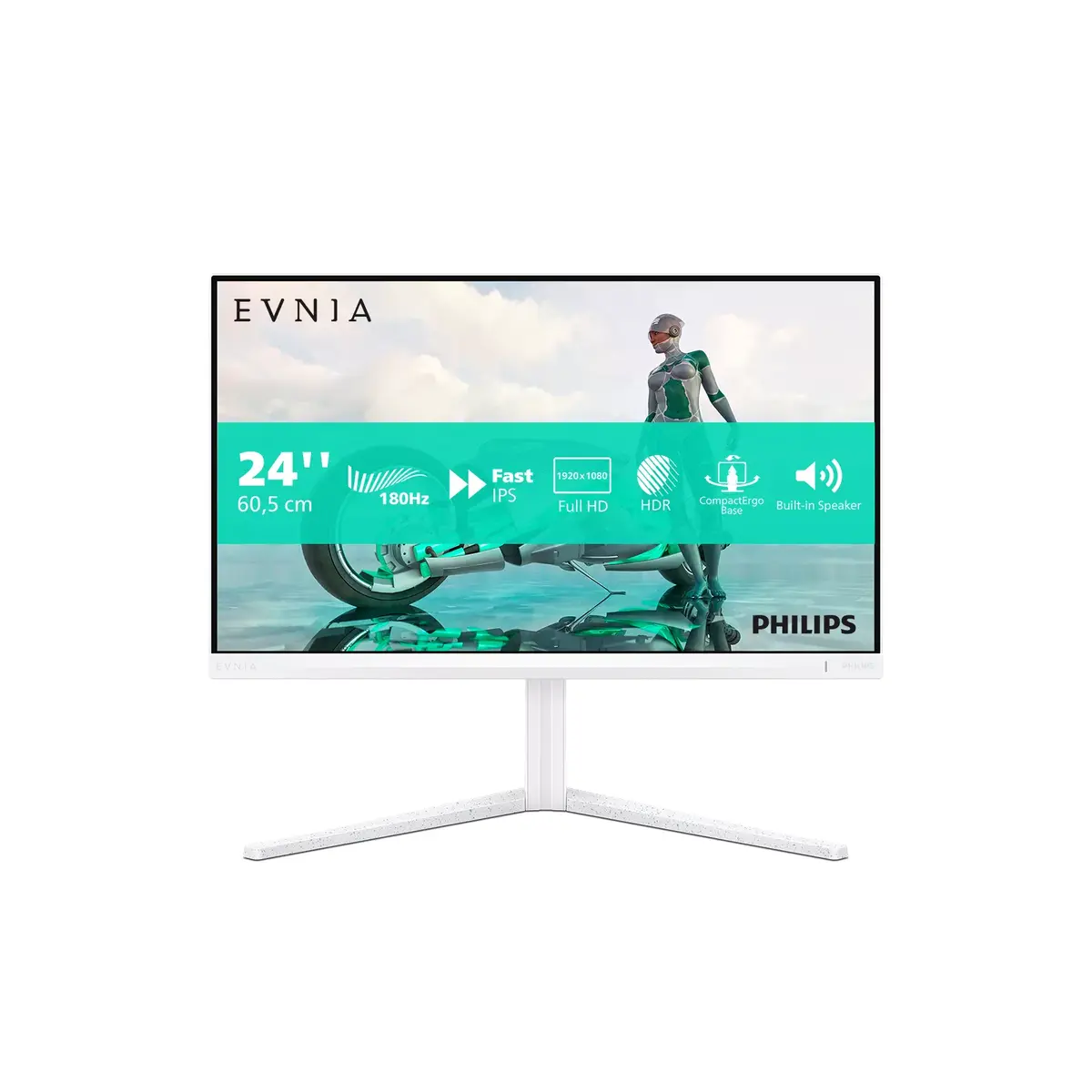
A pair of high-quality stereo speakers is built into the display. Depending on the model and design, they may be front-firing, down-firing, top-firing, rear-firing, etc.
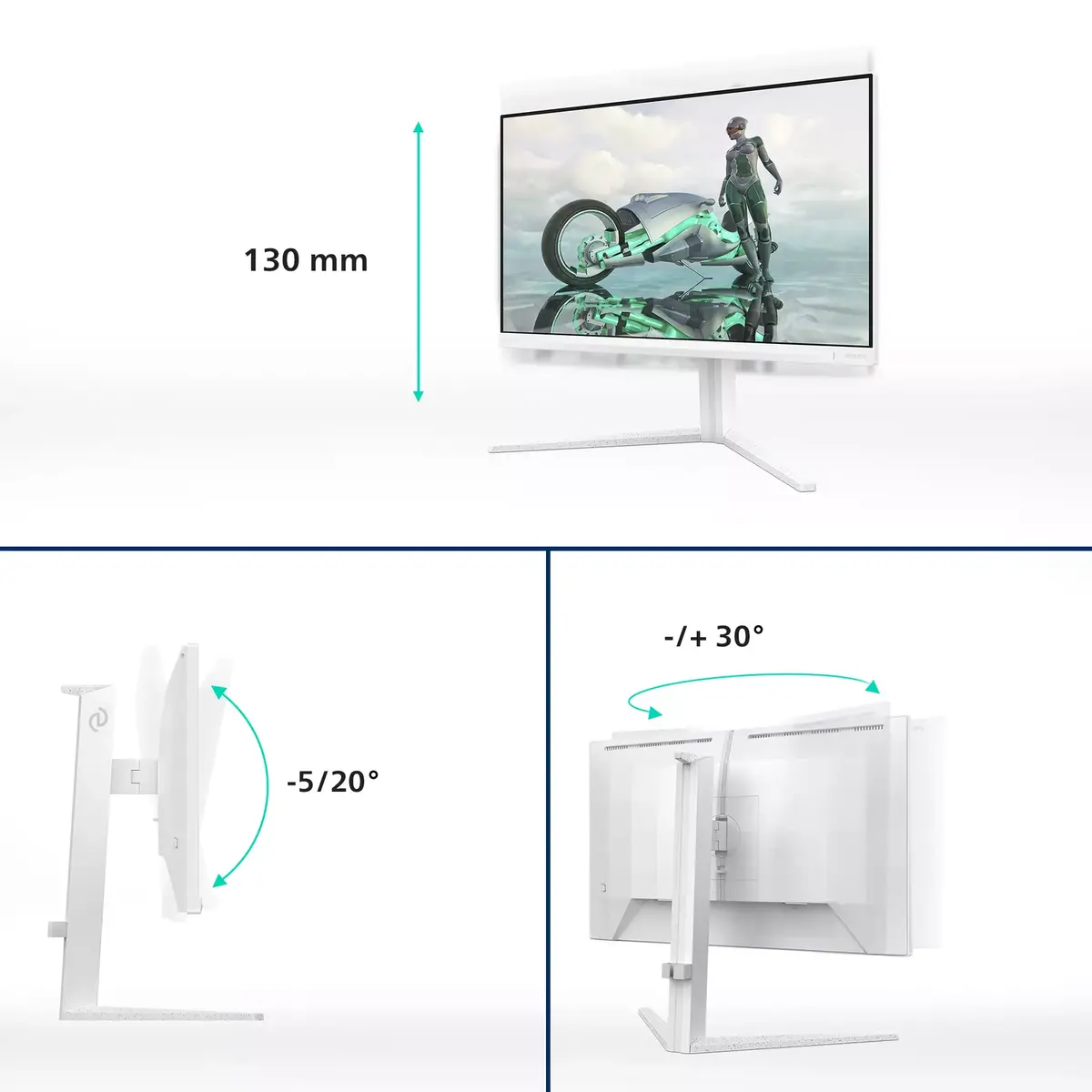
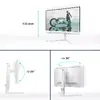
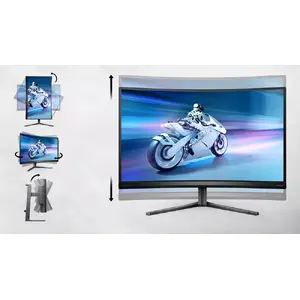
SmartErgoBase enables user-friendly ergonomic adjustments
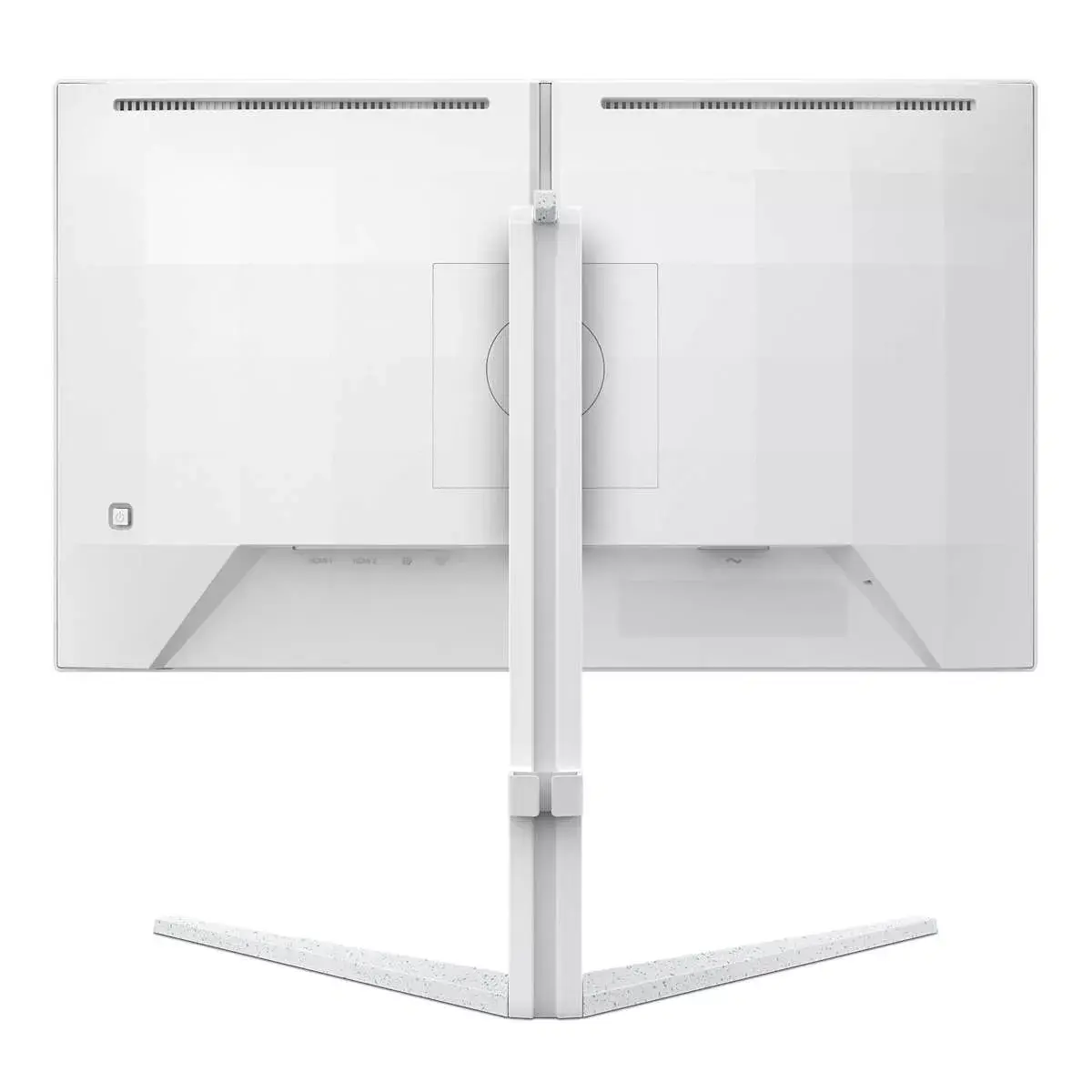
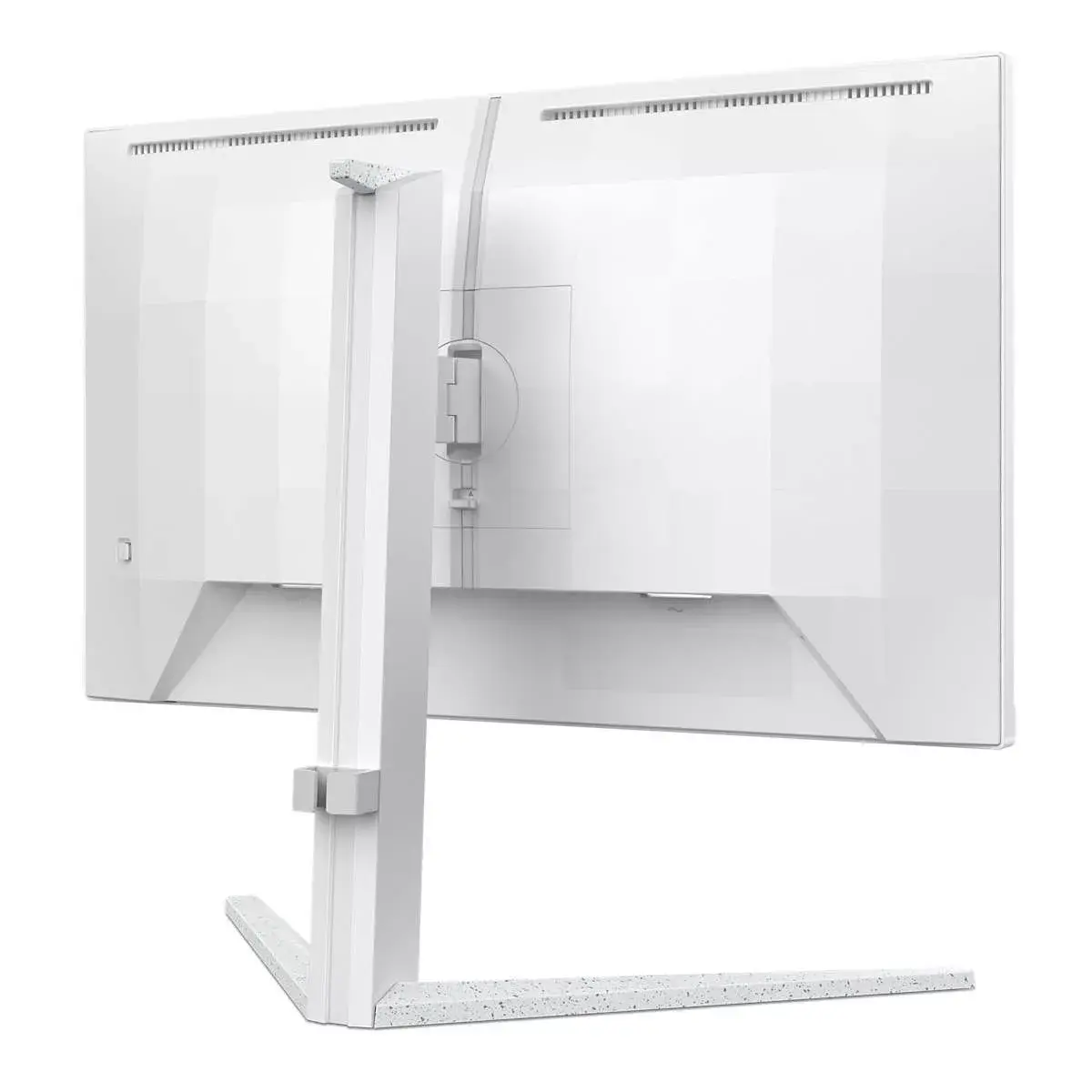
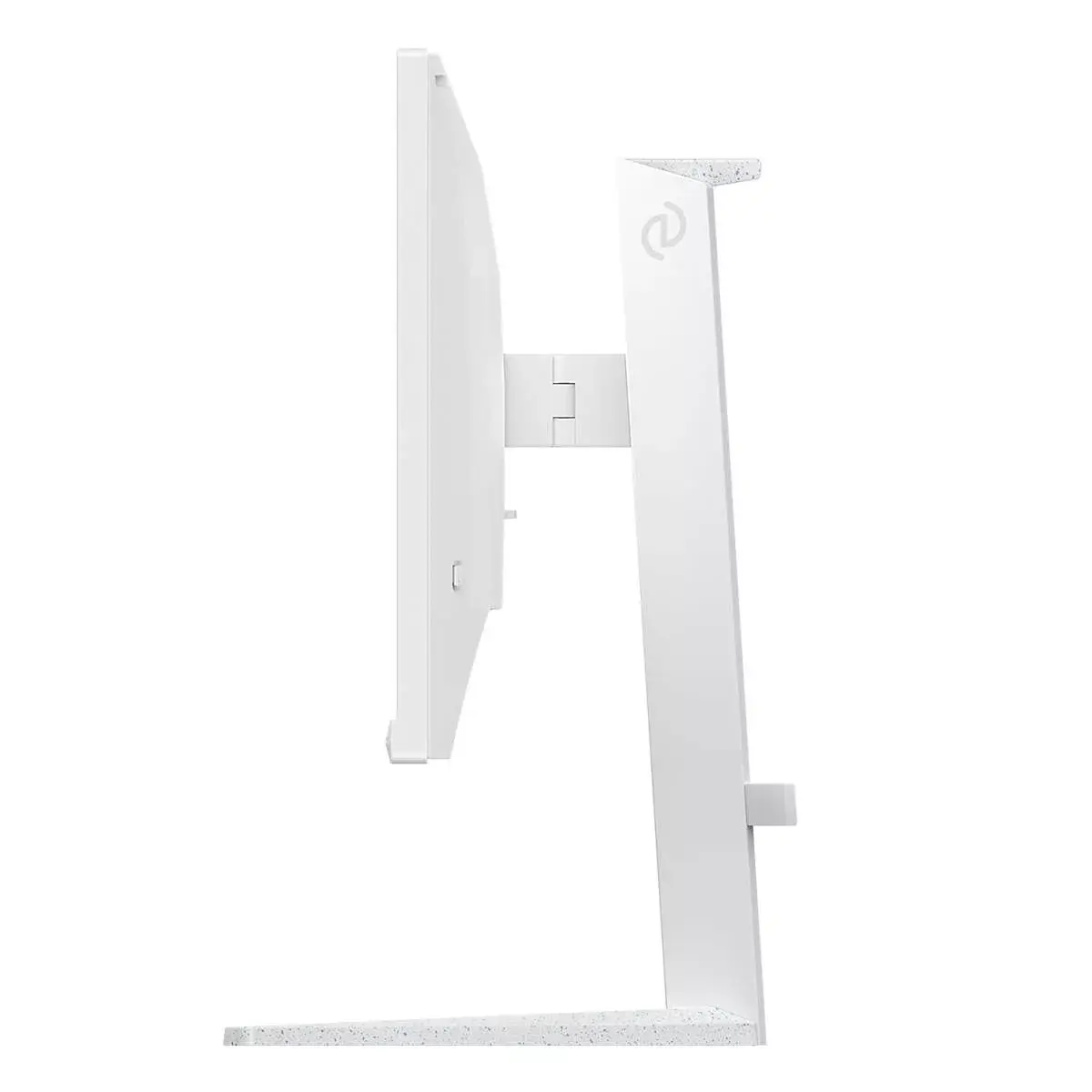
The SmartErgoBase is a monitor base that delivers ergonomic display comfort and provides cable management. The base can swivel, tilt and rotate to various angles to ensure maximum comfort. The height-adjustable stand guarantees the optimal viewing level, reducing the physical strains of a long workday, while cable management reduces cable clutter and keeps the workspace neat and professional.
SmartImage game mode optimised for gamers
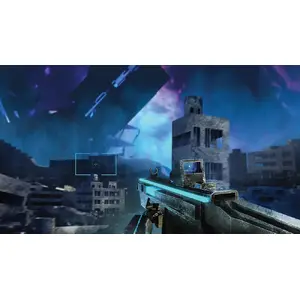
The new Philips gaming display has quick-access OSD fine-tuned for gamers, offering multiple options. “FPS” mode (First Person Shooter) improves dark scenes in games, allowing you to see hidden objects in shadowed areas. “Racing” mode configures the display for the fastest response time and vivid colour, along with image adjustments. “RTS” mode (Real-Time Strategy) includes a special SmartFrame feature that highlights a specific area and allows size and image adjustments. Gamer 1 and Gamer 2 let you save personal customised settings for different games to ensure the best performance.
Smart Crosshair: for better aim and more fun
The crosshair colour is set by default. When Smart Crosshair is enabled, the colour changes to a complementary colour based on the background. Smart Crosshair improves aiming accuracy so you can spot enemies more easily.
180 Hz refresh rates for ultra-smooth, brilliant images
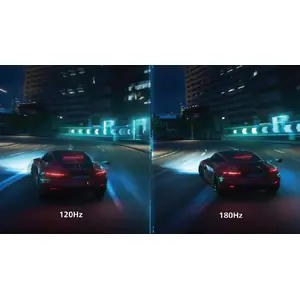
You play intense, competitive games and demand a display with lag-free, ultra-smooth images. This display redraws the screen image up to 180 times per second, significantly faster than a standard display. A lower frame rate can make enemies appear to jump from spot to spot, making them difficult to hit. With a 180 Hz refresh rate, you get the critical missing frames that show enemy movement in ultra-smooth motion so you can target them more easily. With ultra-low input lag and no screen tearing, this Philips display is an ideal gaming partner.
Low input lag reduces time delay between devices to monitor
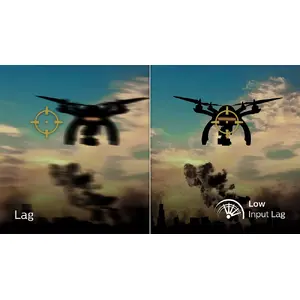
Input lag is the time between performing an action with connected devices and seeing the result on screen. Low input lag reduces that delay, greatly improving performance in twitch-sensitive video games — particularly important for fast-paced, competitive play.
16:9 Full HD display for crisp, detailed images
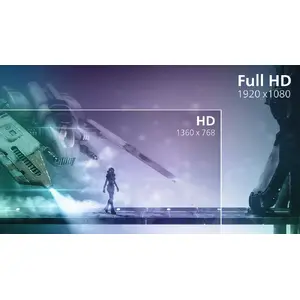
Picture quality matters. This display features enhanced Full HD 1920 x 1080 resolution. With Full HD for crisp detail paired with high brightness, impressive contrast and realistic colours, expect a true-to-life image.
SmartContrast for rich black details
SmartContrast is a Philips technology that analyses displayed content and automatically adjusts colours and backlight intensity to dynamically enhance contrast for the best images and videos, or when playing games with dark scenes. In Economy mode, contrast is adjusted and backlighting fine-tuned for everyday office applications and lower power consumption.
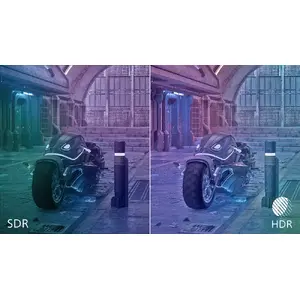
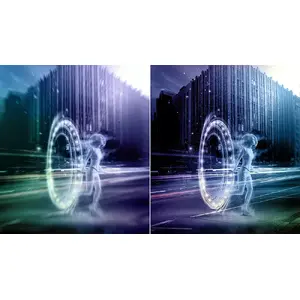
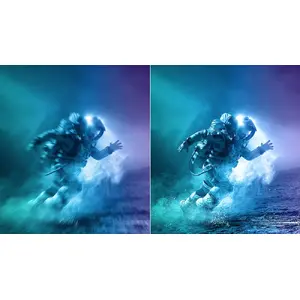
High Dynamic Range (HDR) for more lifelike colourful visuals
High Dynamic Range delivers a noticeably different visual experience. With greater brightness, improved contrast and vivid colour, images appear more lifelike with deeper, more nuanced darks. It renders a fuller palette of rich colours, offering a more engaging visual experience.
0.5 ms ultra-fast speed for crisp images and smooth gameplay
The Philips Evnia with 0.5 ms Smart MBR effectively reduces smearing and motion blur, delivering sharper and more precise visuals to enhance gaming. Fast action and dramatic transitions are rendered smoothly — a great choice for twitch-sensitive games.
Fast IPS Panel: For rapid and crystal-clear gaming
This feature is designed for action-packed gameplay. It produces virtually blur-free images and pairs well with high frame rates for sharp, clear visuals.