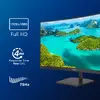
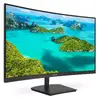
-
Display panel size:
-
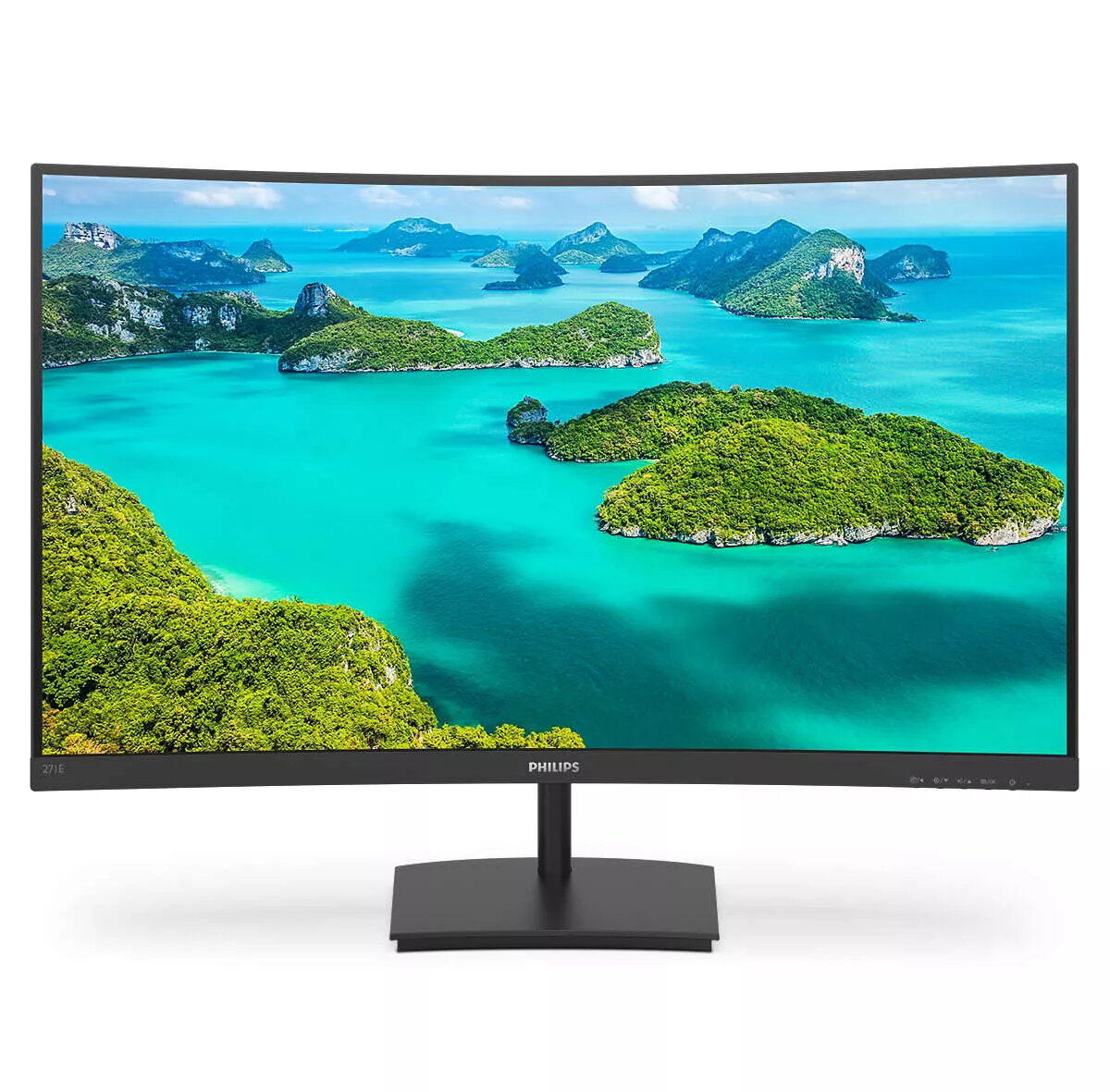
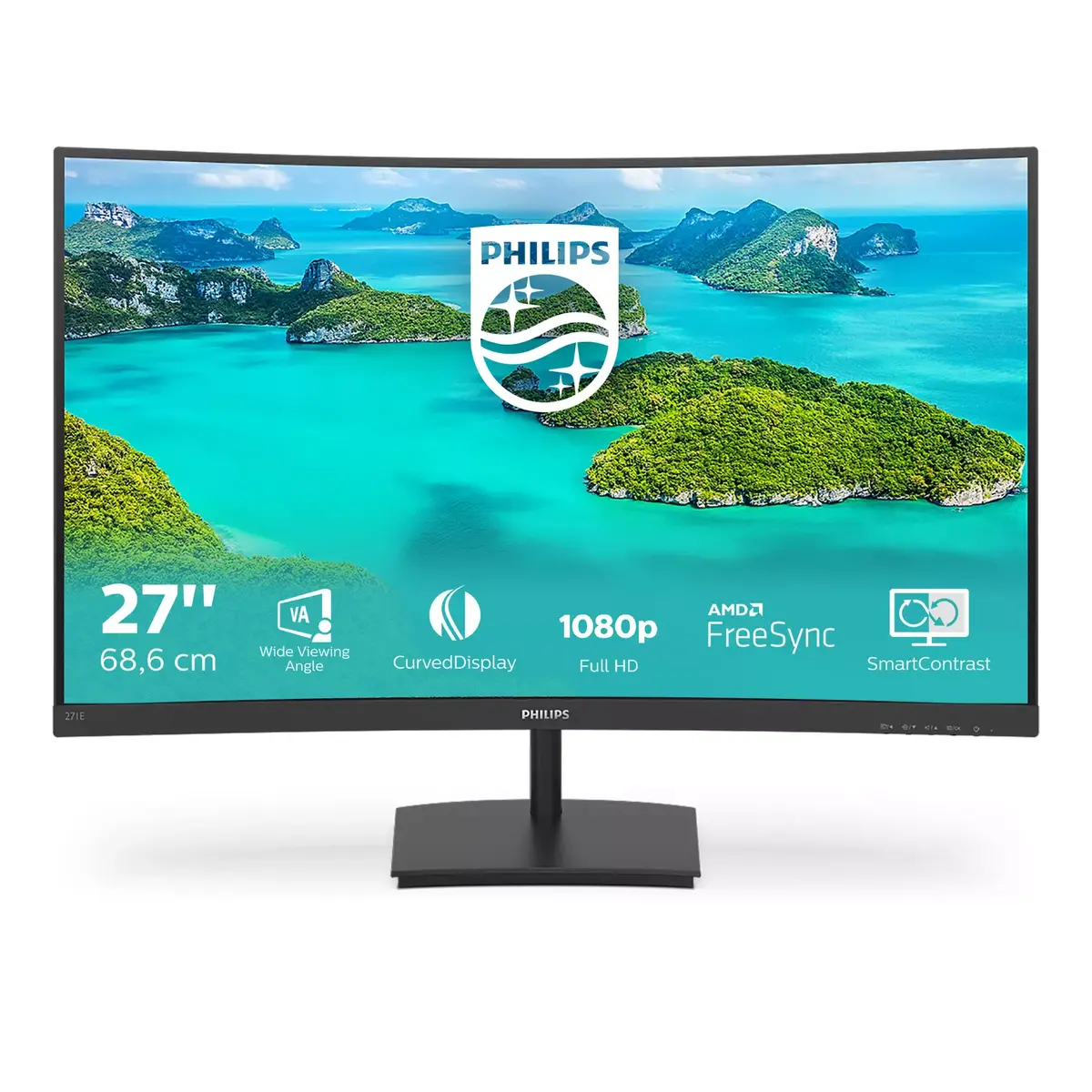
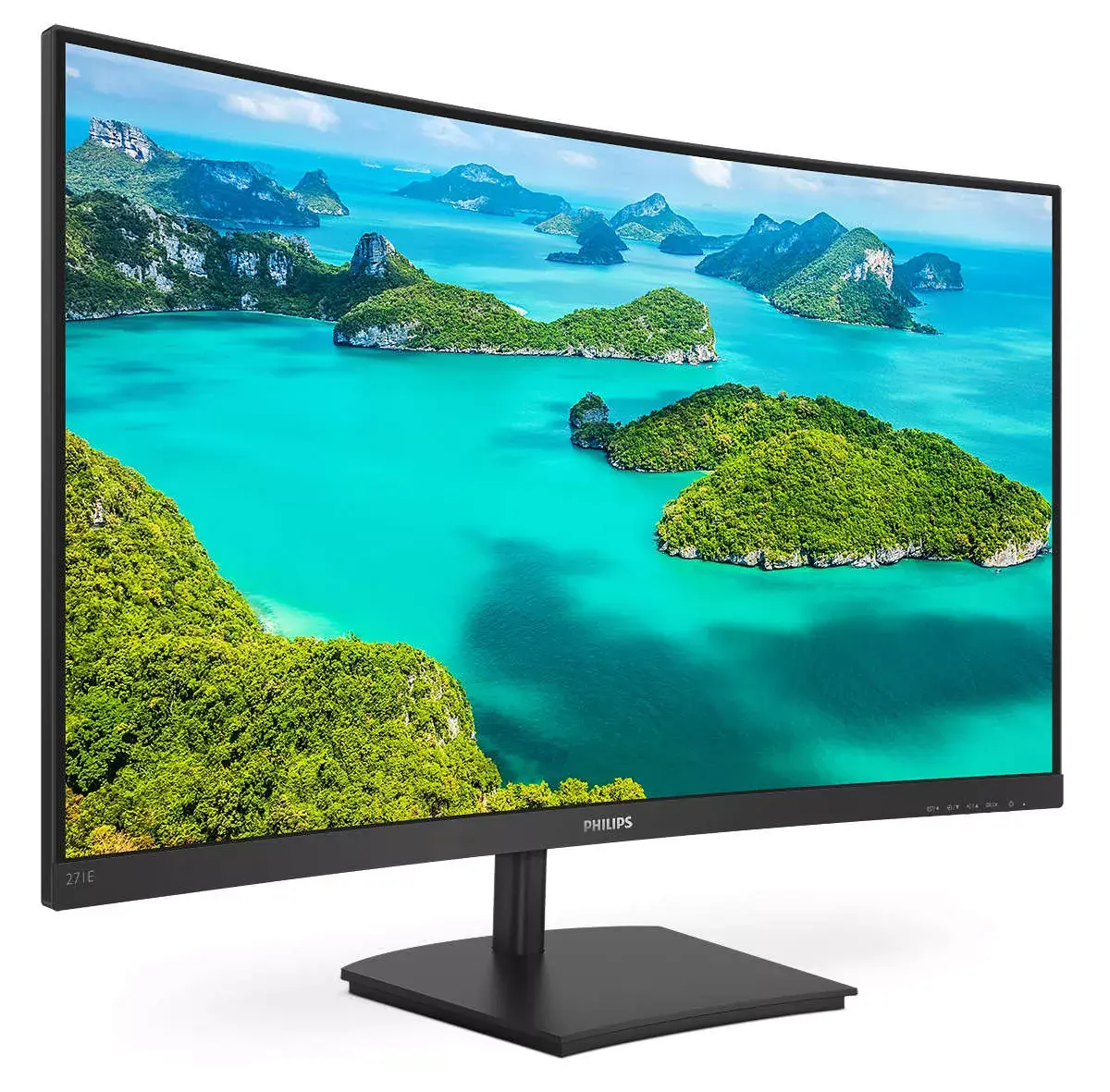
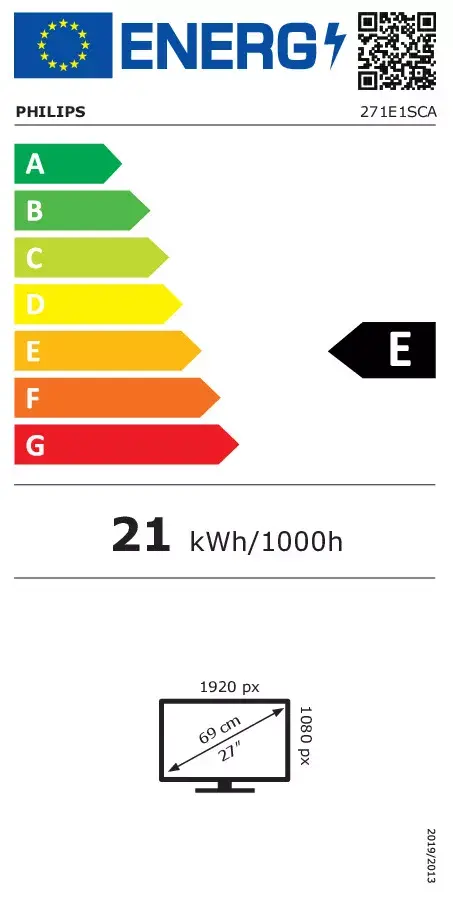
27 inch/68.6 cm
-
Colour gamut:
-
83 %
-
Horizontal scan range:
-
30 - 85
-
Vertical scan range:
-
48 - 76
-
Supported graphics resolutions:
The graphic resolutions that can be displayed by the device. The graphic resolution describes the width and height dimensions of a display, such as a computer monitor, measured in pixels.
-
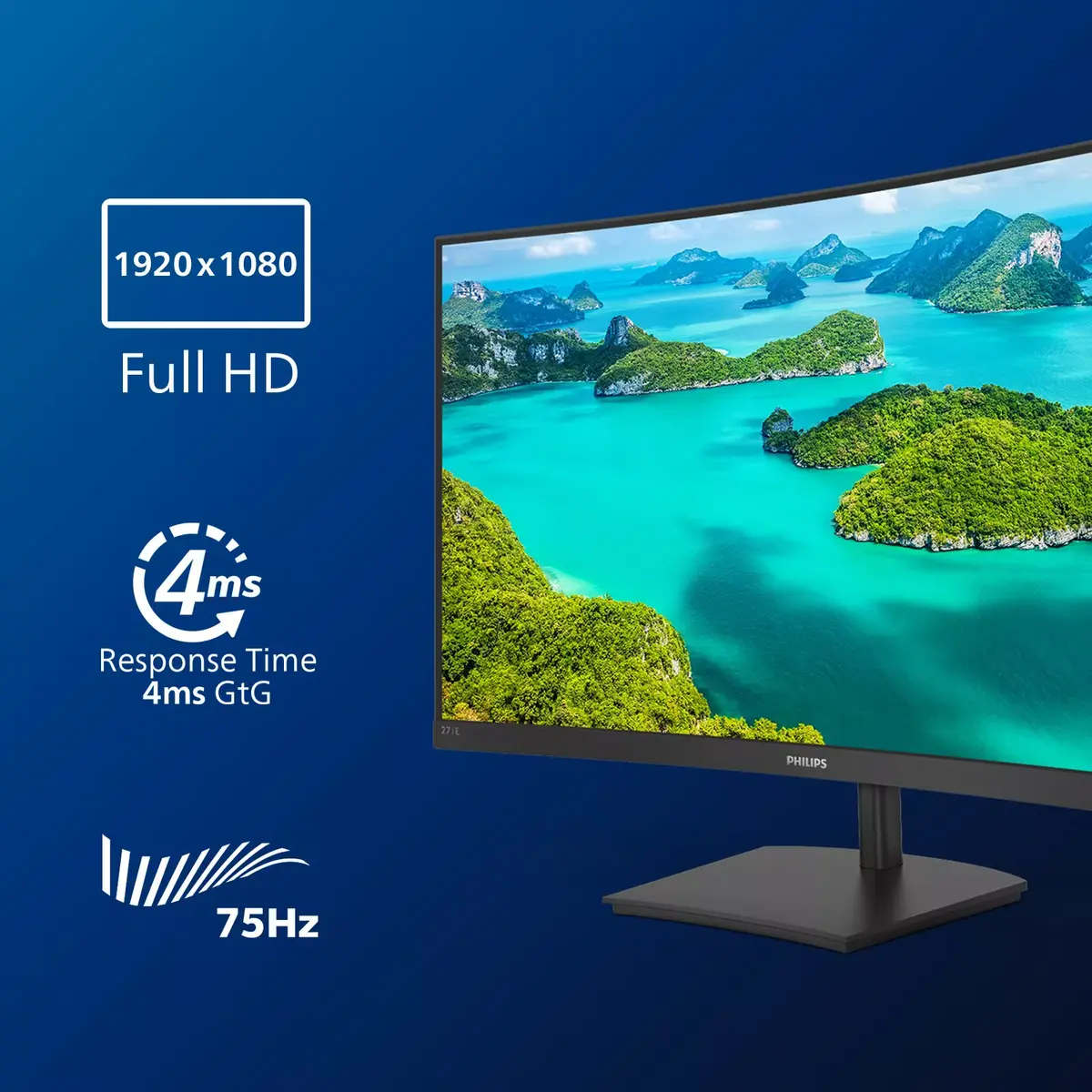
1920 x 1080 (HD 1080)
-
Supported video modes:
The video modes that can be displayed by the device.
-
1080p
-
Surface hardness:
-
3H
-
Display diagonal (metric):
This is the size of the display screen, measured diagonally.
-
68.6 cm
-
Pixel pitch:
This is the parameter of a picture tube, which specifies the shortest distance between two dots of the same colour. The principle is: the smaller the dot pitch, the better sharpness of image.
-
0.311 x 0.311
-
Display number of colours:
-
16.7 million colours
-
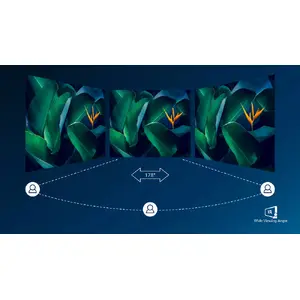
Viewing angle, vertical:
Maximum vertical angle at which a display can be viewed with acceptable visual performance.
-
178 °
-
Viewing angle, horizontal:
Maximum horizontal angle at which a display can be viewed with acceptable visual performance.
-
178 °
-
Contrast ratio (typical):
The difference in light intensity between the brightest white and the darkest black.
-
3000:1
-
Response time:
The response time is the time difference between the moment that a source (for example a video card) sends a signal and that equipment (for example a monitor) receives or display the signal. (Used abbreviations: R/F = Rise and Fall.)
-
4 ms
-
Native aspect ratio:
The aspect ratio is the ratio of the width of an image to its height. The native aspect ratio is the one which the projector/display is particularly designed for. Images shown in native aspect ratio will utilize the entire resolution of the display and achieve maximum brightness. Images shown in other than native aspect ratio will always have less resolution and less brightness than images shown in native aspect ratio.
-
16:9
-
Touchscreen:
A screen of a laptop, smartphone, etc., that responds to touch so you can control the interface using your fingers.
-
No
-
NTSC coverage (typical):
-
83 %
-
sRGB coverage (typical):
-
100 %
-
Colour gamut standard:
-
sRGB, NTSC
-
Haze rate:
-
25 %
-
DDC/CI:
-
Yes
-
Pixel density:
-
82 ppi
-
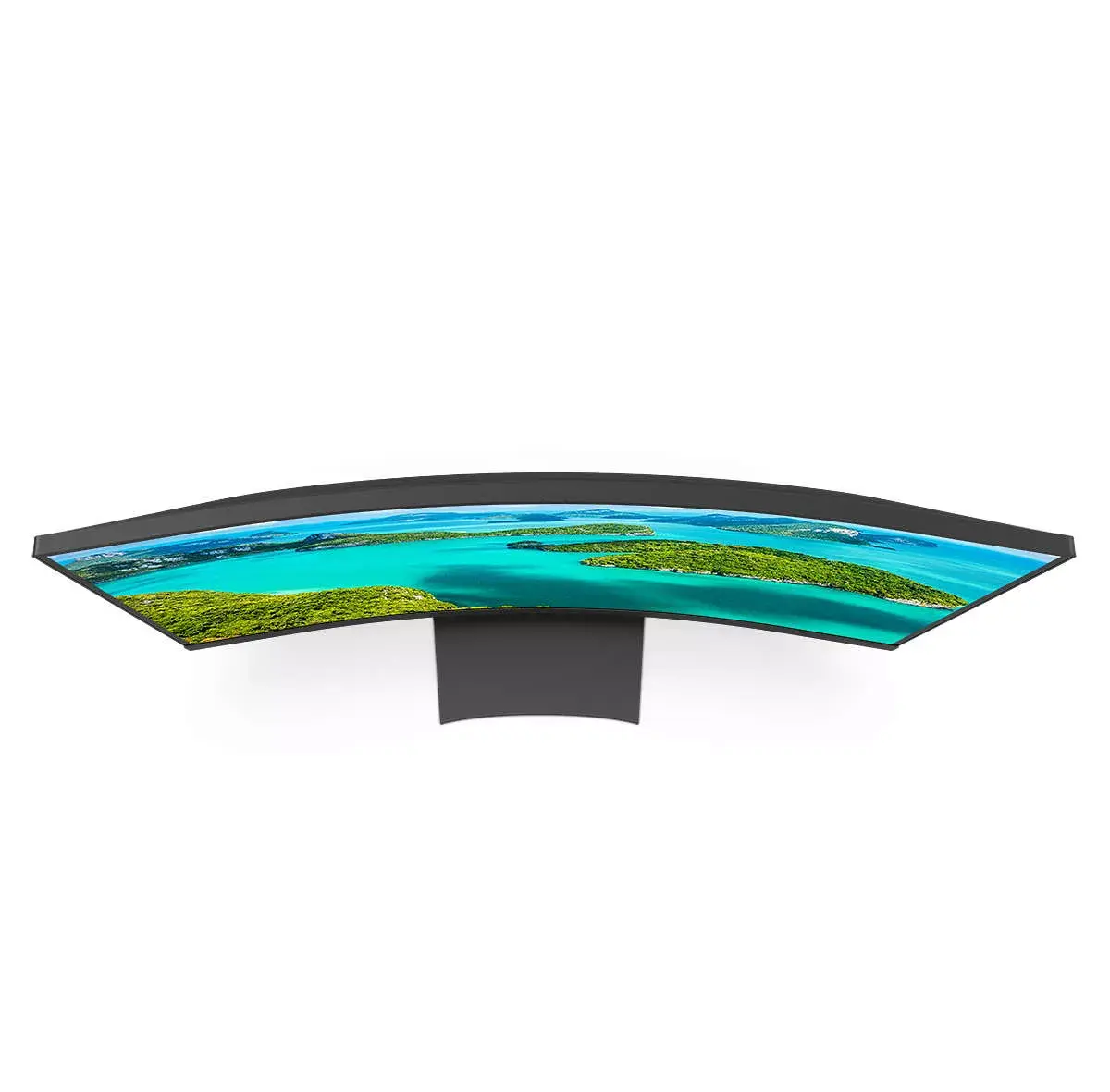
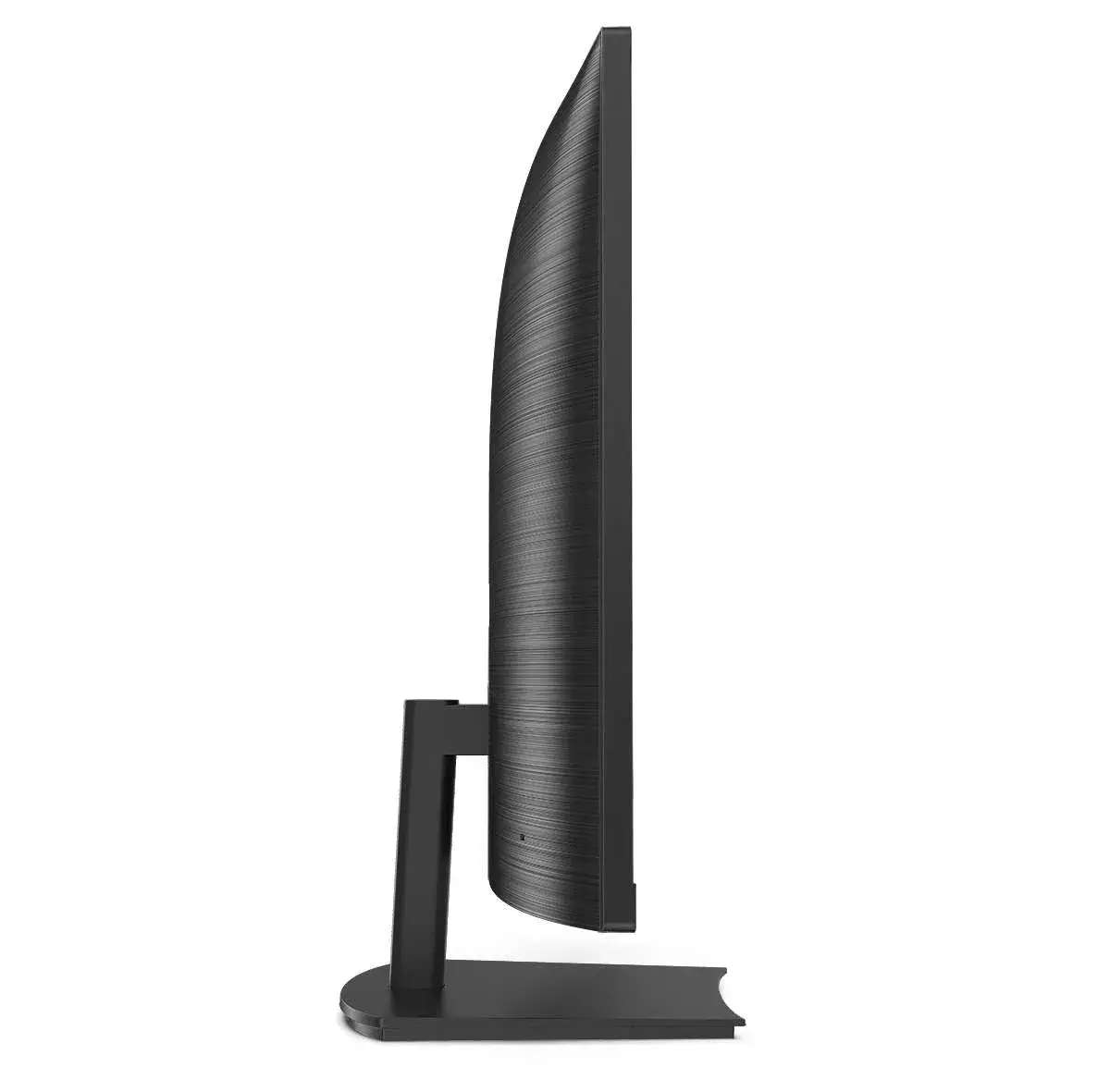
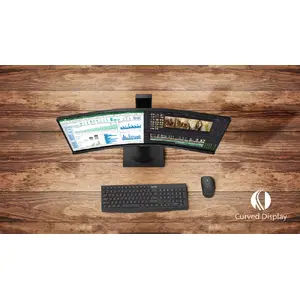
Screen curvature rating:
-
1500R
-
Anti-glare screen:
Always gives an optimal view, even in direct sunlight.
-
Yes
-
Display brightness (typical):
Display brightness, measured by its Luminance, presented as a figure in nits. Typical brightness ratings for monitors range from 250 to 350 nits with a target value of between 80 to 120 nits being suitable for most displays in a normal viewing environment.
-
250 cd/m²
-
Panel type:
-
VA
-
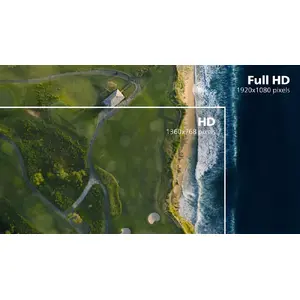
HD type:
Type of supported High Definition (e.g. Full HD, 4K Ultra HD).
-
Full HD
-
LED backlight:
A backlight is a form of illumination used in liquid crystal displays (LCDs). One type of backlight is made by LEDs, which can be either white or RGB (red green blue). White LEDs are used most often in notebooks and desktop screens, and in virtually all mobile LCD screens. RGB LEDs for backlighting are found in high-end color proofing displays such as HP DreamColor LP2480zx monitor or selected HP EliteBook notebooks, as well as newer consumer grade displays such as Dell's Studio series laptops which have an optional RGB LED display.
-
Yes
-
Display technology:
The technology used in the display e.g. plasma, LED.
-
LCD
-
Display diagonal:
Size of the display for this product, measured diagonally, usually in inches.
-
27 "
-
Display resolution:
The number of distinct pixels in each dimension that can be displayed. It is usually quoted as width × height, with the units in pixels: for example, "1024 × 768" means the width is 1024 pixels and the height is 768 pixels. The higher the number of pixels, the sharper the image.
-
1920 x 1080