PowerSensor saves up to 70% energy costs
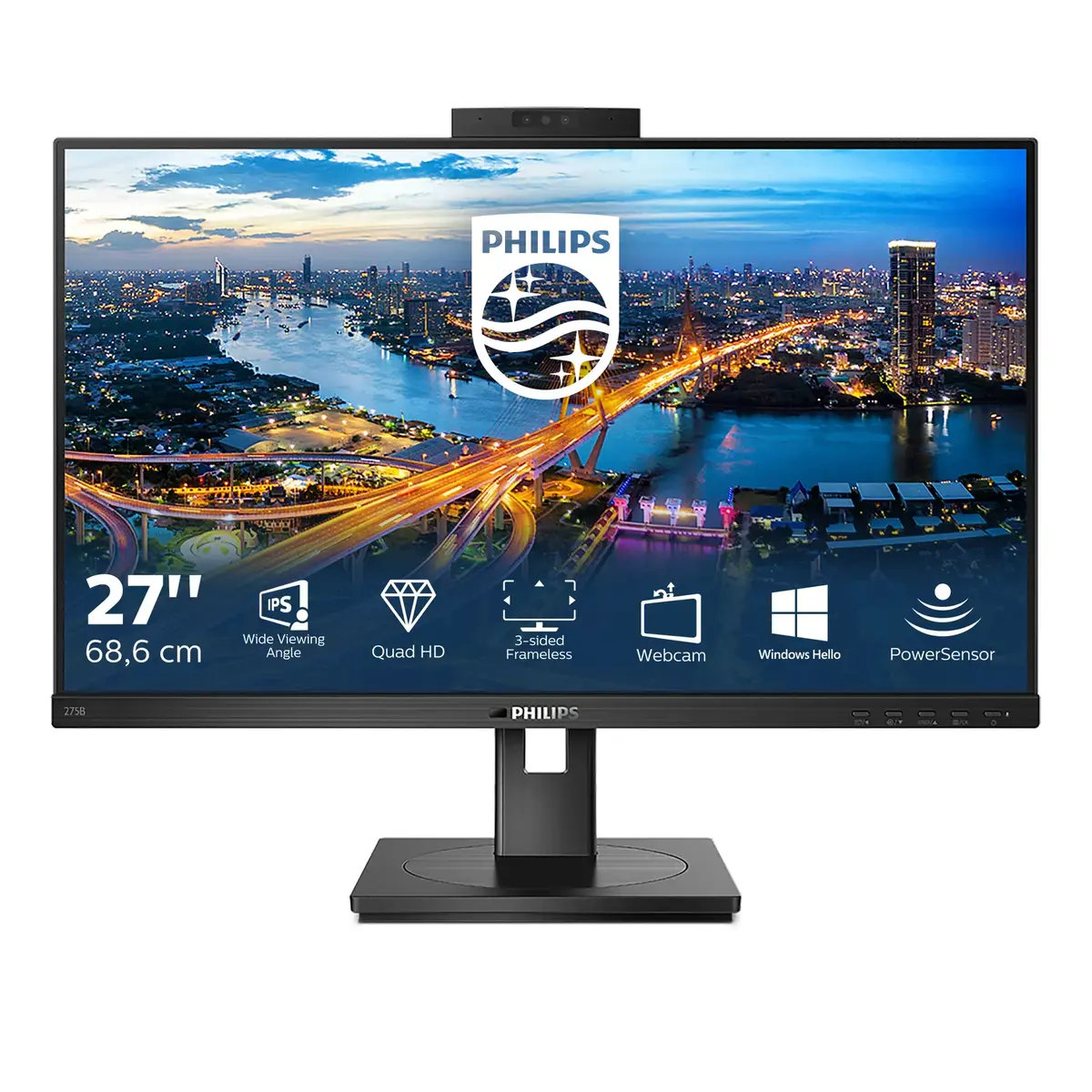
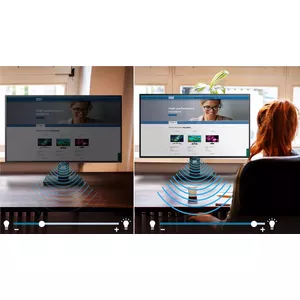
PowerSensor is a built-in "people sensor" that transmits and receives harmless infrared signals to determine if the user is present and automatically reduces monitor brightness when the user steps away from the desk, cutting energy costs by up to 70 percent and prolonging monitor life.
LightSensor for the perfect brightness with minimal power
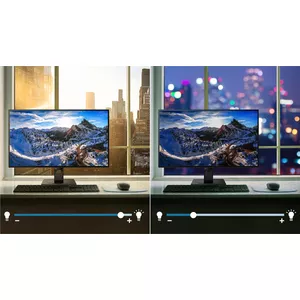
LightSensor uses a smart sensor to adjust the picture brightness depending on the light conditions in the room for the perfect picture with minimal power usage.
TUV Eye Comfort certified to reduce eye fatigue
Philips displays meet TUV Rheinland Eye Comfort standard to prevent eye strain caused by prolonged computer use. With TUV Eye Comfort certification, Philips displays ensure flicker-free performance, a low-blue mode, no disturbing reflections, a wide viewing angle, less image quality reduction from different angles and ergonomic stand designs for an ideal viewing experience. Keep your eyes healthy and boost work productivity.
IPS technology for full colours and wide viewing angles
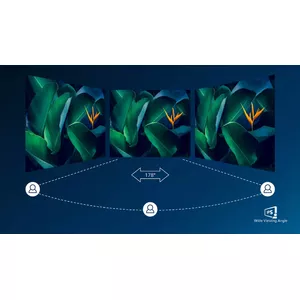
IPS displays use advanced technology that gives you extra-wide viewing angles of 178/178 degrees, making it possible to view the display from almost any angle — even in 90-degree Pivot mode! Unlike standard TN panels, IPS displays provide remarkably crisp images with vivid colours, making them ideal not only for photos, films and web browsing, but also for professional applications that demand colour accuracy and consistent brightness at all times.
Crystal clear images with Quad HD 2560 x 1440 pixels
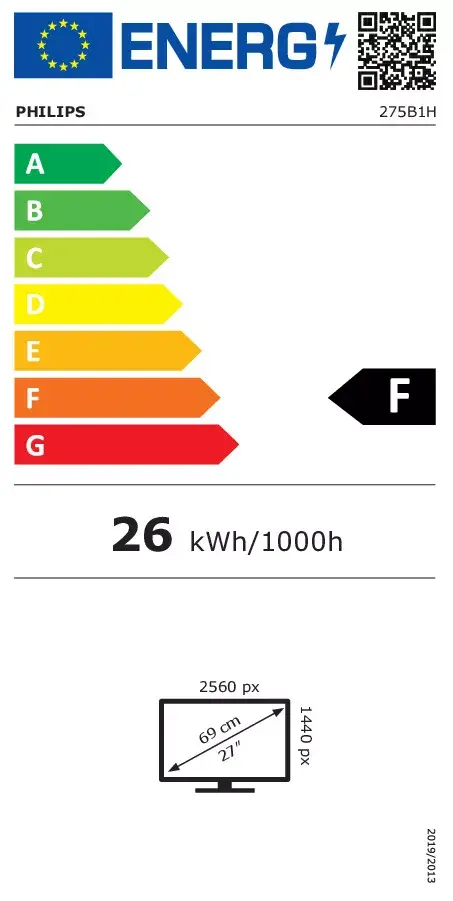
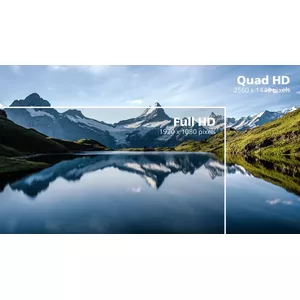
These Philips screens deliver crystal-clear Quad HD 2560 x 1440 or 2560 x 1080 pixel images. Utilising high-performance panels with a high-density pixel count, enabled by high-bandwidth sources like USB-C, DisplayPort and HDMI, these displays make your images and graphics come alive. Whether you are a demanding professional who requires extremely detailed information for CAD-CAM solutions and uses 3D graphic applications, or a financial expert working on huge spreadsheets, Philips displays will give you crystal-clear images.
Effortlessly smooth action with Adaptive-Sync technology
Gaming shouldn't be a choice between choppy gameplay or broken frames. Get fluid, artifact-free performance at virtually any frame rate with Adaptive-Sync technology, smooth quick refresh and ultra-fast response time.
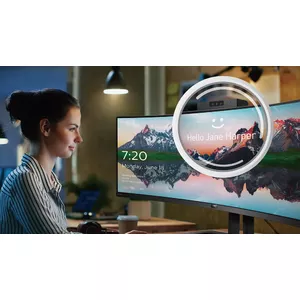
Secure sign-in with pop-up webcam
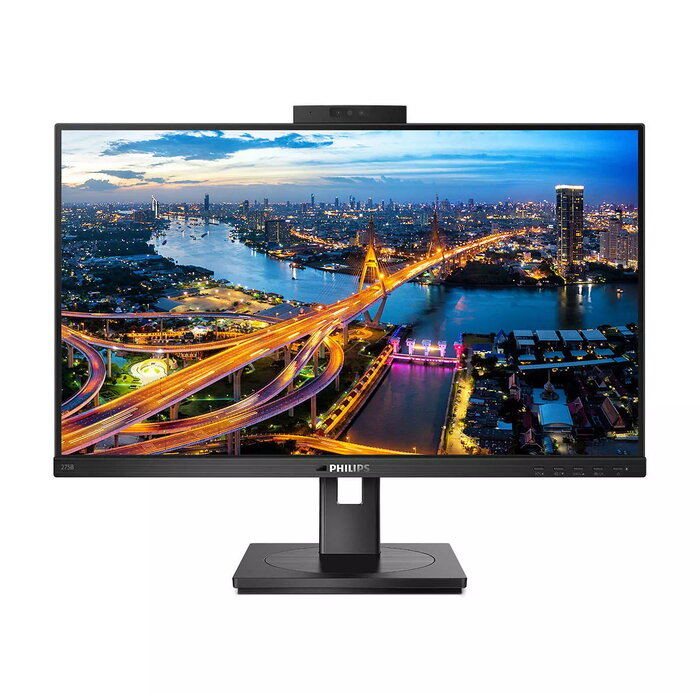
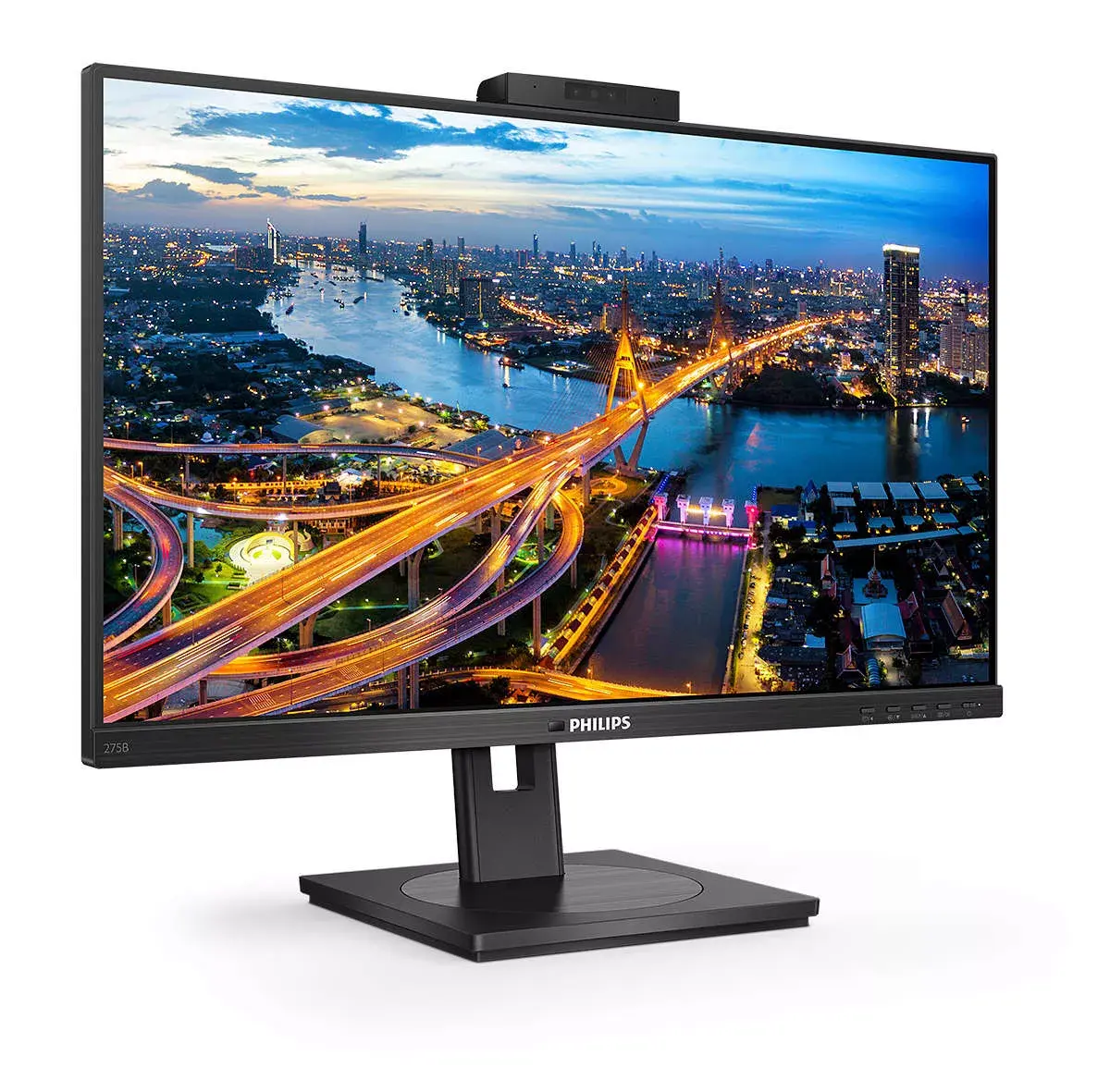
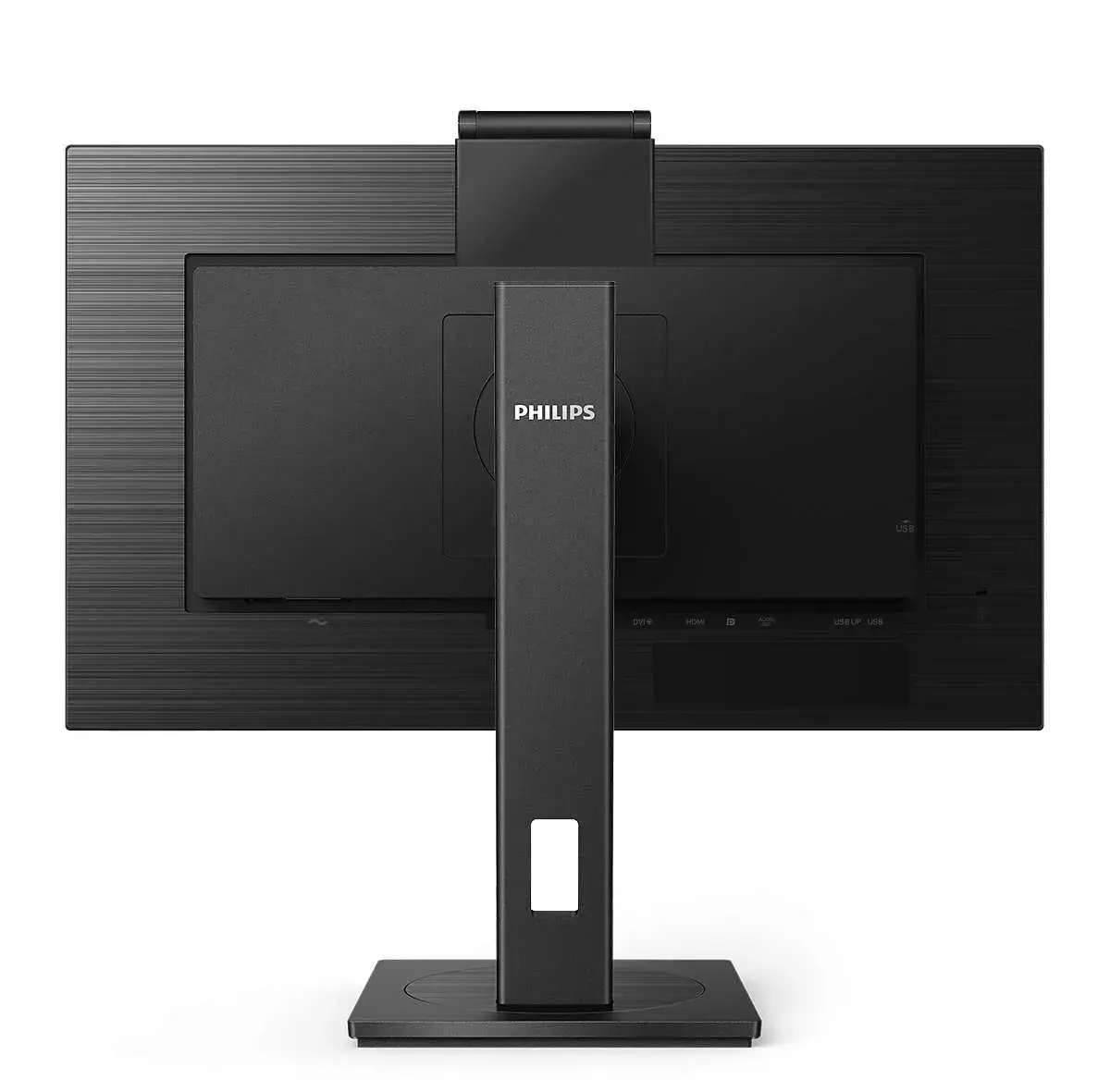
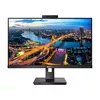
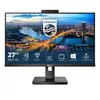
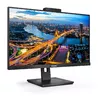
Philips' innovative and secure webcam pops up when you need it and securely tucks back into the monitor when you are not using it. The webcam is also equipped with advanced sensors for Windows Hello facial recognition, which conveniently logs you into your Windows devices in less than 2 seconds, three times faster than a password.
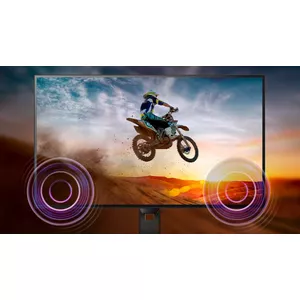
Built-in stereo speakers for multimedia
A pair of high-quality stereo speakers built into the display. They may be front-firing, down-firing, top-firing or rear-firing depending on model and design.
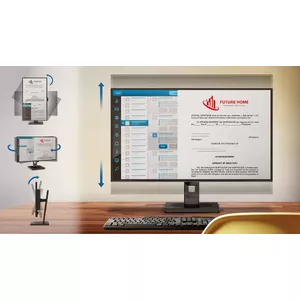
SmartErgoBase enables user-friendly ergonomic adjustments
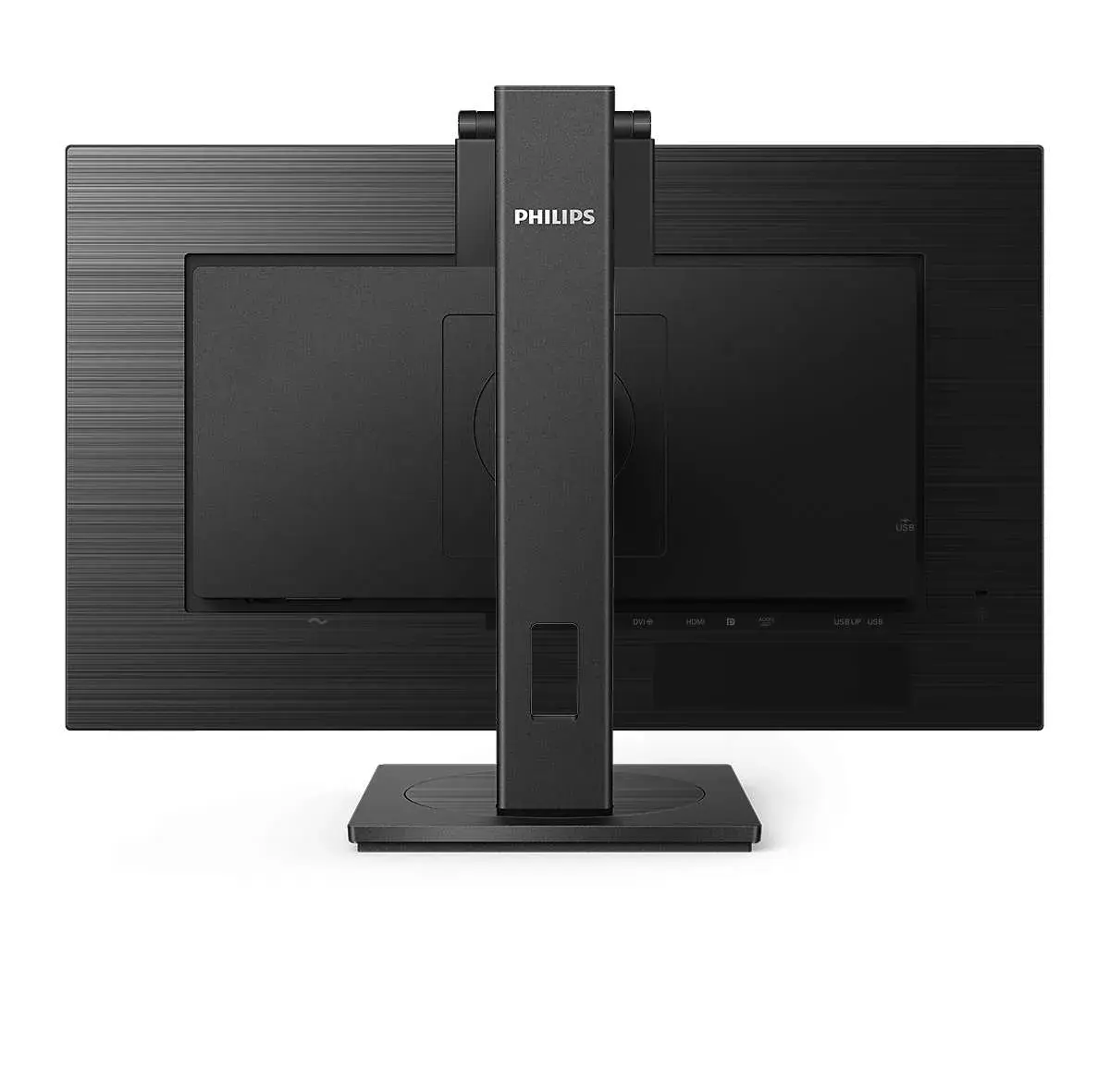
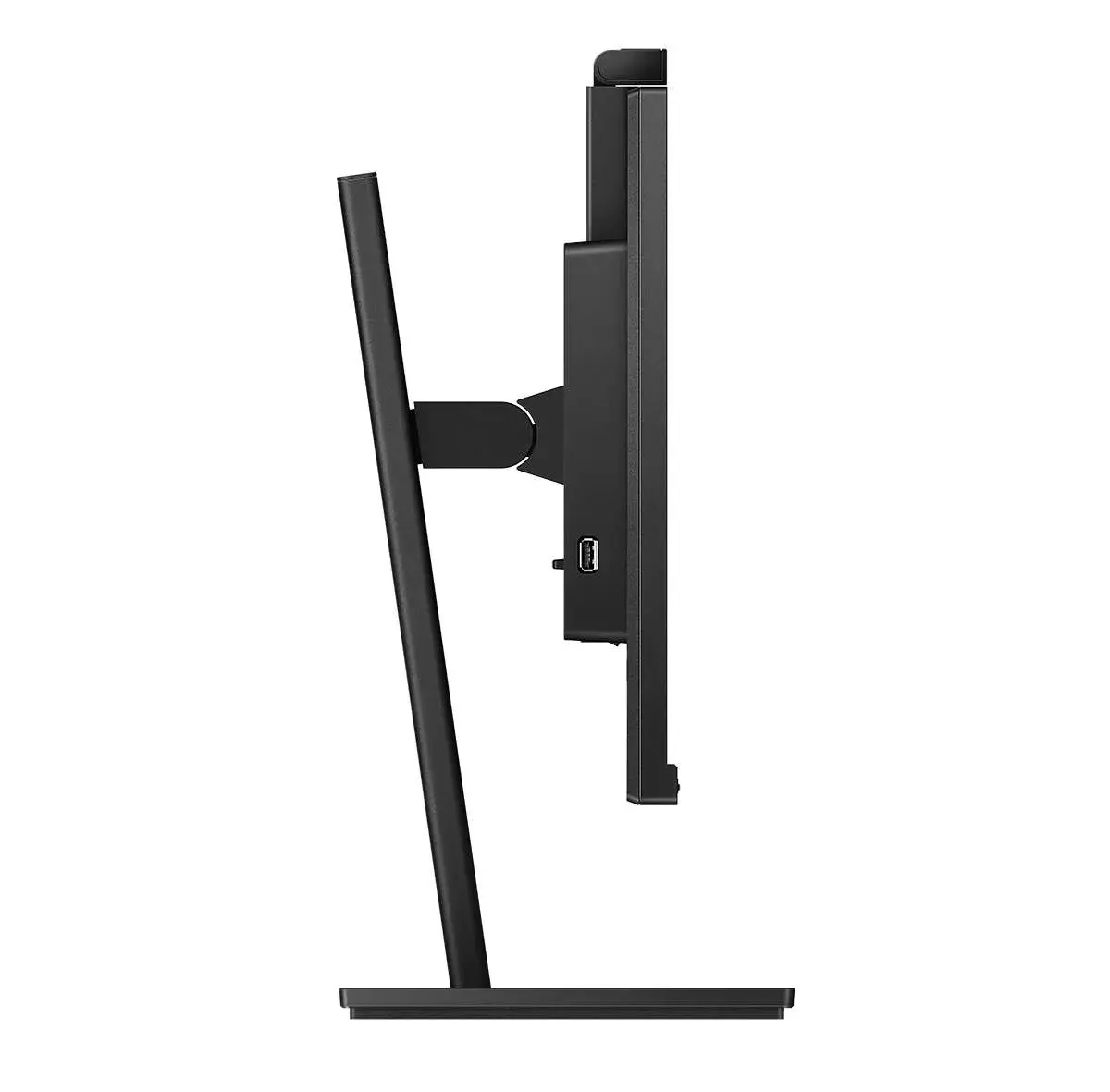
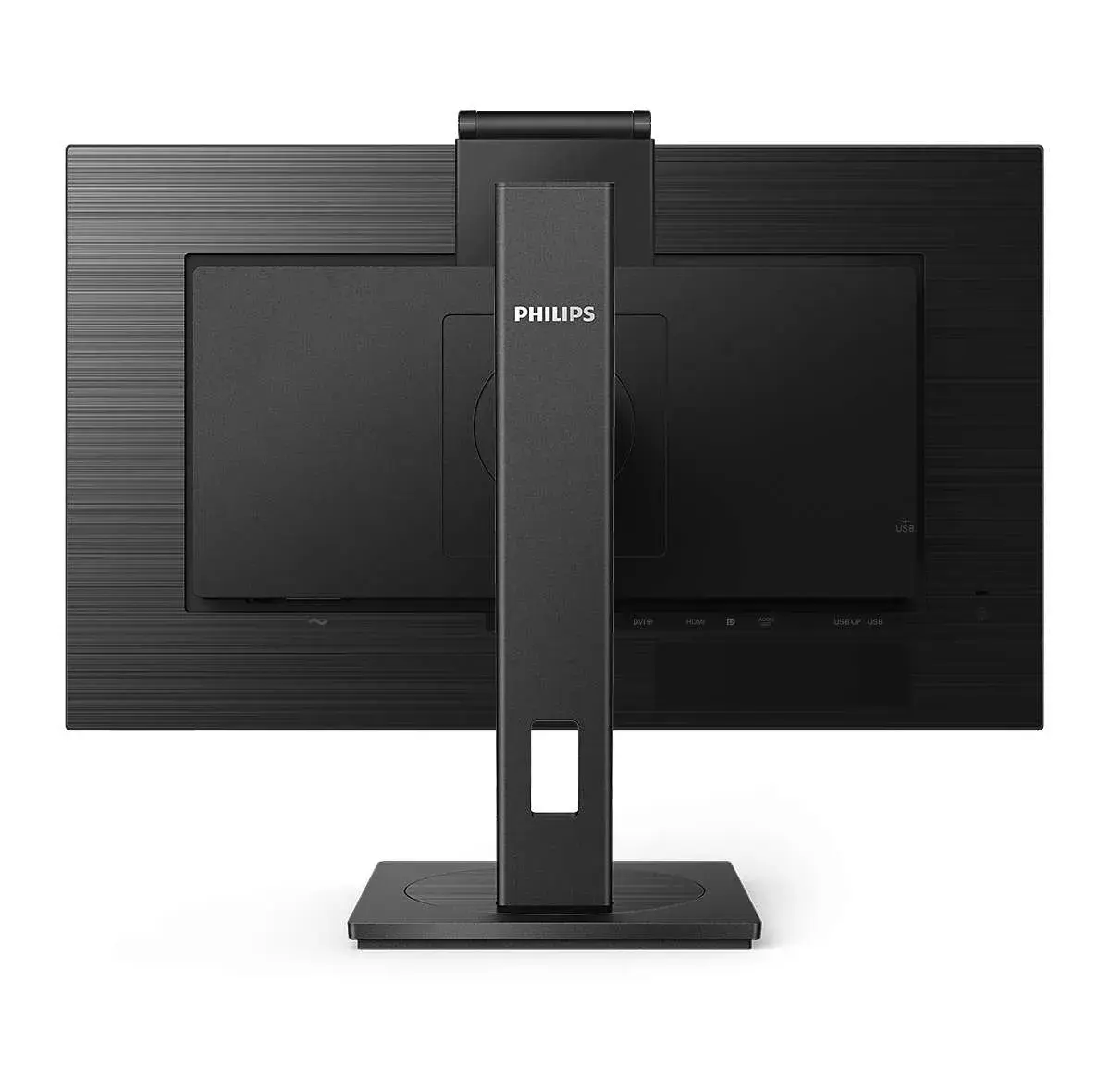
The SmartErgoBase is a monitor base that delivers ergonomic display comfort and provides cable management. The base can swivel, tilt and rotate to various angles to ensure maximum comfort. The height-adjustable stand guarantees the optimal viewing level, reducing the physical strain of a long workday, while cable management reduces cable clutter and keeps the workspace neat and professional.
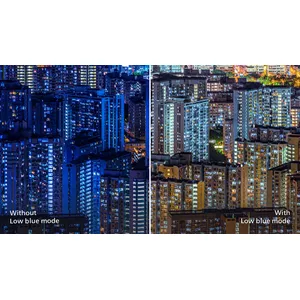
LowBlue Mode for easy-on-the-eyes productivity
Studies have shown that, just as ultraviolet rays can cause eye damage, short-wavelength blue light from LED displays can affect vision over time. Developed for wellbeing, the Philips LowBlue Mode setting uses smart software technology to reduce harmful shortwave blue light.
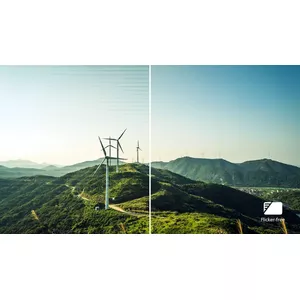
Less eye fatigue with Flicker-Free technology
Due to the way brightness is controlled on LED-backlit screens, some users experience flicker which causes eye fatigue. Philips Flicker-Free technology applies a solution to regulate brightness and reduce flicker for more comfortable viewing.