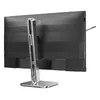
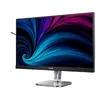
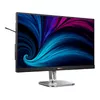
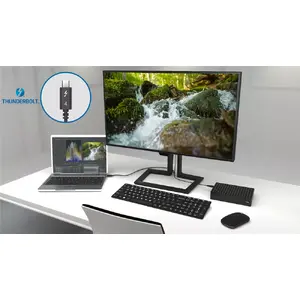
Thunderbolt™ 4 connection: for lightning-fast connectivity
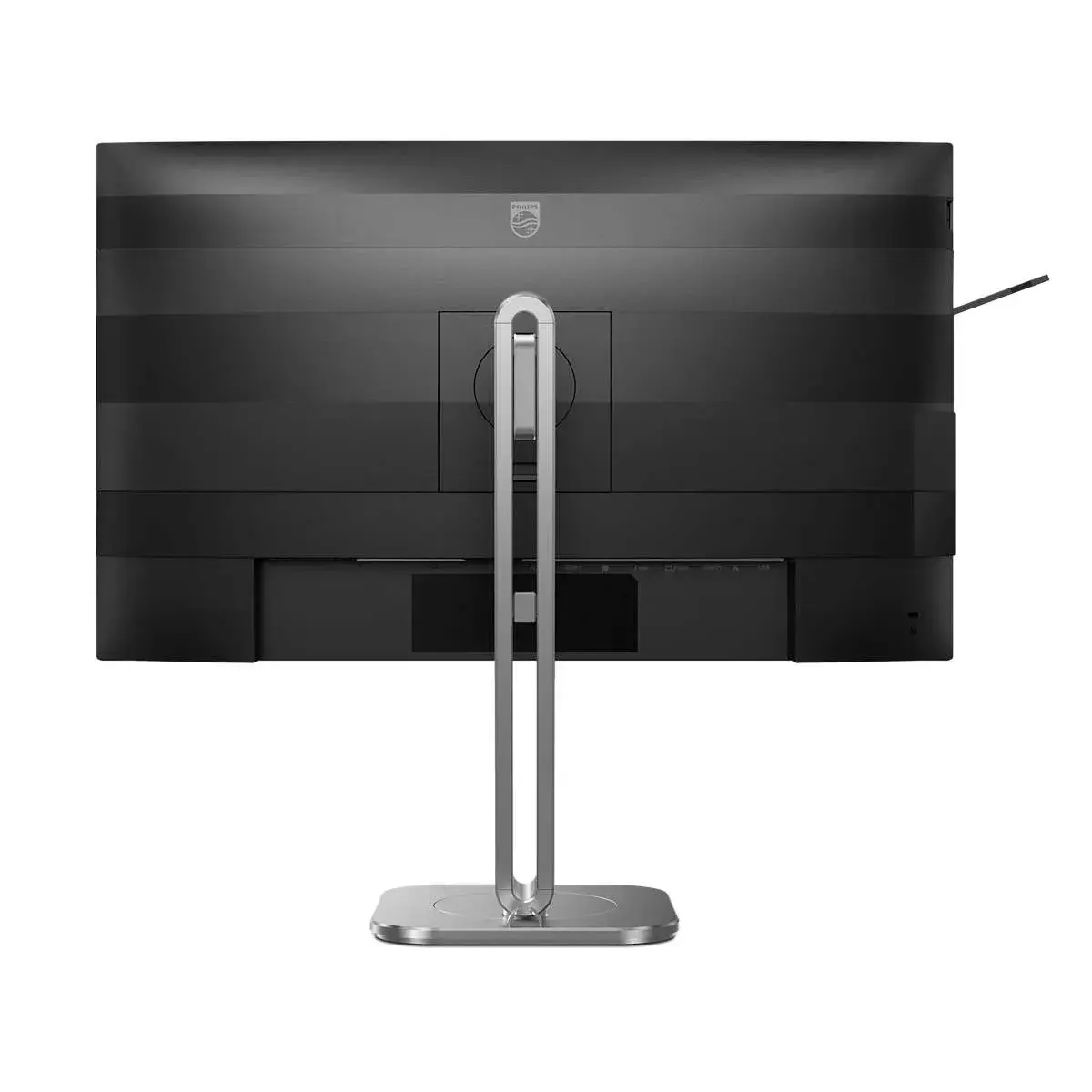
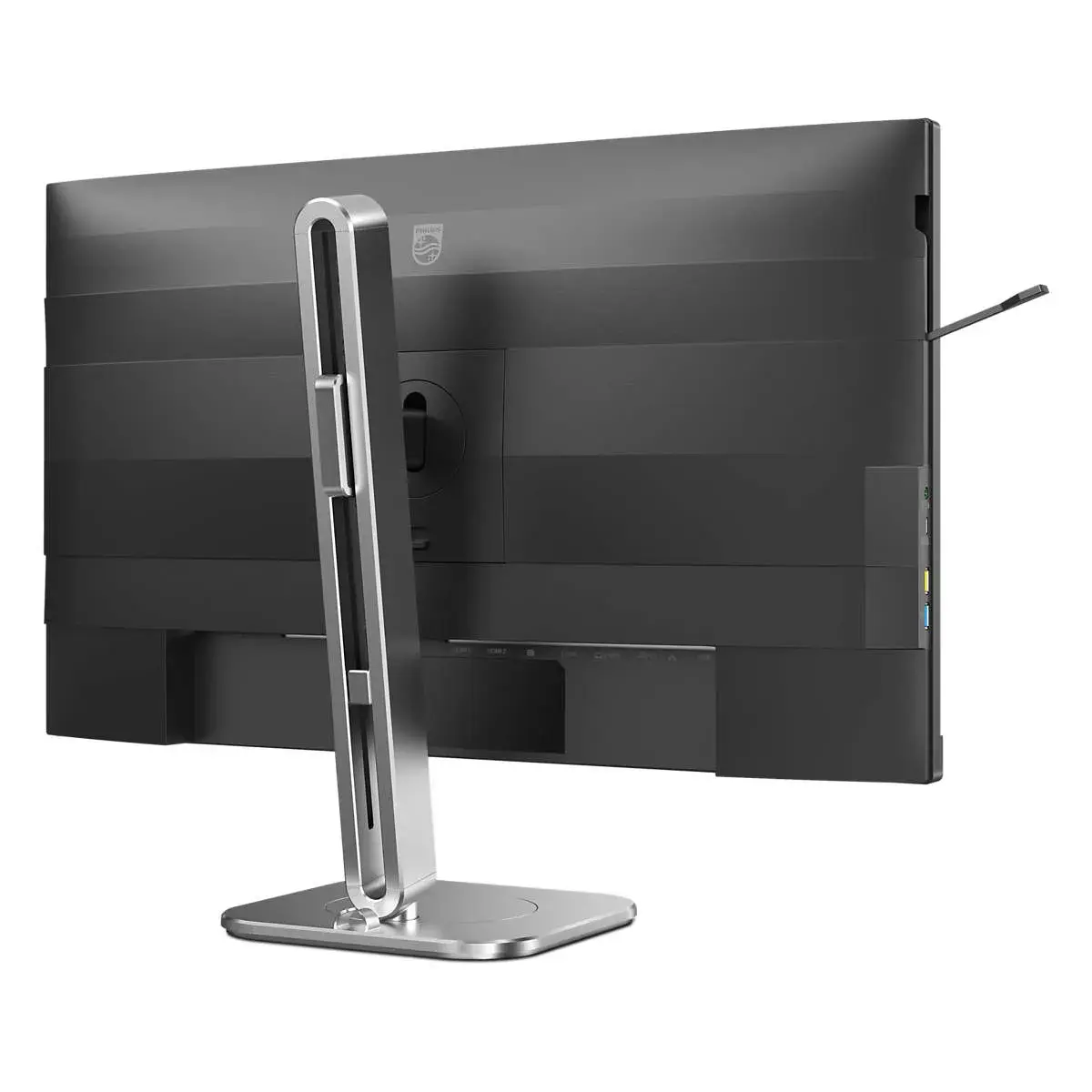
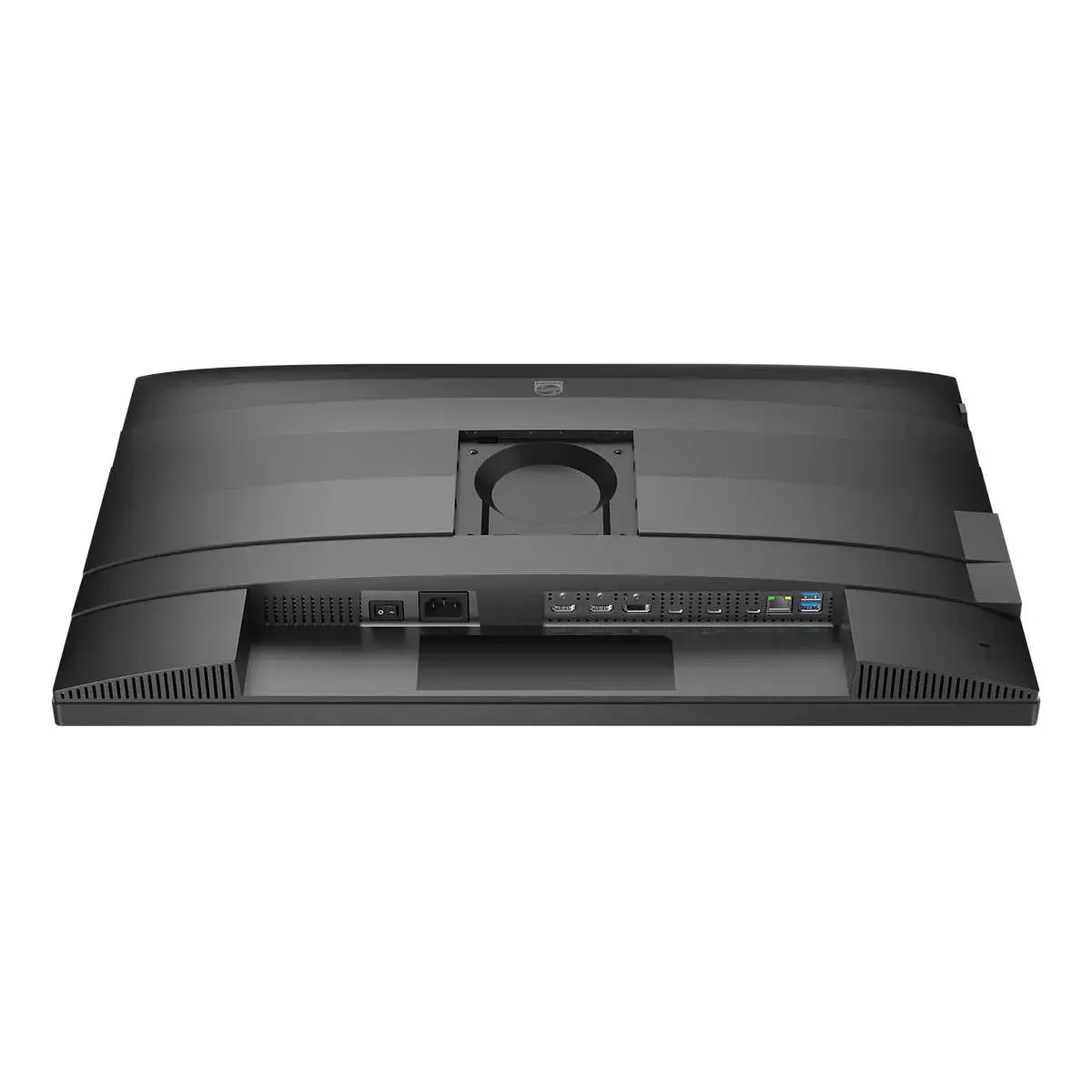
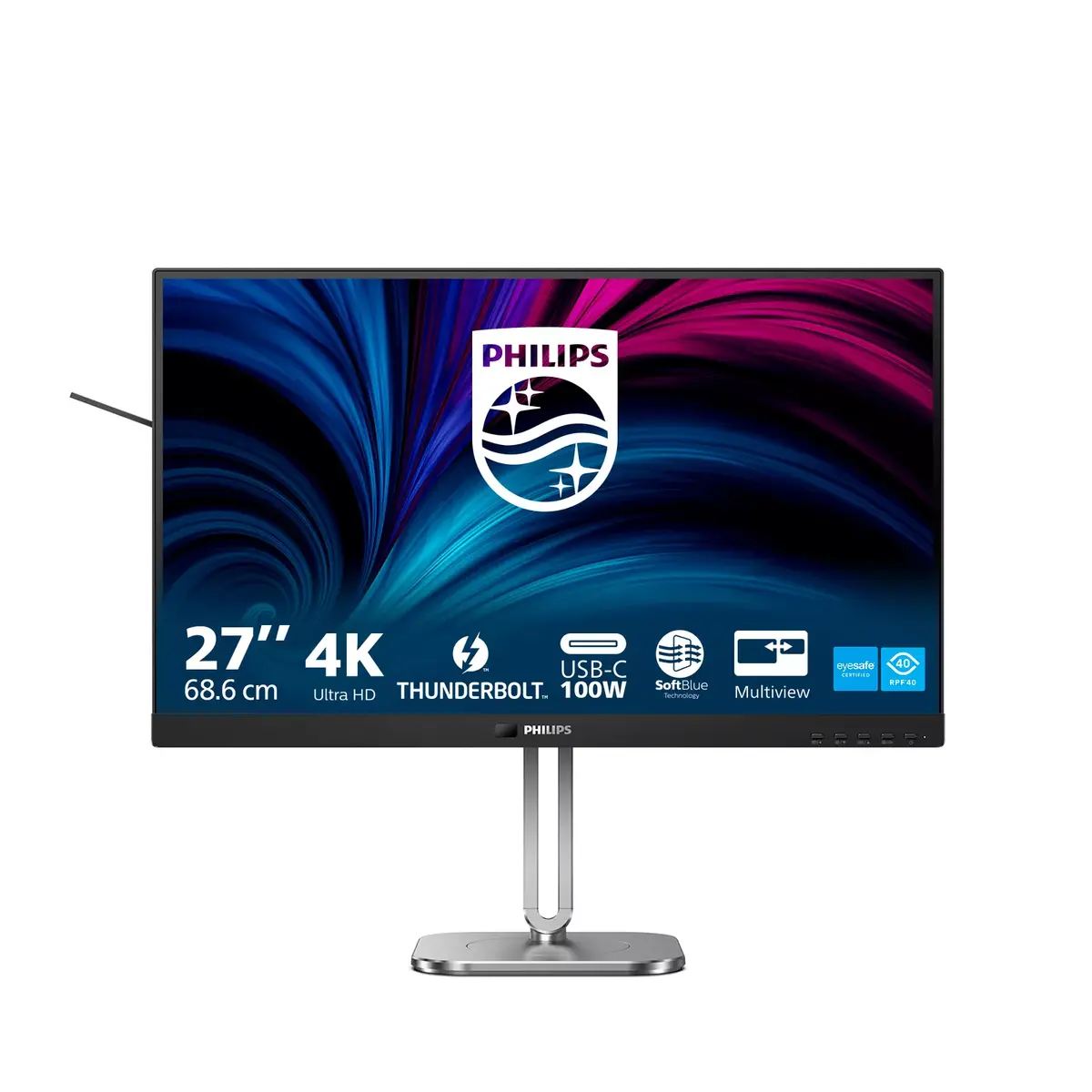
This Philips docking monitor is equipped with Thunderbolt 4. Compared with conventional USB-C monitors, Thunderbolt 4 provides faster data transfer speeds, supports high-resolution video, enables multi-stream transport for daisy chaining and delivers up to 100 W of power to external devices.
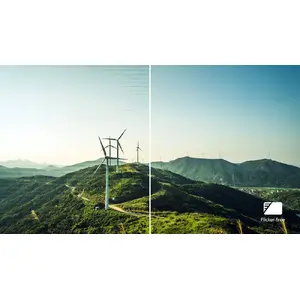
Less eye fatigue with Flicker-Free technology
Because of the way brightness is controlled on LED-backlit screens, some users can experience flicker that causes eye fatigue. Philips Flicker-Free technology applies a refined solution to regulate brightness and reduce flicker for more comfortable viewing.
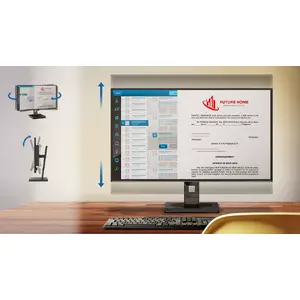
Tilt, swivel and height-adjust for an ideal viewing position
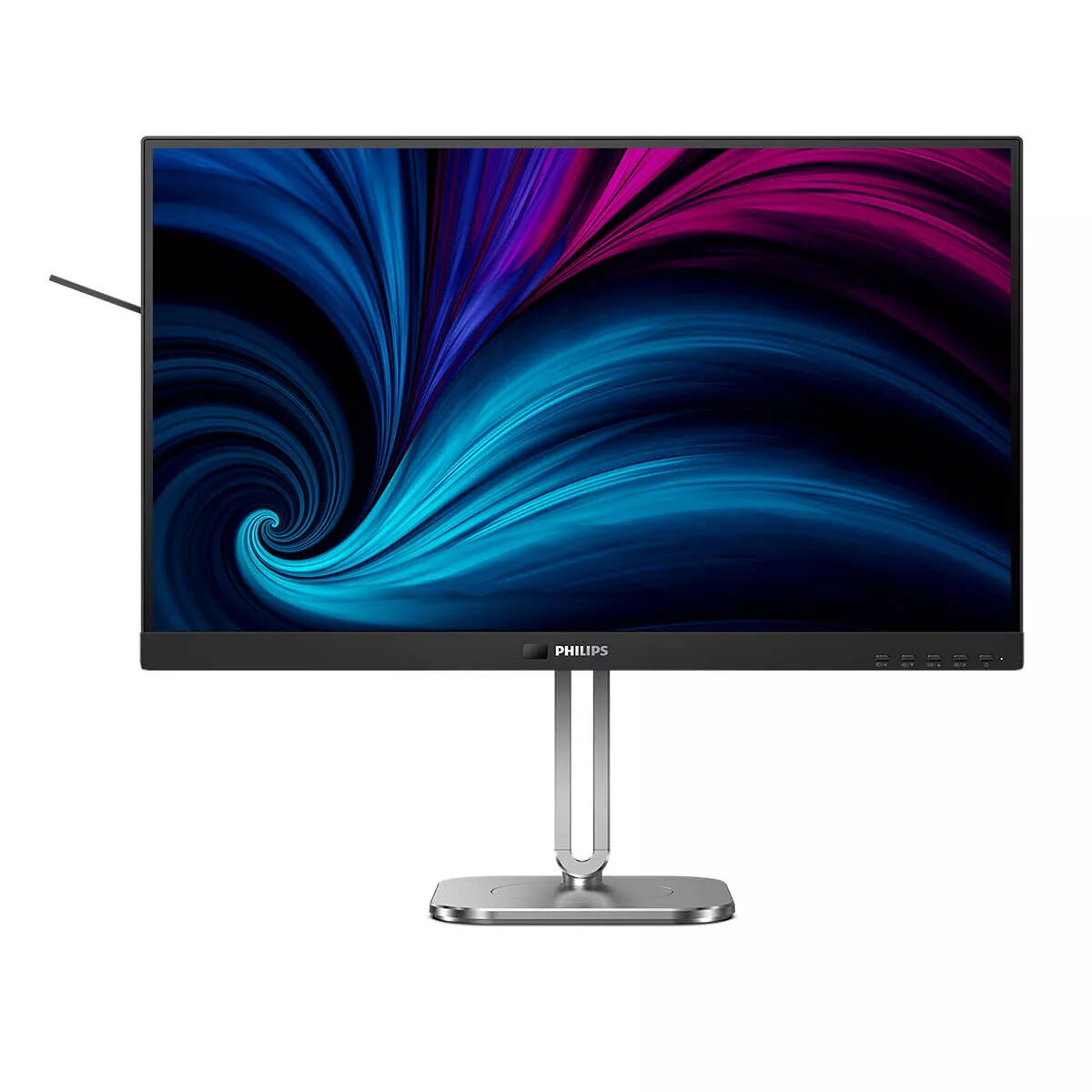
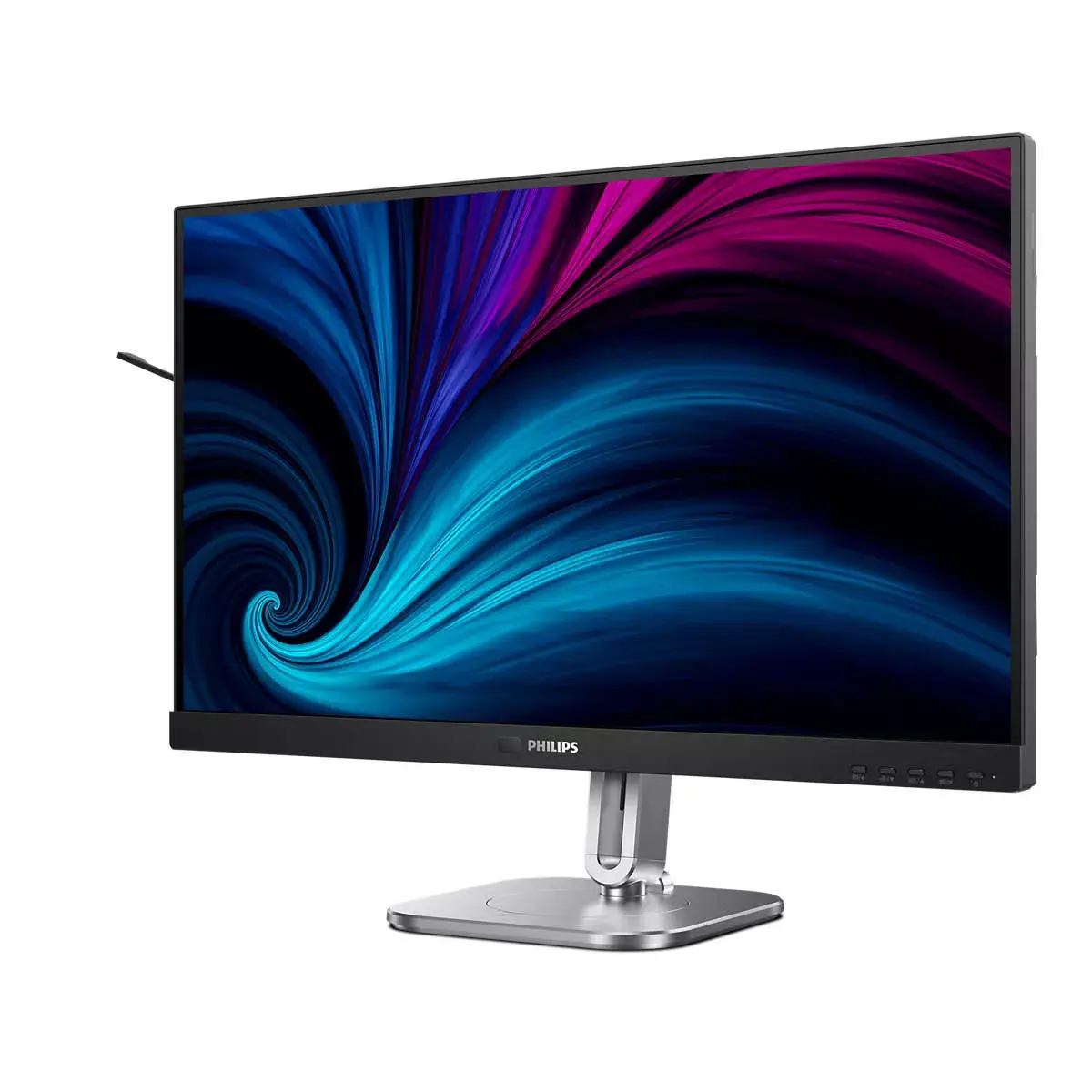
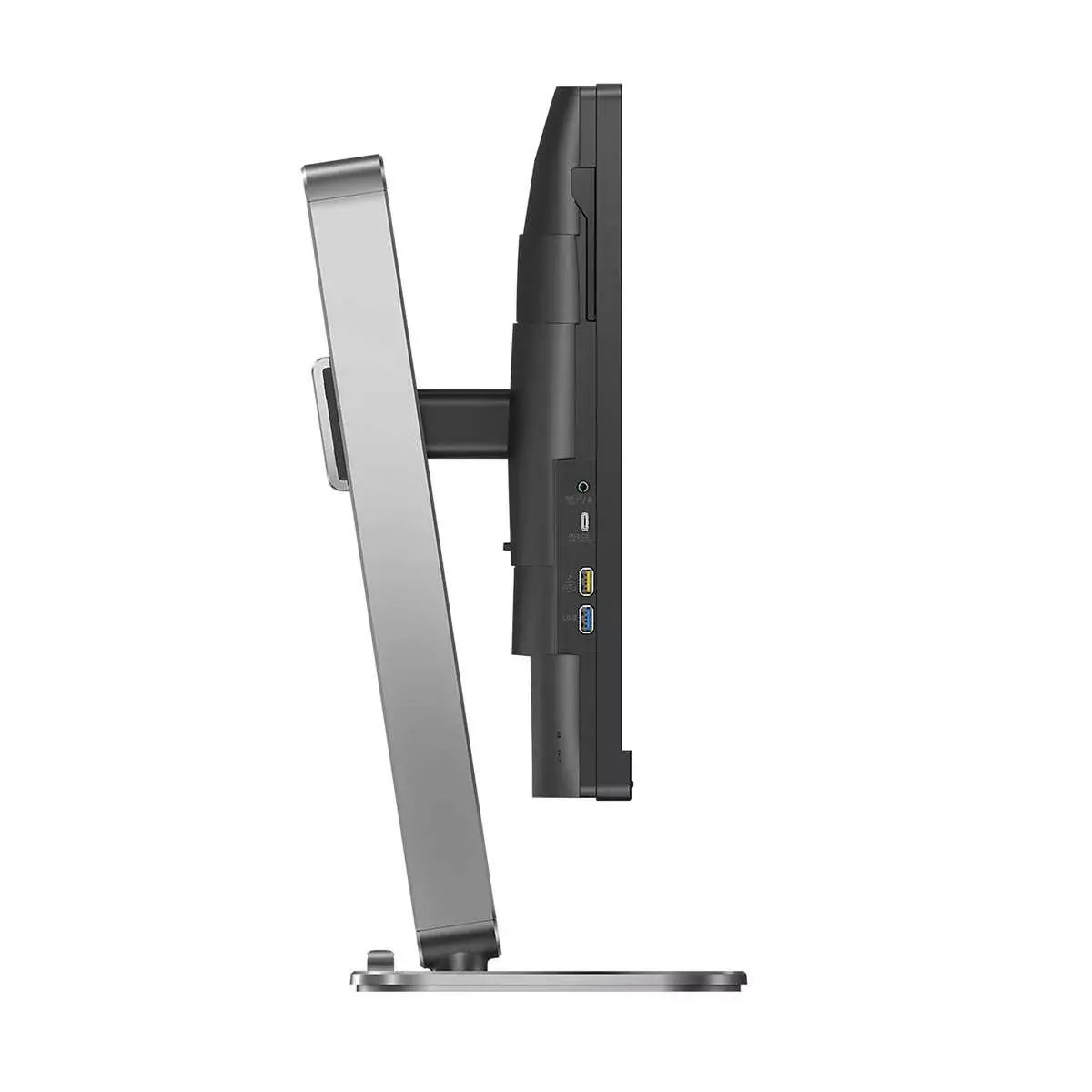
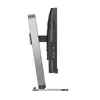
The Compact Ergo Base is a user-friendly Philips monitor stand that tilts, swivels and adjusts in height so each user can position the monitor for maximum comfort and efficiency.
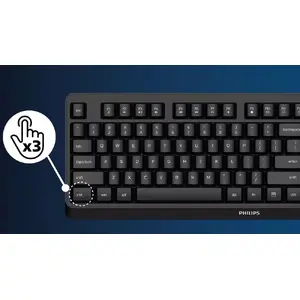
SmartKVM: for easily switching between sources
Unlike traditional built-in KVM monitor buttons, SmartKVM lets you switch between sources with a keyboard shortcut. When all devices are properly connected, users can switch between sources by pressing the "Ctrl" key three times.
Eyesafe-certified blue light protection and colour accuracy
This Philips display meets the TUV Rheinland Eyesafe® standard to protect you from long exposure to blue light. The always-on blue light filter helps reduce digital eye strain while preserving colour integrity.
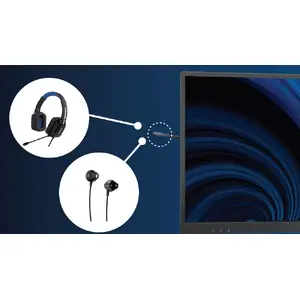
Earphone hook: for customisable storage
Earphone storage is made simple with this feature. Pull down the hook located on the side of the monitor to keep your desktop tidy and provide convenient cable management for your workspace.
MultiView enables simultaneous dual connection and view
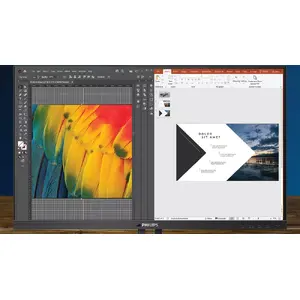
With the ultra-high-resolution Philips MultiView display, you can experience flexible connectivity. MultiView enables active dual connect and view so you can work with multiple devices, such as a PC and notebook, simultaneously for advanced multitasking.
1.07 billion colours for smooth colour gradations and detail
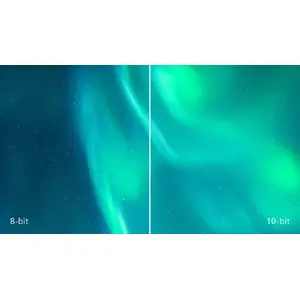
The 10-bit display delivers rich colour depth with 1.07 billion colours and 12-bit internal processing to reproduce smooth, natural colours without banding.
UltraClear 4K UHD (3840 x 2160) resolution for precision
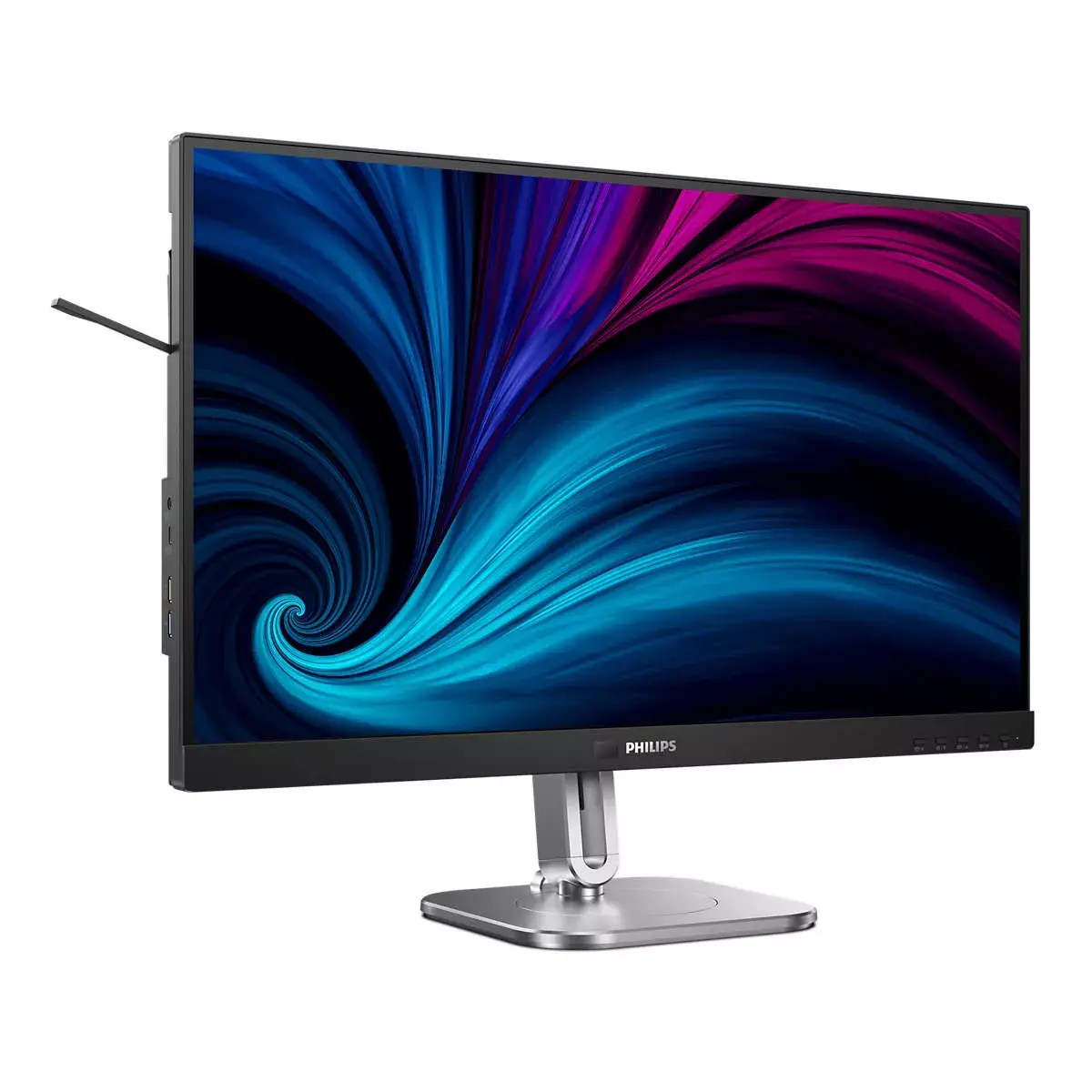
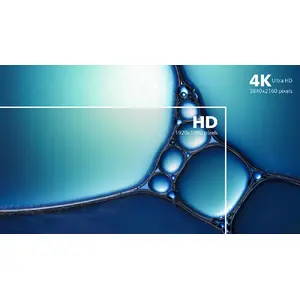
These Philips displays use high-performance panels to deliver UltraClear 4K UHD (3840 x 2160) images. Whether you require extremely detailed images for CAD, 3D graphics applications or large spreadsheets, Philips displays make images and graphics come alive.
SoftBlue Technology: for comfortable viewing
SoftBlue LED technology, combined with the monitor's low-blue-light panel, helps reduce the adverse effects of high exposure to blue light. In this panel, the ratio of harmful blue light is reduced by nearly 50%, while SoftBlue LED technology further reduces blue light emissions. SoftBlue LED technology is tested and certified by TÜV Rheinland Eyesafe for its effectiveness.
PowerSensor 2: for optimised energy efficiency
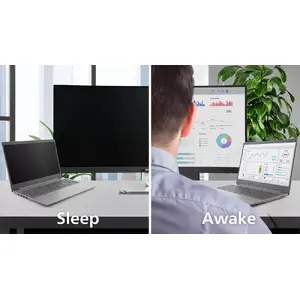
PowerSensor 2 reduces energy consumption by detecting when users move closer to or farther from the screen. After switching the OSD setting to "User", you must also adjust the settings in Windows 11 for this feature to work properly. When configured, the monitor and connected PC/laptop will wake when someone approaches and sleep when they walk away, reducing active wake time. Detection distance can be set to 50, 75 or 120 cm from the user's laptop. Note: Windows 11 must be installed.
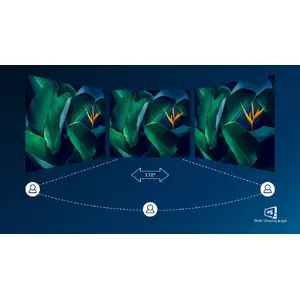
IPS LED wide view technology for image and colour accuracy
IPS displays use advanced technology to provide extra-wide viewing angles of 178/178 degrees, allowing viewing from almost any angle. Unlike standard TN panels, IPS delivers crisp images with vivid colours, making it ideal for photos, movies, web browsing and professional applications that demand colour accuracy and consistent brightness.