RJ-45 to USB-C gives easy network connection with security
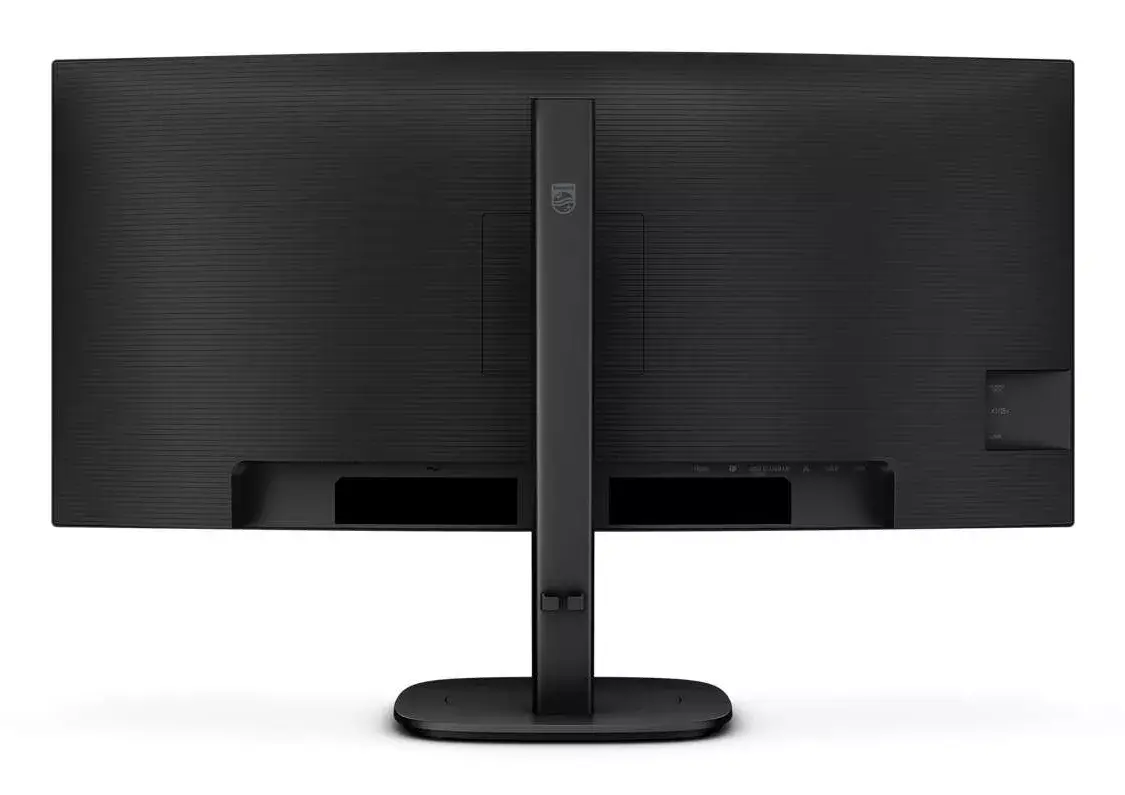
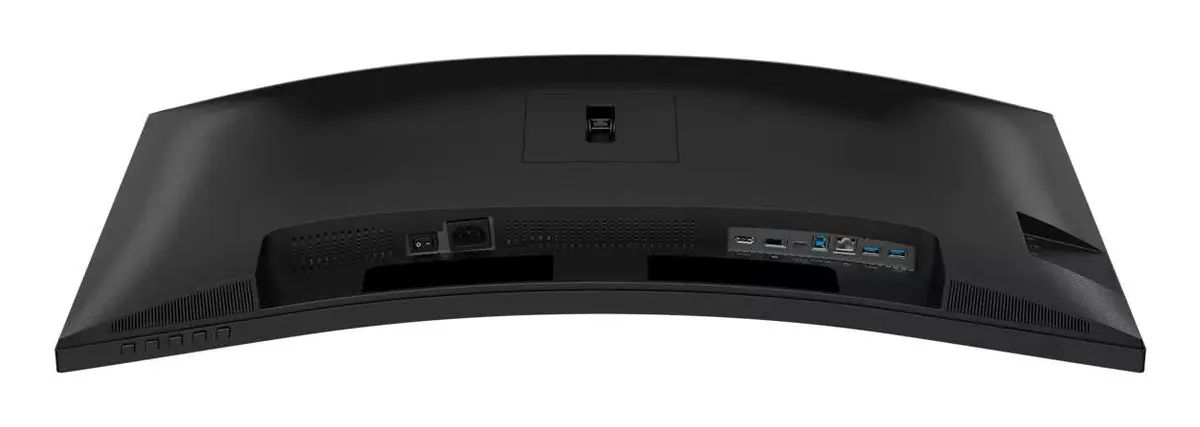
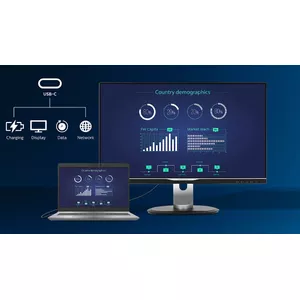
Simplify all peripherals from monitor to PC using one-cable docking USB Type-C connector, including networking, high-resolution video output from PC to monitor, and Internet access without an additional network cable, even if your notebook lacks a LAN port. RJ45 connection through USB-C offers a fast and secure link when needed. Achieving the fastest data speeds lets you transfer data from an HDD to your PC faster than before. Additionally, USB-C with power delivery can power and charge your notebook from the monitor, eliminating the need for extra power cables.
MultiView enables simultaneous dual connection and view
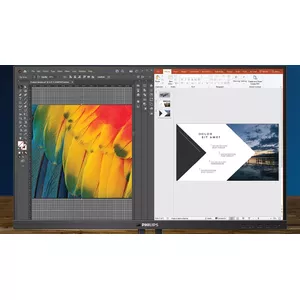
With the ultra-high resolution Philips MultiView display, you can experience broadened connectivity. MultiView enables active dual connect and view so you can work with multiple devices, such as a PC and a notebook, simultaneously for complex multitasking.
Built-in stereo speakers for multimedia
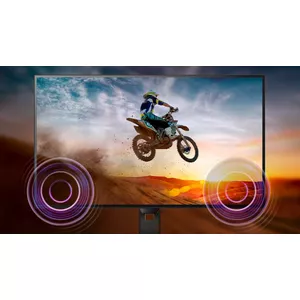
A pair of high-quality stereo speakers is integrated into the display. Depending on the model and design, they may be front-firing, down-firing, top-firing, or rear-firing.
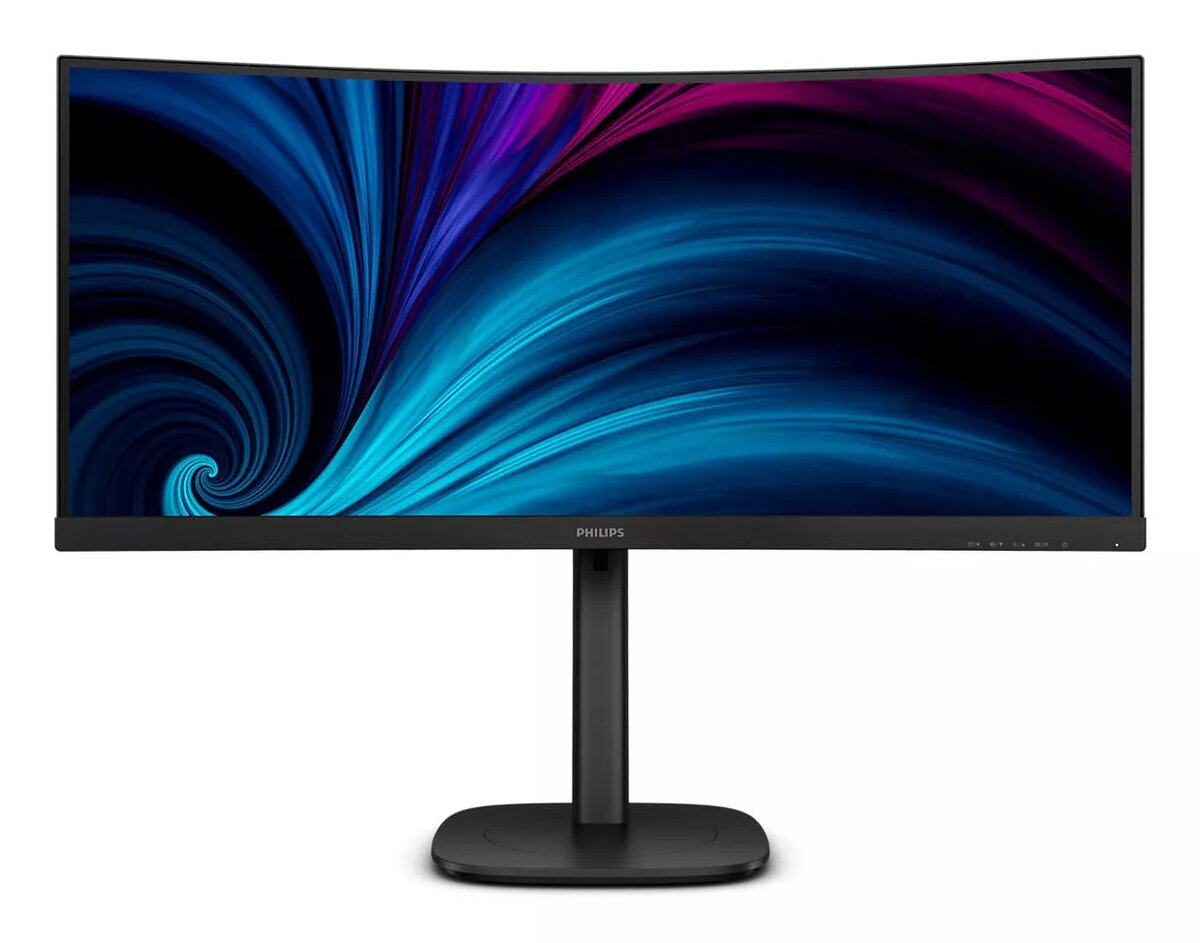
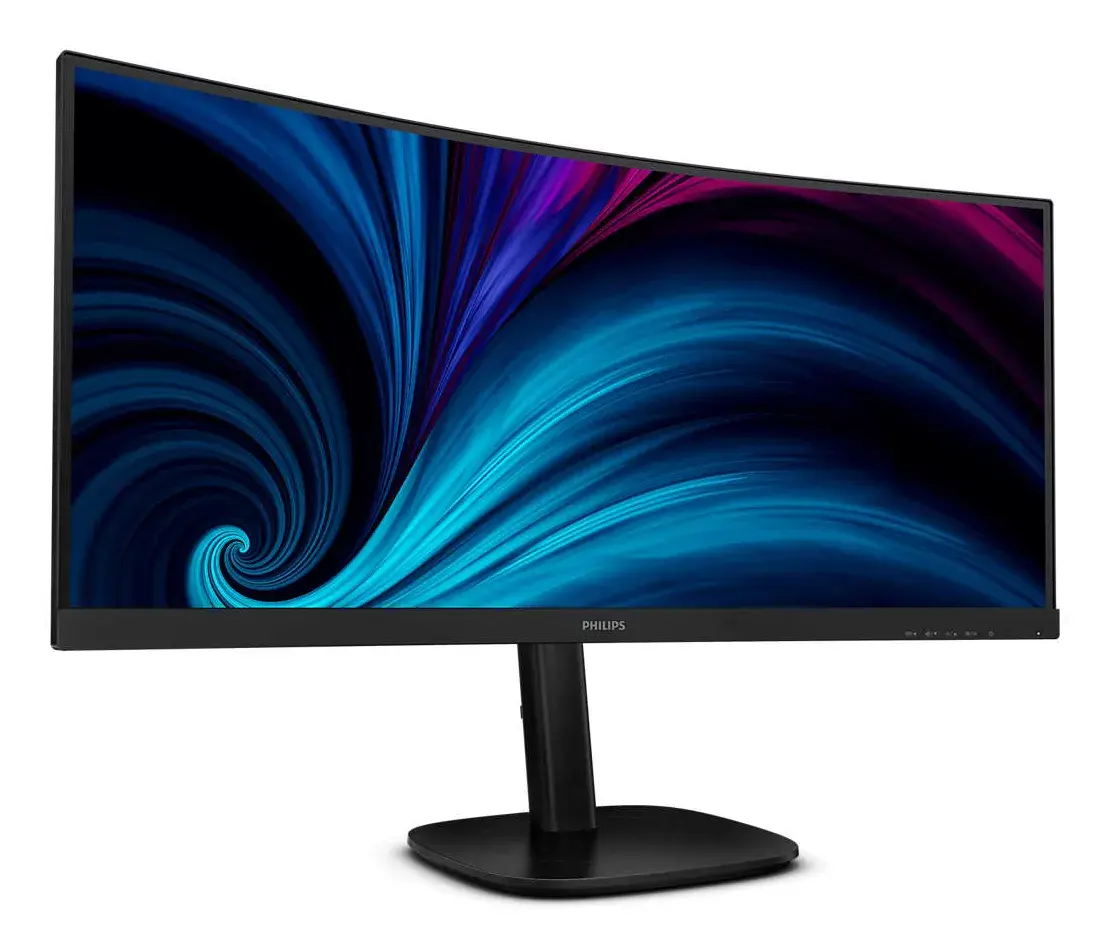
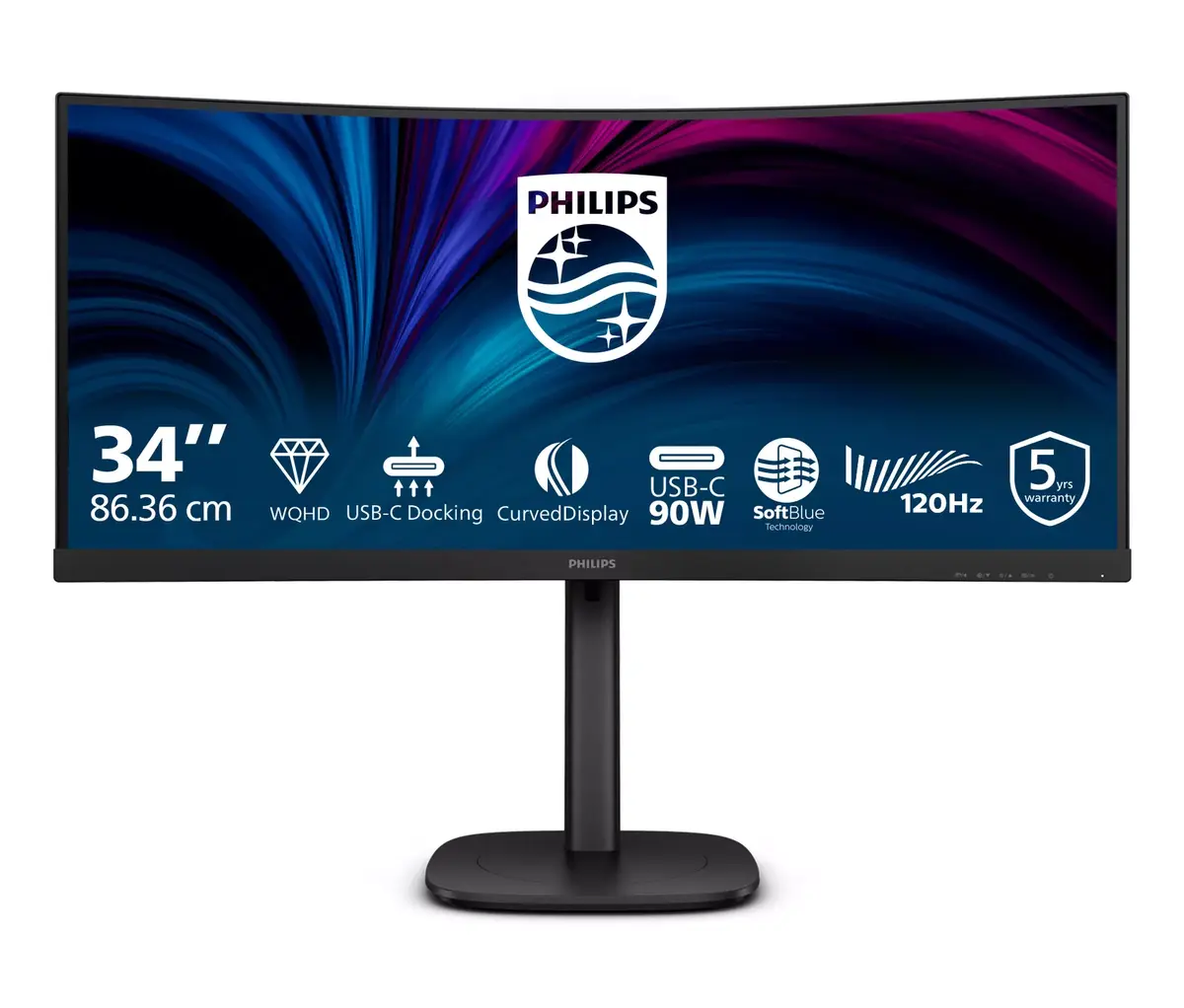
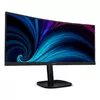
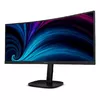
Curved display design for a more immersive experience
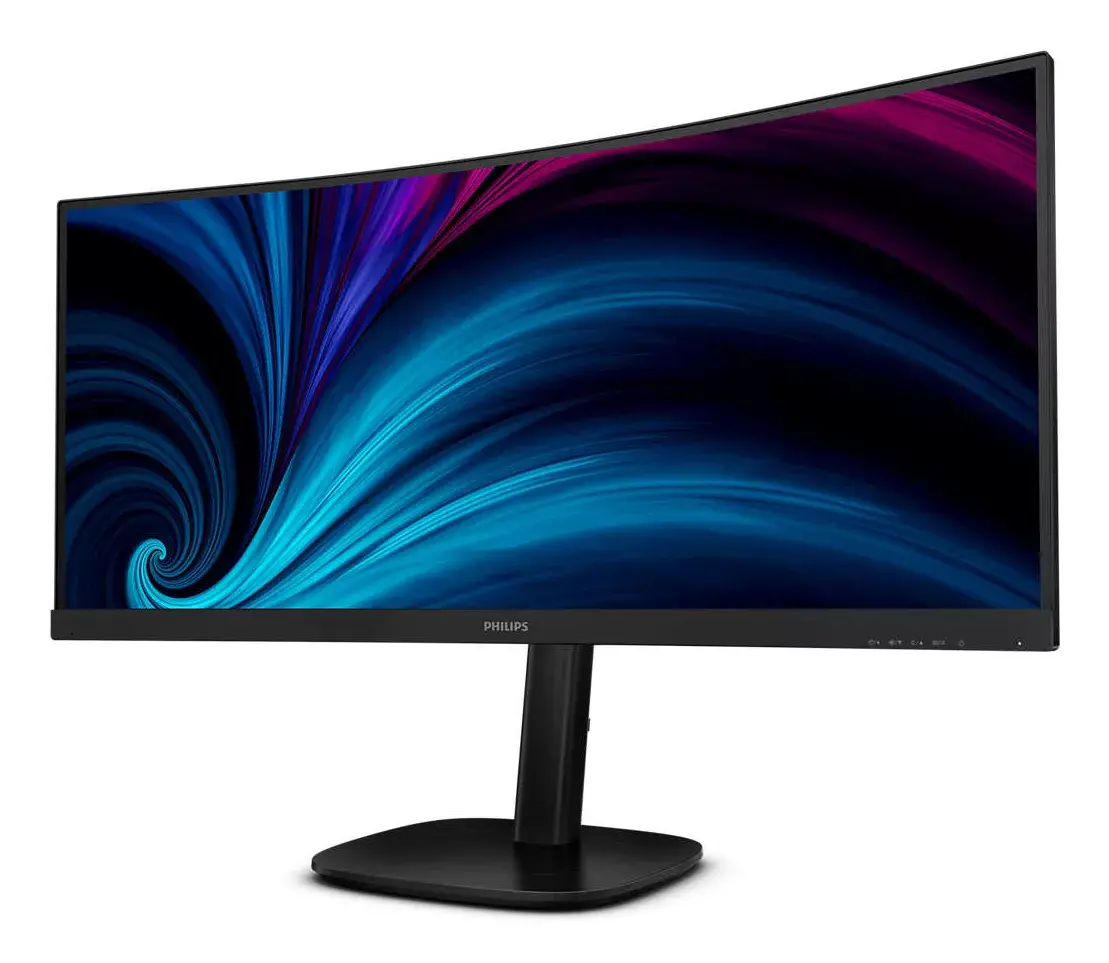
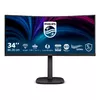
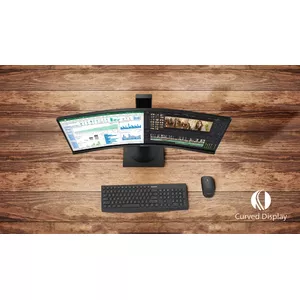
Desktop monitors provide a personal user experience that suits a curved design very well. The curved screen creates a subtle, pleasant immersion effect that centers your focus at your desk.
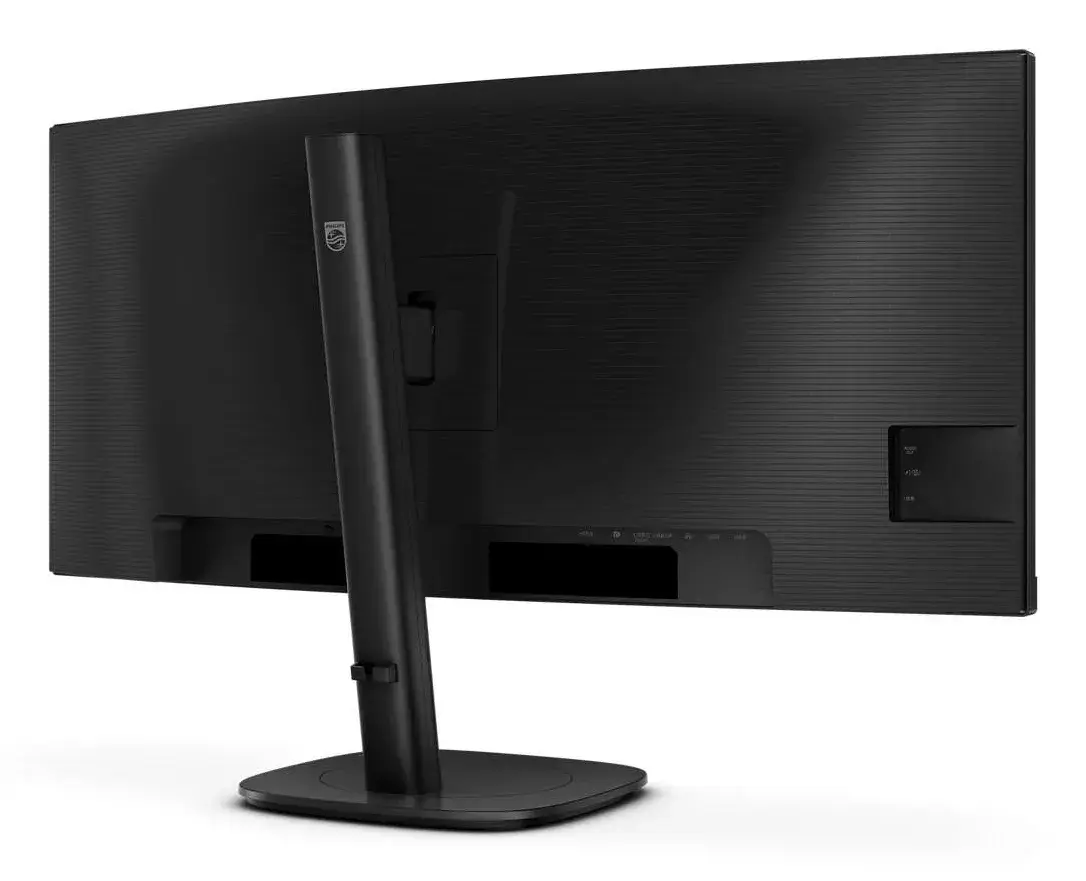
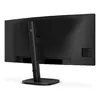
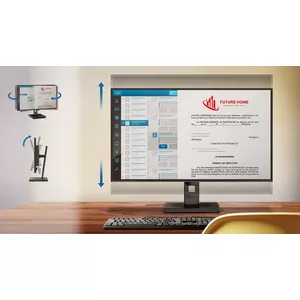
Tilt, swivel and height-adjust for an ideal viewing position
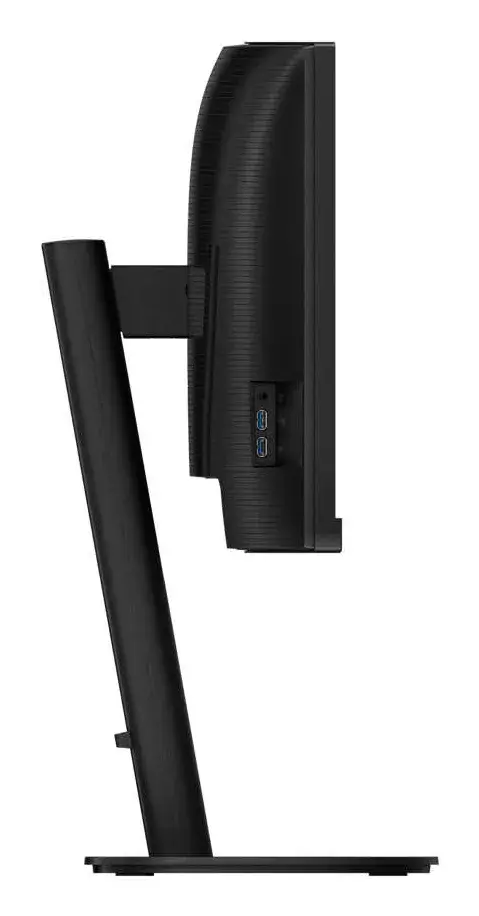
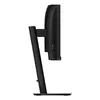
The Compact Ergo Base is a user-friendly Philips monitor stand that tilts, swivels and adjusts in height so each user can position the monitor for maximum comfort and efficiency.
Eyesafe-certified blue light protection and colour accuracy
The Philips display meets the TUV Rheinland Eyesafe® standard to protect you from long exposure to blue light. The always-on blue light filter helps reduce digital eye strain while preserving colour integrity.
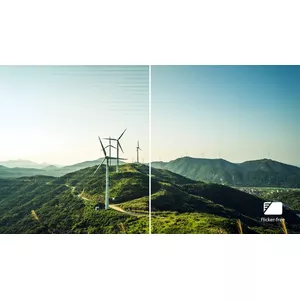
Less eye fatigue with Flicker-Free technology
Because of how brightness is controlled on LED-backlit screens, some users experience screen flicker that causes eye fatigue. Philips Flicker-Free technology applies a solution to regulate brightness and reduce flicker for more comfortable viewing.
SoftBlue Technology: for comfortable viewing
SoftBlue LED technology combined with the monitor's low-blue-light panel is an effective solution for reducing the adverse health effects of high exposure to blue light. In this panel, the proportion of harmful blue light is reduced by nearly 50 percent, while SoftBlue LED technology further reduces harmful blue light emissions. SoftBlue LED technology is tested and certified by TUV Rheinland Eyesafe® for its effectiveness in lowering blue light output.
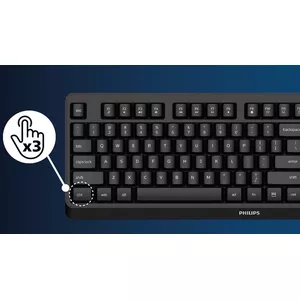
SmartKVM: for easily switching between sources.
Unlike traditional built-in KVM monitor buttons, SmartKVM lets you switch between sources with a keyboard key sequence. When all devices are properly connected, users can switch between sources by pressing the Ctrl key three times.
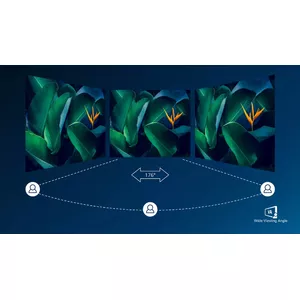
VA display gives awesome images with a wide viewing angle
The Philips VA LED display uses advanced vertical alignment technology to deliver very high static contrast ratios for extra-vivid, bright images. It's suitable for photos, web browsing, films, gaming and demanding graphical applications. Its optimized pixel management provides a 176/176 degree extra-wide viewing angle for crisp images.
1.07 billion colours for smooth colour gradations and detail
The 10-bit display delivers rich colour depth with 1.07 billion colours and 12-bit internal processing to recreate smooth, natural colours without banding.