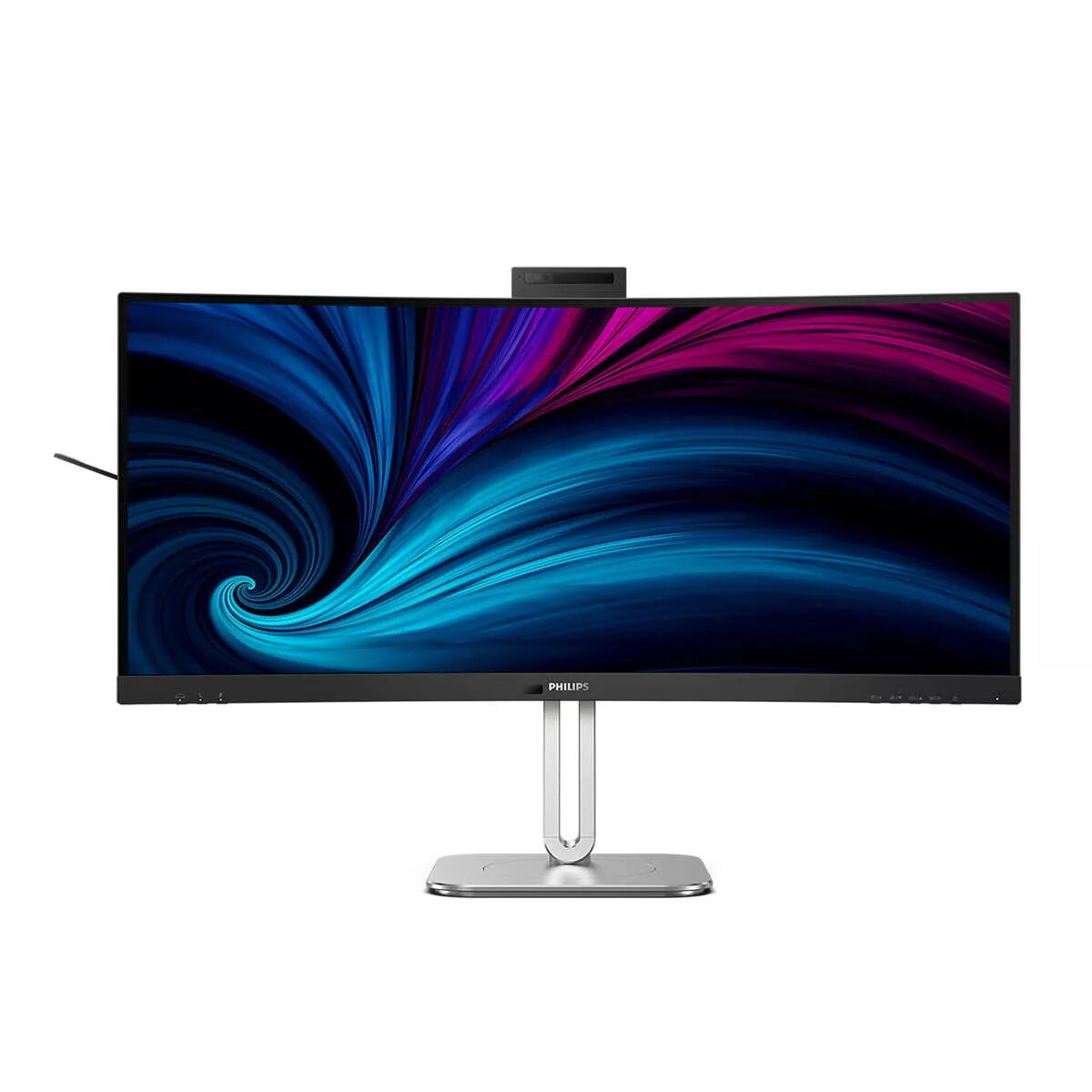
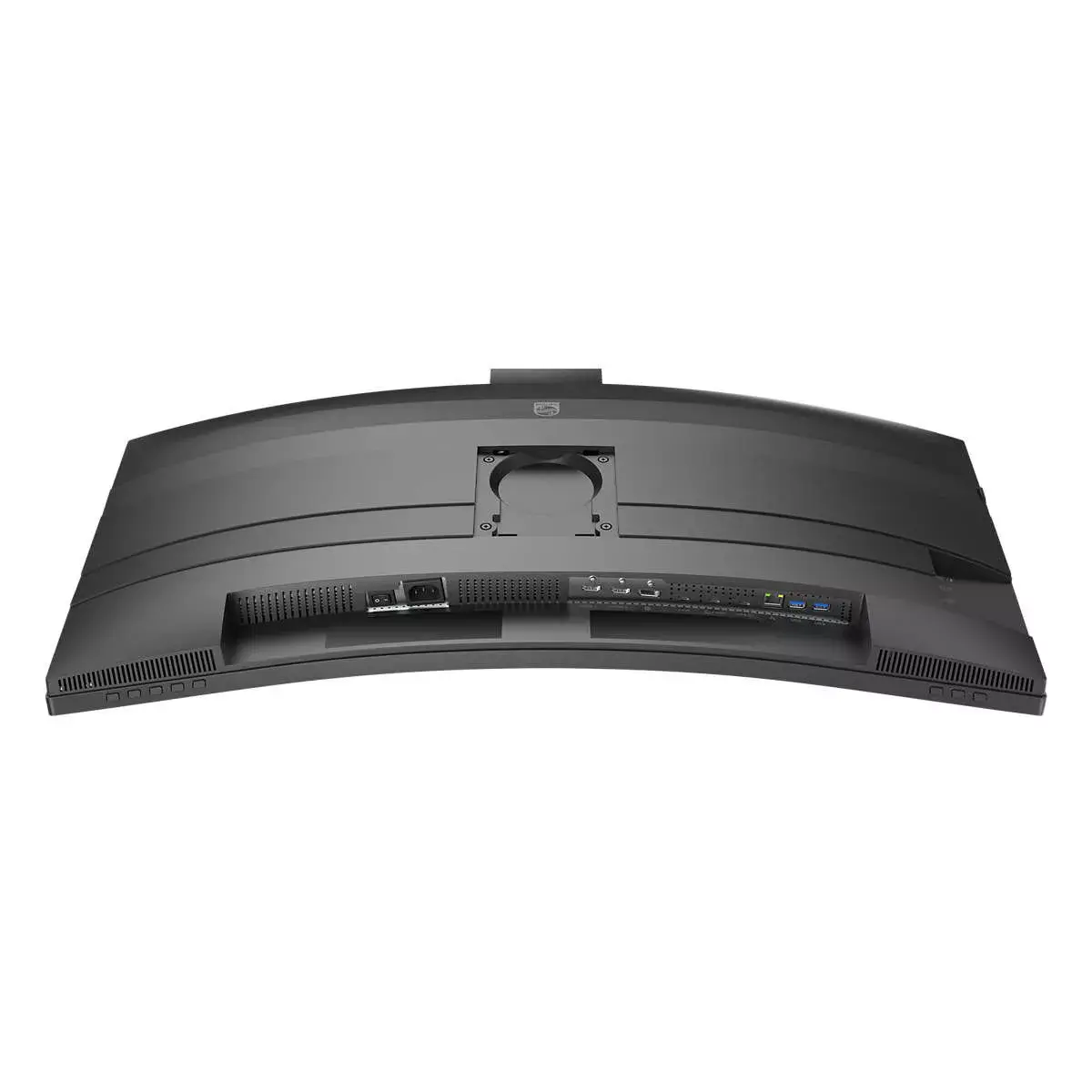
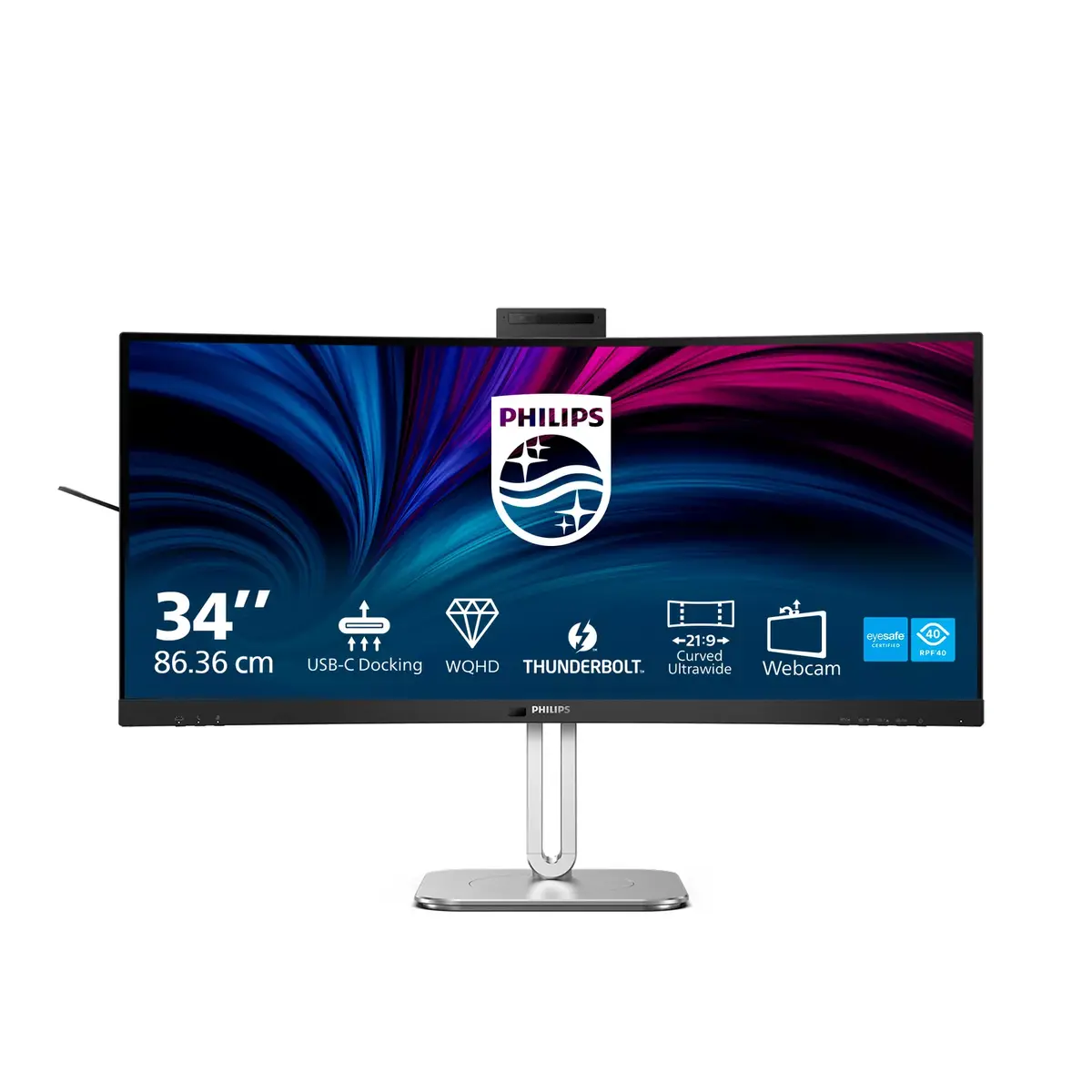
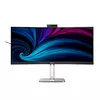
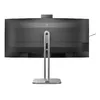
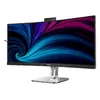
Thunderbolt™ 4 connection: for lightning-fast connectivity
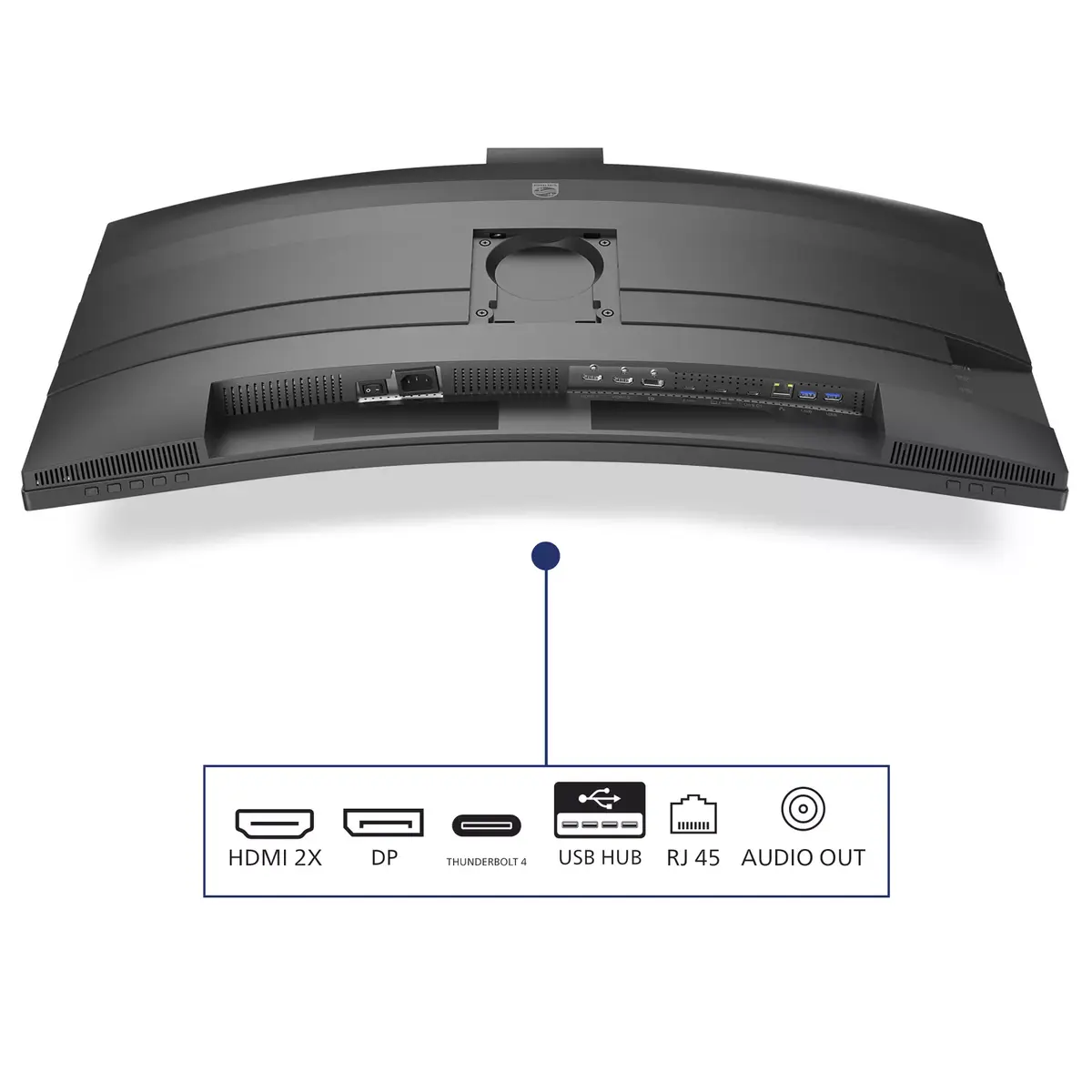
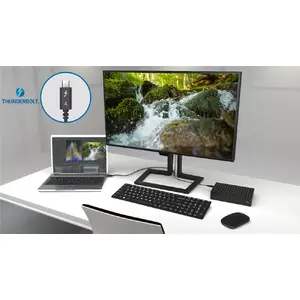
This Philips docking monitor is equipped with Thunderbolt 4. Compared with conventional USB-C monitors, Thunderbolt 4 provides lightning-fast data transfer speeds, supports high-resolution video, offers multi-stream transport for daisy chaining and delivers up to 100 W of power to external devices.
VA display delivers awesome images with wide viewing angles
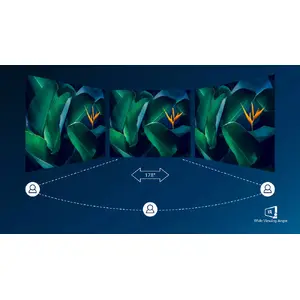
The Philips VA LED display uses advanced multi-domain vertical alignment technology to deliver very high static contrast ratios for extra-vivid, bright images. While standard office applications run smoothly, it is especially suitable for photos, web browsing, films, gaming and demanding graphical work. Its optimised pixel management provides a 178/178-degree extra-wide viewing angle, resulting in crisp images.
DisplayHDR 400 for more lifelike and outstanding visuals
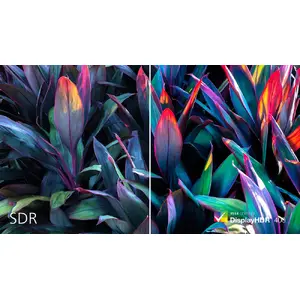
VESA-certified DisplayHDR 400 is a significant step up from normal SDR displays. Unlike basic 'HDR-compatible' screens, true DisplayHDR 400 produces impressive brightness, contrast and colours. With global dimming and a minimum of 400 nits brightness, images gain notable highlights and deeper, more nuanced blacks. It renders a fuller palette of rich colours for a more engaging visual experience.
Adjustable webcam: for video conferencing in comfort
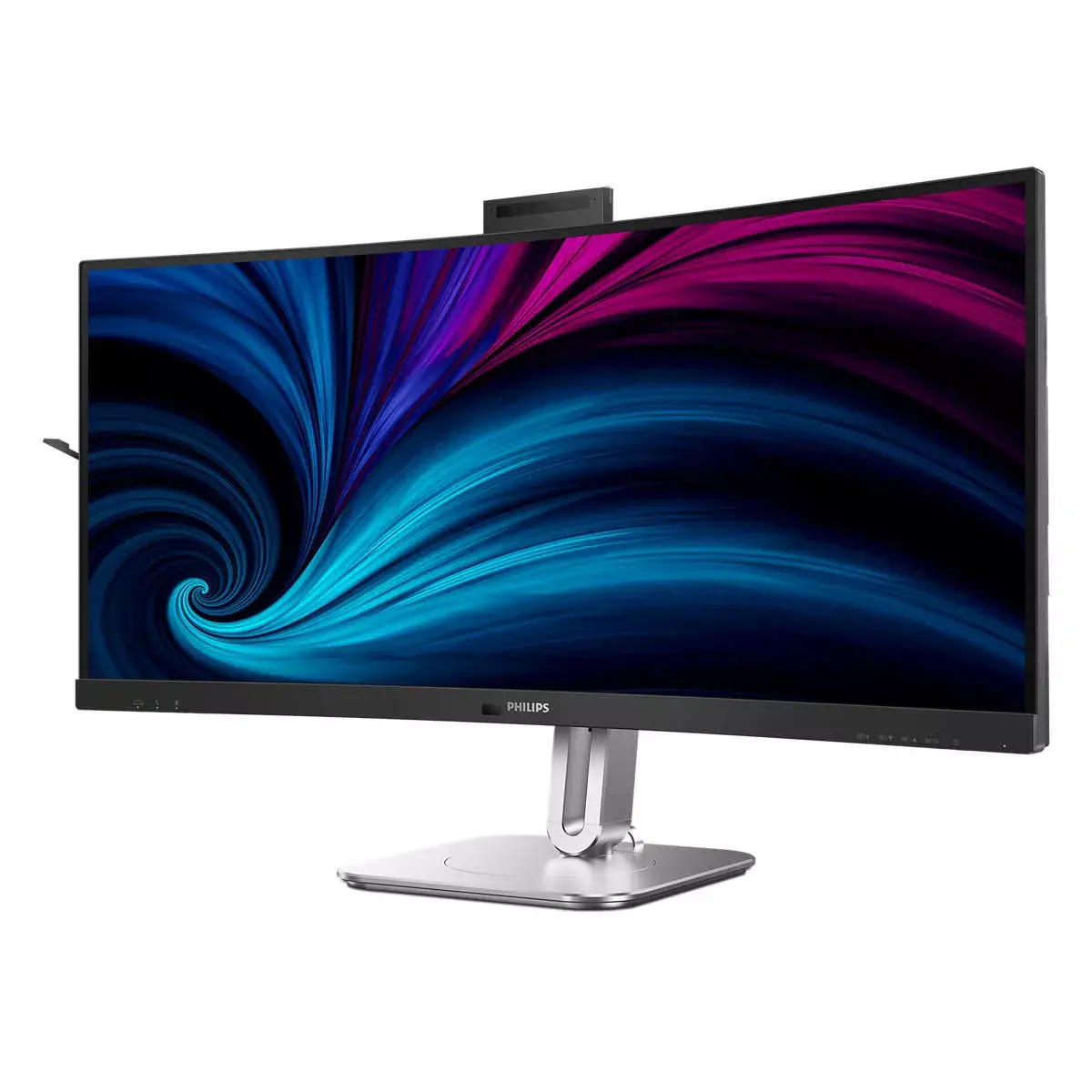
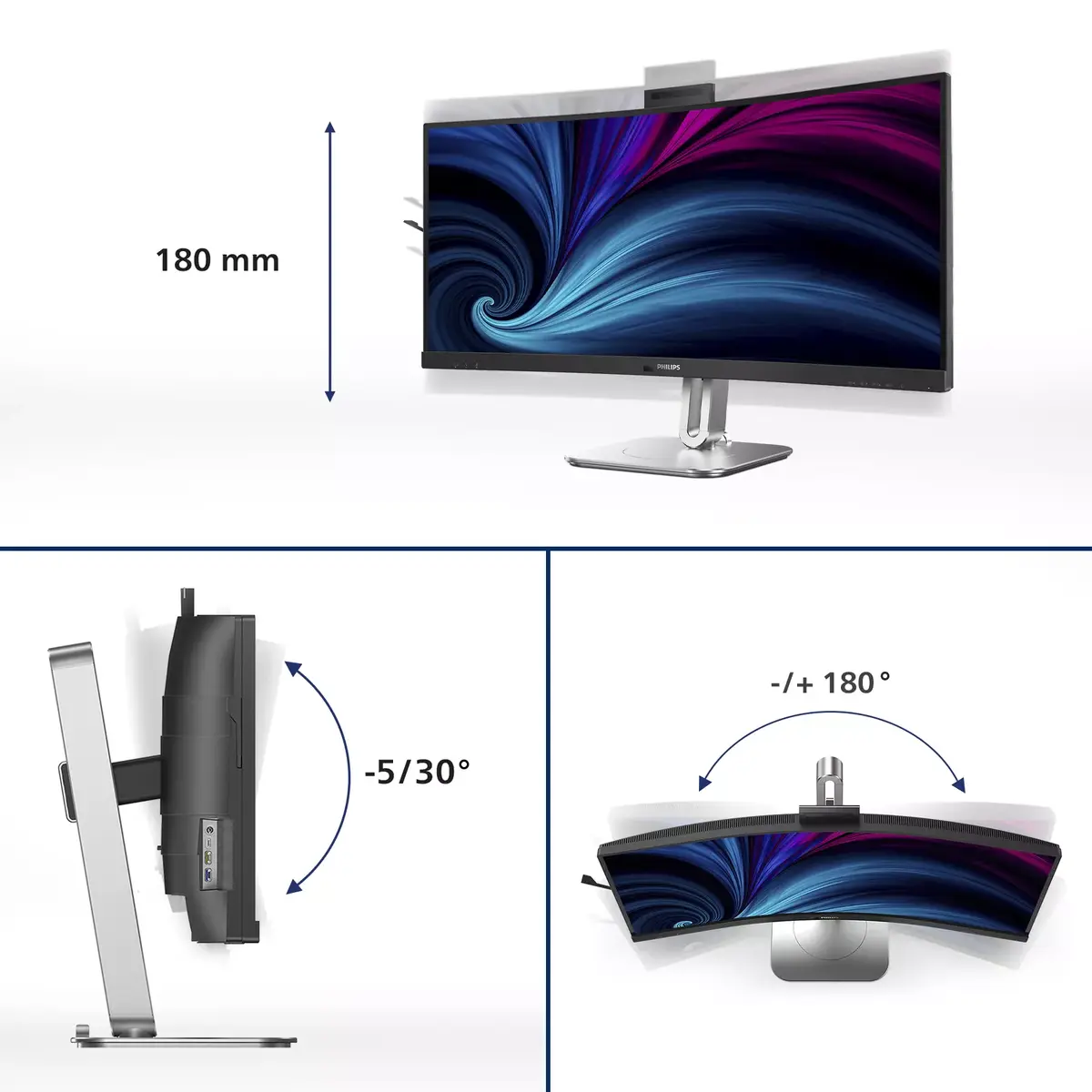
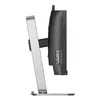
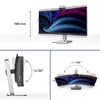
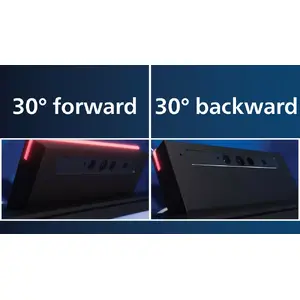
Improve the comfort of video conferencing with this adjustable webcam. By tilting the webcam back and forth up to 30 degrees, users can join calls and meetings from any position that suits them best.
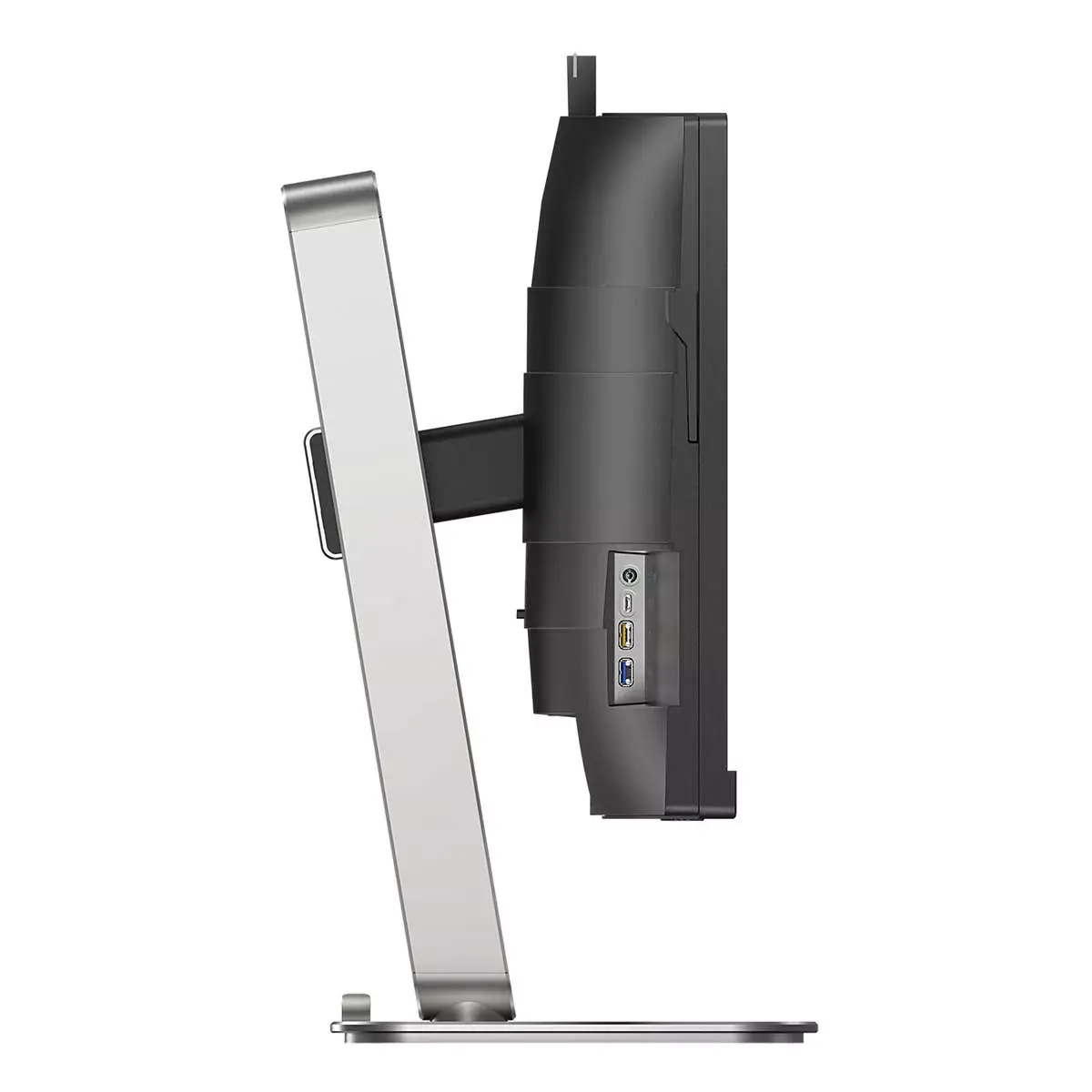
Earphone hook: for customisable storage
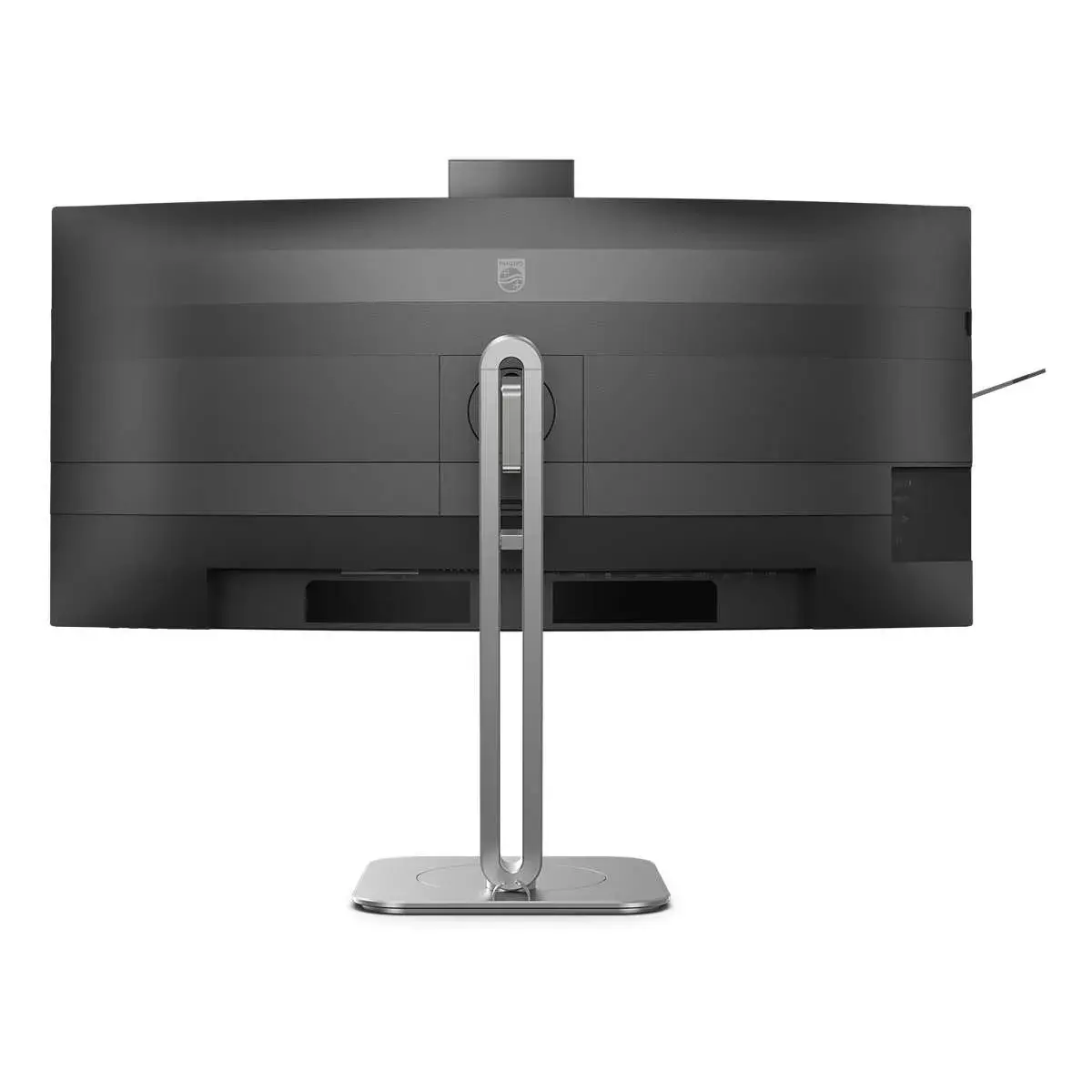
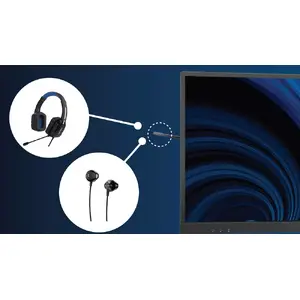
Easily store earphones using the hook on the side of the monitor. Pull the hook down to keep your desktop tidy and provide convenient cable management for your workspace.
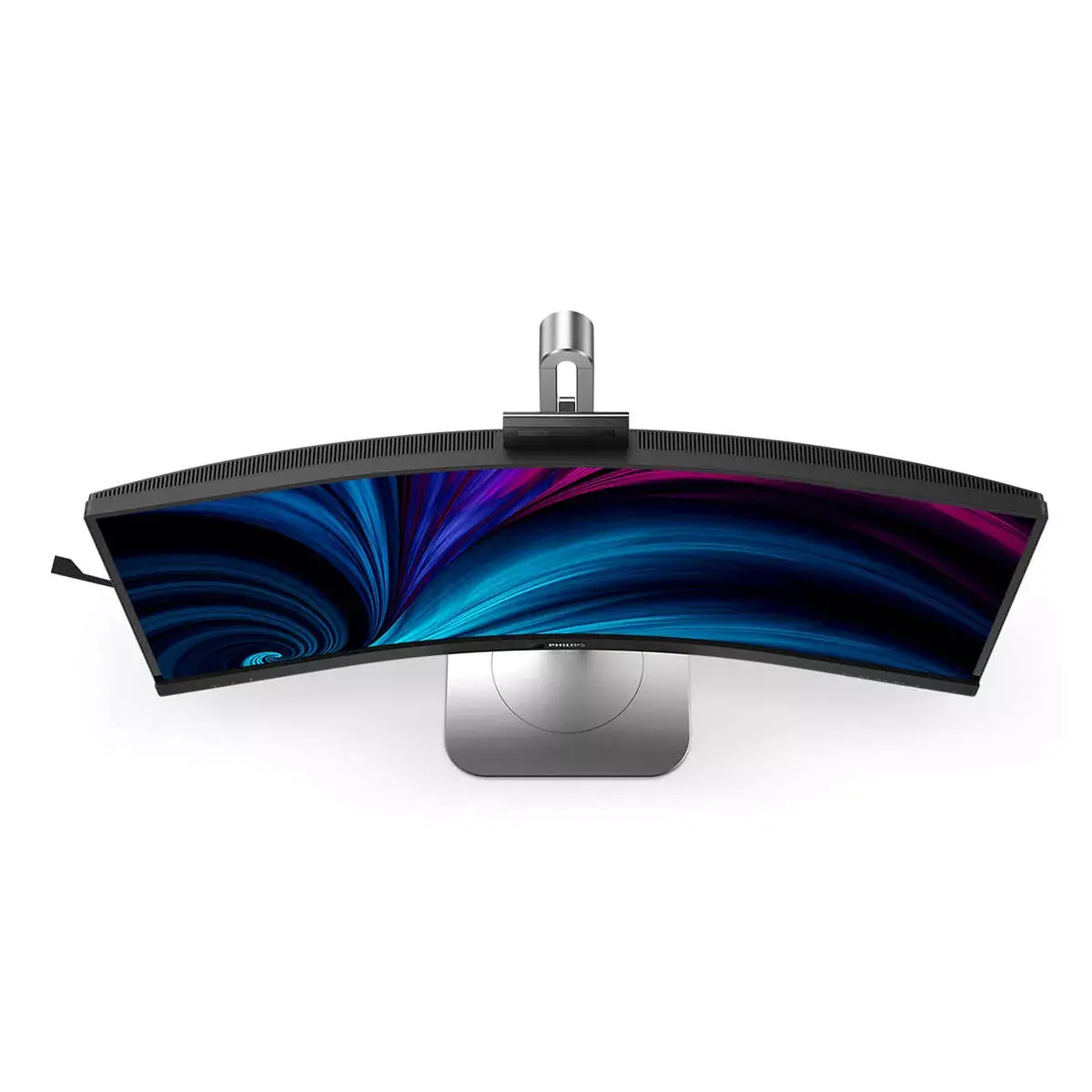
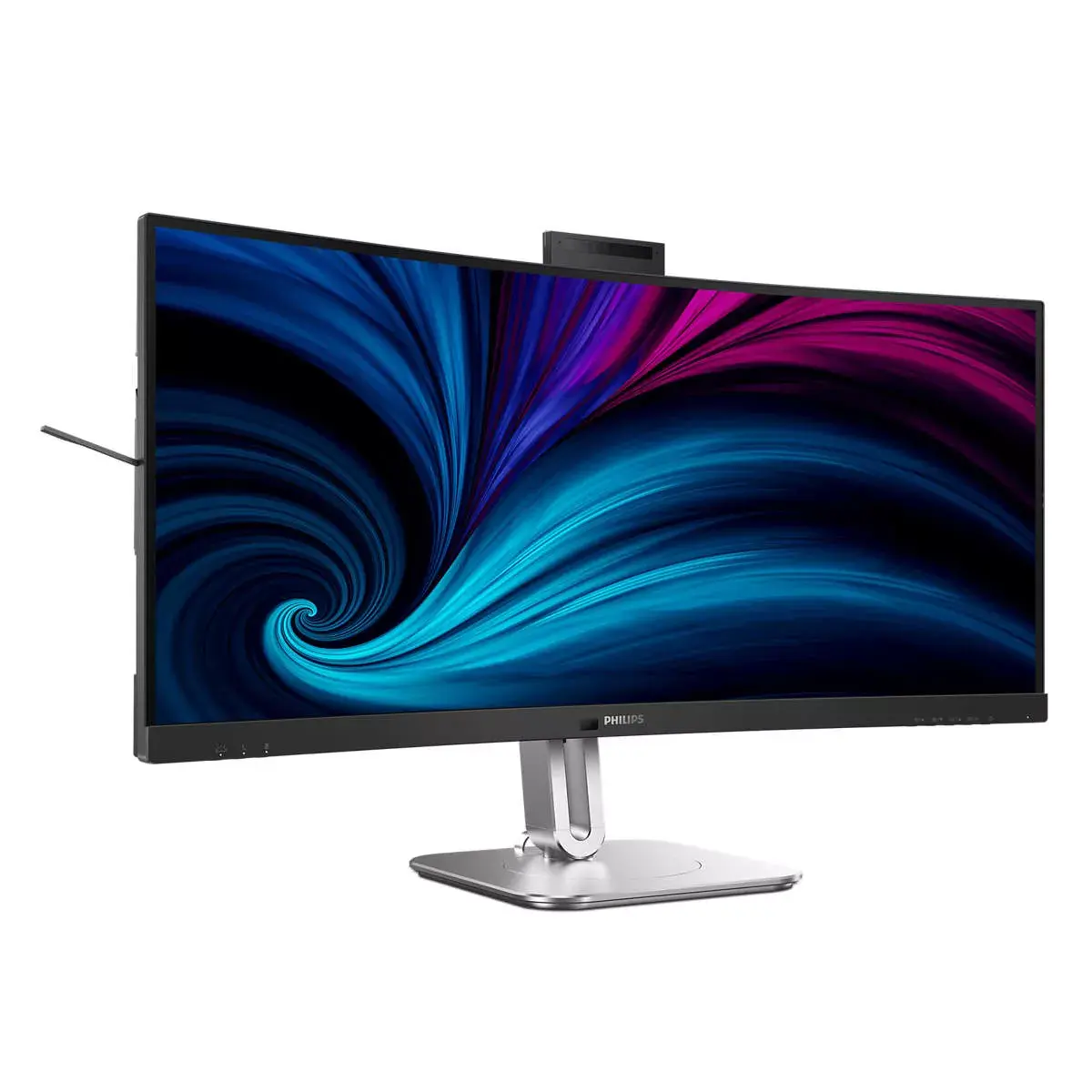
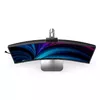
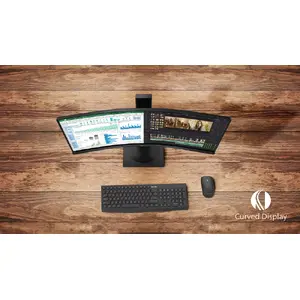
Curved display design for a more immersive experience
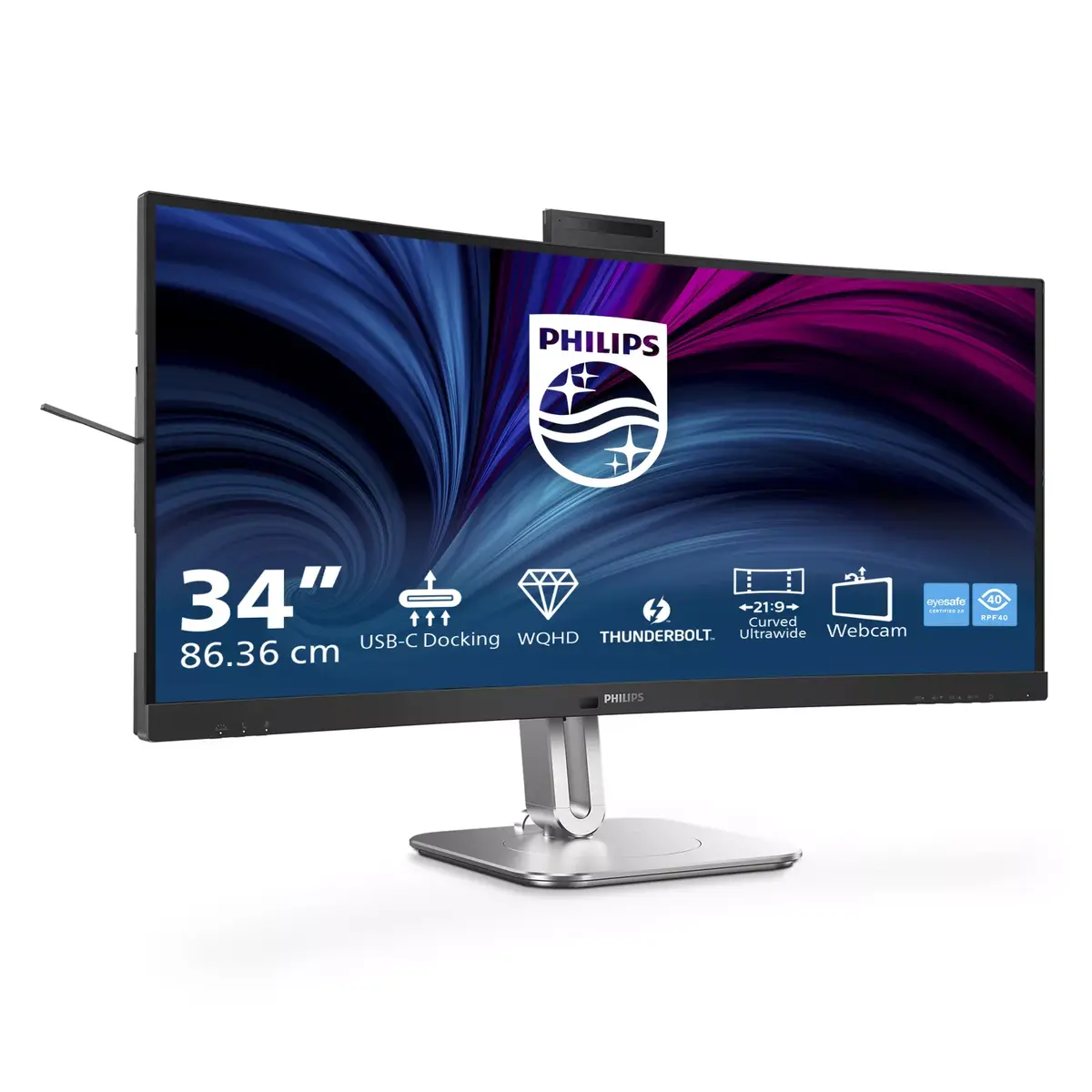
The curved screen offers a personal user experience, delivering a pleasant yet subtle immersion effect that places you at the centre of your desk.
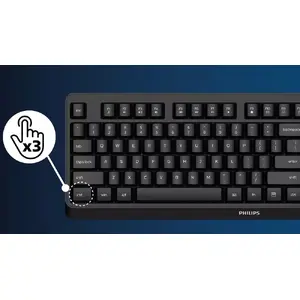
SmartKVM: for easily switching between sources
Unlike traditional built-in KVM monitor buttons, SmartKVM lets you switch between sources with a keyboard shortcut. When all devices are properly connected, users can switch sources by pressing the Ctrl key three times.
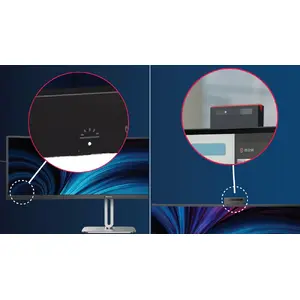
Busylight: for setting your work status
This feature provides privacy and helps collaboration in busy office settings. To show others that you are busy, press the Busylight hotkey on the bottom-left menu of the monitor bezel and the light on the webcam will turn red. Busylight can also sync with your Microsoft Teams status.
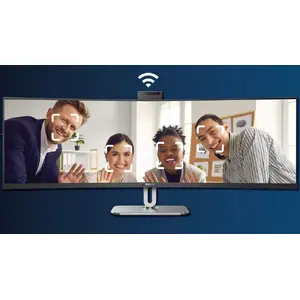
Webcam Autoframing: for dynamic video calls
Ideal for multi-person video conferencing: when one or more people enter the webcam view, the frame automatically adjusts and zooms to include all participants. When people leave the view, the frame adjusts accordingly, making it suitable for long meetings and team calls.
PowerSensor 2: for optimised energy efficiency
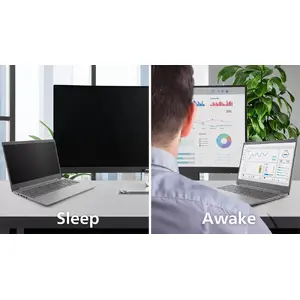
PowerSensor 2 reduces energy use by detecting when users move closer to or away from the screen. After setting OSD to "User", adjust the settings in Windows 11 for the feature to work correctly. The monitor and connected PC/laptop will wake when someone approaches and sleep when they walk away, reducing active wake time. Detection distance can be set to 50, 75 or 120 cm from the user. Windows 11 must be installed for this feature.
CrystalClear images with UltraWide QHD 3440 x 1440 pixels
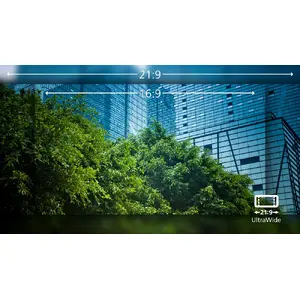
These Philips displays deliver CrystalClear UltraWide Quad HD 3440 x 1440 images. Using high-performance panels with a high pixel density and 178/178 wide viewing angles, these screens make images and graphics come alive. The UltraWide 21:9 format offers more workspace for side-by-side comparisons and additional visible spreadsheet columns. Whether you need detailed information for CAD-CAM or work with large spreadsheets, Philips displays provide CrystalClear images.
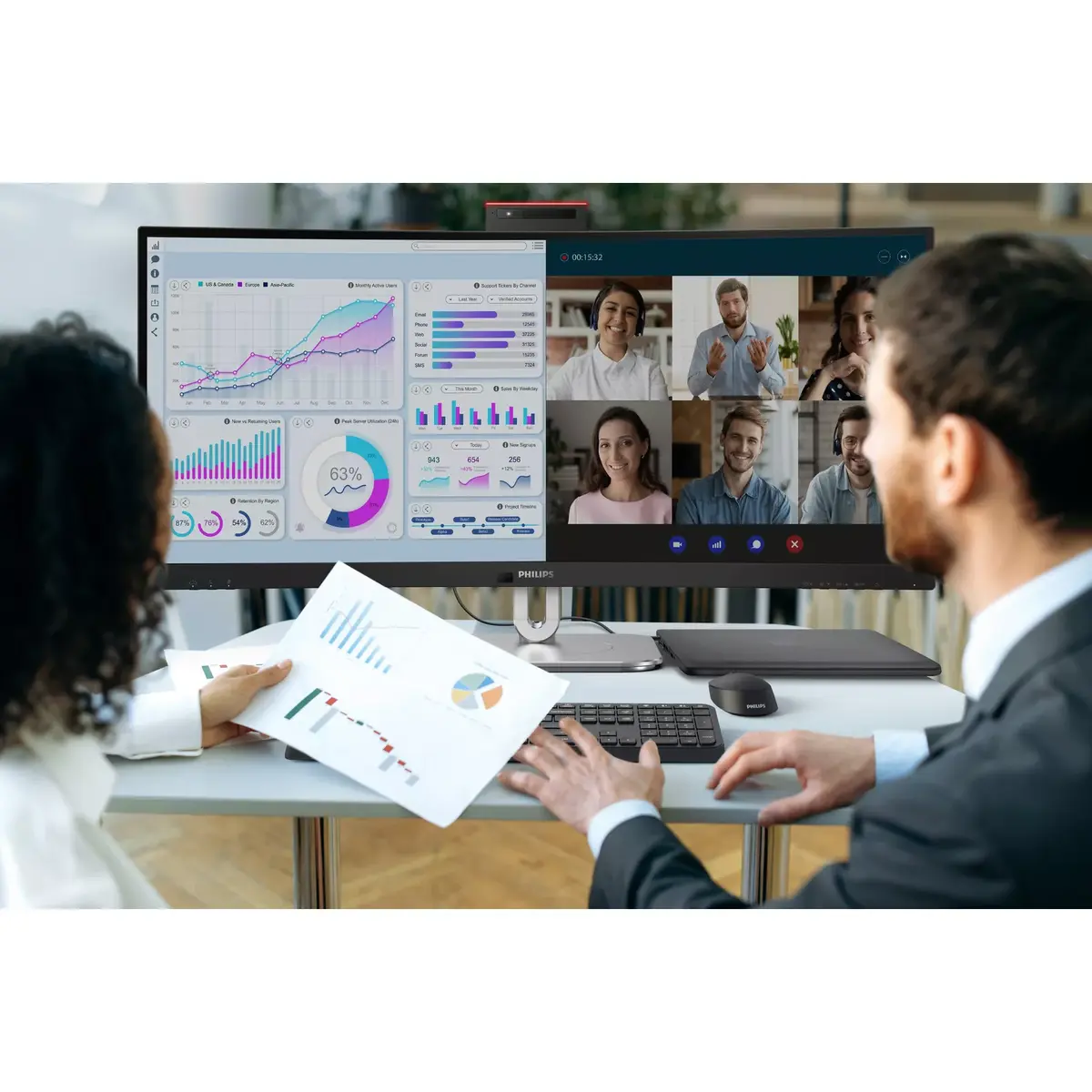
Collaboration-ready webcam with noise-cancelling mic
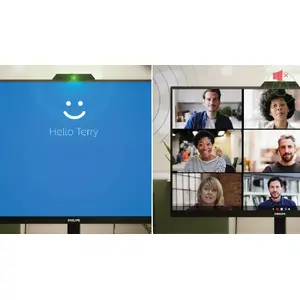
This Philips monitor includes a built-in 5 MP webcam, noise-cancelling microphone and speakers, making it well suited for working from home and remote collaboration. Advanced sensors work with Windows Hello facial recognition to sign in to Windows devices in under 2 seconds. For privacy, a physical camera switch lets you disable the webcam when not in use. The noise-cancelling microphone and dual 5 W integrated speakers ensure clear communication.