

A curated selection of maximum value offers!
In cart {{totalProductsCount}} item(s)
Your cart is empty
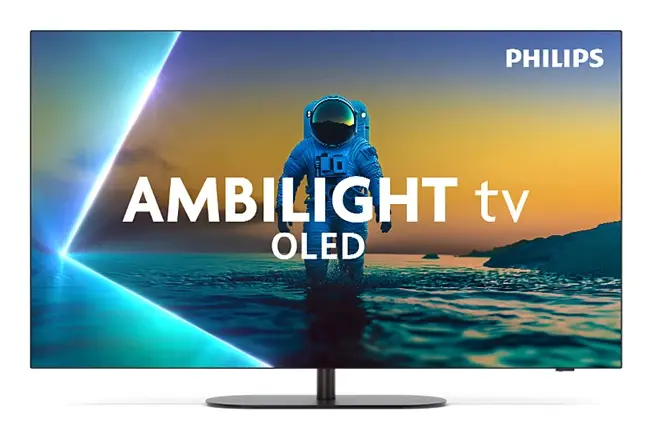
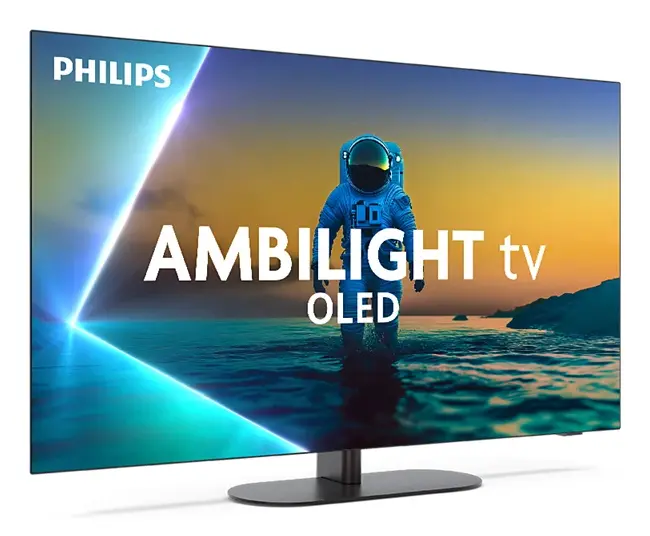
Philips 42OLED820/12 Smart TV 42" 4K Ultra HD OLED Wi-Fi Black
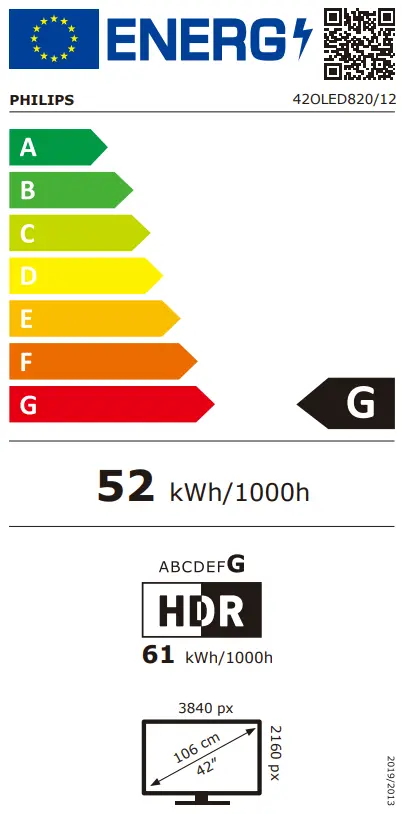
The Philips 42OLED820/12 Smart TV 42" 4K Ultra HD OLED Wi-Fi Black is a sophisticated television designed to deliver exceptional visual performance and modern entertainment capabilities. Featuring advanced OLED display technology with a 42-inch flat screen and a 3840 x 2160 pixel resolution, this model provides remarkable clarity, precise contrast, and deep black levels. Integrated Wi-Fi and Ethernet LAN connectivity allow for effortless access to internet TV and online streaming services, while the comprehensive digital tuner system supports a wide range of broadcasting standards including DVB-C, DVB-S, DVB-S2, DVB-T, DVB-T2, and DVB-T2 HD.
This television utilizes organic light-emitting diode technology, allowing every single pixel to self-illuminate or turn completely off to achieve true black tones and vivid color reproduction without backlight bleed. The 4K Ultra HD resolution ensures that content is displayed with fine detail and sharpness. Built-in smart functionality transforms the television into an entertainment hub, providing straightforward connection to home networks through wireless or wired methods. The flat screen profile and elegant black finish ensure that the unit integrates smoothly into various interior aesthetics.
This television may not be the optimal choice for extremely brightly lit environments where maximum peak brightness is required to combat direct sunlight. Additionally, users looking for a giant screen size for a spacious home theater room might find the 42-inch diagonal too compact for their viewing distance.
To begin using the television, place it on a stable flat surface or mount it securely using compatible hardware. Connect the power cord to an electrical outlet and attach the relevant antenna, cable, or satellite line to the appropriate digital tuner input. Power on the device and follow the on-screen configuration wizard to connect to your local Wi-Fi network or plug in an Ethernet cable for wired internet access. Once connected, you can navigate through the Smart TV interface to access installed streaming applications or scan for available digital broadcast channels.
For the best viewing experience, position the television at eye level in a controlled lighting environment to fully appreciate the contrast and depth provided by the OLED panel. Regularly update the system software through your network connection to ensure optimal performance and security of all smart features.
{{highlightedFeature.featureTitle}}:
{{getProductFeatureValueById(product, highlightedFeature.featureId)}}
{{ productComparisonGenerationError }}