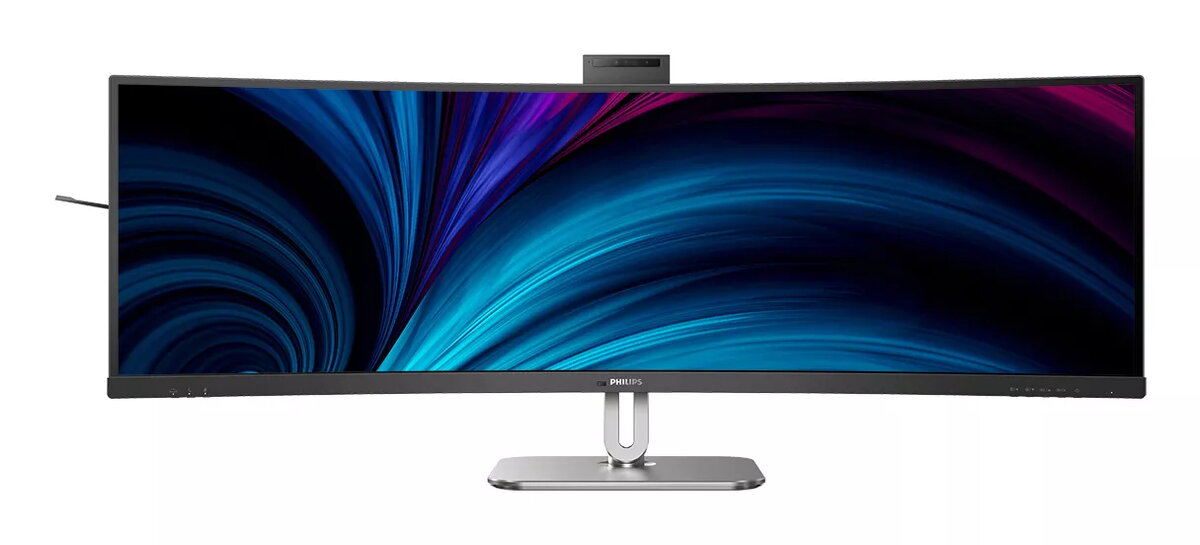
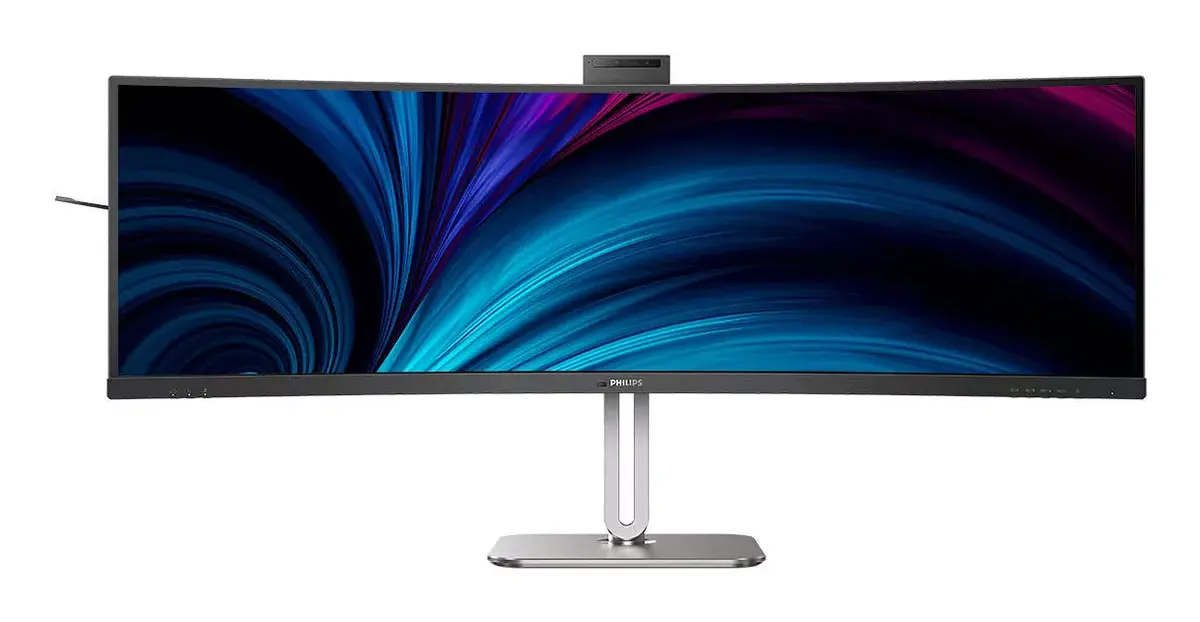
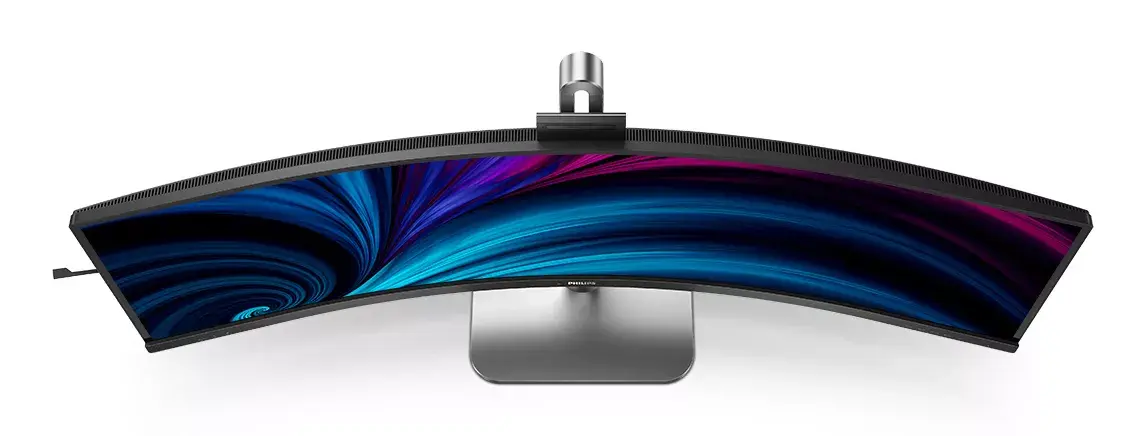
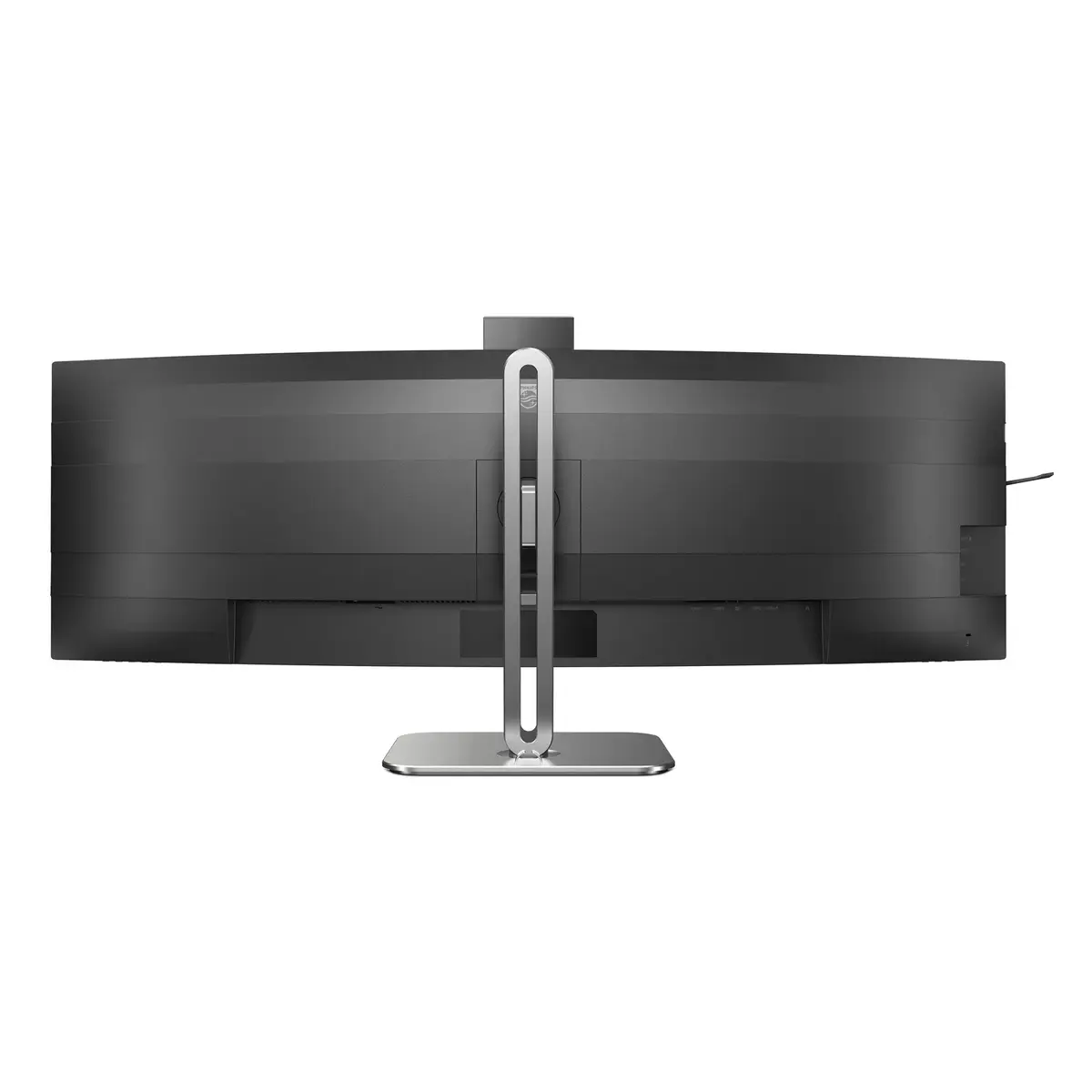
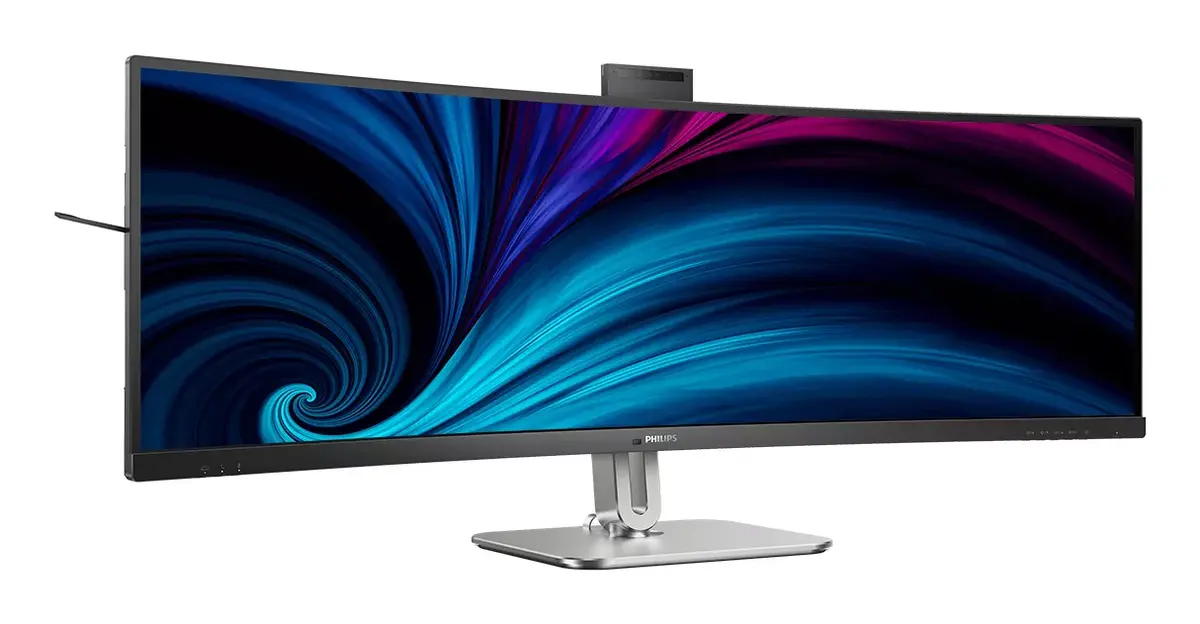
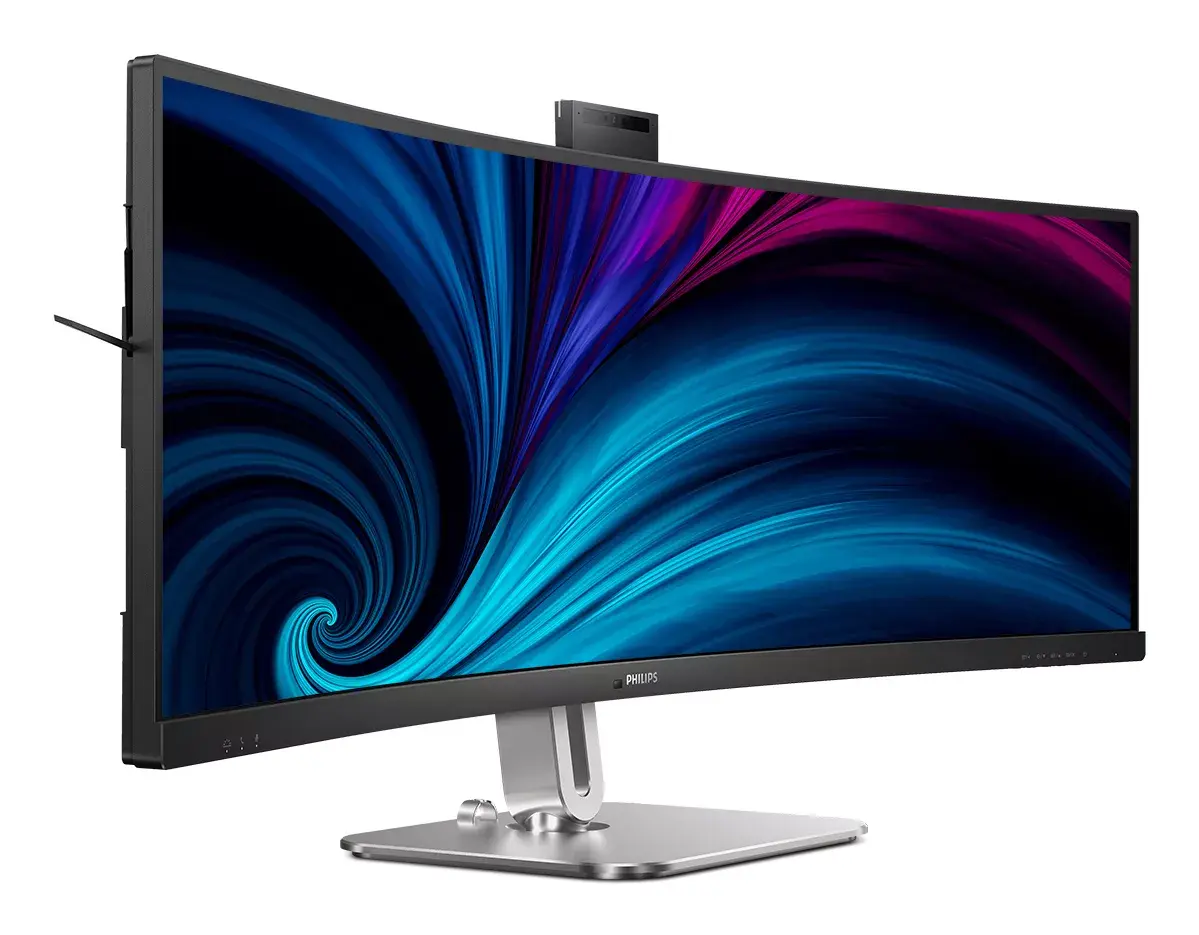
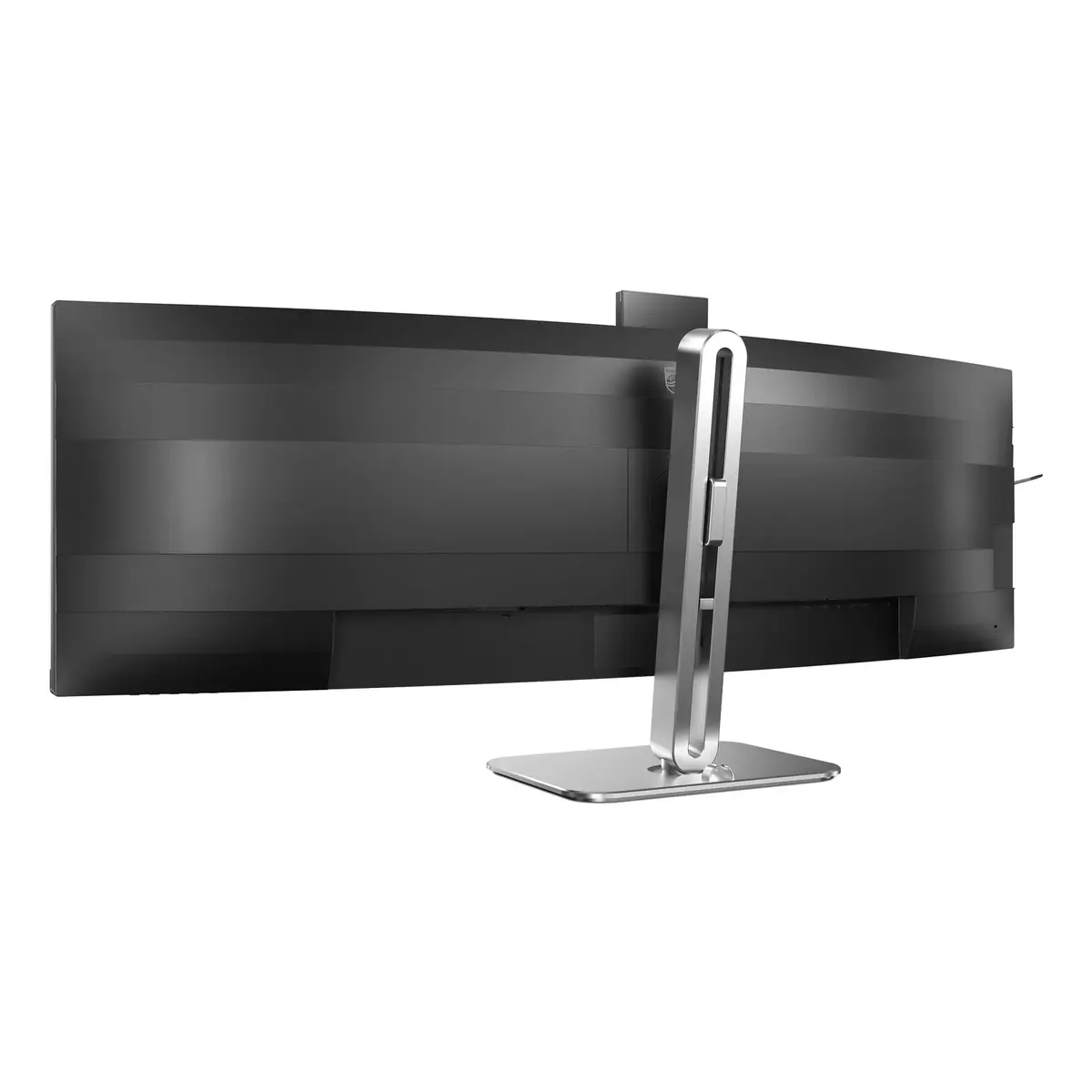
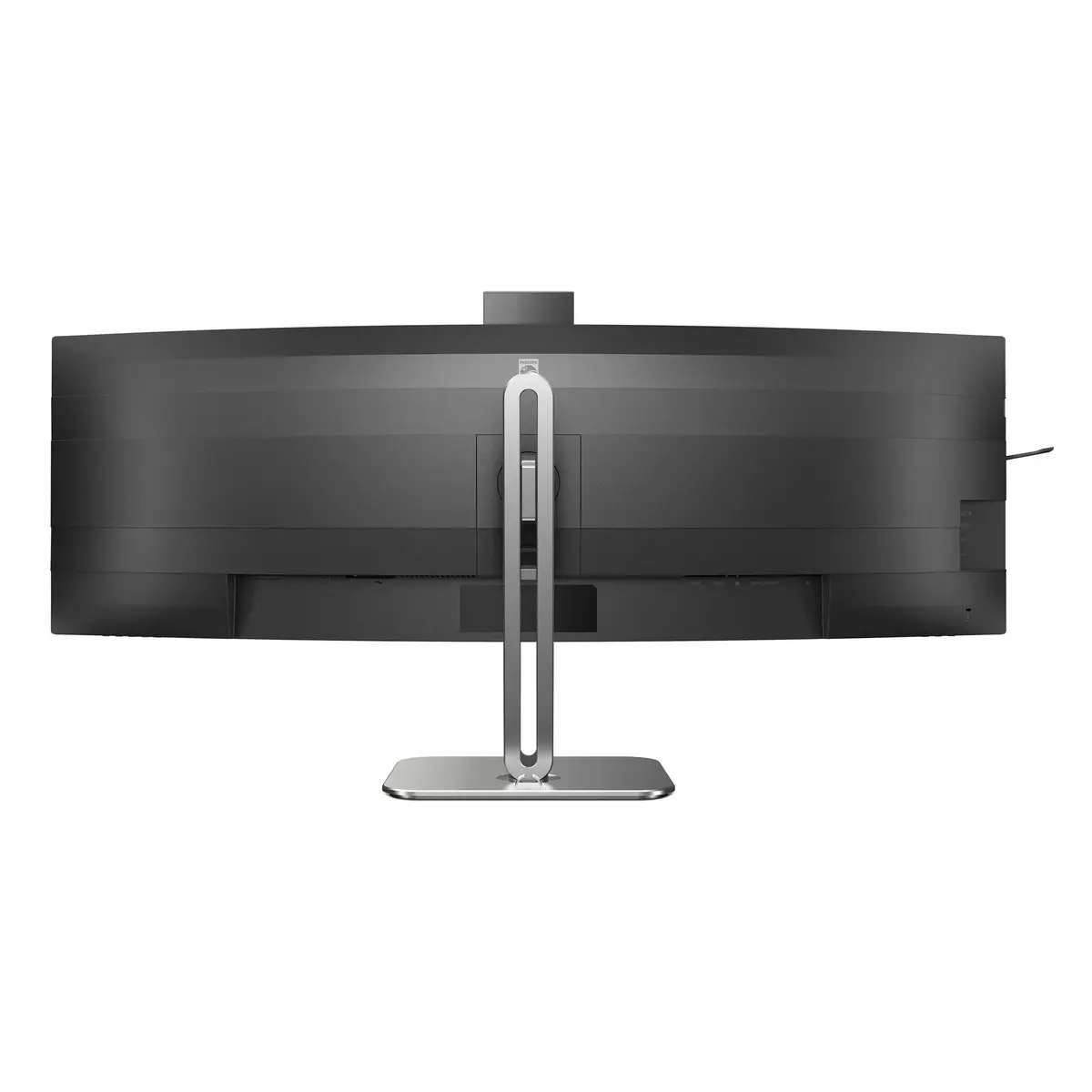
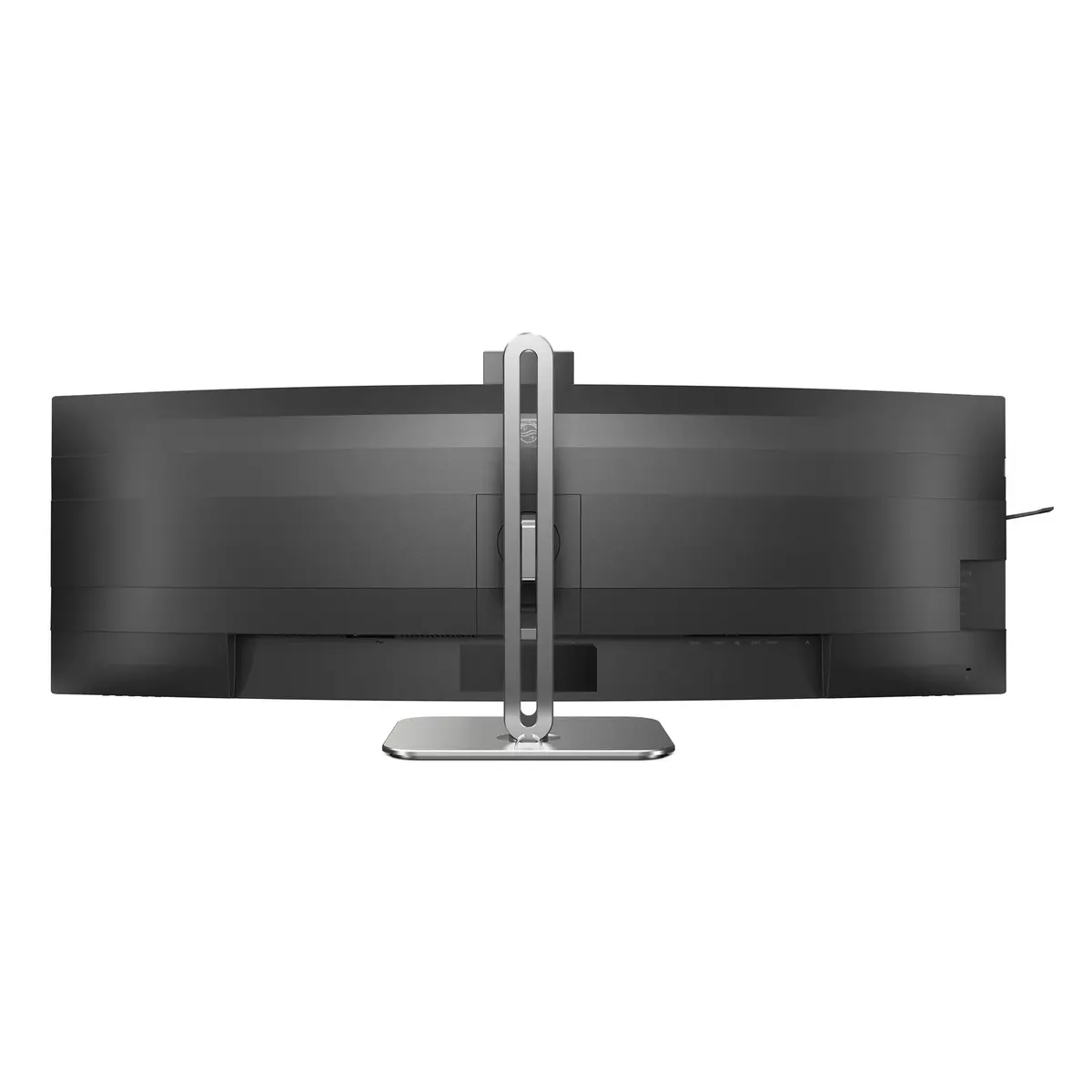
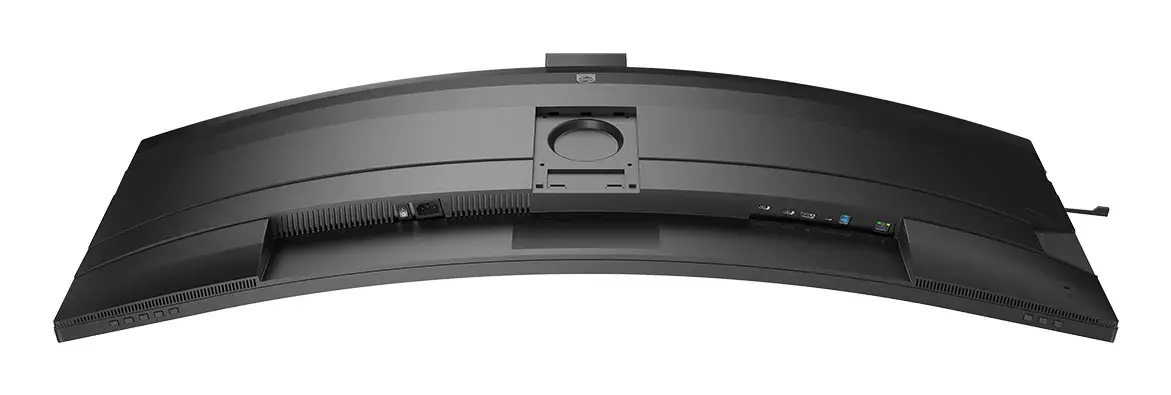
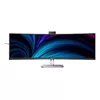
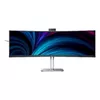
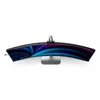
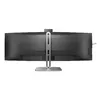
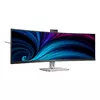
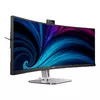
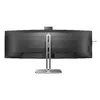
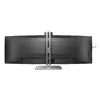
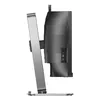
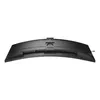
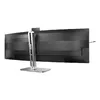
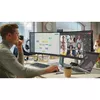
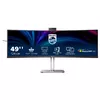
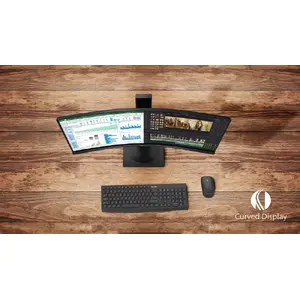
Curved display design for a more immersive experience
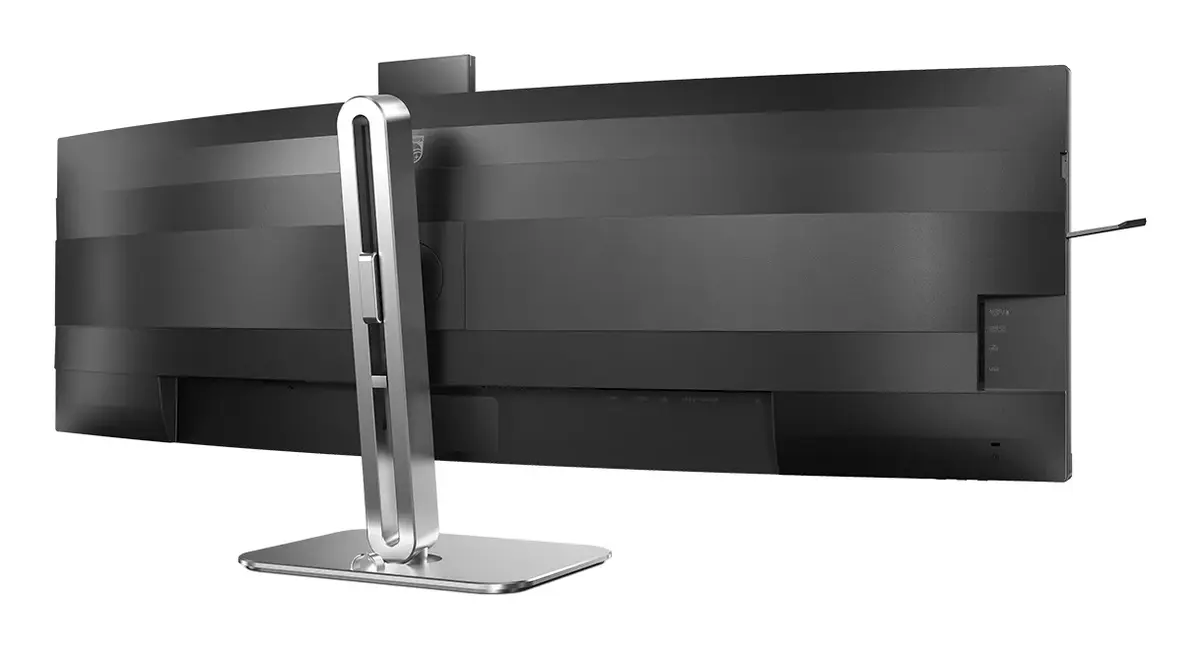
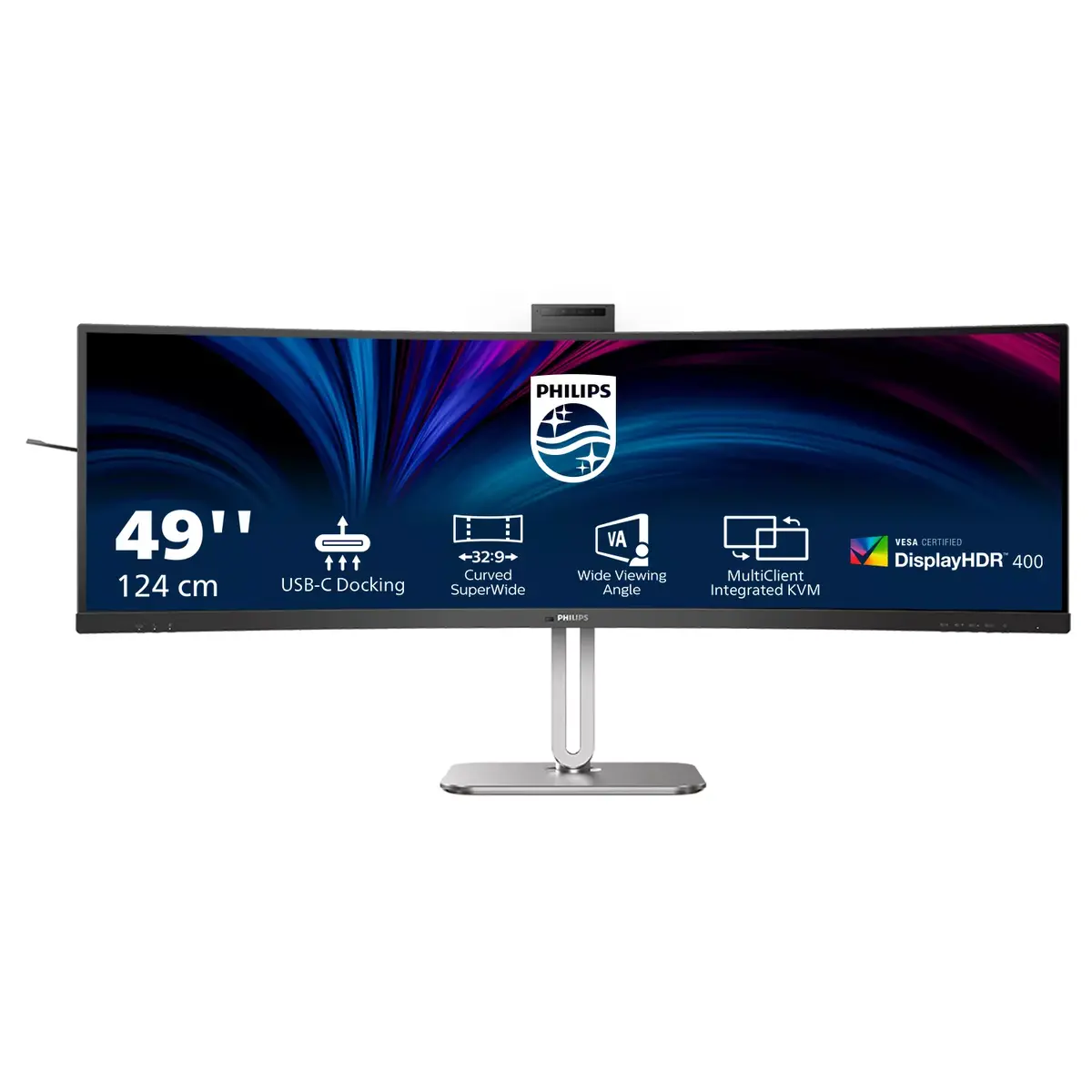
Desktop monitors offer a personal user experience, which suits a curved design very well. The curved screen provides a pleasant yet subtle immersion effect, focusing on you at the centre of your desk.
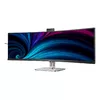
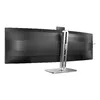
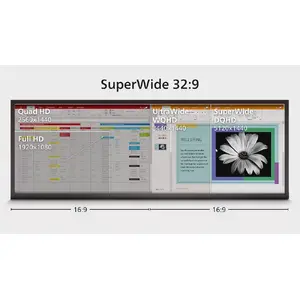
32:9 SuperWide screen designed to replace multiscreen setups
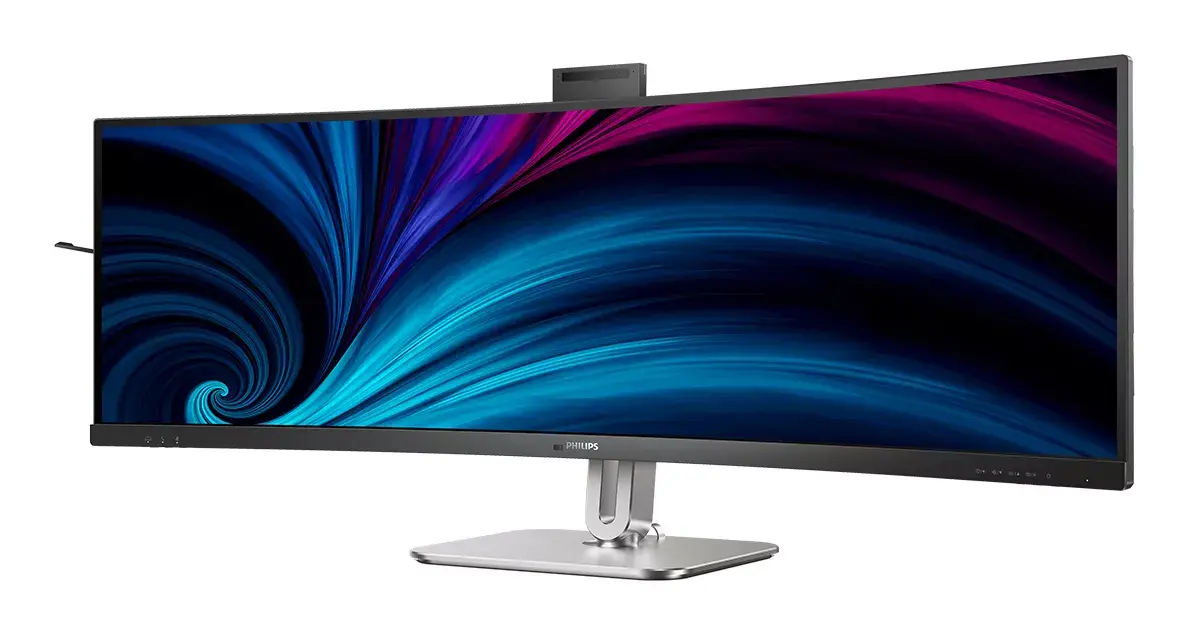
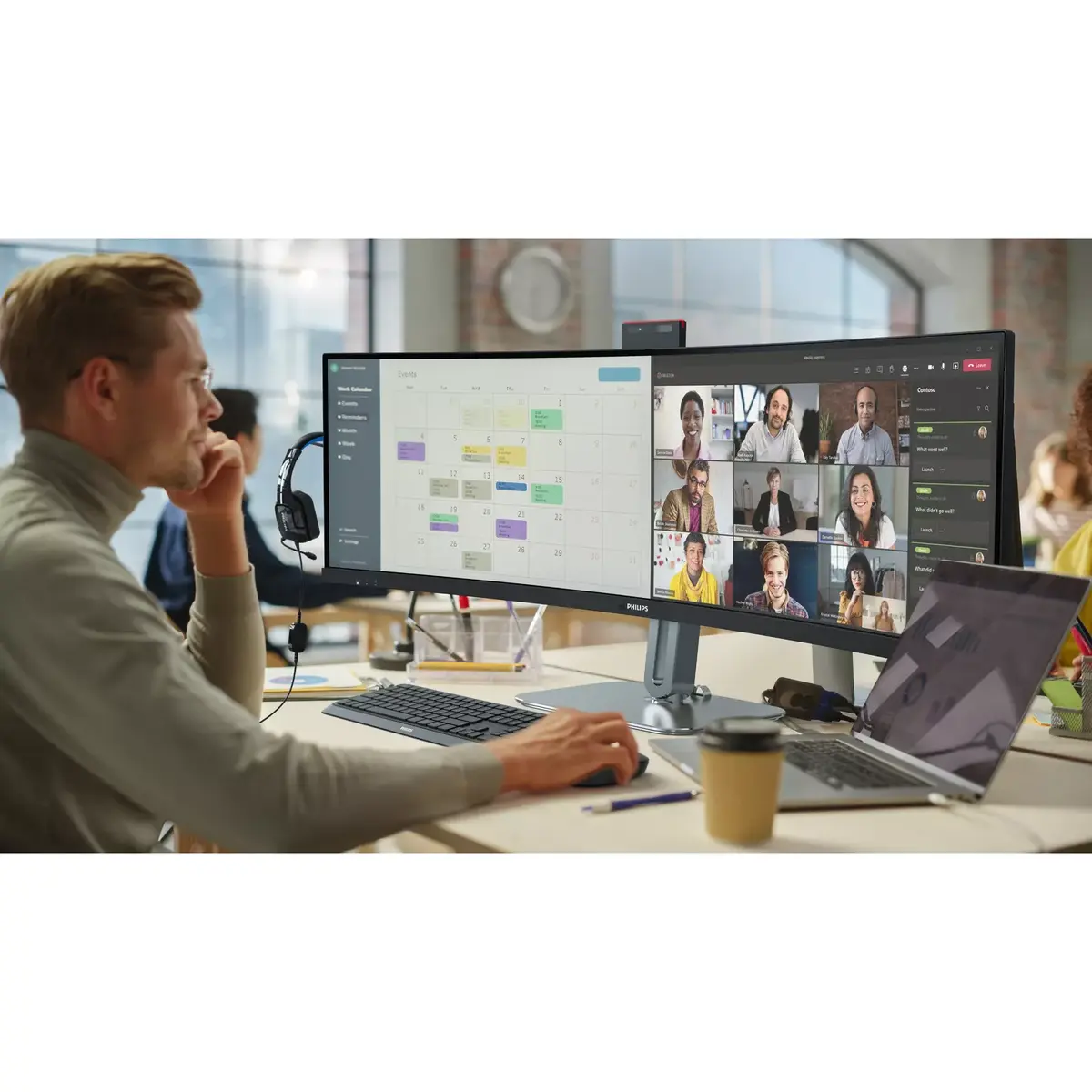
32:9 SuperWide 49" screen with 5120 x 1440 resolution is designed to replace multiscreen setups for a massive wide view. It's like having two 27" 16:9 Quad HD displays side by side. SuperWide monitors offer the screen area of dual monitors without the complicated setup.
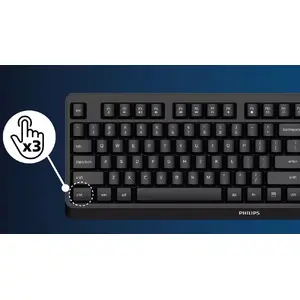
SmartKVM: for easily switching between sources.
Unlike traditional built-in KVM monitor buttons, the smart KVM allows switching between sources with a keyboard shortcut. When all devices are properly connected, users can switch between sources by pressing the "Ctrl" key three times.
Eyesafe-certified blue light protection and colour accuracy
Philips display meets the TUV Rheinland Eyesafe® standard to protect you from long exposure to blue light. The always-on blue light filter helps reduce digital eye strain while preserving colour integrity.
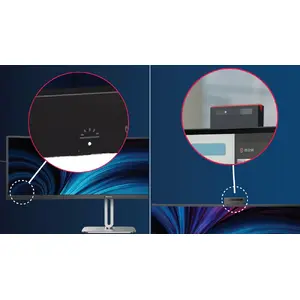
Busylight: for setting your work status
This feature enables privacy and optimal collaboration in busy offices. To show others they are busy, users can press the Busylight hotkey on the bottom-left monitor bezel; the light on the webcam will turn red. Busylight can also sync with users' Microsoft Teams status.
Adjustable webcam: for comfortable video conferencing.
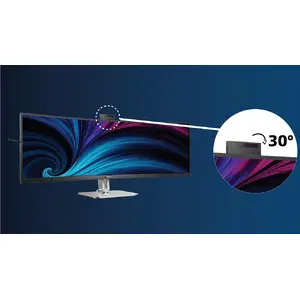
Improve video-conferencing comfort with an adjustable webcam. By tilting the webcam back up to 30 degrees, users can join calls and attend meetings from the position that suits them best.
Earphone hook: for customisable storage
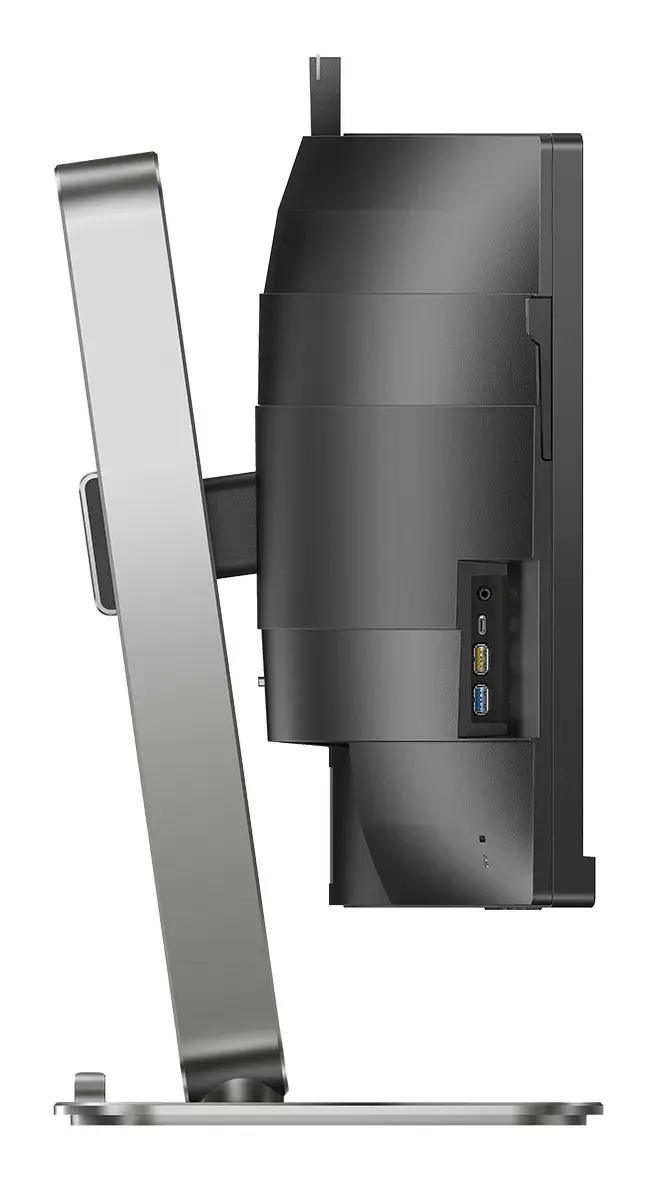
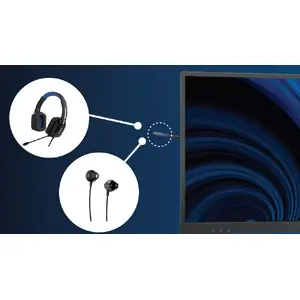
Store earphones neatly with the built-in hook on the side of the monitor. Pull down the hook to keep your desktop tidy and to provide a convenient cable-management solution.
Secure sign-in with pop-up webcam
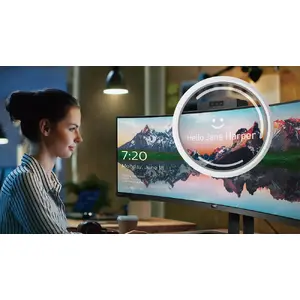
Philips' secure pop-up webcam appears when needed and tucks back into the monitor when not in use. The webcam includes advanced sensors for Windows Hello facial recognition, allowing convenient sign-in to Windows devices in less than 2 seconds, three times faster than a password.
VA display delivers awesome images with wide viewing angles
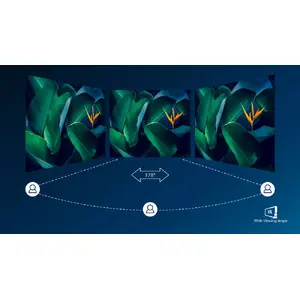
The Philips VA LED display uses advanced multi-domain vertical alignment technology to provide very high static contrast ratios for vivid, bright images. While it handles standard office applications easily, it is especially suitable for photos, web browsing, films, gaming and demanding graphical tasks. Optimised pixel management offers a 178/178-degree extra-wide viewing angle for crisp images.
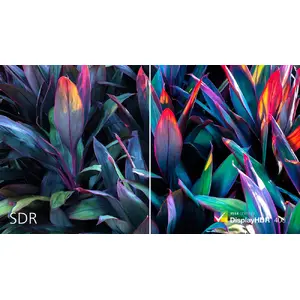
DisplayHDR 400 for more lifelike and outstanding visuals
VESA-certified DisplayHDR 400 delivers a significant improvement over normal SDR displays. Unlike some 'HDR-compatible' screens, true DisplayHDR 400 produces enhanced brightness, contrast and colours. With global dimming and a minimum of 400 nits brightness, images show notable highlights and deeper, more nuanced blacks, rendering a fuller palette of colours for a more engaging visual experience.
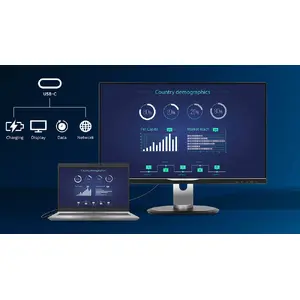
RJ-45 to USB-C gives easy network connection with security
Simplify peripherals from monitor to PC using a one-cable USB Type-C docking connector, including networking and high-resolution video output from PC to monitor. Access the Internet without an additional network cable, even if your notebook lacks a LAN port. RJ45 over USB-C offers a fast and secure connection when needed. High data speeds allow faster transfers from an HDD to your PC. Additionally, USB-C with power delivery can power and charge your notebook from the monitor, eliminating extra power cables.