
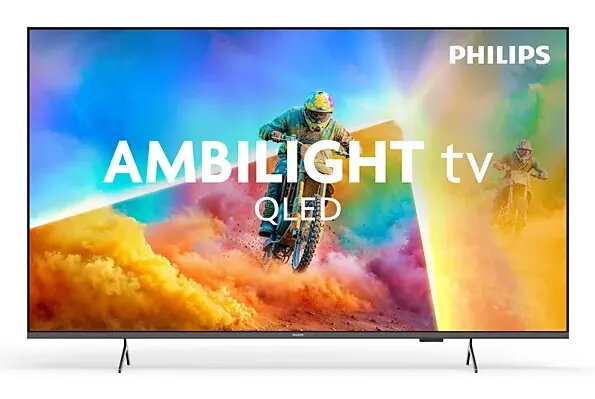
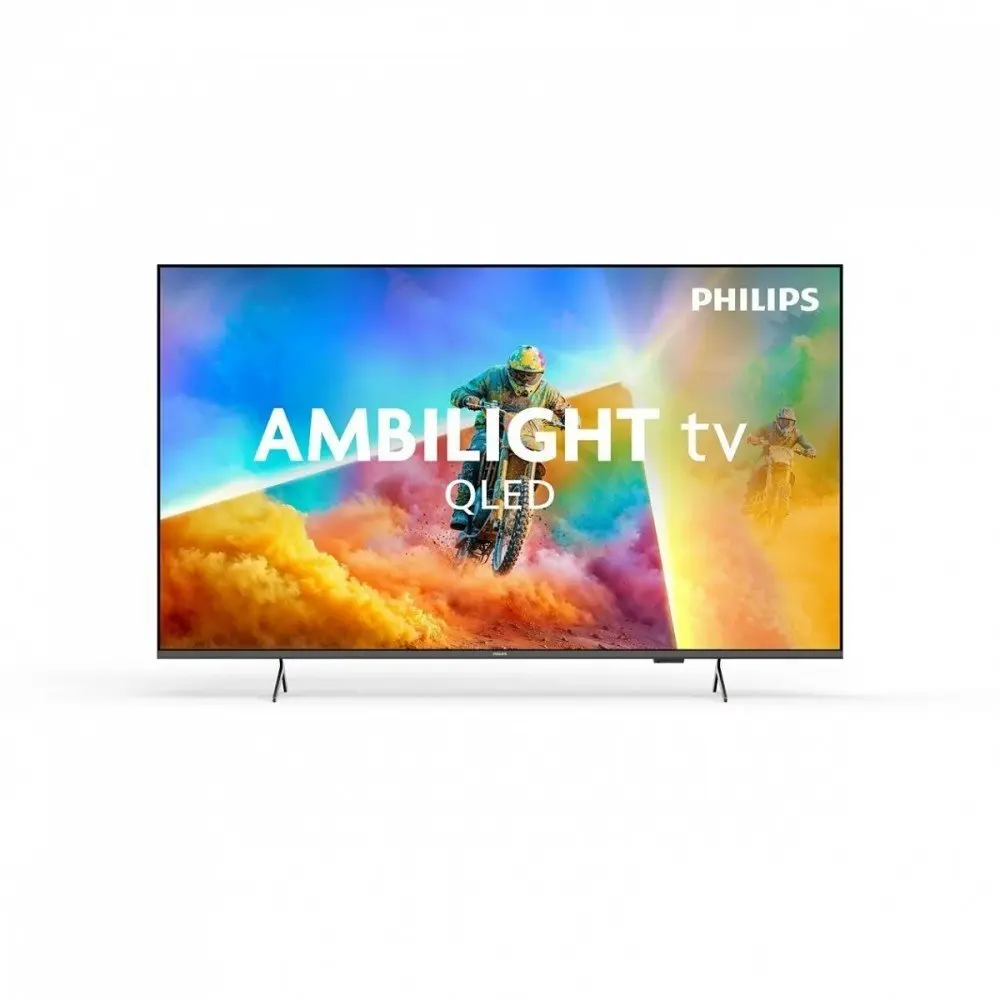
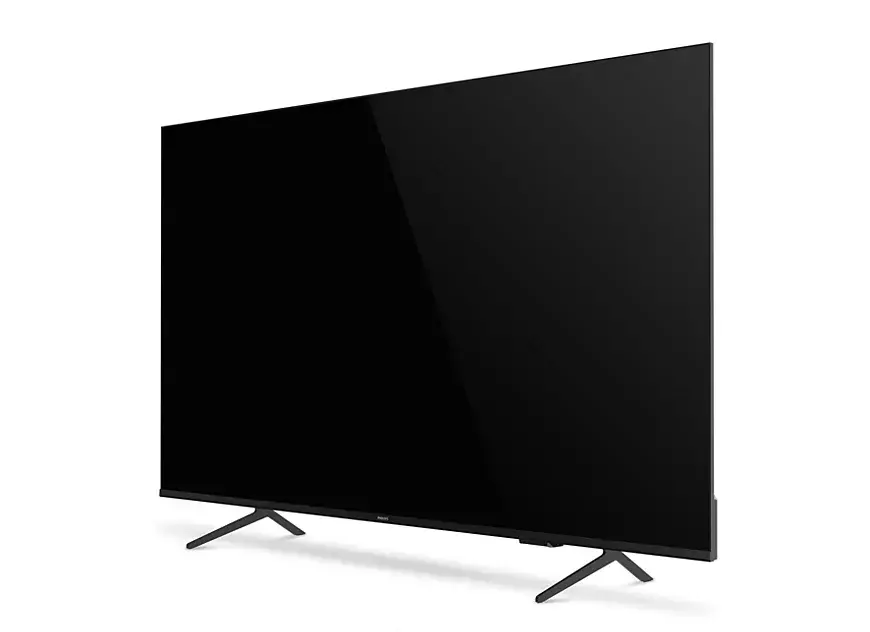
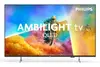
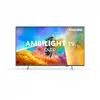
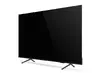
Philips 55PQS8501/12 Ambilight TV 55 inches 4K Ultra HD QLED Smart TV Black
Excellent choice
{{selectedOffer && selectedOffer.price | formatAmount}}
Excellent choice

Keep track of price changes
You keep track of price changes
Watch the price drop
Leave your address - as soon as the price of the product goes down, you'll know about it right away
You keep track of price changes
Philips 55PQS8501/12 Ambilight TV 55 inches 4K Ultra HD QLED Smart TV Black
{{email}}
You keep track of price changes
Philips 55PQS8501/12 Ambilight TV 55 inches 4K Ultra HD QLED Smart TV Black
{{email}}
{{selectedOffer && selectedOffer.price | formatAmount}}
Short description
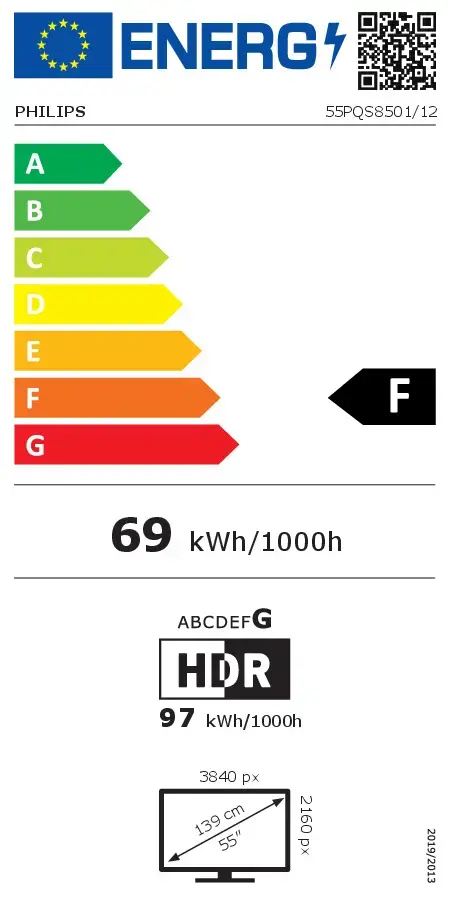
Philips Ambilight 55PQS8501/12 55-inch 4K Ultra HD QLED Smart TV in black. Features a flat 3840 x 2160 pixel display, digital tuner supporting DVB-T, T2, C, S, S2, Wi-Fi, and Ethernet LAN connectivity. Designed for immersive home entertainment with vibrant picture quality and advanced lighting.

to the Customer Service Center at Kengaraga 2b, Riga
Tuesday
{{selectedOffer.officeDeliveryString}}
free
- Delivery country: {{ userCountryName }}
Customer service center
2b. Kengaraga str., Riga, Latvia, LV-1063
Tuesday
{{selectedOffer.officeDeliveryString}}
free
Courier Delivery
Please note that in case of a large parcel additional delivery costs may apply!
From 11.29 € (Weight: 14.00 kg)

Esto — pay in 6 equal parts
All payment Methods:
Bank transfer, Bank cards on-line, Apple Pay, Google Pay, Installment
36 months installment:
from 12.94 euros per month


