

Save time and money with our discounts!
In cart {{totalProductsCount}} item(s)
Your cart is empty
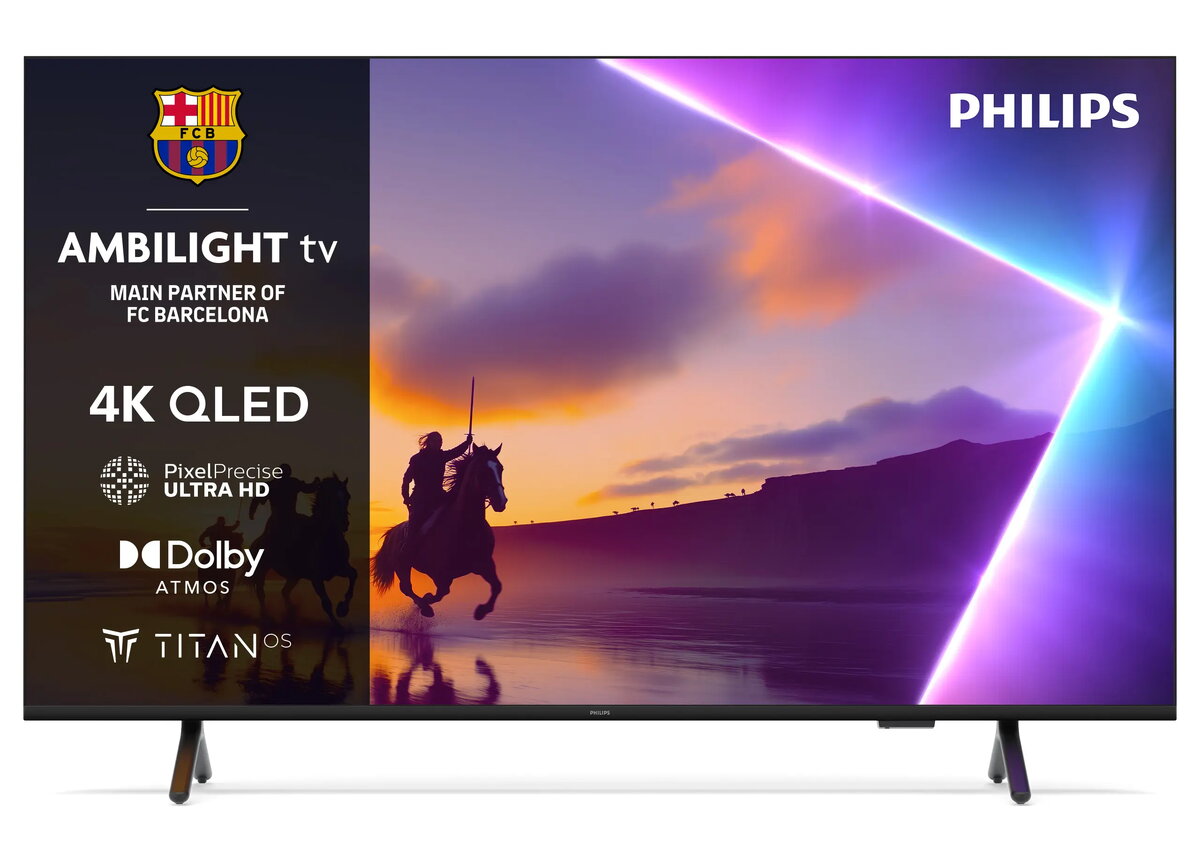
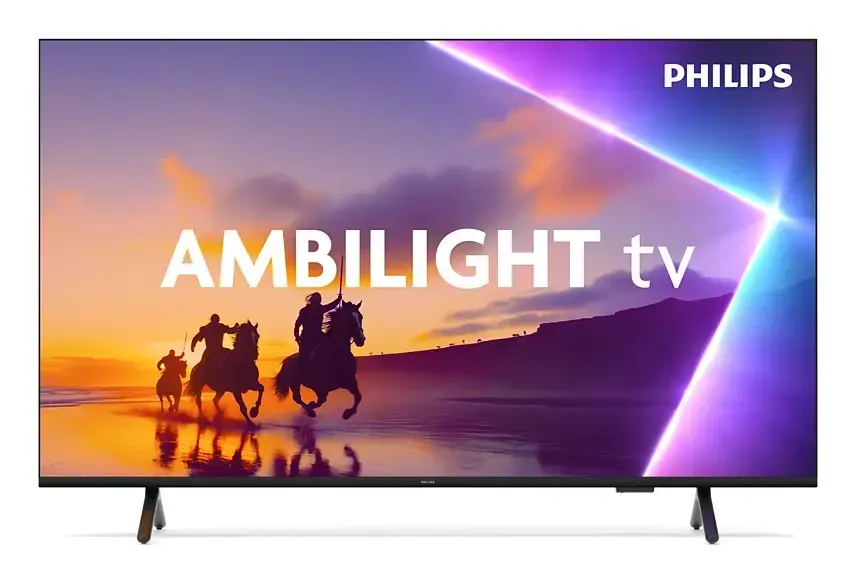
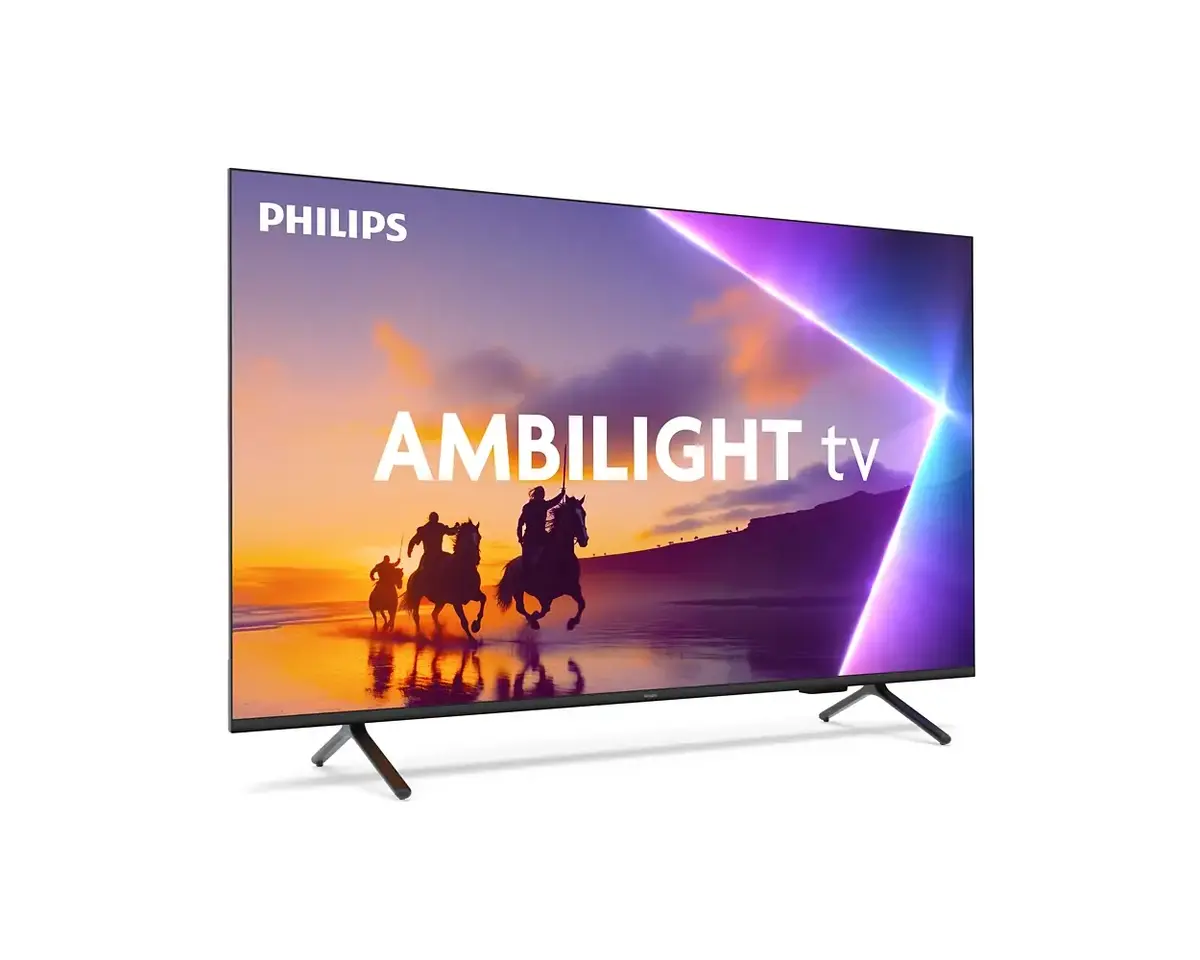
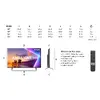
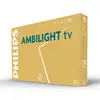
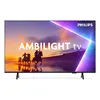
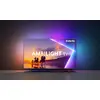
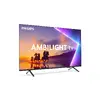
TV Philips 55PUS8500/12 55" 4K Ultra HD QLED 3840 x 2160
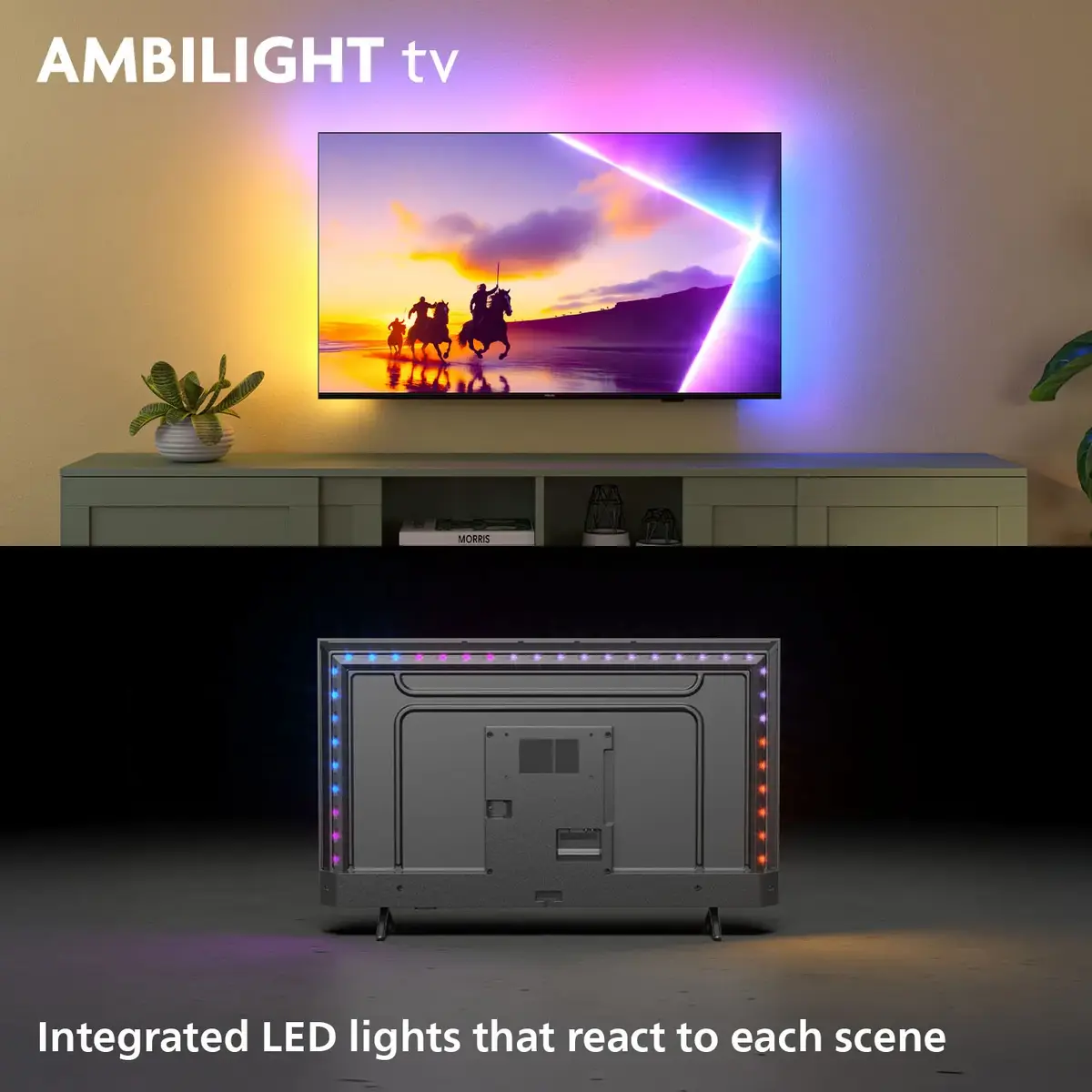
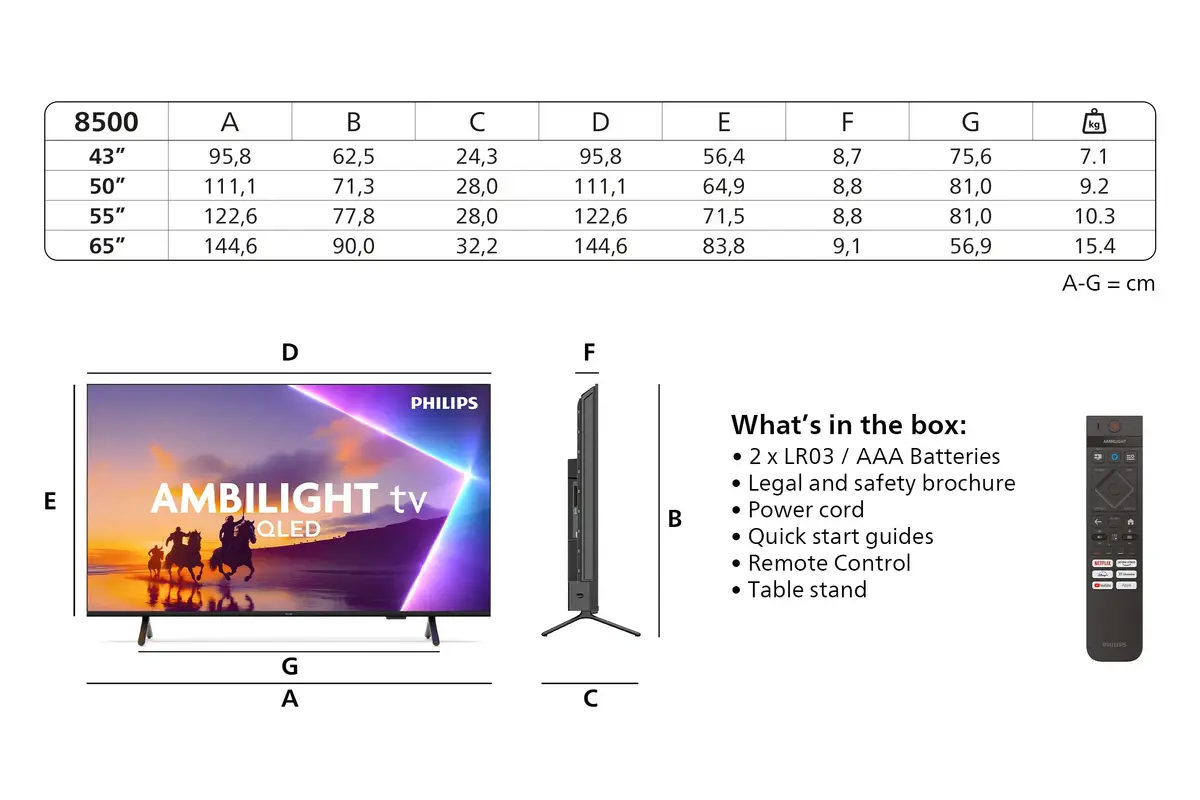
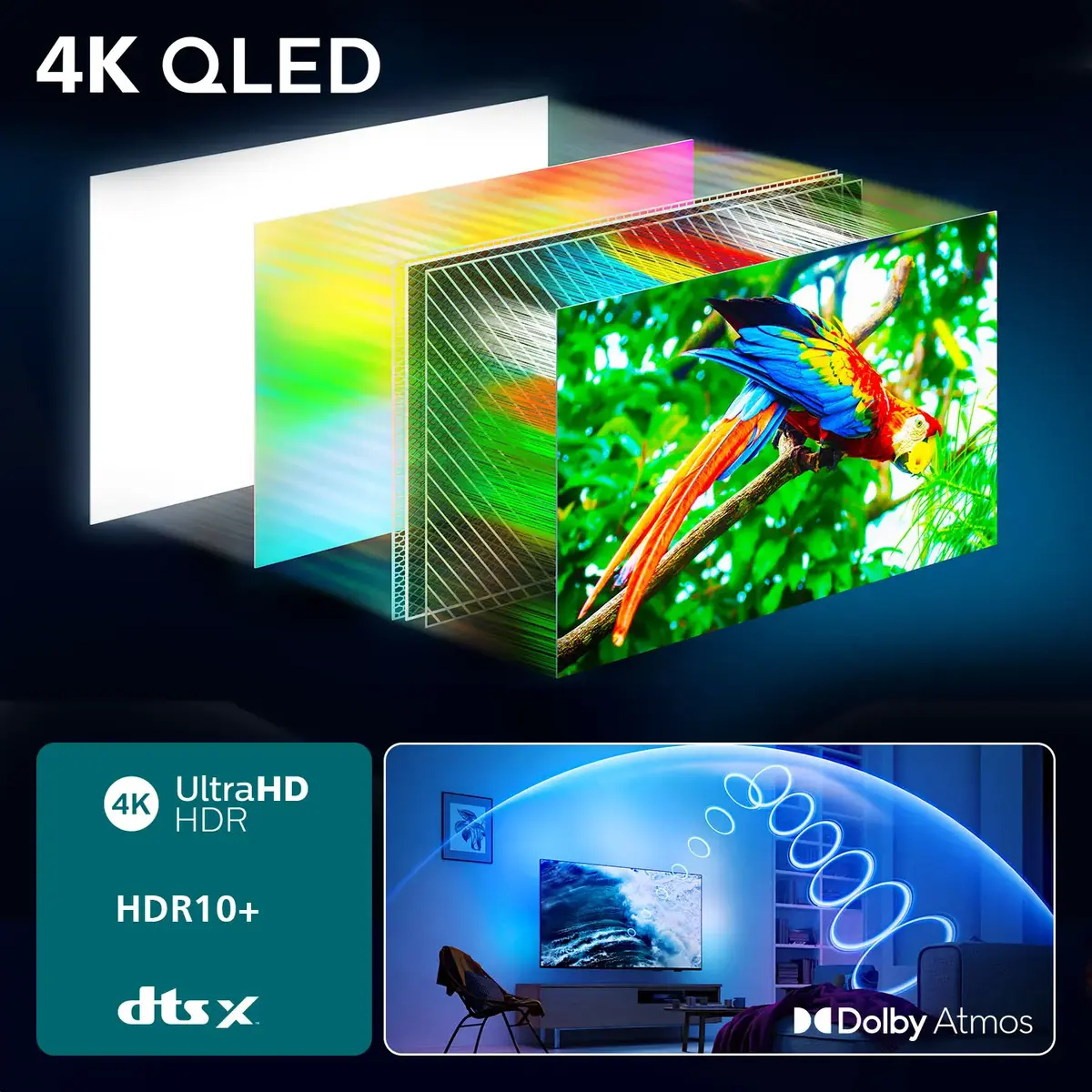
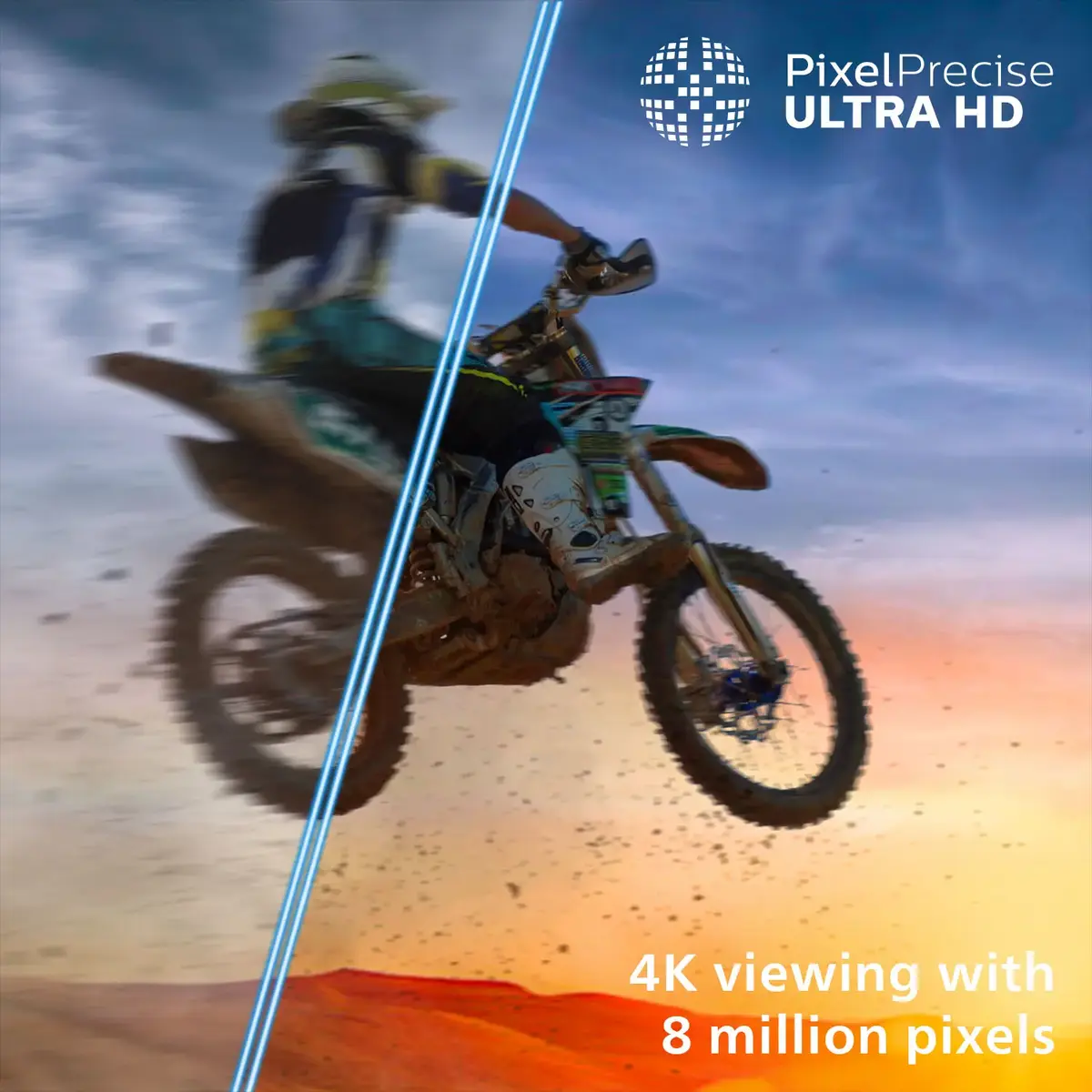
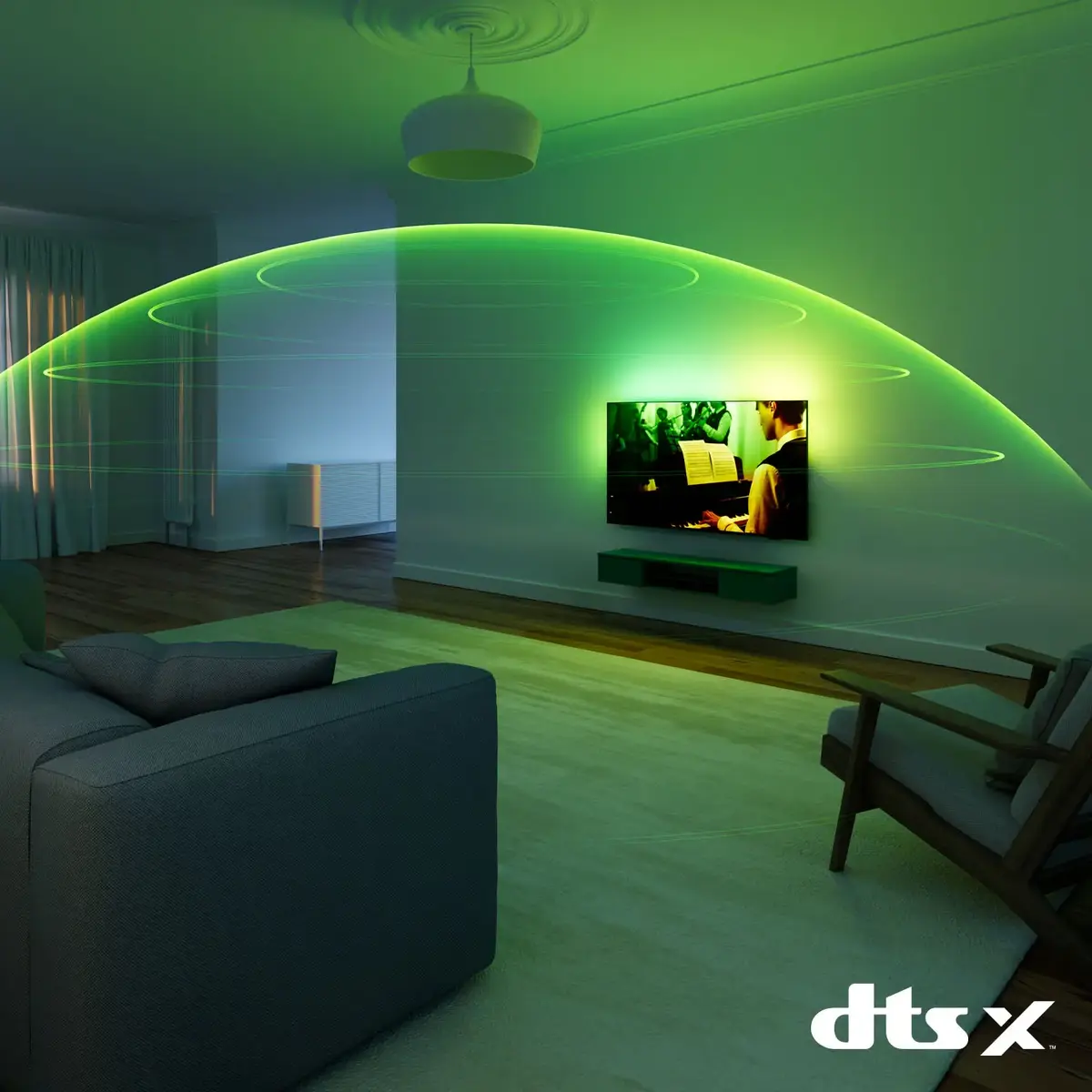
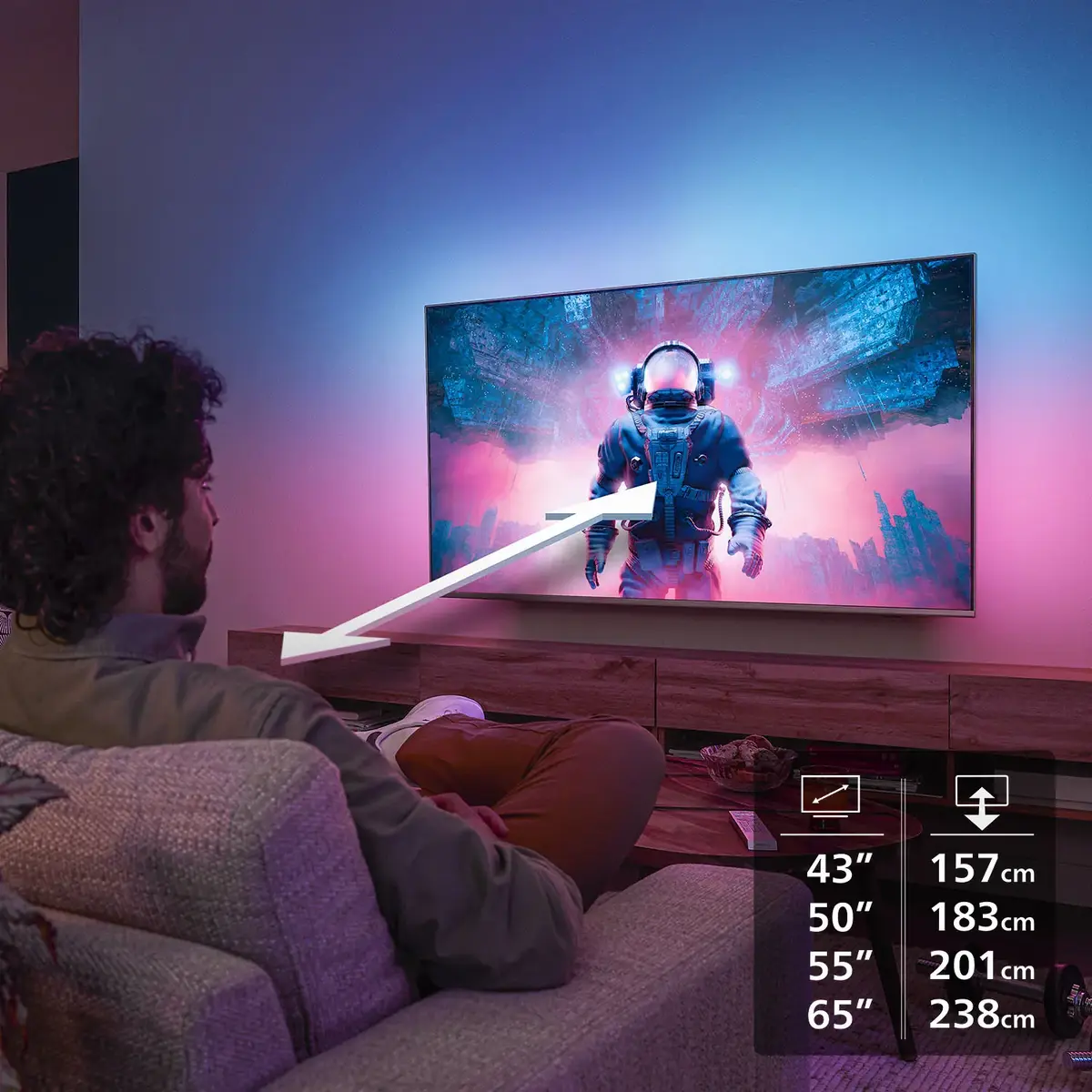
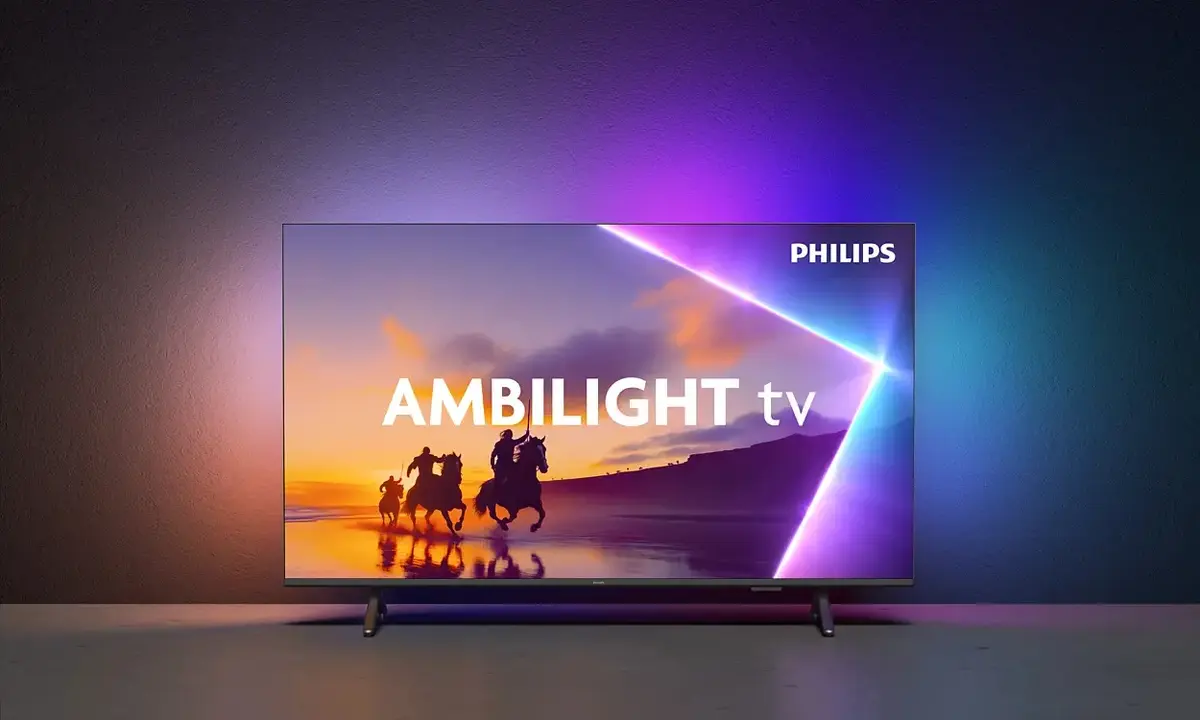
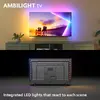
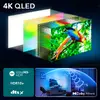
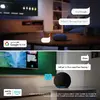
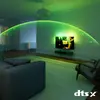
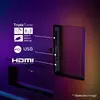
Experience 4K QLED colour, immersive Ambilight and Dolby Atmos sound combined with Titan OS in a Philips Ambilight TV. This TV offers quantum dot colour performance and pixel-precise 4K (UHD) resolution, delivering sharp images and vivid scenes across all HDR formats. Integrated Ambilight LEDs extend on-screen action into the room while DTS:X and Vocal Boost improve speech clarity and create a three-dimensional audio experience. With HDMI 2.1, VRR and low input lag, the set is ready for gaming, and Matter compatibility enables straightforward integration with smart home systems. Available in multiple screen sizes to fit different rooms, the design features an edge stand, slim frame and eco-conscious materials in the remote and packaging.
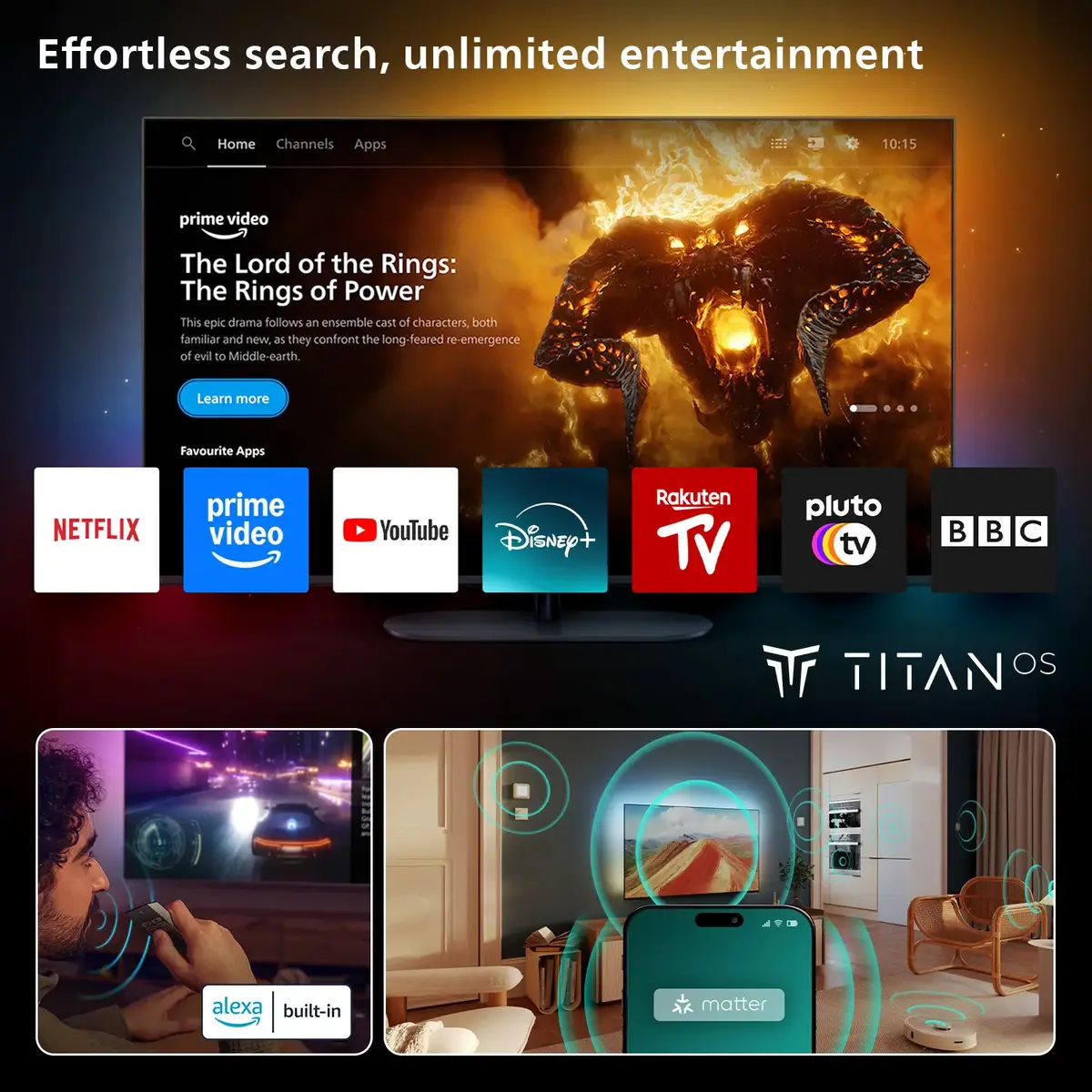
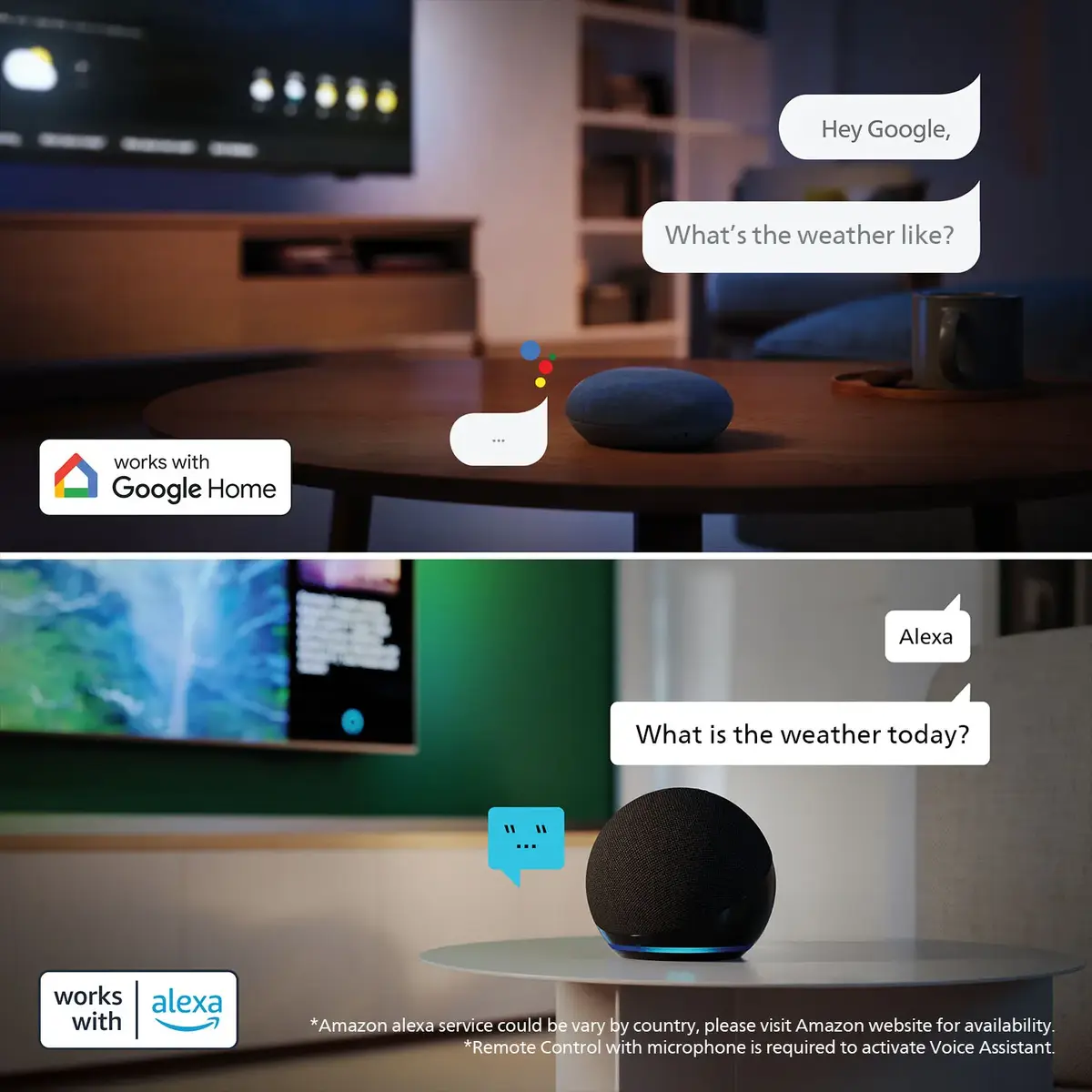
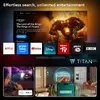
Ambilight expands the picture beyond the screen to increase immersion using adaptive LED lighting. 4K QLED with quantum dot technology provides accurate, vivid colours and fine detail across dark and bright scenes. Dolby Atmos and DTS:X produce cinema-like, three-dimensional sound, while Vocal Boost ensures dialogue remains clear. Titan OS offers fast access to popular streaming apps and content, and Matter compatibility allows simple voice or app control within an existing smart home. Game-ready features such as HDMI 2.1, VRR and automatic low-input-lag mode improve console performance. Thoughtful European design includes a slim frame, edge stand and sustainable packaging and remote materials.
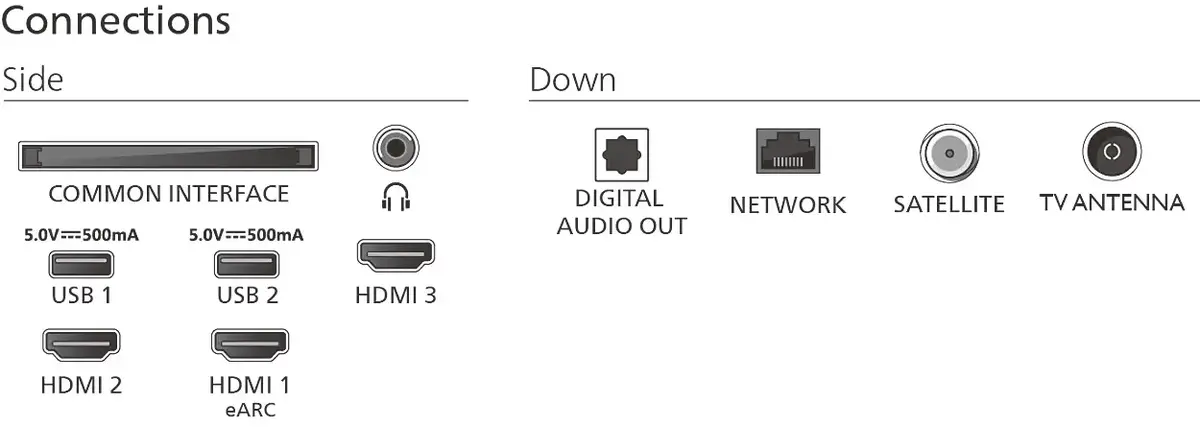
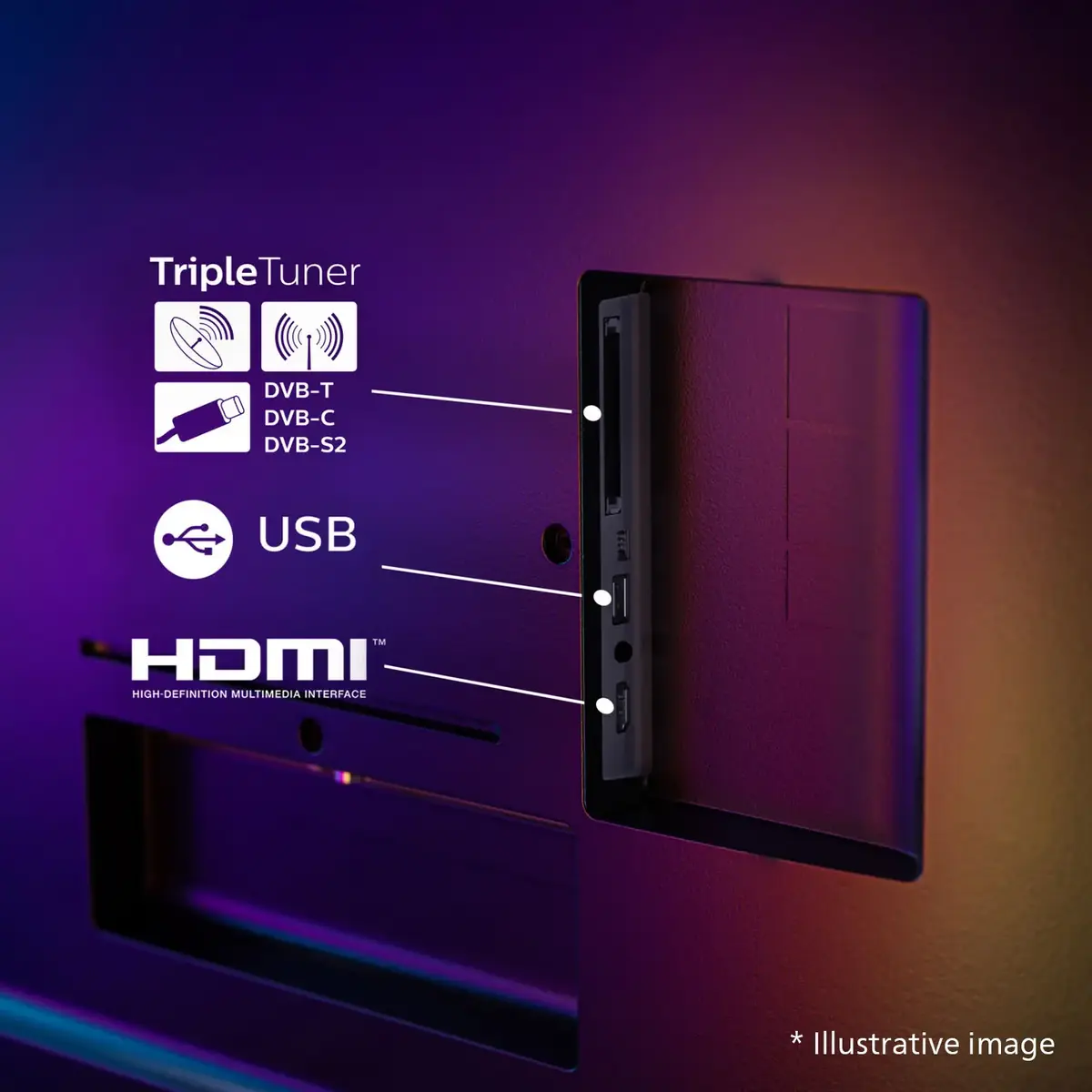
Place the TV on a stable surface or mount it according to the user manual for the chosen screen size. Connect sources such as set-top boxes, consoles or media players via the HDMI inputs; use HDMI 2.1 ports for consoles to enable VRR and low input lag. Configure Ambilight, sound modes (including Dolby Atmos and DTS:X) and Vocal Boost in the settings menu to match room conditions and personal preference. Sign in to Titan OS, connect to your Wi‑Fi network and install preferred streaming apps. To integrate with an existing smart home, follow the Matter setup instructions in the TV menu and pair devices using the smart home app or voice service.
For best picture and sound, use HDR-capable sources and enable the TV’s HDR and Dolby Atmos options. Place the TV so Ambilight can project onto a neutral-coloured wall for optimal halo effect. When gaming, connect via HDMI 2.1 and enable VRR and low-input-lag mode. Keep the TV firmware updated through Titan OS to ensure compatibility with new apps and smart home features.
{{highlightedFeature.featureTitle}}:
{{getProductFeatureValueById(product, highlightedFeature.featureId)}}
{{ productComparisonGenerationError }}
Device manufacturer code
Device manufacturer
iagonal of the visible part of the screen expressed in centimeters and inches.
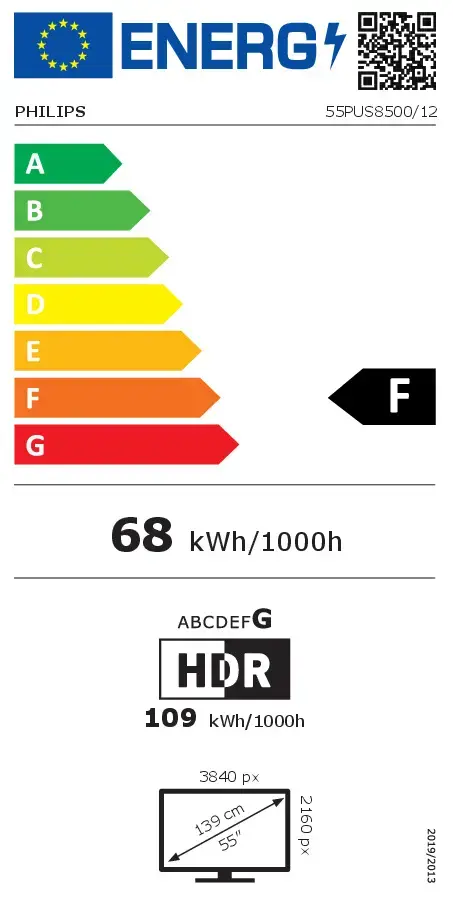
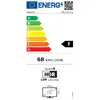
Energy efficiency class is a standard classification that is used all over Europe and which is understandable at first sight. Products can be efficiently compared according to classes, starting from A (the most energy efficient class), and ending with G (the most energy-intensive class). The classification of energy efficiency is based on annual energy consumption which is being calculated on the basis of several different parameters.
Power consumption in switched-on state expressed in W.