A curated selection of maximum value offers!
In cart {{totalProductsCount}} item(s)
Your cart is empty
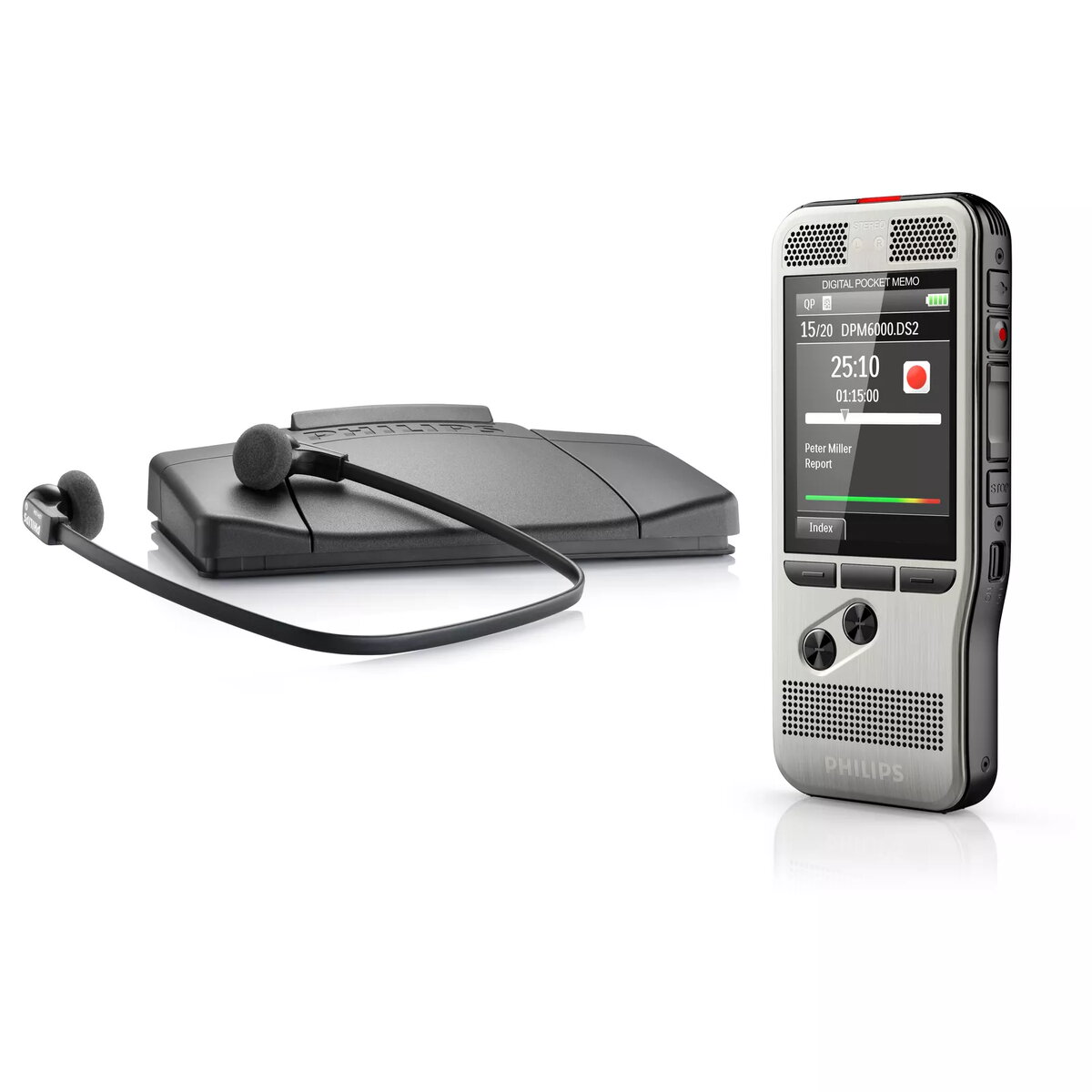
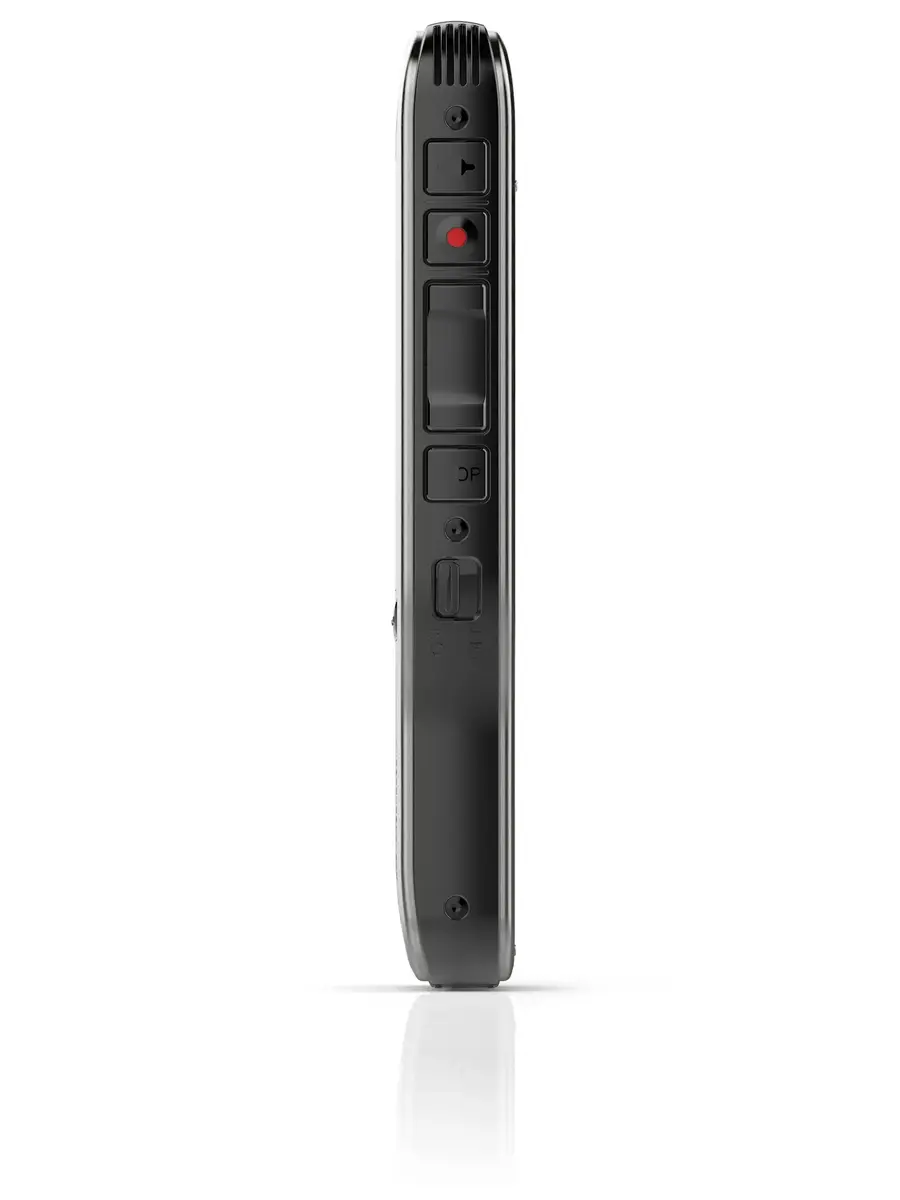
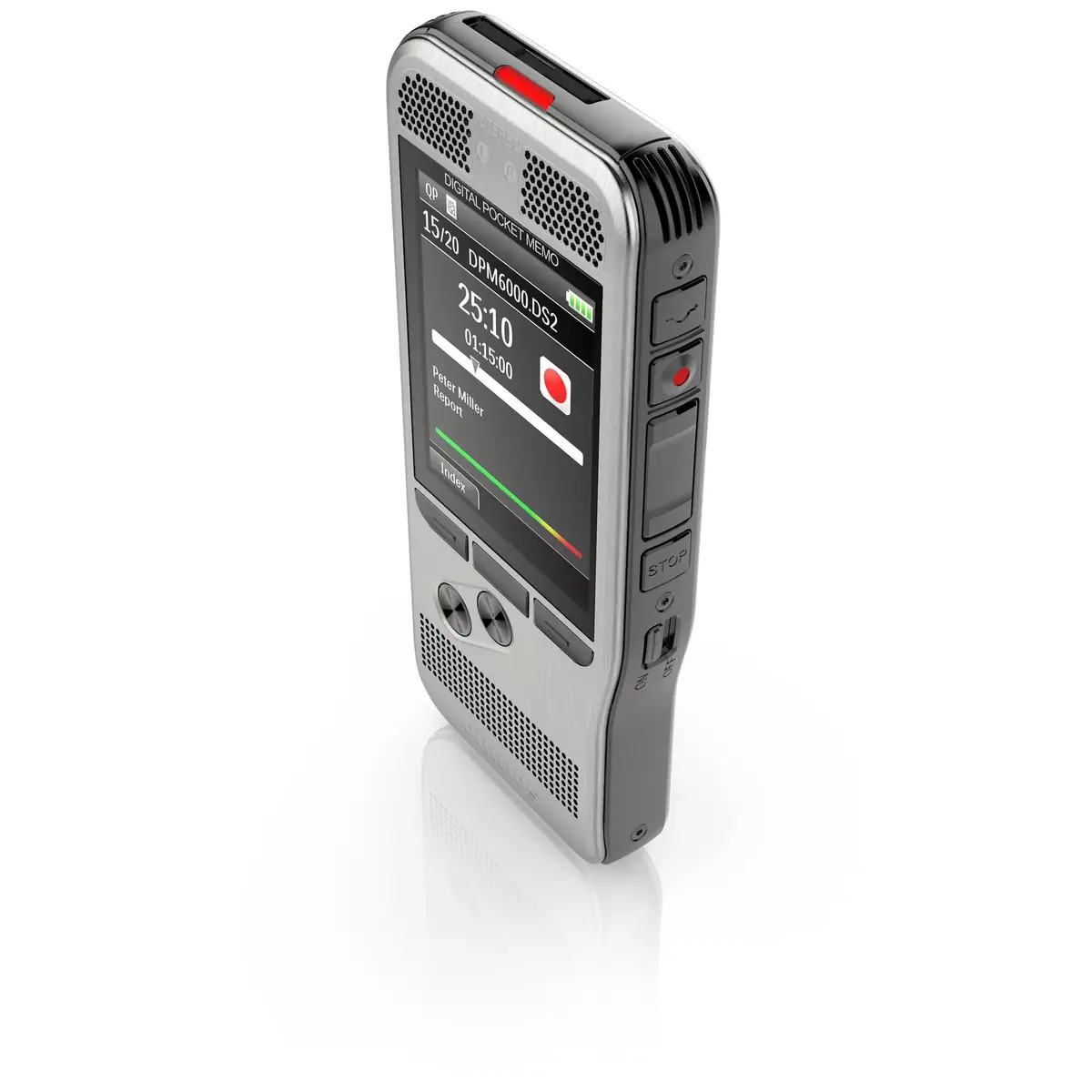
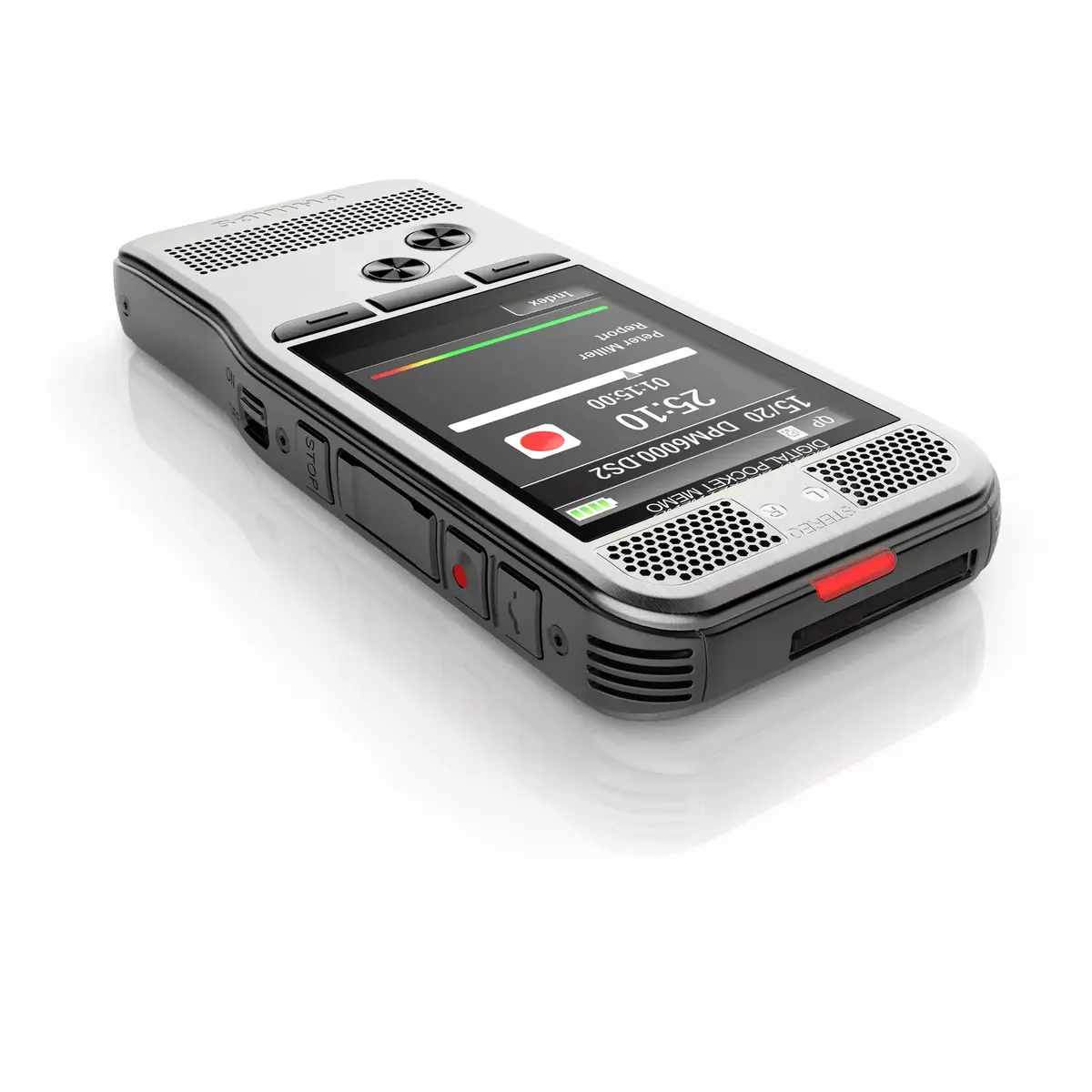
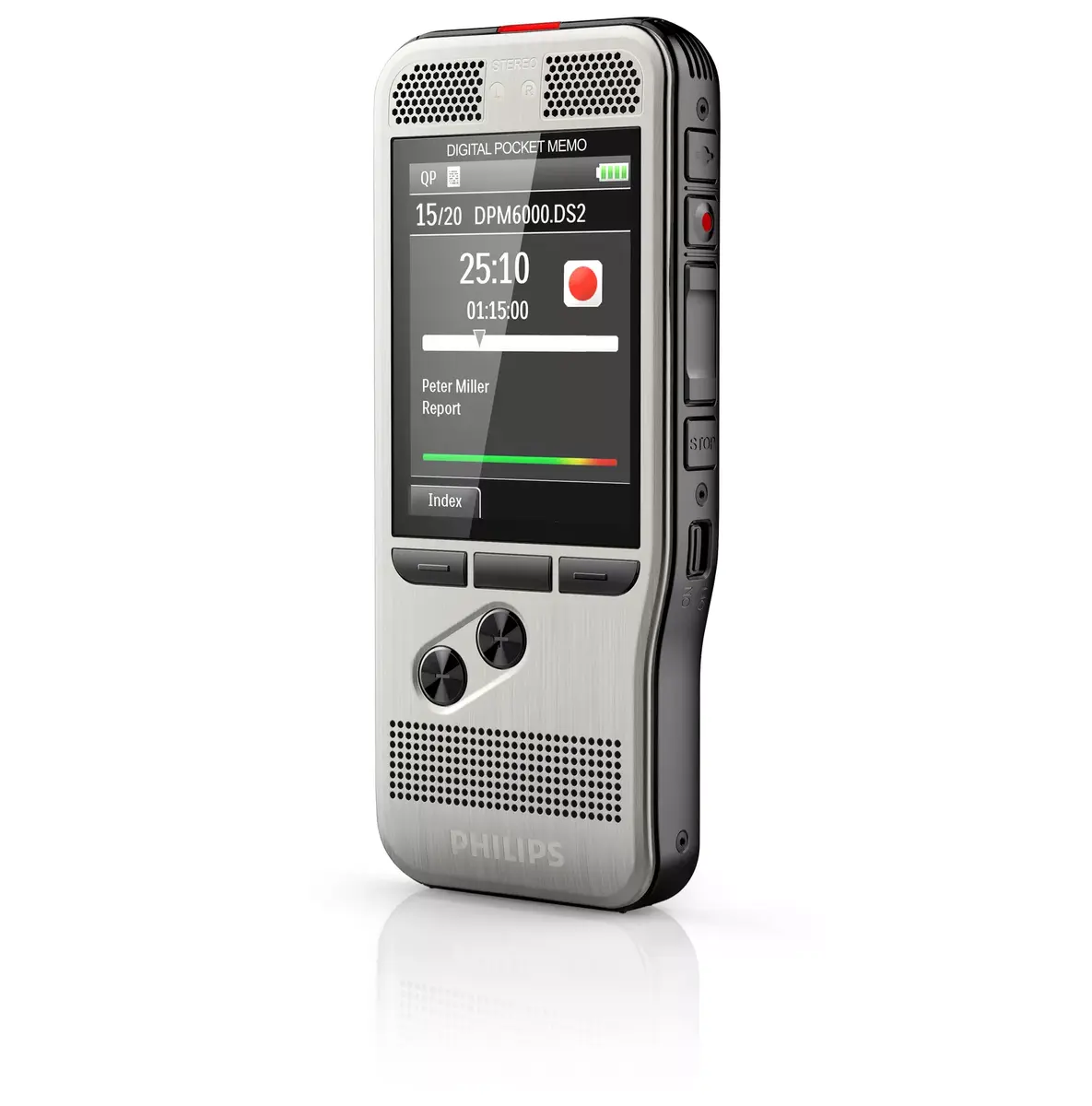
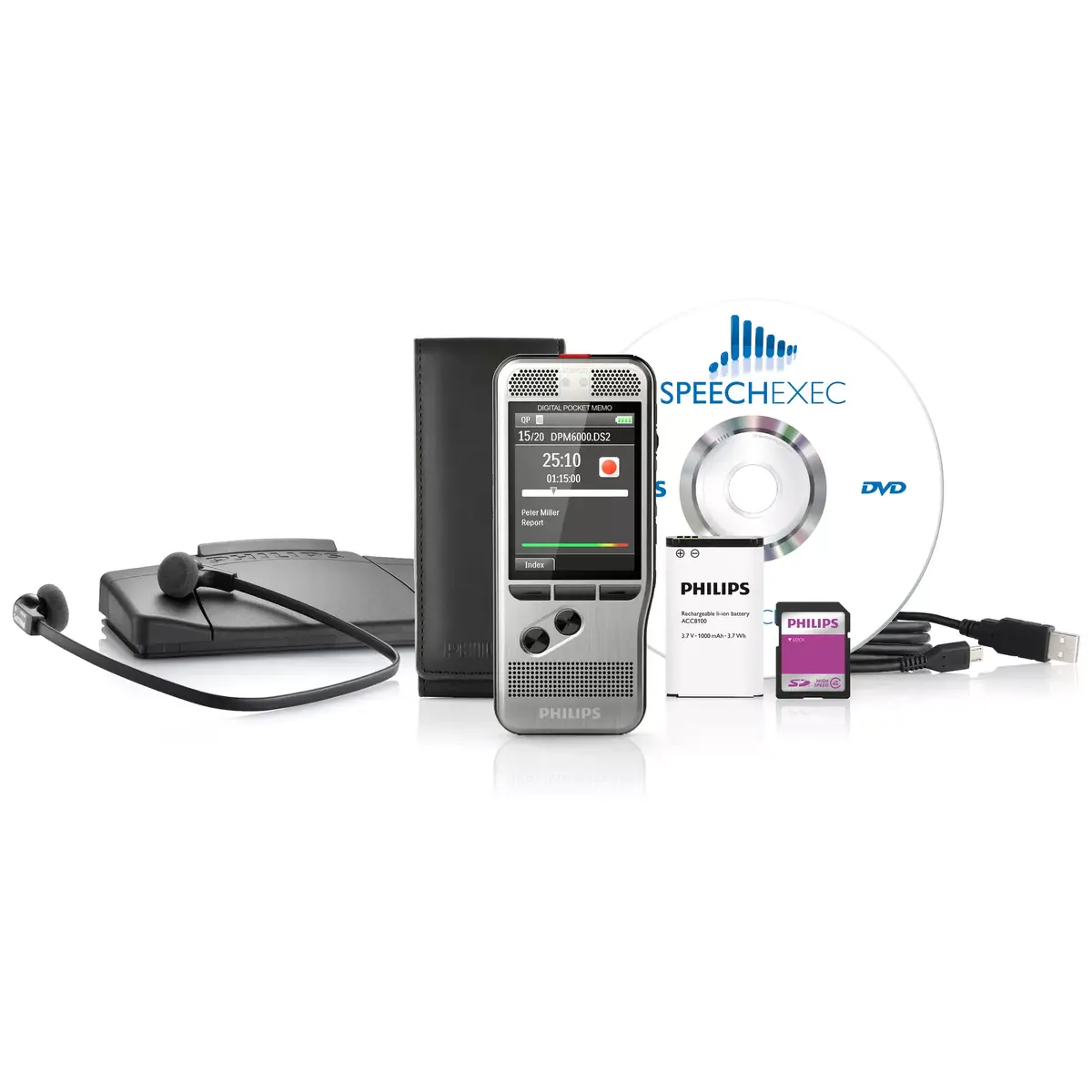
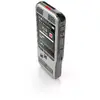
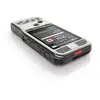
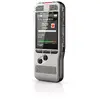
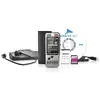
Philips DPM 6700 Digital Voice Recorder Silver with Flash Card Support 30 Hours Recording Time TFT Display and USB Interface
The Philips DPM 6700 Digital Voice Recorder Silver with Flash Card Support 30 Hours Recording Time TFT Display and USB Interface is designed to streamline your daily workflow by capturing speech with exceptional clarity. Featuring a robust silver stainless steel casing and an ergonomic build, this professional voice recorder combines advanced audio capture with user-friendly operation. It relies on dual microphones to deliver crisp stereo sound suitable for reliable voice-to-text processing, interviews, and meetings. The large 2.4-inch TFT display and intuitive interface ensure seamless navigation, while automatic file transfer via USB allows quick integration with your computer systems.
This digital voice recorder offers superior audio capture thanks to its integrated dual microphones, making it an excellent choice for detailed dictation and automated speech recognition. The inclusion of multiple recording modes, such as Quality Play and Standard Play, gives users the flexibility to balance audio fidelity and storage capacity. Built with a durable stainless steel exterior, the device withstands regular daily use while maintaining a lightweight profile that fits comfortably in the hand. The rechargeable Lithium-Ion battery provides up to 30 hours of continuous recording life, supported by a smart light sensor that optimizes display brightness to conserve energy. Furthermore, support for multiple audio formats like DSS, MP3, and PCM ensures compatibility with standard transcription workflows and consumer media devices.
This device is not designed to function as an entertainment music player or an FM radio receiver, as it lacks these multimedia capabilities. It may also not be the ideal solution for users seeking an ultra-compact, pocket-sized consumer recorder without professional workflow features or flash card expandability.
To begin recording, power on the device using the main controls and select your desired recording mode through the clear user interface on the TFT display. Hold the recorder or place it on a stable surface facing the sound source, then press the dedicated push-button to start capturing audio. The dual microphones will automatically record stereo sound into supported formats like DSS or MP3 onto the inserted flash card. When your recording session is complete, connect the device to your computer using the provided USB interface to automatically transfer the audio files for transcription and archiving. Recharge the internal Lithium-Ion battery via the standard Micro-USB connection as needed to ensure continuous operational readiness.
Usage recommendations
For optimal audio capture, maintain a moderate distance between the voice recorder and the speaker while minimizing background noise. Regularly transfer your audio files to a computer via the USB interface to free up flash card storage space and maintain an organized archive. Charge the Lithium-Ion battery fully before extended recording sessions to ensure uninterrupted operation throughout the day.
{{highlightedFeature.featureTitle}}:
{{getProductFeatureValueById(product, highlightedFeature.featureId)}}
{{ productComparisonGenerationError }}