
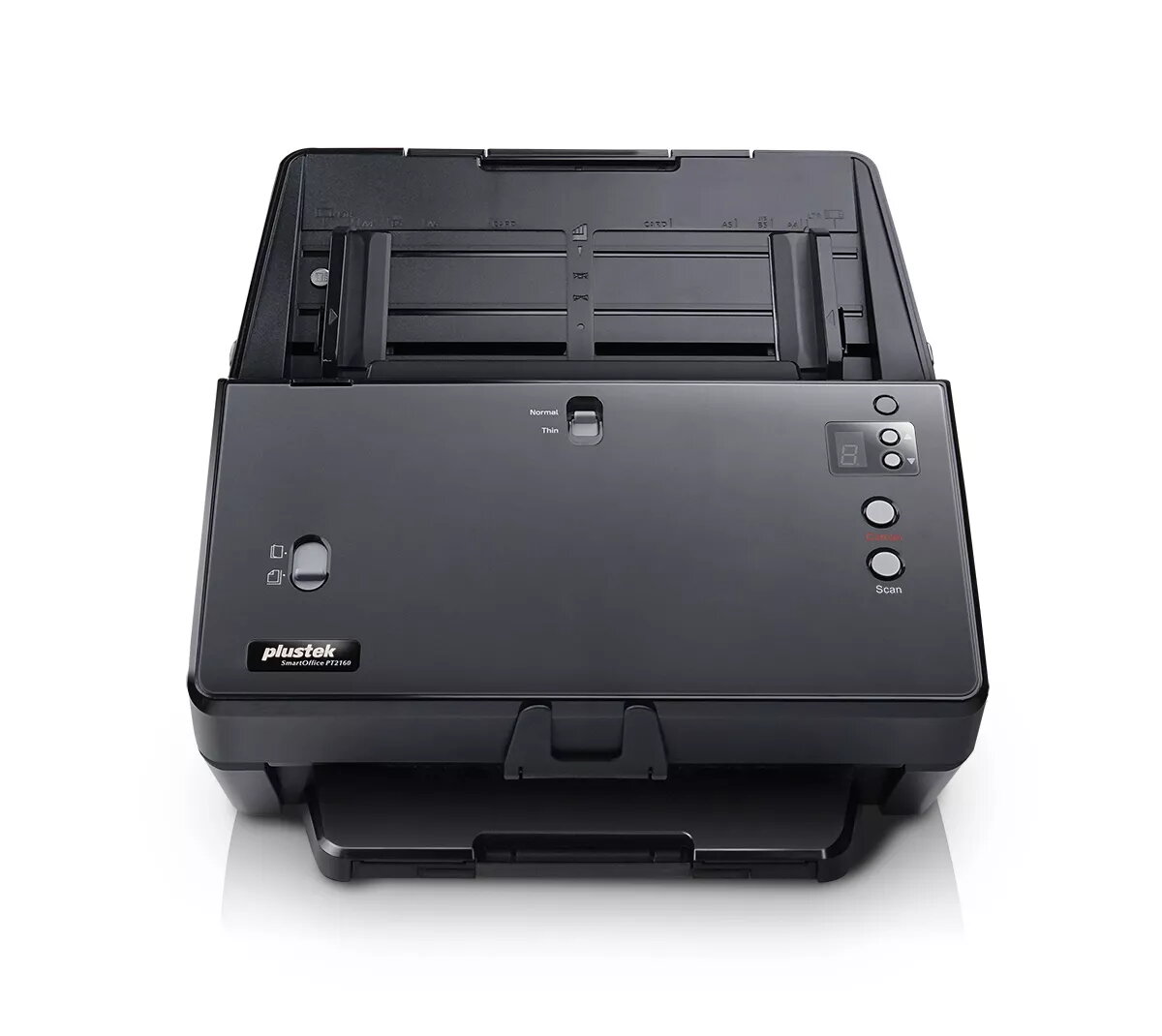
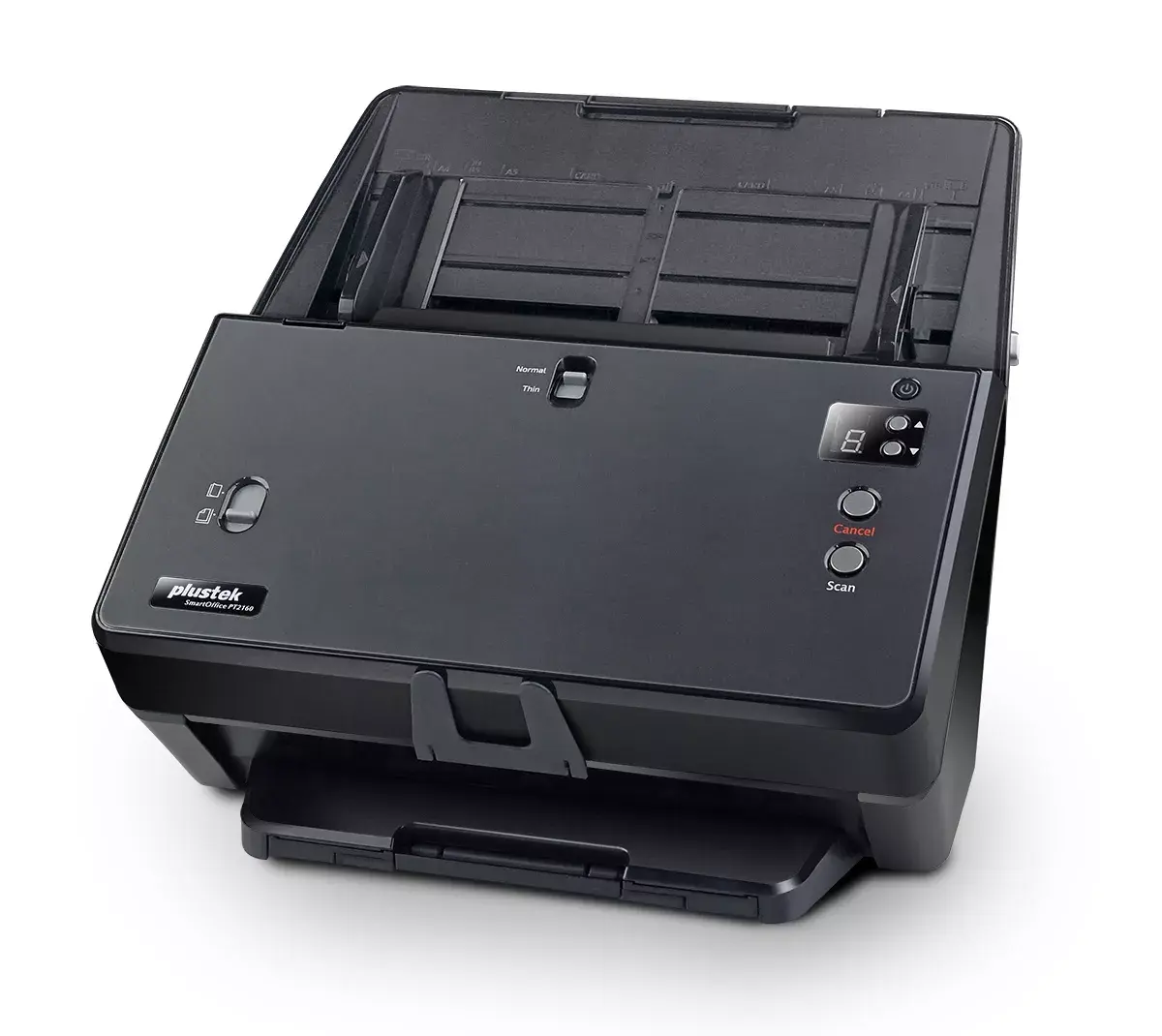
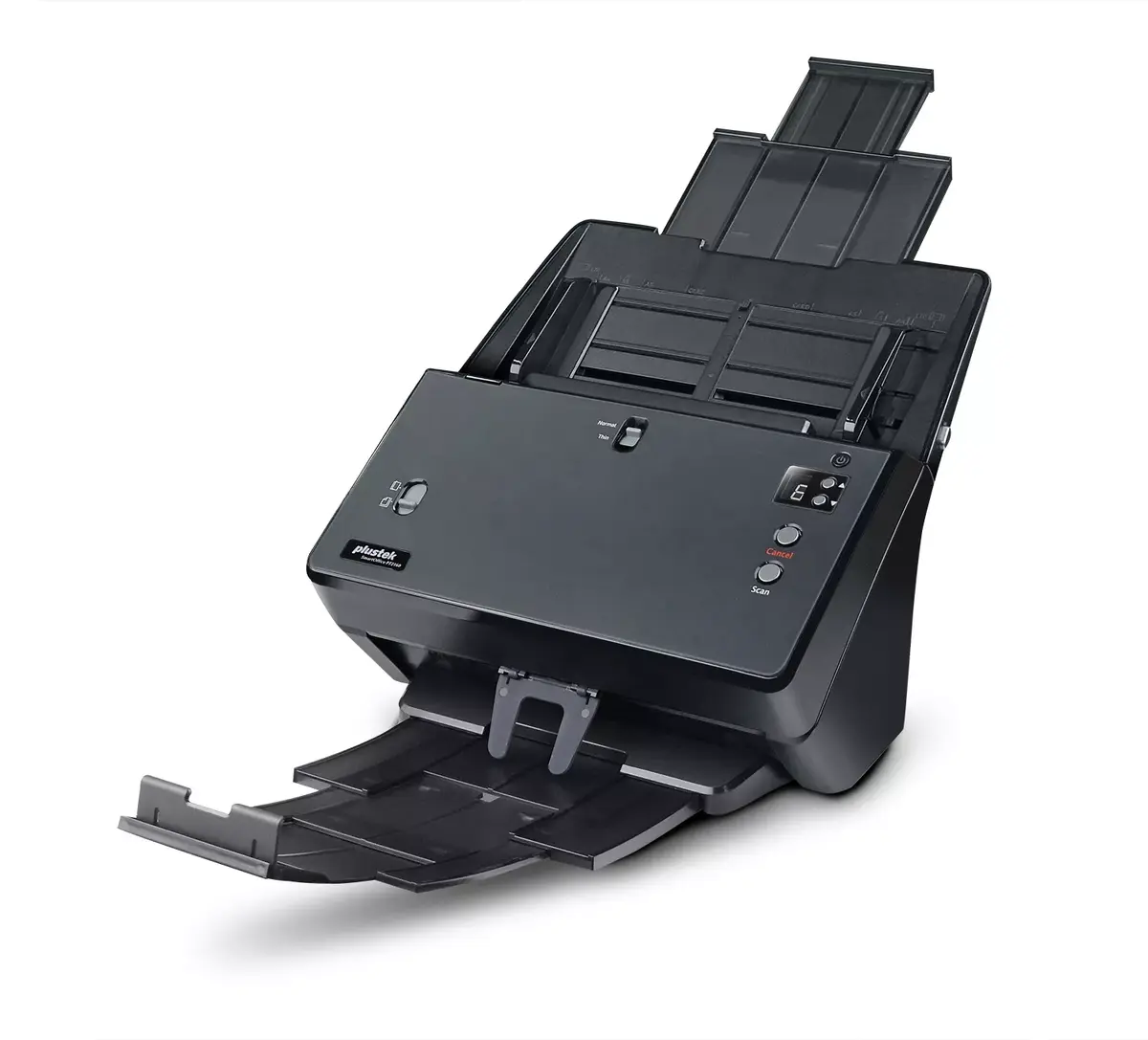
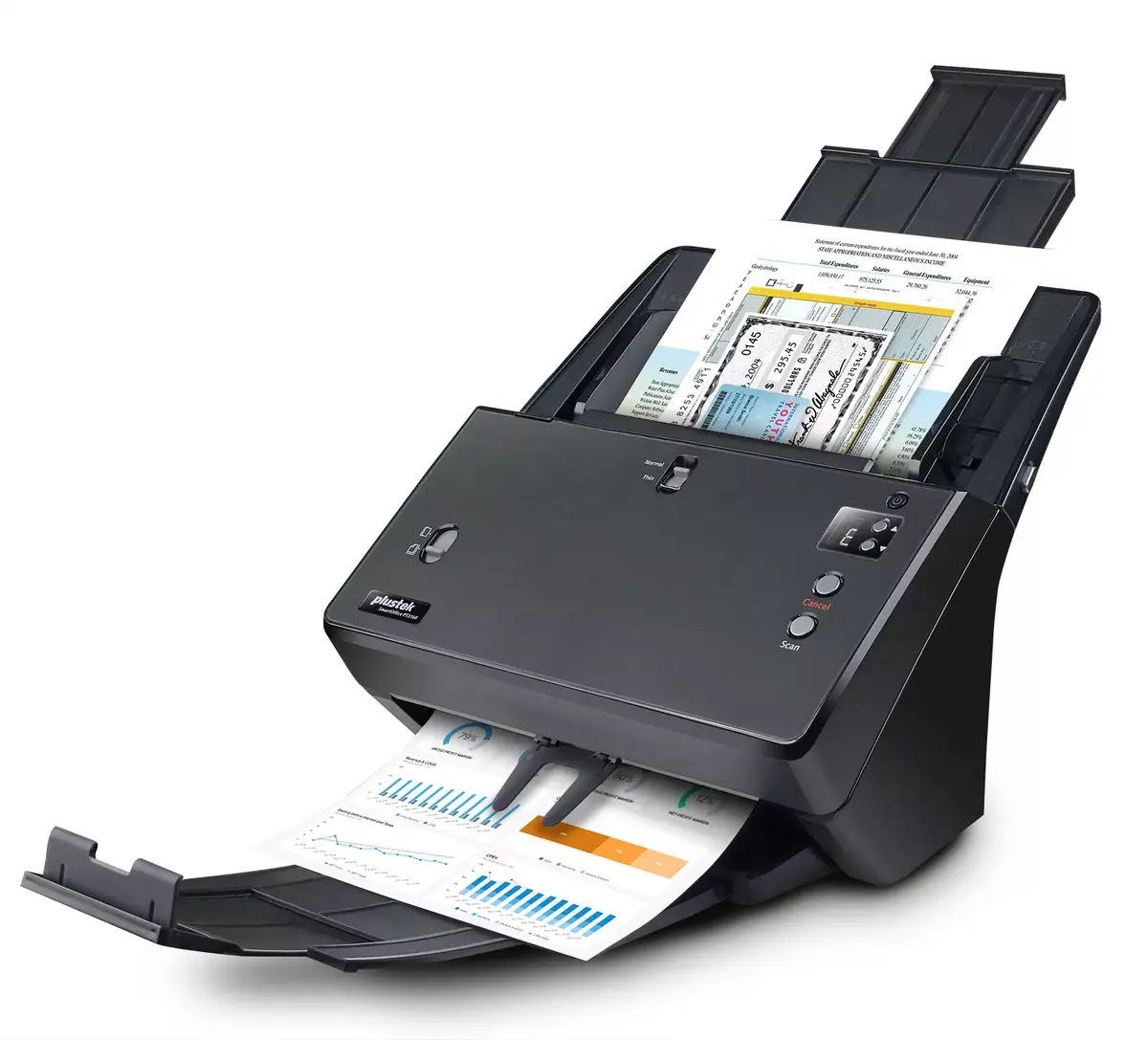
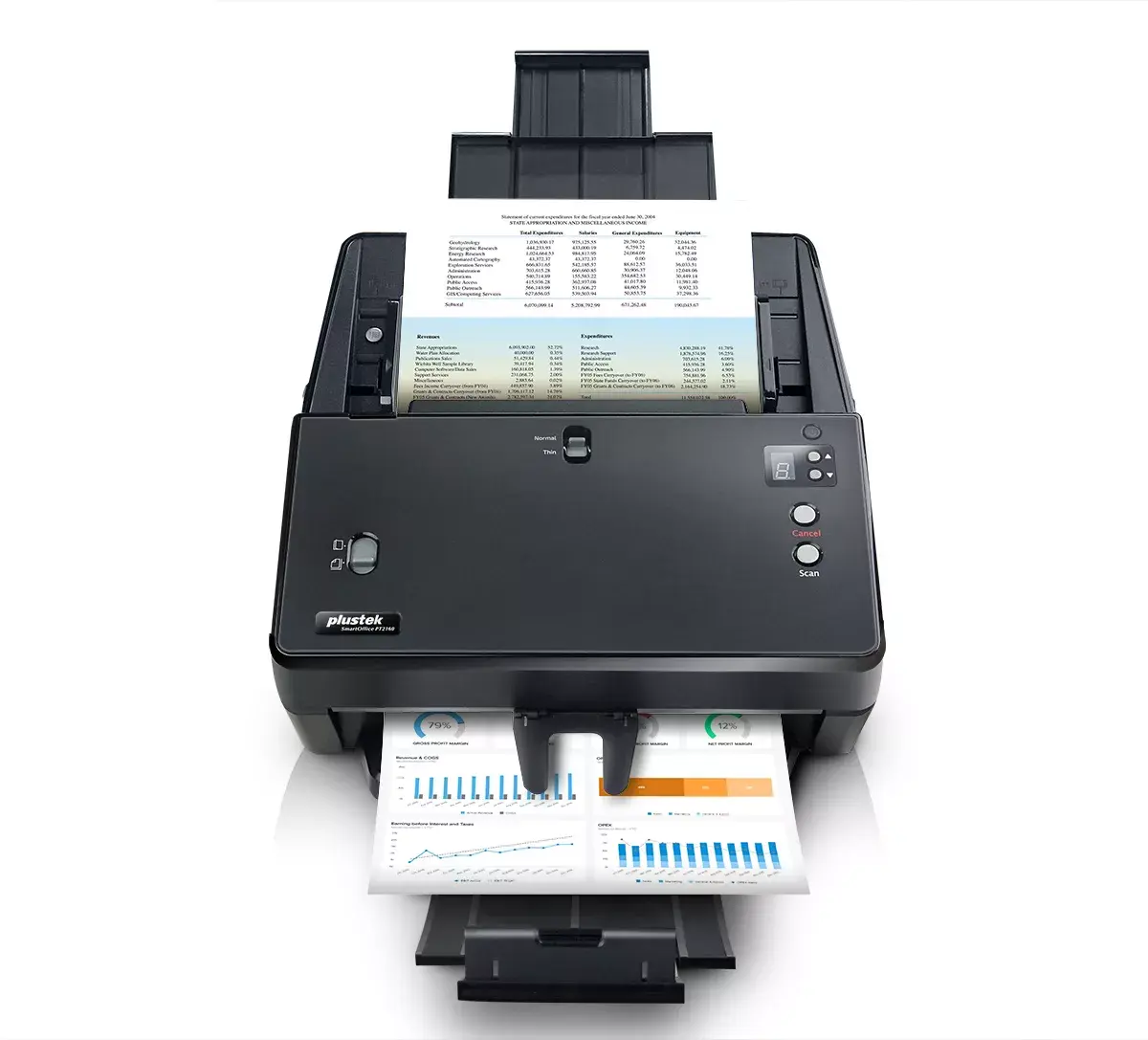
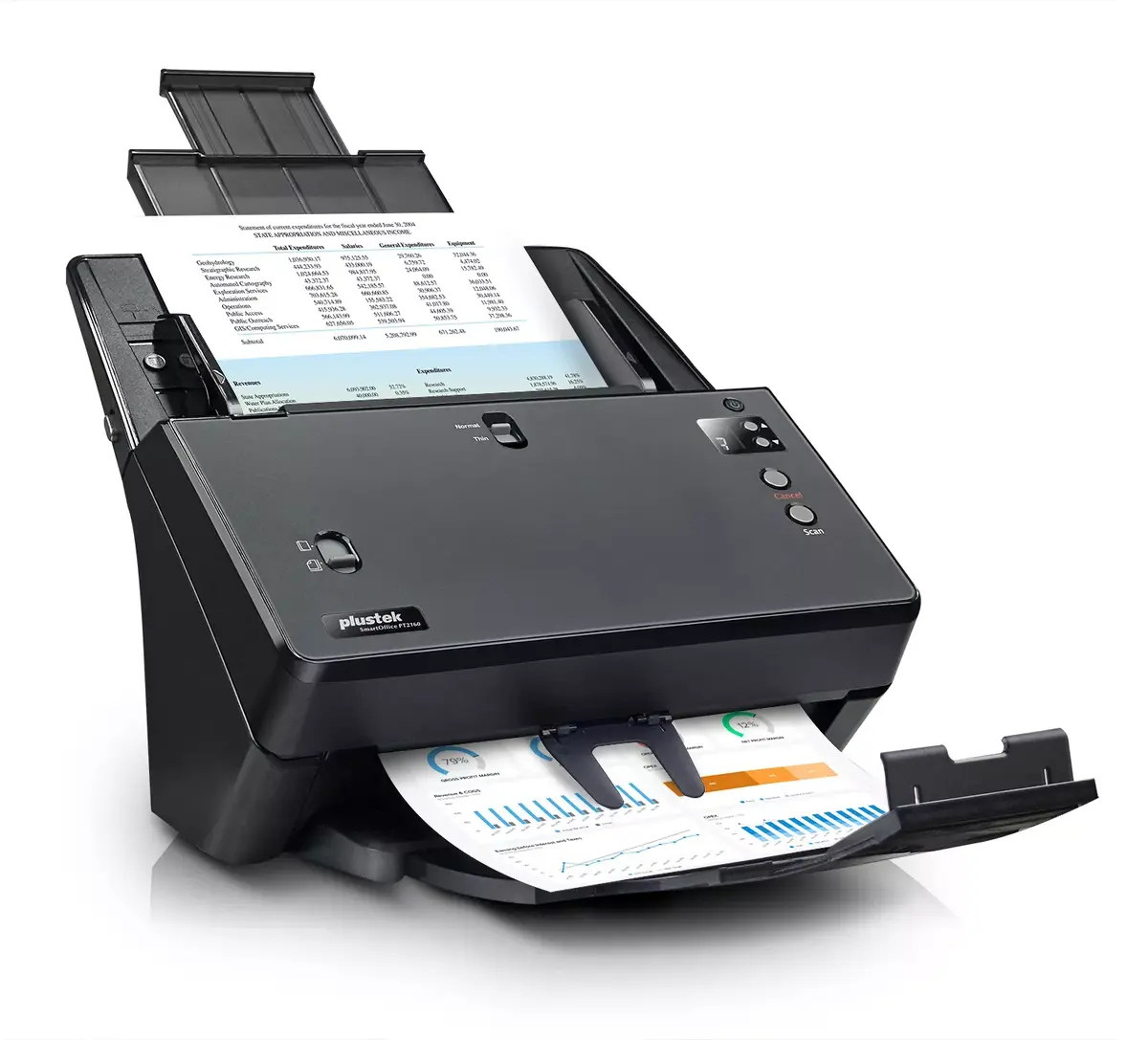
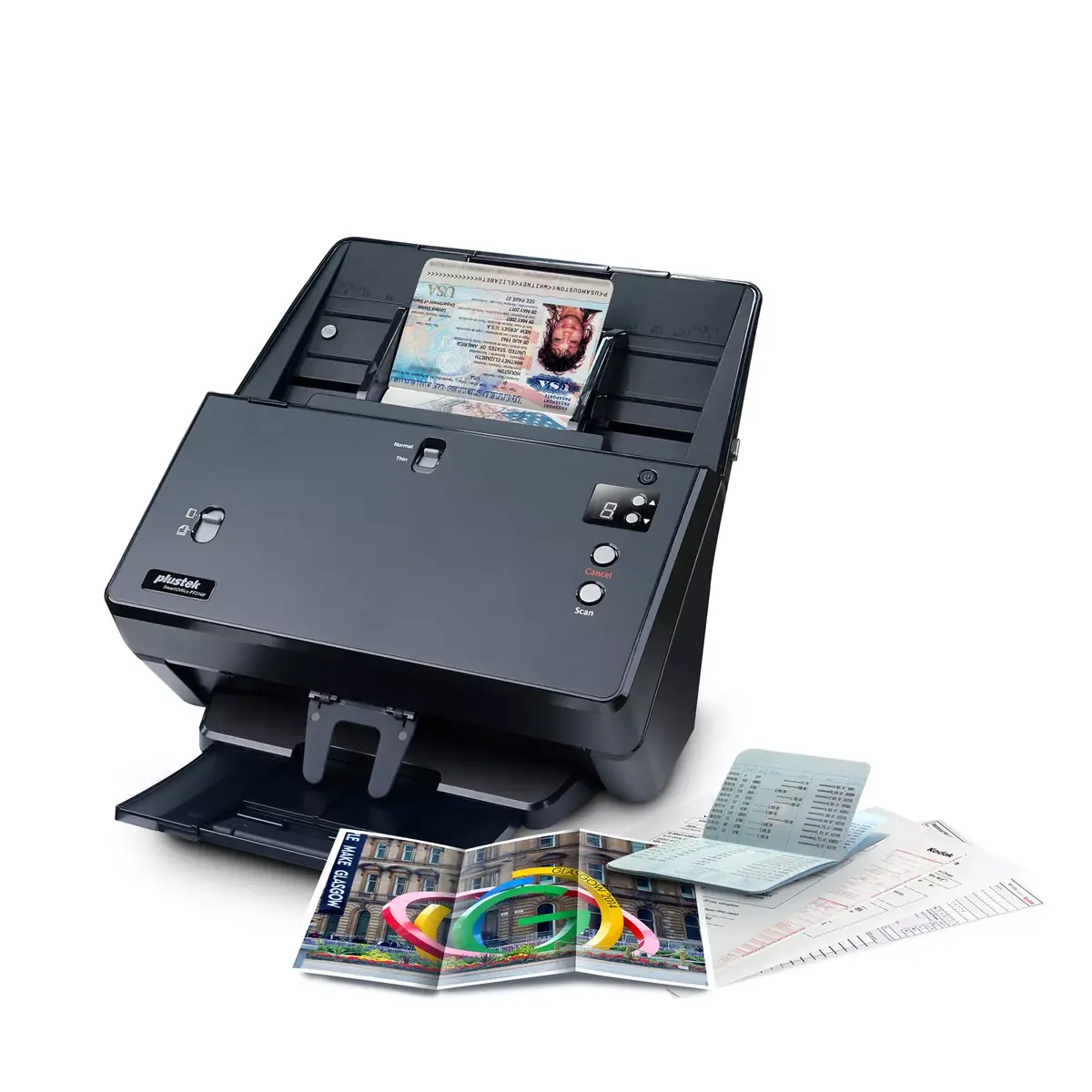
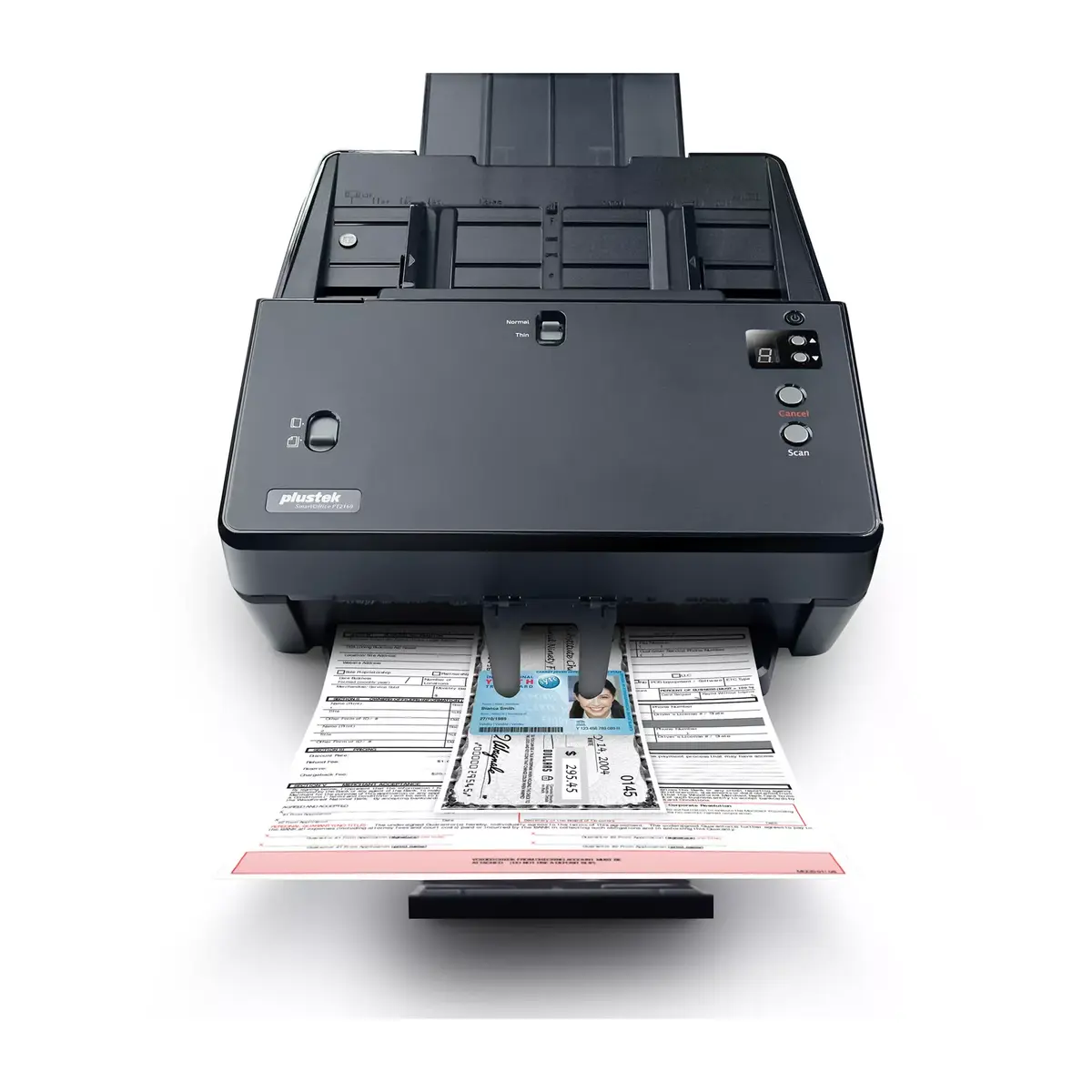
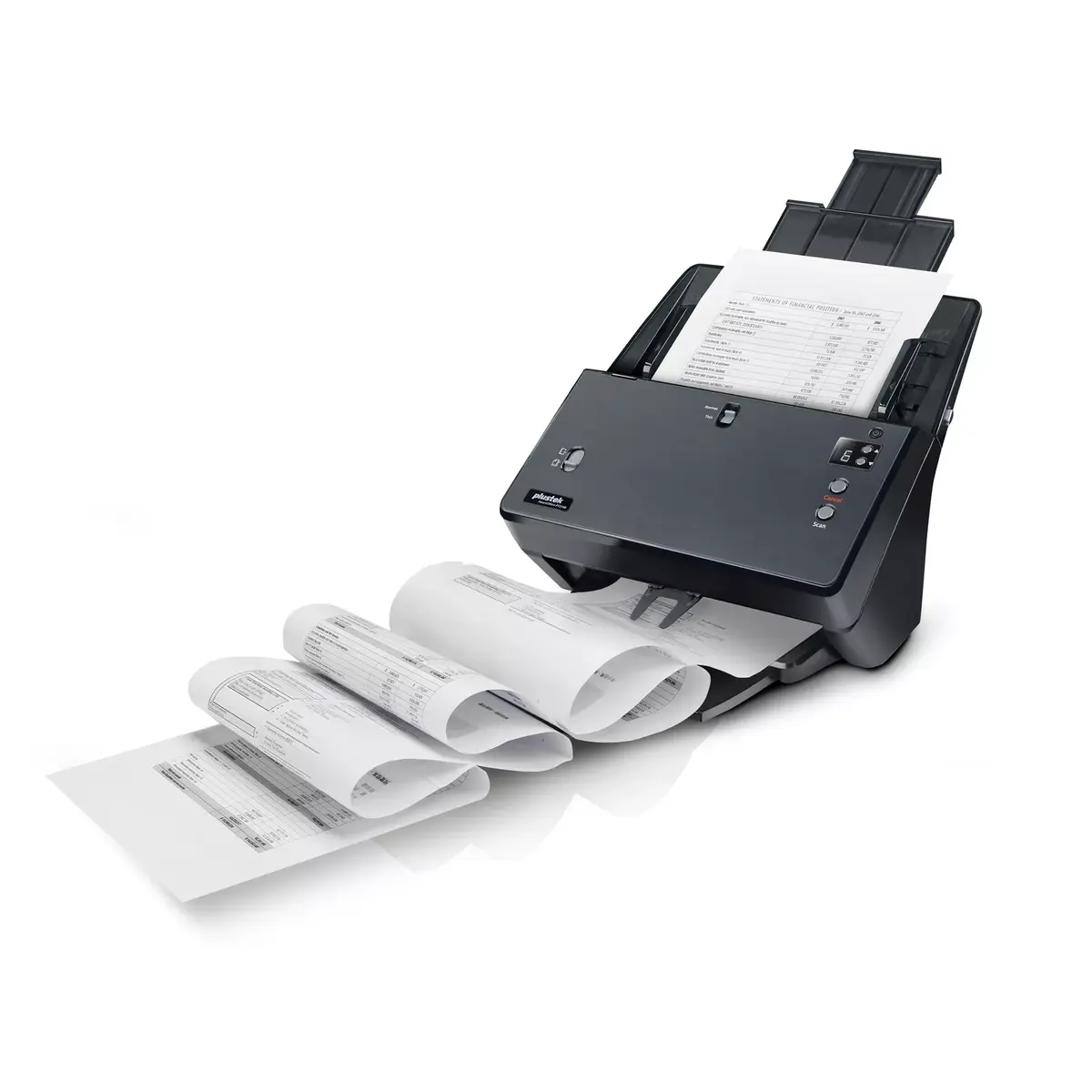
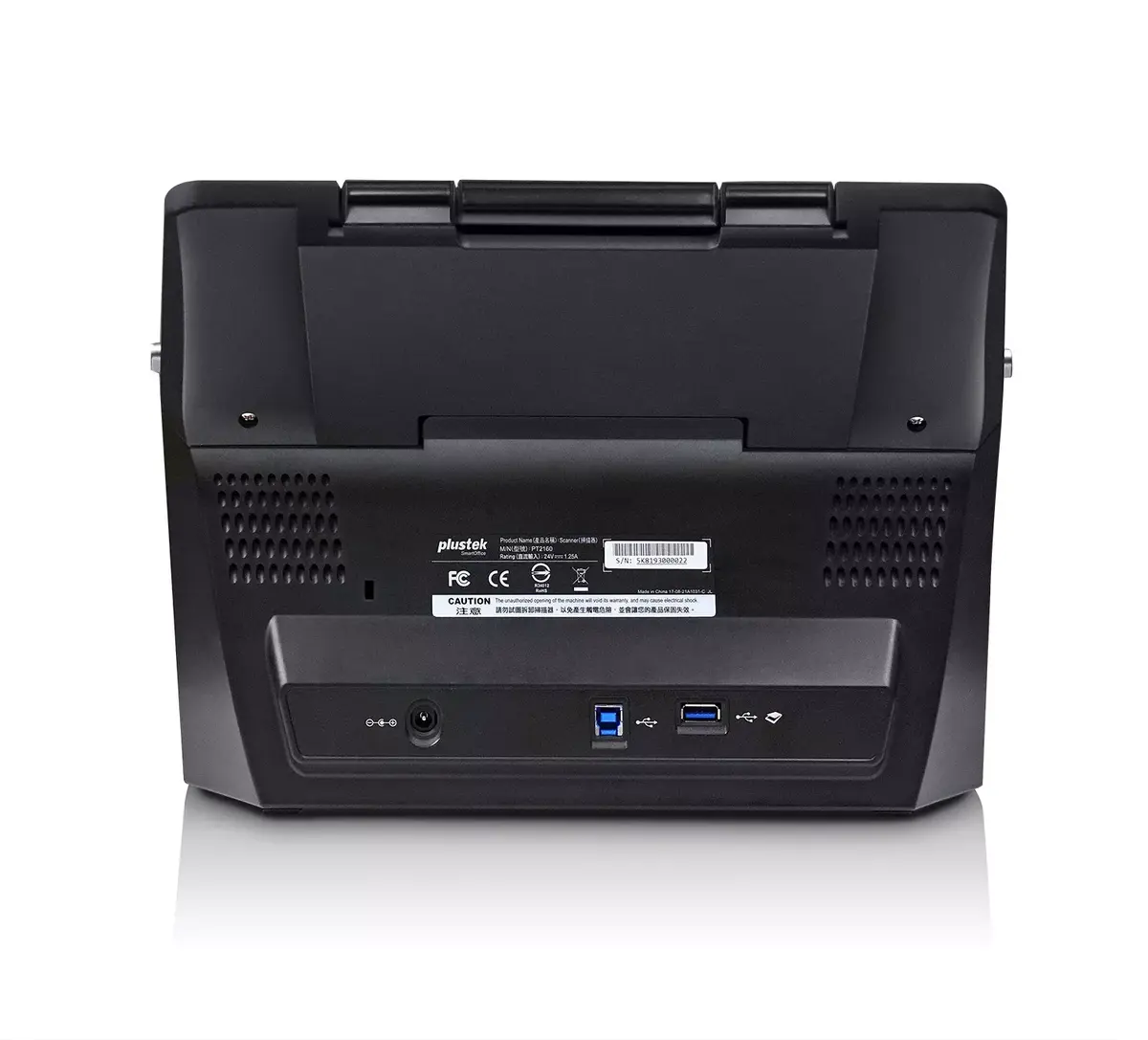
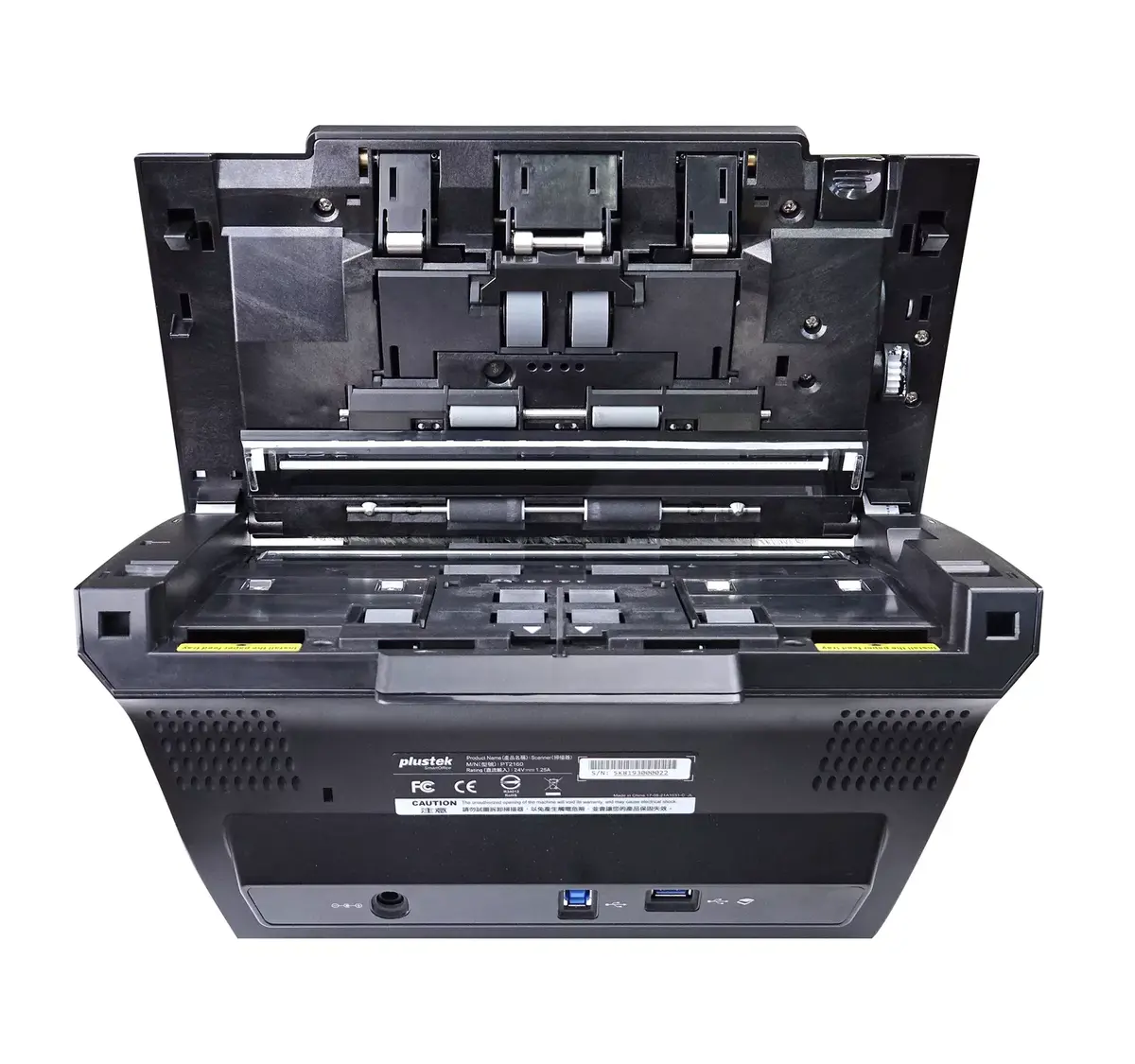
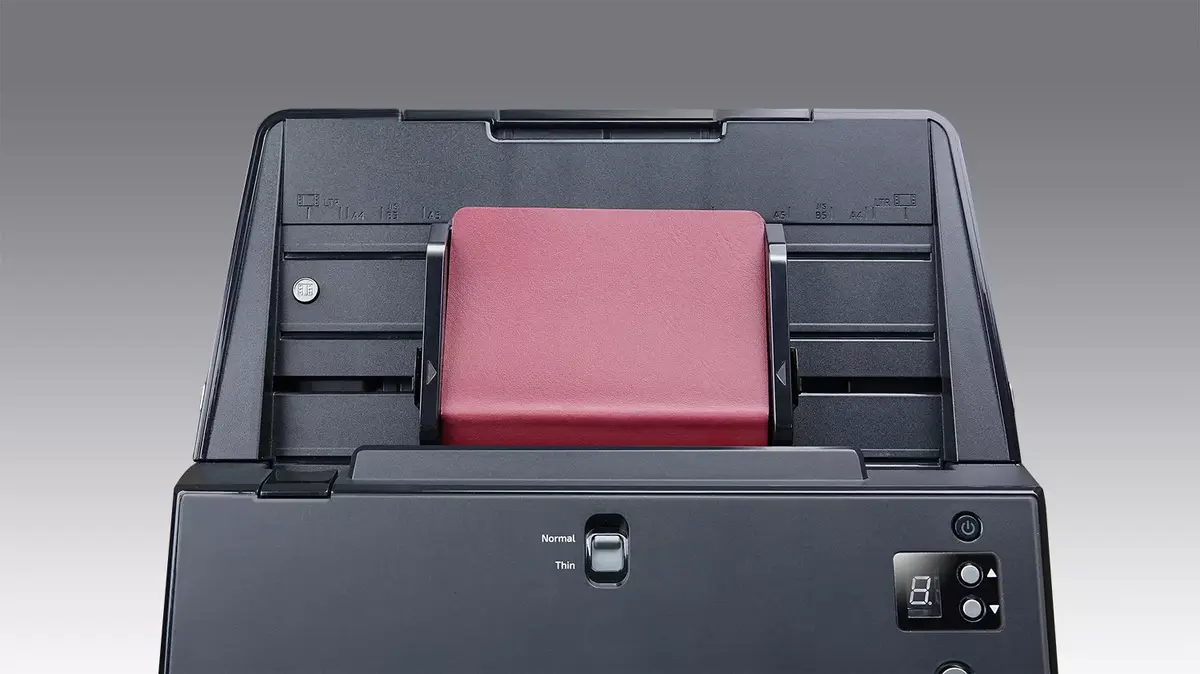
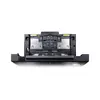
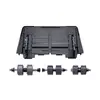
ADF Scanner Plustek SmartOffice PT2160
{{selectedOffer && selectedOffer.price | formatAmount}}
{{selectedOffer && selectedOffer.price | formatAmount}}
Offer for legal entity, cashless payment.
Why is an item available only for a legal entity?
This is due to long delivery times and limited product warranties.
This is due to long delivery times and limited product warranties.
Short description
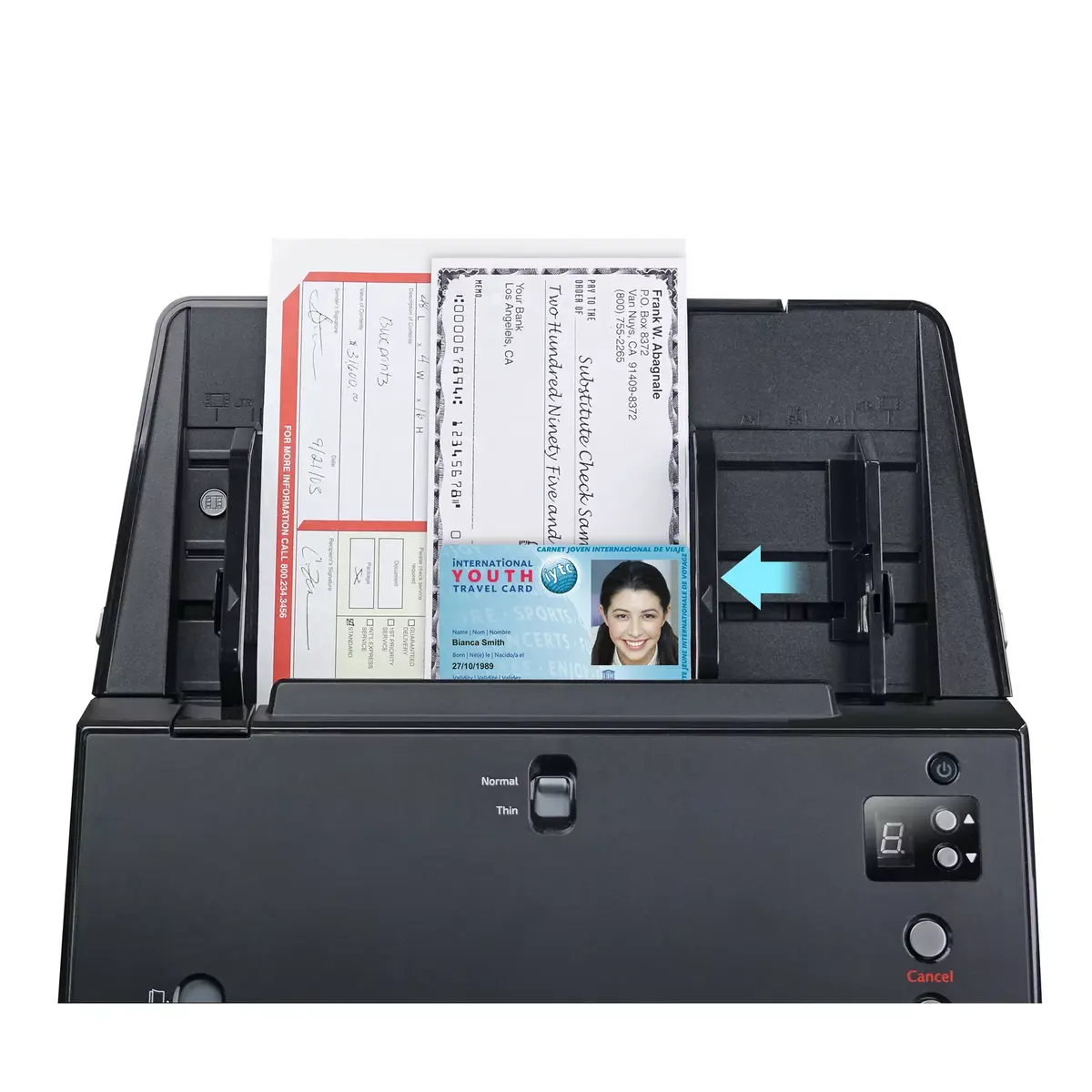
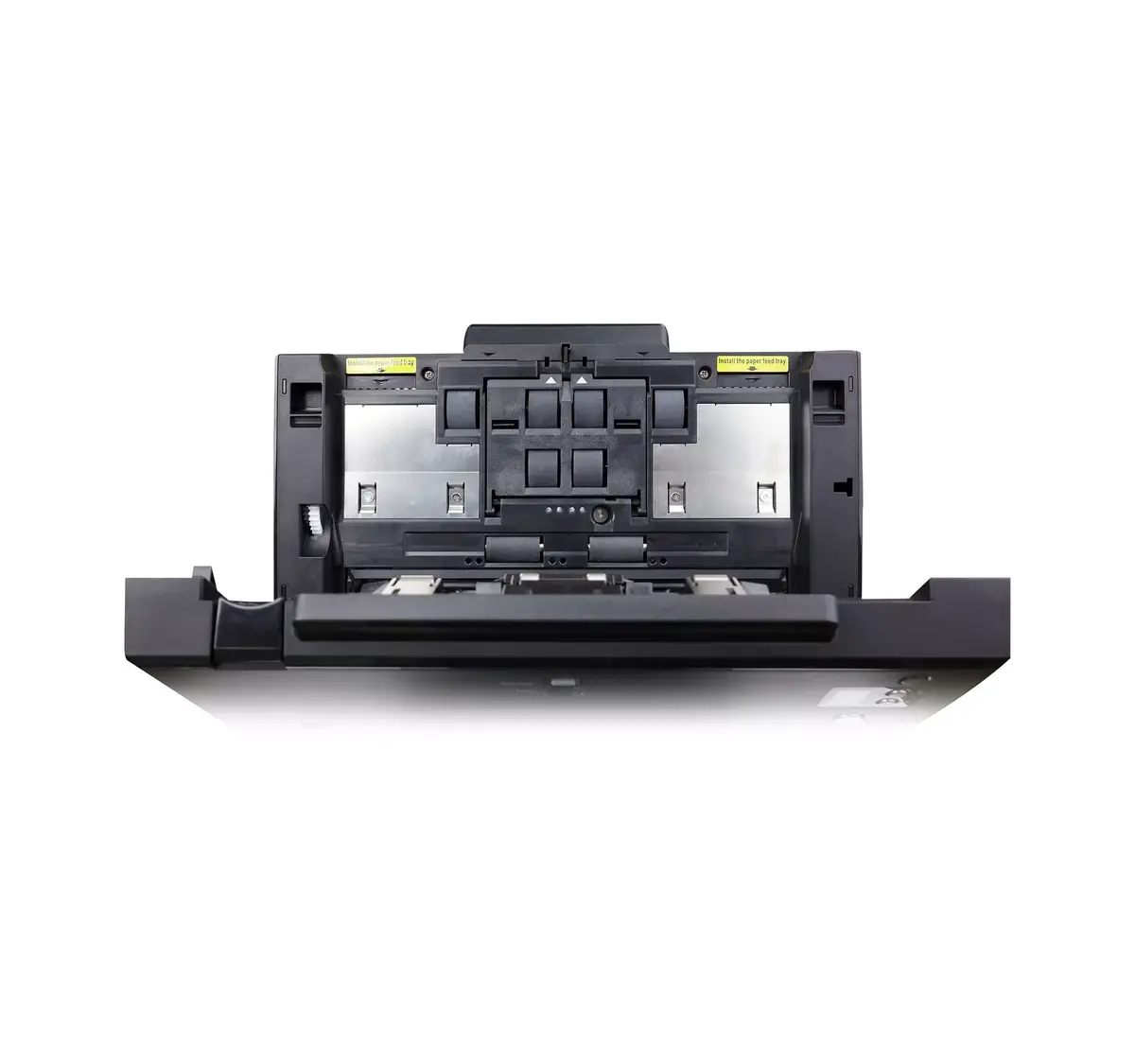
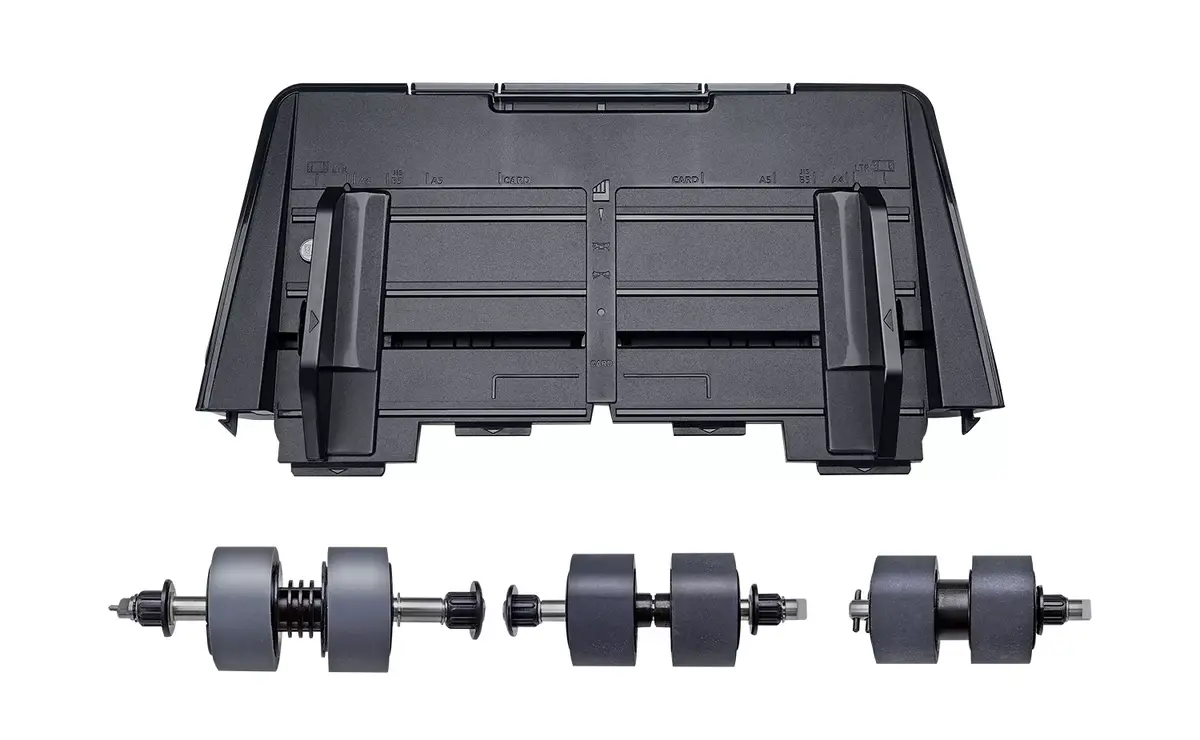
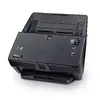
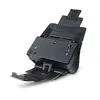
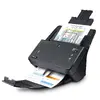
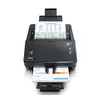
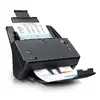
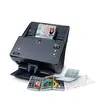
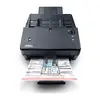
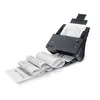
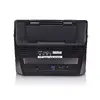
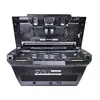
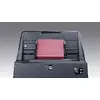
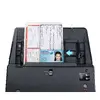
The Plustek SmartOffice PT2160 is a high-performance ADF scanner with a maximum scan size of 216 x 5080 mm and an optical resolution of 600 x 600 DPI. It features a dual CIS sensor and supports a daily duty cycle of up to 8000 pages. With a 100-sheet auto document feeder, it efficiently handles various media types including business cards and plastic cards. Its compact black design and LED light source make it a reliable choice for any office environment.

Cheapest delivery:
Unisend LV
Pick-up points
Unisend LV
Cost
1.99 €
Deliver
{{selectedOffer.parcelStationDeliveryString}}
Customer service center
2b. Kengaraga str., Riga, Latvia, LV-1063
09.11.2026
{{selectedOffer.officeDeliveryString}}
free
Courier Delivery
Please note that in case of a large parcel additional delivery costs may apply!
From 4.99 € (Weight: 4.10 kg)
Parcel couriers
Unisend LV / Venipak Pickup LV / Venipak Locker LV / DPD Paku skapis / Omniva LV / Latvijas Pasts pakomāts / Latvijas Pasts nodaļa
12.11.2026
{{selectedOffer.parcelStationDeliveryString}}
From 1.99 €

Payment Methods:
Cash payment, Bank transfer, Bank cards on-line, Apple Pay, Google Pay, Leasing for legal entities
Leasing for legal entities:
from 22.57 euros per month
Available for private customers at price 746.99 €:
1 pcs.


