Powerful EcoFlow stations for energy anywhere!
In cart {{totalProductsCount}} item(s)
Your cart is empty
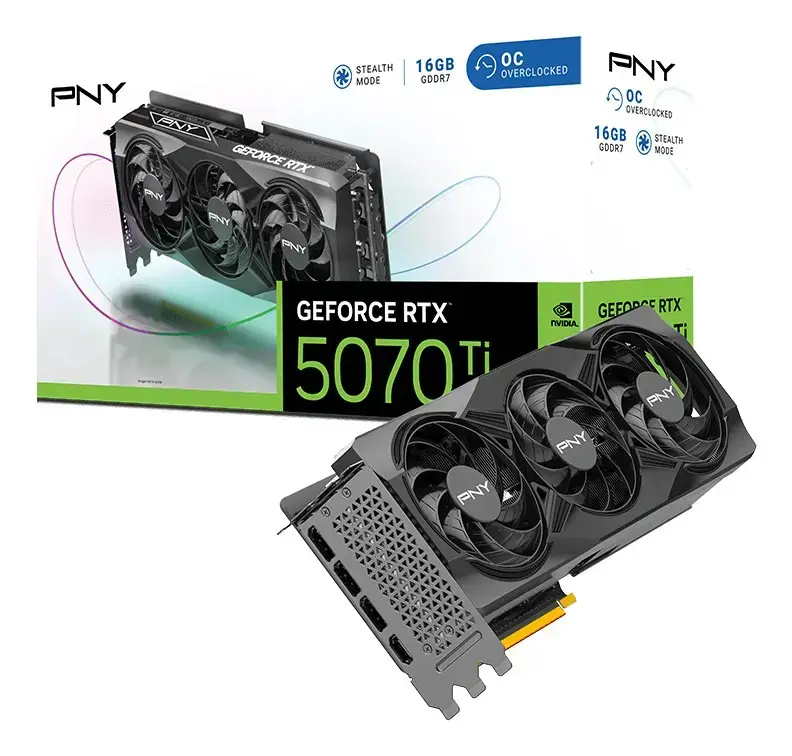
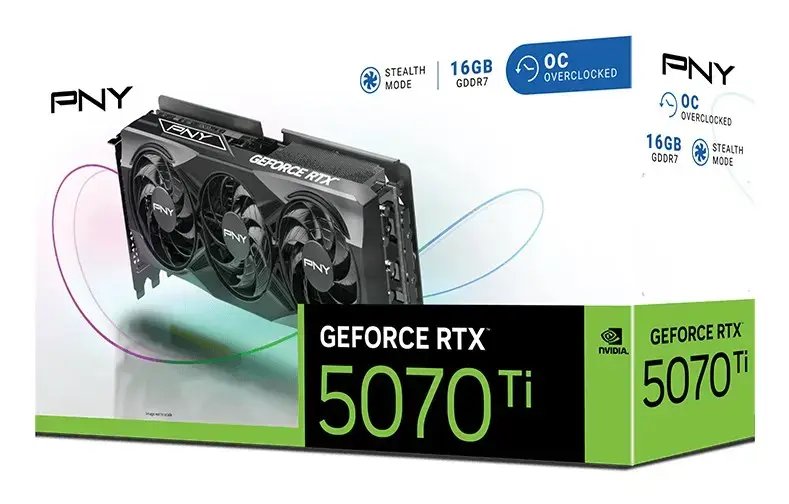
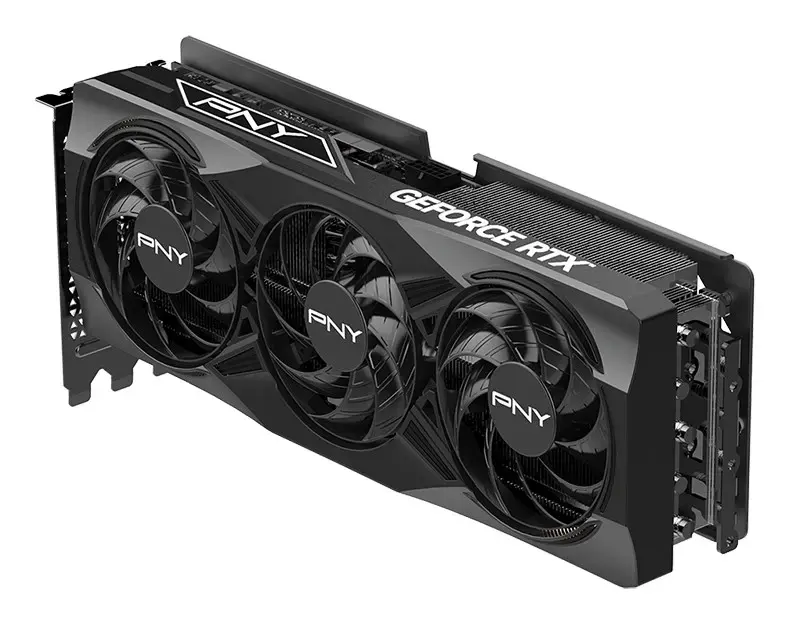
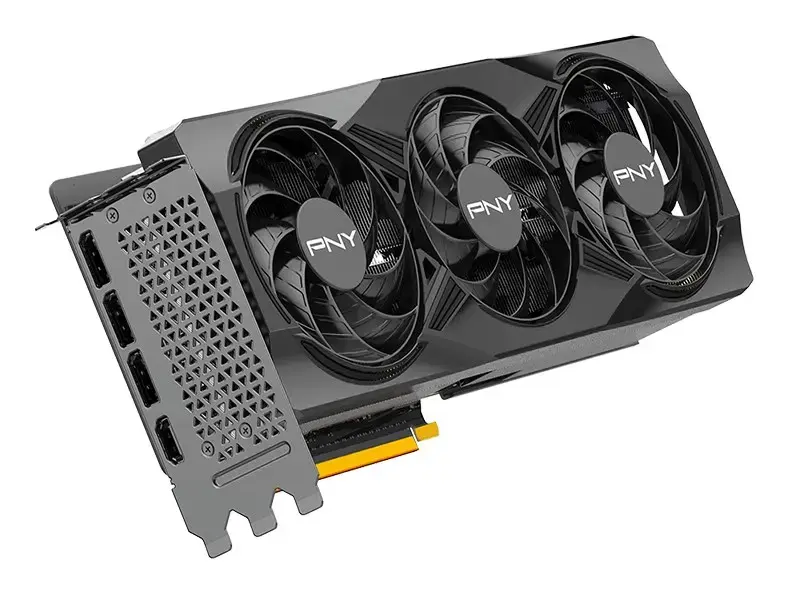
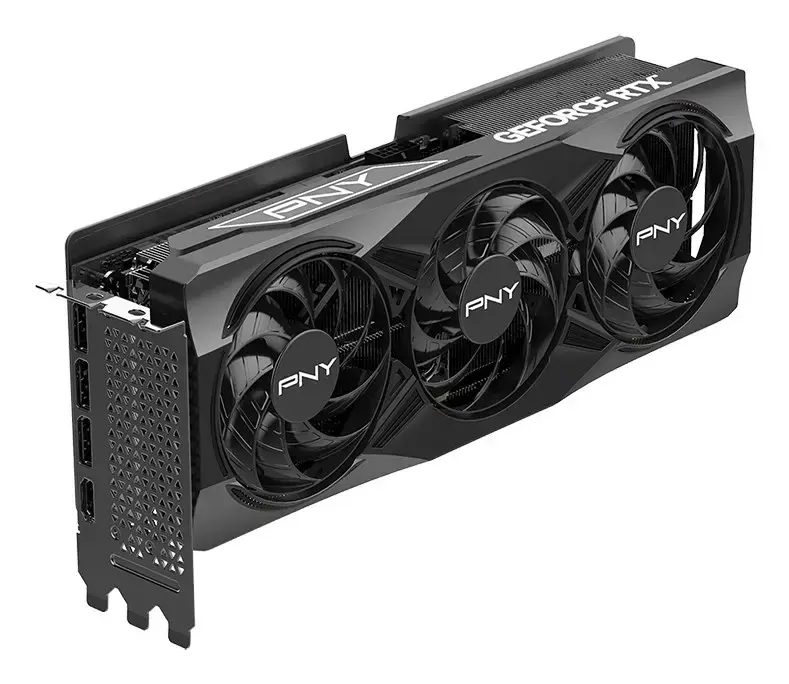
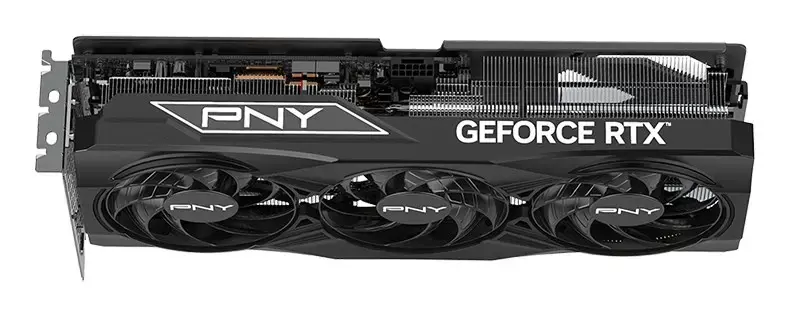
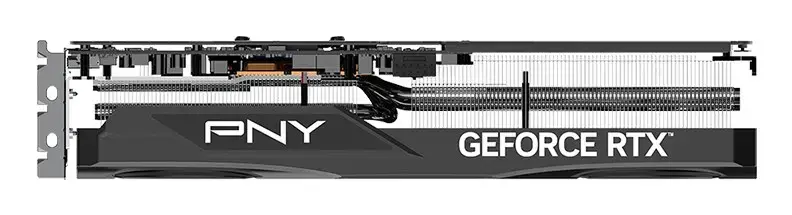
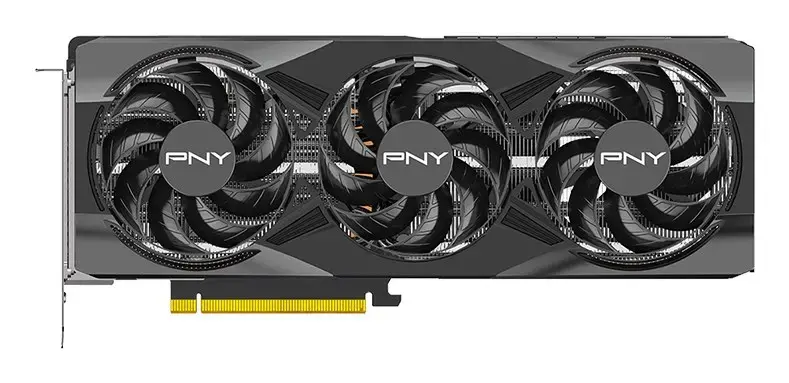
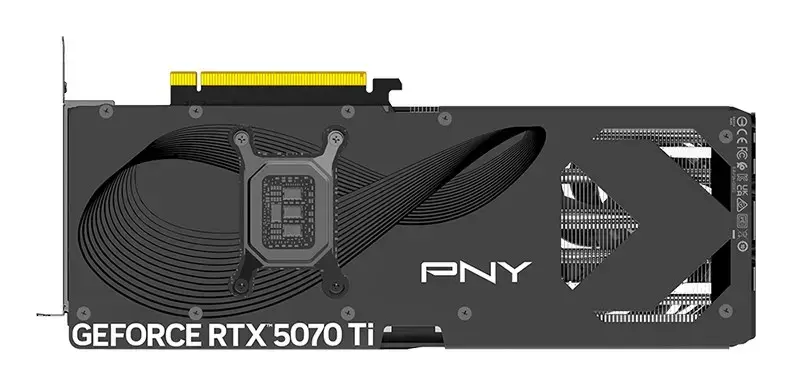
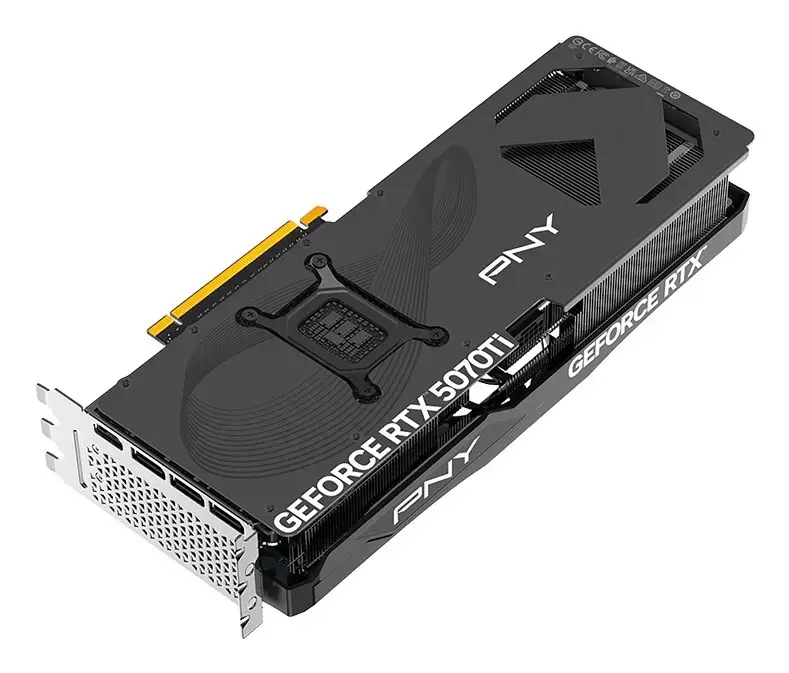
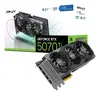
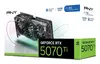
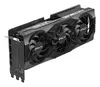
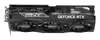
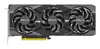
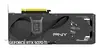
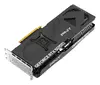
Graphics card PNY GeForce RTX 5070 Ti Triple Fan 16GB GDDR7, 256-bit, PCIe 5.0, 3x DisplayPort 2.1b + HDMI 2.1b
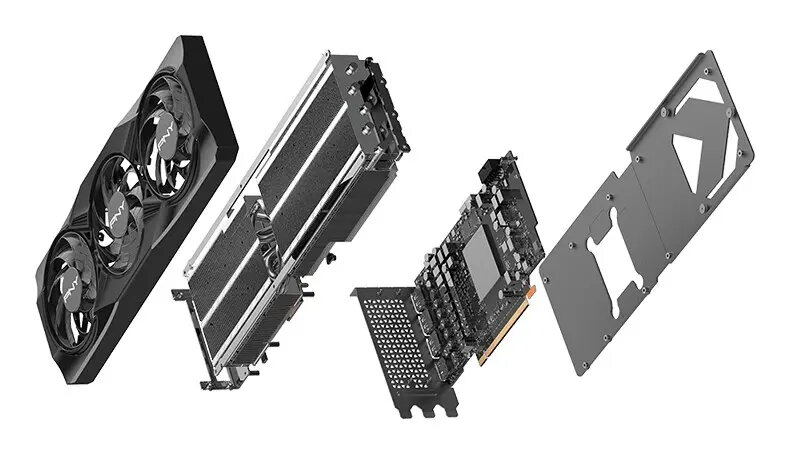
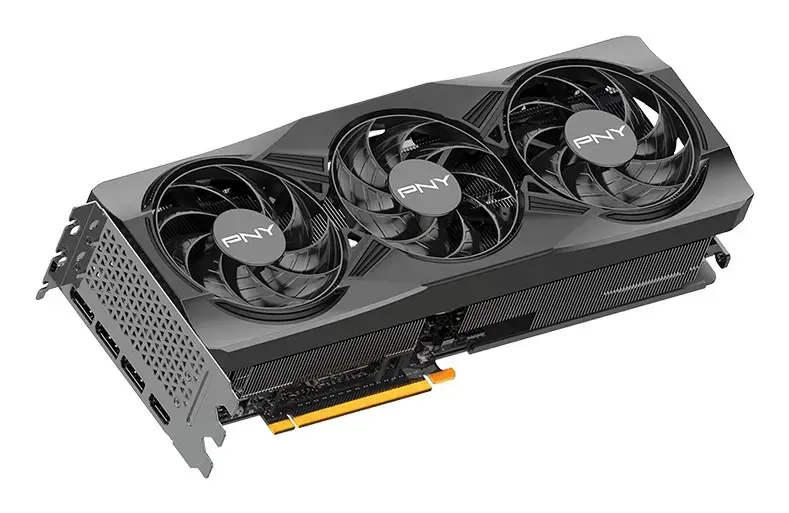
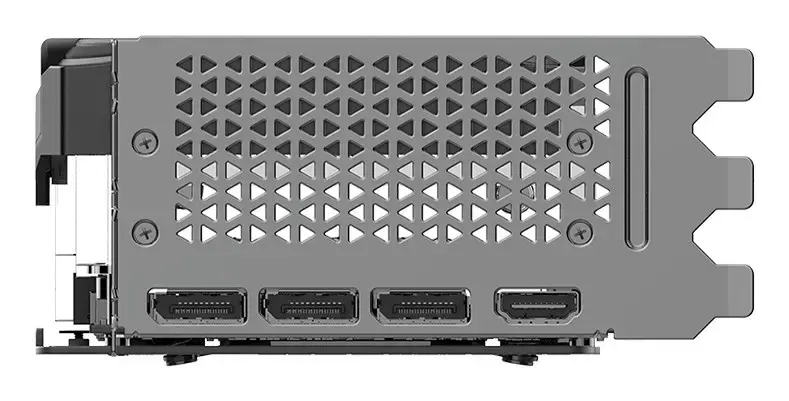
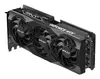
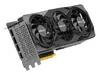
The PNY GeForce RTX 5070 Ti Triple Fan is a discrete graphics card designed for high-resolution gaming, content creation and GPU-accelerated workloads. It features the GeForce RTX 5070 Ti GPU with up to 2572 MHz boost clock, 8960 CUDA cores and 16 GB of GDDR7 memory on a 256-bit bus delivering up to 896 GB/s bandwidth. The card uses a PCI Express 5.0 x16 interface, supports up to four simultaneous displays with a maximum resolution of 7680 x 4320, and provides three DisplayPort 2.1b outputs plus one HDMI 2.1b. The solution is VR-ready, supports DirectX 12 Ultimate and is supplied with an active triple-fan cooling system in a full-height, full-length form factor.
High-speed GDDR7 memory and a 256-bit bus provide substantial memory bandwidth for demanding textures and large datasets. The GPU’s 8960 CUDA cores and boosted clock up to 2572 MHz enable strong raster and compute performance for modern games and creative applications. Triple-fan active cooling helps maintain thermal stability under sustained load while the PCIe 5.0 x16 interface ensures maximum throughput with compatible platforms. Multiple modern video outputs including DisplayPort 2.1b and HDMI 2.1b allow high-refresh, high-resolution monitor setups and multi-display configurations.
Install the card into a PCIe 5.0 x16 slot on a compatible motherboard, secure it in the chassis and connect the required 16‑pin auxiliary power cable. Ensure your power supply meets the minimum 750 W recommendation and that the case provides sufficient clearance for a 299.5 mm full‑length card occupying nearly three slots. Connect displays to the DisplayPort 2.1b or HDMI 2.1b outputs and install the latest NVIDIA drivers for your operating system (Windows 11 x64 or supported Linux distribution). Configure display settings, refresh rates and GPU options through the driver control panel or operating system settings.
For stable performance, use a high-quality power supply with recommended capacity, maintain adequate chassis airflow to support the triple-fan cooler, and update GPU drivers regularly. When using multiple high-resolution monitors or running sustained heavy workloads, monitor GPU temperatures and power draw and consider case airflow improvements or additional exhaust fans if temperatures rise.
{{highlightedFeature.featureTitle}}:
{{getProductFeatureValueById(product, highlightedFeature.featureId)}}
{{ productComparisonGenerationError }}