








Filters you can trust. Pure water every day.
In cart {{totalProductsCount}} item(s)
Your cart is empty
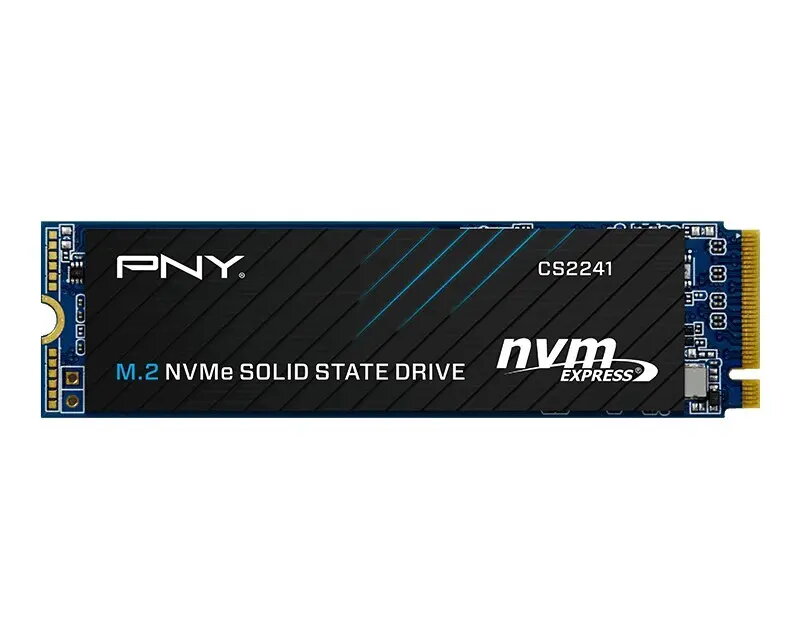
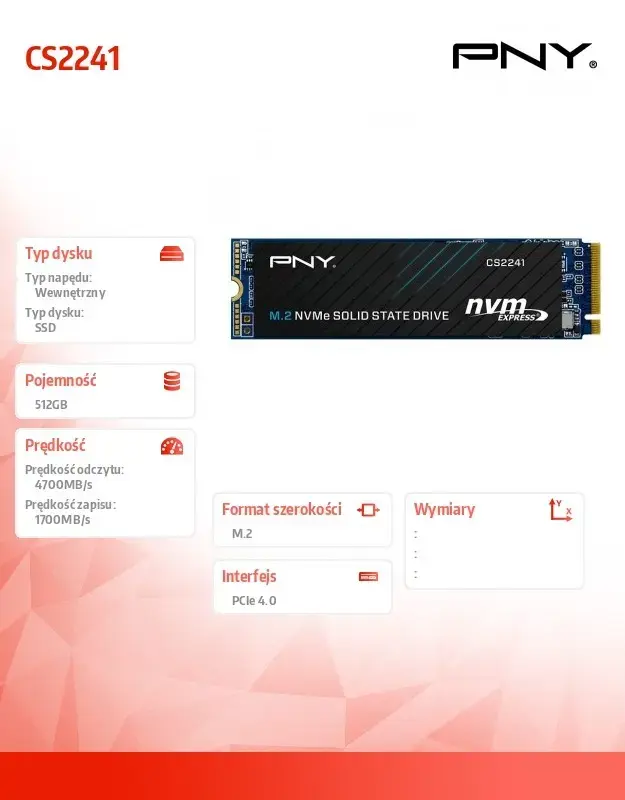
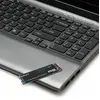
Internal SSD PNY M.2 2280 512GB M280CS2241-512-BLK, SATA/NVMe not specified
PNY M.2 2280 512GB M280CS2241-512-BLK is a compact internal solid-state drive designed for systems with an M.2 2280 slot. With 512GB of storage capacity, this drive is intended to store an operating system, applications and user data to improve system responsiveness and reduce file load times. The product model and identifiers (M280CS2241-512-BLK, EAN 3536403403225) are provided; the exact interface type (SATA or NVMe) and performance figures are not specified in the supplied data, so compatibility and speed depend on the host system and the supported M.2 interface.
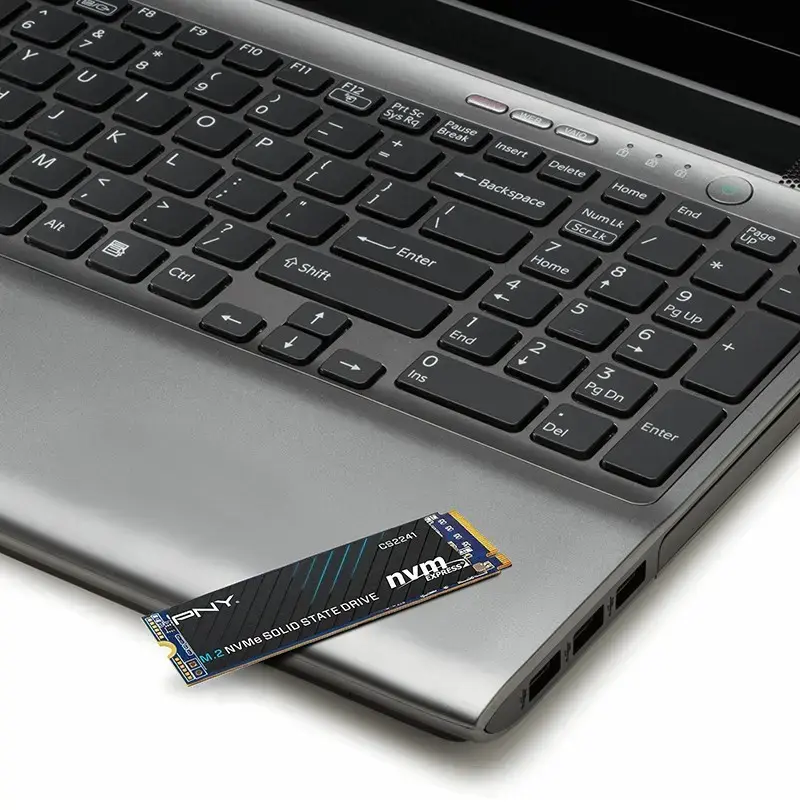
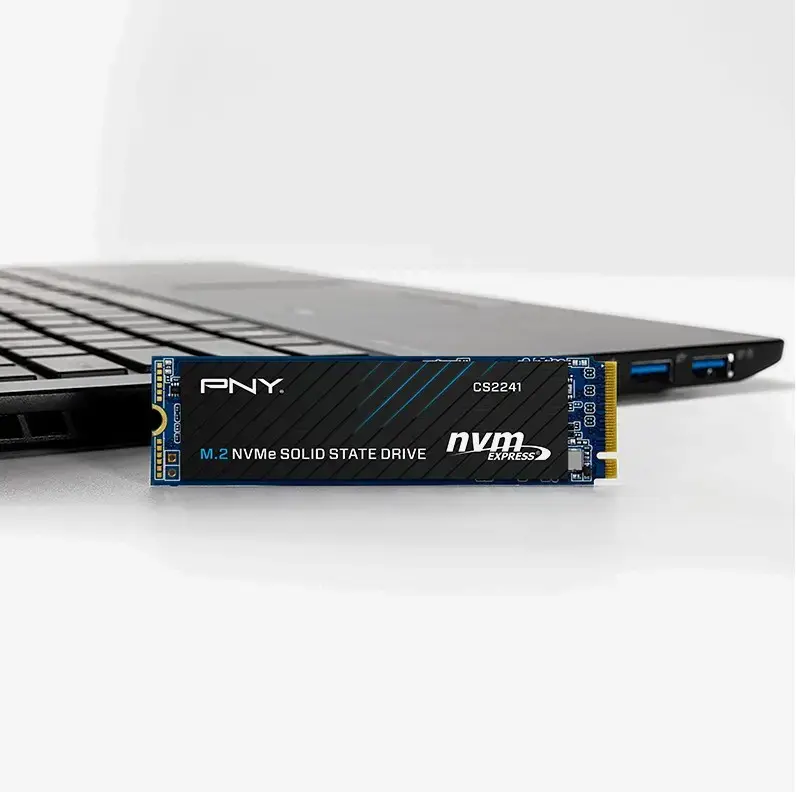
The PNY M.2 2280 512GB SSD provides higher durability and lower access latency compared with traditional mechanical drives. Its M.2 2280 form factor saves space inside laptops and desktops while offering a moderate-capacity storage option suitable for system drives. The drive’s compact size and standardized connector make installation straightforward in compatible M.2 slots. Model and identification details are included for verification before purchase and installation.
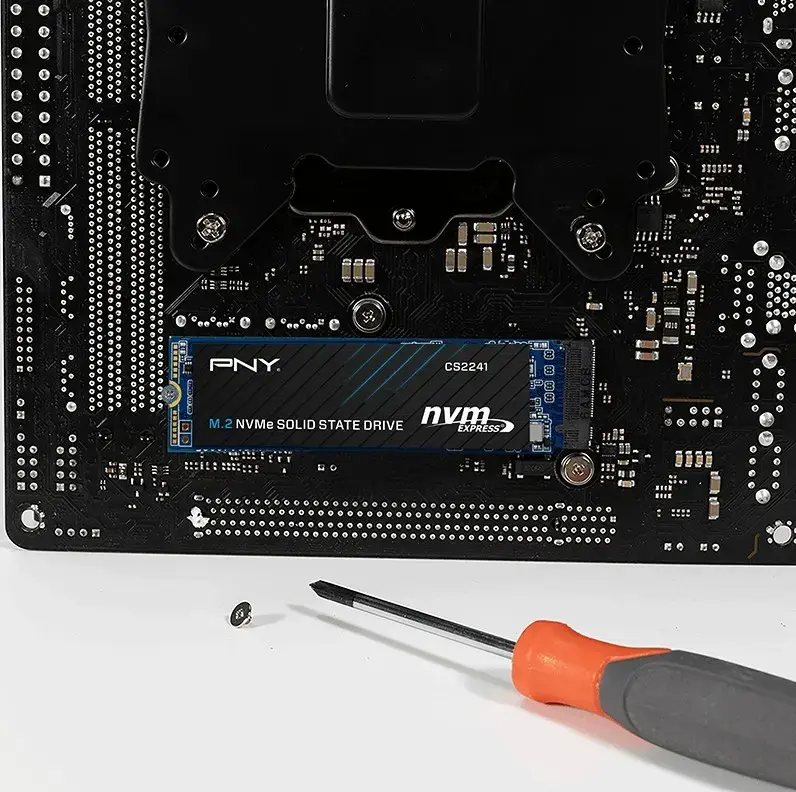
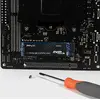
Power down the computer and disconnect power before installation. Open the system case or access panel to locate the M.2 2280 slot. Align the drive with the M.2 connector at the correct angle, insert it gently, and secure it with the mounting screw provided by the system. Reassemble the case, reconnect power, and start the system. Enter BIOS/UEFI to confirm the drive is detected; if installing an operating system, proceed with OS installation or clone an existing drive using appropriate cloning software and tools. If the interface type is unclear, check the motherboard or laptop documentation to confirm compatibility with SATA-based or NVMe PCIe M.2 devices.
Verify the M.2 slot keying and supported interface (SATA or NVMe) in your device manual before purchase. Back up important data before replacing or cloning drives. Use the latest firmware and drivers from PNY or the system manufacturer to ensure optimal compatibility and stability.
{{highlightedFeature.featureTitle}}:
{{getProductFeatureValueById(product, highlightedFeature.featureId)}}
{{ productComparisonGenerationError }}