Filters you can trust. Pure water every day.
In cart {{totalProductsCount}} item(s)
Your cart is empty
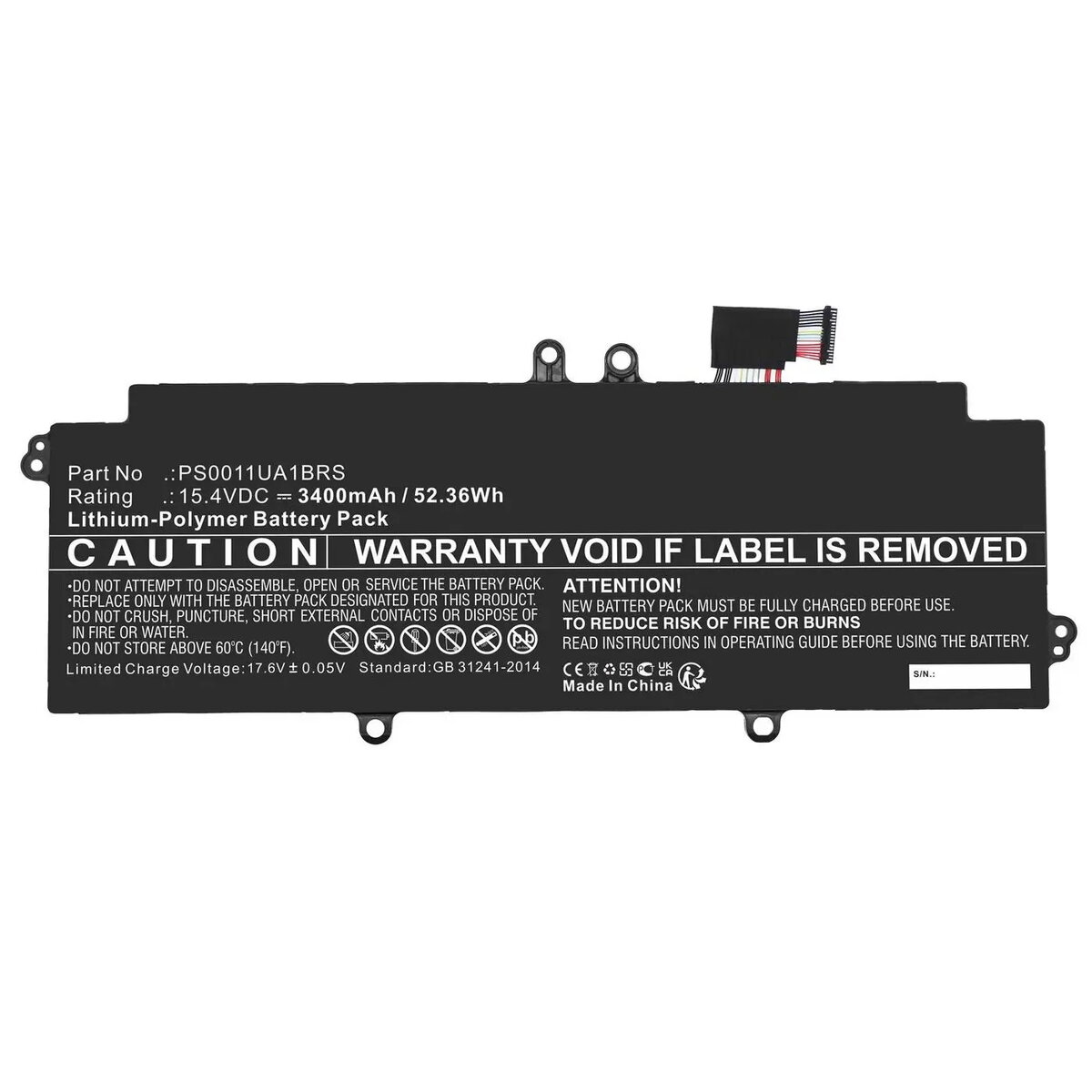
CoreParts MBXTO-BA0070 Laptop Battery for Toshiba Portege X30L-J and X30L-K Series
The CoreParts MBXTO-BA0070 is a high-quality replacement battery specifically engineered for the Toshiba Portege X30L-J and X30L-K series laptops. This power component is designed to restore your device's original runtime and mobility, providing a reliable energy source for your daily computing needs. By replacing a degraded battery, you can ensure your laptop maintains its performance levels and remains operational throughout your workday.
This replacement battery offers consistent power delivery that matches the original specifications of your Toshiba laptop. Each unit undergoes rigorous testing and quality control processes to ensure safety, stability, and longevity. By choosing this component, you are opting for a cost-effective solution that extends the lifespan of your hardware, reduces electronic waste, and avoids the need for a full device replacement. The battery is built to meet high industry standards, providing peace of mind through its reliable performance and included warranty.
This battery is exclusively designed for the specified Toshiba Portege models. It is not compatible with other laptop brands or different series within the Toshiba lineup. If your laptop's power issues are caused by a faulty charging port or motherboard failure rather than the battery itself, replacing the battery will not resolve the problem.
To install the battery, ensure your laptop is completely powered off and disconnected from any external power adapters. Open the laptop chassis according to the manufacturer's service manual, carefully disconnect the old battery connector, and remove the unit. Insert the new CoreParts battery into the designated compartment, secure it, and reconnect the power cable. Once installed, close the chassis and charge the battery fully before the first use to calibrate the power management system.
For optimal battery health, avoid exposing your laptop to extreme temperatures and try to keep the charge level between 20% and 80% during prolonged storage. Regularly update your laptop's BIOS and power management drivers to ensure efficient energy consumption.
{{highlightedFeature.featureTitle}}:
{{getProductFeatureValueById(product, highlightedFeature.featureId)}}
{{ productComparisonGenerationError }}