Filters you can trust. Pure water every day.
In cart {{totalProductsCount}} item(s)
Your cart is empty
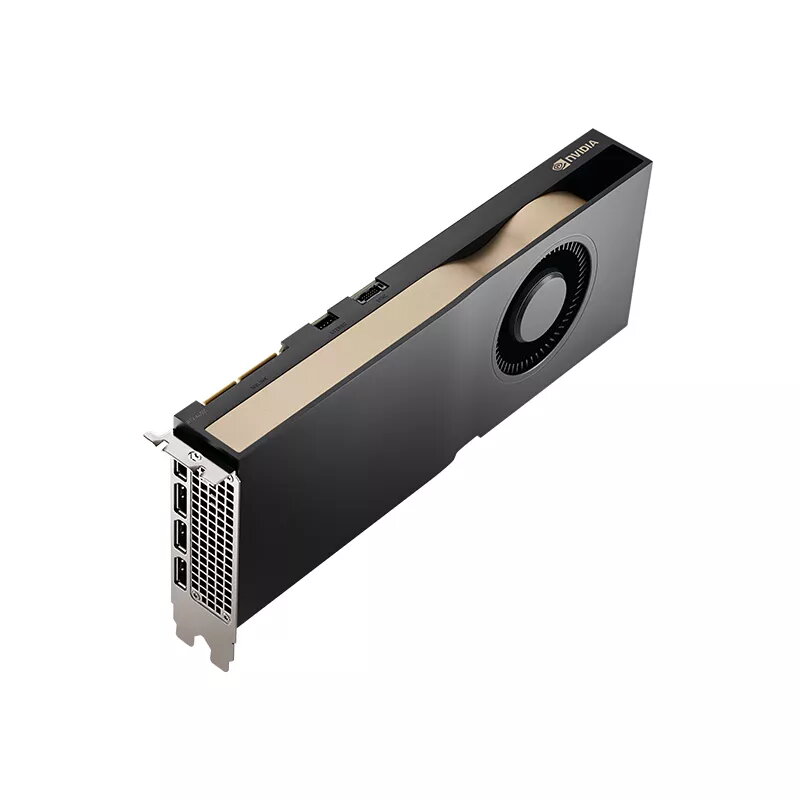
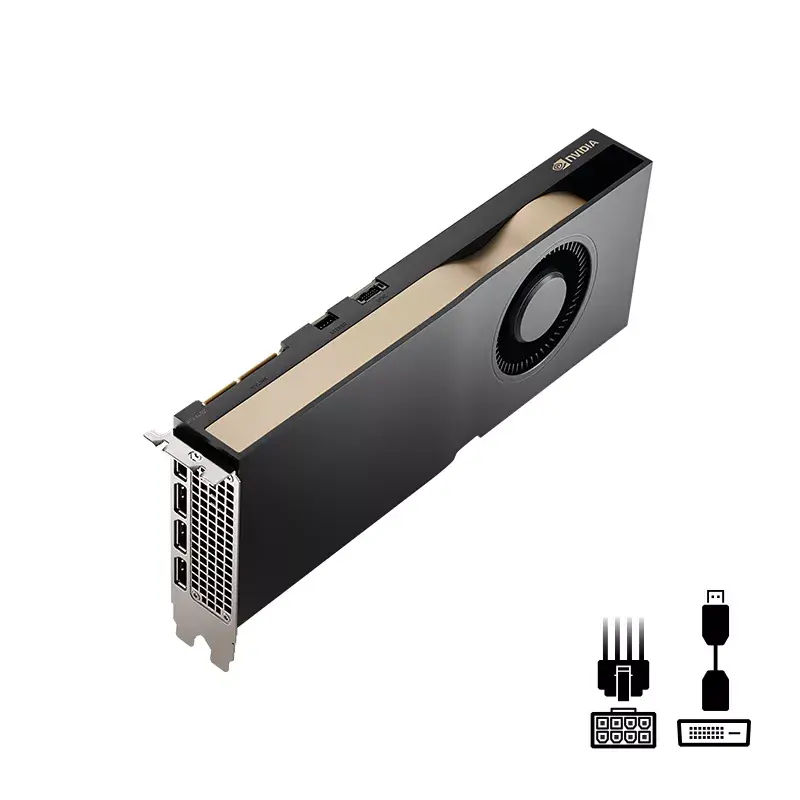
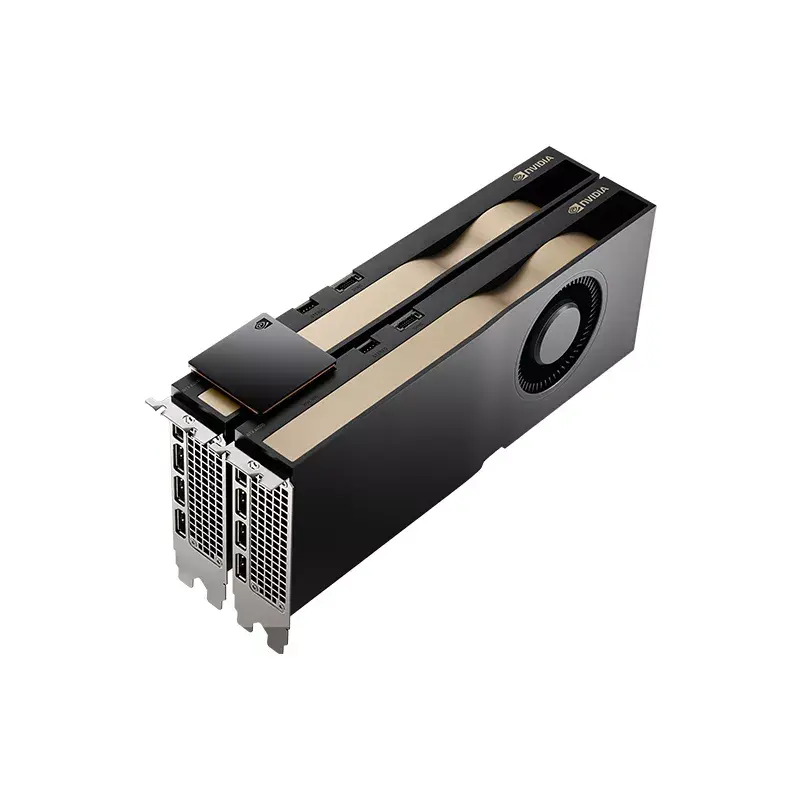
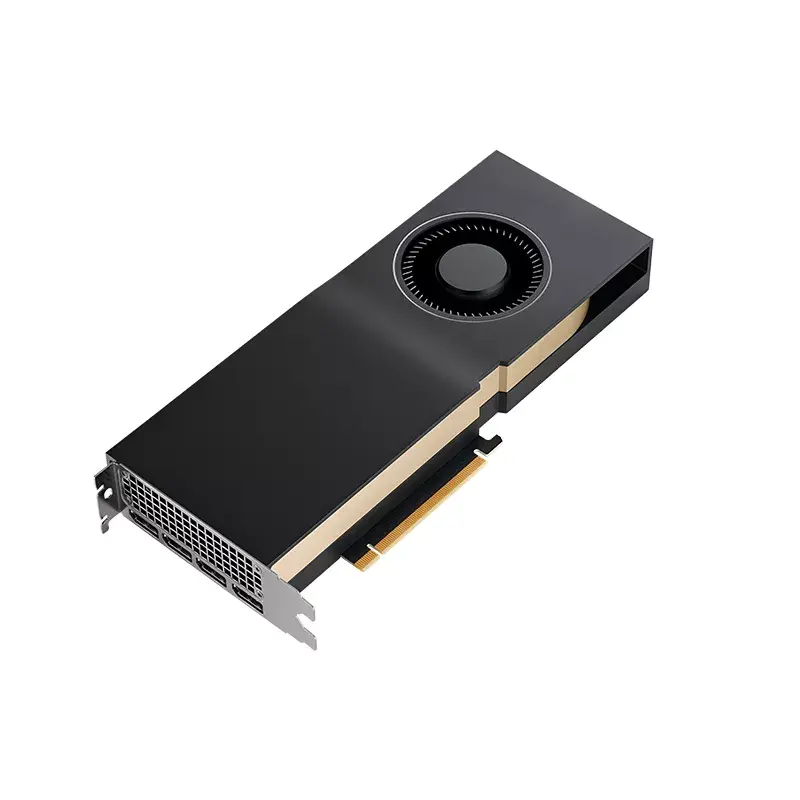
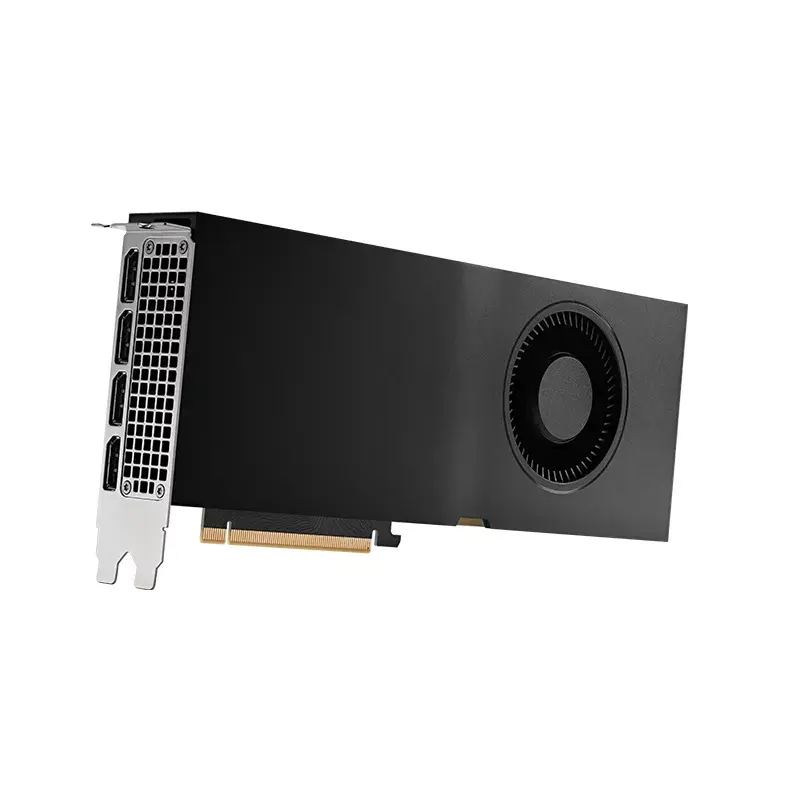
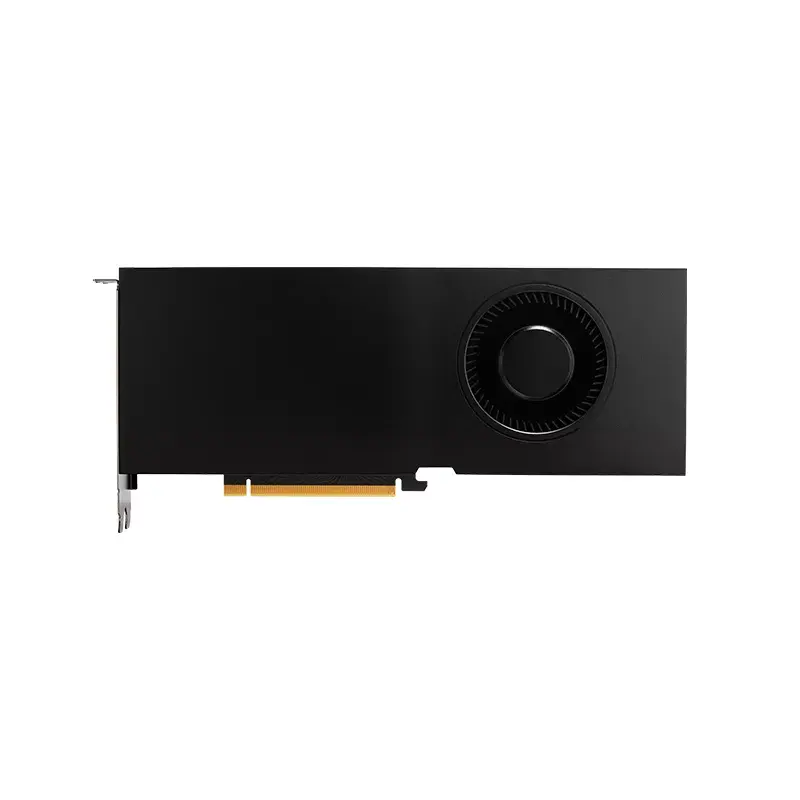
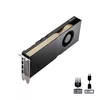
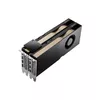
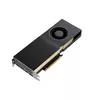
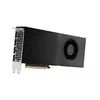
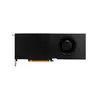
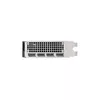
Video Card NVIDIA RTX A4500 20 GB GDDR6
The NVIDIA RTX A4500 20 GB GDDR6 is a professional graphics card designed for demanding visual computing tasks. Based on the NVIDIA Ampere architecture and equipped with 20 GB of GDDR6 memory on a 320-bit bus, the card delivers high-performance graphics, AI acceleration, and support for large models, complex renders, and high-resolution displays. The PNY VCNRTXA4500-SB implements the RTX A4500 GPU with a PCI Express x16 4.0 interface and an active cooling solution to maintain stable operation under heavy workloads.
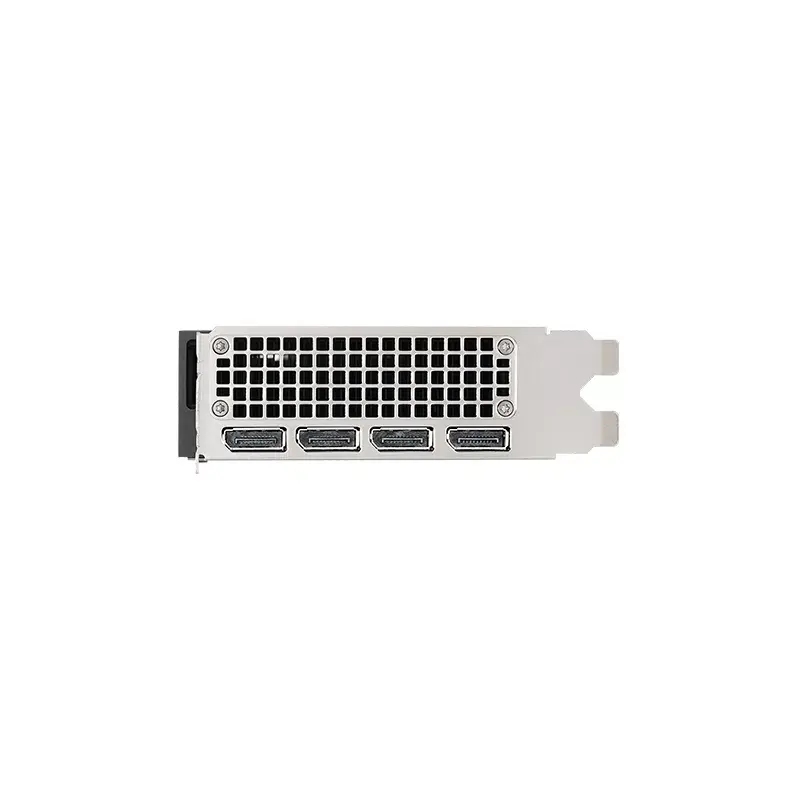
The RTX A4500 offers accelerated ray tracing and AI performance through dedicated RT and Tensor cores, enabling faster photorealistic rendering, improved motion-blur handling, and efficient AI workflows. With support for modern graphics APIs (OpenGL, DirectX, Vulkan, CUDA) and professional driver certification, the card ensures compatibility and stability with a wide range of ISV applications. Multi-display and high-resolution output capabilities—up to 8K at 60 Hz using DisplayPort 1.4a with DSC—expand the visual workspace for detailed design and visualization tasks.
Install the Video Card NVIDIA RTX A4500 20 GB GDDR6 into a compatible PCI Express x16 4.0 slot following your workstation or server manufacturer's safety guidelines. Connect required power cables from the power supply and secure the card in the chassis. Install the latest NVIDIA RTX Enterprise or studio drivers provided by PNY or NVIDIA to ensure full compatibility and application certification. Configure display connections using DisplayPort outputs and enable multi-display or high-resolution settings in the NVIDIA control panel as needed for your workflow.
For optimal reliability and performance in professional environments, use certified drivers and keep firmware and drivers up to date. Ensure adequate chassis airflow and a power supply that meets the card's power requirements. For large datasets or complex scenes, verify system memory and CPU capacity to avoid bottlenecks and consider enterprise deployment tools such as NVWMI for remote monitoring and driver management.
{{highlightedFeature.featureTitle}}:
{{getProductFeatureValueById(product, highlightedFeature.featureId)}}
{{ productComparisonGenerationError }}