
Leave your address - as soon as the price of the product goes down, you'll know about it right away
Prusa Buddy3D camera for Prusa CORE One 3D printer — Buddy3D accessory
In cart {{totalProductsCount}} item(s)
Your cart is empty
Prusa Buddy3D camera for Prusa CORE One 3D printer — Buddy3D accessory
Leave your address - as soon as the price of the product goes down, you'll know about it right away
Prusa Buddy3D camera for Prusa CORE One 3D printer — Buddy3D accessory
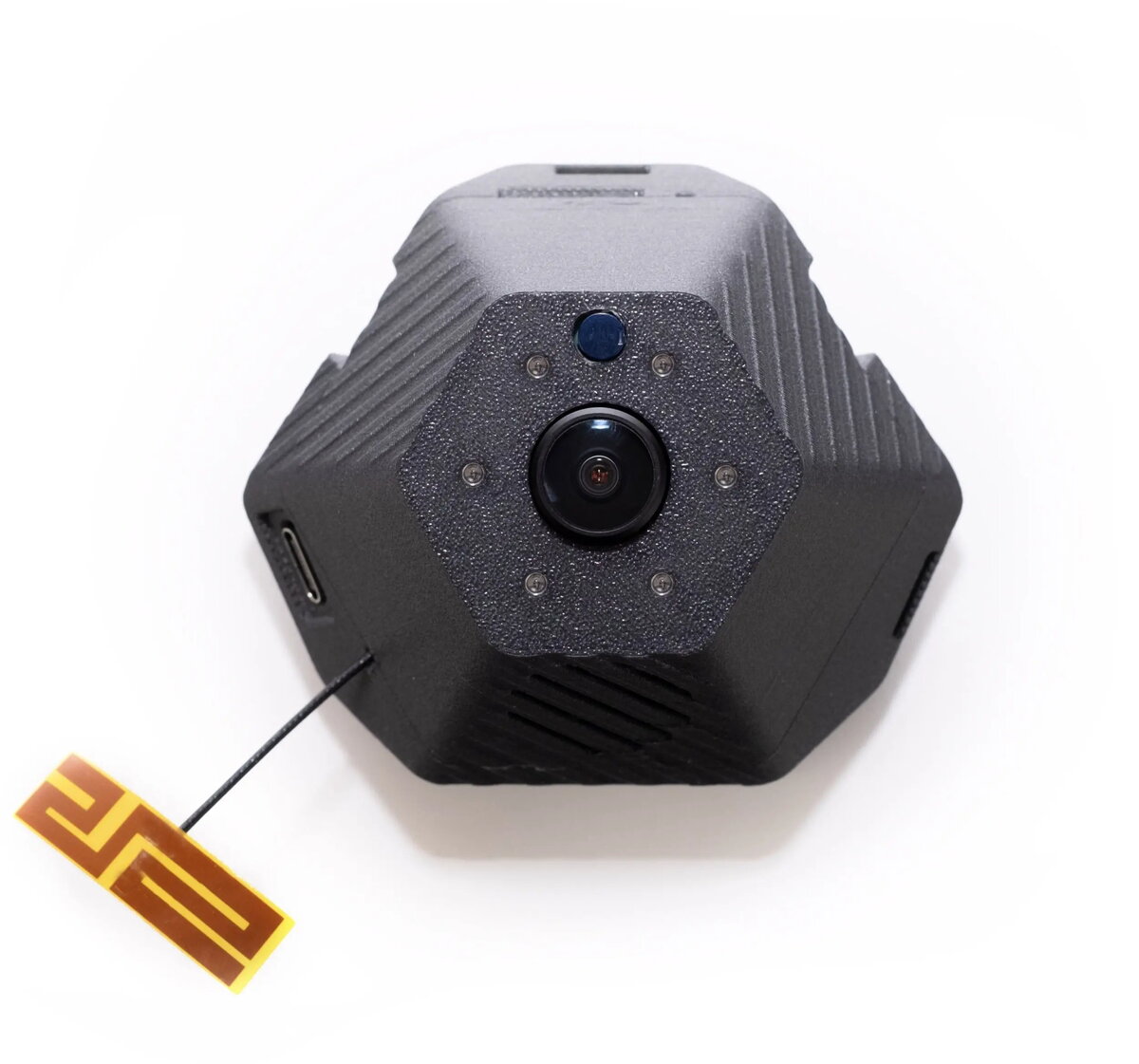
Prusa Buddy3D camera is an accessory designed for the Prusa CORE One 3D printer that enables visual monitoring of print jobs. It provides a live view of the build area to observe print progress, capture images for documentation, and help identify common print issues such as layer shifts, filament jams, or adhesion failures. The camera integrates with the printer workflow to offer remote observation and simple status checks without interrupting the printing process.
The Buddy3D camera delivers continuous visual feedback without modifying print settings or hardware. It supports remote monitoring to reduce the need for physical checks and can capture stills or continuous footage for print records. Installation and integration with the CORE One are designed to be straightforward, allowing users to set up a reliable monitoring solution for both short jobs and long-duration prints.
Mount the Buddy3D camera according to the Prusa CORE One accessory instructions and connect it to the printer as specified in the integration guide. After physical installation, enable the camera in the printer interface or companion software to start a live view. Use the live feed to observe print progress, pause or stop the print if a failure is detected, and capture images for documentation. The camera operates without requiring changes to print profiles.
The camera performs best when positioned with a clear view of the build plate and filament path; avoid obstructing the lens and keep the area free of reflective surfaces or excessive dust for optimal image clarity.
{{highlightedFeature.featureTitle}}:
{{getProductFeatureValueById(product, highlightedFeature.featureId)}}