Hurry and order now – up to 50% off!
In cart {{totalProductsCount}} item(s)
Your cart is empty
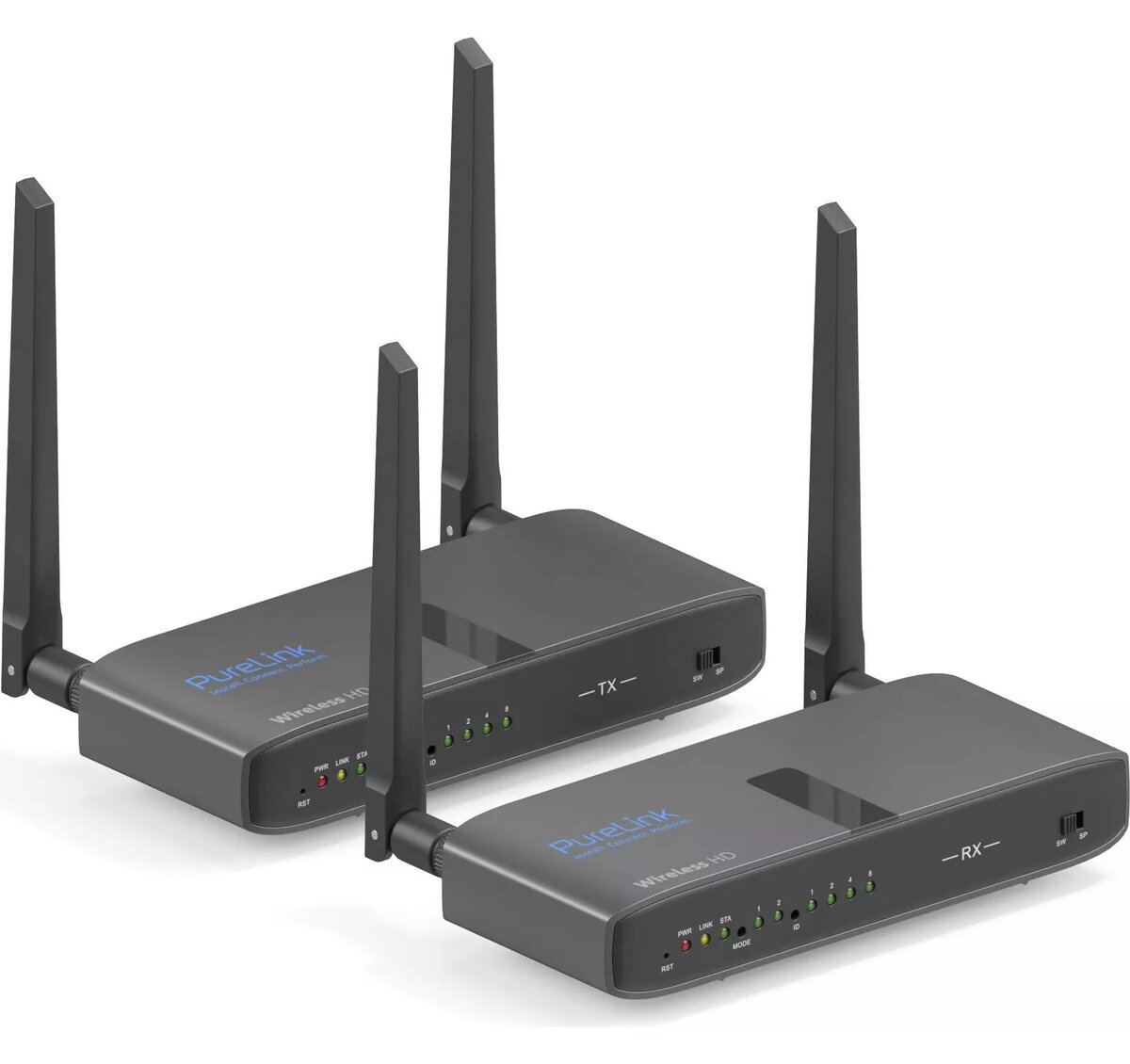
KVM extender Transmitter & receiver PureLink CSW320 Wireless 100m
The PureLink CSW320 Cinema Series Wireless KVM Extender Set transmits Full HD HDMI video, USB 2.0 data and HID control signals wirelessly up to 100 meters. Designed for room-to-room extension, it supports HDMI loop-through on the transmitter for a local display, IR pass-through for remote control of source devices, and USB pass-through for keyboards, mice or touchscreens. The set is fully HDCP-compliant, operates on 5240 MHz and is powered by an AC adapter (110–240 V), making it suitable for home theatre, meeting rooms, cross-room HDMI and game room installations.
The CSW320 provides simultaneous Full HD video and USB 2.0 data transmission with HID support, enabling remote control of PCs, set-top boxes, Blu-ray players and other sources. Wireless transmission with typically under 300 ms latency allows practical KVM extension up to 100 m. Integrated IR and USB extending functions permit remote control and peripheral connection at the receiver side, while the transmitter’s HDMI loop-through supports a local screen. Multiple transmitters or receivers can be combined for source switching or multi-screen setups.
Connect the transmitter to the source device via HDMI and to the local display if needed using the transmitter’s loop-through HDMI output. Attach USB peripherals or use the USB pass-through to extend keyboard/mouse/touch control to the receiver. Connect the receiver to the target display and USB devices. Use the IR extender to send remote commands from the receiver back to the source. Power both units with their AC adapters and allow the units to pair following the manual instructions.
Place transmitter and receiver with clear line-of-sight where possible and avoid dense obstacles or strong RF interference to maintain stable Full HD and USB signal transmission. For installations requiring multiple screens or source switching, consult the product manual for supported configurations and pairing steps.
{{highlightedFeature.featureTitle}}:
{{getProductFeatureValueById(product, highlightedFeature.featureId)}}