
Hurry and order now – up to 50% off!
In cart {{totalProductsCount}} item(s)
Your cart is empty
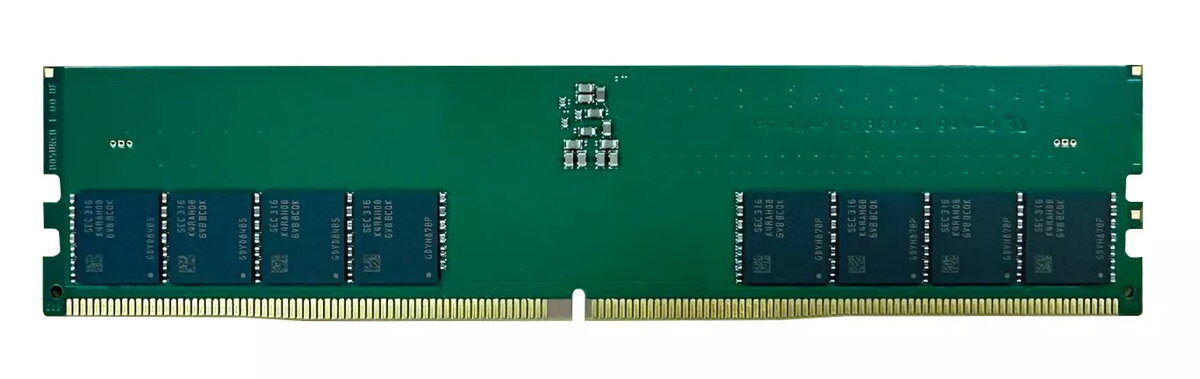
Memory Module QNAP DDR5 32GB 4800MHz
The QNAP DDR5 32GB 4800MHz memory module is a single 32 GB DIMM designed to expand and accelerate desktop PC performance. Built in a 288-pin DIMM form factor and operating at 4800 MHz, this module supports DDR5 architecture to deliver higher bandwidth and improved efficiency compared with previous generations. It installs in standard desktop memory slots and is suitable for systems that accept DDR5 288-pin modules.
This 32 GB DDR5 module provides increased memory capacity for demanding multitasking, content creation and virtualization tasks while the 4800 MHz clock speed helps reduce latency and improve data throughput. The single-module layout simplifies upgrades and system expansion, and the DIMM form factor ensures compatibility with motherboards that support DDR5 desktop memory.
Power off the desktop PC and disconnect it from power. Open the computer case according to the manufacturer’s instructions, locate an empty 288-pin DIMM slot compatible with DDR5 modules, and align the module with the slot notch. Gently press the module into place until the side latches click and secure it. Close the case, reconnect power, and boot the system. Verify the new memory is detected in the system BIOS/UEFI or the operating system’s system information utility.
Install memory modules in matched pairs when the motherboard supports dual- or multi-channel configurations to maximize memory bandwidth. Ensure the motherboard BIOS/UEFI is updated to the recommended version for DDR5 support and consult the system or motherboard manual for compatibility and slot population guidelines.
{{highlightedFeature.featureTitle}}:
{{getProductFeatureValueById(product, highlightedFeature.featureId)}}
{{ productComparisonGenerationError }}
