
Dreame vacuums for fast and efficient cleaning!
In cart {{totalProductsCount}} item(s)
Your cart is empty
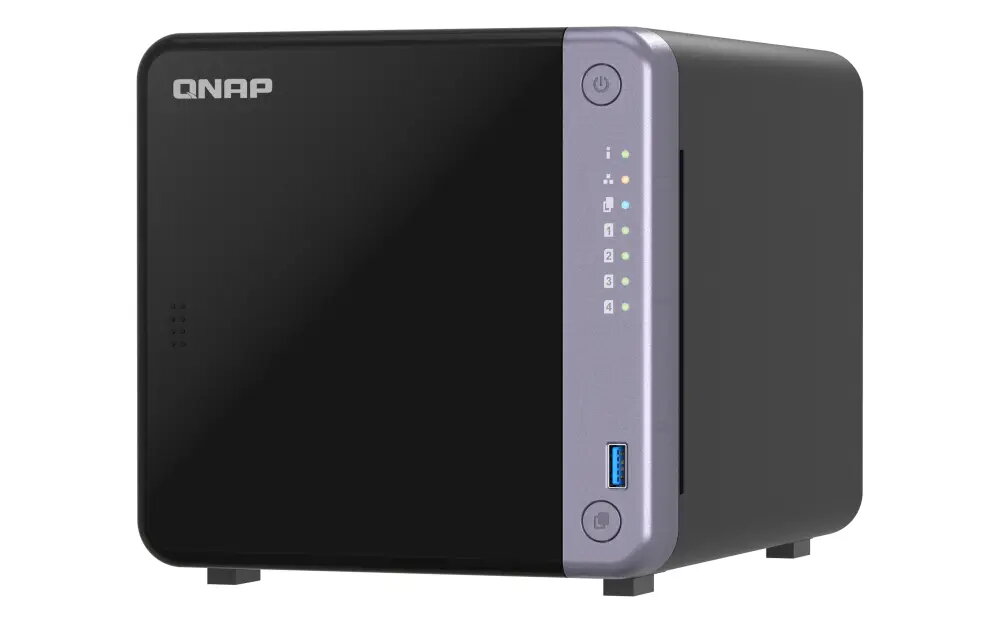
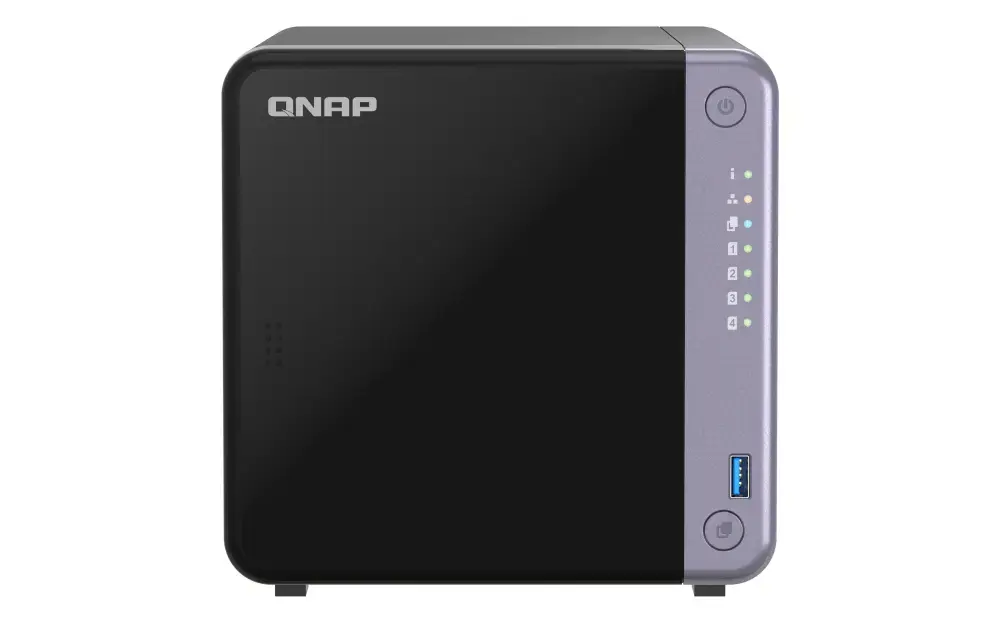
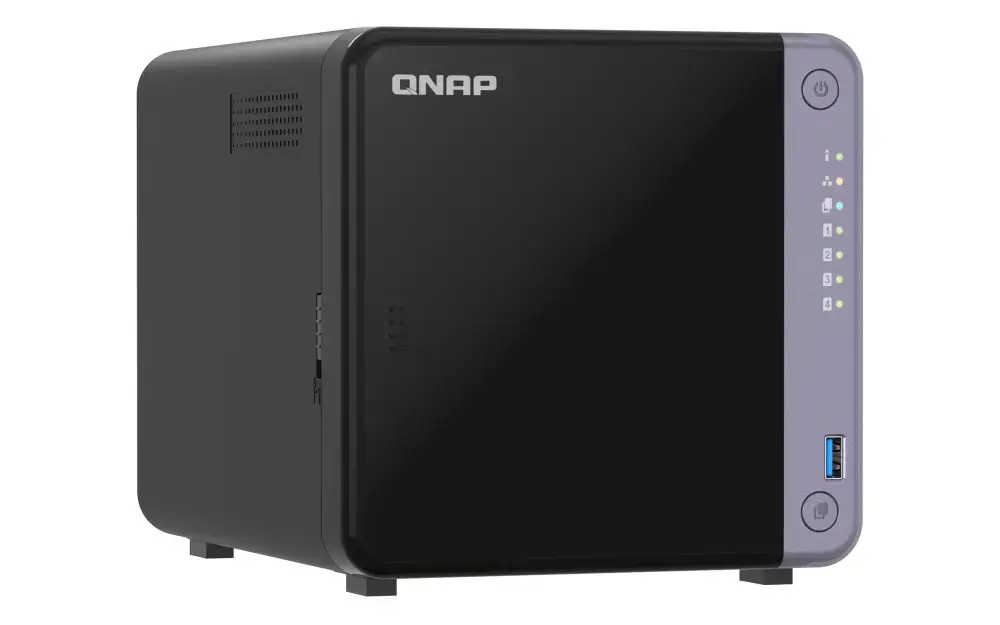
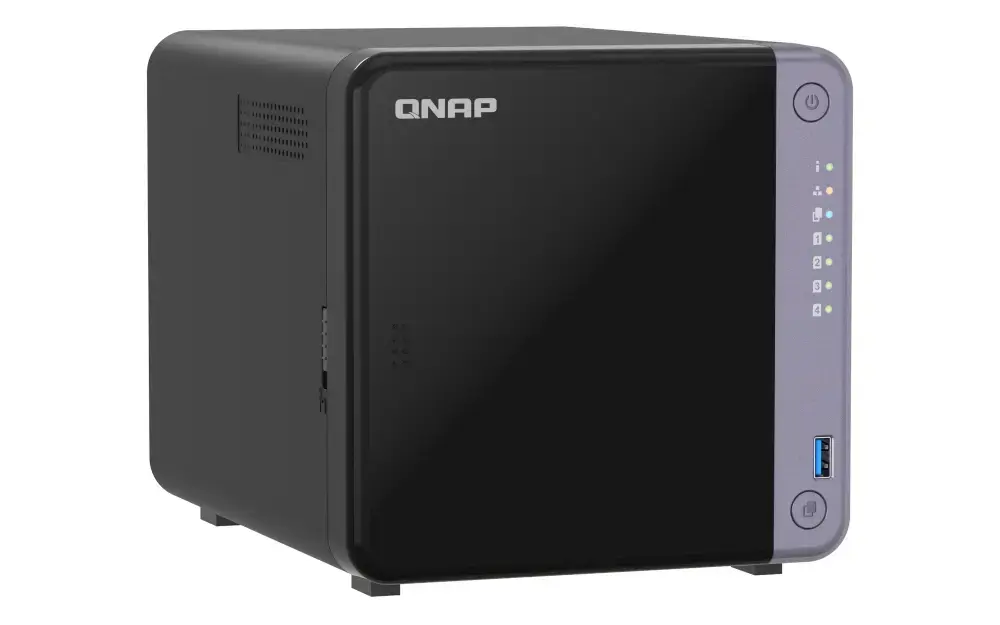
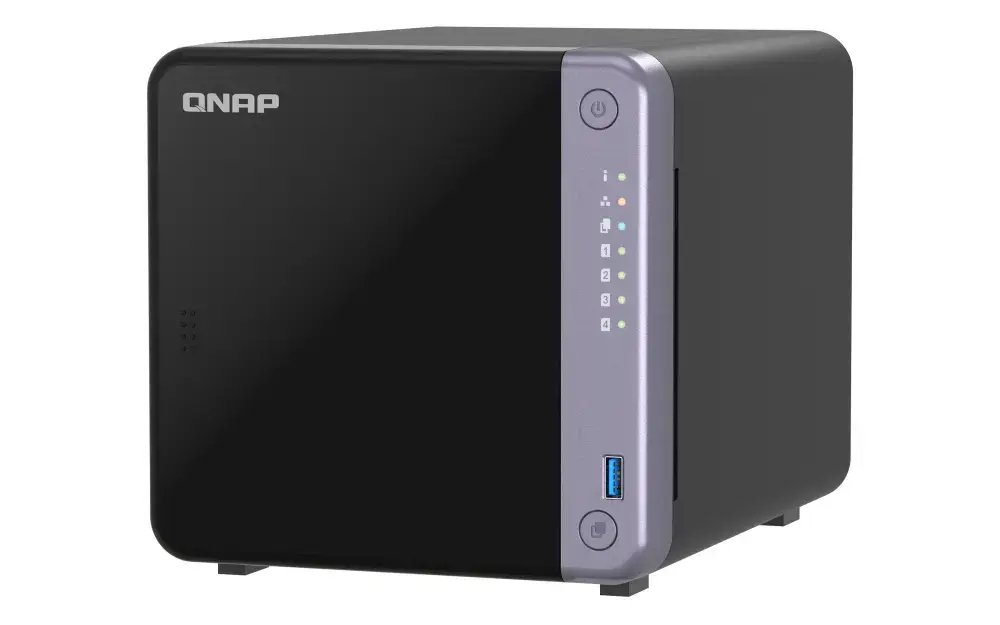
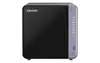
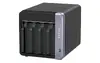
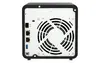
QNAP TS-432X-4G NAS Tower, Alpine AL-524 2GHz, 4GB DDR4, 4-Bay, 10GbE
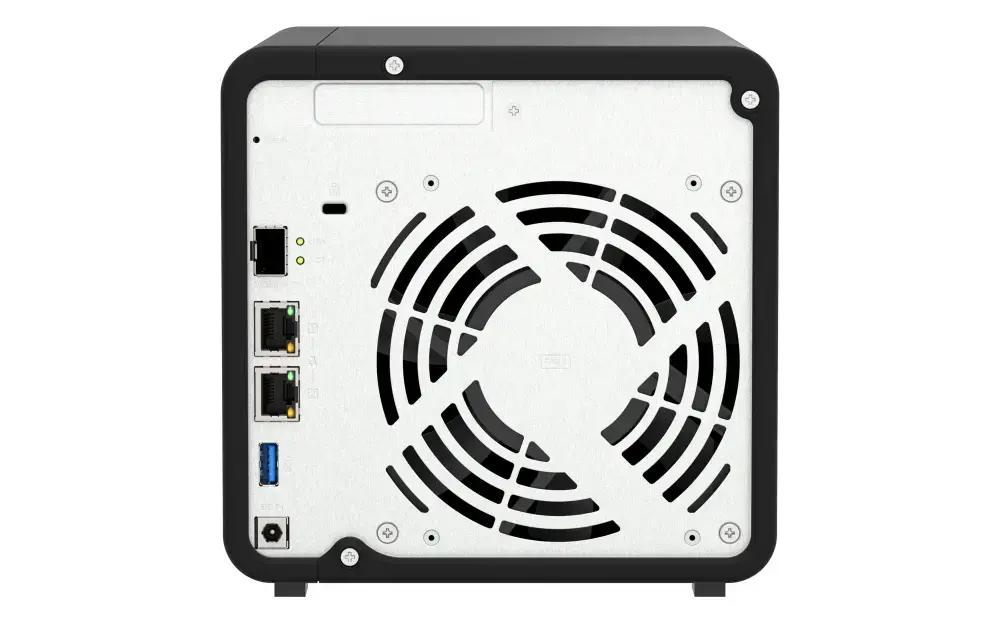
The QNAP TS-432X-4G is a high-performance 4-bay tower NAS designed to meet the storage and networking demands of home and small office environments. Powered by an Alpine AL-524 quad-core 2GHz processor and 4GB of DDR4 RAM, this device offers a reliable foundation for data management, file sharing, and backup tasks. With its integrated 10GbE SFP+ connectivity and additional 2.5GbE ports, it provides the high-speed data transfer necessary for modern professional workflows.
This NAS solution excels by combining robust hardware with the intuitive QNAP QTS operating system, ensuring ease of use for both beginners and experienced users. The inclusion of a PCIe Gen 3 slot allows for significant future-proofing, enabling users to add M.2 SSDs or additional network interface cards as their needs grow. Furthermore, the device supports advanced data protection features, including snapshot technology to defend against ransomware and the DA Drive Analyzer for proactive disk health monitoring. Its energy-efficient design ensures that high-performance computing does not result in excessive power consumption, making it an ideal choice for 24/7 operation in a home or office setting.
The QNAP TS-432X-4G may not be the optimal choice for users requiring heavy virtualization or high-end multimedia transcoding, as it lacks a dedicated GPU and high-performance x86 architecture. Additionally, users with extremely large-scale enterprise storage requirements may find the 4-bay capacity limiting compared to rackmount or higher-density storage solutions.
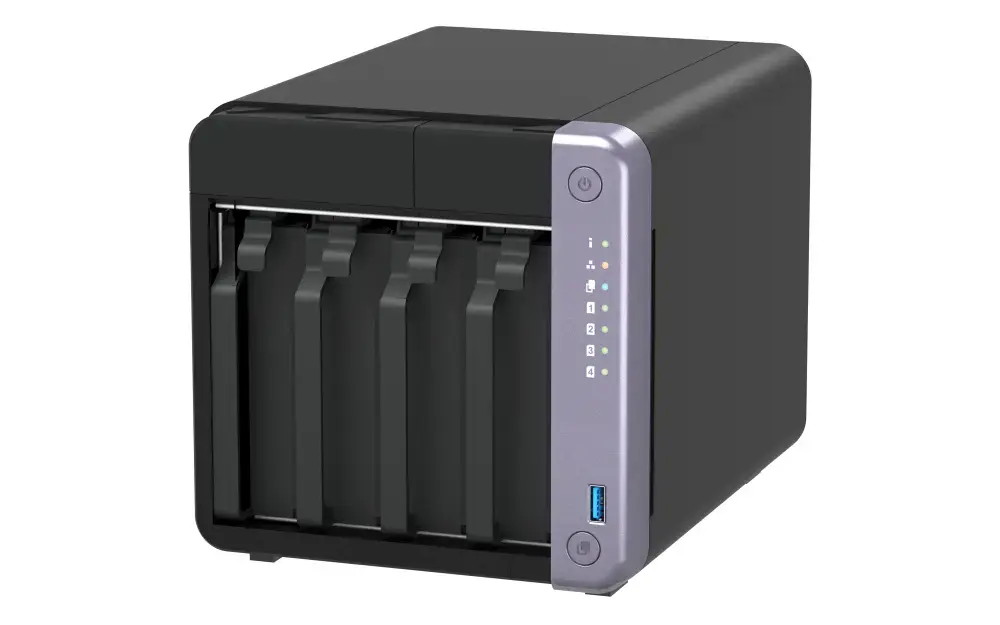
To begin using the QNAP TS-432X-4G, install your preferred SATA hard drives or SSDs into the tool-less drive trays and secure them in the bays. Connect the device to your network switch or router using the appropriate Ethernet cables, then power on the unit. Access the QNAP QTS interface through a web browser on your computer by using the Qfinder Pro utility to locate the NAS on your network. Follow the on-screen initialization wizard to configure your RAID settings, create storage pools, and set up user accounts. Once initialized, you can install additional applications from the App Center to tailor the NAS to your specific requirements.
Usage recommendations: For optimal data security, always configure your drives in a RAID array to provide redundancy against drive failure. Regularly schedule automated snapshots and off-site backups to ensure your critical data remains protected against unexpected hardware issues or cyber threats.
{{highlightedFeature.featureTitle}}:
{{getProductFeatureValueById(product, highlightedFeature.featureId)}}
{{ productComparisonGenerationError }}
