
Powerful EcoFlow stations for energy anywhere!
In cart {{totalProductsCount}} item(s)
Your cart is empty
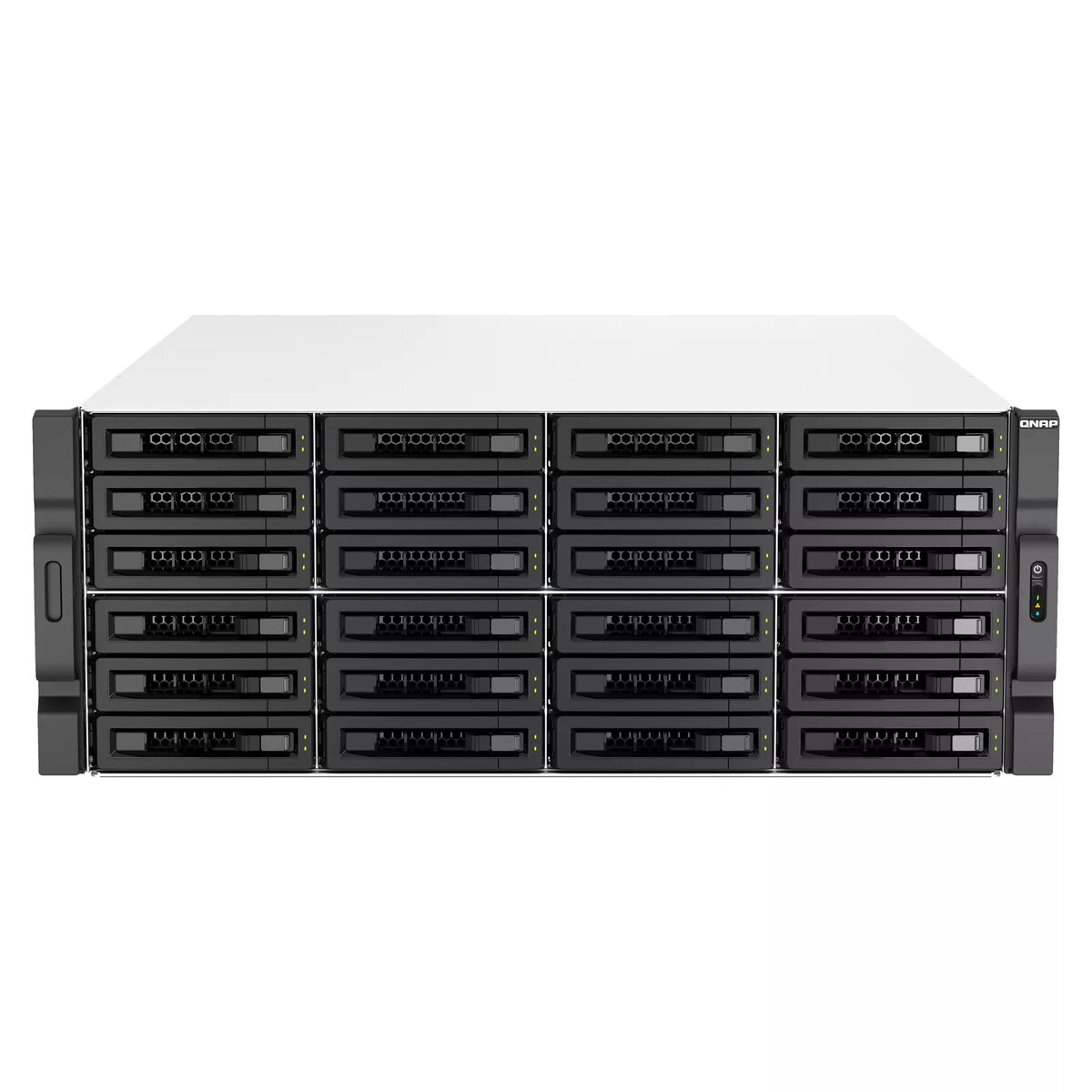
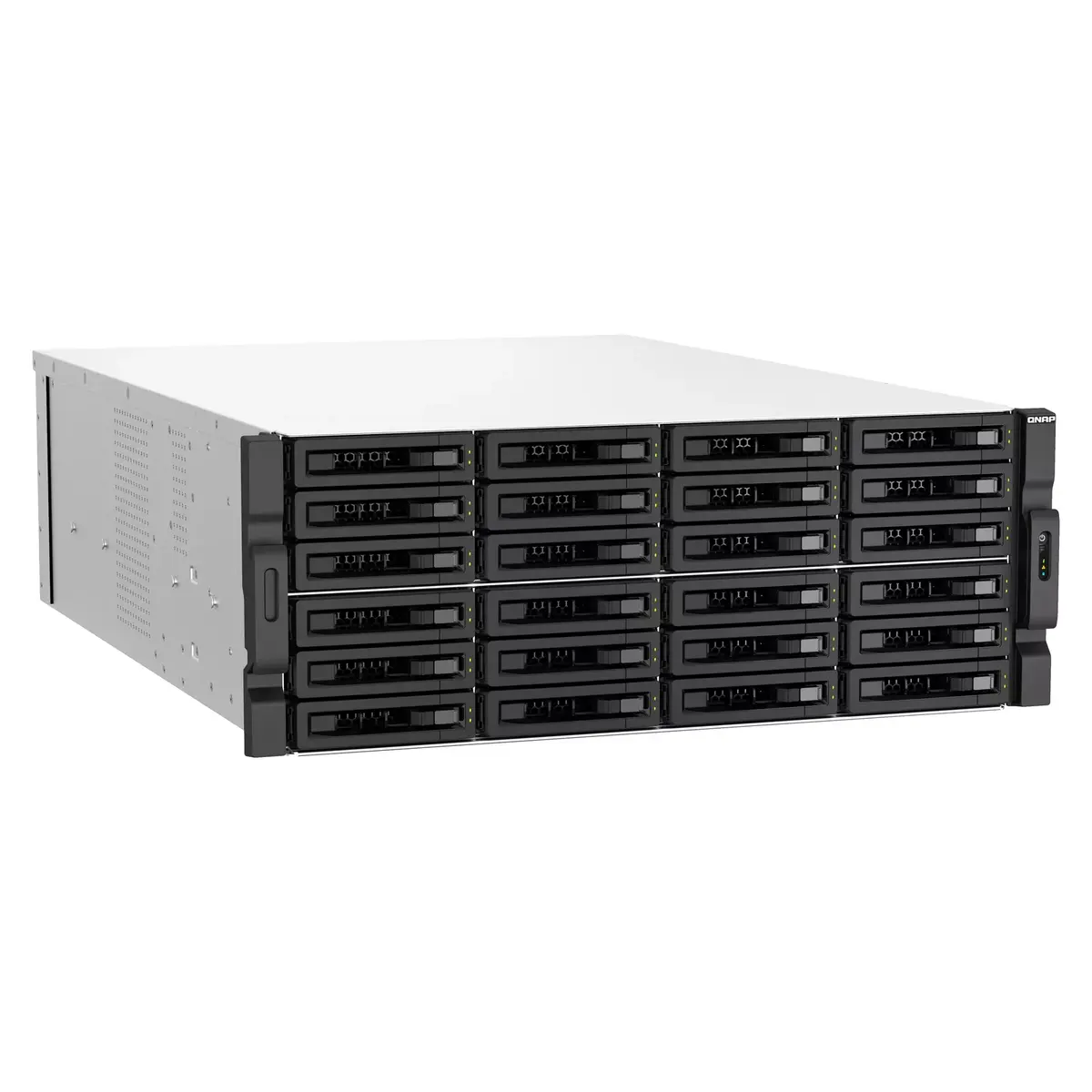
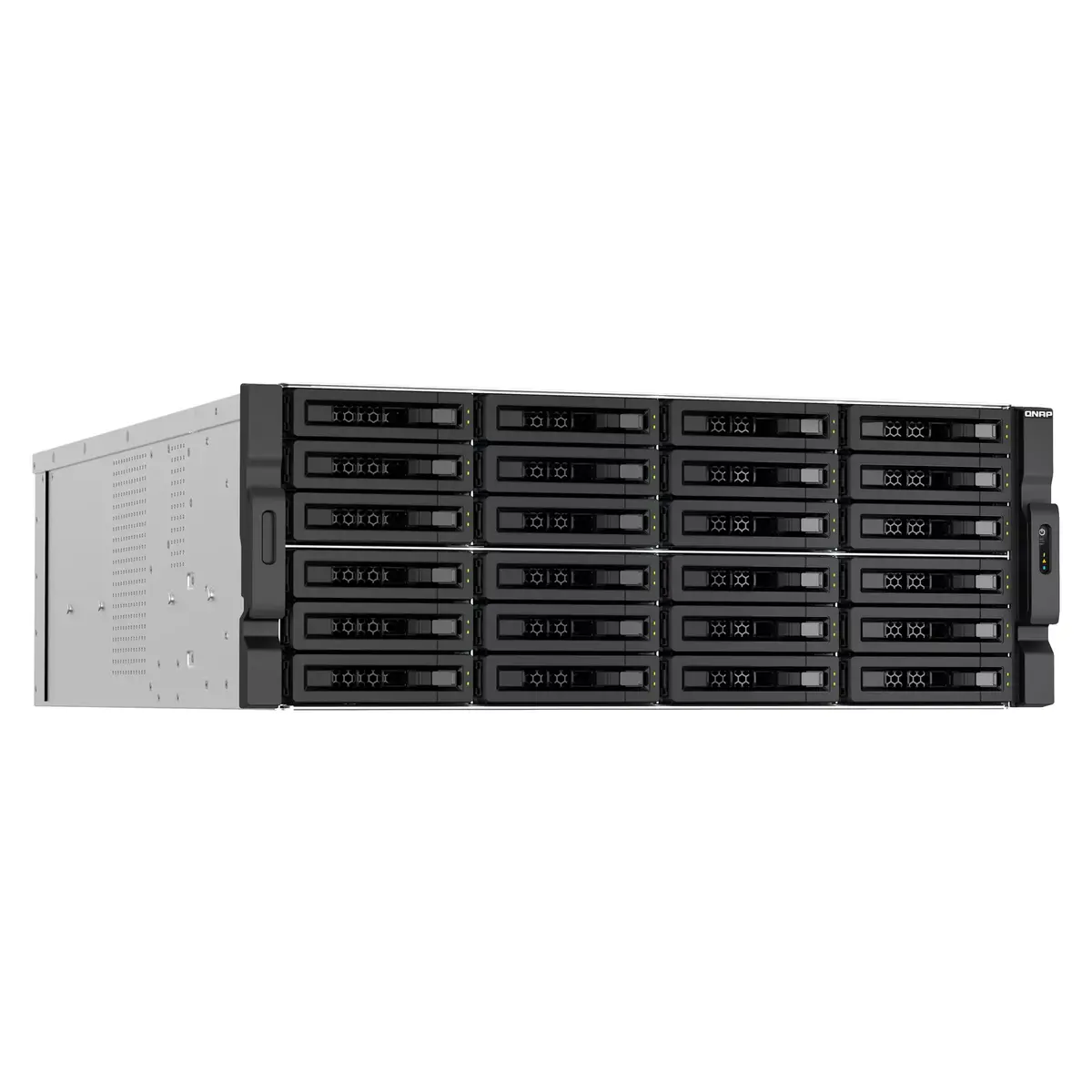
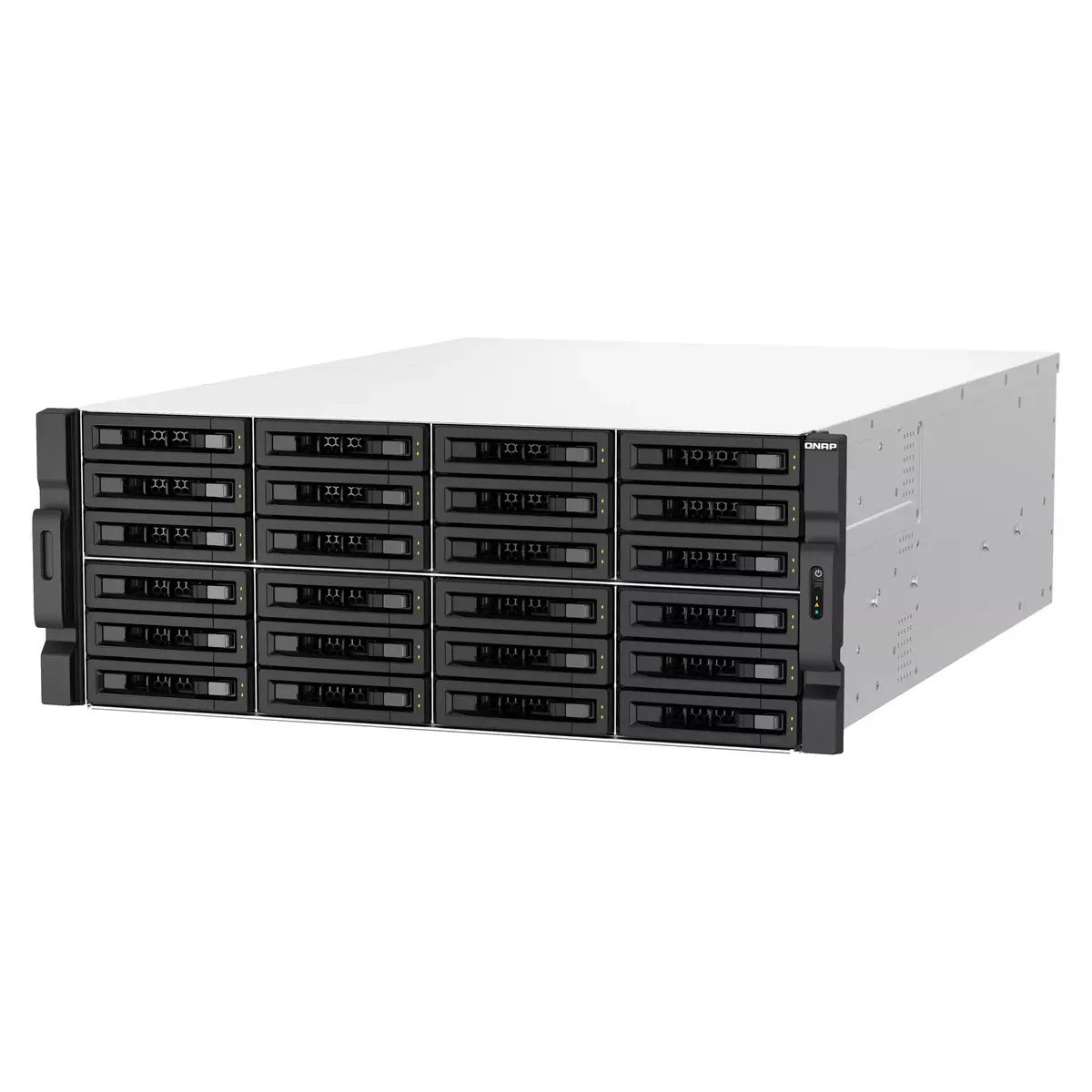
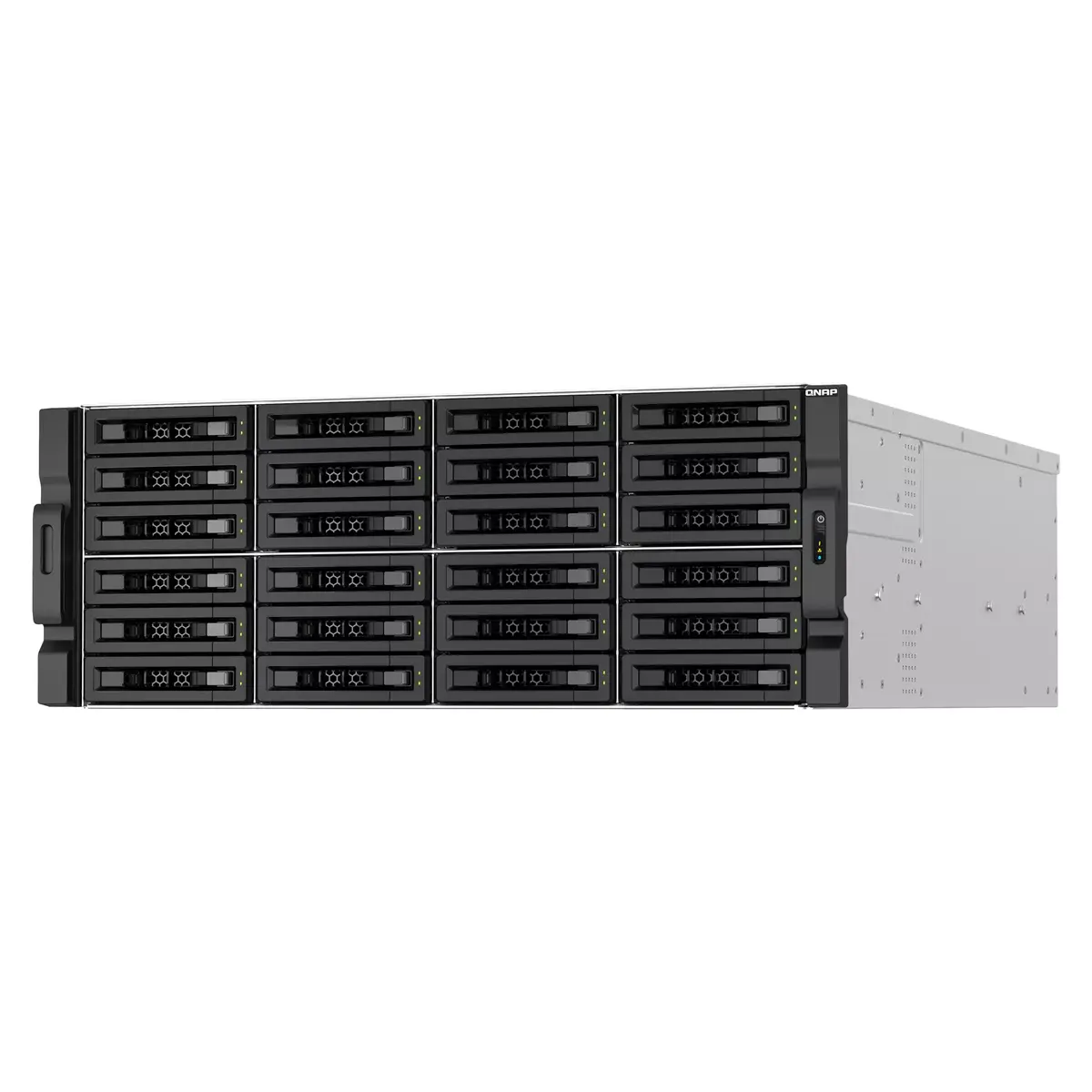
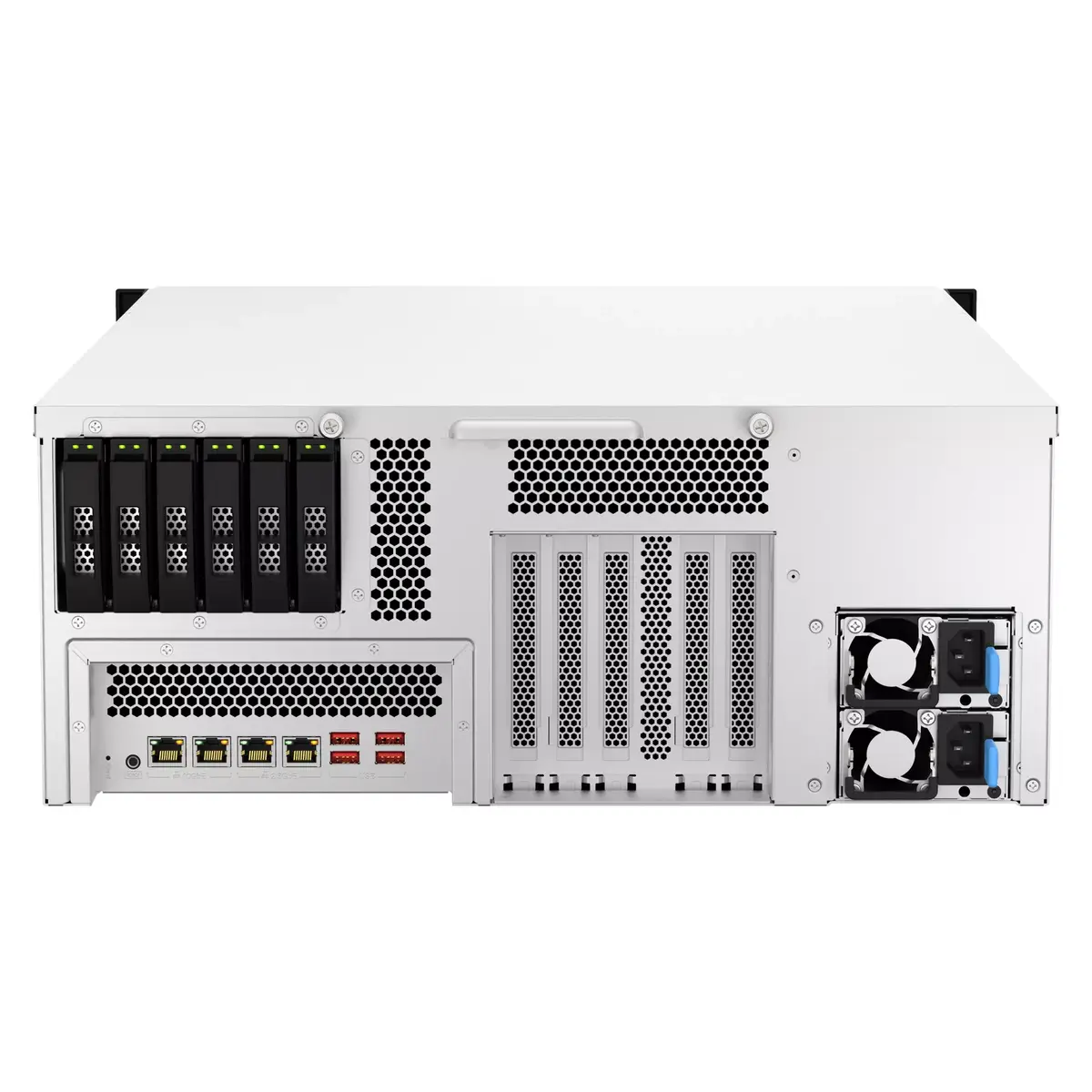
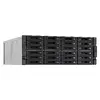
NAS Rack QNAP TS-H3087XU-RP (4U) Intel Xeon E-2378 2.6 GHz, 64 GB DDR4, 0 TB, QuTS hero, supports 30 drives, RAID
The QNAP TS-H3087XU-RP is a 4U rackmount NAS powered by an Intel® Xeon® E-2378 2.6 GHz processor and shipped without drives. With 64 GB DDR4 ECC memory installed (expandable up to 128 GB) and support for up to 30 HDD/SSD bays in a hybrid HDD/SSD architecture, this NAS is designed for high-capacity storage, virtualization, and enterprise backup and recovery. Running the ZFS-based QuTS hero operating system, the TS-H3087XU-RP emphasizes data integrity with features such as inline deduplication, extensive snapshot support, real-time SnapSync, and SSD antiwear leveling.
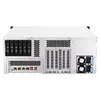
The unit delivers server-grade performance suitable for IOPS-intensive workloads via SSD caching and supports PCIe Gen4 expansion for higher I/O throughput. QuTS hero provides built-in data reduction (deduplication, compression, compaction), multi-level caches, RAID-Z protection, and enterprise backup options including source-side deduplication and multi-version snapshots. Networking includes dual 10GBASE-T and 2.5GbE ports with port trunking and failover, and the system supports a wide ecosystem of apps for virtualization, containers, file services, surveillance, and cloud/SaaS backup.
Install the NAS in a standard 4U rack, populate it with compatible HDDs or SSDs according to your capacity and performance requirements, and connect the NAS to your network via the onboard 10GbE/2.5GbE ports. Use the Storage & Snapshots Manager and QuTS hero web interface to configure volumes, RAID levels (including RAID-Z), SSD caching, and data reduction options. Deploy virtual machines or containers through Virtualization Station or Container Station, and configure Hybrid Backup Sync, QuDedup, and SnapSync for backup and disaster recovery workflows. Manage user access via LDAP, Windows ACL, or Azure AD DS as required.
For optimal balance of capacity and performance, combine high-capacity HDDs for primary storage with SSDs dedicated to cache or tiering. Enable inline deduplication and compression when storing many similar VM images or repetitive datasets to improve storage efficiency. Regularly configure and test snapshot replication and Hybrid Backup Sync to maintain a 3-2-1 backup strategy. If deploying in SAN environments, consider installing Fibre Channel expansion cards via the PCIe Gen4 slot for cost-effective SAN integration.
{{highlightedFeature.featureTitle}}:
{{getProductFeatureValueById(product, highlightedFeature.featureId)}}
{{ productComparisonGenerationError }}
