
Leave your address - as soon as the price of the product goes down, you'll know about it right away
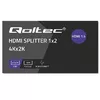
HDMI Splitter QOLTEC Active 2‑output 4Kx2K 3.4 Gbps
In cart {{totalProductsCount}} item(s)
Your cart is empty
HDMI Splitter QOLTEC Active 2‑output 4Kx2K 3.4 Gbps
Leave your address - as soon as the price of the product goes down, you'll know about it right away
HDMI Splitter QOLTEC Active 2‑output 4Kx2K 3.4 Gbps
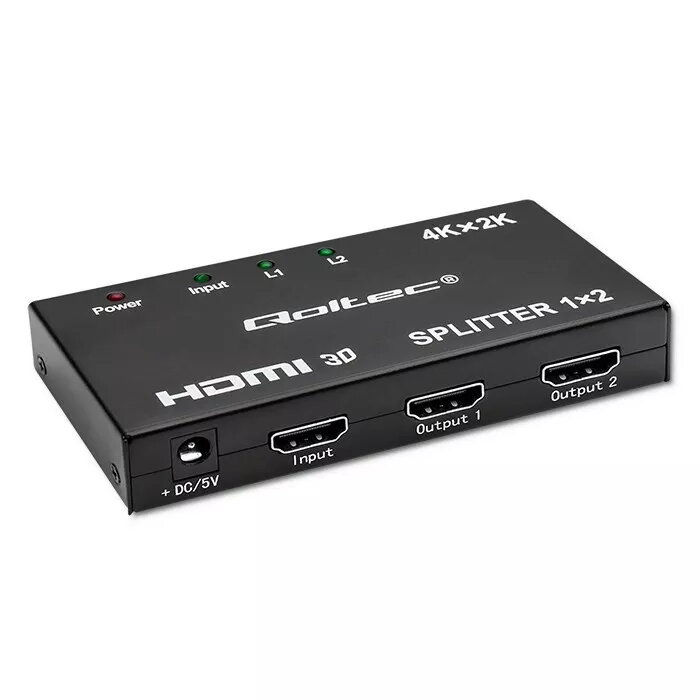
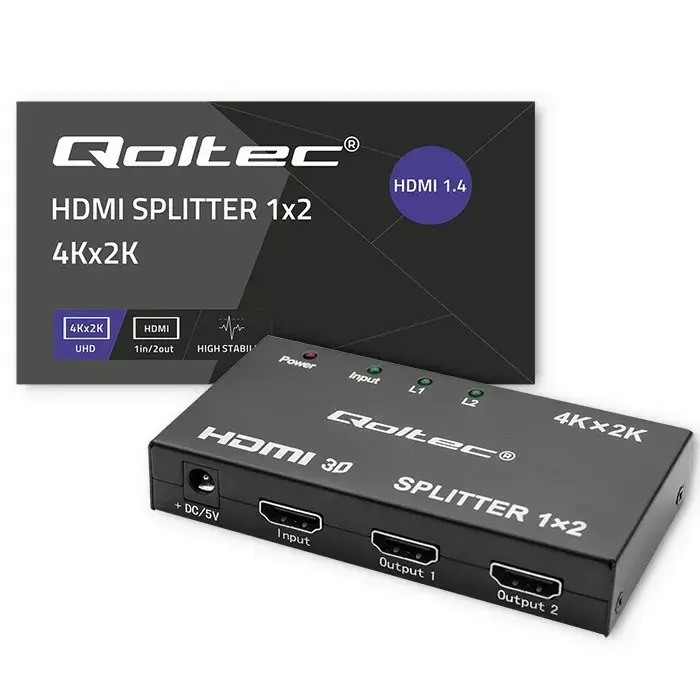
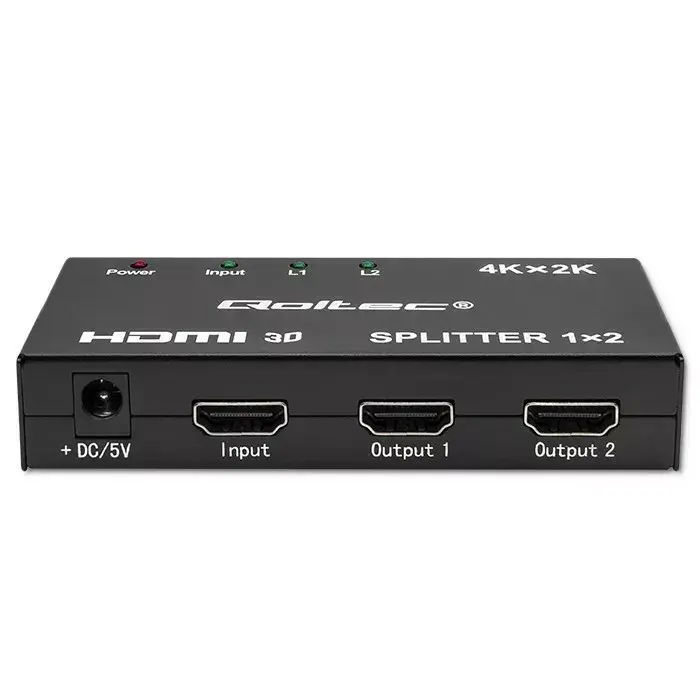
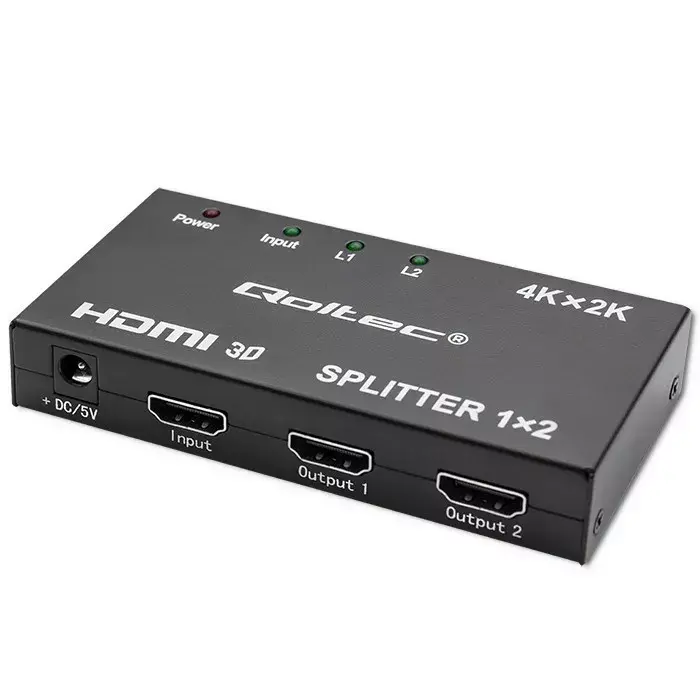
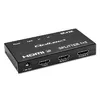
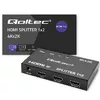
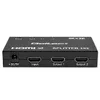
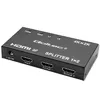
QOLTEC Active HDMI Splitter 2-output 4Kx2K 3.4 Gbps duplicates a single HDMI source to two displays simultaneously while preserving video quality up to 4Kx2K. The device features active signal amplification to maintain stable transmission over connected HDMI cables and is designed for simple installation in home AV systems, small meeting rooms, retail displays and presentation environments.
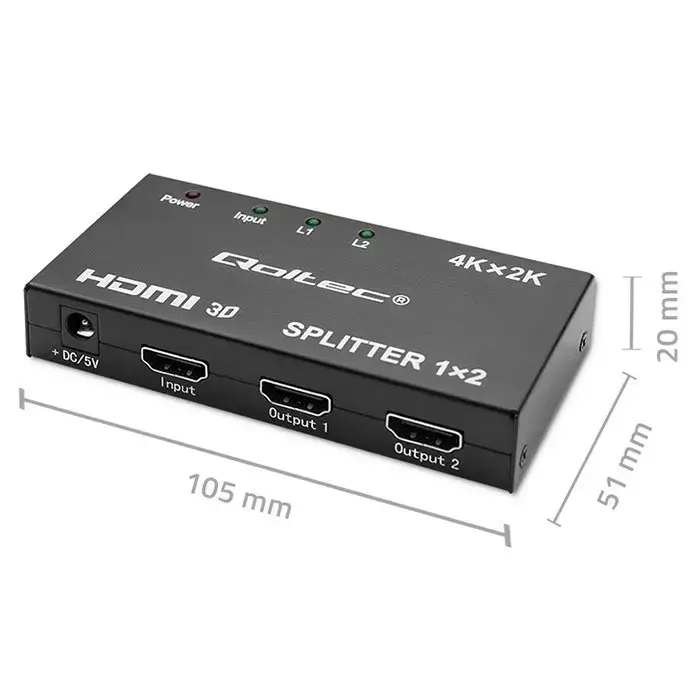
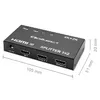
This HDMI splitter supports up to 4Kx2K resolution and provides a maximum bandwidth of 3.4 Gbps per link, enabling clear high-definition video on two screens at once. As an active splitter it amplifies and conditions the signal to reduce degradation over cable runs, improving compatibility with different HDMI displays. The compact form factor and plug-and-play operation simplify setup without requiring additional software or configuration.
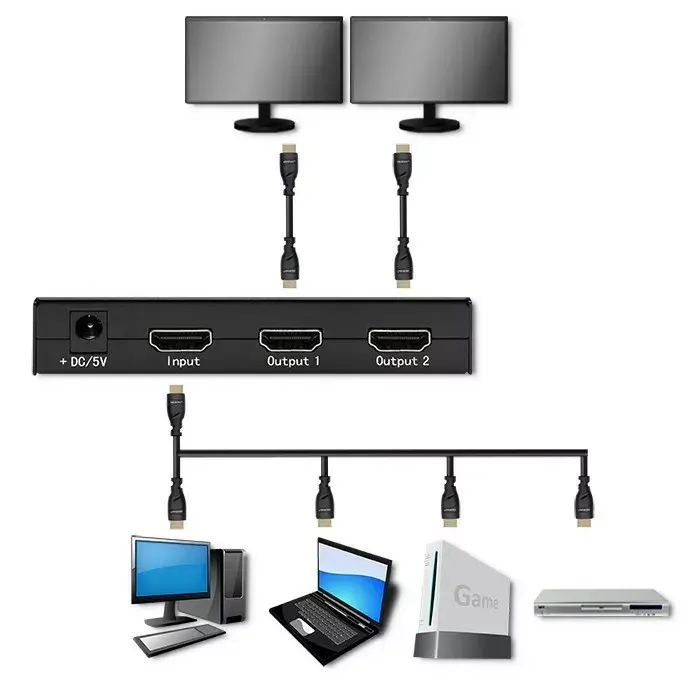
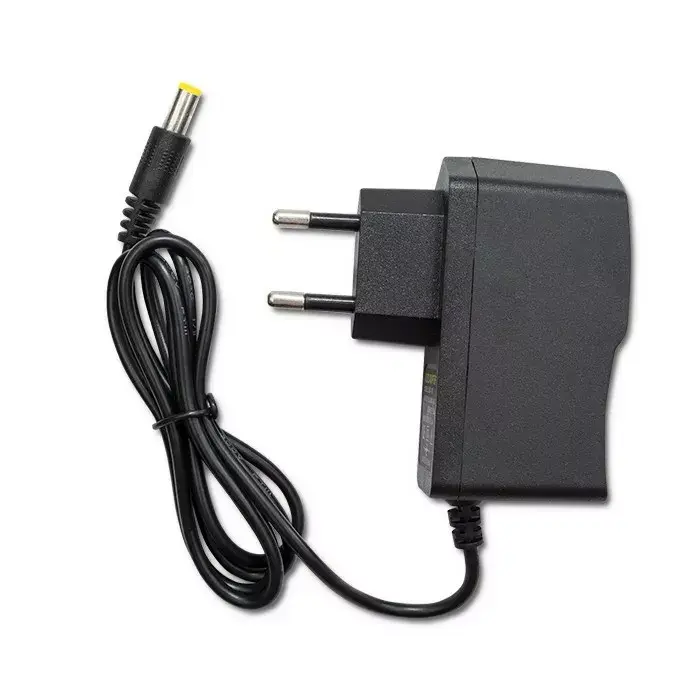
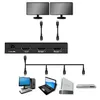
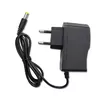
Connect the HDMI source (for example a Blu-ray player, set-top box or streaming device) to the splitter's input. Use HDMI cables to connect each of the two HDMI outputs to the target displays. Power the splitter if an external power adapter is supplied or required, and switch on the source and displays. The device will mirror the source image to both connected screens with no additional configuration. If image or audio issues occur, check cable quality and length, and ensure displays support the resolution being output.
For reliable 4K performance, use high-quality HDMI cables rated for the required bandwidth and minimise cable length where possible. When connecting displays with different native resolutions, set the source device to a resolution supported by both screens to ensure consistent output. Avoid chaining multiple splitters; for larger multi-display setups consider dedicated distribution amplifiers or matrix switchers.
{{highlightedFeature.featureTitle}}:
{{getProductFeatureValueById(product, highlightedFeature.featureId)}}