
Leave your address - as soon as the price of the product goes down, you'll know about it right away
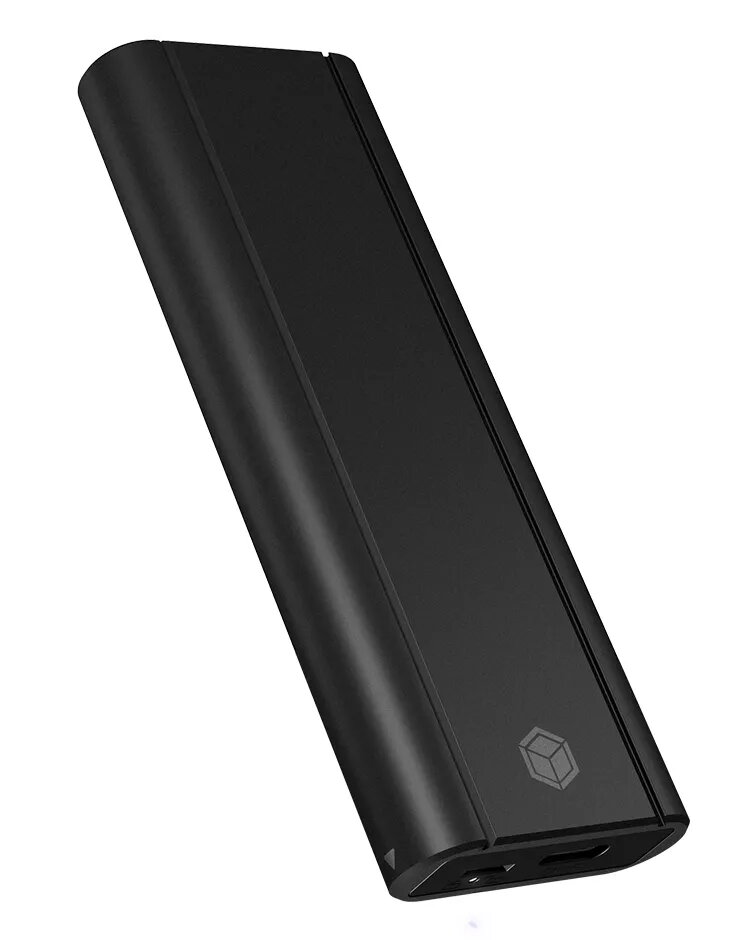
SSD enclosure ICY BOX IB-1807MT-C31 Black M.2 PCI Express 10 Gbit/s
In cart {{totalProductsCount}} item(s)
Your cart is empty
SSD enclosure ICY BOX IB-1807MT-C31 Black M.2 PCI Express 10 Gbit/s
Leave your address - as soon as the price of the product goes down, you'll know about it right away
SSD enclosure ICY BOX IB-1807MT-C31 Black M.2 PCI Express 10 Gbit/s
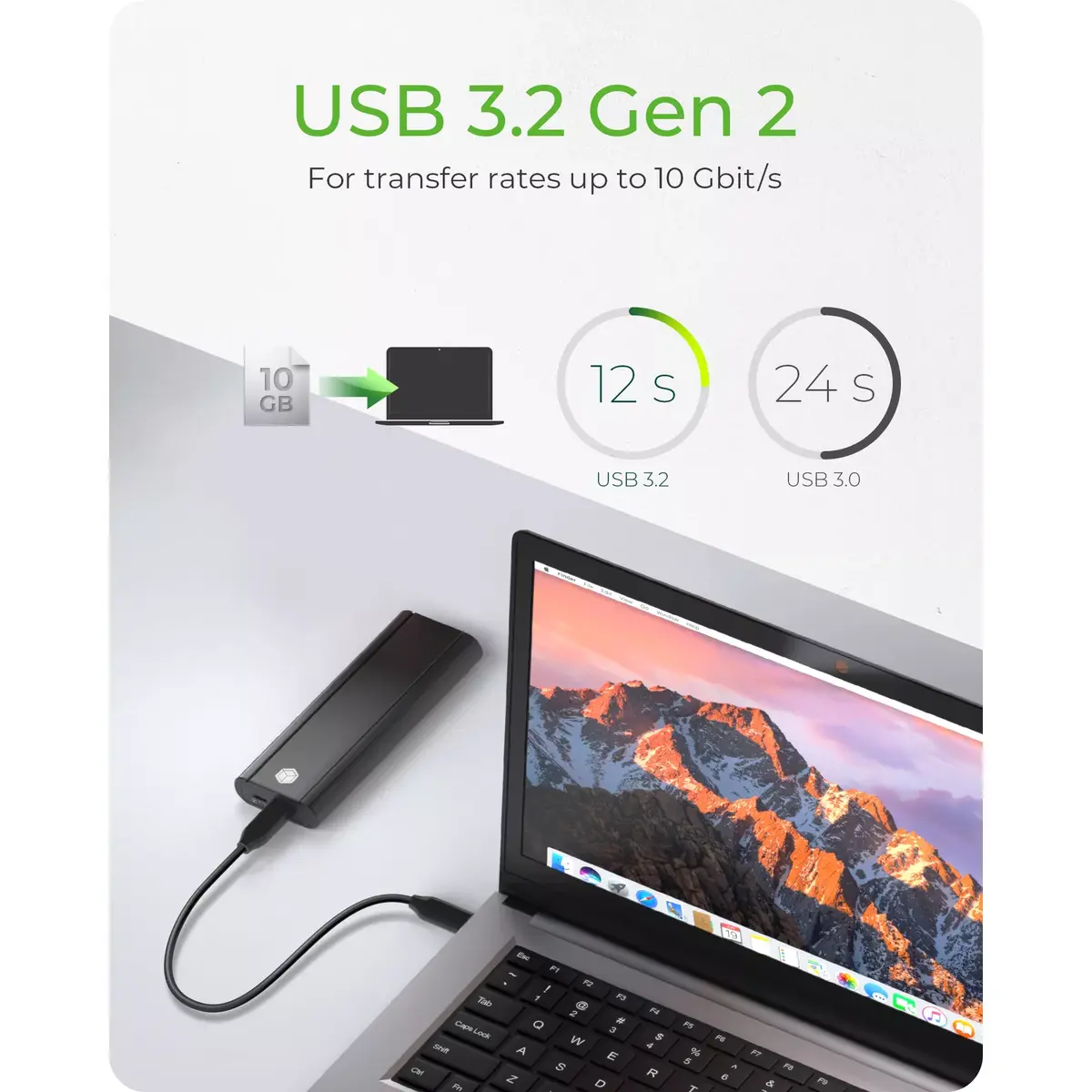
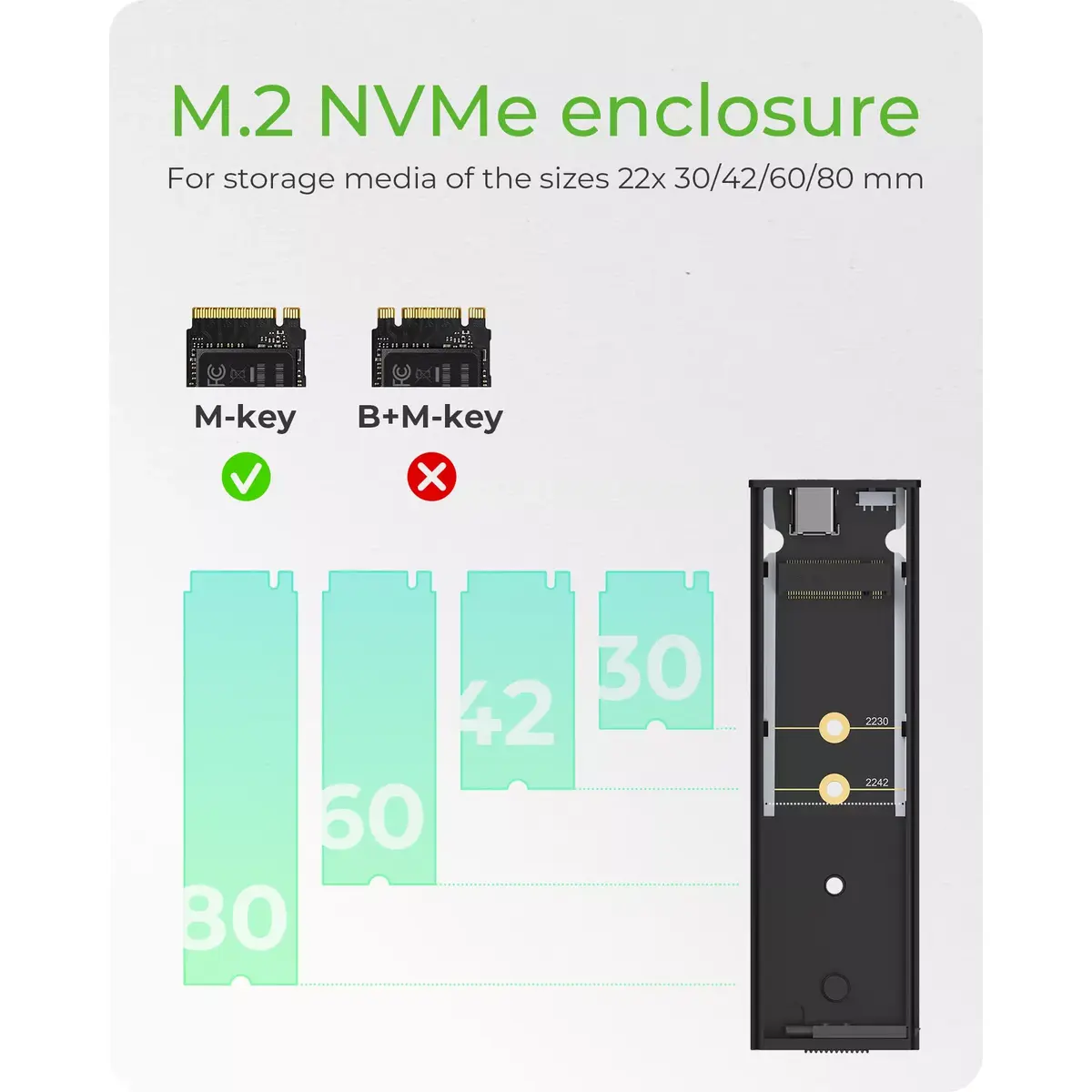
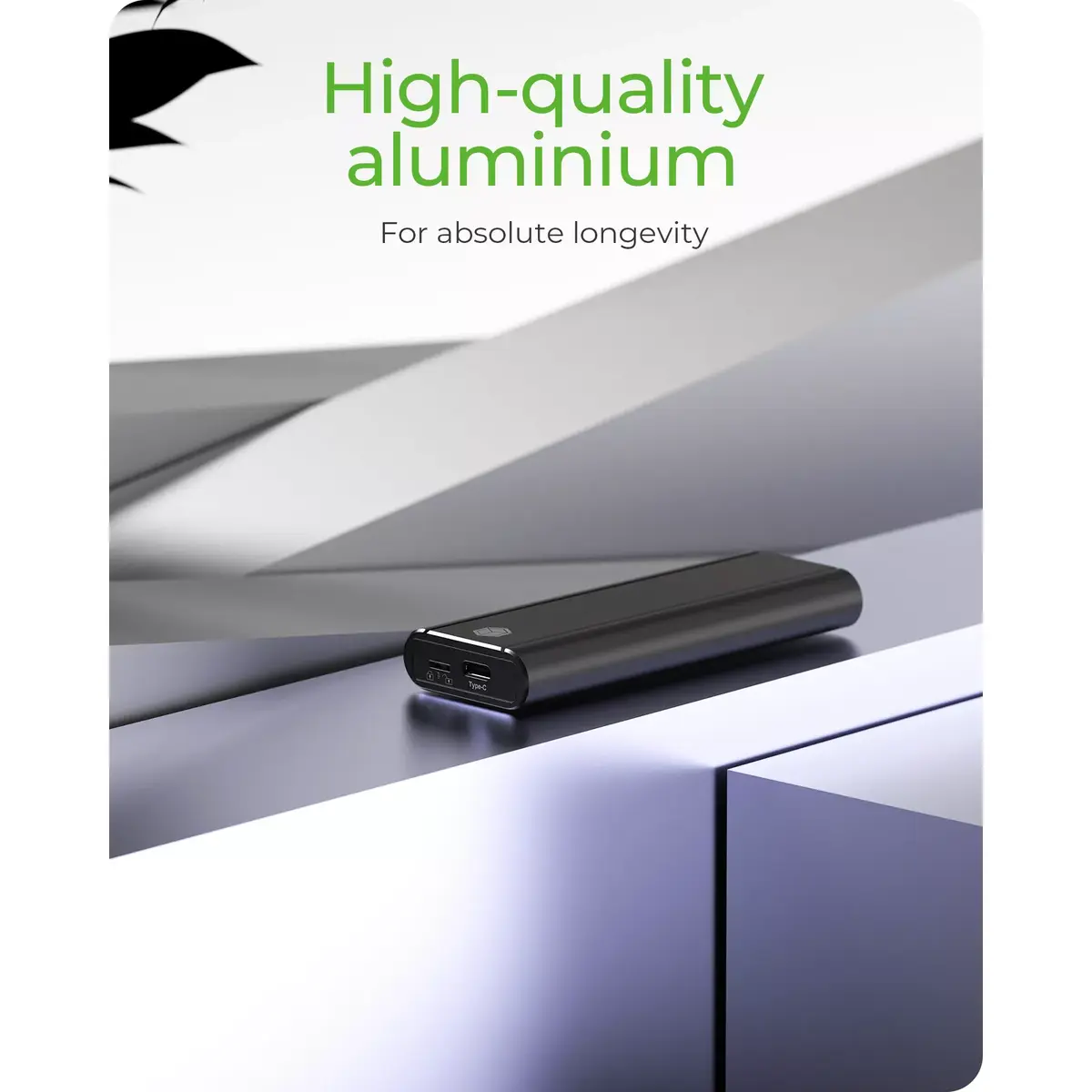
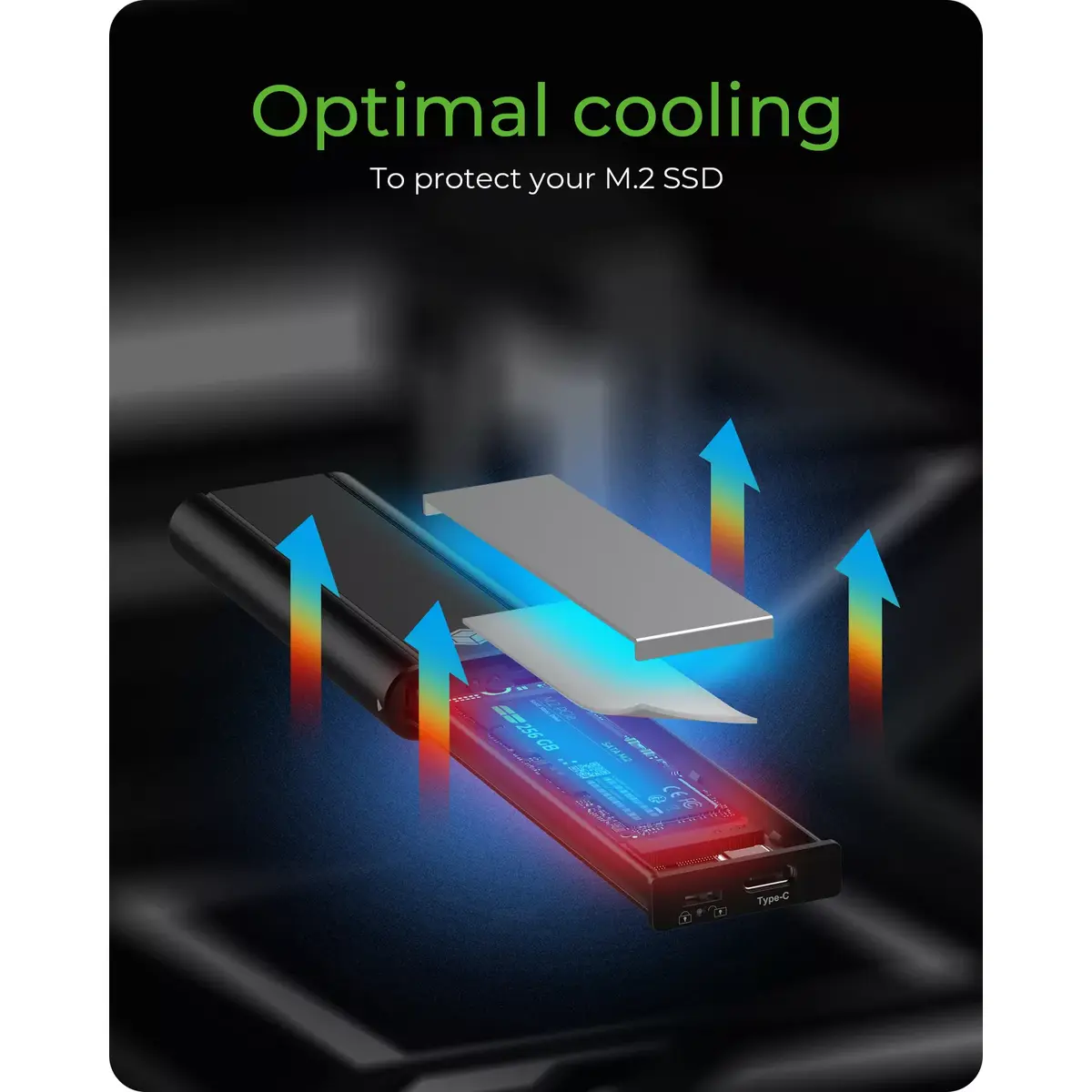
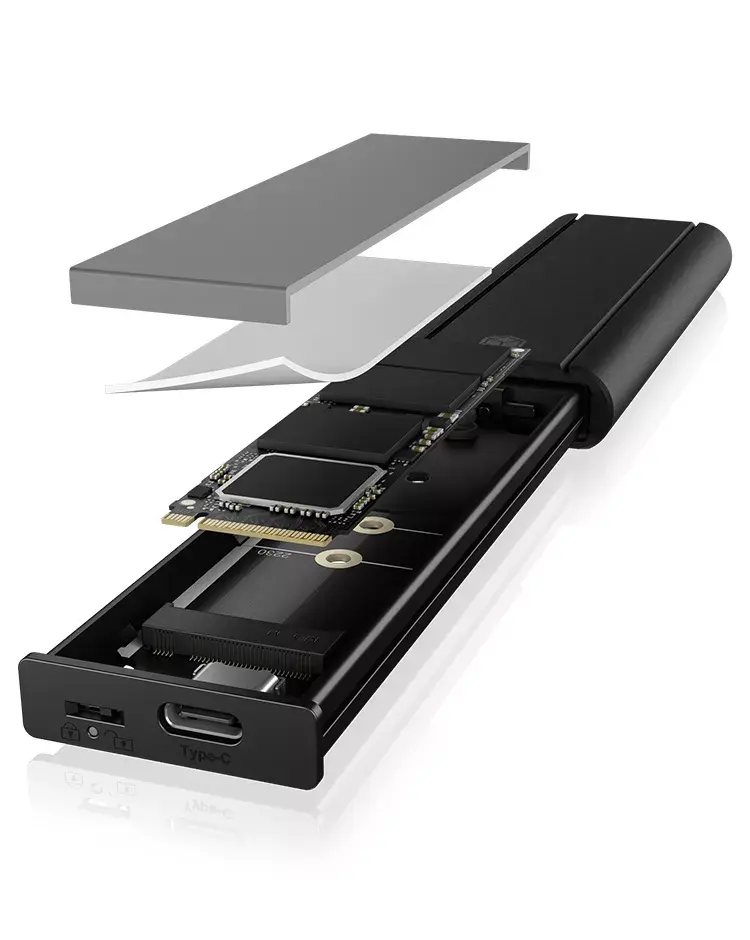
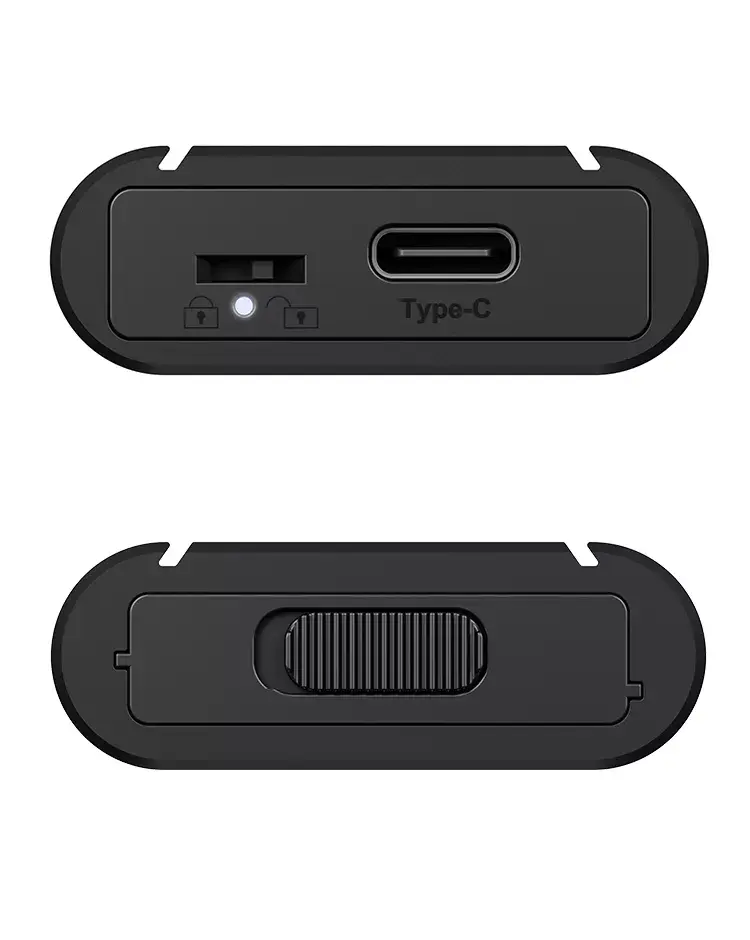
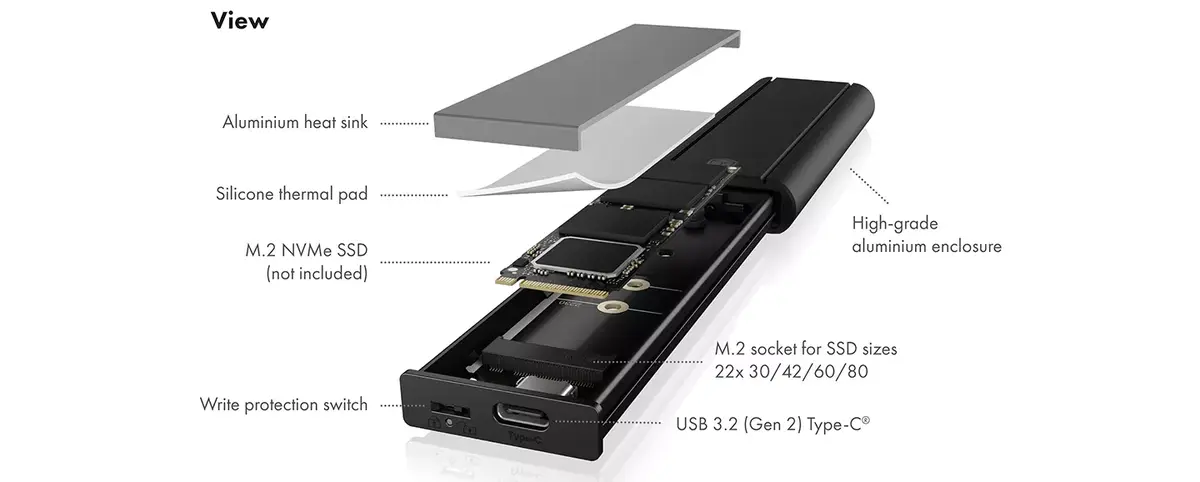
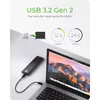
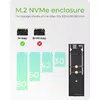
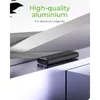
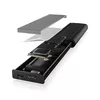
The ICY BOX IB-1807MT-C31 is an external SSD enclosure for a single M.2 NVMe (PCIe) drive in form factors 2230, 2242, 2260 and 2280. The black aluminium housing protects the SSD, improves passive cooling and allows tool-free installation. Data is transferred via USB 3.2 Gen 2 (up to 10 Gbit/s) using the supplied USB Type-C cable with a Type-A adapter.
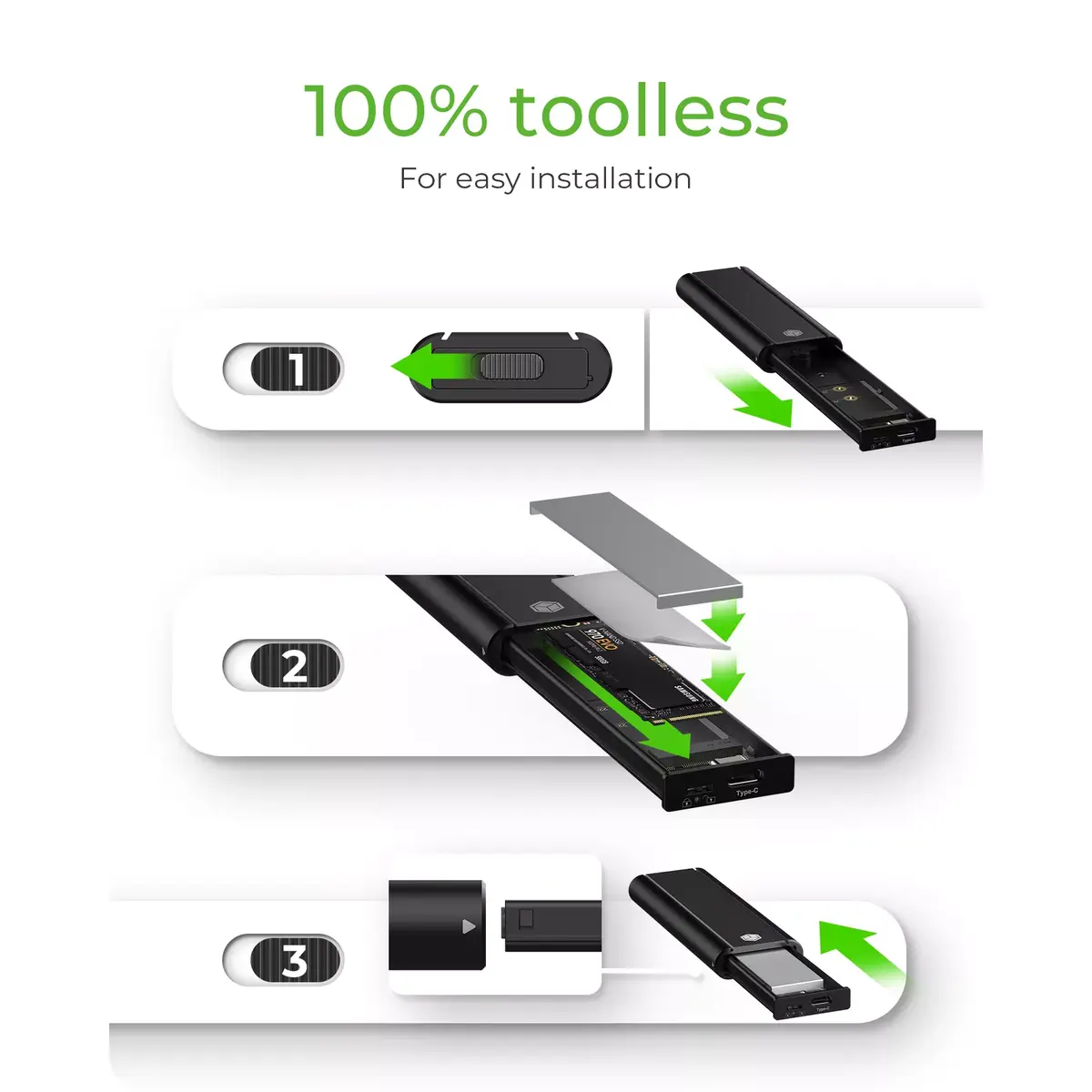
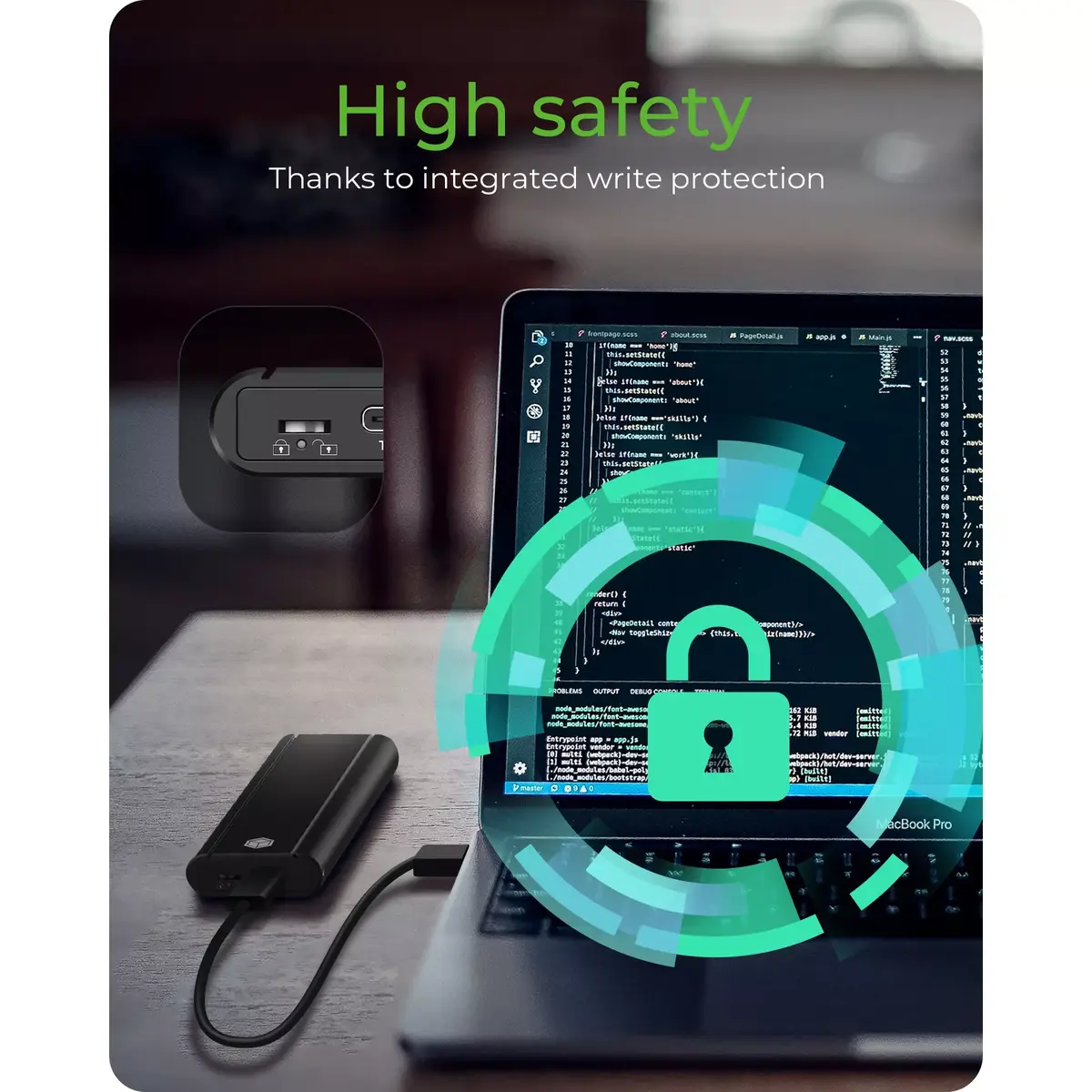
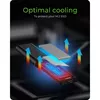
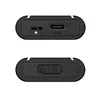
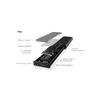
The aluminium case provides robust protection and supports heat dissipation to help maintain SSD performance. Tool-free installation with a latch mechanism enables quick swapping of drives. A hardware write-protect switch lets you enable or disable write access to prevent accidental data modification. The enclosure supports the PCI Express NVMe interface and includes the necessary USB Type-C cable and Type-A adapter for broad compatibility.
Open the latch on the enclosure, place the M.2 NVMe SSD into the holder aligned to the correct connector position and secure it in place, then close the housing until it latches. Connect the enclosure to a computer using the supplied USB Type-C cable or the Type-C-to-A adapter. If required, switch the hardware write-protect switch to the locked position to prevent writes, or to unlocked to allow normal read/write operation. The drive will be recognised by the host operating system as an external NVMe disk.
For optimal thermal performance, avoid enclosing the device in tight, non-ventilated spaces during heavy sustained transfers. Regularly back up important data and use the write-protect switch when transporting or sharing drives to reduce the risk of accidental modification.
{{highlightedFeature.featureTitle}}:
{{getProductFeatureValueById(product, highlightedFeature.featureId)}}