
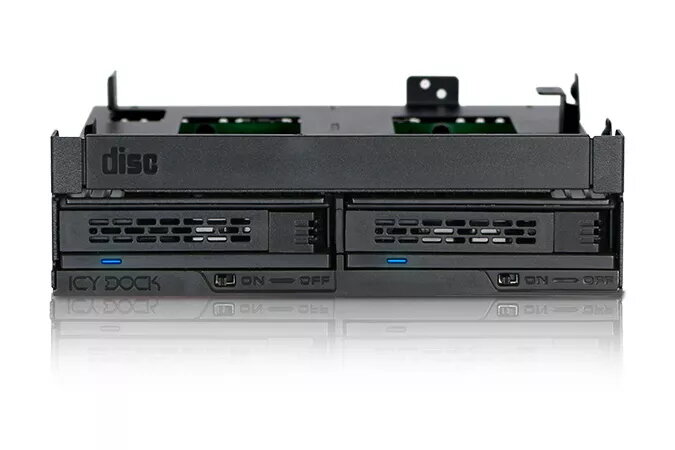
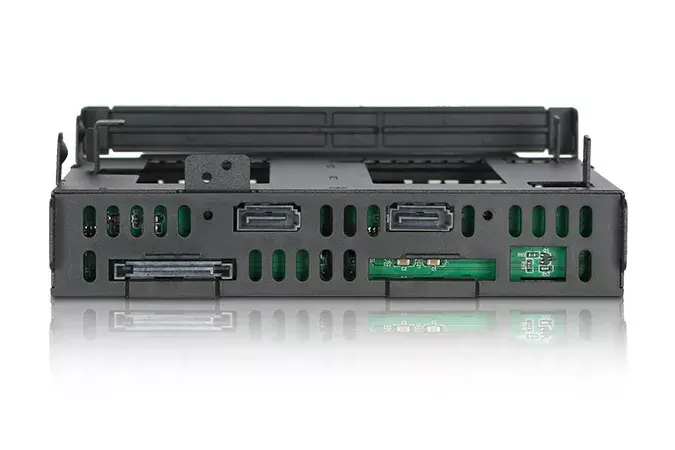
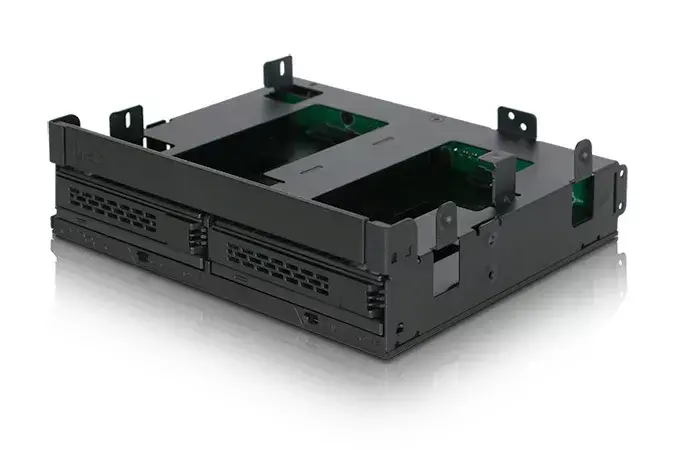
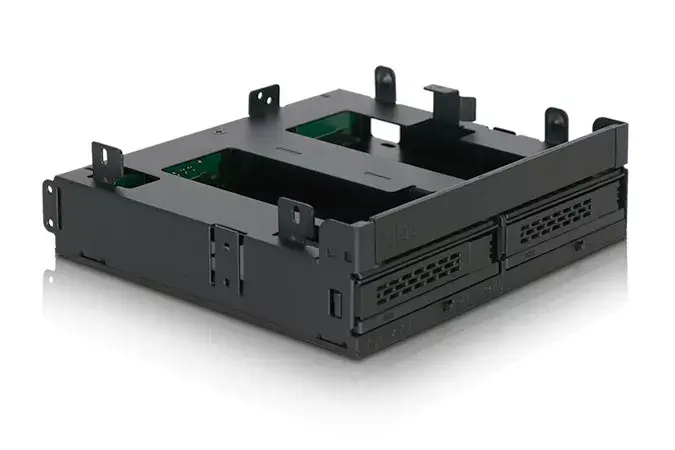
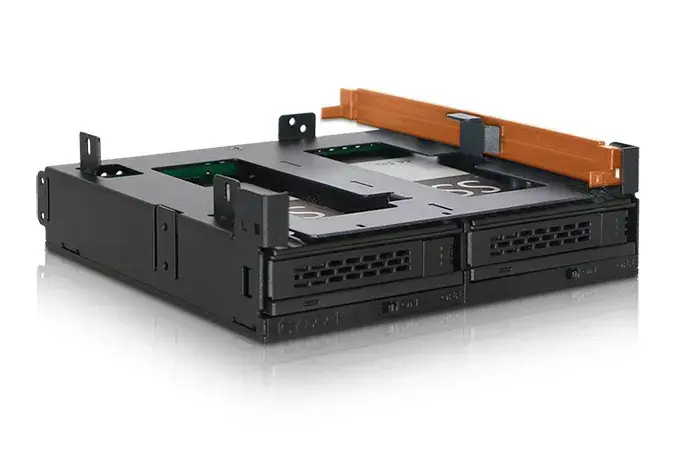
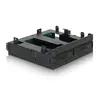
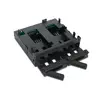
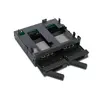
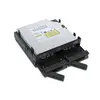
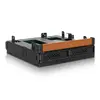
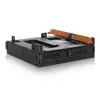
Drive Bay Panel Icy Dock MB732SPO-B
59.99 €
{{selectedOffer && selectedOffer.price | formatAmount}}
Offer for legal entity, cashless payment.
Why is an item available only for a legal entity?
This is due to long delivery times and limited product warranties.
This is due to long delivery times and limited product warranties.
Short description
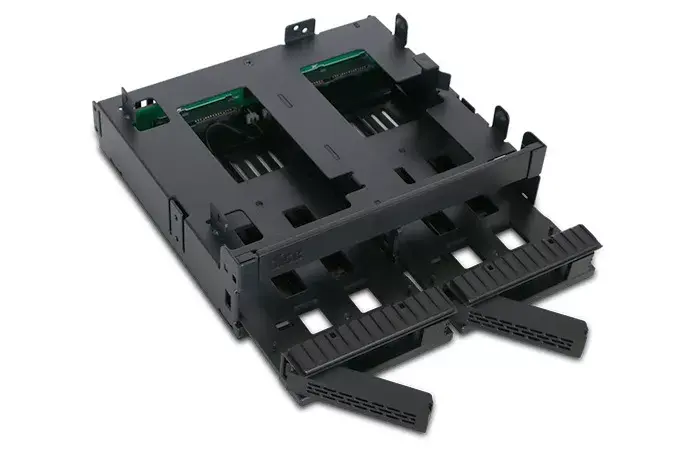
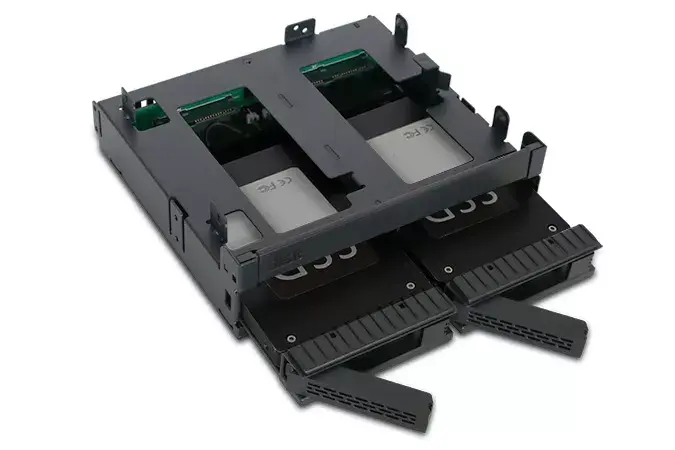
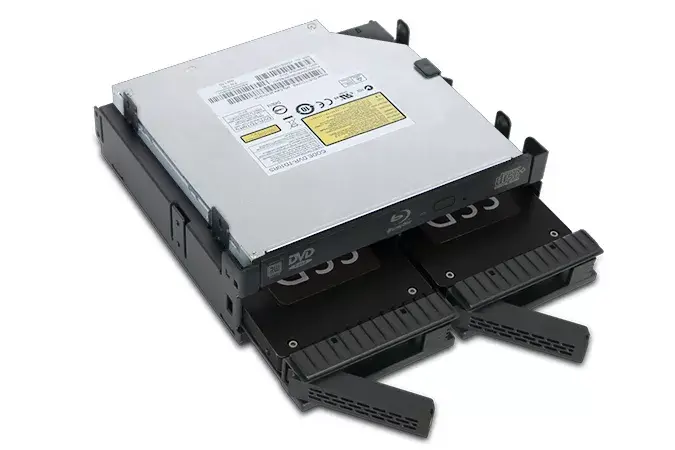
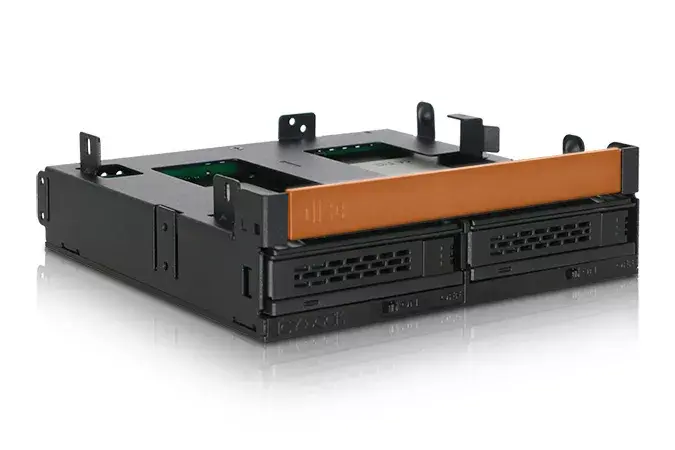
The Icy Dock MB732SPO-B drive bay panel supports various storage drive heights (5, 7, 9.5, 12.5, 15 mm) and is made of durable metal and plastic. With dimensions of 145.8 mm width, 135 mm depth, and 41.3 mm height, it fits perfectly in standard drive bays. The package includes SATA cables and weighs 327 g, making it a reliable choice for your storage needs.
Available for order:
5 pcs.
Warranty:
2 Years
SKU:
3702413


Deliver the order:
to the Customer Service Center at Kengaraga 2b, Riga
15.07.2026
{{selectedOffer.officeDeliveryString}}
free
Customer service center
2b. Kengaraga str., Riga, Latvia, LV-1063
15.07.2026
{{selectedOffer.officeDeliveryString}}
free
Courier Delivery
Please note that in case of a large parcel additional delivery costs may apply!
From 4.99 € (Weight: 0.33 kg)
Parcel couriers
Latvijas Pasts pakomāts / Unisend LV / DPD Paku skapis / Omniva LV / Venipak Pickup LV / Venipak Locker LV / Latvijas Pasts nodaļa
20.07.2026
{{selectedOffer.parcelStationDeliveryString}}
From 1.99 €

Payment Methods:
Bank transfer


