

Leave your address - as soon as the price of the product goes down, you'll know about it right away
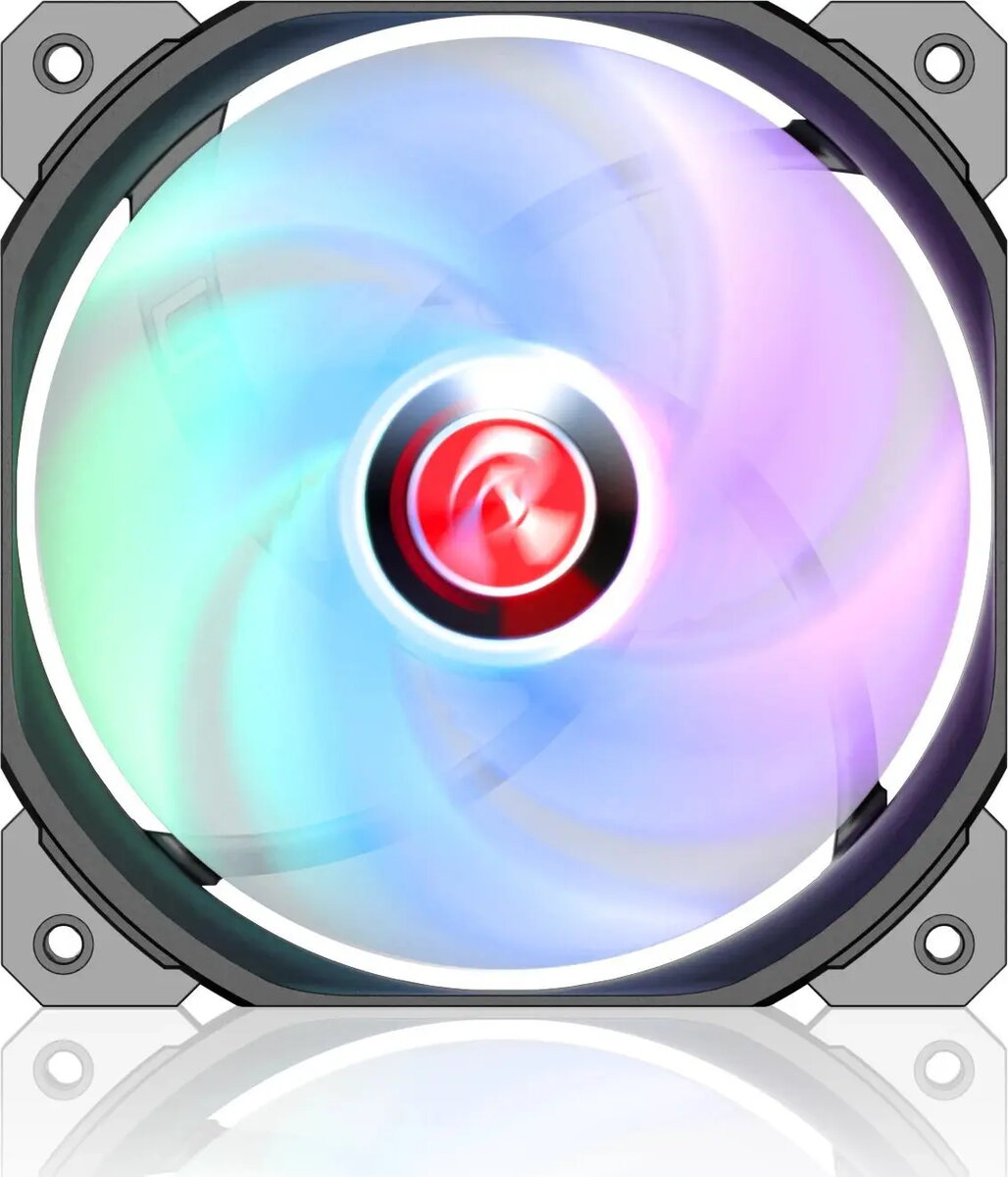
Case fan RAIJINTEK AGERAS 12 ARGB-1, 120mm, ARGB lighting, black frame
In cart {{totalProductsCount}} item(s)
Your cart is empty
Case fan RAIJINTEK AGERAS 12 ARGB-1, 120mm, ARGB lighting, black frame
Leave your address - as soon as the price of the product goes down, you'll know about it right away
Case fan RAIJINTEK AGERAS 12 ARGB-1, 120mm, ARGB lighting, black frame
RAIJINTEK AGERAS 12 ARGB-1 is a 120mm case fan designed to provide airflow and addressable RGB illumination inside desktop computer systems. The fan fits standard 120mm mounting points and is suitable for intake, exhaust or radiator-mounted configurations. When connected to a compatible ARGB header or controller, the fan delivers customizable lighting effects while maintaining airflow for temperature control of components.
The AGERAS 12 ARGB-1 combines a compact 120mm form factor with addressable RGB lighting and a black frame for a discreet appearance. Its design supports installation in common case positions and on radiators, enabling versatile cooling layouts. The ARGB feature offers individually controllable lighting for synchronized effects when paired with motherboard software or external controllers. The fan's construction focuses on balancing airflow and noise for everyday desktop cooling needs.
Install the fan in a compatible 120mm mounting location inside the computer case or on a radiator using the supplied screws or mounting accessories. Connect the power and ARGB connectors to the motherboard ARGB header or to a compatible external controller according to the controller and motherboard documentation. Ensure correct cable routing to avoid contact with rotating blades and verify airflow direction before finalizing installation. After connecting, configure lighting effects through the motherboard software or the ARGB controller and monitor system temperatures to confirm adequate cooling performance.
For best results, use the AGERAS 12 ARGB-1 in matched pairs or combined with other case fans to establish a balanced intake and exhaust airflow. When using ARGB features, verify compatibility with your motherboard or controller and back up preferred lighting profiles. Regularly inspect and clean the fan blades and dust filters to maintain airflow and cooling efficiency.
{{highlightedFeature.featureTitle}}:
{{getProductFeatureValueById(product, highlightedFeature.featureId)}}