Powerful EcoFlow stations for energy anywhere!
In cart {{totalProductsCount}} item(s)
Your cart is empty
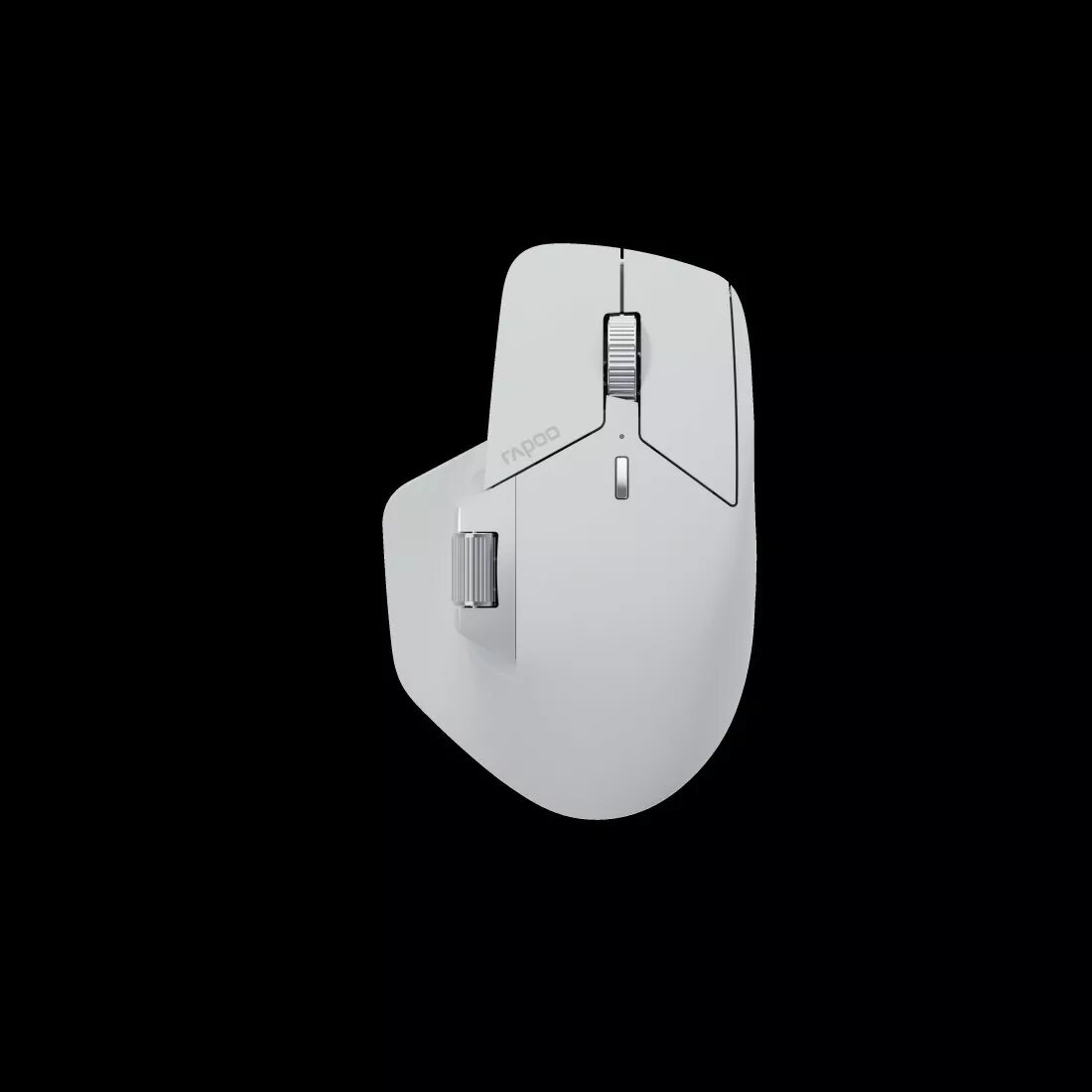
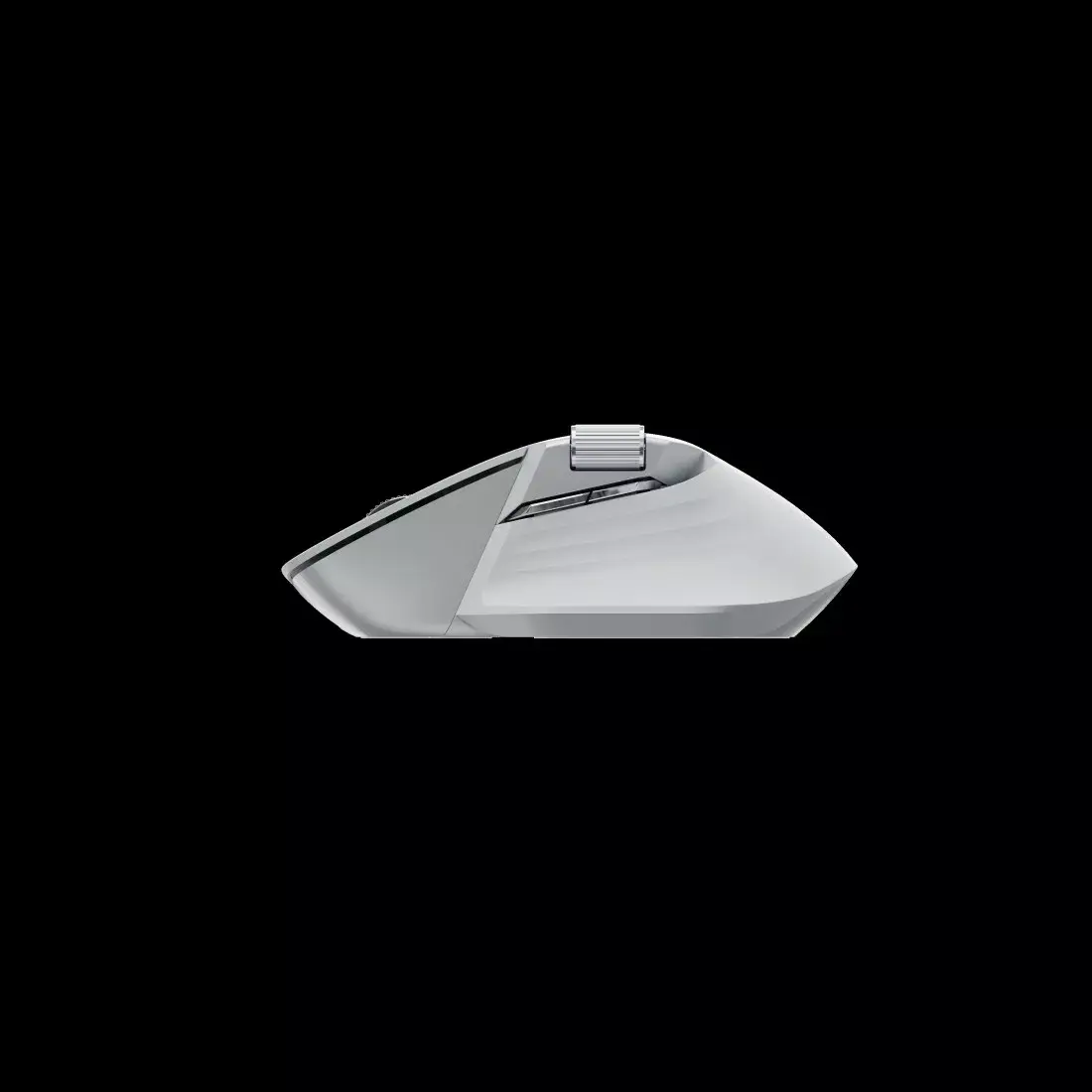
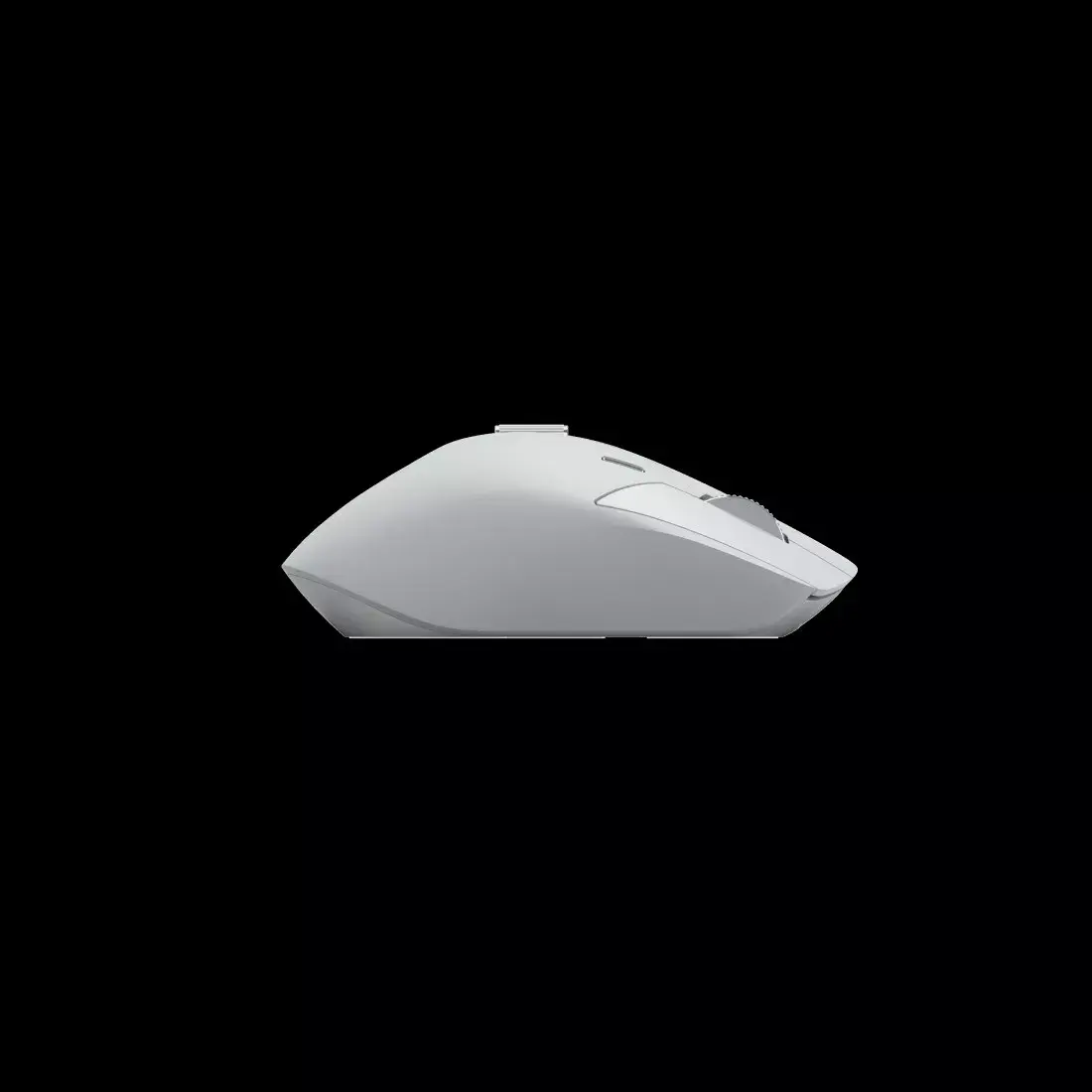
Mouse Rapoo MT760M RF Wireless + Bluetooth
The Rapoo MT760M RF Wireless + Bluetooth is a grey office mouse combining laser movement detection with multi-connection flexibility. Equipped with a high-resolution 4000 DPI sensor, it supports precise cursor control for detailed tasks and general navigation. The device offers both a 2.4 GHz RF wireless connection and Bluetooth pairing, enabling quick switching between a PC, laptop, tablet or other compatible devices. Its layout includes ten pressable buttons and a smooth wheel scroll designed to support extended desktop work.
The laser sensor delivers stable tracking on a wide range of desk surfaces and the 4000 DPI sensitivity allows for adjustable pointer speed and fine control. Dual connectivity via RF wireless and Bluetooth provides compatibility with multiple systems and reduces the need to change peripherals. Ten buttons expand functionality for shortcuts, macros or navigation, while the wheel scroll ensures fluid vertical navigation. The compact grey housing and ergonomic shaping aim to balance comfort with a professional appearance suitable for office environments.
Install the required battery or batteries and switch the mouse on according to the underside controls. For RF wireless operation, insert the USB receiver into an available port on your computer and allow the operating system to recognize the device; the connection is typically automatic. For Bluetooth pairing, enable Bluetooth on the host device, put the mouse into pairing mode as described in the user guide, then select the Rapoo MT760M from the list of available devices. Use the system settings to adjust pointer speed and button assignments where supported by the operating system or Rapoo configuration utilities.
For consistent tracking, use the mouse on a flat, stable surface or a quality mouse pad. When switching between RF and Bluetooth connections, confirm active pairing to avoid intermittent input. Adjust DPI or pointer speed in software to match your workflow — higher DPI for fast cursor movement across large screens, lower DPI for tasks requiring precision. Remove batteries if the mouse will be stored for extended periods.
{{highlightedFeature.featureTitle}}:
{{getProductFeatureValueById(product, highlightedFeature.featureId)}}
| Warehouse | Stock | Delivery to the store | Store Price | |
| WH334 | 8 | 30.06.2026 Best delivery | 44.99 € Best price | |
| WH354 | 8 | 07.07.2026 | 53.49 € |
| Warehouse | Stock | Delivery to the store | Store Price | |
| WH109 | 8 | 14.07.2026 | 55.99 € |
|
44.99 €
Stock:
8
Delivery Date:
30.06.2026
Best delivery
Warehouse: WH334
|
|
53.49 €
Stock:
8
Delivery Date:
07.07.2026
Warehouse: WH354
|
|
55.99 €
Stock:
8
Delivery Date:
14.07.2026
Warehouse: WH109
|