






Dreame vacuums for fast and efficient cleaning!
In cart {{totalProductsCount}} item(s)
Your cart is empty
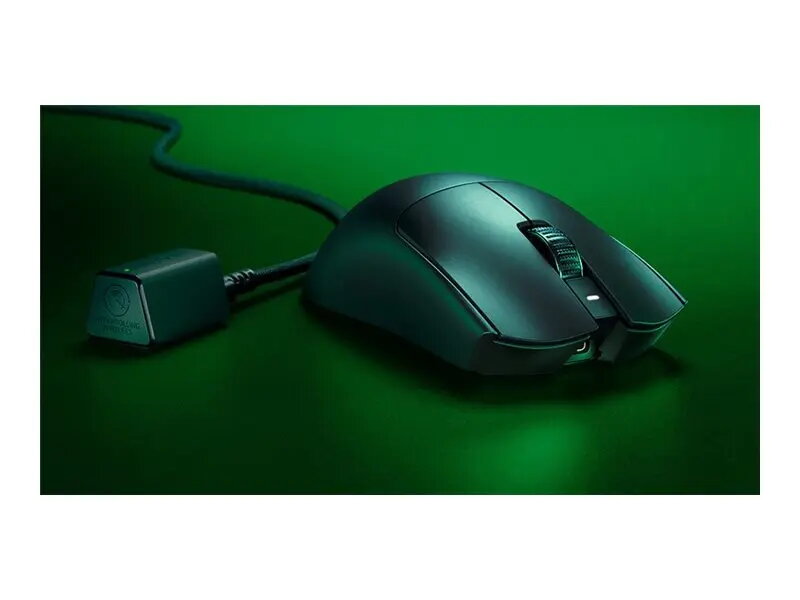
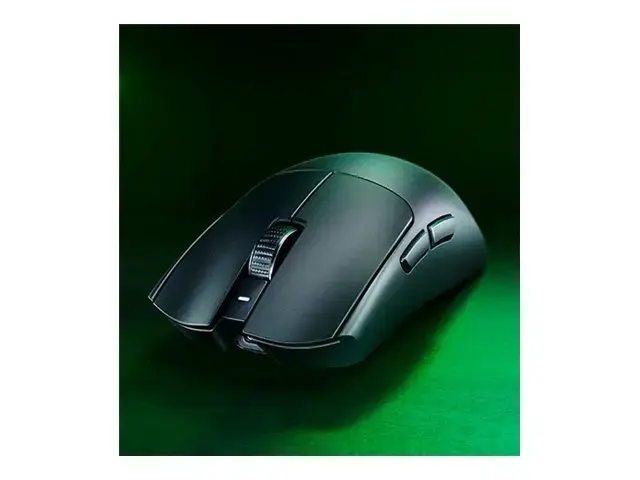
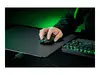
Razer Viper V3 Pro Wireless Gaming Mouse, Black
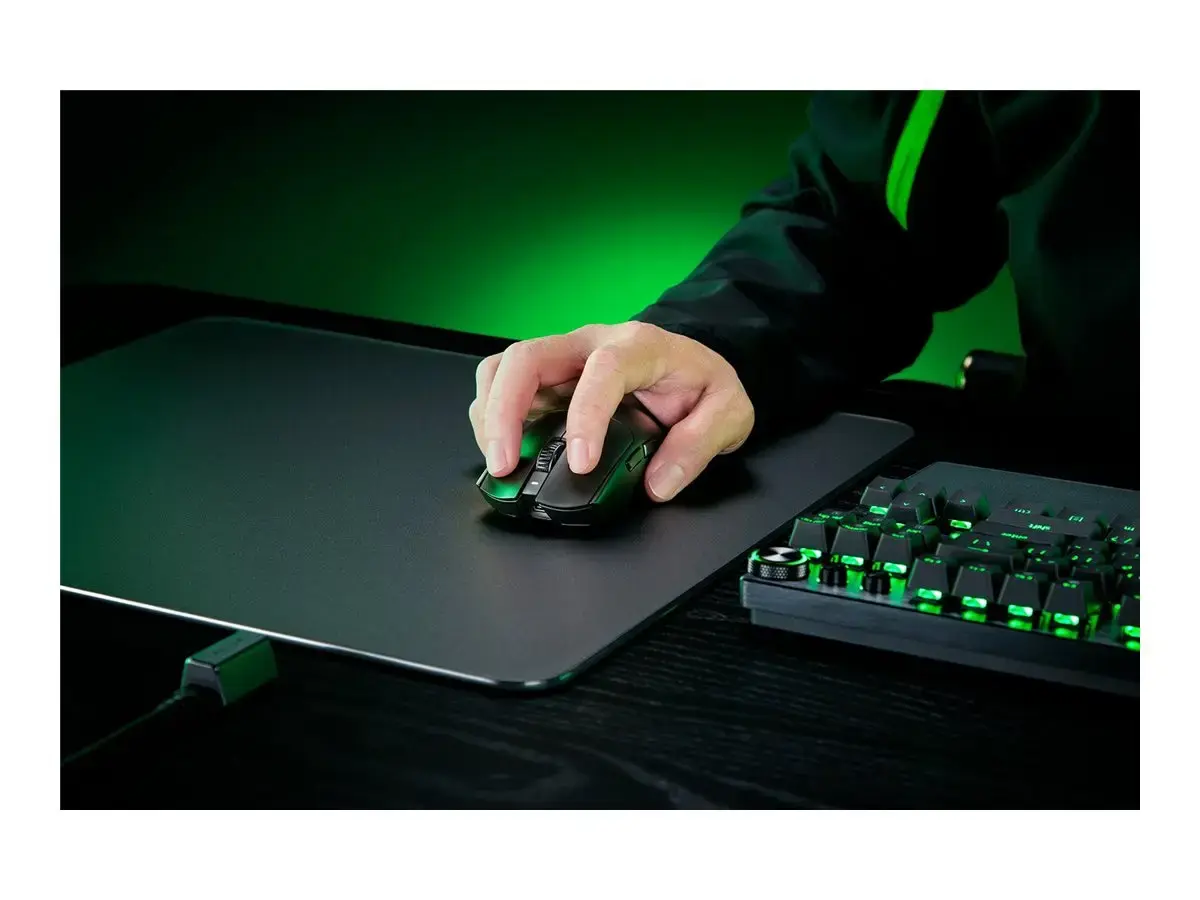
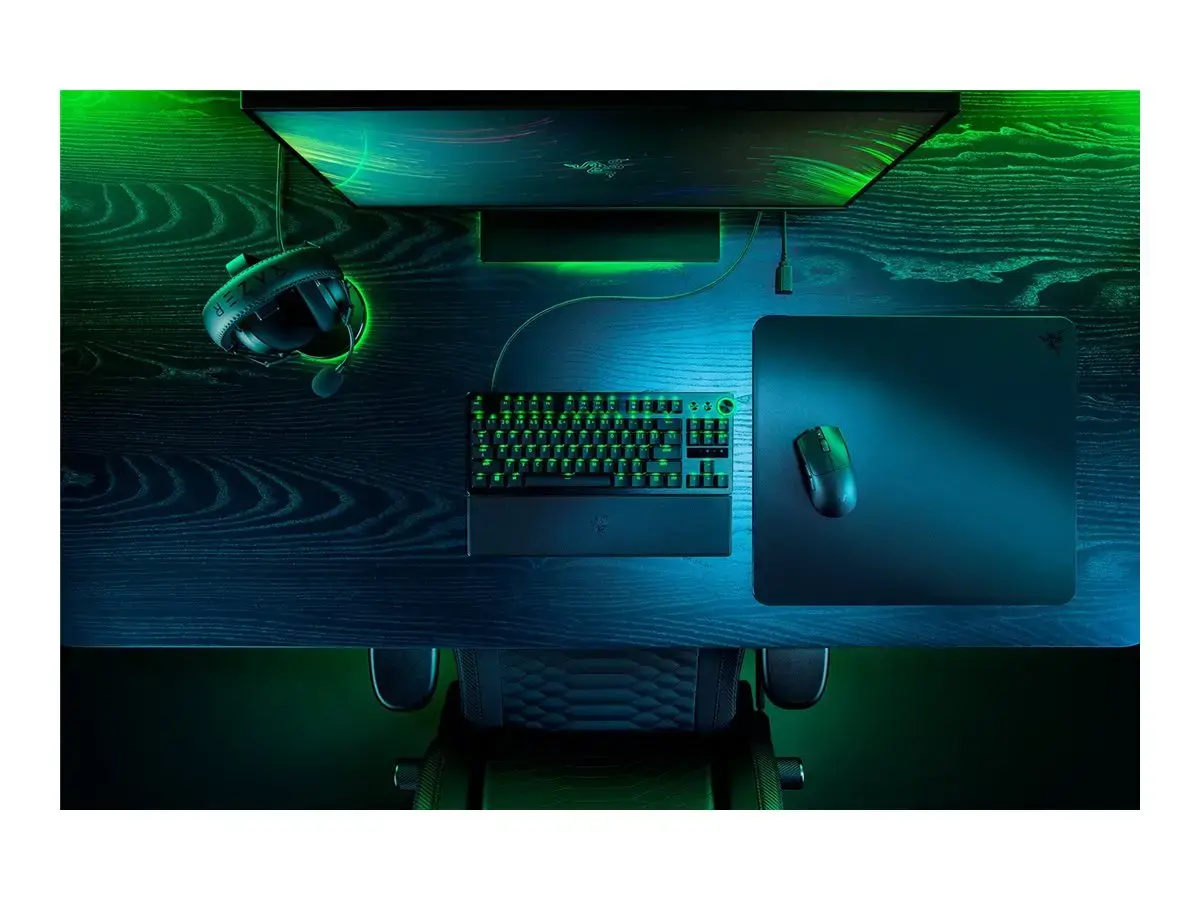
The Razer Viper V3 Pro Wireless Gaming Mouse in black is a high-performance peripheral engineered specifically for competitive gaming. This mouse combines advanced sensor technology with a lightweight, ergonomic chassis to provide the precision and speed required by professional players. Its wireless connectivity ensures low-latency performance, allowing for fluid and responsive movements during intense gameplay sessions. Designed for reliability and accuracy, this mouse is an essential tool for gamers who demand consistent performance from their equipment.
The primary benefit of the Razer Viper V3 Pro is its exceptional tracking accuracy, which is achieved through a high-precision sensor that adapts to various surfaces. The lightweight construction reduces wrist fatigue during extended use, while the ergonomic shape supports a variety of grip styles. Furthermore, the wireless technology provides a stable connection that rivals wired alternatives, eliminating cable drag and providing complete freedom of movement. The integrated rechargeable battery ensures long-lasting power, and the durable build quality is backed by a comprehensive warranty.
This mouse may not be suitable for users who prefer a heavy, multi-button design for complex macro management in MMO or MOBA games, as it focuses on a streamlined, lightweight profile. Additionally, individuals with very large hands may find the specific ergonomic shape less comfortable compared to larger, palm-grip oriented mice.
To begin using the Razer Viper V3 Pro, connect the included wireless receiver to an available USB port on your computer. Ensure the mouse is charged using the provided cable before the first use. Once connected, the device is typically plug-and-play, though installing the manufacturer's software allows for customization of sensitivity settings, button assignments, and lighting profiles. Keep the receiver in close proximity to the mouse to maintain optimal signal strength during gameplay.
For the best performance, keep the wireless receiver away from other electronic devices that may cause interference and ensure the sensor lens remains clean from dust or debris. Regularly update the device firmware through the official software to benefit from the latest performance optimizations.
{{highlightedFeature.featureTitle}}:
{{getProductFeatureValueById(product, highlightedFeature.featureId)}}
{{ productComparisonGenerationError }}