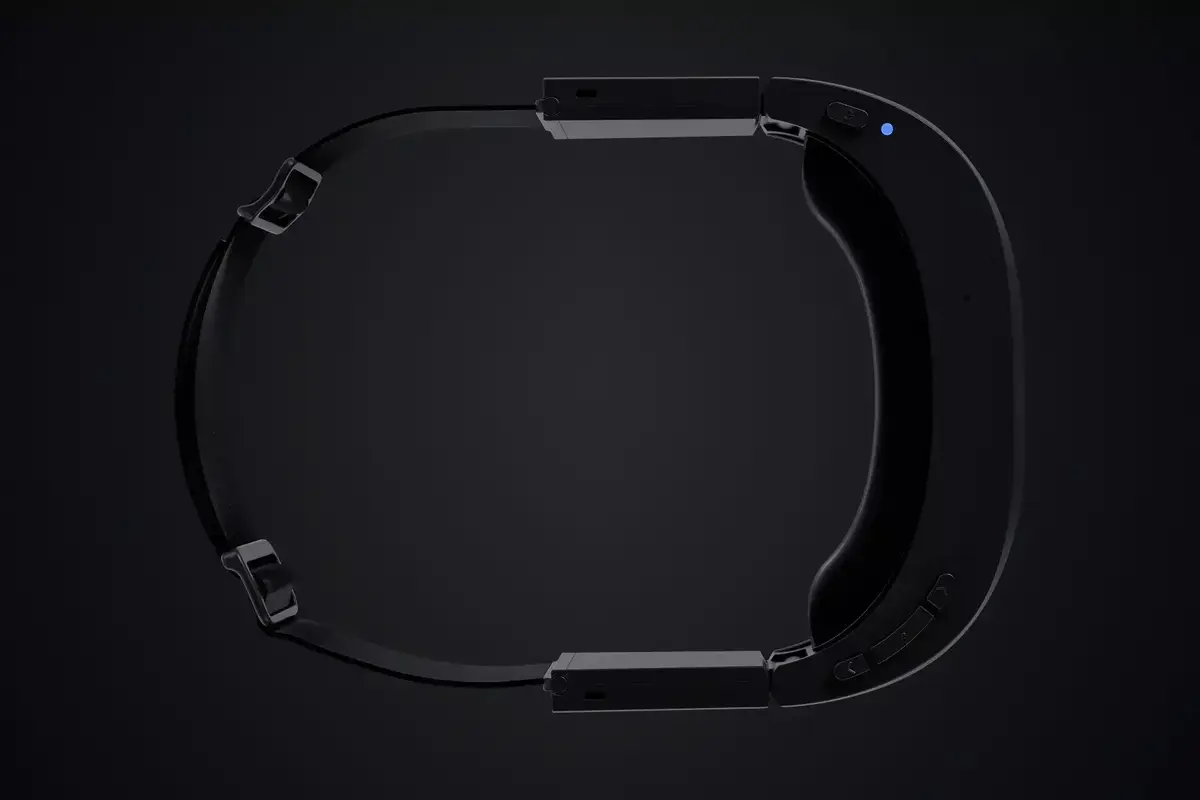
The Realwear Arc 3 smart glasses are advanced wearable devices specifically engineered for industrial and maintenance professionals. These glasses provide a hands-free interface that allows workers to access critical information, documentation, and communication tools without interrupting their manual tasks. Built to withstand harsh working conditions, the device integrates seamlessly into existing workflows to enhance operational efficiency and safety in demanding environments.
Advantages
The primary benefit of the Realwear Arc 3 is its ability to facilitate true hands-free operation, which is essential for technicians working in complex or hazardous areas. By utilizing intuitive voice control, users can navigate menus, capture images, or initiate video calls without needing to touch the device. The robust construction ensures reliability in dusty or wet conditions, while the high-quality display provides clear visibility of data overlays, allowing for real-time remote assistance and faster troubleshooting.
Suitable for
- Industrial maintenance and repair operations
- Remote expert assistance and field service
- Hands-free documentation and data retrieval
- Safety inspections and quality control tasks
When it may not be suitable
These smart glasses may not be ideal for environments requiring extreme physical impact protection that exceeds standard industrial safety ratings. Additionally, they are not intended for casual consumer use or high-intensity multimedia entertainment, as the interface is strictly optimized for professional productivity and technical workflows.
Key specifications
- IP66 rating for dust and water resistance
- Integrated voice control system
- Bluetooth connectivity for peripheral pairing
- Hands-free display interface
- Designed for industrial and maintenance environments
How to use
To begin using the Realwear Arc 3, ensure the device is fully charged and securely fitted to your head or helmet mount. Power on the unit and follow the initial setup prompts to connect via Bluetooth to your mobile device or local network. Once connected, use the voice command interface to navigate through the operating system. You can access manuals, stream live video to remote experts, or view digital checklists by speaking the designated commands. Always ensure the display is positioned correctly within your field of view to maintain comfort during extended use.
What to consider before purchase
- Compatibility with your existing industrial software and communication platforms
- Battery life requirements for your specific shift duration
- Integration with personal protective equipment such as hard hats or safety glasses
- Network availability in your primary work area
Usage recommendations
For optimal performance, regularly update the device firmware and ensure the voice recognition environment is relatively clear of excessive background noise. Clean the lens and display components with non-abrasive materials to maintain visual clarity during operation.