
Powerful EcoFlow stations for energy anywhere!
In cart {{totalProductsCount}} item(s)
Your cart is empty
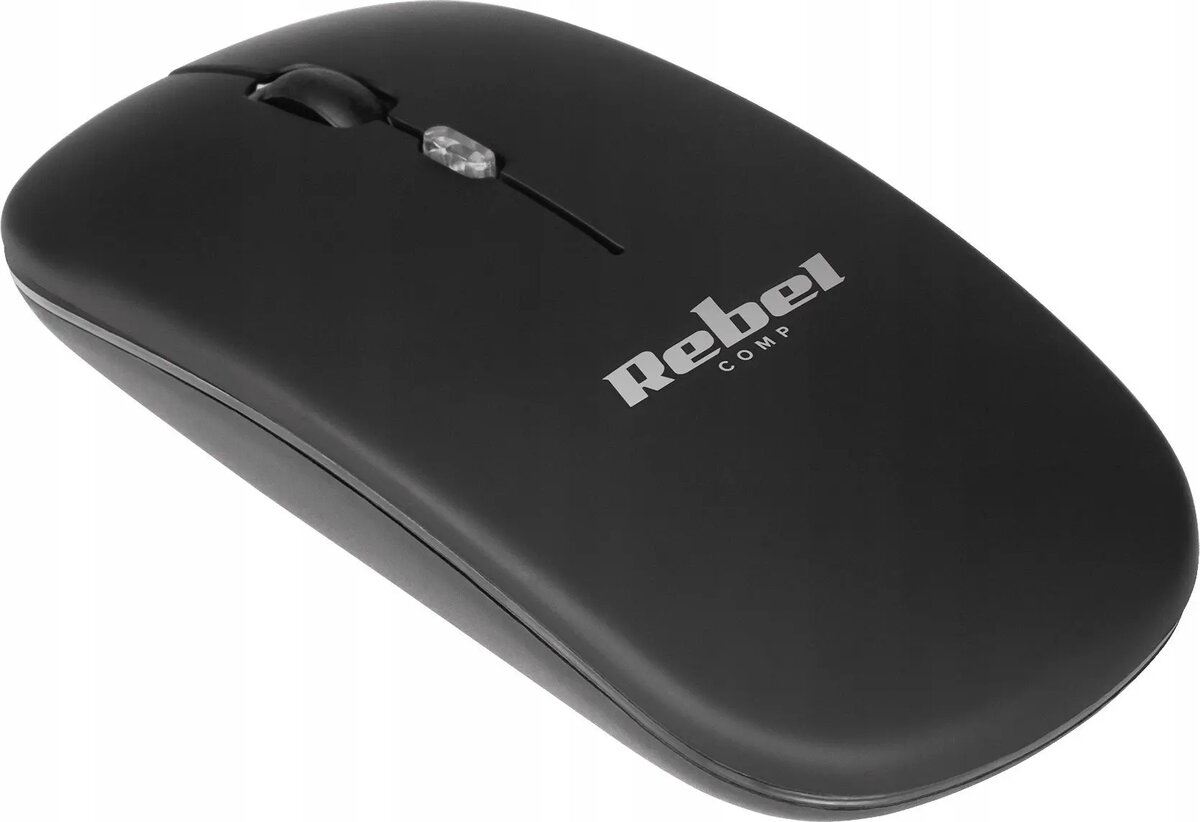
Wireless Mouse Rebel Comp WM210 — compact black wireless optical mouse
Rebel Comp WM210 is a compact black wireless optical mouse designed for everyday desktop and laptop use. It provides basic cursor control with a standard left and right button layout and a scroll wheel, using an included USB wireless receiver for plug-and-play connection. The battery-powered design offers cable-free navigation suitable for home, office and mobile work setups, while its compact footprint makes it easy to carry with a laptop or store in a desk drawer.
The compact form factor reduces desk clutter and improves portability without adding unnecessary features. Wireless USB connectivity ensures quick setup on systems with an available USB port and supports a stable radio link for typical office distances. Optical tracking delivers accurate cursor movement on most non-reflective surfaces, and the simple three-control layout (left/right buttons and scroll wheel) makes the device intuitive to use for common tasks.
Insert the required battery into the mouse according to the polarity markings, then plug the USB wireless receiver into an available USB port on your computer or laptop. The device is designed for plug-and-play operation; the host system should automatically recognize the receiver and enable cursor control. Position the mouse on a flat, non-reflective surface and use the left and right buttons and scroll wheel to navigate, select and scroll through documents and web pages. Turn the mouse off when not in use to conserve battery life if an on/off switch is provided.
For reliable tracking, use the mouse on a plain mouse pad or matte surface and avoid highly reflective or glass surfaces. Keep the wireless receiver within typical desktop range of the mouse to prevent signal interruptions. Replace batteries with fresh ones when cursor responsiveness decreases and store the receiver inside the mouse or a safe place when transporting the mouse to avoid loss.
{{highlightedFeature.featureTitle}}:
{{getProductFeatureValueById(product, highlightedFeature.featureId)}}
{{ productComparisonGenerationError }}