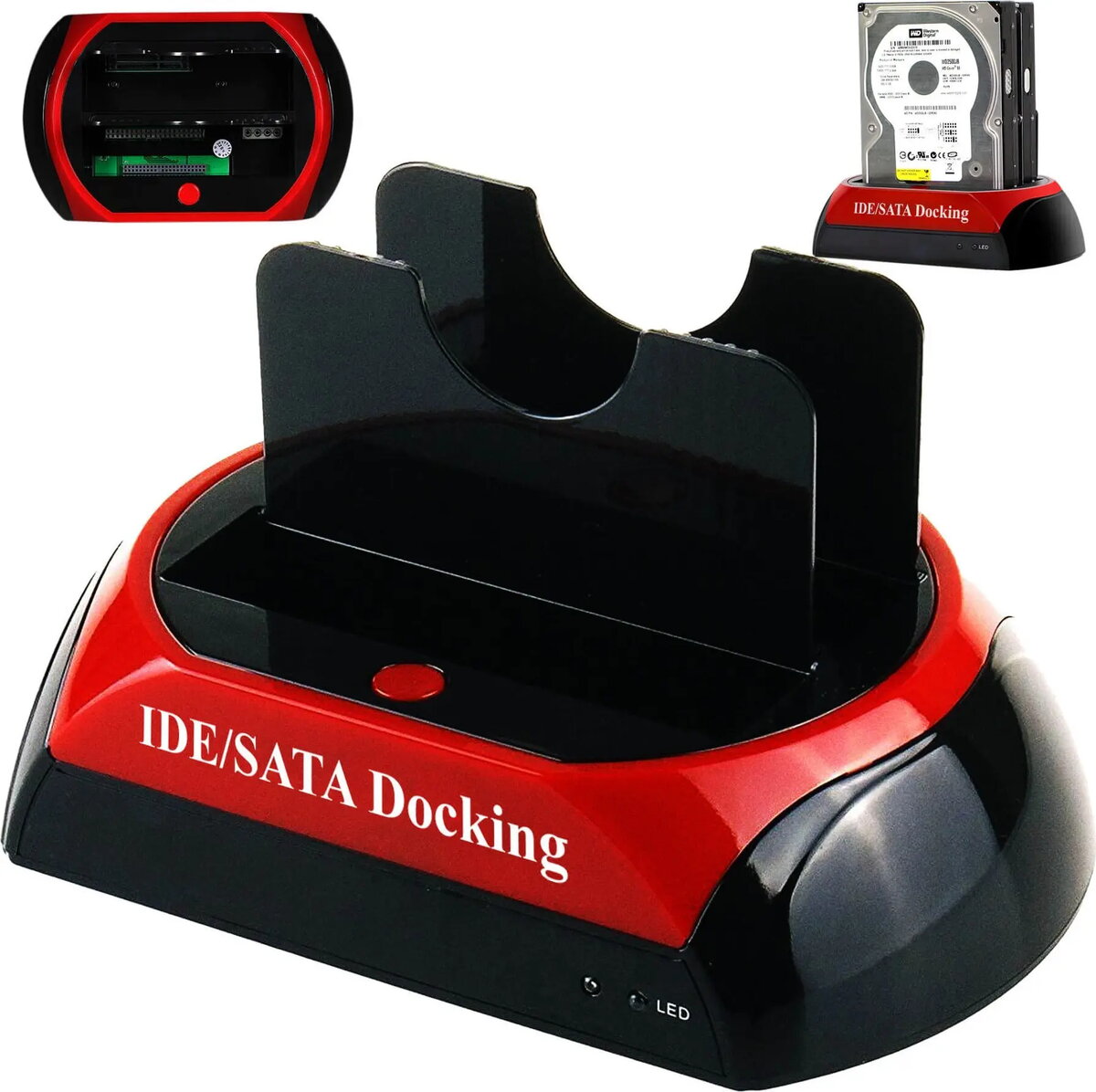
Retoo 96245011 docking station converts internal 2.5" and 3.5" HDDs and SSDs with SATA or legacy IDE/ATA interfaces into USB-connected external storage. The device is designed for quick offline access to drives without mounting them inside a computer, enabling tasks such as data transfer, cloning, diagnostics and recovery. It supports hot-swapping of drives and provides a simple plug-and-play connection via USB for use with desktop PCs and laptops.
Advantages
The docking station supports both SATA and IDE/ATA physical interfaces, allowing use with modern SSDs and traditional hard drives. Its USB connection provides broad compatibility with operating systems and a straightforward workflow for technicians and home users. The unit's design accommodates both 2.5" and 3.5" drives, so there is no need for separate adapters when working with different drive sizes. Quick access to drive contents and support for cloning or imaging tasks reduce downtime during maintenance and recovery operations.
Suitable for
- Connecting internal 2.5" and 3.5" HDDs or SSDs to a computer via USB for data transfer
- Drive cloning and imaging for backups or migrations
- Data recovery and diagnostics on drives outside of a host PC
- Temporary access to drives during repair, testing or data extraction
When it may not be suitable
This docking station is intended for direct drive access and offline tasks; it is not a permanent replacement for an internal drive bay or a NAS. Performance is limited by the USB interface speed and the drive's own specifications, so very high-throughput RAID-like operations or enterprise storage needs may exceed its capabilities. It also does not provide network sharing or multi-drive RAID management.
Key specifications
- Supported drive sizes: 2.5" and 3.5"
- Supported interfaces: SATA and IDE/ATA (PATA)
- Host connection: USB (plug-and-play)
- Hot-swap support for offline drive insertion and removal
- Power supply: external adapter for 3.5" drive support (included with unit)
How to use
Insert the selected 2.5" or 3.5" drive into the docking bay, ensuring the drive interface aligns with the connector. Connect the docking station to a computer using the supplied USB cable and attach the external power adapter if the drive requires it. The operating system should detect the connected drive as an external storage device; no internal installation is required. Use standard file manager tools, cloning software or disk utilities to read, copy or image drive contents. Safely eject the drive from the OS before removing it from the dock.
What to consider before purchase
- Confirm the docking station supports the drive interface used (SATA or IDE/ATA)
- Check that your computer has a compatible USB port and sufficient speed for your tasks
- Ensure the package includes the required external power adapter for 3.5" drives
- For frequent cloning or large transfers, consider USB throughput limitations
Usage recommendations
Use the docking station for temporary access, diagnostics and one-off transfers. Always perform a safe eject from the host OS before removing a drive and handle drives on a stable, static-free surface. For large-scale or continuous backup operations, evaluate dedicated devices or networked storage solutions.