

New Arrival
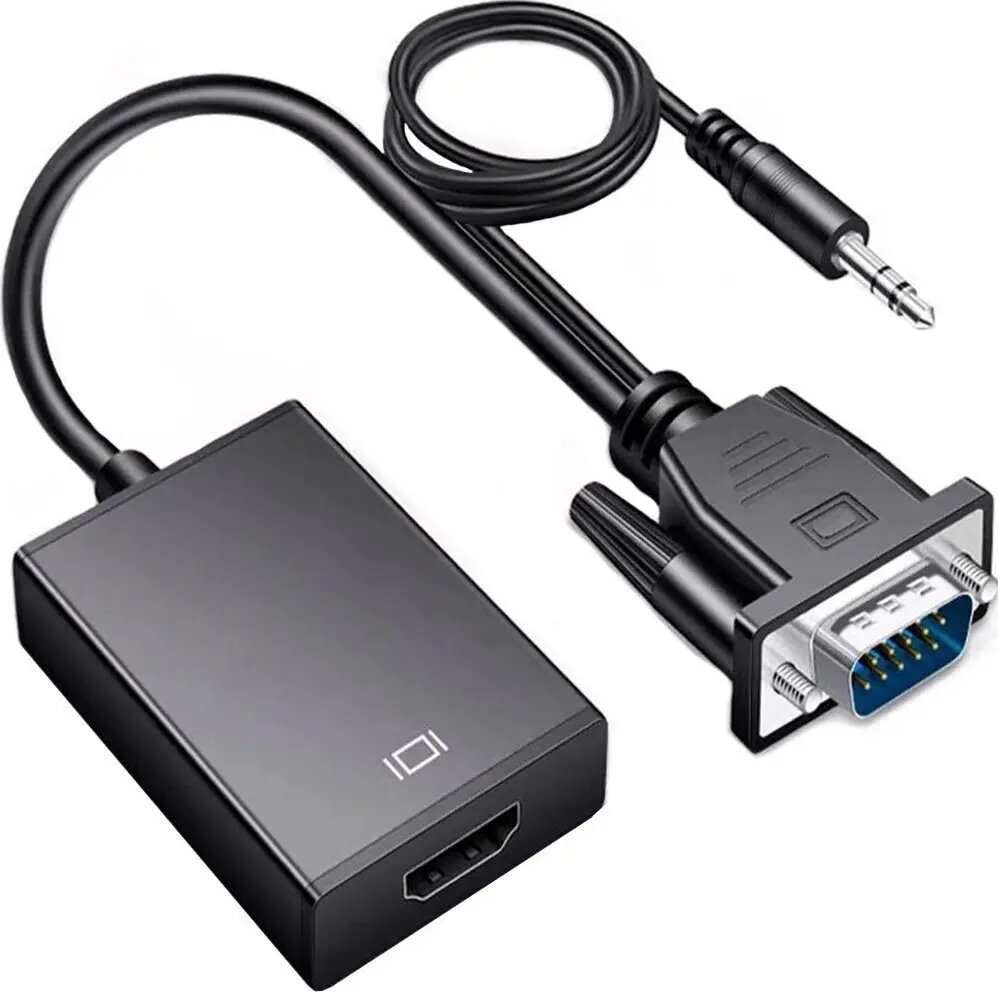
Retoo HDMI to VGA D-Sub Adapter with 3.5mm Audio Jack
8.49 €
Keep track of price changes
You keep track of price changes
Watch the price drop
Leave your address - as soon as the price of the product goes down, you'll know about it right away
You keep track of price changes
Retoo HDMI to VGA D-Sub Adapter with 3.5mm Audio Jack
{{email}}
You keep track of price changes
Retoo HDMI to VGA D-Sub Adapter with 3.5mm Audio Jack
{{email}}
{{selectedOffer && selectedOffer.price | formatAmount}}
Short description
The Retoo HDMI to VGA adapter allows you to connect devices with an HDMI output to monitors, projectors, or TVs with a VGA input. It features an integrated 3.5mm audio jack, enabling simultaneous video and audio transmission. This compact converter is ideal for connecting laptops, consoles, or media players to older display equipment, ensuring reliable signal conversion for presentations, office work, or home entertainment setups.
Deliver the order:
to the Customer Service Center at Kengaraga 2b, Riga
08.07.2026
{{selectedOffer.officeDeliveryString}}
free
Customer service center
2b. Kengaraga str., Riga, Latvia, LV-1063
08.07.2026
{{selectedOffer.officeDeliveryString}}
free
Courier Delivery
Please note that in case of a large parcel additional delivery costs may apply!
From 4.99 €
Parcel couriers
Latvijas Pasts pakomāts / Unisend / DPD Paku skapis / Omniva / Venipak Pickup / Venipak Locker / Latvijas Pasts nodaļa
13.07.2026
{{selectedOffer.parcelStationDeliveryString}}
From 1.99 €

Payment Methods:
Bank transfer, Bank cards on-line, Apple Pay, Google Pay


