Filters you can trust. Pure water every day.
In cart {{totalProductsCount}} item(s)
Your cart is empty
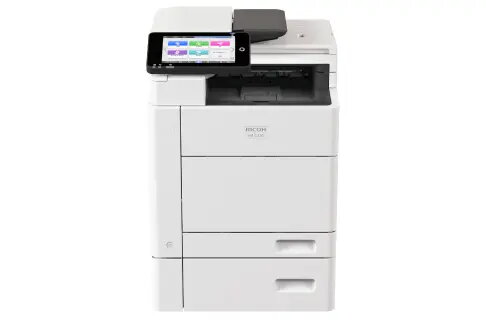
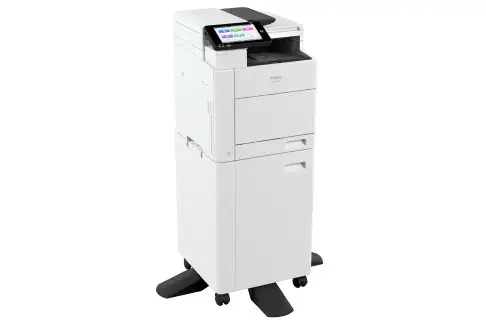
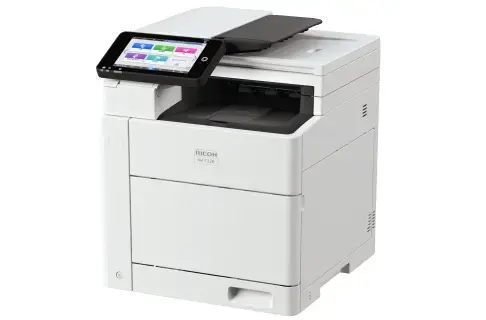
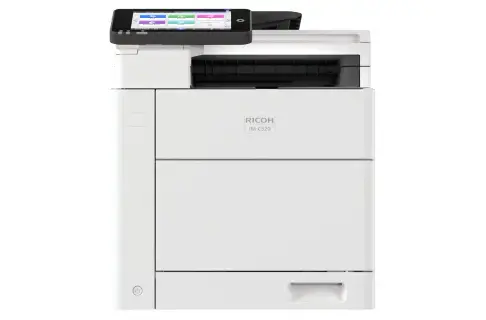
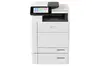
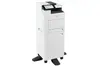
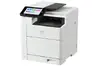
Multifunction Laser Printer Ricoh IM C320F – Colour A4 MFP, 1200 x 1200 DPI, 32 ppm, Duplex, Ethernet
The Ricoh IM C320F is a compact A4 colour laser multifunction printer that combines printing, copying, scanning and fax capabilities in a single device. It produces up to 1200 x 1200 dpi print resolution and delivers up to 32 pages per minute in both colour and black-and-white. Built-in Ethernet connectivity and duplex scanning/printing make it suitable for small offices and workgroups that need reliable everyday document handling and networked colour output.
The IM C320F offers consistent output quality at 1200 x 1200 dpi and balanced performance for mixed office tasks, including fast first warm-up and a 7-inch capacitive Smart Operation Panel that supports app integration. Energy-efficient design, a low Typical Energy Consumption (TEC) value and the use of post-consumer recycled materials reduce environmental impact. RICOH Always Current Technology delivers firmware updates and security patches to keep the device current without complex manual maintenance.
This model is designed for A4 workflows and is not suitable for environments that require larger-format printing (A3 or above) or very high monthly volumes beyond typical small-office loads. For organisations that need advanced finishing (stapling, hole-punching, booklet-making) or heavy-duty production printing, a production or high-capacity MFP would be more appropriate.
Place the device on a stable surface with sufficient ventilation and connect it to your network via Ethernet or to a workstation via USB. Load A4 paper into the main tray, configure basic settings from the 7-inch Smart Operation Panel and install the recommended Ricoh drivers on your computers. Use the panel to select print, copy, scan or fax functions, and access RICOH Always Current Technology to apply firmware updates. For duplex scanning, use the automatic document feeder; for one-off scans, place originals on the platen glass.
For reliable day-to-day operation, use recommended consumables, keep firmware up to date via RICOH Always Current Technology, and schedule routine checks of paper trays and the automatic document feeder. For best print quality, select 1200 x 1200 dpi in driver settings when printing images or colour-critical documents, and enable duplex only when two-sided output is required to save paper and energy.
{{highlightedFeature.featureTitle}}:
{{getProductFeatureValueById(product, highlightedFeature.featureId)}}