JBL speakers and headphones for pure and deep sound!
In cart {{totalProductsCount}} item(s)
Your cart is empty
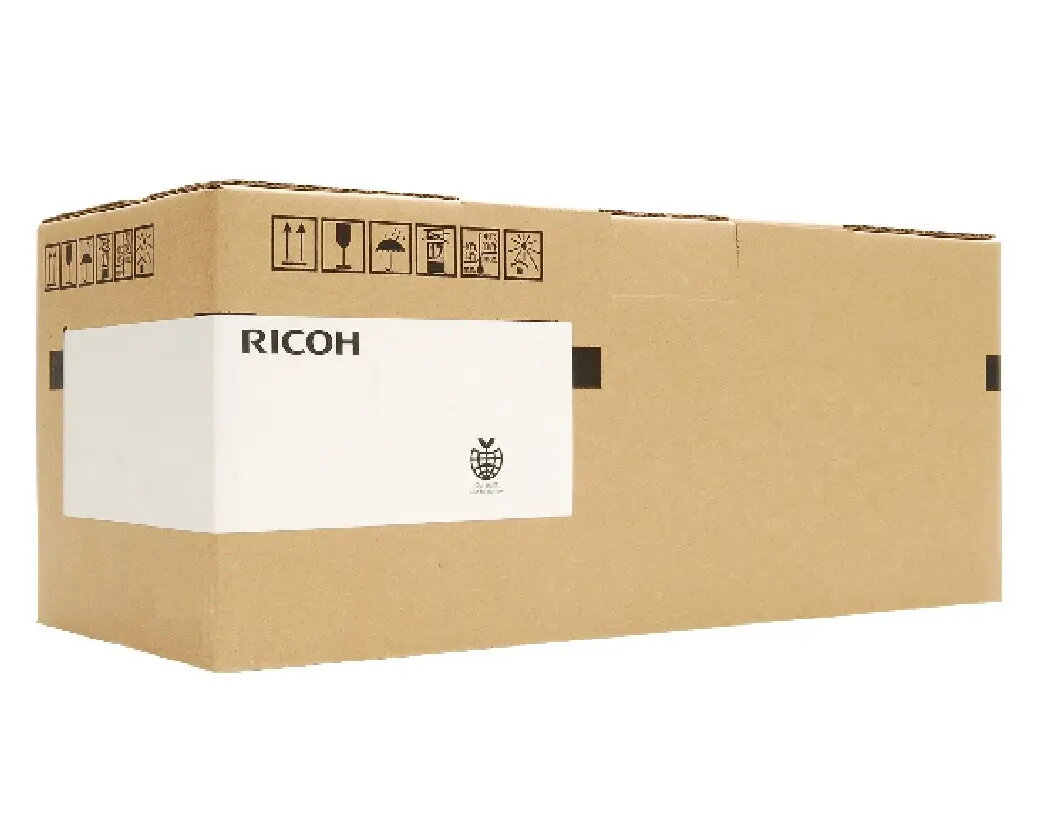
Ricoh AE020220 Pressure Roller for Pro 8100EX, 8100EXe, 8100s, 8100se
The Ricoh AE020220 pressure roller is a precision-engineered component designed specifically for high-performance Ricoh Pro series printing systems. This essential spare part plays a critical role in the fusing process, ensuring that toner is correctly bonded to the paper by applying uniform pressure as the media passes through the fuser unit. Manufactured to meet strict quality standards, this roller maintains the integrity of your print output and supports the continuous, high-volume demands of professional printing environments.
Using an original Ricoh pressure roller ensures optimal compatibility with your printing equipment, reducing the risk of paper jams and inconsistent print quality. The component is built for durability, providing a stable surface that withstands the high temperatures required for effective toner fusion. By replacing worn rollers with this genuine part, you can extend the service life of your fuser assembly and maintain the high-speed productivity expected from your Ricoh Pro series printer.
This pressure roller is not compatible with Ricoh printer models outside of the specified Pro 8100 series. Attempting to install this component in unsupported hardware may result in mechanical failure or damage to the fuser unit.
Installation should be performed by a qualified technician or an individual familiar with the maintenance procedures of the Ricoh Pro series. Before beginning, ensure the printer is powered off and the fuser unit has cooled down completely to prevent injury. Carefully remove the existing pressure roller from the fuser assembly, taking note of the orientation and securing mechanisms. Insert the new AE020220 roller, ensuring it is properly seated and aligned within the housing. Once installed, perform a test print to verify that the paper feeds correctly and the toner is properly fused to the media.
Regularly inspect the surface of the pressure roller for signs of wear, such as indentations or uneven coating, to prevent print defects. Always use genuine Ricoh parts to ensure the longevity and reliability of your professional printing system.
{{highlightedFeature.featureTitle}}:
{{getProductFeatureValueById(product, highlightedFeature.featureId)}}