Powerful EcoFlow stations for energy anywhere!
In cart {{totalProductsCount}} item(s)
Your cart is empty
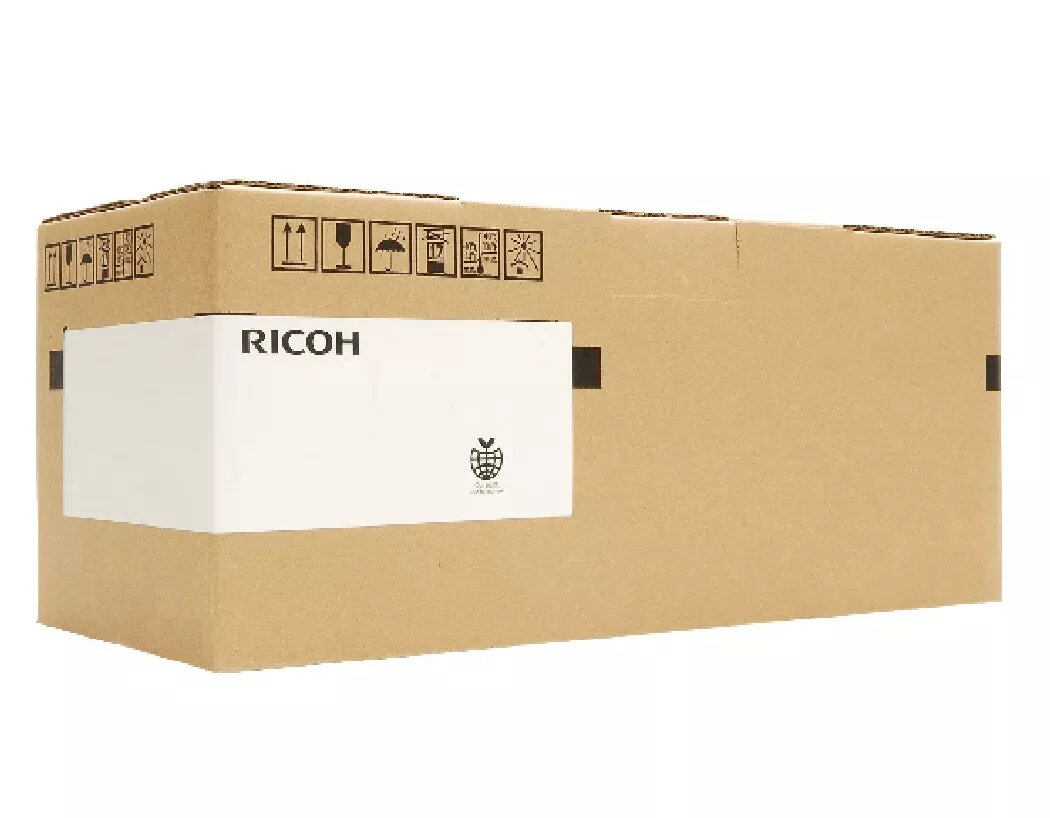
Printer Drum Original Ricoh D2140121
The Ricoh D2140121 Original Printer Drum is engineered for reliable imaging performance in compatible Ricoh devices. Designed to work with Ricoh MP C306ZSP, MP C306ZSPF and MP C307 series, this original drum supports consistent print quality across black-and-white and color documents. It delivers sharp text and balanced color reproduction while contributing to predictable maintenance cycles and uptime for office or workgroup printers.
This original Ricoh drum offers stable image transfer and a high page yield, helping reduce the frequency of replacement. Being a manufacturer-specified part, it maintains factory standards for fit and print quality, which supports optimal operation of the specified Ricoh multifunction printers. Installation is straightforward, and using the original drum helps preserve the life of other consumable components and the printer’s imaging system.
Turn off the printer and allow moving parts to stop before accessing the drum compartment. Open the front cover according to the printer manual, remove the spent drum unit by pulling it straight out, and unpack the new Ricoh D2140121 drum. Align and insert the replacement drum into the slot until it clicks into place, then close the cover. Power the device back on and run any recommended initialization or calibration routines shown by the printer to ensure proper registration and color balance.
Store the drum in its original packaging in a cool, dry place away from direct sunlight and dust. Replace the drum when print density or image uniformity begins to decline, and consider replacing toner cartridges concurrently if they are near end-of-life to maintain consistent print quality.
{{highlightedFeature.featureTitle}}:
{{getProductFeatureValueById(product, highlightedFeature.featureId)}}
{{ productComparisonGenerationError }}